How to add backlinks in Notion

Backlinks in Notion allow you to create bidirectional connections between pages, making it easy to navigate related content and build a connected knowledge base. This tutorial shows you how to add and access backlinks in your Notion workspace to enhance your note-taking and project organization.
Quick summary
In this tutorial, you'll learn how to add backlinks in Notion by navigating to your project pages and viewing existing backlink connections. You'll discover how to access the backlink panel to see which pages reference your current page, helping you understand the relationships within your workspace.
Why this matters
Backlinks are essential for building a networked knowledge management system in Notion. By understanding which pages link to your current page, you can better organize information, identify content clusters, and navigate your workspace more efficiently. This creates a more interconnected and discoverable database structure.
Step-by-step guide
- 1
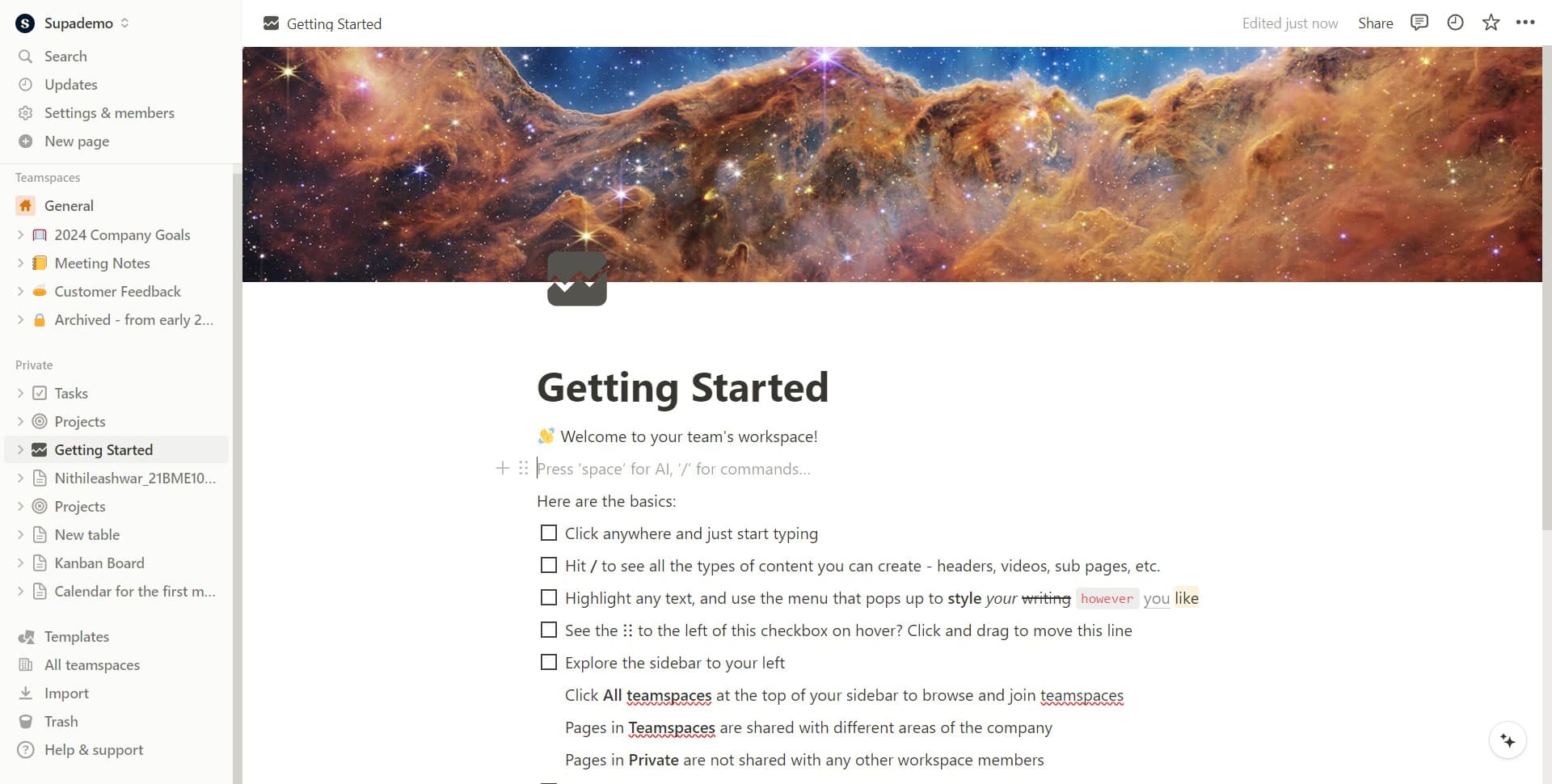
Open your Notion workspace
Start by accessing your Notion workspace. You'll see your main dashboard with all your pages and projects listed.
- 2
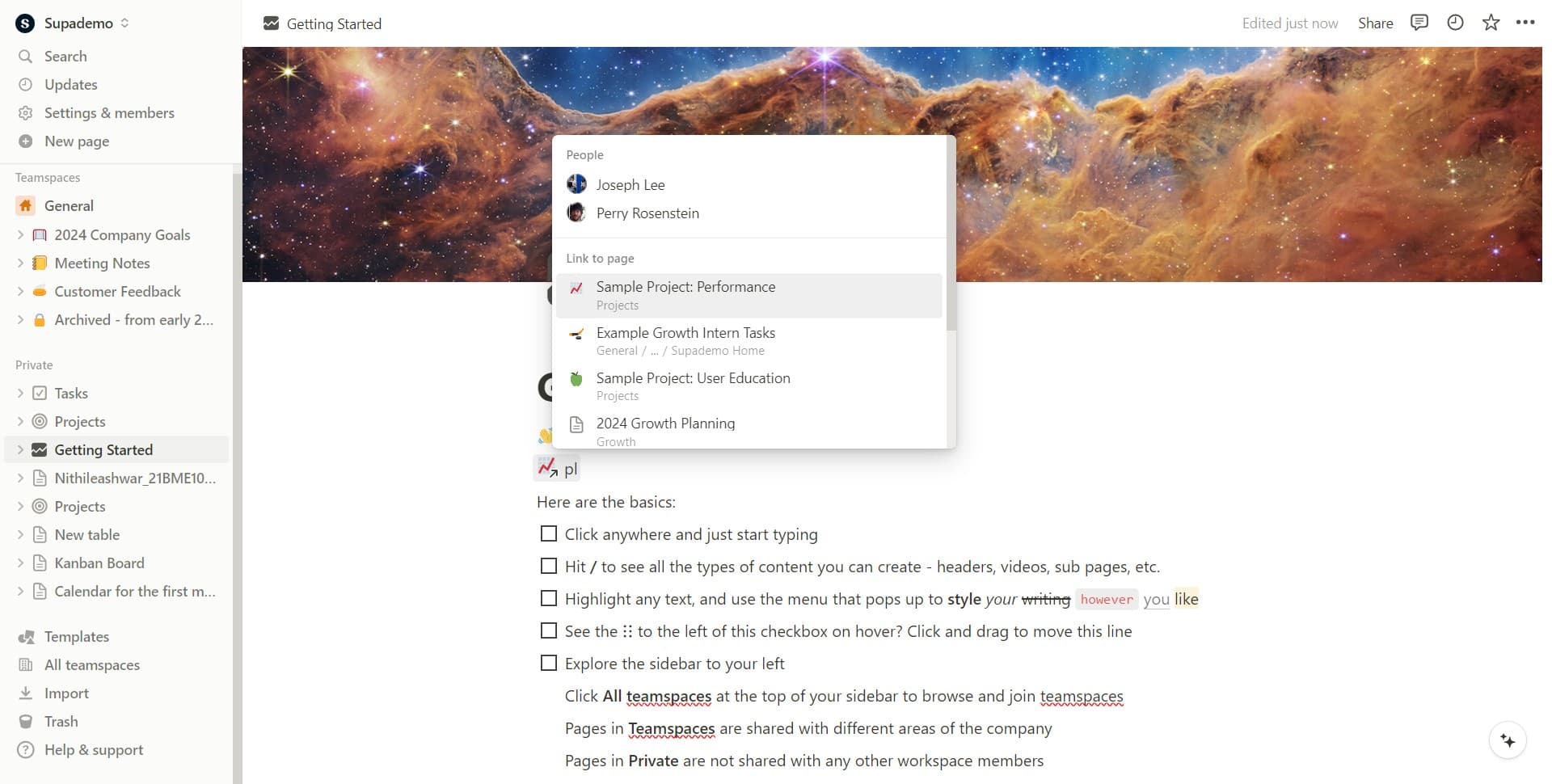
Navigate to your project page
Click on 'Sample Project: Performance' to open the project page where you want to view or manage backlinks. This will display the project's content and related information.
- 3
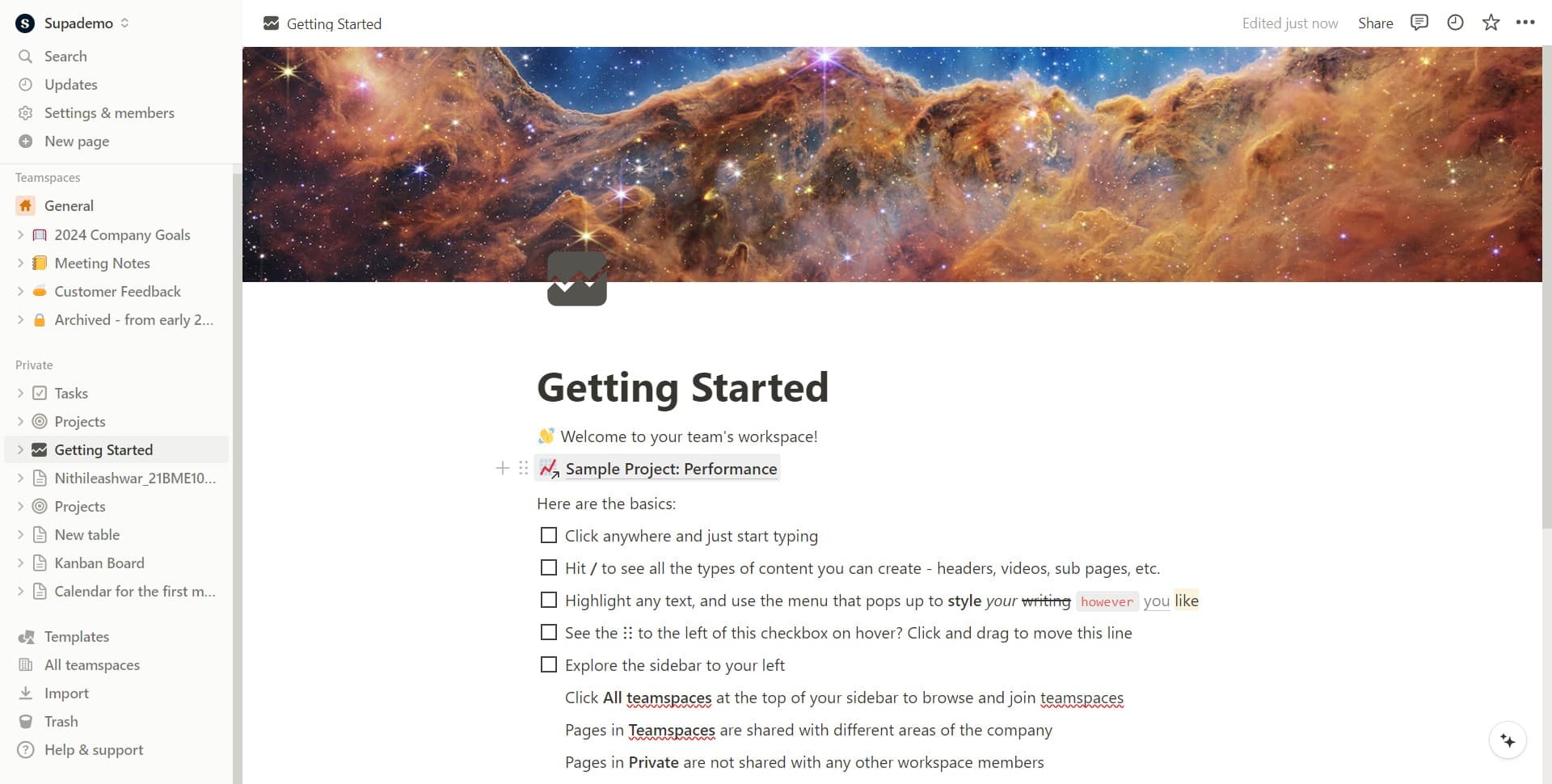
Access the project details
Click on 'Sample Project: Performance' again to ensure you're viewing the full project page with all available options and metadata visible.
- 4
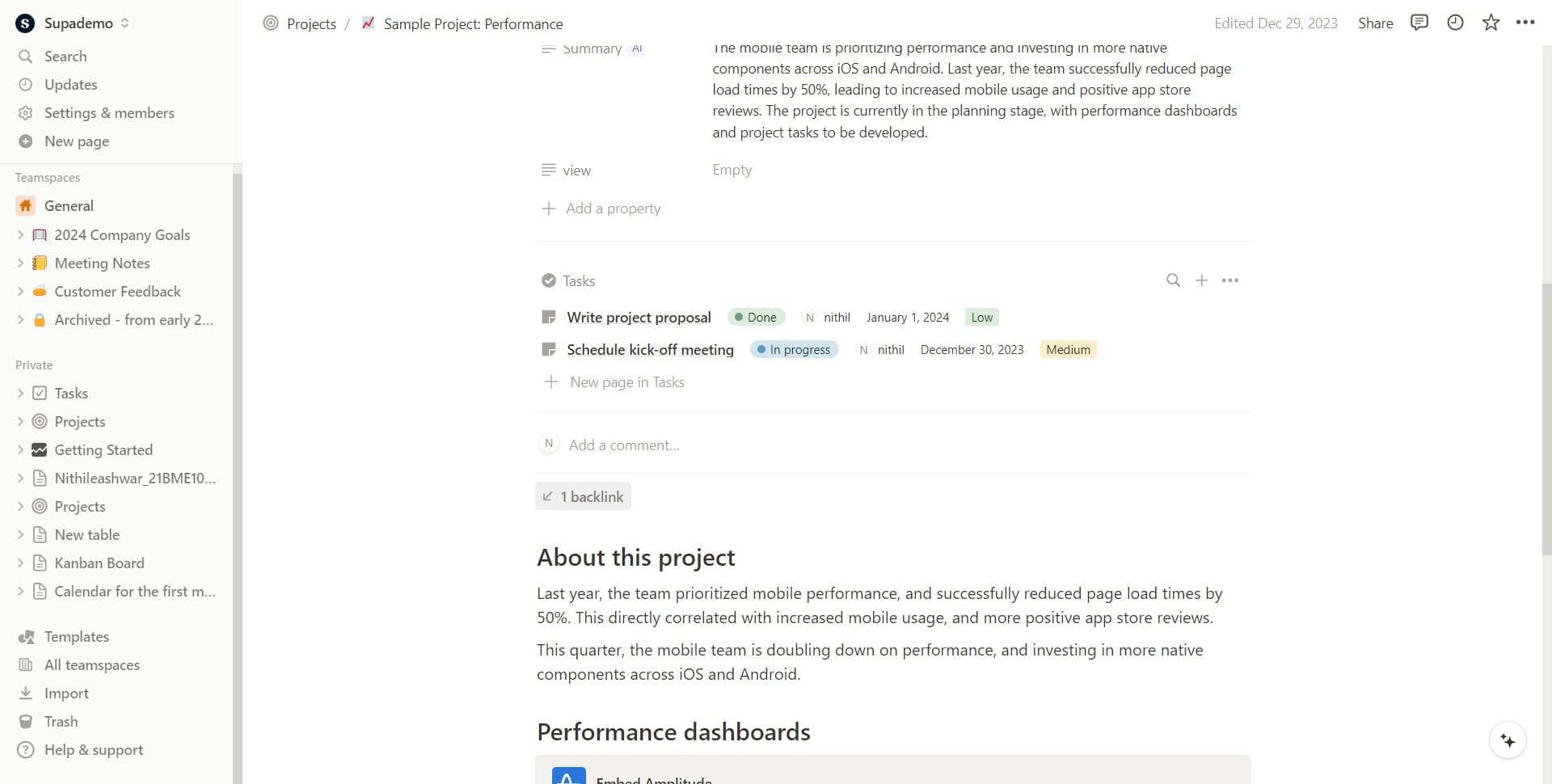
View the backlink panel
Click on '1 backlink' to open the backlink panel. This will show you all the pages within your workspace that link to or reference this project page.
Frequently asked questions
Common questions about how to add backlinks in notion.
What exactly is a backlink in Notion?
A backlink is a reference from one page to another page in your Notion workspace. When you link to a page, that page automatically displays a backlink showing the connection. This creates a two-way relationship that helps you understand how different pages relate to each other.
How do I create a backlink in Notion?
Backlinks are created automatically whenever you link to a page using Notion's linking feature. You don't need to manually create them. Simply use the @ symbol or create a link to another page, and the backlink will appear on that referenced page's backlink panel.
Can I remove or delete a backlink?
You cannot directly delete a backlink. Backlinks exist as long as the original link exists. To remove a backlink, you need to delete or modify the link that created it on the referencing page. Once the link is removed, the backlink will disappear automatically.
Why would I use backlinks in my Notion workspace?
Backlinks help you understand content relationships and create a networked knowledge base. They're useful for discovering related pages, tracking project dependencies, and maintaining context across your workspace. This is especially valuable for complex projects with multiple interconnected pages.
Can I see backlinks from external sources outside Notion?
No, Notion's backlink feature only shows connections between pages within your Notion workspace. It doesn't track links from external websites or other applications. The backlink panel is designed specifically for internal workspace navigation and organization.