Intuitive Demo Editor
Build professional interactive demos with our intuitive, no-code editor. Easily add hotspots, annotations, and customize every aspect of your demo without any technical skills required.
- No-Code Editor
- Visual Editing
- Easy to Use
Create engaging product demos with a powerful no-code editor - no technical skills required.


In the editor
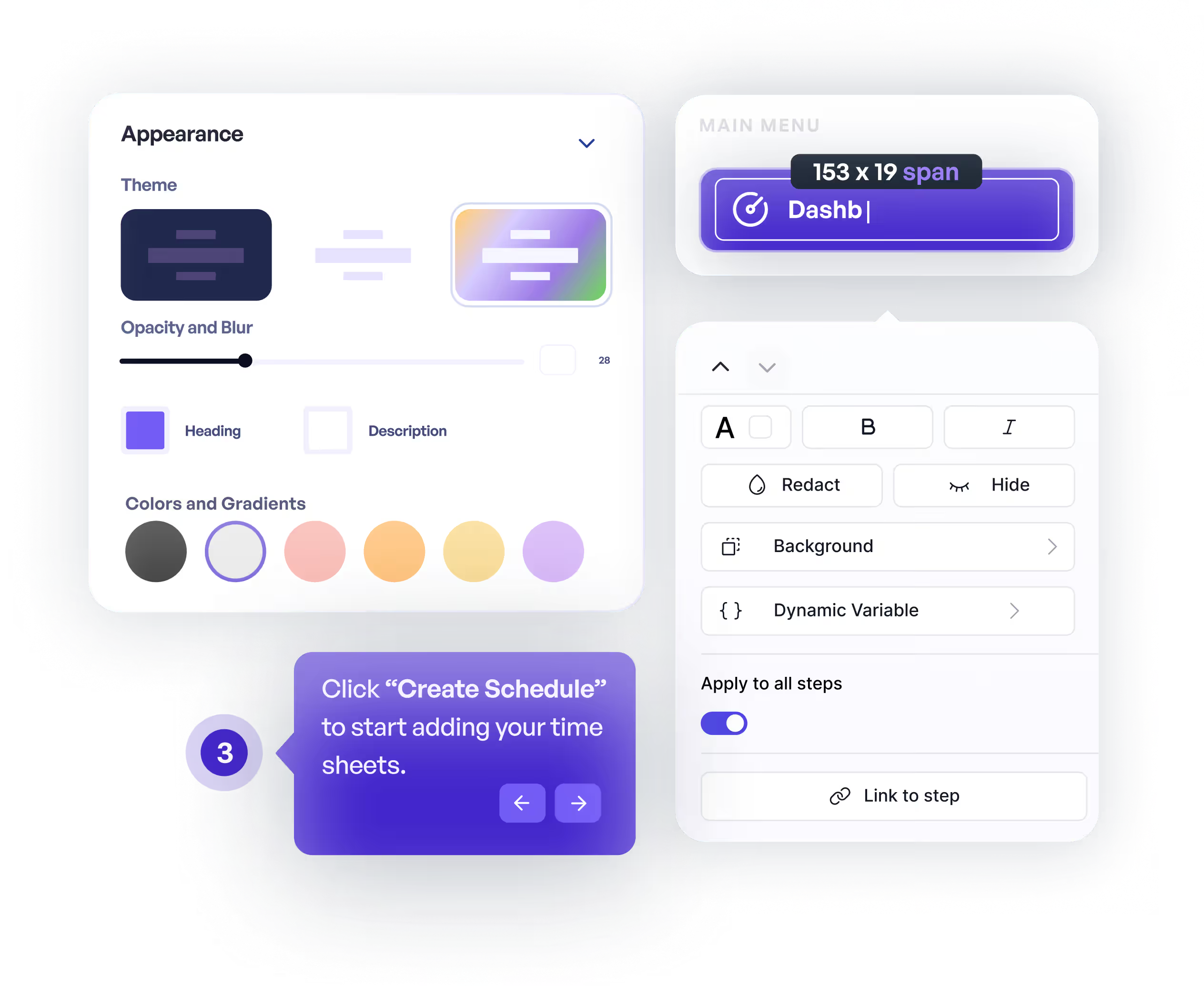
Build professional interactive demos with our intuitive, no-code editor. Easily add hotspots, annotations, and customize every aspect of your demo without any technical skills required.
Organize your demos into logical chapters and sections. Create a structured narrative that guides viewers through your product features in a clear, organized way.
Add interactive clickable hotspots to highlight key features and guide user attention. Customize hotspot styles, animations, and behaviors to create engaging demo experiences.
Close more deals by pre-qualifying prospects and involving decision makers through interactive product demos.
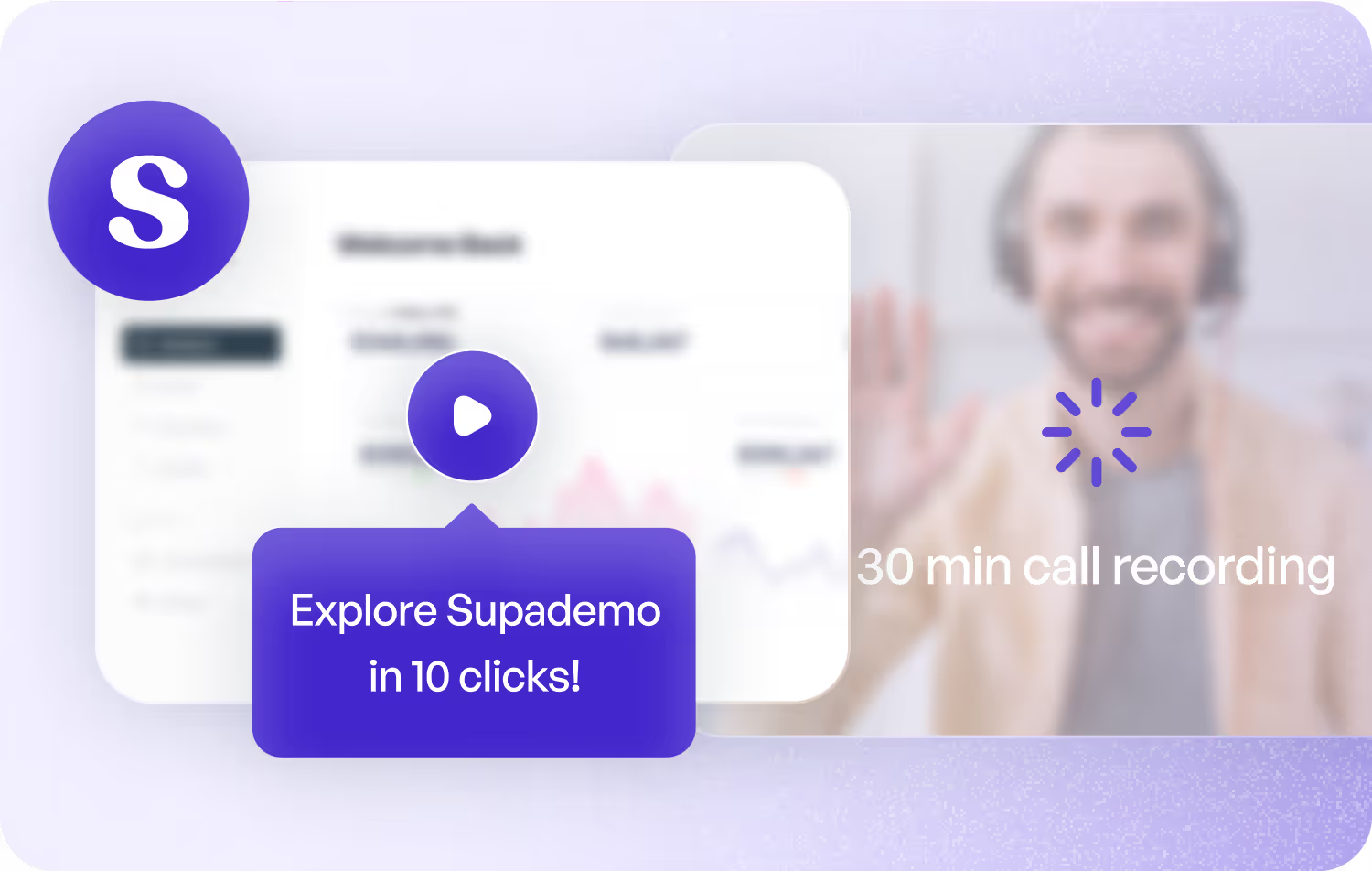
Demonstrate product value propositions through interactive visualization rather than static content, without requiring subscriptions or paywalls.
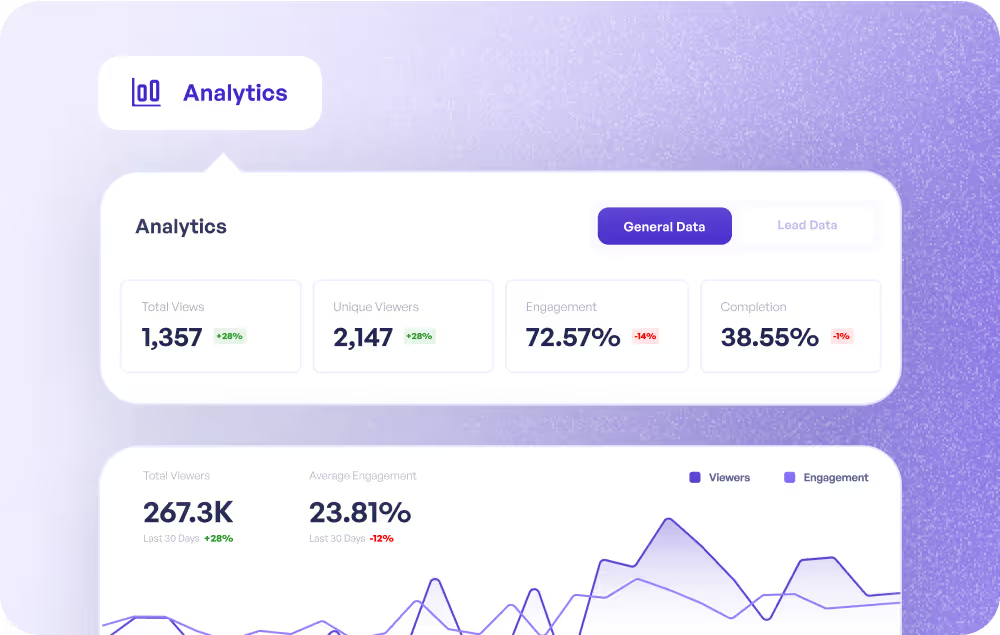
Enable CS teams to proactively guide customers, drive deeper adoption, and celebrate wins using interactive demos that educate and inspire at scale.
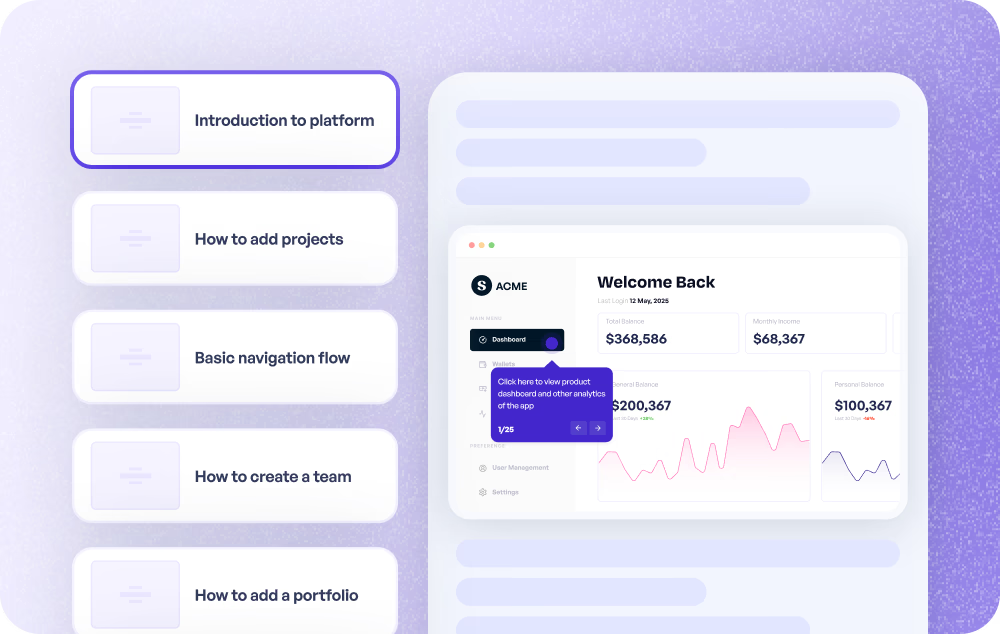
Modernize customer onboarding with guided interactive demos that teach key features, shorten learning curves, and accelerate product adoption.
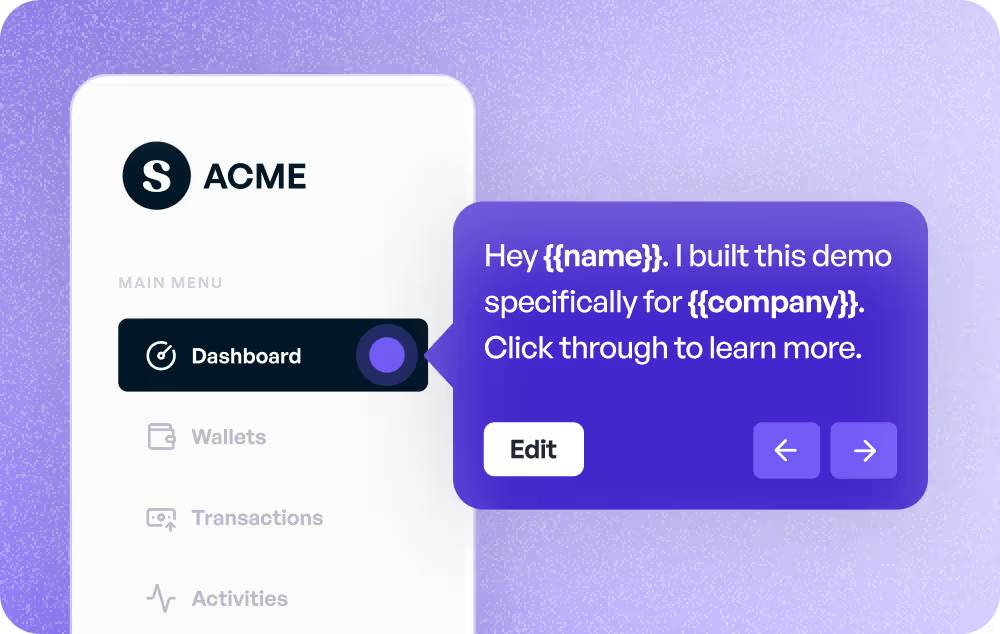
Minimize support tickets and speed resolution by providing interactive walkthroughs and tutorials that deliver immediate answers when customers need them.
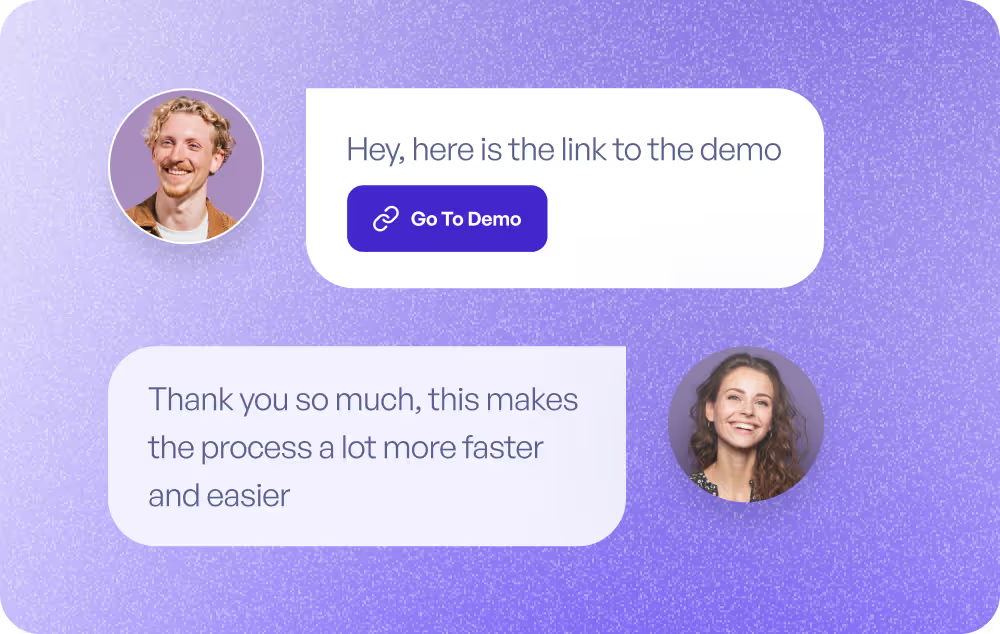
Leverage interactive demos as prototypes to validate new features, gather early feedback, and refine experiences before development begins.
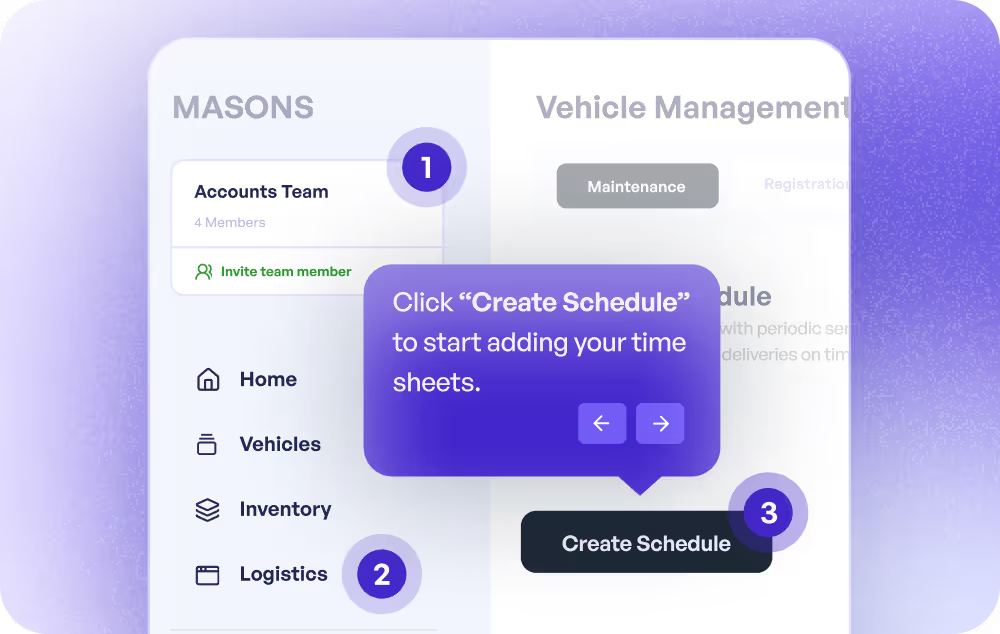
Empower employees to self-directed learning through asynchronous guides embedded in documentation, manuals, and learning platforms.
All features
Commonly asked questions about Supademo. Have other questions? Reach out and our team will be happy to help.
Supademo's no-code editor provides comprehensive editing capabilities including adding and customizing clickable hotspots, text annotations, blur and redaction tools for sensitive information, zoom and pan effects, AI-generated voiceovers, and the ability to organize demos into chapters. You can also add, replace, duplicate, or delete individual steps and adjust media fit and aspect ratios.
Yes, Supademo's editor allows you to edit each step's image, text, and voiceover at any time without redoing the entire demo. This makes your demos much more maintainable compared to traditional video recordings. Simply update the specific steps that need changes while keeping the rest of your demo intact.
Chapters are organizational sections within your demo that can include call-to-action buttons, password protection, lead capture forms, and conditional branching to guide viewers through different paths. Hotspots are interactive clickable elements that can be HTML-based or invisible, with customizable styles and animations to direct viewer attention and enable engagement within your demos.
Supademo allows you to fully customize your demos with your brand identity including custom logos, colors, fonts, and themes. You can also set up a custom domain for sharing demos, ensuring a cohesive brand experience. These branding options are available in the editor's customization settings.
Yes, Supademo offers multiple voiceover options including AI-generated voices in 25+ languages, voice cloning to use your own voice, manual recordings, or audio file uploads. You can also instantly translate your demo text and voiceovers into multiple languages, making it easy to create localized demos for global audiences.