
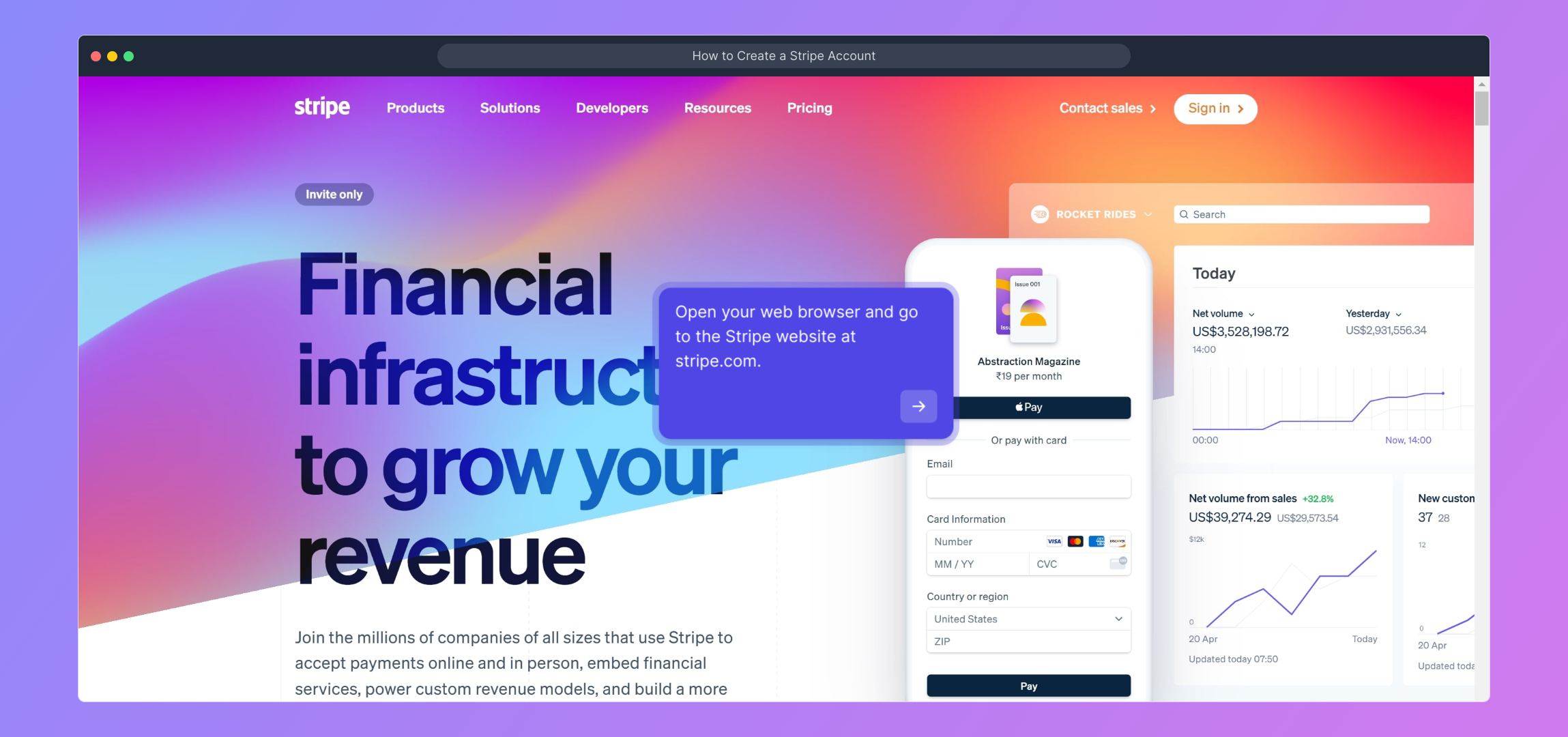
1. Open your web browser and go to the Stripe website at stripe.com.
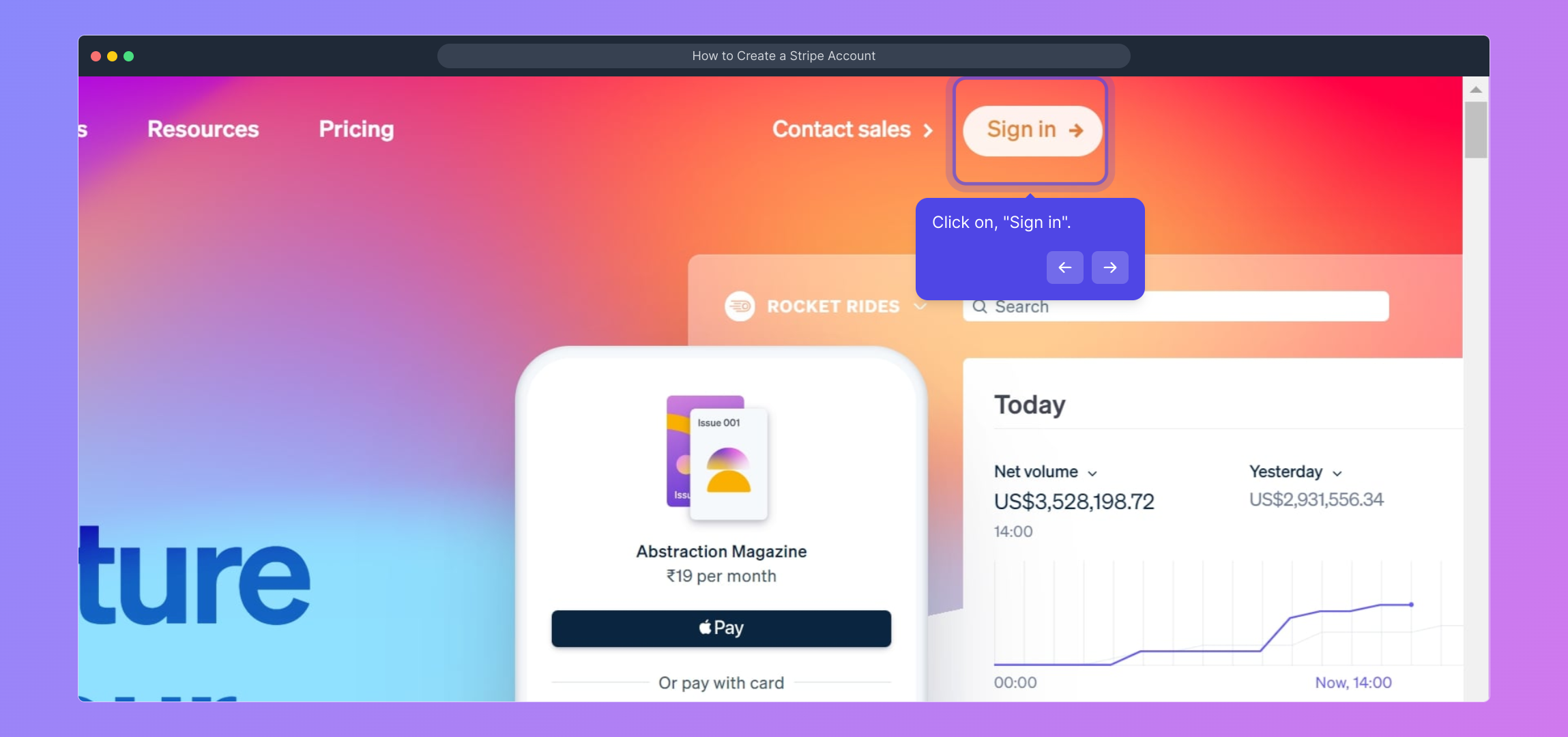
2. Click on, "Sign in".
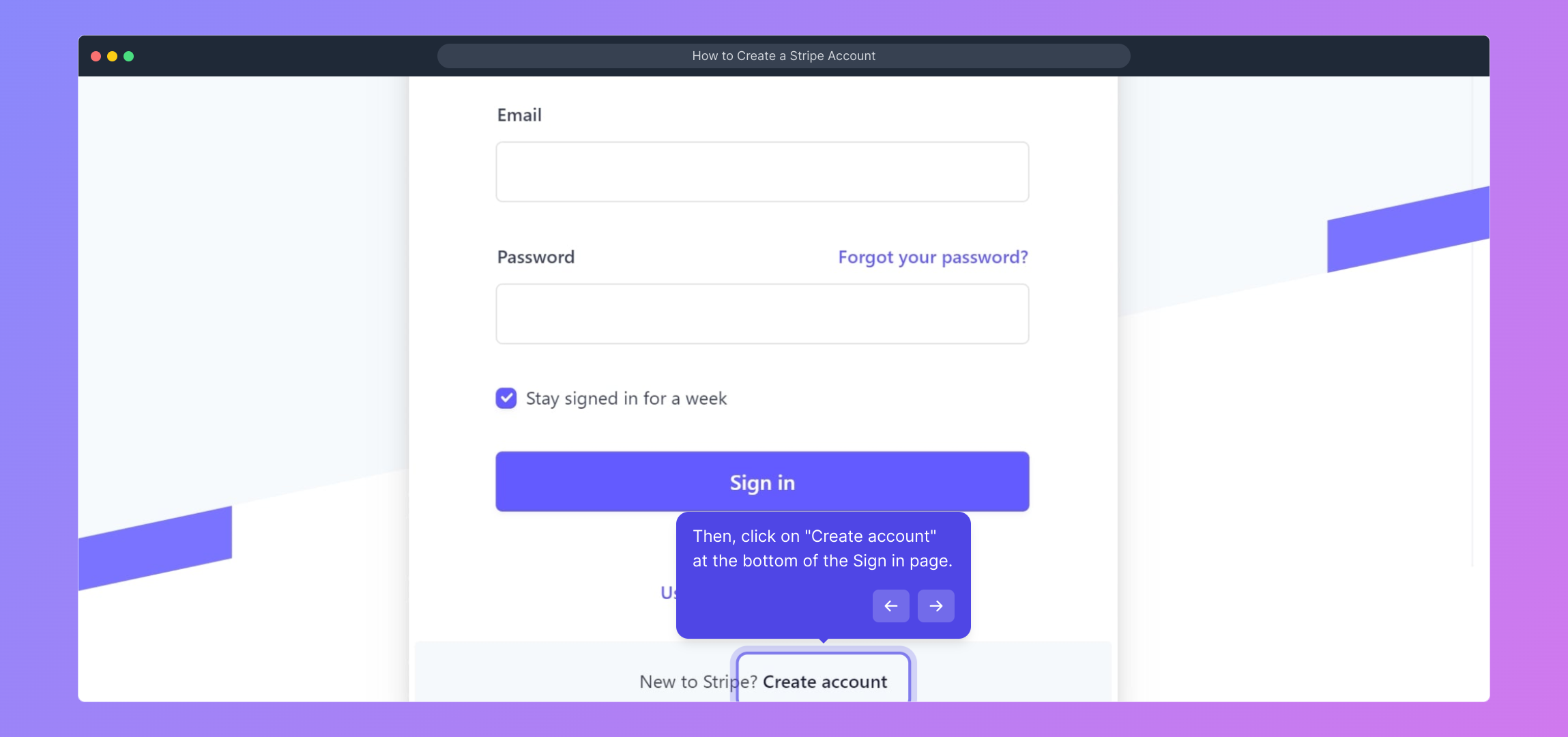
3. Then, click on "Create account" at the bottom of the Sign in page.
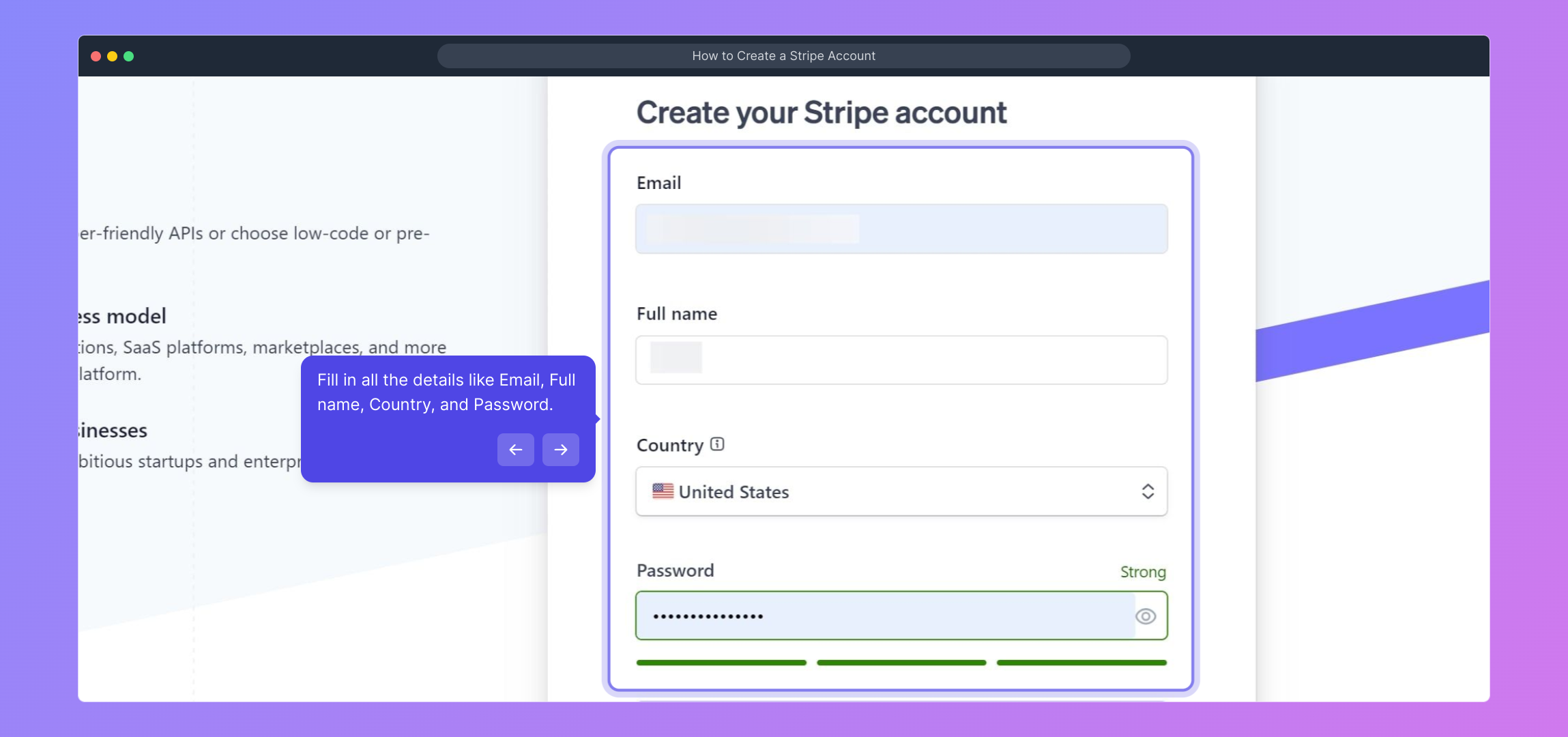
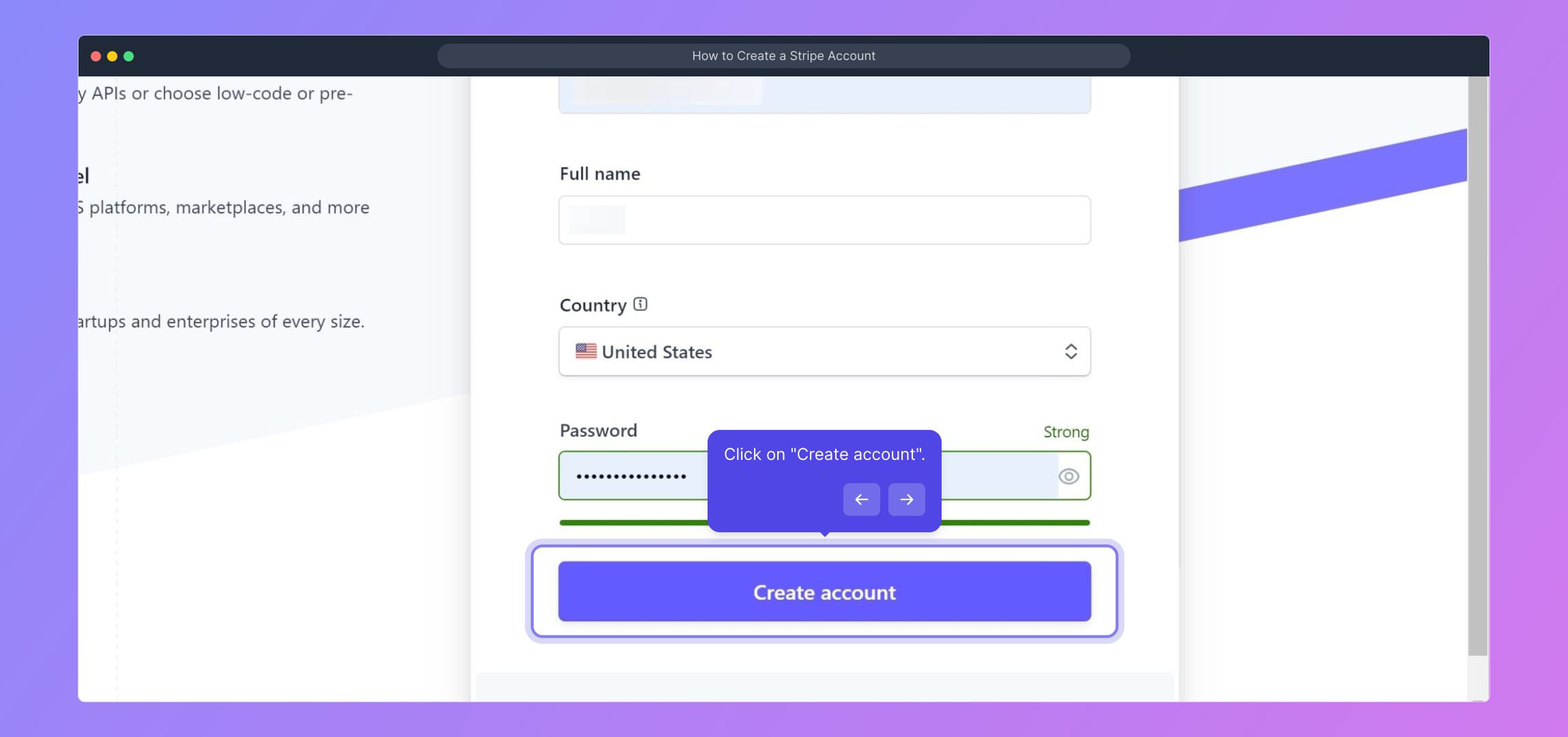
4. Fill in all the details like Email, Full name, Country, and Password.
5. Click on "Create account".
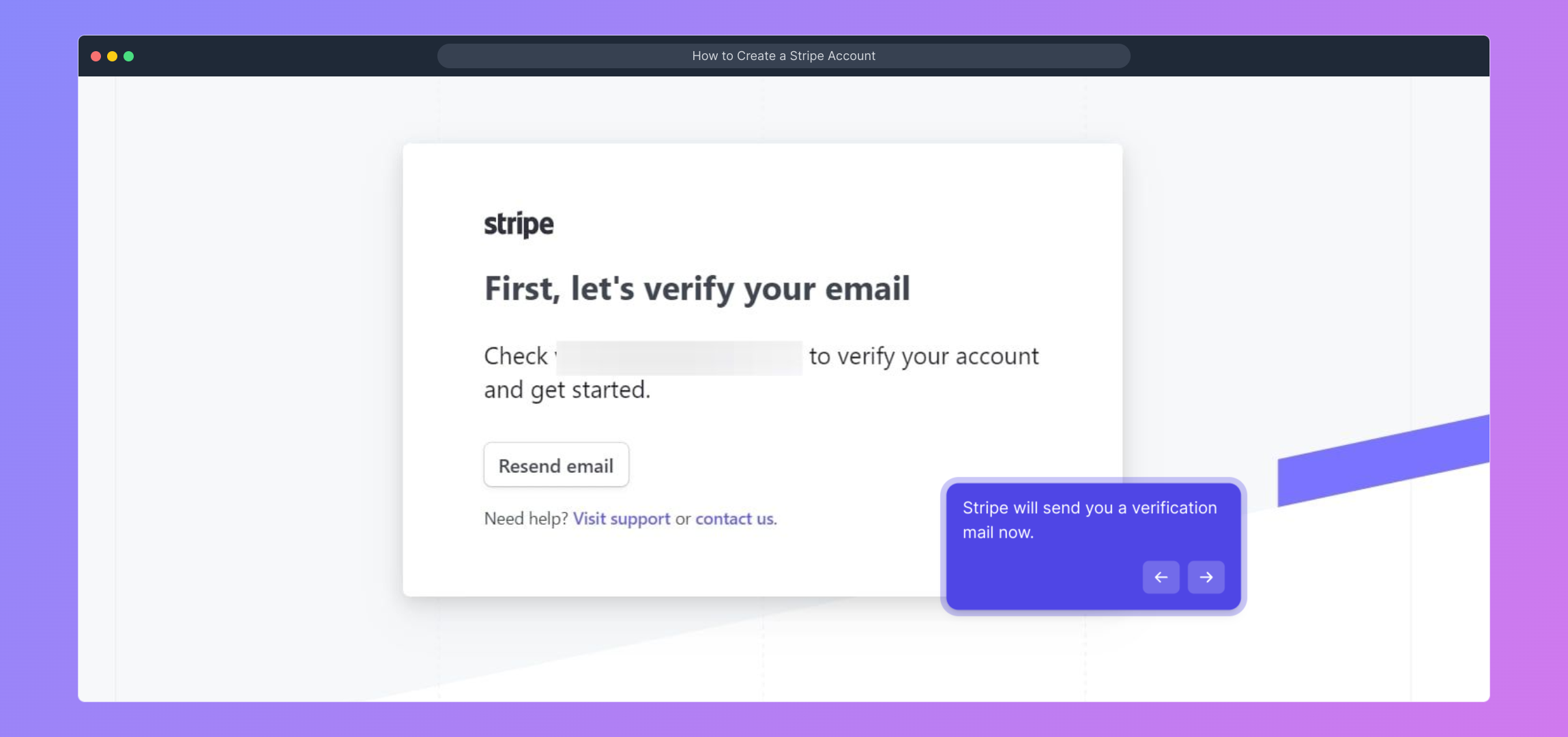
6. Stripe will send you a verification mail now.
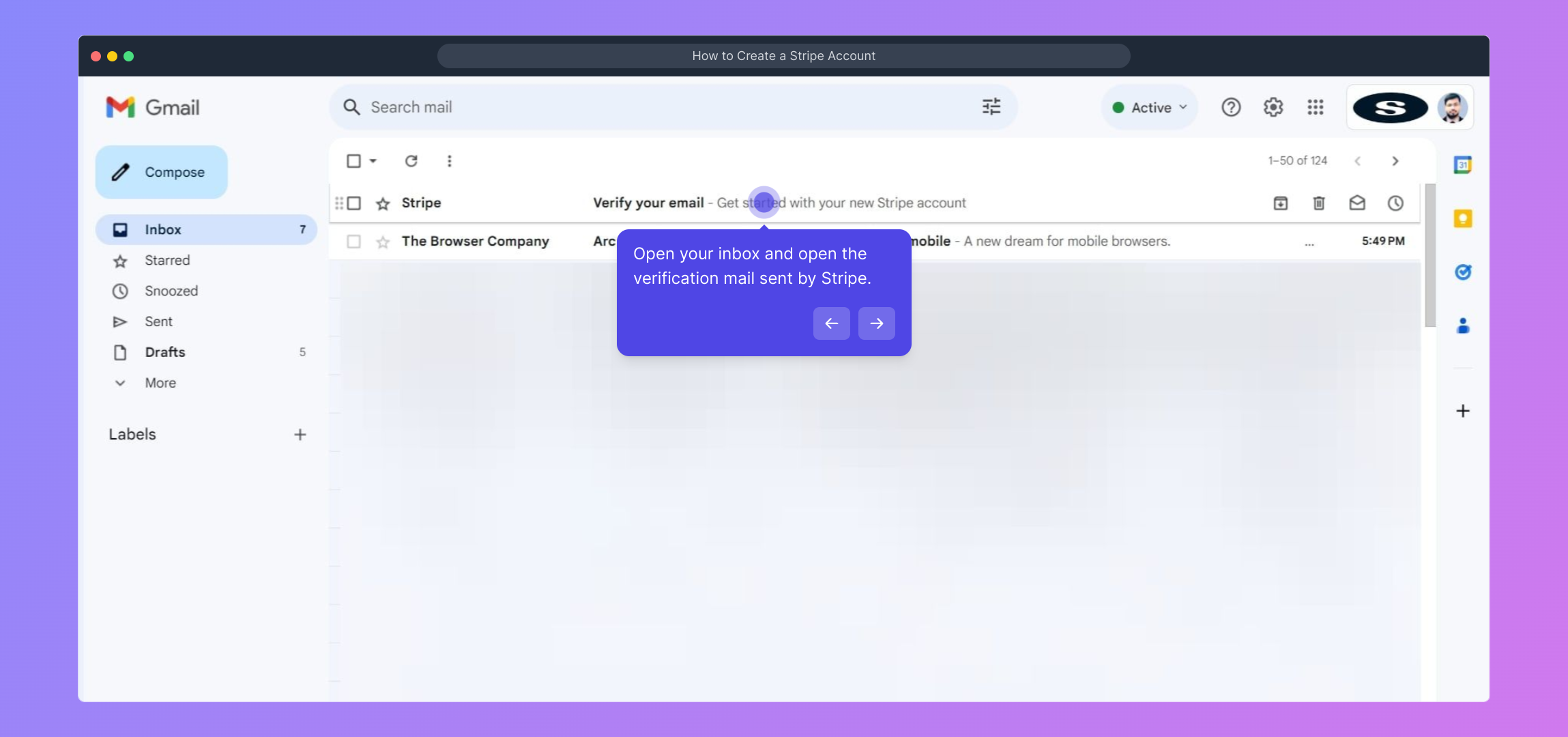
7. Open your inbox and open the verification mail sent by Stripe.
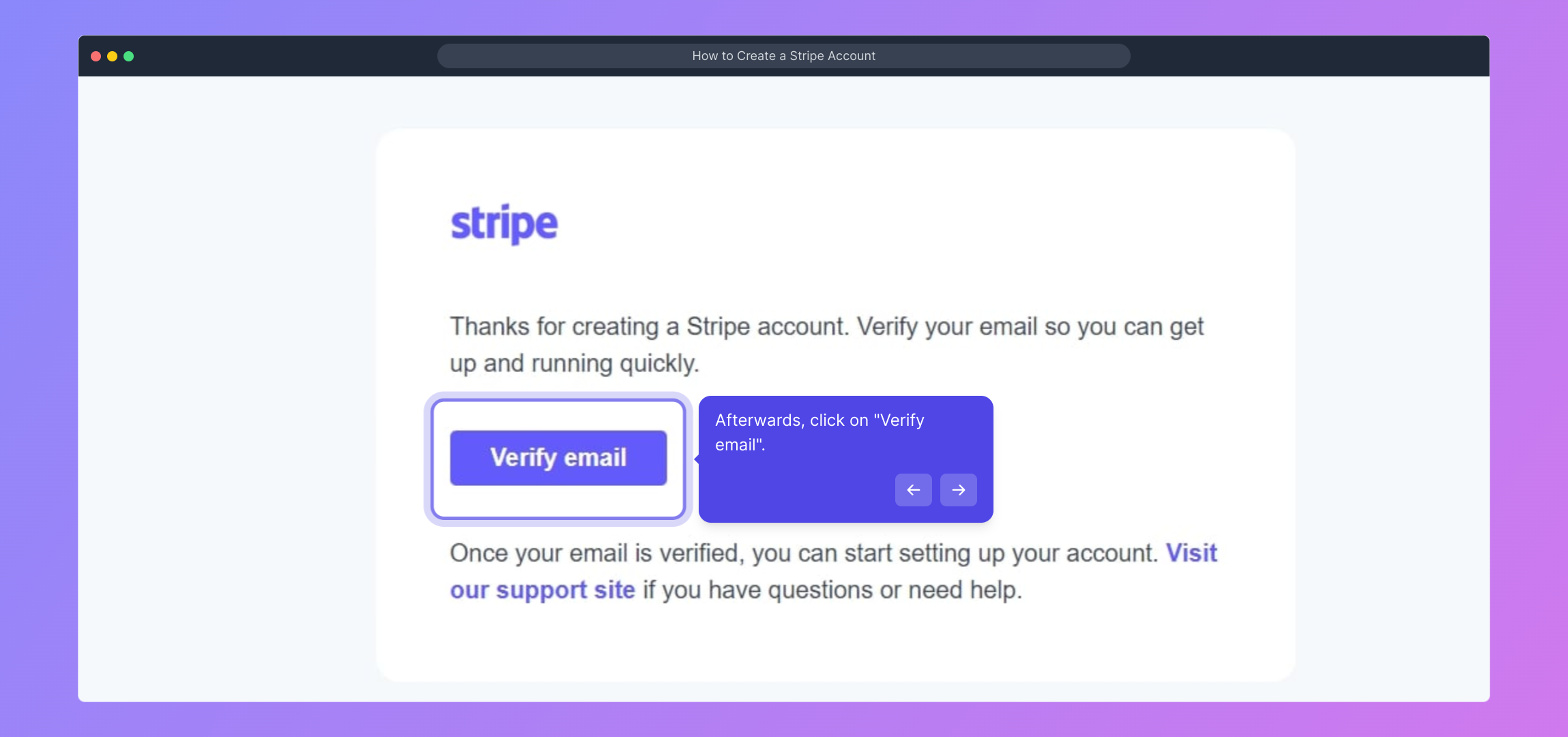
8. Afterwards, click on "Verify email".
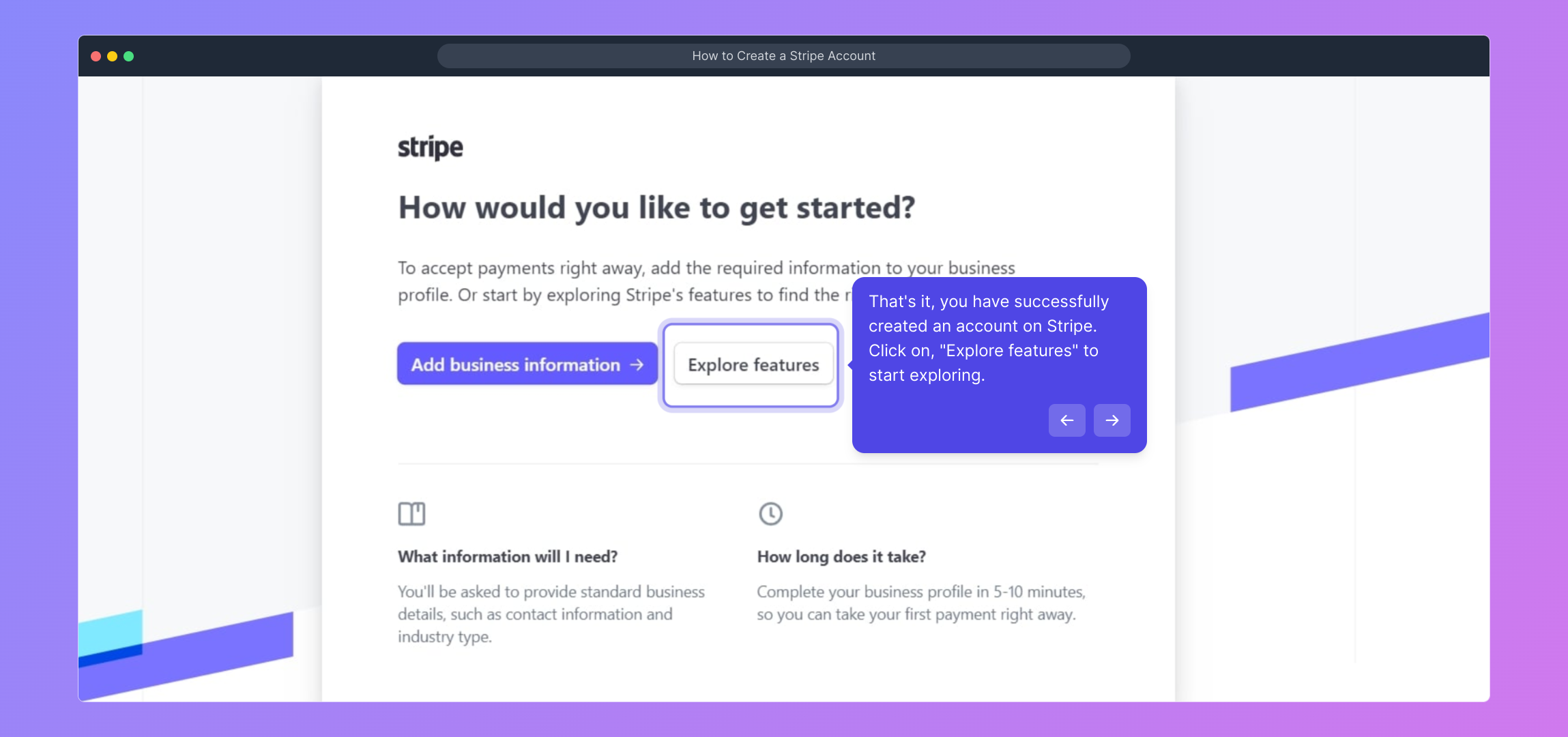
9. That's it, you have successfully created an account on Stripe.
Click on, "Explore features" to start exploring.
10. Create a Supademo in seconds
This interactive demo/guided walkthrough on How to Create a Stripe Account was created using Supademo.
How to Create a Stripe Account : Step-by-Step Guide
Start by opening your preferred web browser and navigating to the official Stripe website at stripe.com. This is where you'll set up your account and begin managing your payments.
Once the homepage is loaded, look for the "Sign in" button near the top right corner and click it to proceed to the login page.
On the Sign in page, instead of entering your credentials, find the link labeled "Create account" at the bottom and select it to begin your registration.
Fill out the registration form by entering your email address, full name, country of residence, and create a secure password. These details help Stripe set up your personalized account.
After ensuring all information is accurate, click the "Create account" button to submit your registration and start the account creation process.
Shortly afterwards, Stripe will send a verification email to the address you provided. This step confirms your email is valid and secure.
Head over to your email inbox and locate the verification message sent from Stripe. Open this email to proceed with confirming your account.
Inside the verification email, click on the "Verify email" button to complete the email confirmation process and activate your Stripe account.
Your Stripe account is now set up and ready to go! You can click the "Explore features" button to start discovering all the tools and options available to manage your payments effectively.
With your Stripe account ready, you can quickly create a Supademo to showcase your product or service in just a few easy steps.
Create your own interactive demos in < 5 mins with Supademo
You can create your own interactive product demo in minutes using Supademo. Drive growth, scale enablement, and supercharge product-led onboarding with Supademo. Sign up for free here with no credit card required.
FAQs
Commonly asked questions about this topic.
What is Stripe used for?
Is it free to create a Stripe account?
What information do I need to create a Stripe account?
How do I verify my email address on Stripe?
Can I create multiple Stripe accounts?
Why do I need to provide my country during sign-up?
What happens if I don’t verify my Stripe email?
Can I change my email after creating a Stripe account?
How soon can I start accepting payments after creating a Stripe account?
Do I need a business to create a Stripe account?

Product Operations Associate
Vimal Kumar helps build and grow Supademo’s team and GTM efforts, with a focus on figuring out growth levers and improving product traction.





