How to Delete Your Mailchimp Account

Vimal Kumar
Vimal Kumar·
How to Delete Your Mailchimp Account

What is Mailchimp?


Mailchimp is a comprehensive email marketing platform that helps businesses design, send, and automate email campaigns. It offers tools for audience segmentation, performance tracking, and campaign management, making it a popular choice for businesses looking to improve their marketing efforts.
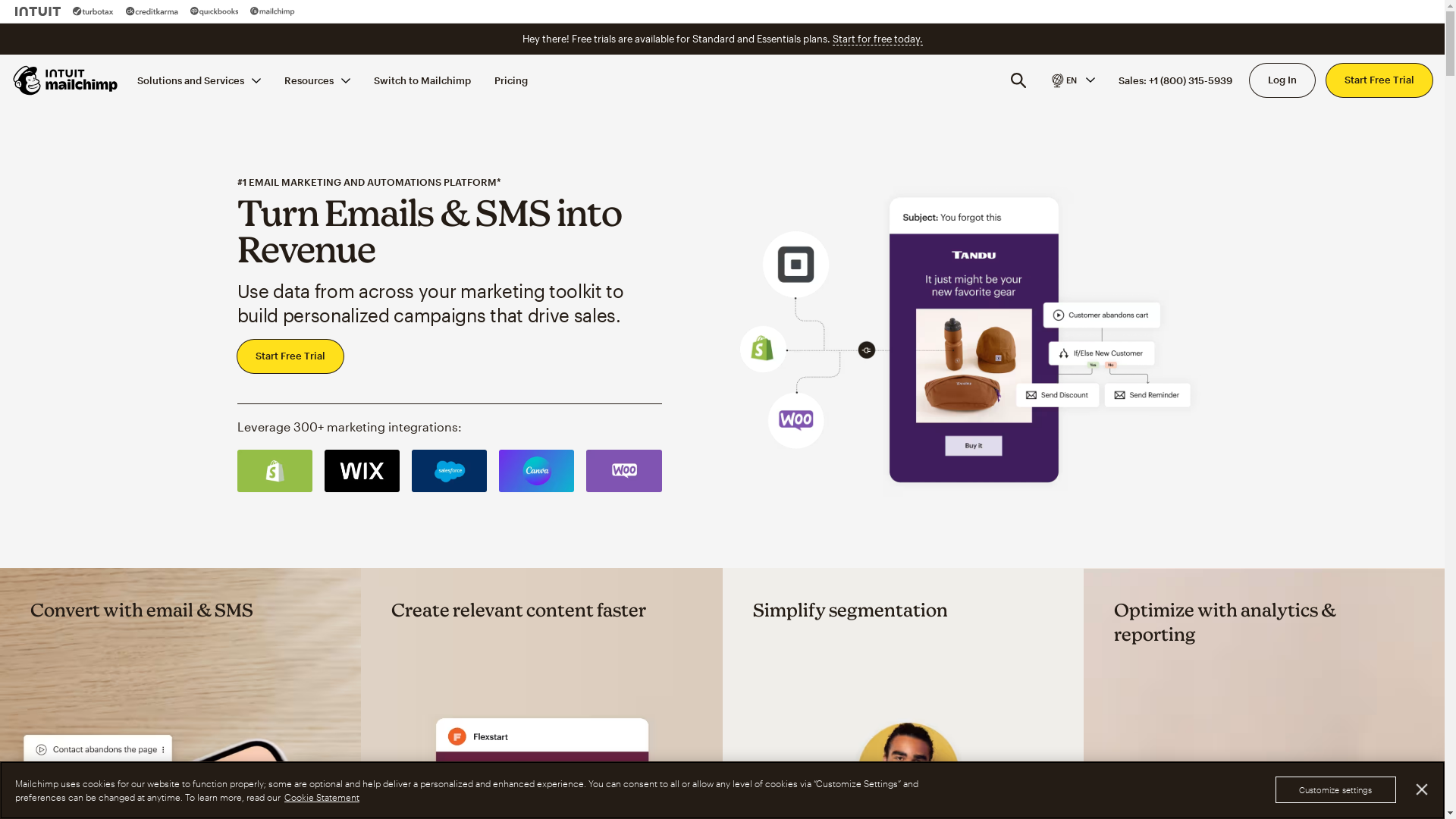
Mailchimp Screenshot

Who is Mailchimp best suited for?


Mailchimp is best suited for Product Marketers, small business owners, and digital marketers. It is ideal for crafting targeted marketing campaigns, building customer relationships, and analyzing the effectiveness of marketing strategies. The platform's user-friendly interface and robust analytics tools provide professionals with the data and insights needed to make informed marketing decisions.

How to Delete Your Mailchimp Account

Interactive demo powered by Supademo

Common FAQs on How to Delete Your Mailchimp Account

Commonly asked questions about this topic.

How do I delete my Mailchimp account?

To delete your Mailchimp account, log in to your account, go to the Account page, then click on Settings. From there, select Manage My Account and follow the instructions to permanently delete your account.

What happens to my stored data when I delete my Mailchimp account?

When you delete your Mailchimp account, all your data, including audience information, campaign reports, and other related details, will be permanently removed from Mailchimp's servers.

Can I recover my Mailchimp account after deletion?

No, once you delete your Mailchimp account, it is permanently removed and cannot be recovered. Make sure to download any required data before deletion.

Will I receive a confirmation after my account is deleted?

Yes, after successfully completing the deletion process, you will receive a confirmation email from Mailchimp stating that your account has been deleted.

Is it possible to temporarily deactivate my Mailchimp account?

No, Mailchimp does not offer an option to temporarily deactivate accounts. You can only delete your account permanently.

Enjoyed this interactive product demo of Mailchimp?

Create your own interactive product demo in minutes. Drive growth, scale enablement and supercharge product led-onboarding with Supademo. Sign up for free here with no credit card required.
Vimal Kumar

Vimal Kumar

Product Operations Associate

Vimal Kumar helps build and grow Supademo’s team and GTM efforts, with a focus on figuring out growth levers and improving product traction.

More from the blog

How to Remove 'Powered by Shopify'

How to Remove 'Powered by Shopify'

Learn how to easily remove the 'Powered by Shopify' text from your online store with step-by-step instructions and tips to customize your Shopify storefront.

Vimal Kumar
Vimal KumarJan 3, 2026
How to Add Products to Shopify

How to Add Products to Shopify

Learn step-by-step how to add products to your Shopify store effortlessly, including tips on product details, images, pricing, and inventory management to boost your online sales.

Vimal Kumar
Vimal KumarDec 17, 2025
How to Deactivate Your Shopify Store

How to Deactivate Your Shopify Store

Learn step-by-step how to deactivate your Shopify store easily, including important considerations and tips to pause or close your shop without losing data.

Vimal Kumar
Vimal KumarDec 17, 2025
How to Remove 'Powered by Shopify'

How to Remove 'Powered by Shopify'

Learn how to easily remove the 'Powered by Shopify' text from your online store with step-by-step instructions and tips to customize your Shopify storefront.

Vimal Kumar
Vimal KumarDec 17, 2025
How to Create a Shopify Account

How to Create a Shopify Account

Learn step-by-step how to create a Shopify account quickly and easily, set up your online store, and start selling your products in no time.

Vimal Kumar
Vimal KumarDec 17, 2025
How to Create a Stripe Account

How to Create a Stripe Account

Learn how to create a Stripe account quickly and easily with our step-by-step guide, perfect for beginners looking to start accepting online payments.

Vimal Kumar
Vimal KumarDec 17, 2025