
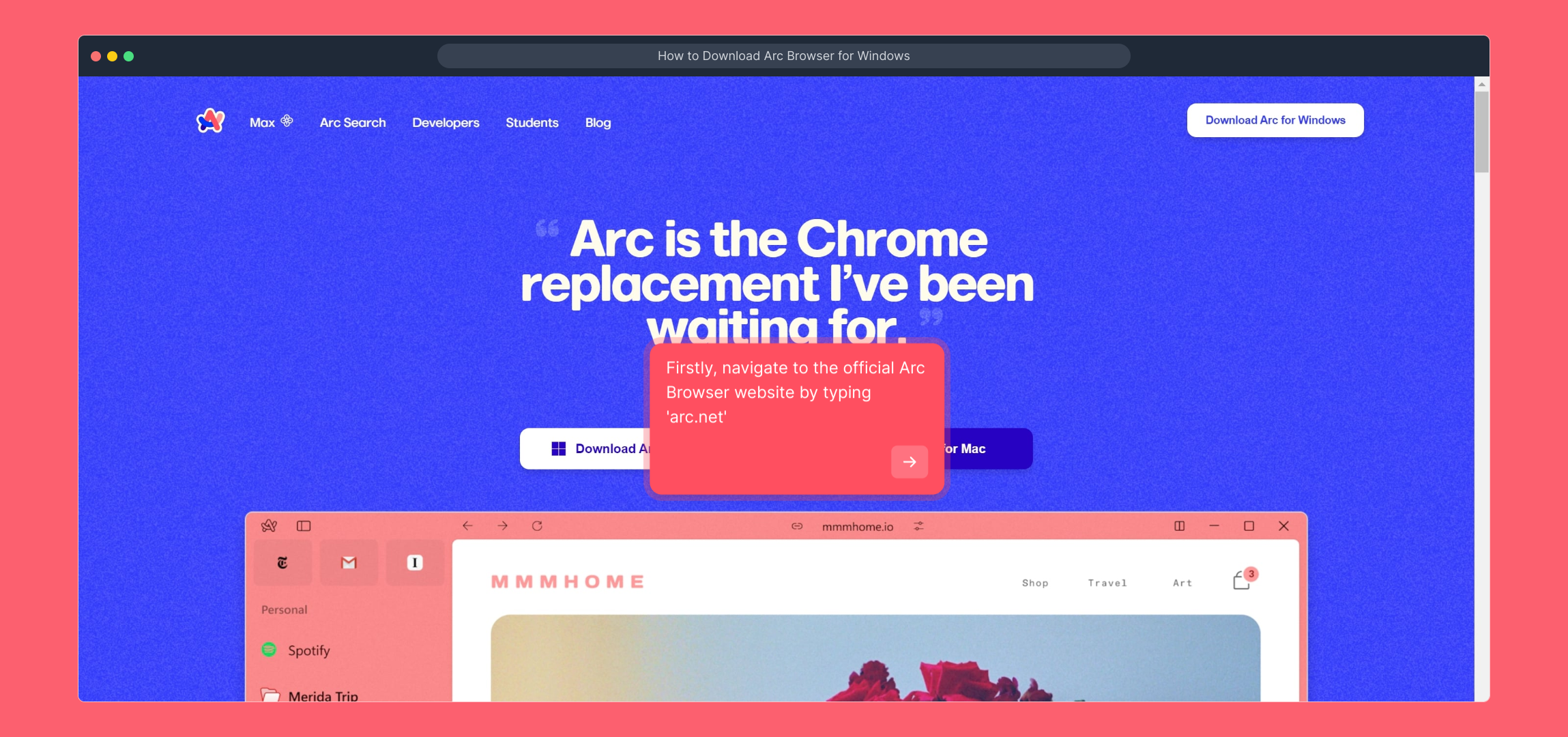
1. Firstly, navigate to the official Arc Browser website by typing 'arc.net'
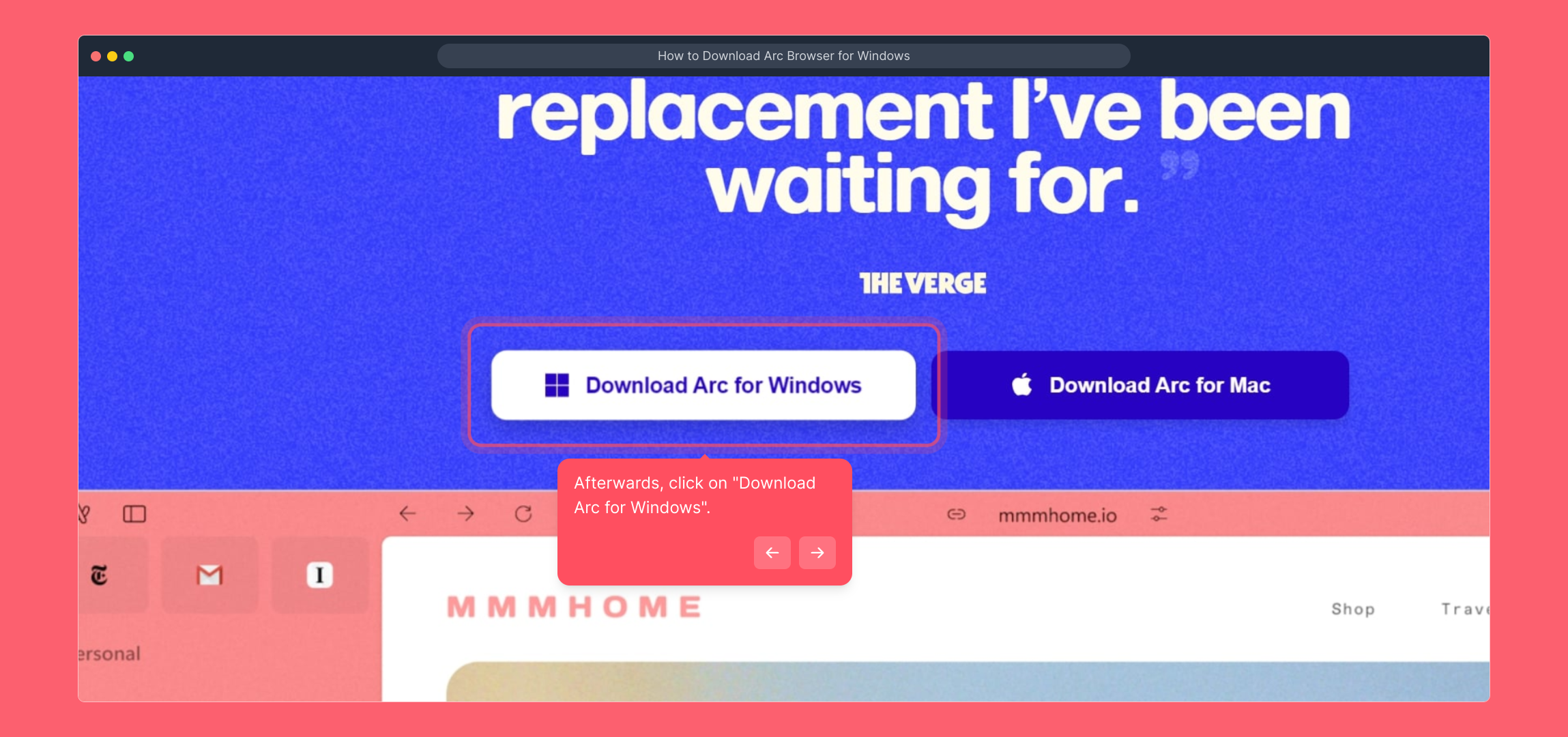
2. Afterwards, click on "Download Arc for Windows".
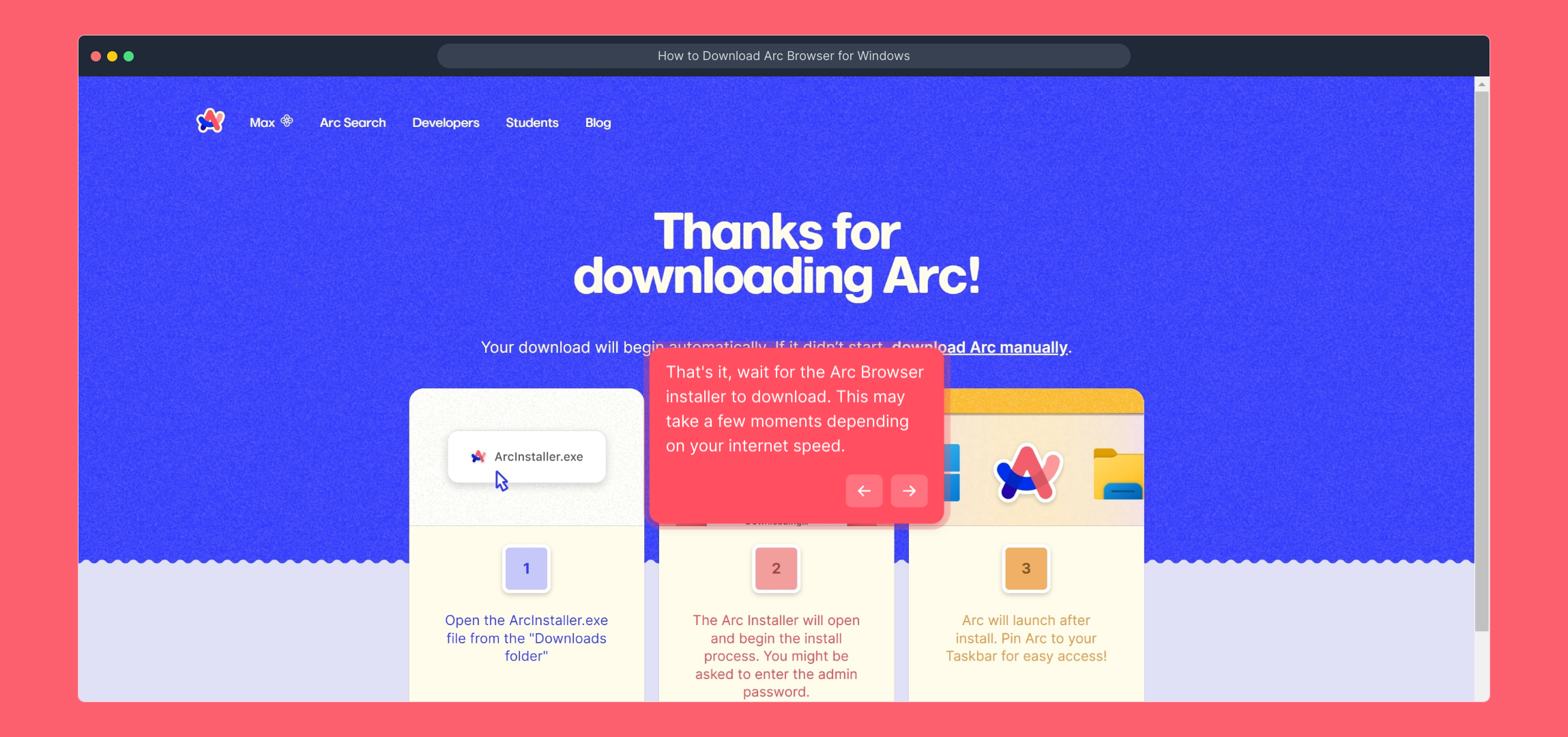
3. That's it, wait for the Arc Browser installer to download. This may take a few moments depending on your internet speed.
4. Create a Supademo in seconds
This interactive demo/guided walkthrough on How to Download Arc Browser for Windows was created using Supademo.
How to Download Arc Browser for Windows : Step-by-Step Guide
To get started, open your web browser and enter 'arc.net' into the address bar. This will take you directly to the official Arc Browser homepage, where you can find the latest updates and access the download options.
Once you're on the Arc Browser website, look for the button labeled “Download Arc for Windows.” Clicking this will initiate the download process for the Windows installer, ensuring you get the correct version for your operating system.
After clicking the download button, please be patient as the installer file begins to download. The duration will depend on your internet connection speed, but you can monitor the progress in your browser’s download manager.
With the Arc Browser installer downloaded, you’re all set to quickly create a new Supademo. This straightforward tool helps you showcase your projects efficiently and with ease.
Create your own interactive demos in < 5 mins with Supademo
You can create your own interactive product demo in minutes using Supademo. Drive growth, scale enablement, and supercharge product-led onboarding with Supademo. Sign up for free here with no credit card required.
FAQs
Commonly asked questions about this topic.
What is the Arc Browser?
Is Arc Browser free to download on Windows?
Where can I download the Arc Browser for Windows?
What are the system requirements for installing Arc Browser on Windows?
How long does the download take?
Can I install Arc Browser offline after downloading the installer?
Is it safe to download Arc Browser from other websites?
What should I do if the download button doesn't work?
Can I uninstall Arc Browser easily if I no longer need it?
Do I need an account to download or use Arc Browser on Windows?

Product Operations Associate
Vimal Kumar helps build and grow Supademo’s team and GTM efforts, with a focus on figuring out growth levers and improving product traction.


