
Overview:
Efficiently enhance your communication strategy with Apollo.io by crafting customized email templates. Streamline your outreach efforts and elevate engagement by creating personalized templates tailored to your audience. This guide offers a user-friendly, step-by-step process to seamlessly design and utilize email templates within the Apollo.io platform. Empower your communication workflow, ensuring precision and effectiveness in your email campaigns.
1. First, select 'Emails' from the main menu.
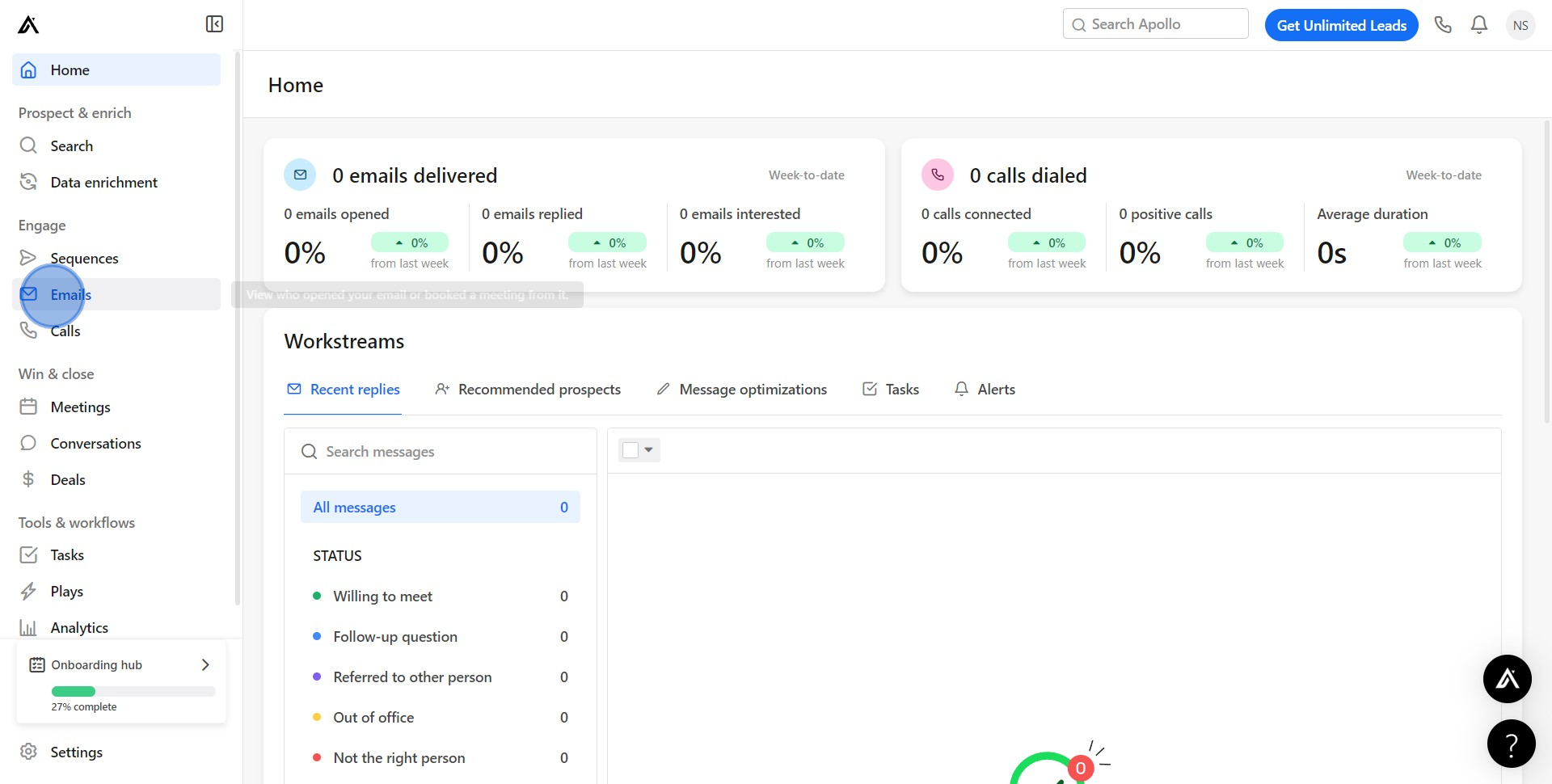
2. After that, proceed to 'Templates'.
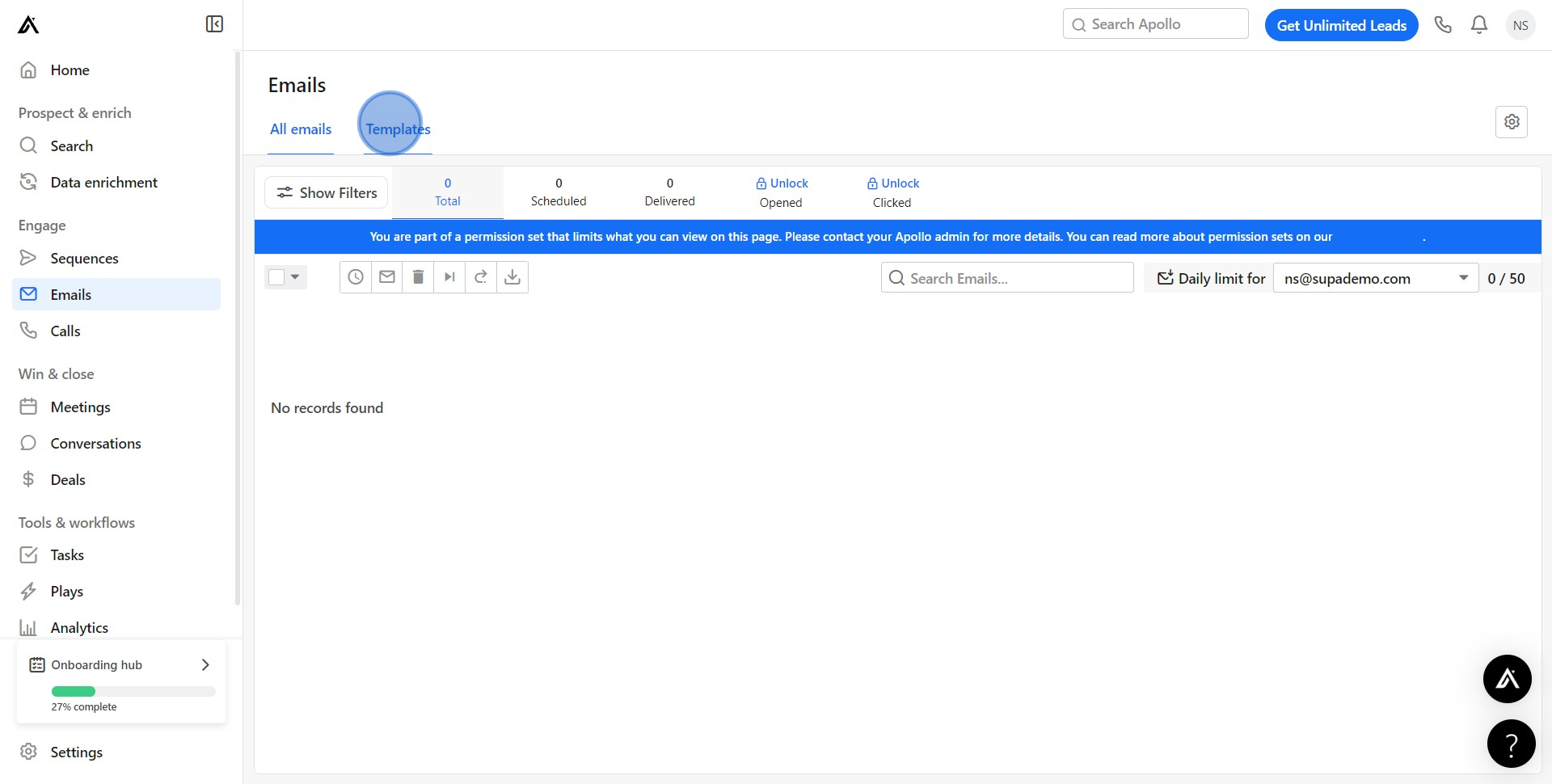
3. Now, choose 'Create New Template'.
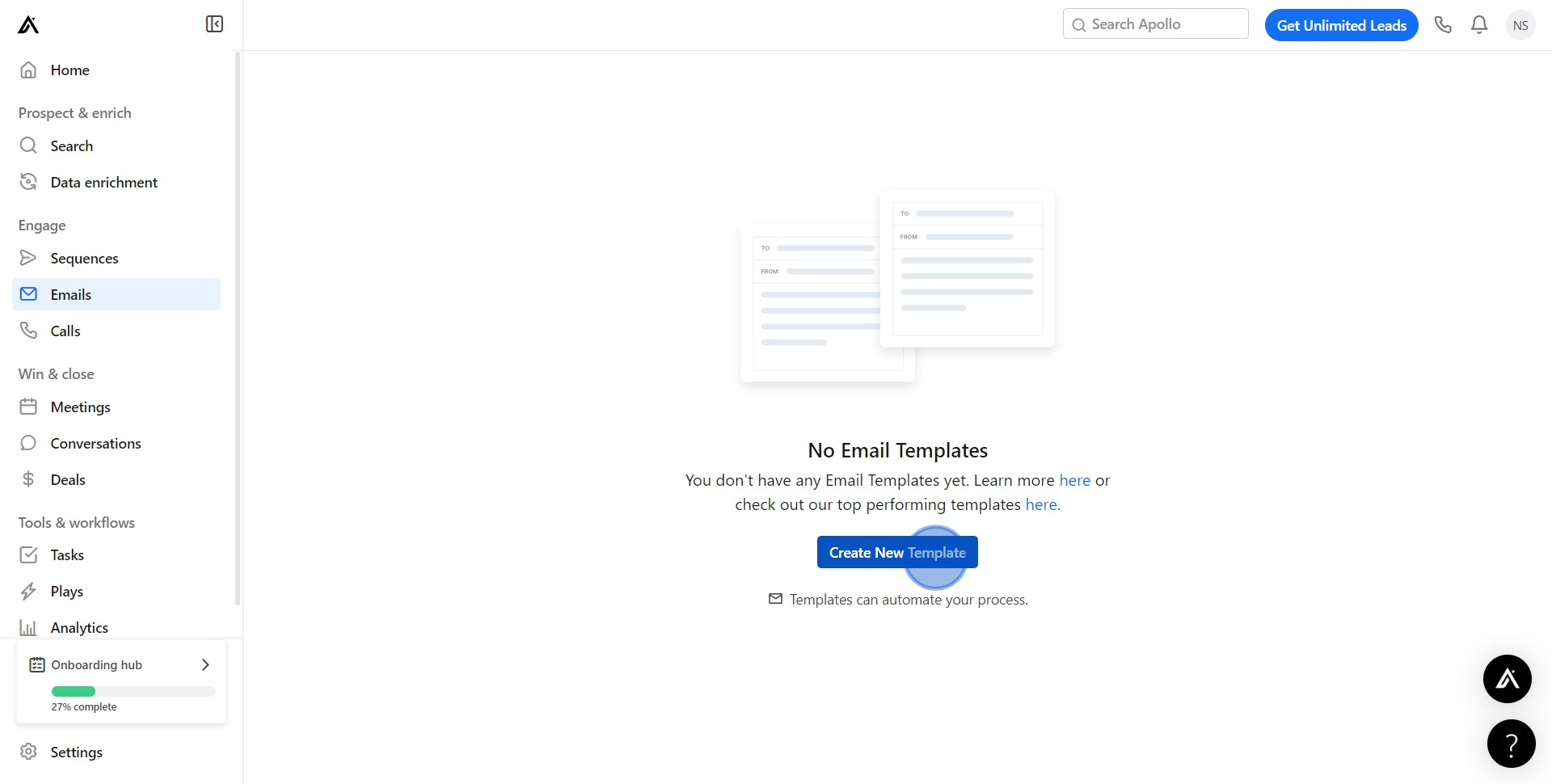
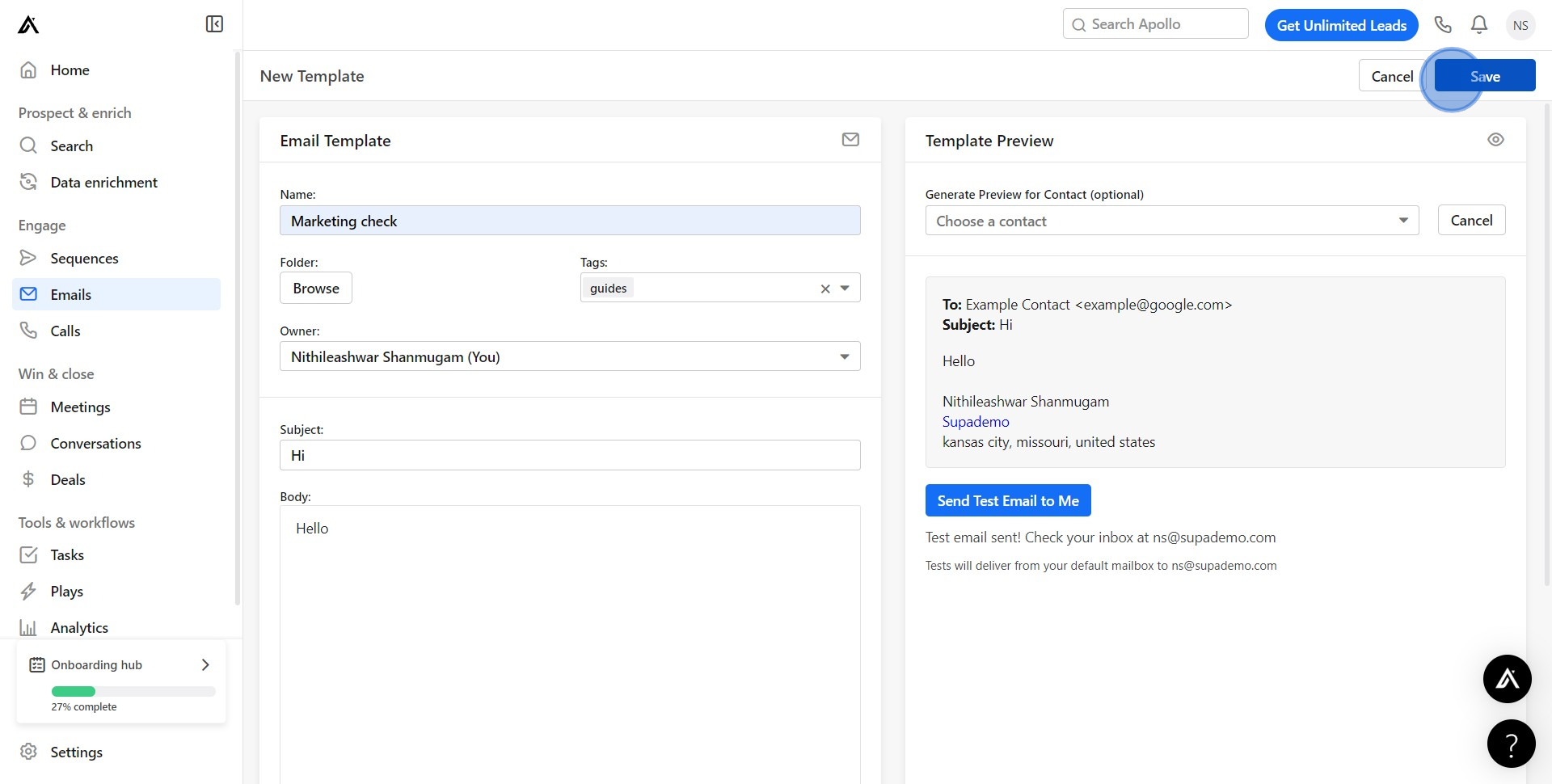
4. Next, fill in the necessary details in the provided text boxes.
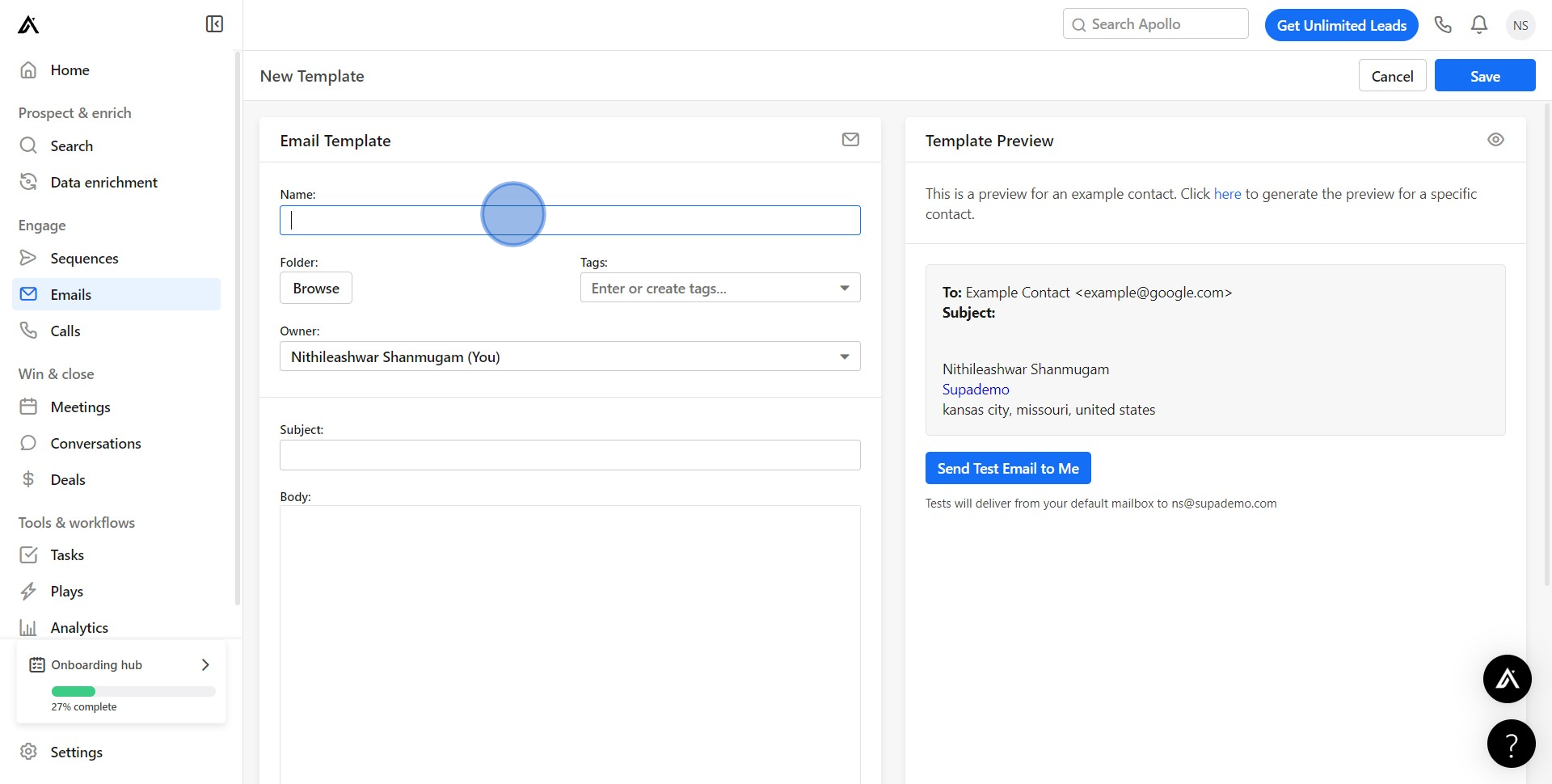
5. Then, generate a template preview by clicking 'here'.
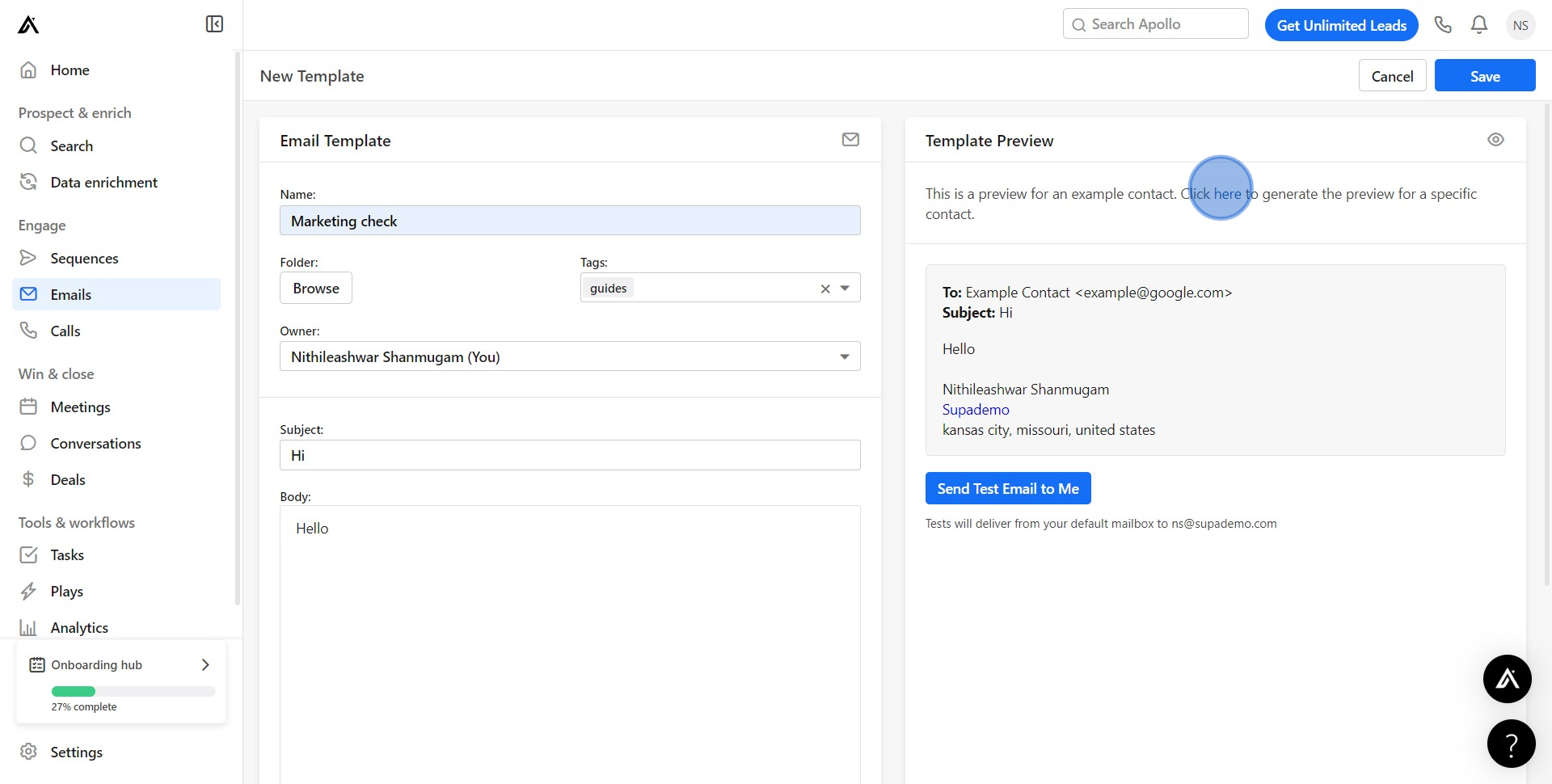
6. Following that, select 'Choose a contact' to target a specific recipient.
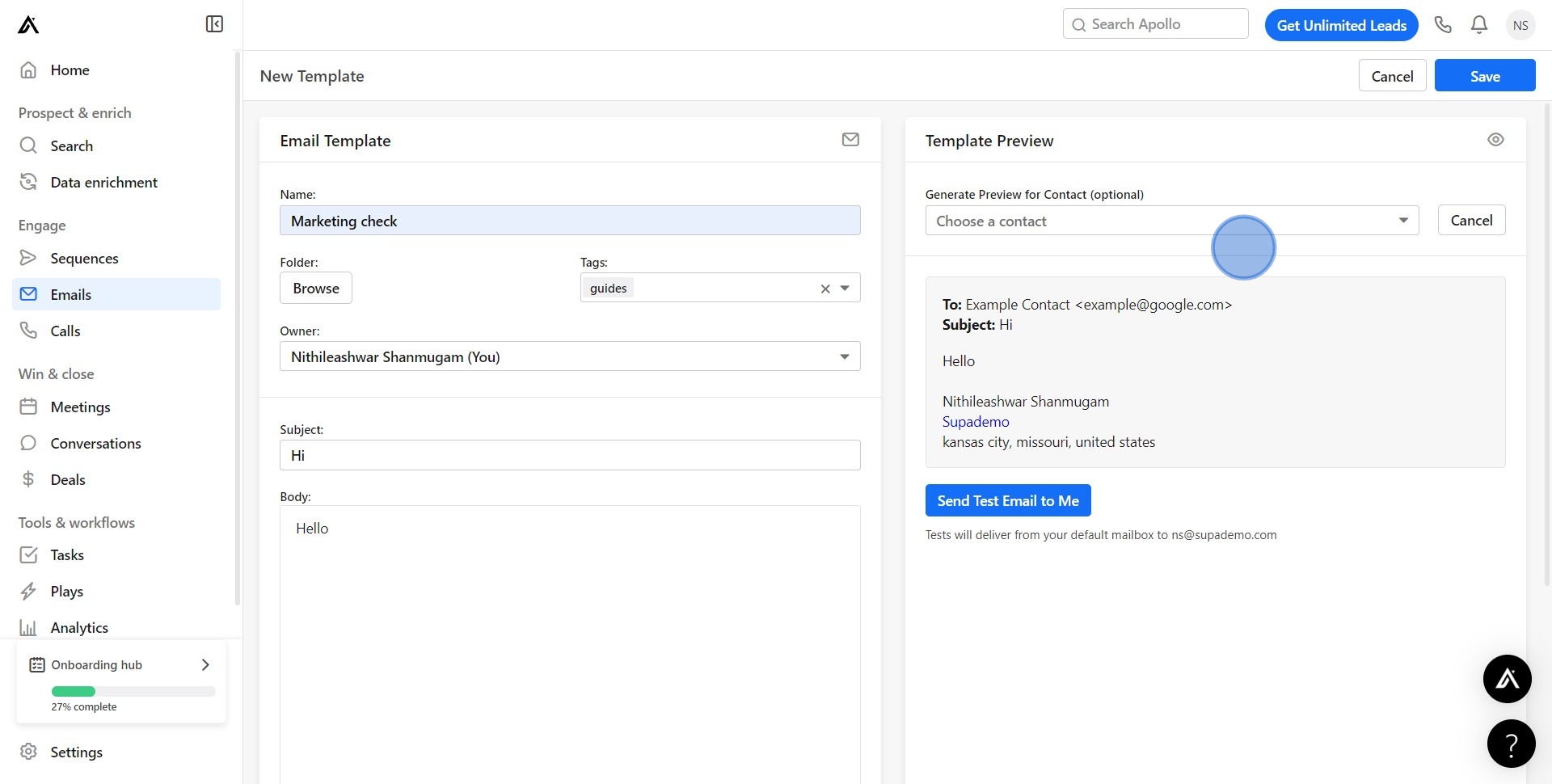
7. At this point, pick a contact from your list.
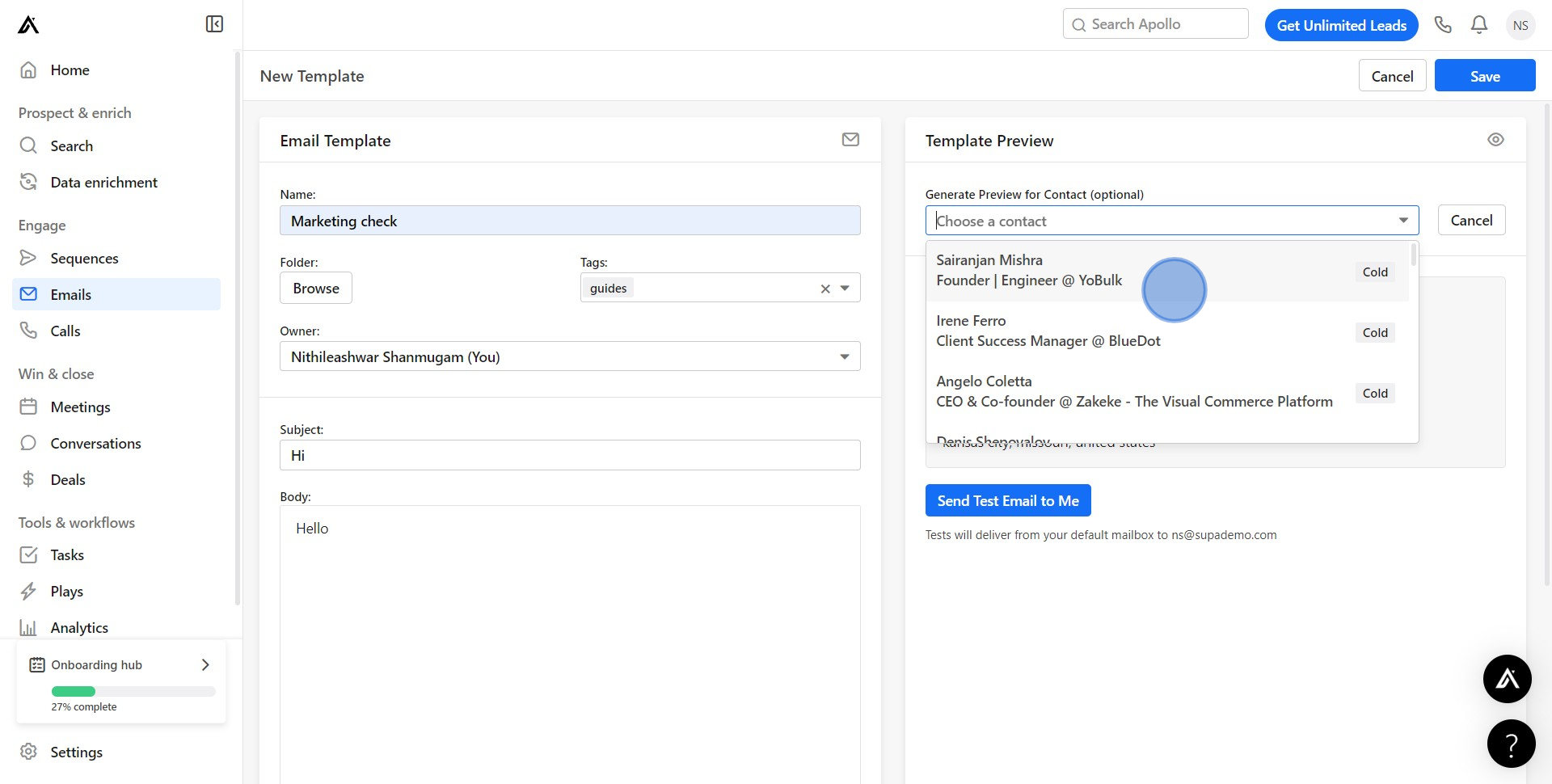
8. To see how the template performs, click 'Send Test Email to Me'.
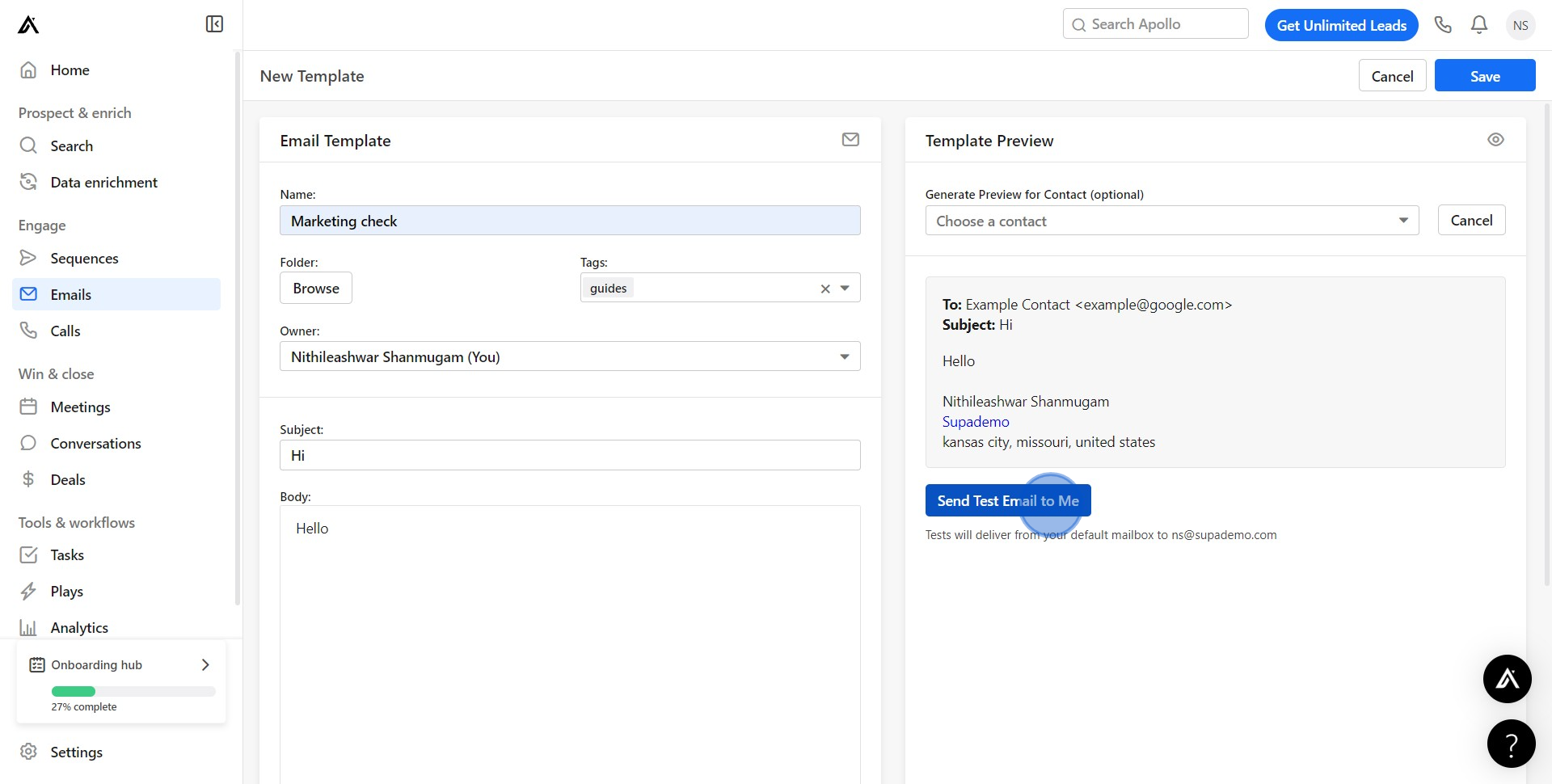
9. Finally, if you're happy with it, choose 'Save' to store the template.
Create your own step-by-step demo
Scale up your training and product adoption with beautiful AI-powered interactive demos and guides. Create your first Supademo in seconds for free.
Frequently Asked Questions about how to create an email template in apollo.io
Commonly asked questions about this topic.
How should I organize my email templates in Apollo.io for team consistency?
What formatting best practices improve email template readability in Apollo.io?
How can I train my team to use Apollo.io's email template features?
Can I automate parts of creating an email template in Apollo.io?
Does Apollo.io offer templates for email template?
Does Apollo.io allow multiple team members to edit templates together?
What integrations does Apollo.io support for creating an email template?

Content Marketer
Nithil is a startup-obsessed operator focused on growth, sales and marketing. He's passionate about wearing different hats across startups to deliver real value.





