Free AI Clickable Prototype Maker
Turn static Figma screens into clickable prototypes with Supademo's free app prototype maker. Add hotspots, branching, and AI voiceovers, then share one link for real-time stakeholder feedback. Works as your product prototype maker, prototype creator, or prototype tool for design, dev, and stakeholder reviews.
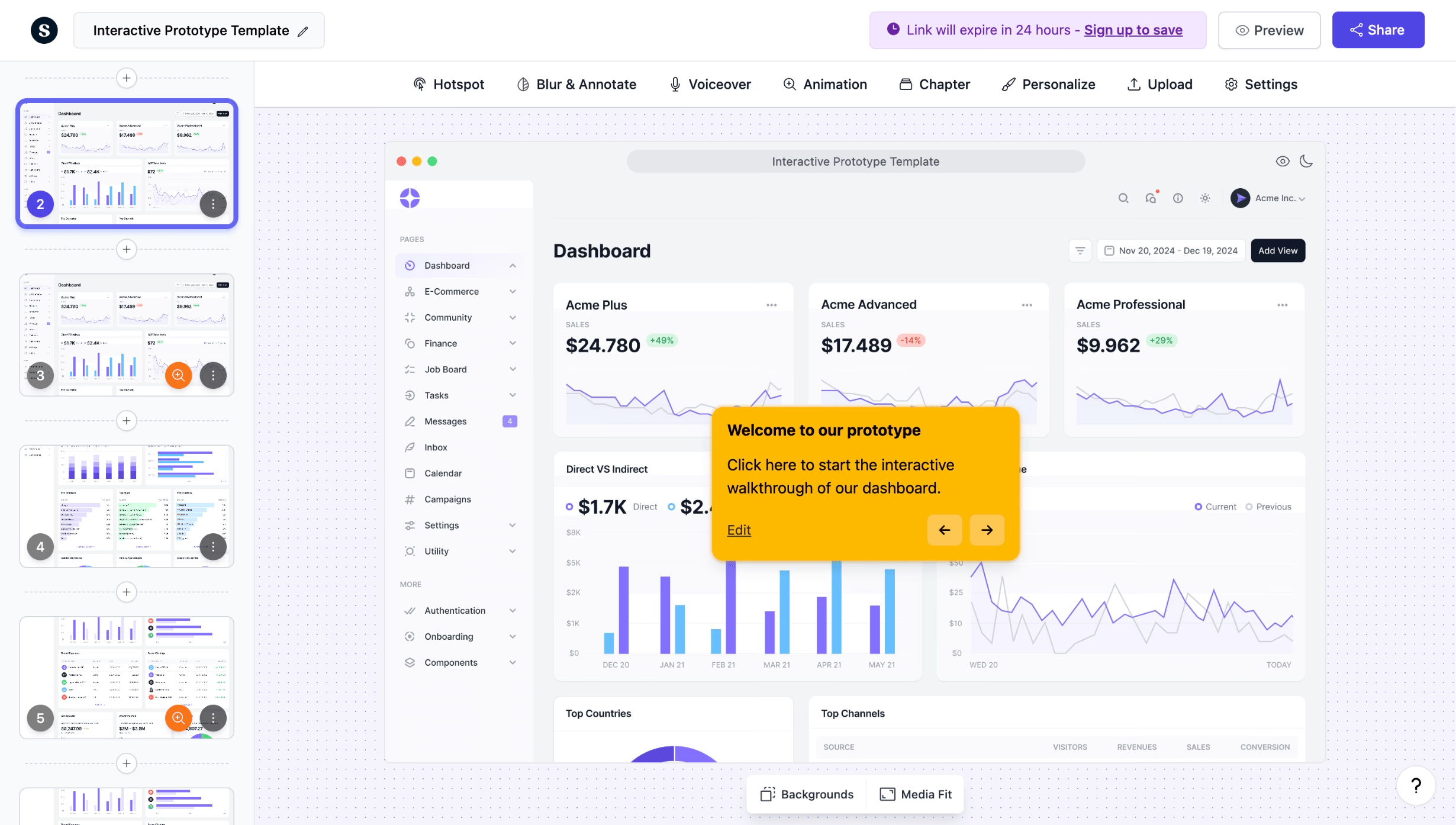
Create clickable prototypes in minutes, not days
Start prototyping freeTrusted by 200,000+ top operators and 3,000+ paying organizations


How to create clickable prototypes with Supademo
Upload your screens from Figma or any design tool
Export screens from Figma, Sketch, or Canva and upload them to Supademo. You can also use the Chrome extension to capture live product screens directly from your browser.
Add hotspots, branching, and AI annotations
Place clickable hotspots on each screen, set up conditional branching for different user paths, and let Supademo's AI generate contextual annotations and voiceovers automatically.
Share a single link and track engagement
Share your interactive prototype as a link or embed it anywhere. Track unique viewers, step-by-step dropoffs, and completion rates to iterate based on real data.

What makes Supademo's prototype maker different
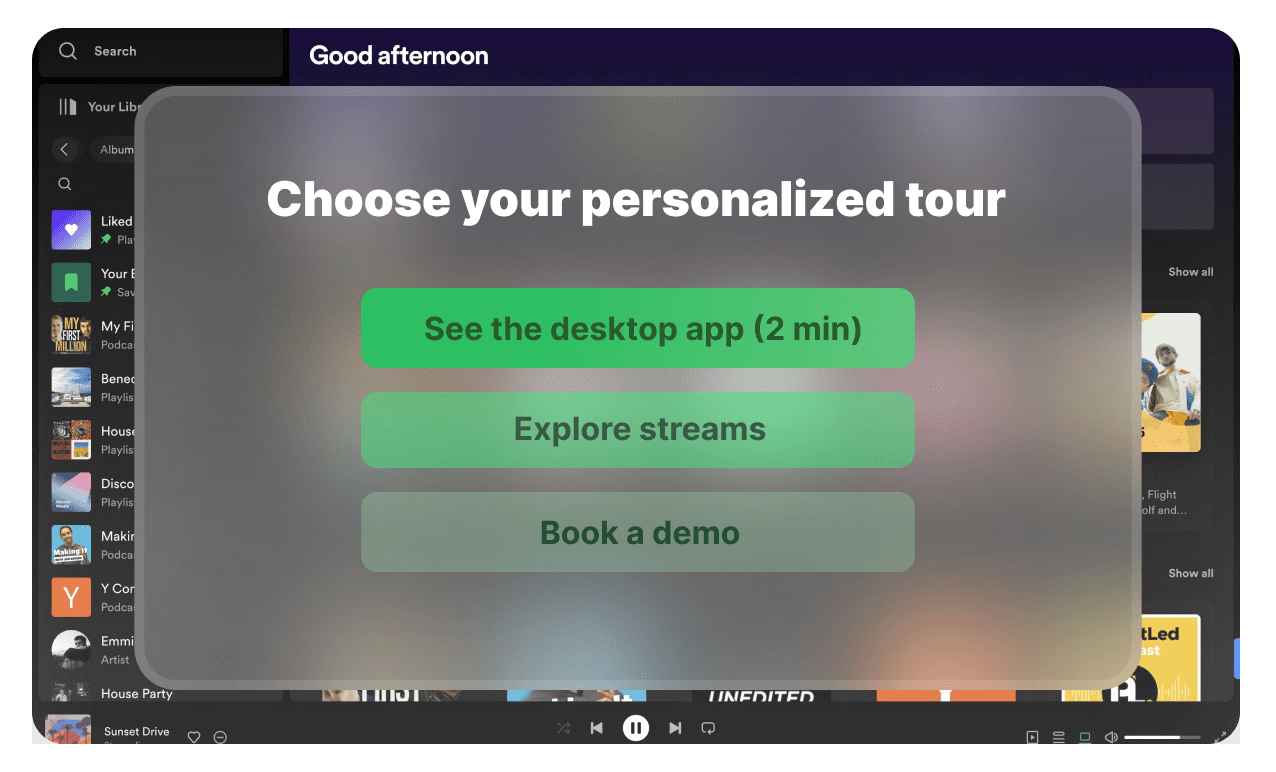
Go beyond static Figma prototypes with branching logic
Figma prototypes are linear and lack analytics. Supademo adds conditional branching so users choose their own path, plus built-in viewer tracking to show exactly where testers drop off or engage.
Explore the demo editor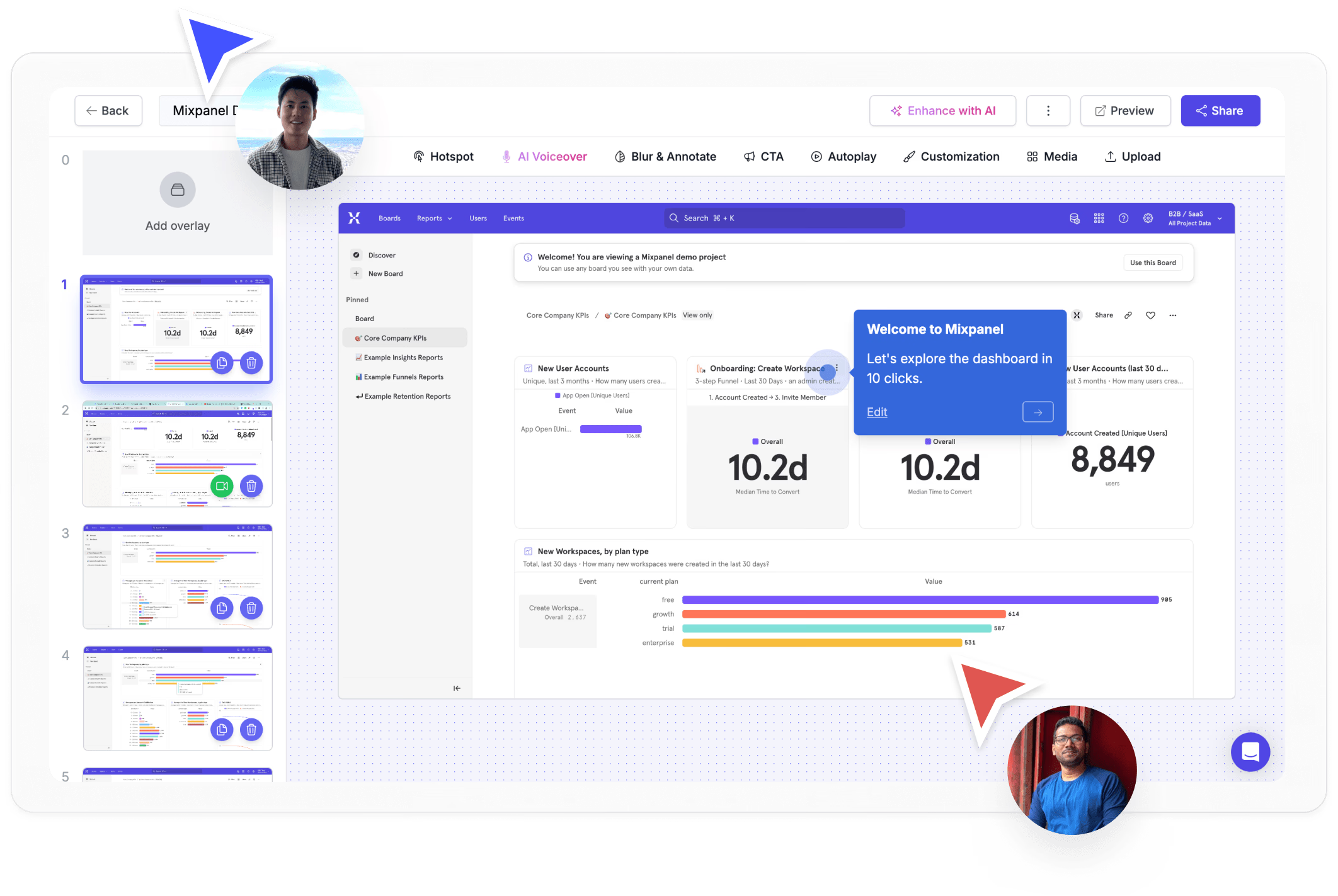
AI-generated annotations and voiceovers save hours
Skip manual annotation. Supademo's AI reads each screen and generates contextual tooltips, callouts, and voiceovers in 25+ languages, cutting prototype documentation time from hours to minutes.
See AI personalization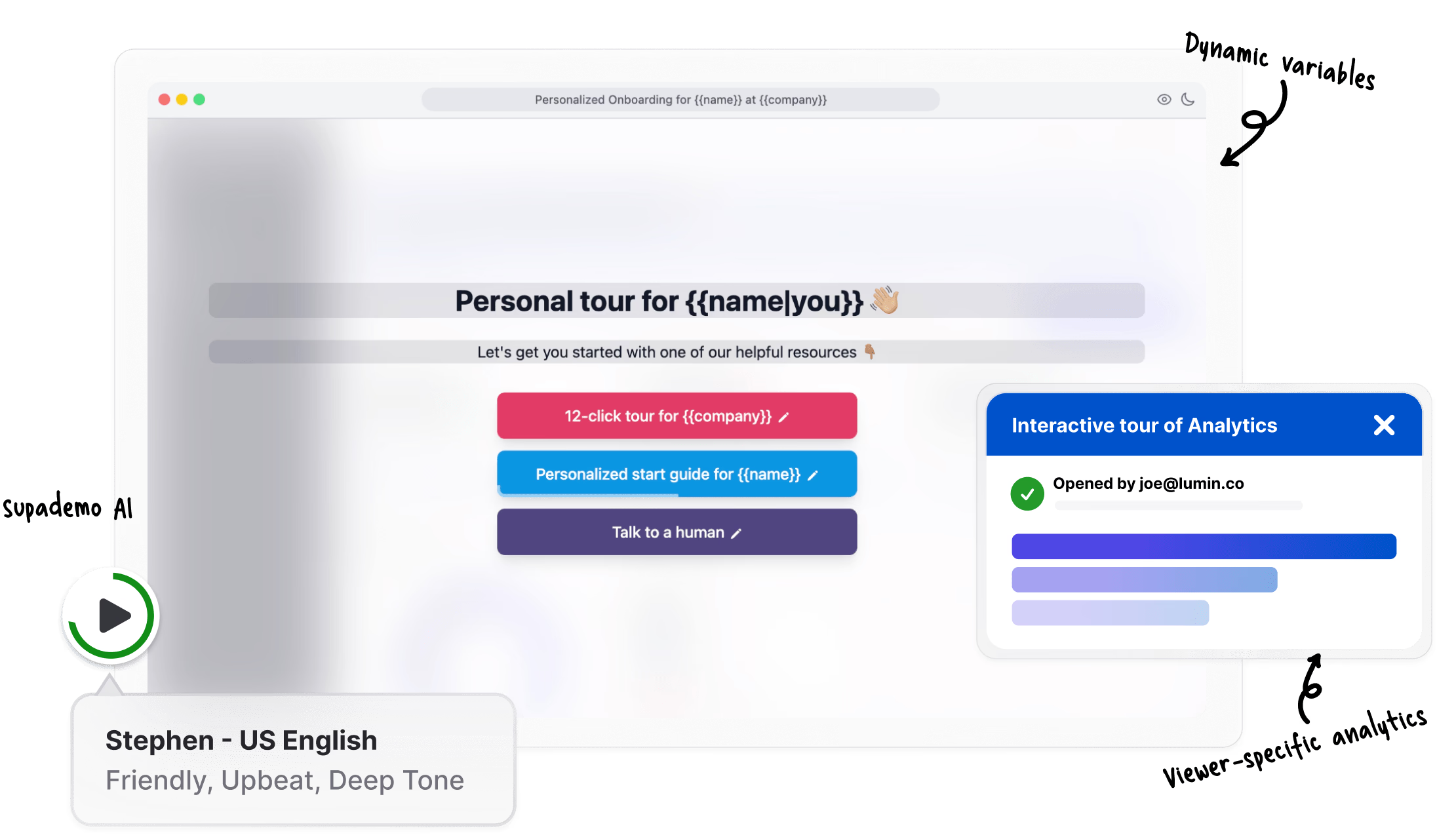
Share, embed, and track prototypes with real analytics
Unlike InVision or Marvel, Supademo prototypes come with built-in analytics. See who viewed each screen, where they clicked, and how far they progressed, all from a shareable link or embed.
View analytics featuresWhy we built Supademo's prototype maker

“Most PMs I know rebuild the same Figma prototype several times for different audiences. Product, sales, and QA each need different framing. I watched a PM at a Series A startup rebuild her prototype seven times last quarter. With Supademo's app prototype maker, you capture the recording once and layer hotspots or branches for each audience.”

“Figma files balloon once you start branching. Every new user path turns into more duplicated frames. I watched a customer's Figma file hit 400+ frames trying to model 4 user paths. Supademo's app prototype maker handles branching from one set of screens, so adding a new path doesn't double the asset count.”
How teams use Supademo as a prototype maker
Let prospects experience the product before the call
Send clickable prototypes to prospects so they can explore your product before the call. Supademo's prototype maker lets sales teams replace static mockups with interactive experiences that shorten deal cycles.
Explore sales enablement
Show the product on every landing page, no live demo needed
Embed interactive prototypes on landing pages and in campaigns. Let visitors click through a realistic product prototype instead of watching a video or reading a feature list.
Explore product marketing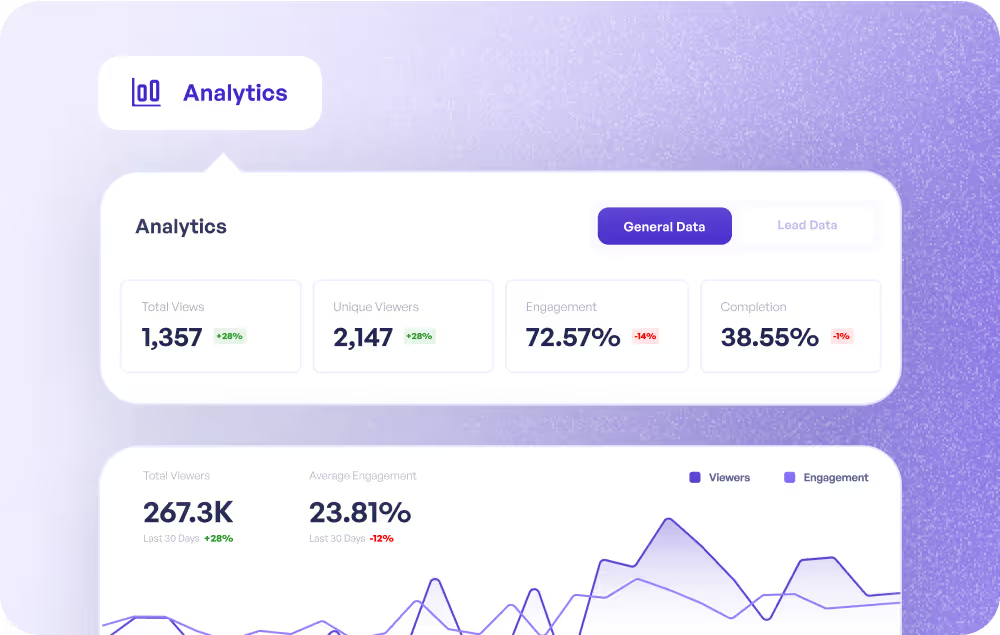
Guide customers through features they haven't discovered
Walk customers through upcoming features with clickable prototypes. CS teams use Supademo's prototype maker to preview what is coming next and drive adoption before launch.
Explore customer success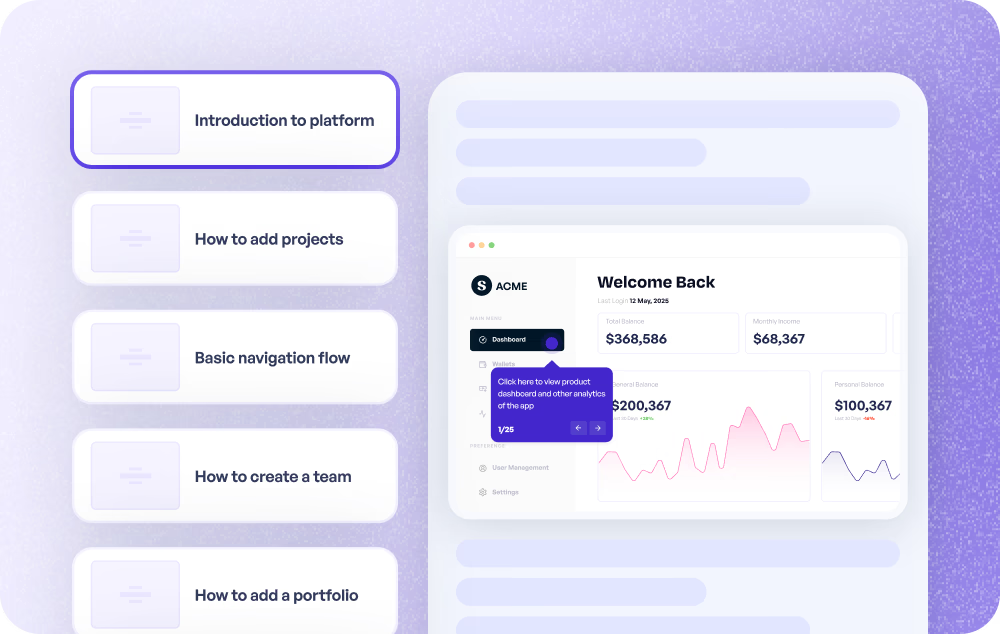
Visual answers that replace 10-email threads
Share annotated prototypes that show customers exactly how to use a feature. Fewer words, fewer back-and-forths, faster resolution.
Explore customer support
Test ideas with clickable prototypes before writing code
Test ideas with clickable prototypes before writing code. Supademo's prototype maker turns Figma screens or recordings into interactive demos stakeholders can explore and give feedback on.
Explore product use cases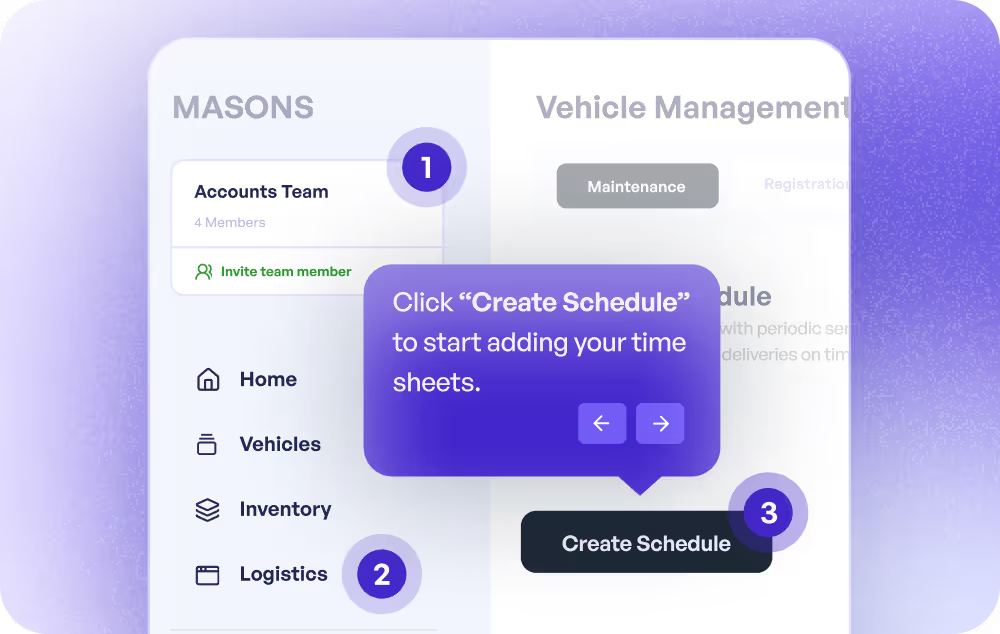
Hands-on onboarding that sticks from day one
Build hands-on training with interactive prototypes new hires can click through step by step. More engaging than slides, faster to create than custom environments.
Explore training use cases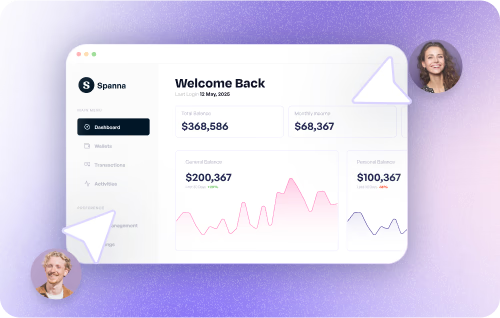
How do sales teams use Prototype Maker?
Sales teams send clickable prototypes to prospects so they can explore the product before a call, replacing static mockups with interactive experiences that shorten deal cycles.
How do marketing teams use Prototype Maker?
Marketing teams embed interactive prototypes on landing pages and in campaigns, letting visitors click through a realistic product prototype instead of reading a feature list.
How do customer success teams use Prototype Maker?
CS teams walk customers through upcoming features with clickable prototypes, previewing what is coming next and driving adoption before launch.
How do support teams use Prototype Maker?
Support teams share annotated prototypes that show customers exactly how to use a feature, providing visual answers that replace long email threads.
How do product teams use Prototype Maker?
Product teams test ideas with clickable prototypes before writing code. Supademo turns Figma screens or recordings into interactive demos stakeholders can explore and give feedback on.
How do training teams use Prototype Maker?
L&D teams build hands-on training with interactive prototypes new hires can click through step by step, making onboarding more engaging than slides and faster to create than custom environments.
Explore Similar Free Tools
Frequently asked questions
Common questions about Supademo’s prototype maker. Have others? Reach out and our team will be happy to help.

A prototype maker lets you create clickable, interactive mockups of your app or product without writing code. Supademo works by letting you upload screens from Figma or any design tool, then adding clickable hotspots, branching paths, and AI-generated annotations to simulate a real user experience.
Figma prototypes converted in Supademo are great for internal design review but lack analytics, branching logic, and easy external sharing. Supademo adds viewer tracking, conditional paths based on user choices, AI voiceovers, and embeddable links, making it better suited for stakeholder reviews, sales demos, and user testing.
Yes. Supademo requires zero code. Upload your design screens, point and click to place hotspots, and share a link. The AI handles annotations and voiceovers automatically, so even non-technical team members can build polished prototypes in minutes.
Look for clickable hotspots, conditional branching, analytics on viewer behavior, easy sharing via links or embeds, and integrations with design tools like Figma. Supademo includes all of these plus AI voiceovers in 25+ languages and SOC 2 Type II compliance for enterprise teams.
InVision has sunset its core product, and Marvel focuses on basic click-throughs. Supademo provides conditional branching, built-in analytics, AI-generated annotations, and the ability to embed prototypes anywhere, giving you a more complete prototyping and feedback workflow.
Yes. Share your prototype as a single link, embed it in websites or docs, or export it as a GIF or video. You can also password-protect sensitive prototypes and use a custom domain for branded sharing.
Yes. Prototypes built in Supademo render responsively on desktop, tablet, and mobile. You can also use the Chrome extension to capture web apps or the desktop app to record mobile emulators.
Yes. You can create and share interactive prototypes on Supademo's free plan with no credit card required. Paid plans add advanced features like custom branding, SSO, and deeper analytics for teams that need more control.