Free AI Mobile App Demo Maker
Record, edit, and share interactive demos of your mobile app directly from your browser. No phone, cable, or emulator required. Supademo turns your mobile screens into guided, clickable experiences.
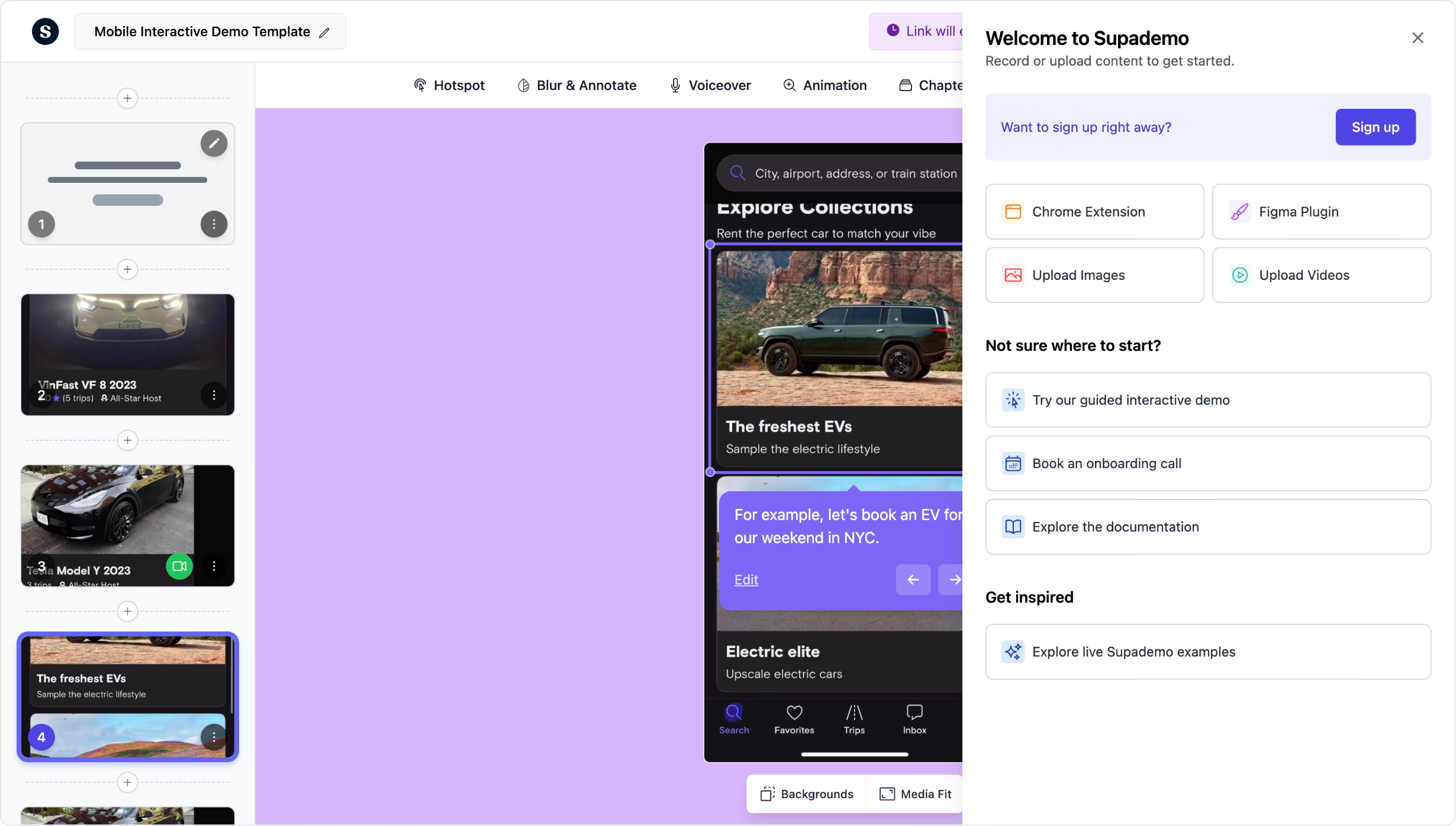
Create interactive mobile app demos in minutes, no phone required
Try it freeTrusted by 200,000+ top operators and 3,000+ paying organizations


How to create a mobile app demo with Supademo
Record or upload your mobile screens
Use Supademo's desktop app to capture your iPhone or Android emulator, record your browser in mobile view, or upload existing mobile screen recordings directly.
Add interactivity with AI annotations
Split recordings into guided steps, then enhance with clickable hotspots, AI-generated voiceovers, zoom transitions, conditional branching, and personalized variables.
Share, embed, and track engagement
Distribute your mobile demo as a shareable link or embed it on any webpage. Track unique views, step-level dropoffs, and completion rates to iterate and improve.

What makes Supademo's mobile app demos different
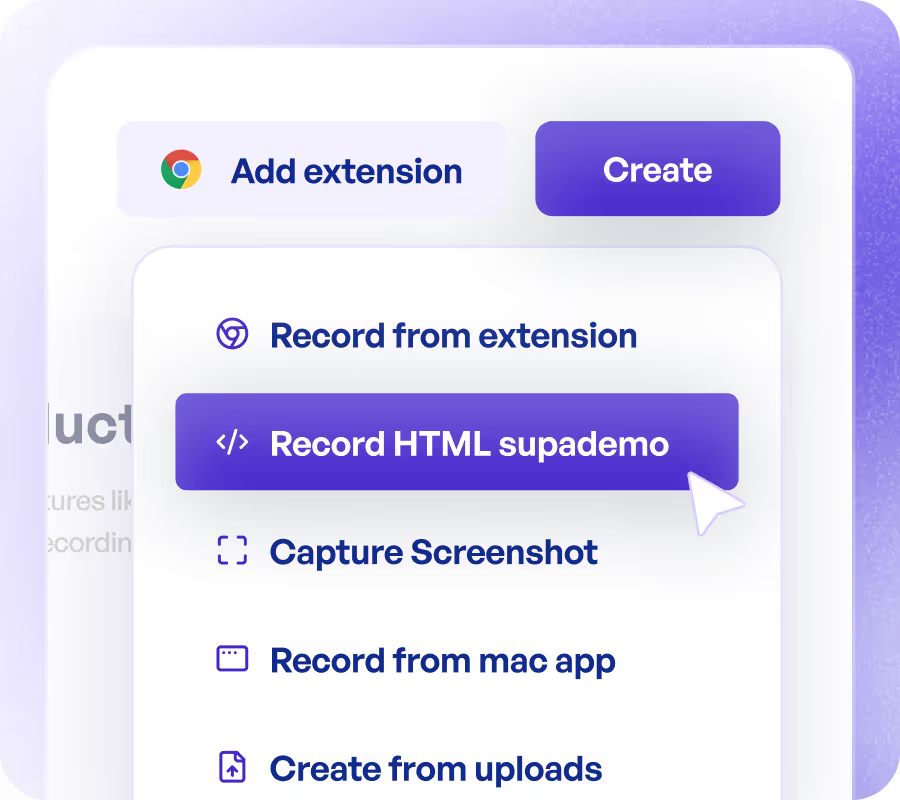
Showcase mobile apps without live demos or hardware
Unlike Appetize or BrowserStack, Supademo creates self-guided, interactive demos that prospects explore at their own pace. No emulator lag, no device provisioning, no scheduling conflicts.
Explore demo recorder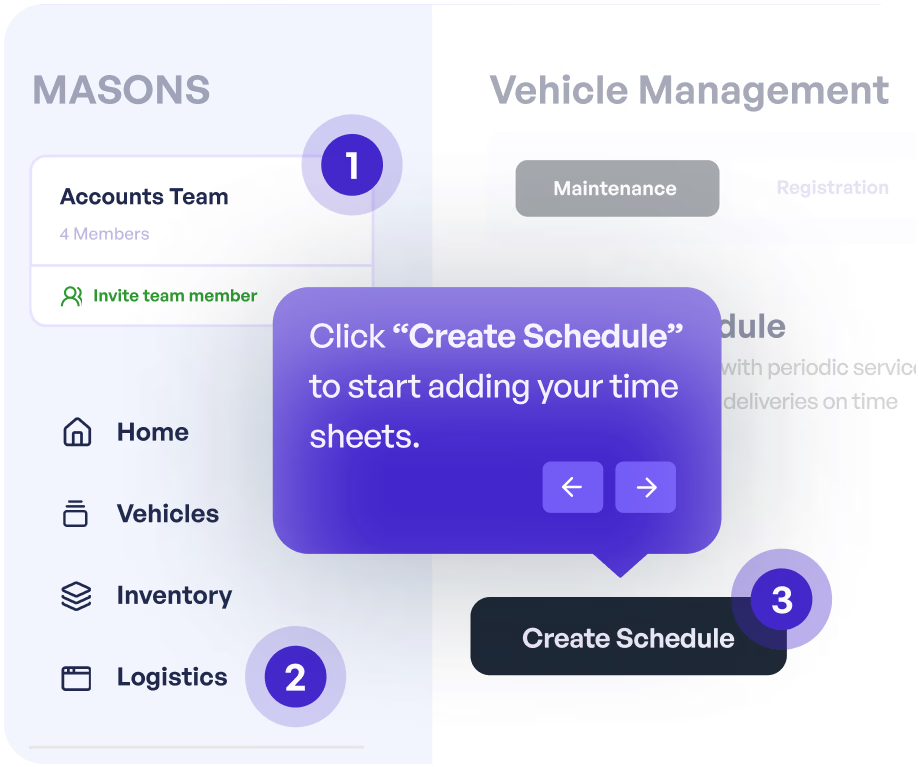
Personalize mobile demos for every buyer persona
Tailor your mobile app demo by industry, role, or use case using conditional branching and dynamic variables. Deliver a unique experience for each audience segment without duplicating work.
Explore personalization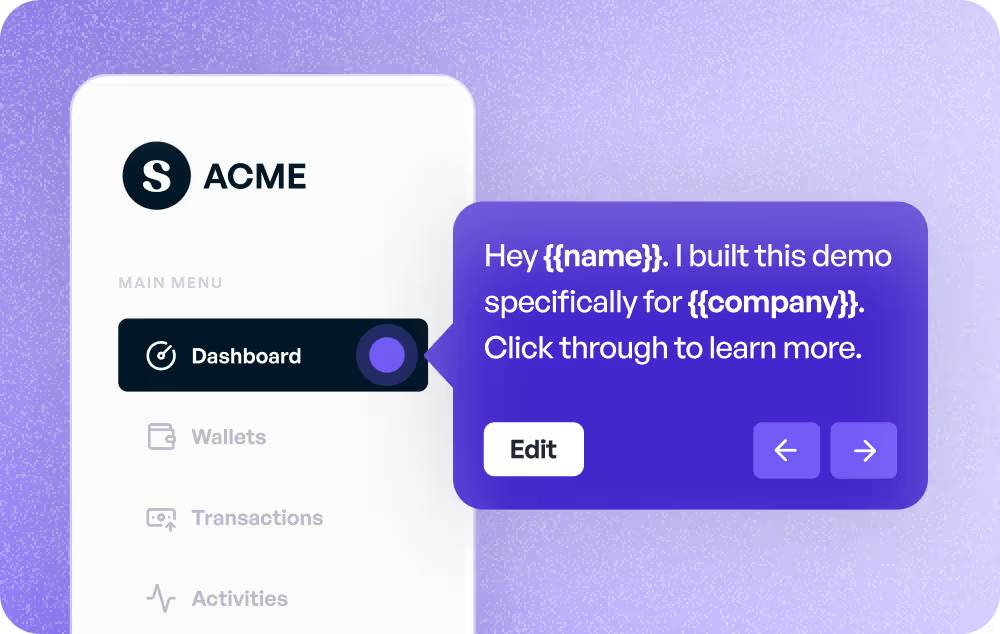
Track exactly how prospects engage with your demo
Go beyond view counts. Supademo analytics show which steps users complete, where they drop off, and how long they spend on each screen, giving sales and product teams actionable data.
Explore analyticsWhy we built Supademo's mobile app demo maker

“I learned this the hard way pitching investors on mobile. Nobody wants to install your TestFlight build to give feedback, and when they do, the build breaks or the simulator looks fake. I lost three early investor meetings to that friction. Supademo's mobile app demos give you a single link that runs on any laptop.”

“With Supademo's mobile app demos, I wanted the output to look like the actual mobile app a prospect is about to download. Getting that right took about 5 months. The browser doesn't have direct phone access, so we built device-frame rendering on top of mobile emulator capture and stitched it into a clickable demo that runs anywhere a browser opens.”
Who uses Supademo's mobile app demo maker?
Mobile demos prospects explore on their own phone
Send mobile app demos prospects can explore on their own phone. Supademo captures your mobile app workflow and turns it into a shareable, interactive demo.
Explore sales enablement
App previews that convert on every channel
Embed mobile app previews across your marketing channels. Supademo's mobile app demo maker shows exactly how your app works, no download required.
Explore product marketing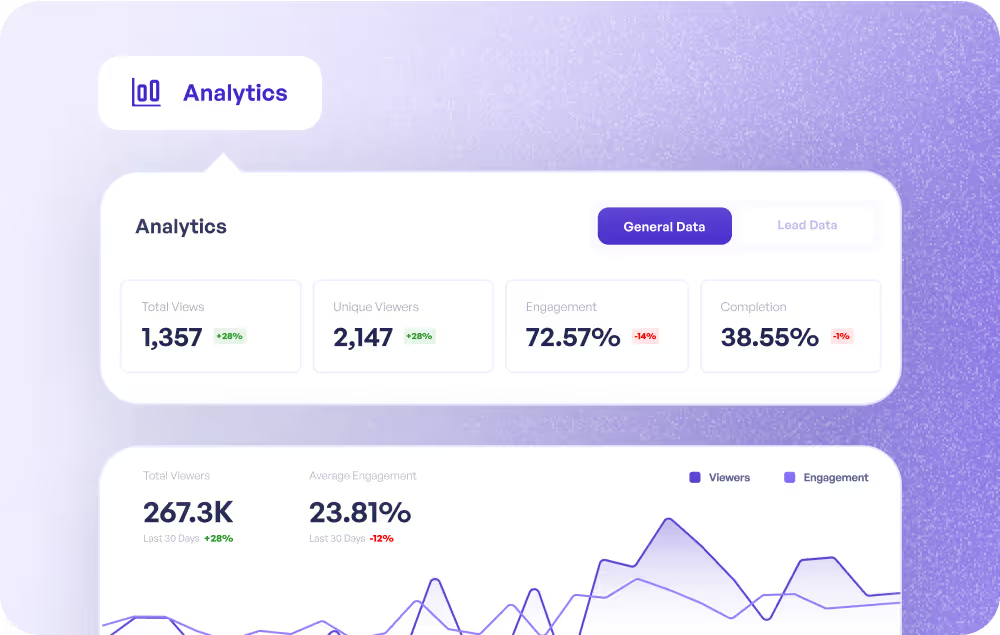
Guide users through mobile features step by step
Guide users through mobile app features step by step with interactive demos. Supademo makes mobile onboarding visual and self-paced.
Explore customer success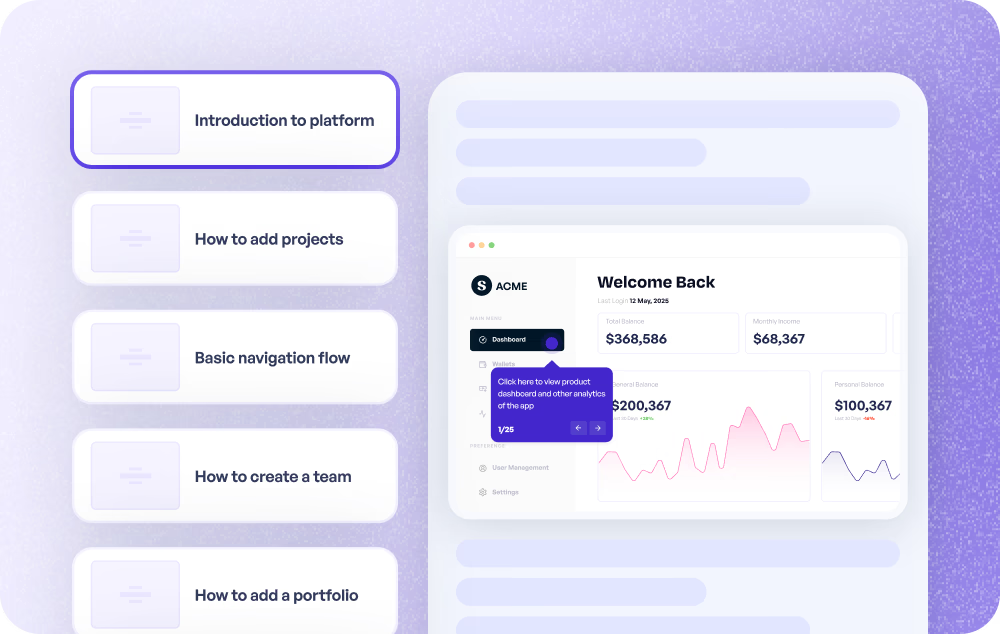
Visual mobile walkthroughs that cut support tickets
Share mobile app walkthroughs that solve issues without screenshots and paragraphs. Supademo's mobile demos show the exact taps and screens.
Explore customer support
Test mobile flows with interactive prototypes
Test mobile app flows with interactive prototypes before shipping. Supademo captures mobile workflows and makes them clickable for stakeholder feedback.
Explore product use cases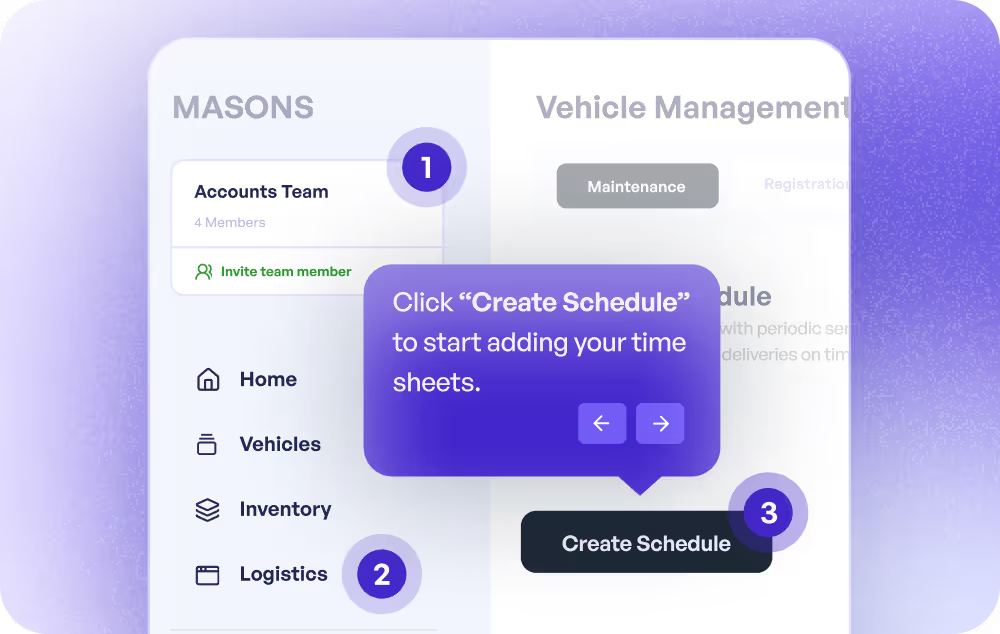
Mobile training guides anyone can follow anywhere
Create mobile app training guides anyone can follow on any device. Supademo captures the workflow once and makes it interactive.
Explore training use cases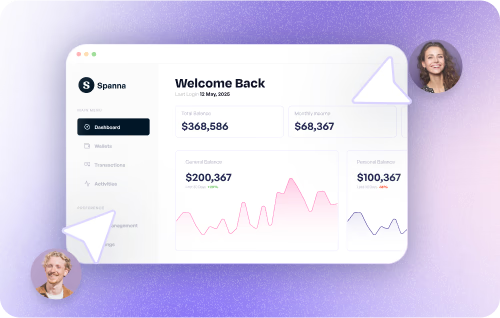
How do sales teams use Mobile App Demos?
Sales teams use Supademo's mobile app demo maker to create personalized, self-guided product experiences that replace static slide decks and reduce time-to-close.
How do marketing teams use Mobile App Demos?
Marketing teams use mobile app demos to show exactly how the product works on a phone, embedding interactive previews on landing pages and in campaigns without requiring a download.
How do customer success teams use Mobile App Demos?
CS teams create mobile app demos that walk new users through features step by step on the actual device they use, accelerating onboarding and reducing churn.
How do support teams use Mobile App Demos?
Support teams share mobile app demos that show the exact taps and screens a user needs to follow, replacing text-heavy instructions and reducing back-and-forth in tickets.
How do product teams use Mobile App Demos?
Product teams build mobile app demos to test user flows on real device layouts before shipping, gathering stakeholder feedback through interactive prototypes instead of static mockups.
How do training teams use Mobile App Demos?
L&D teams create mobile app training demos employees can follow on any device, replacing live walkthroughs with self-paced guides that include completion tracking.
Explore Similar Free Tools
Frequently asked questions
Common questions about Supademo’s mobile app demo maker. Have others? Reach out and our team will be happy to help.
A mobile app demo maker lets you create interactive, guided walkthroughs of your iPhone or Android app without requiring a physical device. Supademo captures your mobile screens and converts them into clickable, step-by-step demos with hotspots, annotations, and branching.
With Supademo, you can record a mobile emulator from your desktop, capture your browser in a mobile viewport, or upload existing screen recordings. The editor then lets you split footage into interactive steps and add annotations automatically with AI.
Yes. Supademo is device-agnostic. You can create interactive demos for iPhone, Android, iPad, or any mobile platform by recording or uploading your screens. The output works on any device and browser.
Appetize and BrowserStack run live emulators that require provisioning and can be slow. Supademo creates self-paced, interactive demos that load instantly, work offline as embeds, and include built-in analytics, branching, and AI voiceovers.
Yes. Supademo provides embed codes for any webpage, knowledge base, or help center. You can also share demos as direct links, password-protect them, or host them on a custom domain.
Supademo tracks unique views, viewer identity, step-level engagement, dropoff points, and completion rates. This data helps sales teams prioritize follow-ups and product teams identify UX friction in your mobile app.
Yes. Use conditional branching to create different paths based on user role, industry, or interest. Dynamic variables let you personalize text fields like company name or user name across the entire demo.
Supademo offers a free plan that lets you create and share up to 5 interactive demos, including mobile app demos. Paid plans add unlimited demos, custom branding, team workspaces, SSO, and advanced analytics.