
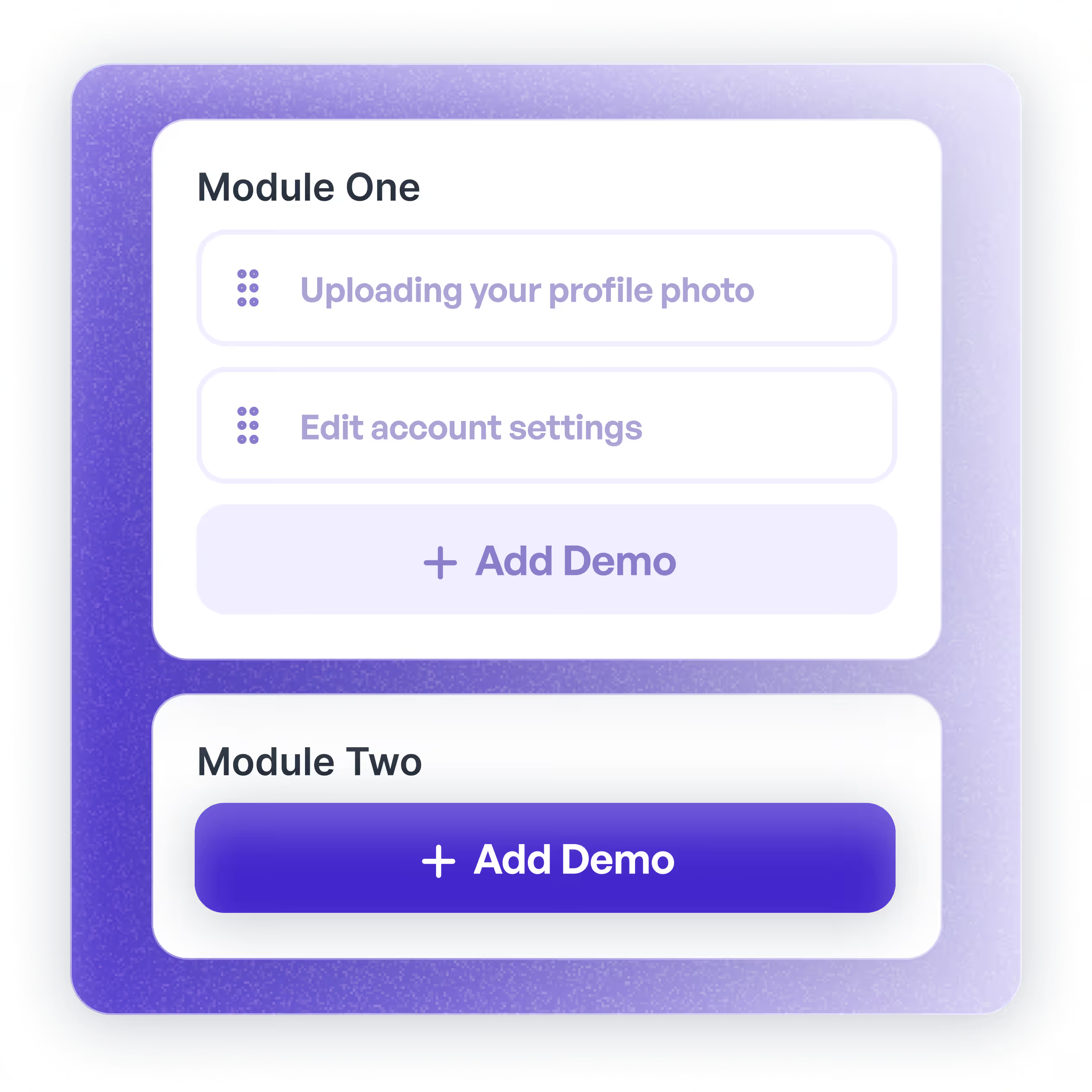
Modular onboarding
Create structured onboarding experiences with modular showcase collections. Guide new users through your product with organized, step-by-step demos that drive activation and reduce time-to-value.
Showcase collections enable you to combine and share related Supademos into a cohesive, multi-demo experience.


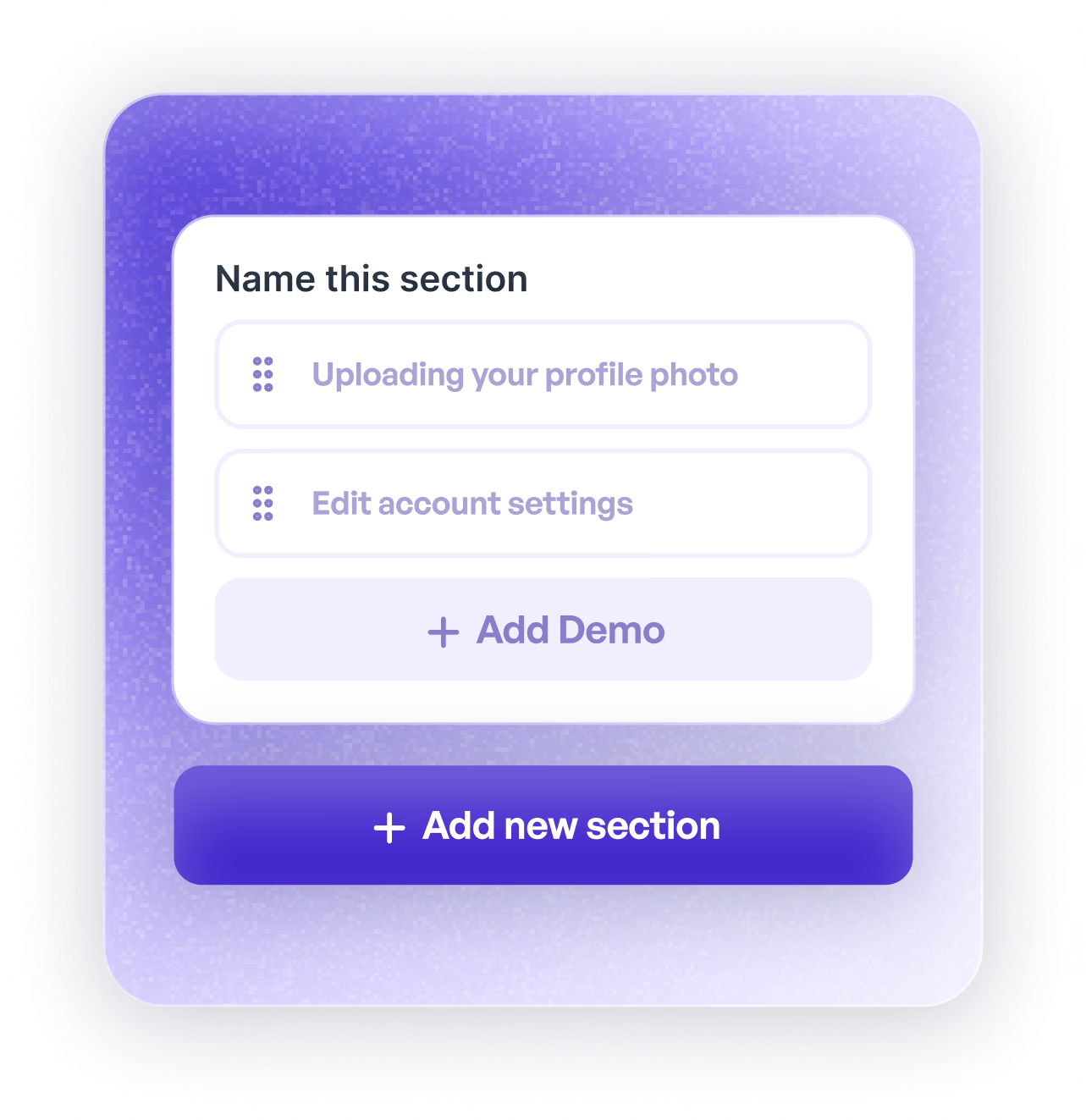
Create modular sections
Quickly create sections within Showcases to organize your Supademos by product, feature, use case, or persona.
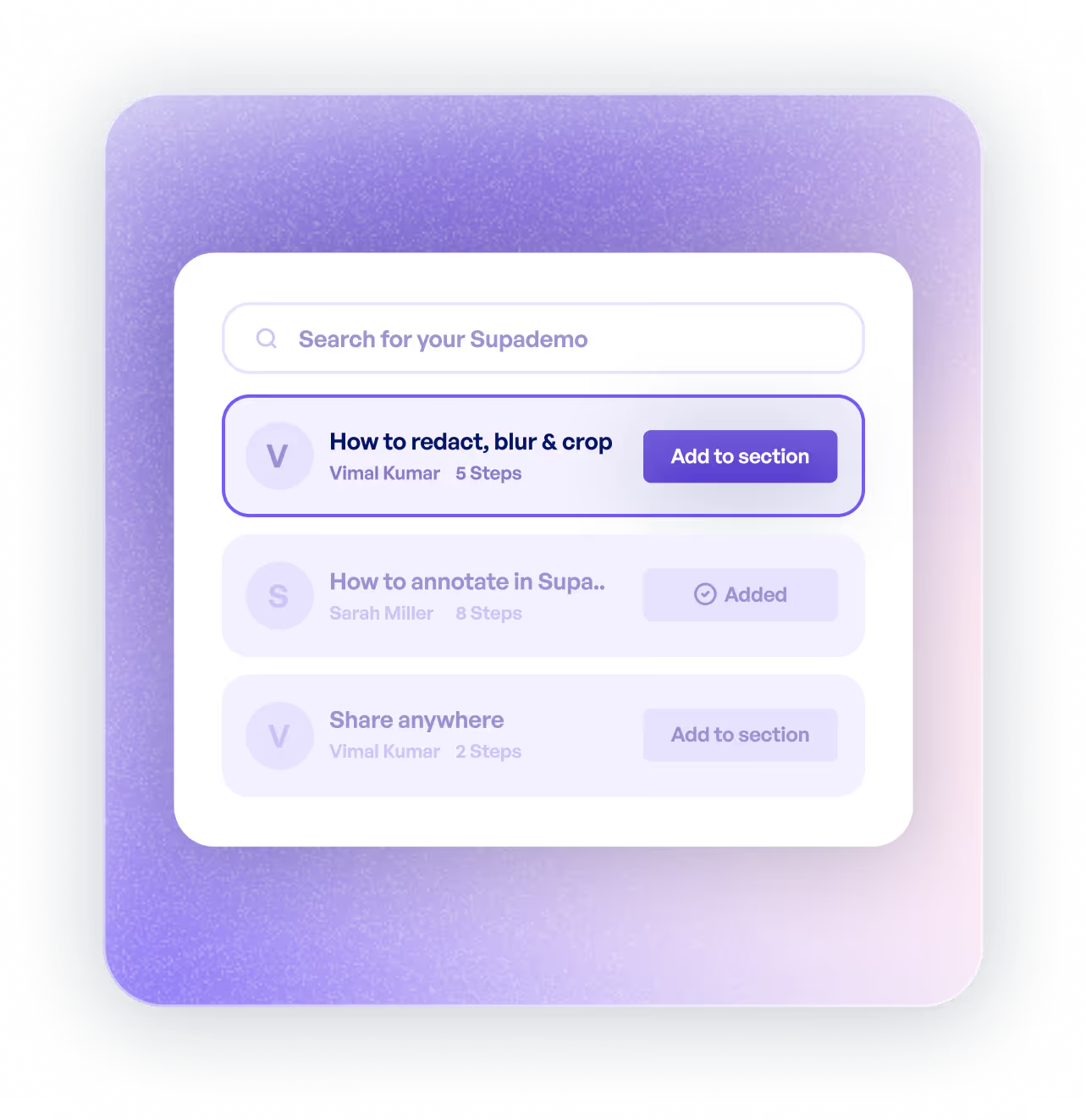
Add Supademos
Search and add relevant Supademos to each Showcase section to allow viewers to click through mulitple, related product demos in one place.
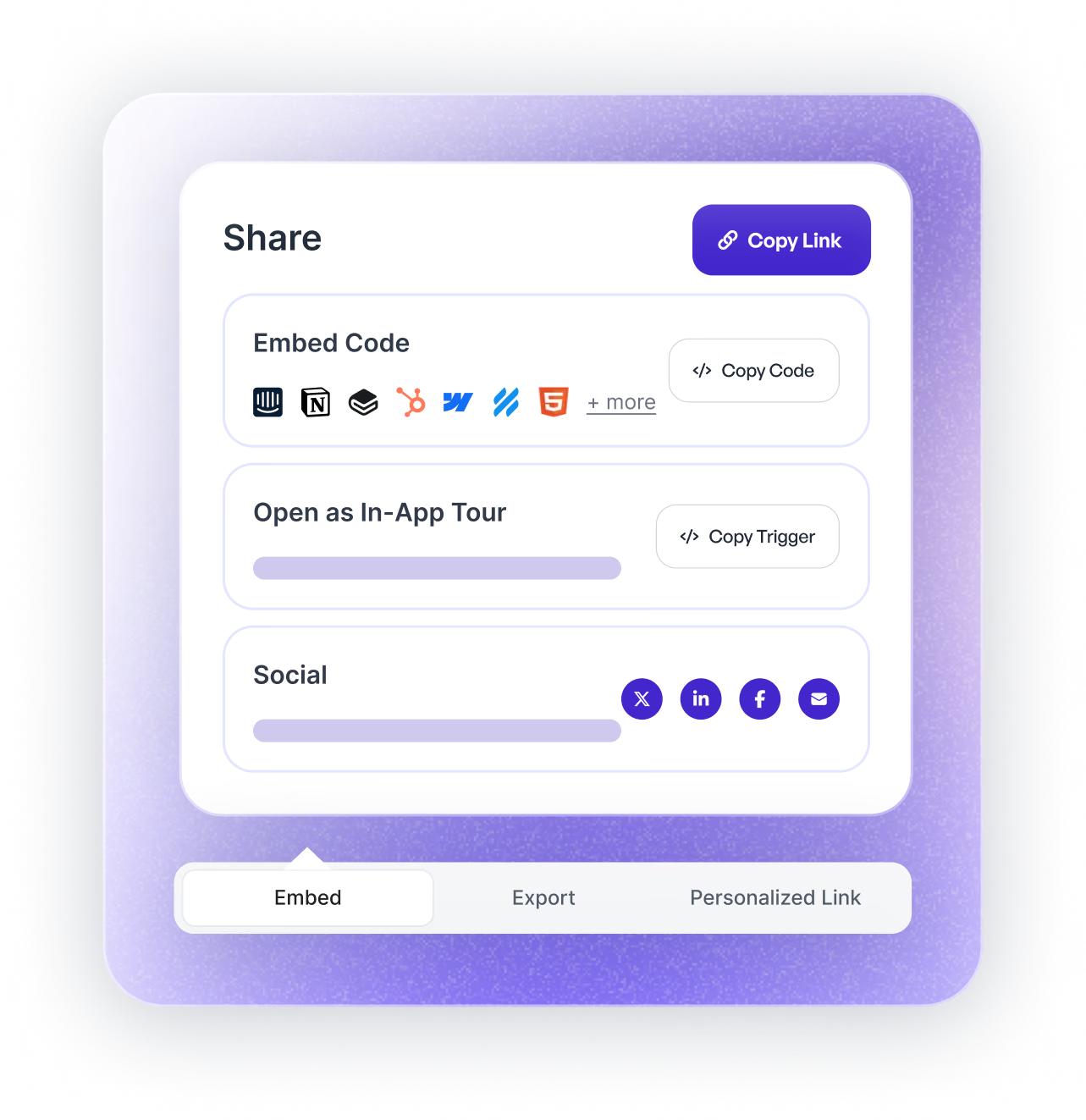
Share or embed anywhere
Easily embed your Showcase within onboarding, knowledge bases and more. Or share as a standard or tracking link for detailed analytics.
Create modular sections
Quickly create sections within Showcases to organize your Supademos by product, feature, use case, or persona.
Add Supademos
Search and add relevant Supademos to each Showcase section to allow viewers to click through mulitple, related product demos in one place.
Share or embed anywhere
Easily embed your Showcase within onboarding, knowledge bases and more. Or share as a standard or tracking link for detailed analytics.
Create structured onboarding experiences with modular showcase collections. Guide new users through your product with organized, step-by-step demos that drive activation and reduce time-to-value.
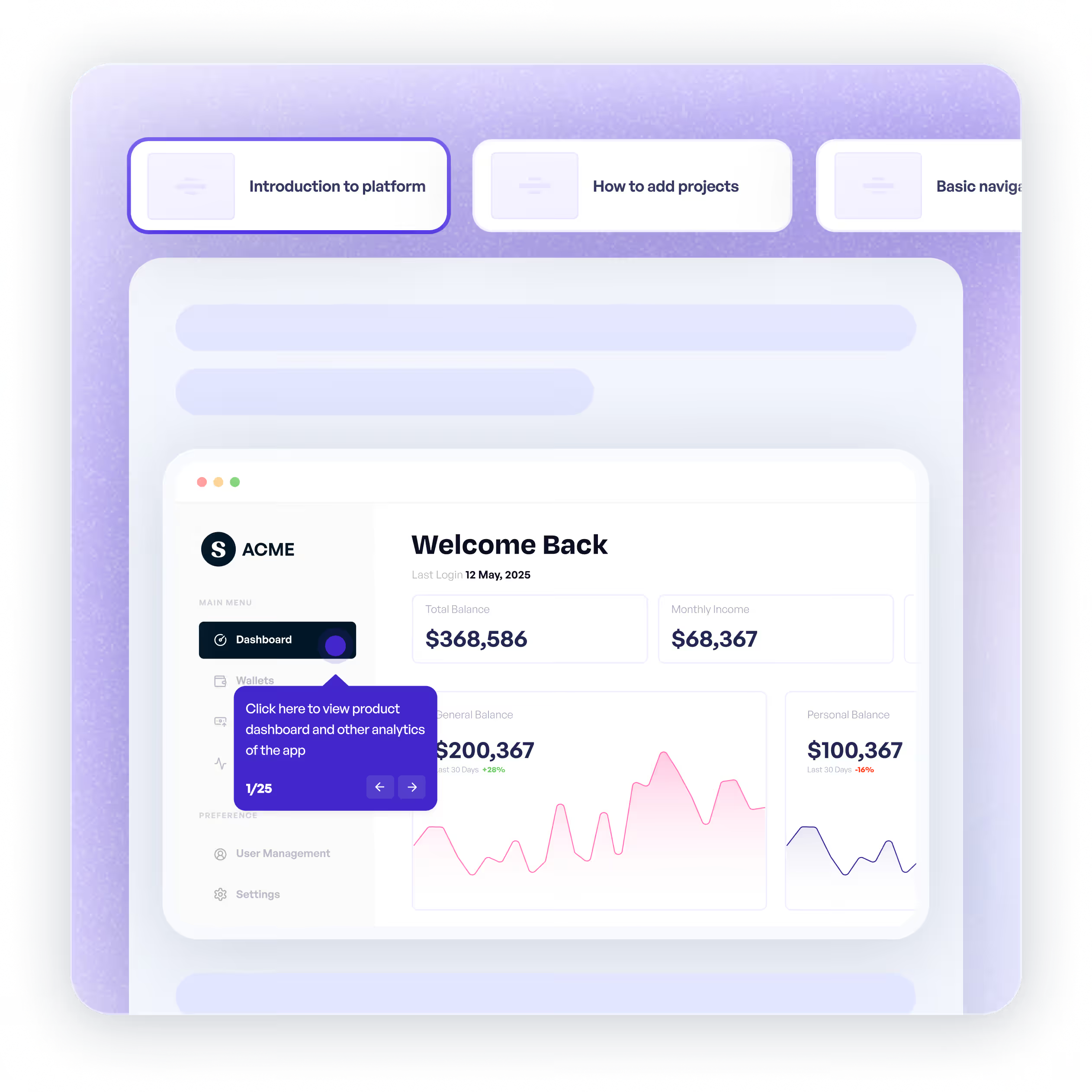
Showcase your product's full capabilities with comprehensive multi-demo tours. Organize features by persona, use case, or workflow to create engaging, digestible product education.
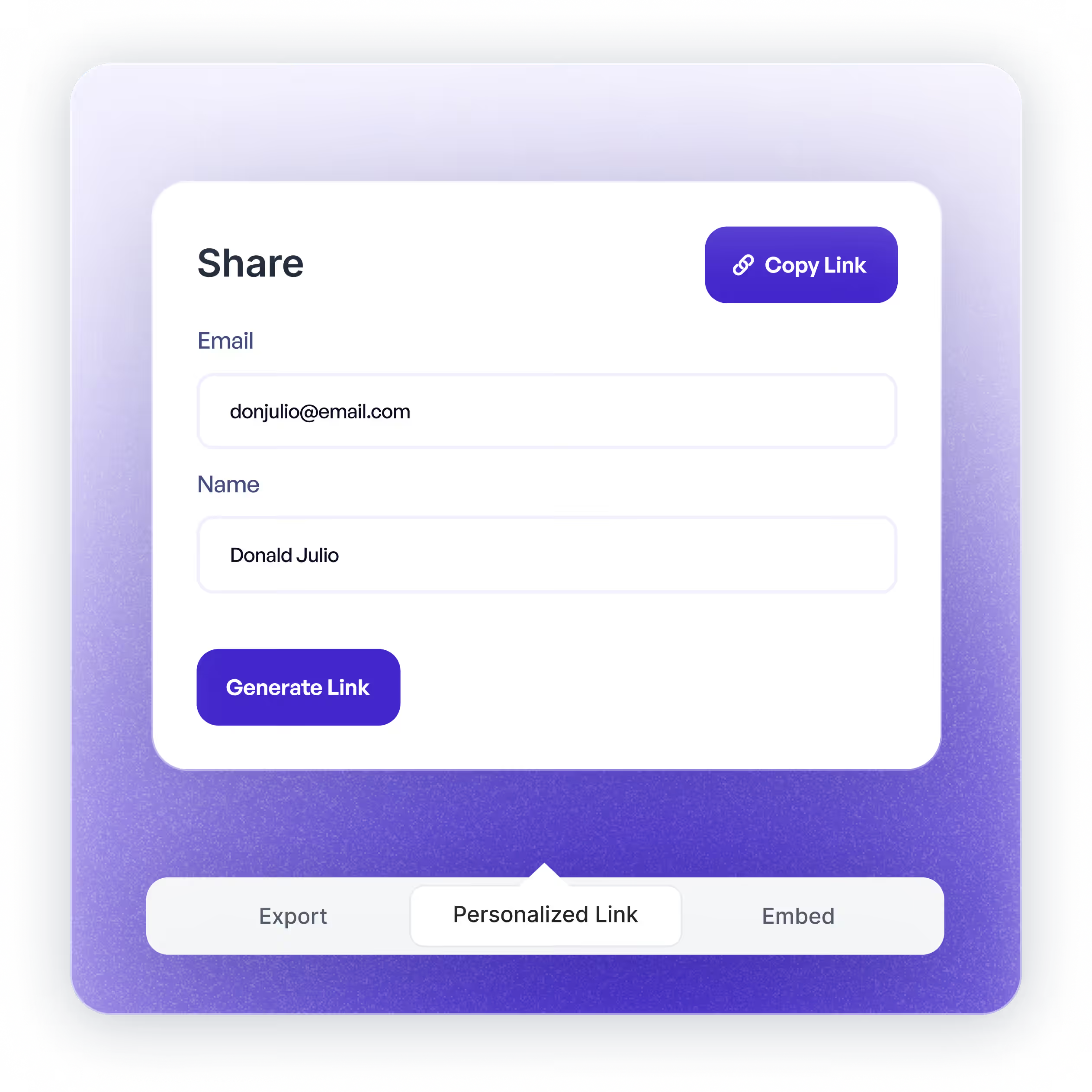
Build comprehensive leave-behind resources with multiple related demos. Give prospects a complete view of your solution they can explore at their own pace after sales calls.
Close more deals by pre-qualifying prospects and involving decision makers through interactive product demos.
Supademo for Sales & Enablement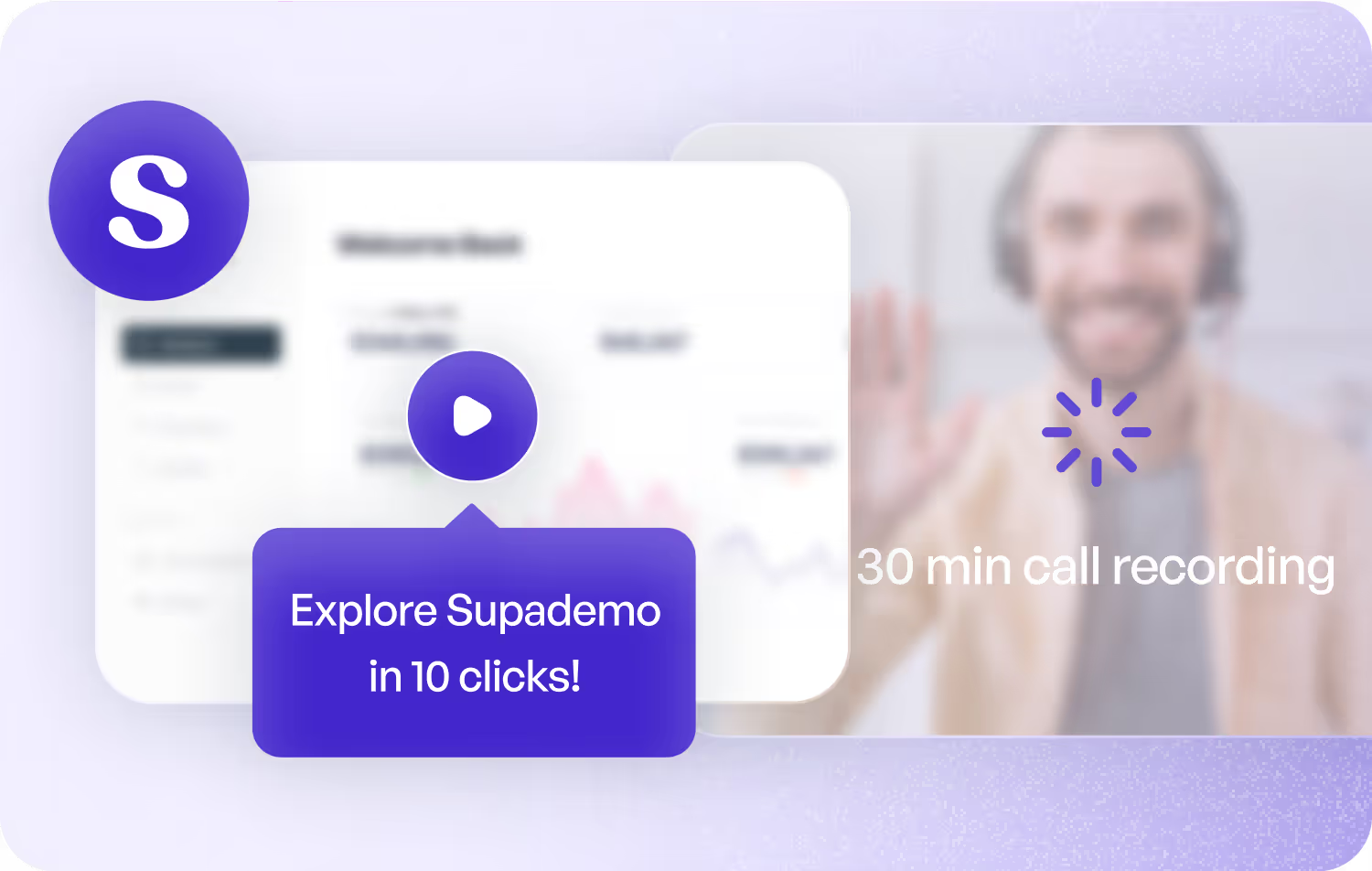
Demonstrate product value propositions through interactive visualization rather than static content, without requiring subscriptions or paywalls.
Supademo for Marketing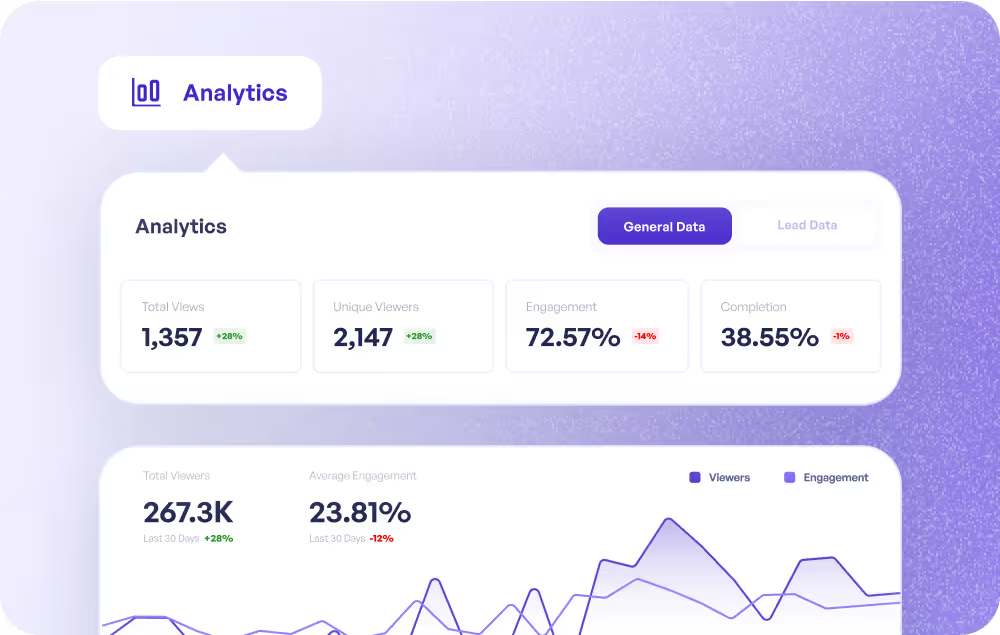
Enable CS teams to proactively guide customers, drive deeper adoption, and celebrate wins using interactive demos that educate and inspire at scale.
Supademo for Customer Success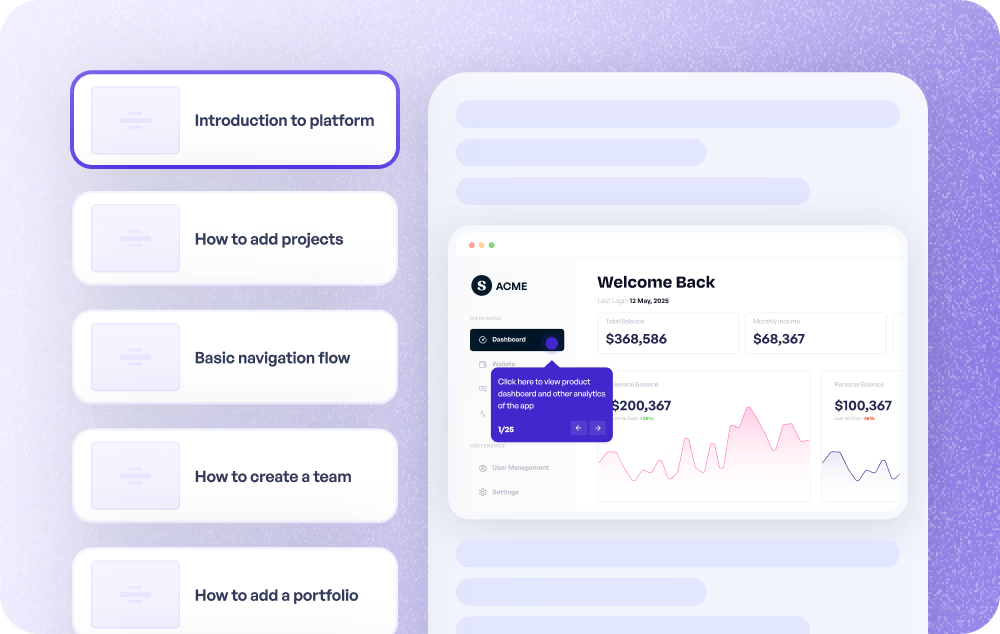
Modernize customer onboarding with guided interactive demos that teach key features, shorten learning curves, and accelerate product adoption.
Supademo for Onboarding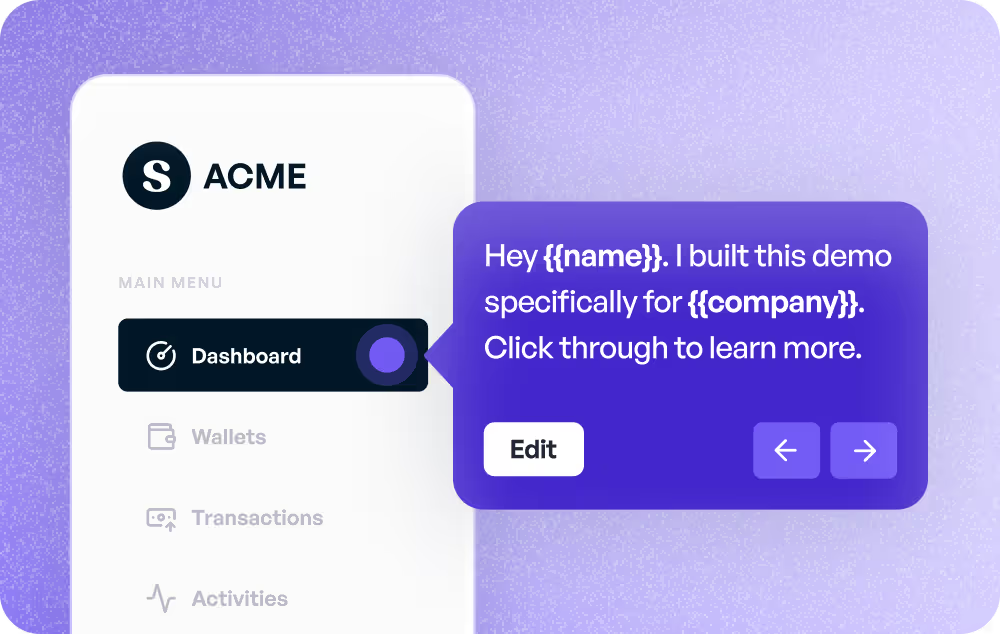
Minimize support tickets and speed resolution by providing interactive walkthroughs and tutorials that deliver immediate answers when customers need them.
Supademo for Customer Support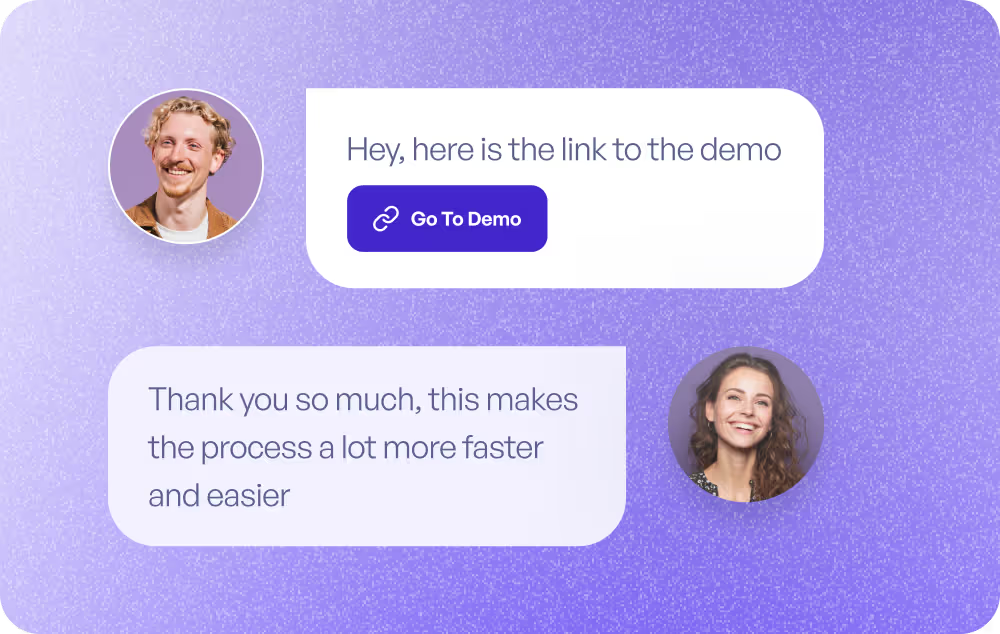
Leverage interactive demos as prototypes to validate new features, gather early feedback, and refine experiences before development begins.
Supademo for Product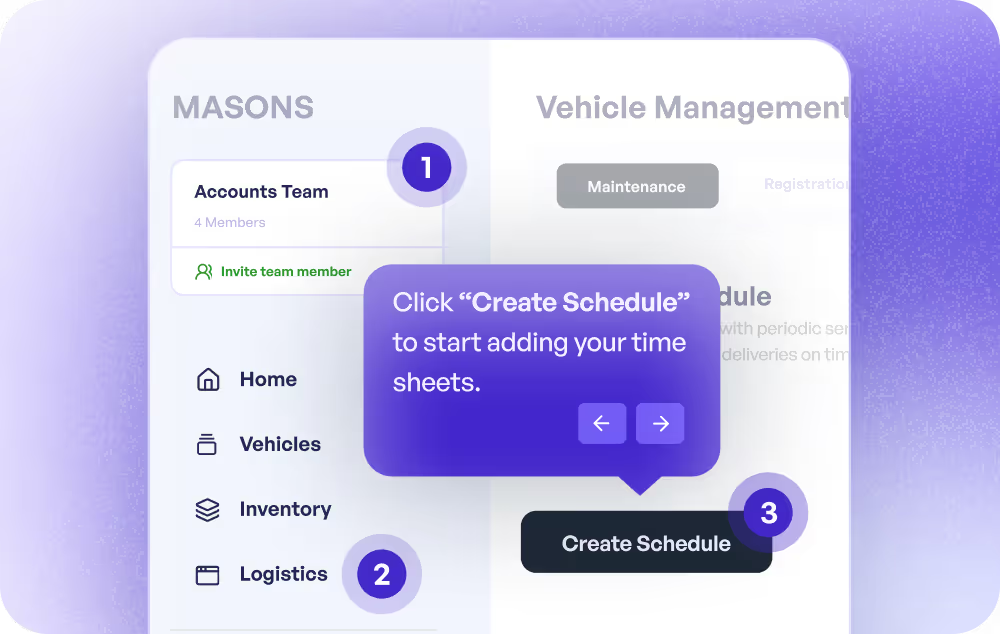
Empower employees to self-directed learning through asynchronous guides embedded in documentation, manuals, and learning platforms.
Supademo for Training & Education
Commonly asked questions about Supademo. Have other questions? Reach out and our team will be happy to help.

A Showcase collection is a multi-demo experience that combines related Supademos into one cohesive presentation. You can organize demos into modular sections by product, feature, use case, or persona, allowing viewers to explore multiple interactive product demonstrations through a single URL or embed.
Creating a Showcase involves three steps: first, create modular sections to organize your content; second, search and add relevant Supademos to each section; third, share or embed anywhere. You can distribute Showcases via embedded links on websites or help centers, standard sharing links, or tracking links with detailed analytics.
Showcases are ideal for modular onboarding (structured experiences that drive activation and reduce time-to-value), multi-flow product tours (comprehensive feature showcases organized by persona or workflow), and self-paced leave-behinds (resources prospects can explore after sales calls to understand your full solution).
Yes, Supademo provides unified analytics for Showcase collections including aggregate views, engagement rates, and completion metrics across all included demos. You can also track which specific demos within the Showcase are most popular and where viewers spend the most time.
There's no limit to the number of demos you can include in a Showcase. You can organize unlimited demos across multiple sections, making Showcases perfect for comprehensive product libraries, learning academies, or extensive onboarding resources. The modular structure keeps content organized and easy to navigate.