Onboarding Snapshot
Activation Event
First LinkedIn prospecting campaign created
Time-to-Value
~6–8 minutes, 19 steps to first campaign
Primary Strength
Goal-anchored setup drives toward campaign creation
Primary Risk
Pre-value question volume slows time to activation
Overview
Dripify keeps the destination visible from the first screen — every step points toward launching a campaign, not configuring an account. The friction is the question volume before the dashboard: five qualification questions before showing any product value makes the signup feel like a form when it should feel like an entry point.
What Should You Steal?
Swipe through actionable takeaways from this onboarding flow.
How Dripify Anchors Onboarding Around an Outcome
From the first screen, the framing is different.
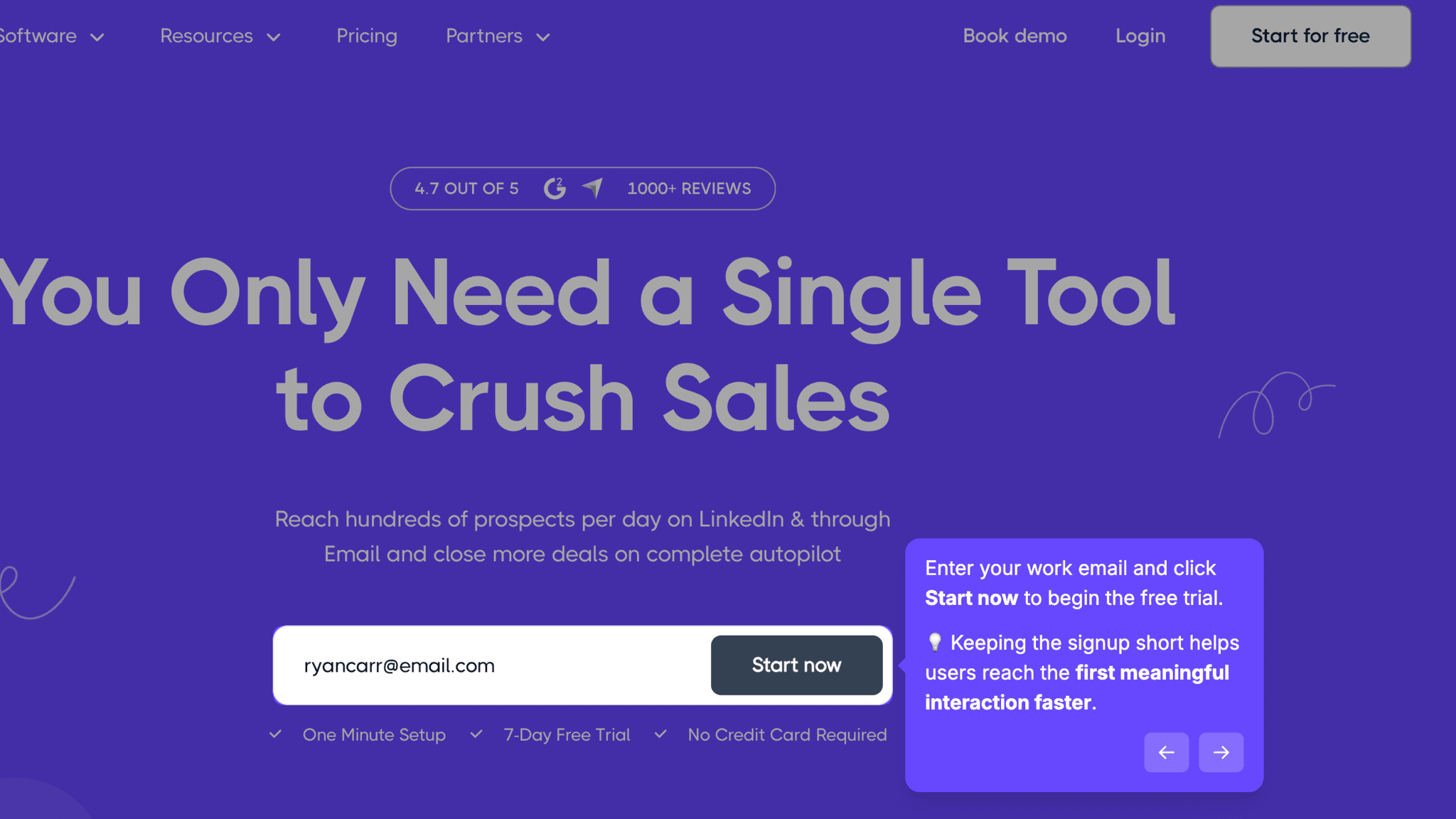
Instead of a feature tour or a welcome modal, I'm told I'm here to launch my first LinkedIn prospecting campaign. That framing holds through every step — use case selection, LinkedIn connection, the walkthrough — all of it points toward the same destination. Most onboarding flows treat setup as a prerequisite to value. Dripify treats it as the path to value.
How Dripify Uses Product Bumpers
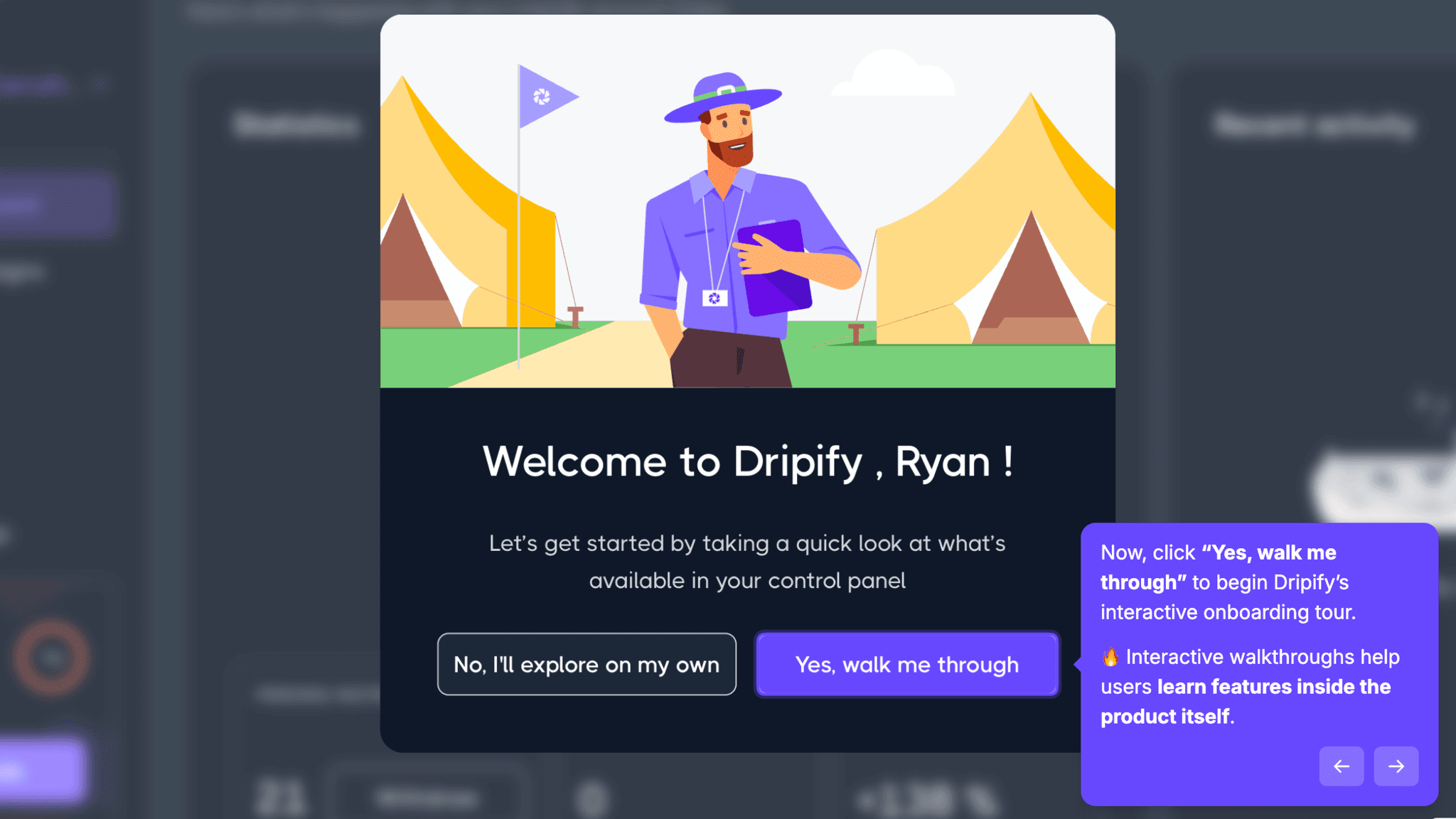
The interactive walkthrough shows a step counter alongside a 'Skip tour' option at every point.
I always know how much is left and can exit without penalty. That combination removes the anxiety most tooltips create — nobody wants to be trapped inside a tutorial with no visible exit. The walkthrough also ends in the right place: not on a confirmation screen, but in the Campaigns tab with a prompt to create my first campaign. The guidance ends exactly where the actual work begins.
How Dripify Personalizes Onboarding by Job-to-Be-Done
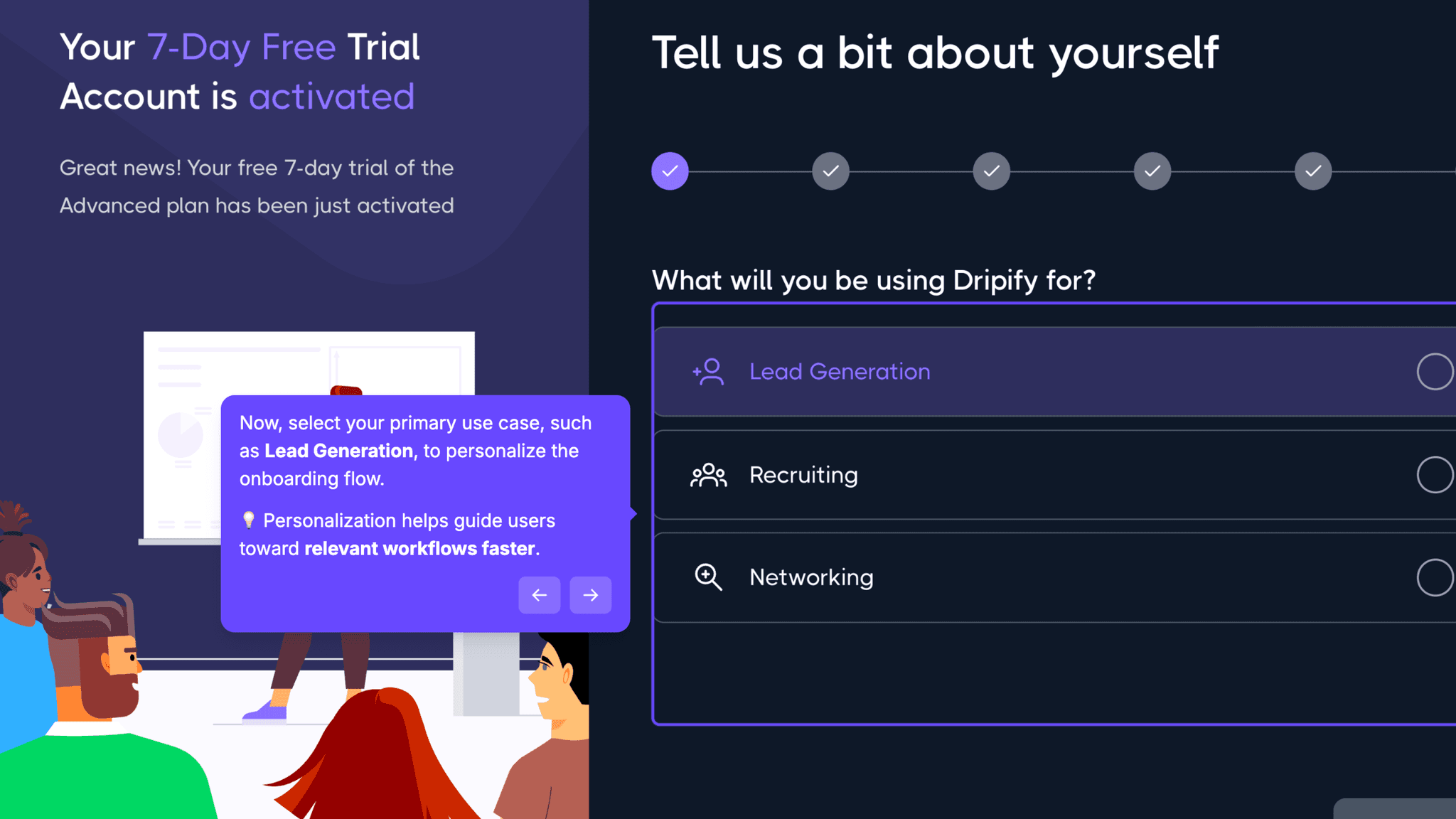
Before I see the dashboard, Dripify asks about use case, industry, role, team size, and whether I've used LinkedIn automation before.
Five questions. The answers likely shape which templates appear first, and the intent is clear. The problem isn't the questions — it's when they're asked. I'm describing myself and my goals before I've seen what the product actually does. Moving one or two of those questions to after the first campaign is created would reduce that friction without losing the personalization payoff.
Onboarding Tactics That Work
Outcome-framed setup — campaign creation, not feature discovery
LinkedIn integration requested early, tied directly to core value
Interactive tour with visible step count and always-present skip option
7-day trial with exact expiry date shown on dashboard
Where There's Friction
5+ questions before any product value is shown
No preview of the product before connecting LinkedIn
Teammate invite prompt appears before activation event
No confirmation or next prompt after first campaign is created
When Is the In-App Activation Moment?
The activation event is creating my first LinkedIn prospecting campaign. That's the moment I've moved from filling out an account to actually using the product for its core job.
Getting there takes roughly 19 steps. About half are essential: signup, LinkedIn connection, use case selection, the walkthrough that lands me in the Campaigns tab. The other half, team size, industry, prior automation experience, teammate invites, sit between signup and the dashboard without adding any visible product value. They're not blocking activation, but they're adding time before I see anything that resembles the product working.
The walkthrough handles progress visibility well. The step counter is present throughout, the skip option never disappears. What goes missing is what happens after I create that first campaign. The flow guides me clearly to that point, then goes quiet. No confirmation, no prompt for what to do next, no signal that something meaningful just happened.
The activation moment is reached. It just isn't marked.
The Bottom Line on Dripify's Onboarding
Dripify does one thing better than most: it keeps the destination visible. Every screen points toward the same outcome, and by the time I reach the Campaigns tab, it doesn't feel like I've been through a setup flow. It feels like I've been walking toward something. That's harder to pull off than it sounds.
The honest critique is the question volume before the dashboard. Five qualification questions in a row makes the signup feel like a form. Moving two or three of them to after the first campaign is created, where they'd inform the second session rather than delay the first, would make the onboarding noticeably faster without losing the personalization intent.
End your guided tour where the real work begins, not on a confirmation screen.
FAQs
Common questions about Dripify's onboarding flow and what makes it effective.
How does Dripify onboard new users?
Dripify starts with a short signup, email, name, and password, then connects your LinkedIn account and collects role and goal context before launching an interactive dashboard tour. The tour ends in the Campaigns tab, where creating your first LinkedIn prospecting campaign is the core activation event. The full flow runs roughly 19 steps.
What makes Dripify's onboarding experience stand out?
The outcome framing is the standout. Most tools open with a feature overview. Dripify opens with the goal of launching a campaign and holds that framing through every step. The interactive walkthrough's step counter and always-visible skip option also reduce the friction that most tooltip-based tours create.
How long does it take to reach value in Dripify?
Based on the walkthrough, it takes roughly 6 to 8 minutes and 19 steps from signup to creating a first campaign. That's longer than it needs to be. Several qualification questions before the dashboard add time without adding clarity. The core path, signup, LinkedIn connection, tour, campaign creation, could realistically happen in 3 to 4 minutes.
How does Dripify's onboarding compare to other SaaS tools?
Dripify's outcome-first framing is closest to what HeyReach does in the outreach space — both products anchor early onboarding around a real campaign action rather than a feature overview. Where Dripify has more friction is the pre-dashboard question volume, which is heavier than most comparable tools in the gallery.