4K screen recorder built to replace them all
Record your screen and webcam in up to 4K, edit for free, and share instantly. A free replacement for Loom, Vidyard, Screen Studio, Camtasia, and more, with interactive demos when you want to go beyond video.
Everything you need to record, for free
A complete screen and webcam recorder
Everything you need for professional screen recording, editing, and sharing, with none of the usual paywalls.
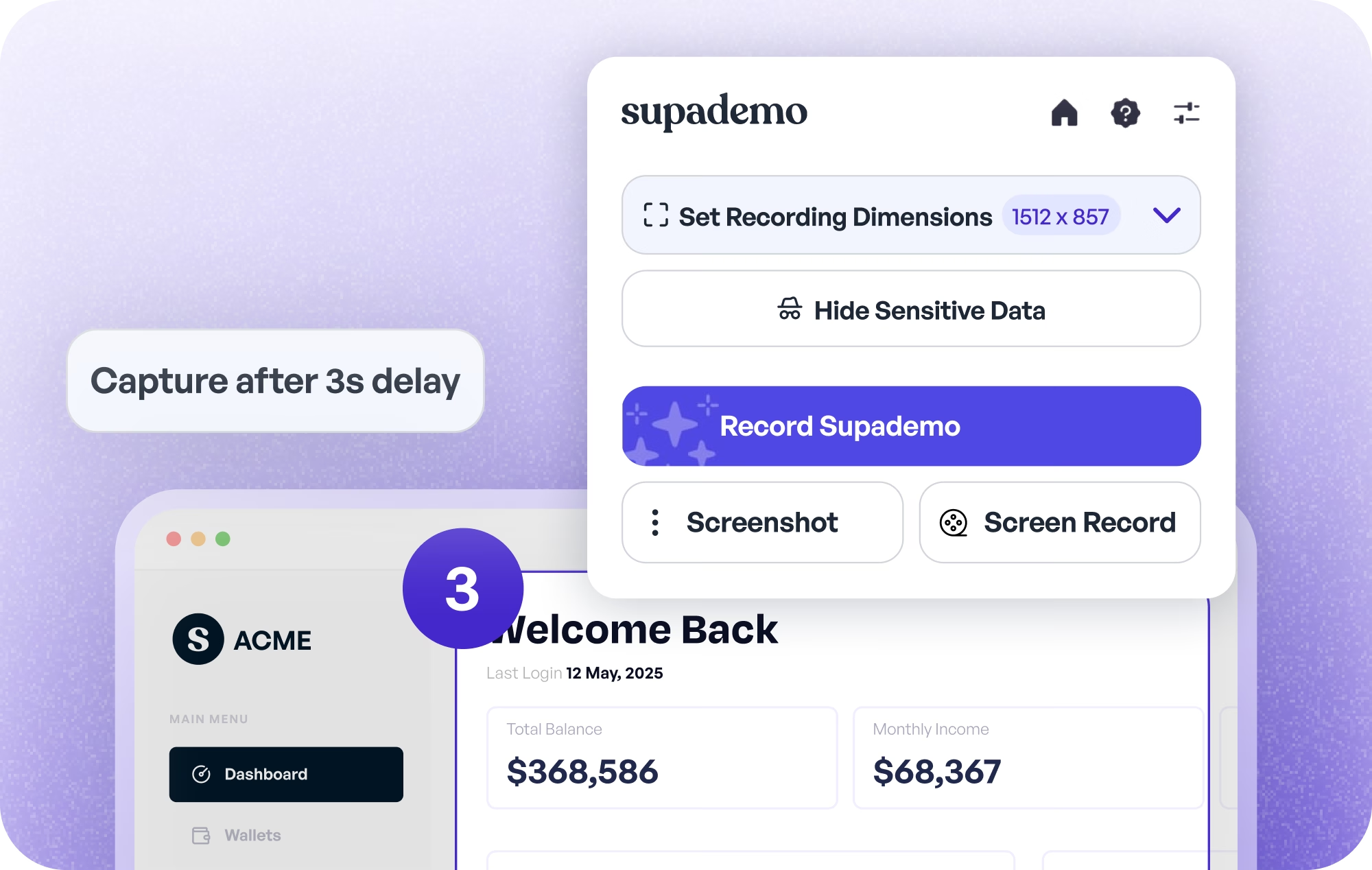
Smart Recording
Record your screen and camera together in up to 4K, with a resizable webcam bubble you can position anywhere on screen.
- One-click screen + webcam recording in up to 4K
- Resize and reposition the talking-head bubble freely
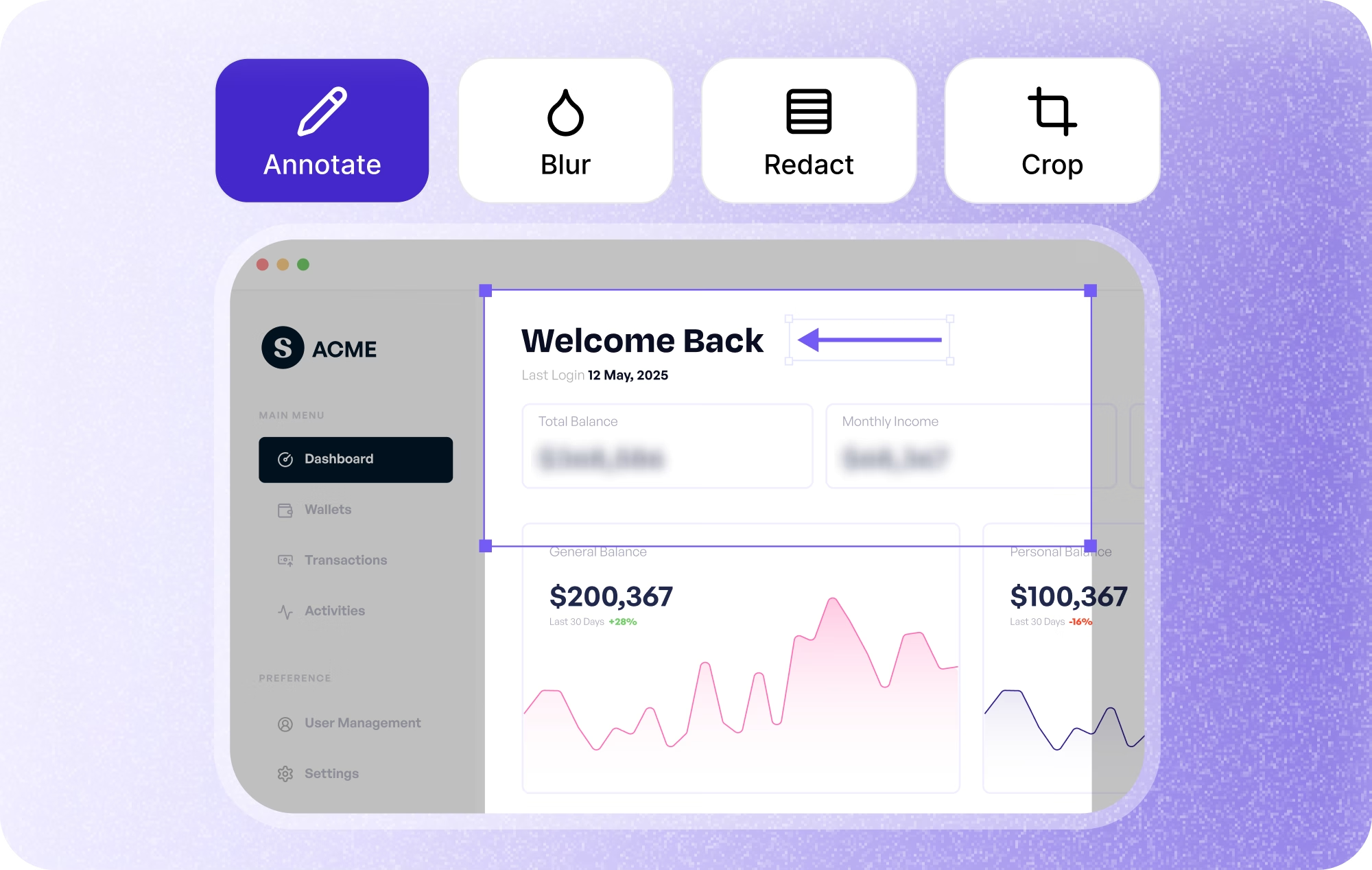
Free Editing
Trim, cut, crop, mute, and adjust playback speed, all included free. No paid upgrade and no separate editor to buy.
- Easy cropping, trimming, and muting
- Playback speed controls and thumbnails
- No paid plan required to edit
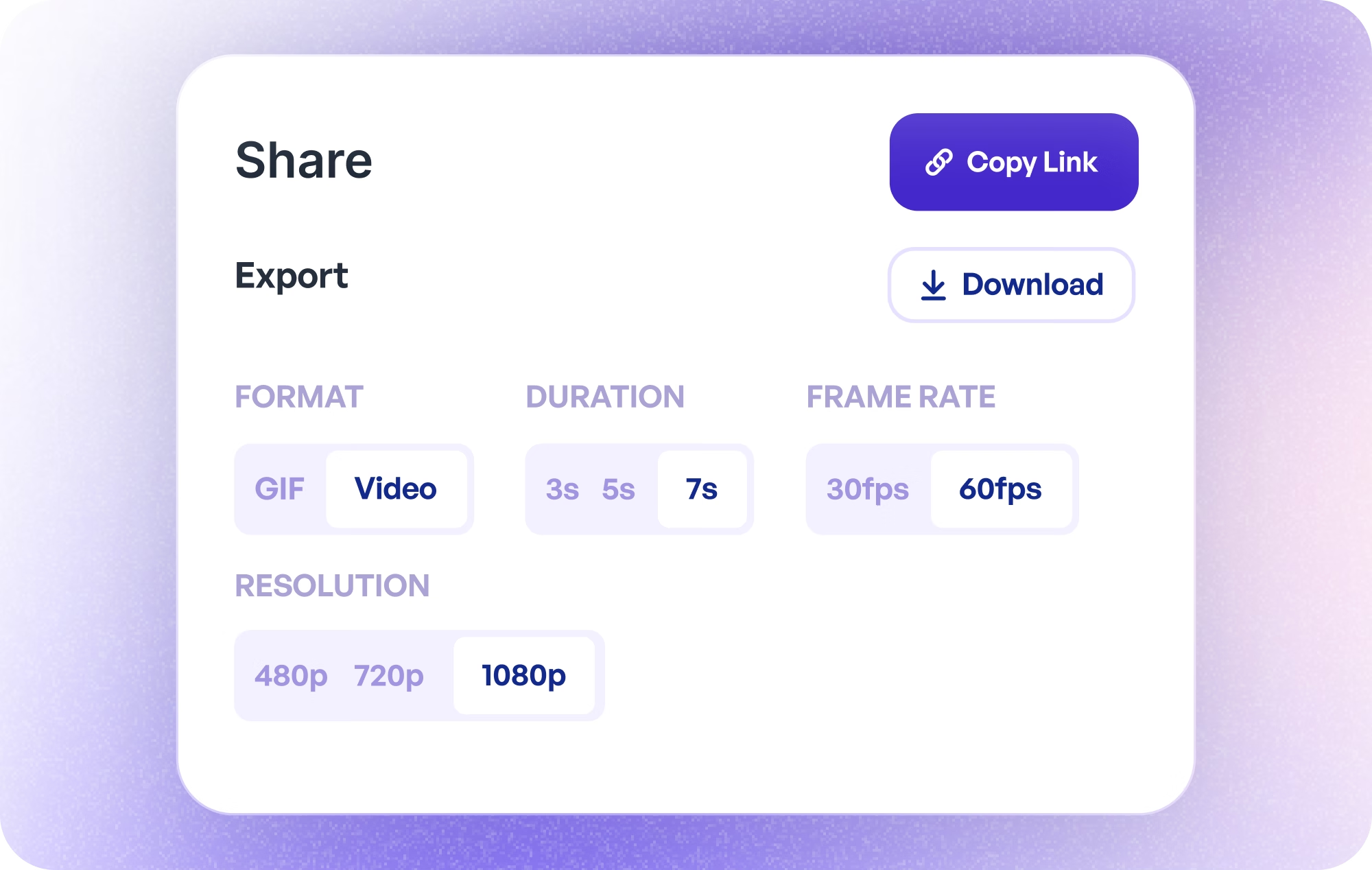
Trackable Sharing
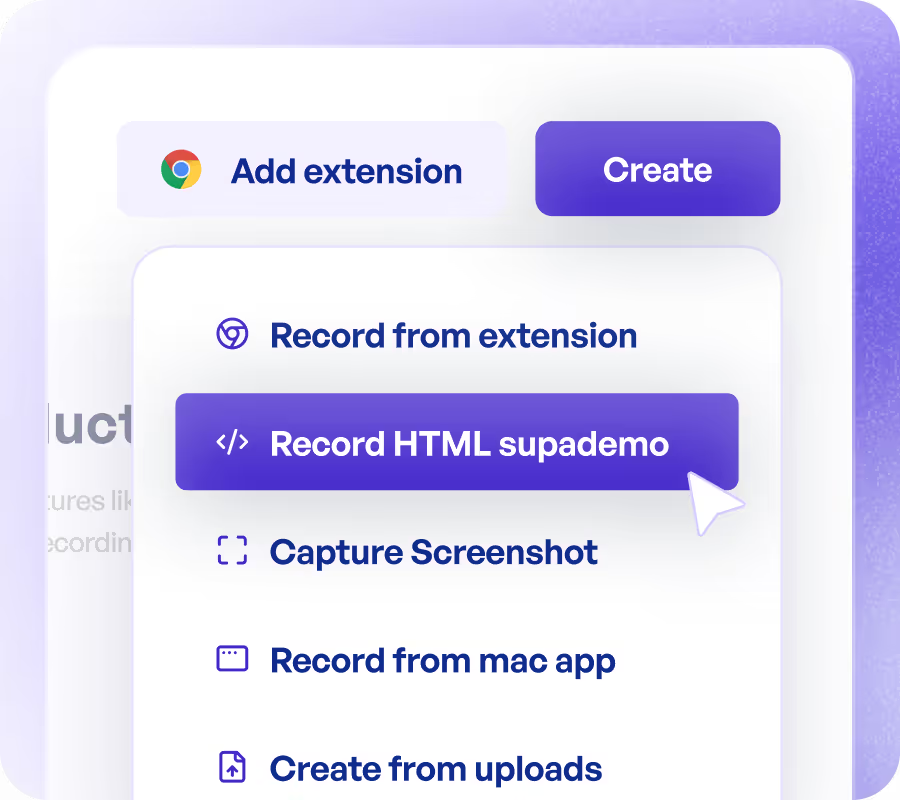
Share as trackable links, download in multiple formats, or convert directly to interactive Supademos.
- Auto-generate video sharing links
- One-click conversion to interactive demos
- Multiple download formats (MP4, GIF)
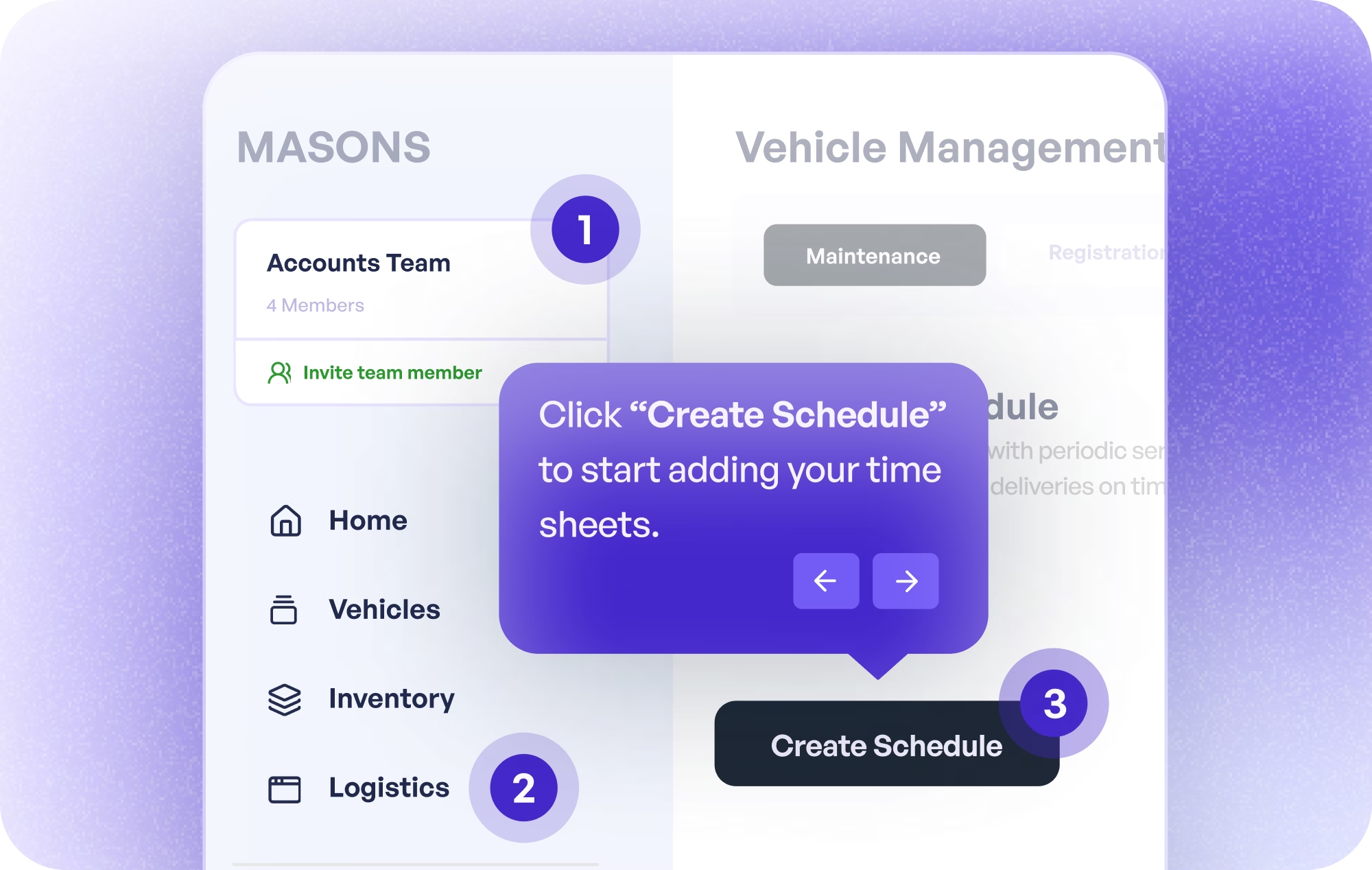
Add Interactive Elements
When you want to go further, turn any recording into a guided, interactive demo, something a plain screen recorder can't do.
- Clickable hotspots and CTAs
- Demo chapters, forms, and password protection
- Conditional branching and tracking
Why is Supademo better than other screen recorders?
Supademo records and edits in up to 4K for free, with longer recordings and no per-seat fees, so most teams can drop a paid recorder entirely. Here's how it compares.
| Feature | Other recorders like Loom | Supademo (free) |
|---|---|---|
| Video quality | Often 720p | Up to 4K |
| Free videos | Capped, e.g. 25 | 50 |
| Recording length | Time-capped, e.g. 5 min | 10 minutes |
| Webcam | Fixed sizes | Freeform, any size and position |
| Editing | Paid plans only | Included free: trim, cut, crop, mute, speed |
| Pricing | Pay per-seat | Pay per workspace creator only |
Bring your recordings with you
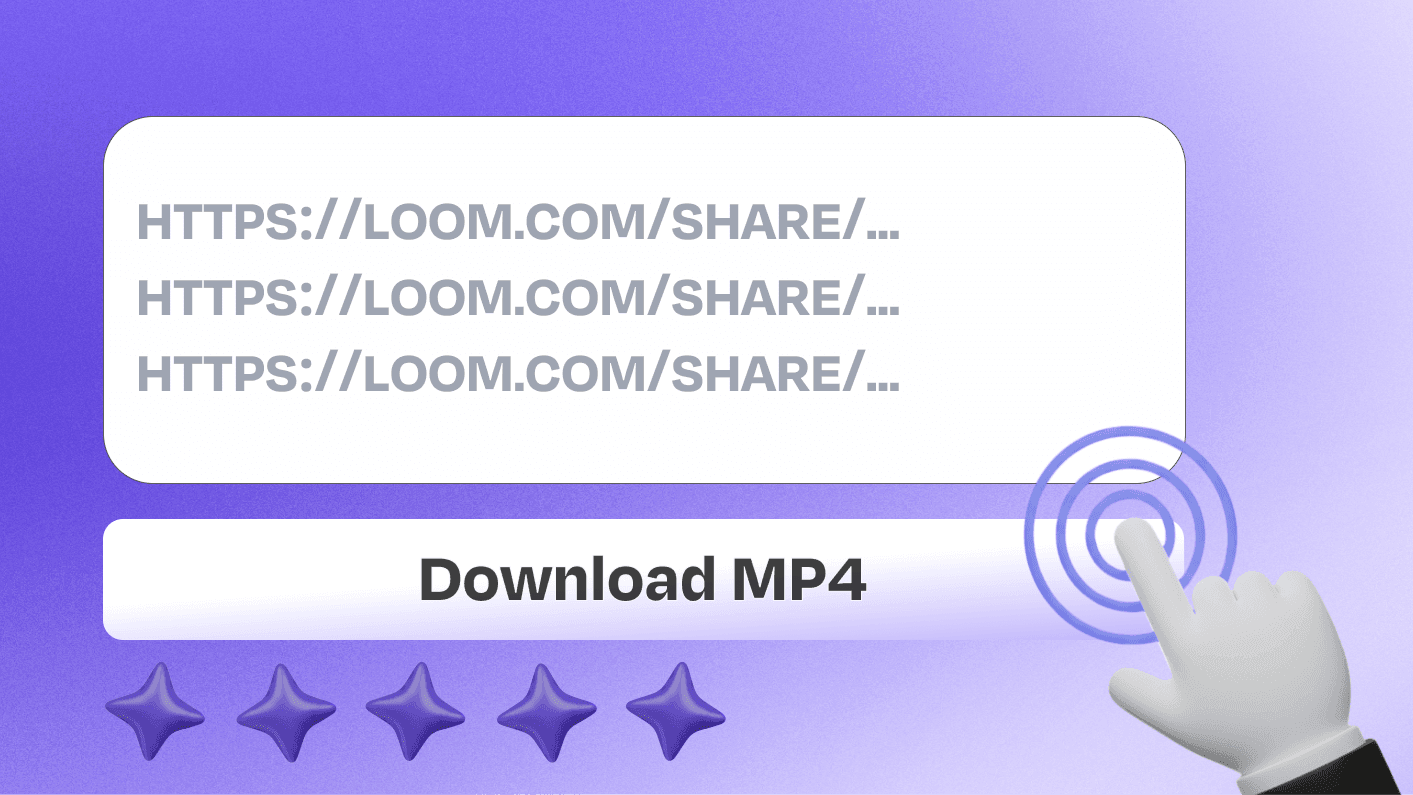
Moving off Loom takes minutes. Export your existing Looms as MP4 files with our free Loom video downloader, then pick up in Supademo, with no 5-minute limits or per-seat fees and free editing from day one.



Scale how your team demonstrates products
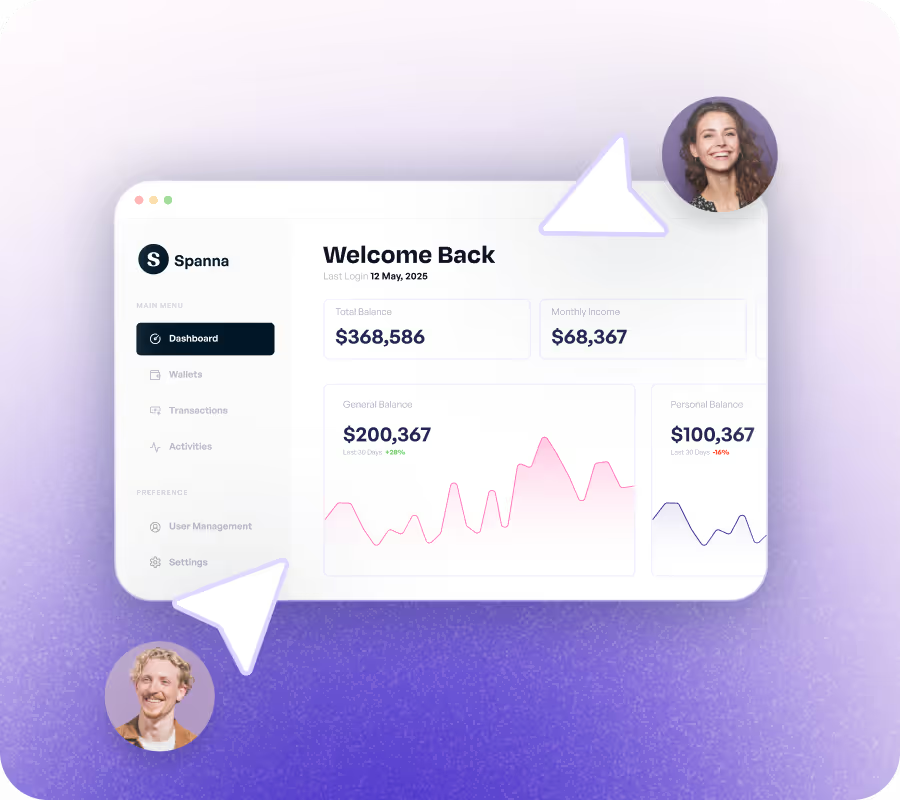
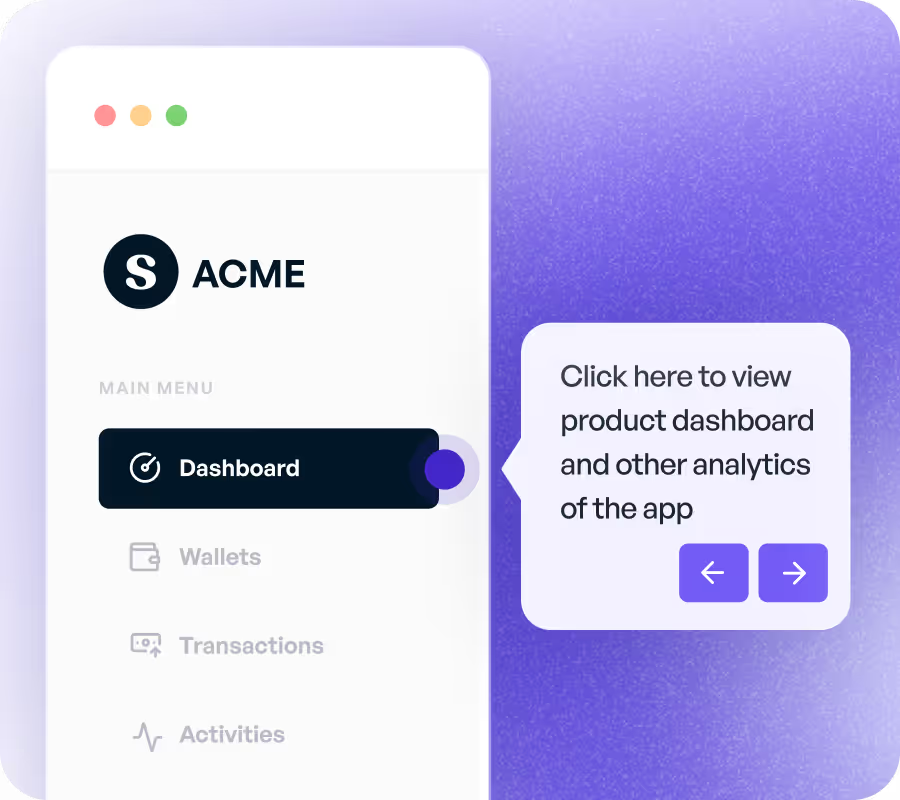
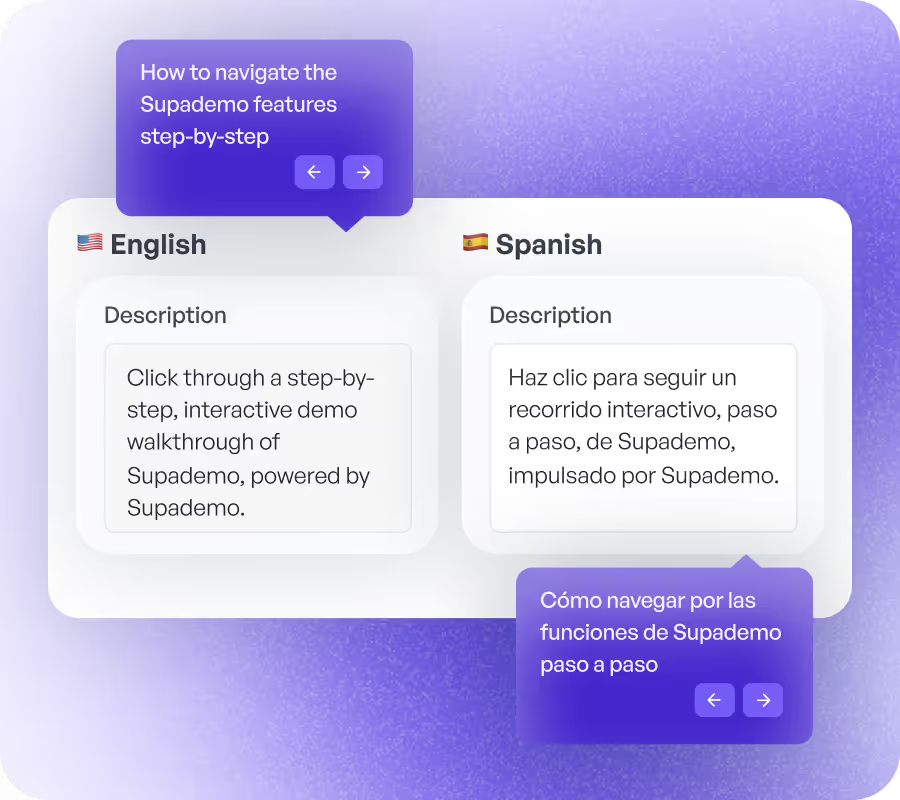
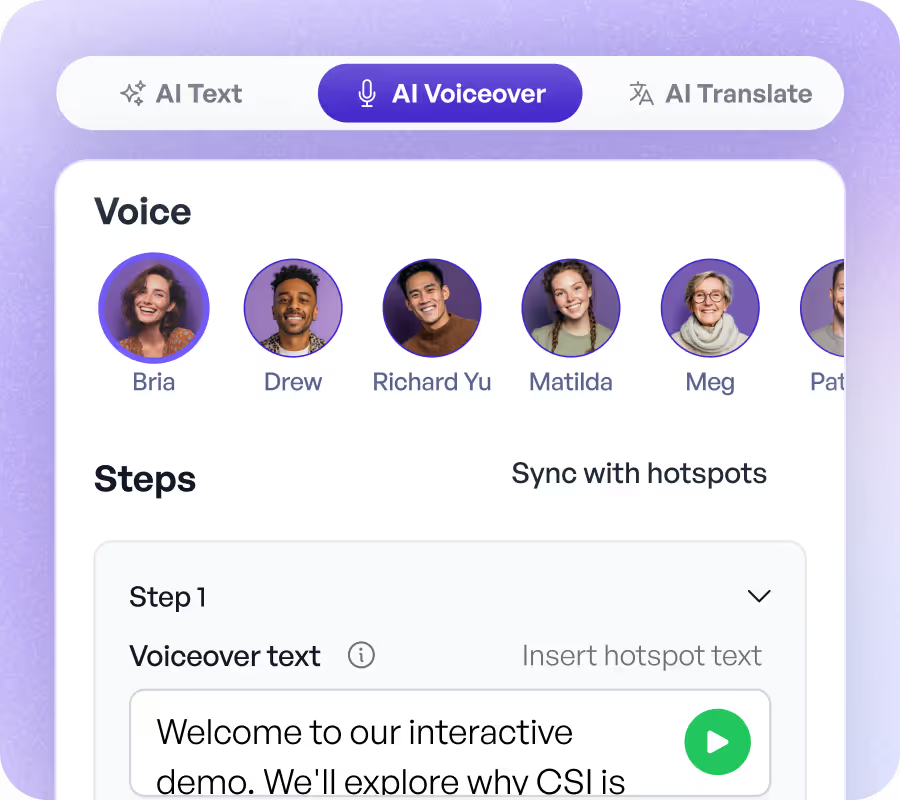
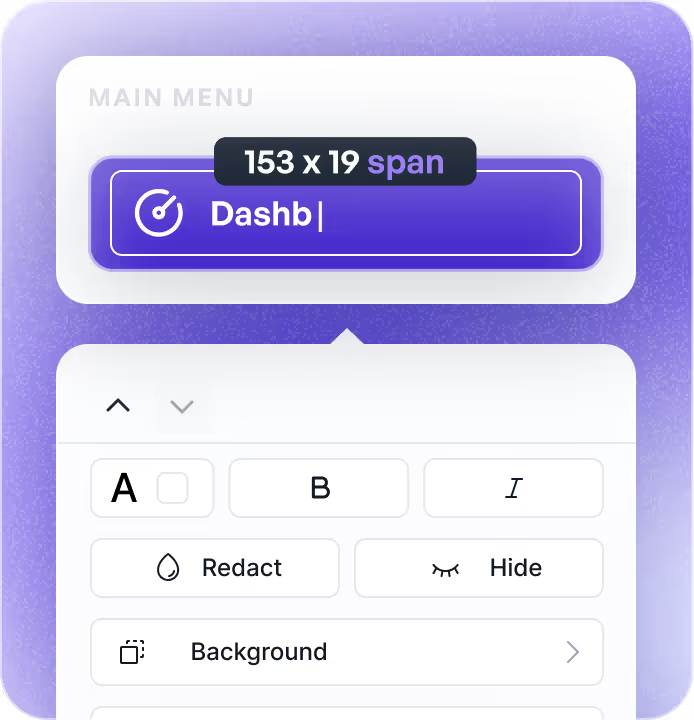
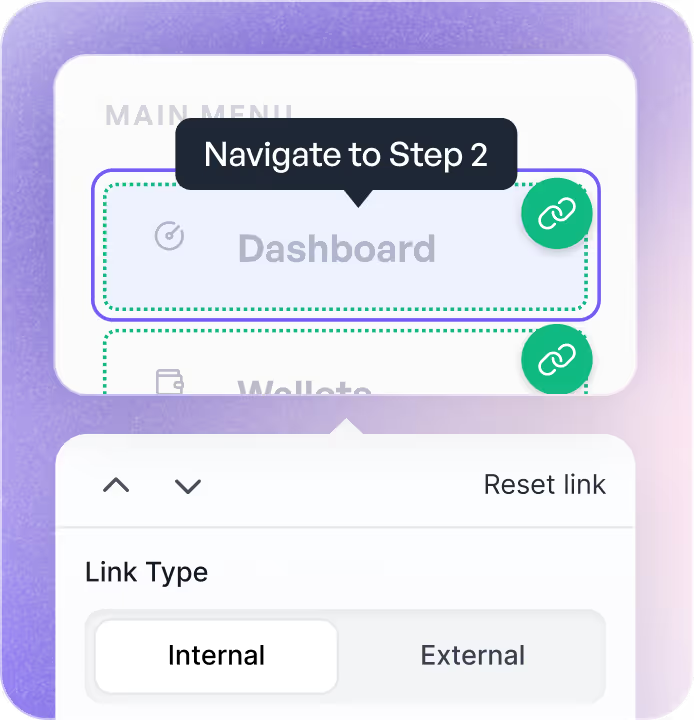
Drive conversions by personalizing your product demo with dynamic variables, conditional branching, custom branding and demo chapters.
Explore More Features
Screen recorder FAQs
Common questions about Supademo's free screen recorder and switching from tools like Loom, Vidyard, and Camtasia. Have other questions? Reach out and our team will be happy to help.
Record your screen, your webcam, or both together in up to 4K. Resize and reposition the webcam bubble anywhere on screen, add custom backgrounds and auto-zoom, then trim, crop, and share. It all runs in the browser with nothing to install.
Yes. Supademo records your screen and webcam together, and you can resize, restyle, and reposition the webcam bubble anywhere on screen, plus add custom backgrounds and auto-zoom to keep viewers focused.
Yes. Trimming, cutting, cropping, muting, thumbnails, and speed controls are all included free. There's no paid plan to unlock editing and no separate video editor to buy.
Supademo records in up to 4K, even on the free plan, so screen text and product UI stay sharp and readable in your recordings.
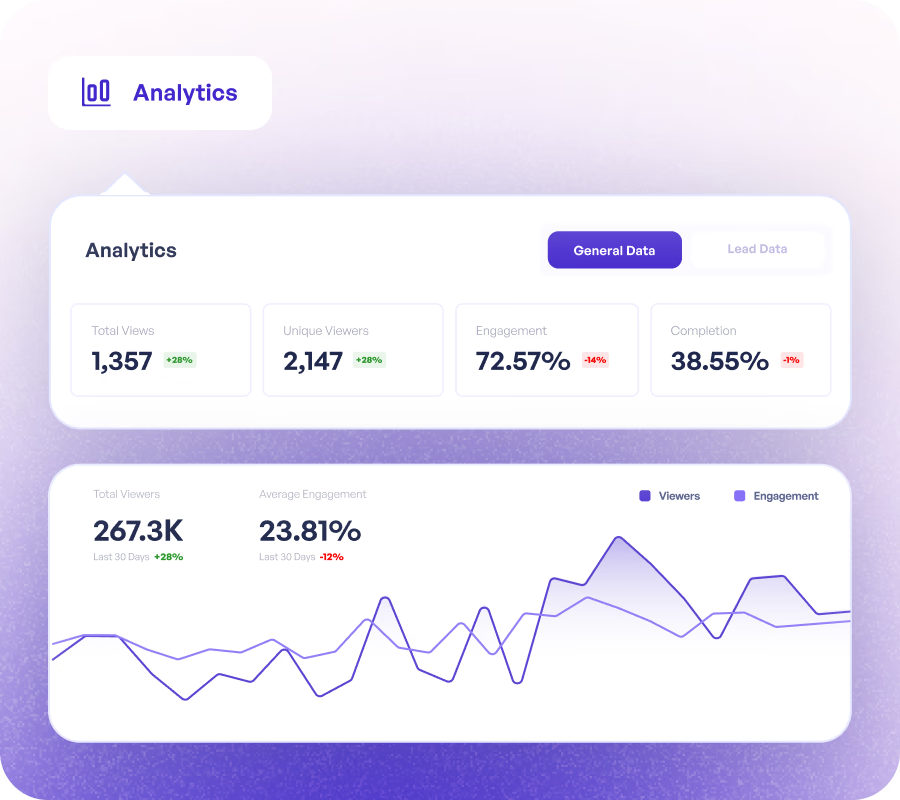
You can, though it's an optional next step, not something you have to use. When you want to, convert any recording into a guided, interactive demo, then add clickable hotspots, CTAs, lead capture forms, conditional branching, and analytics to measure engagement and conversions.
Yes. Supademo replaces the screen recorder, the editor, and the sharing tool in one free plan, then adds interactive demos on top. It records in up to 4K, includes editing for free, and has no per-seat fees, so most teams can drop a paid recorder entirely.
Sign up for Supademo free and start recording. There's nothing to install for browser recording. If you're coming from Loom, you can bring your existing content over with our free Loom video downloader to export your Looms as MP4 files before you move.