
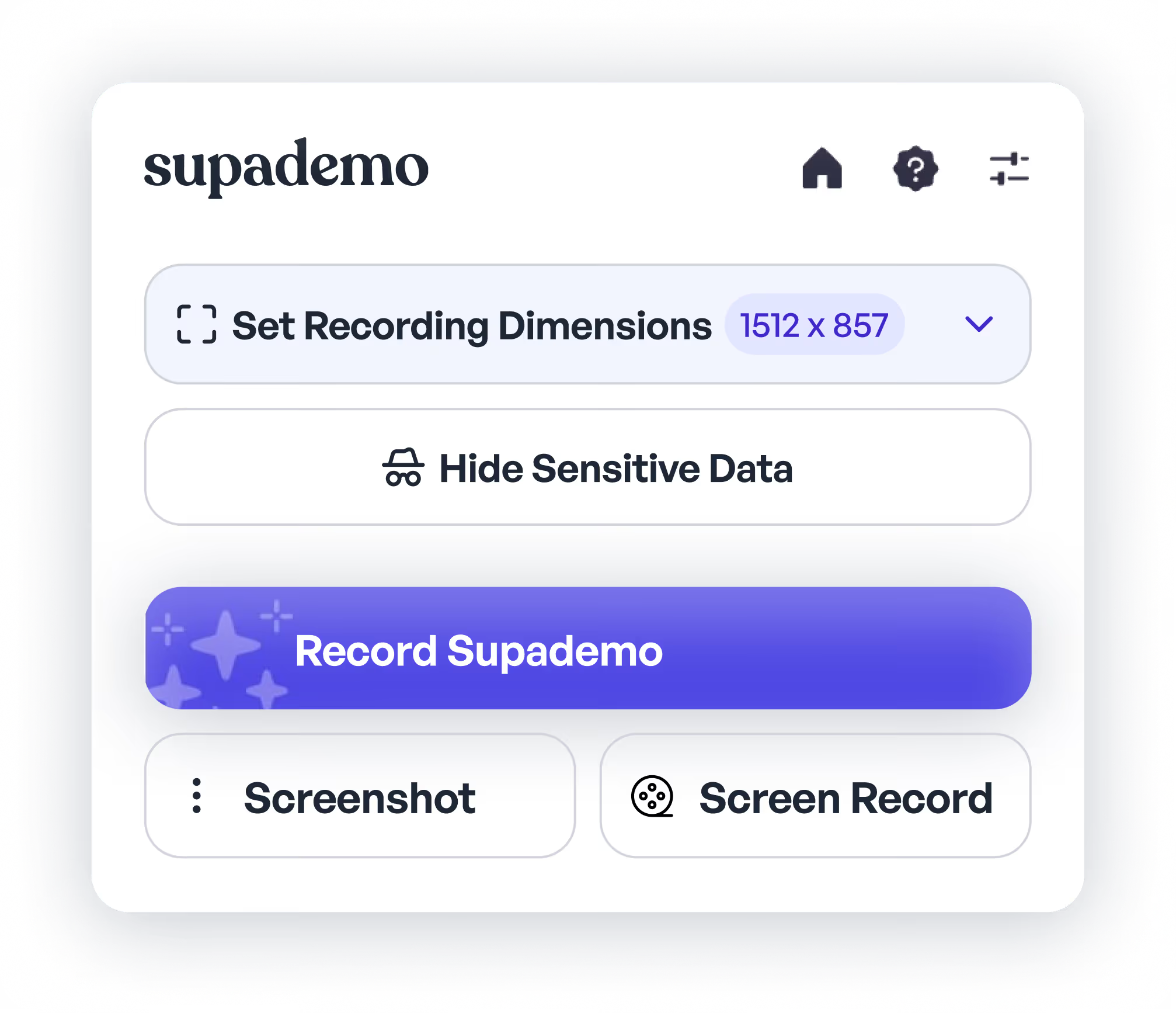
Record studio quality product demos

Bring life to your product demos to close more deals, drive enablement and scale product onboarding.

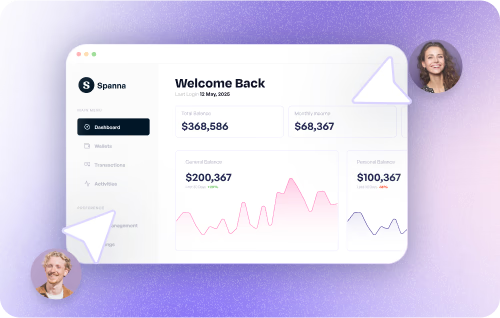
Demo recorder interface
Chrome extension demo recorder

Chrome Extension Recording

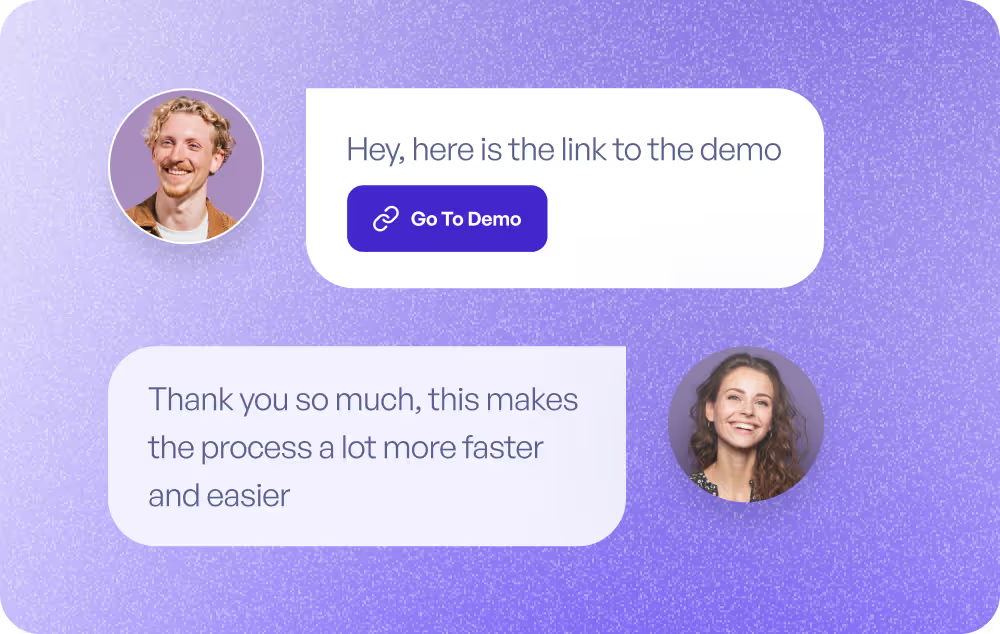
Record interactive demos directly in your browser with our Chrome extension. Capture any web application with a simple click and create professional demos in minutes.

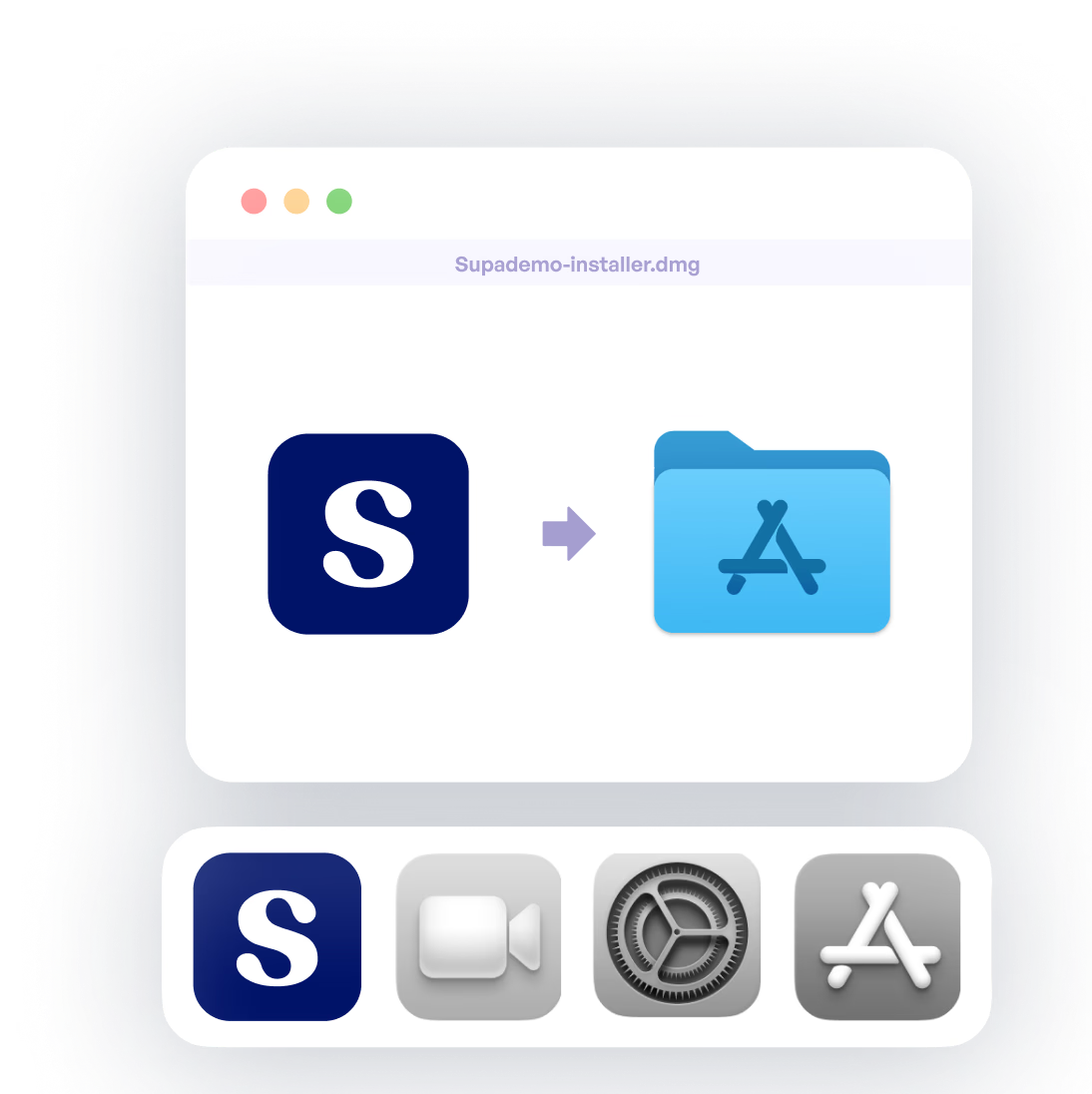
Mac desktop app recorder

Mac Desktop Recording

Record desktop applications, code editors, and any software on your Mac. Create comprehensive demos of native applications with our powerful desktop recorder.

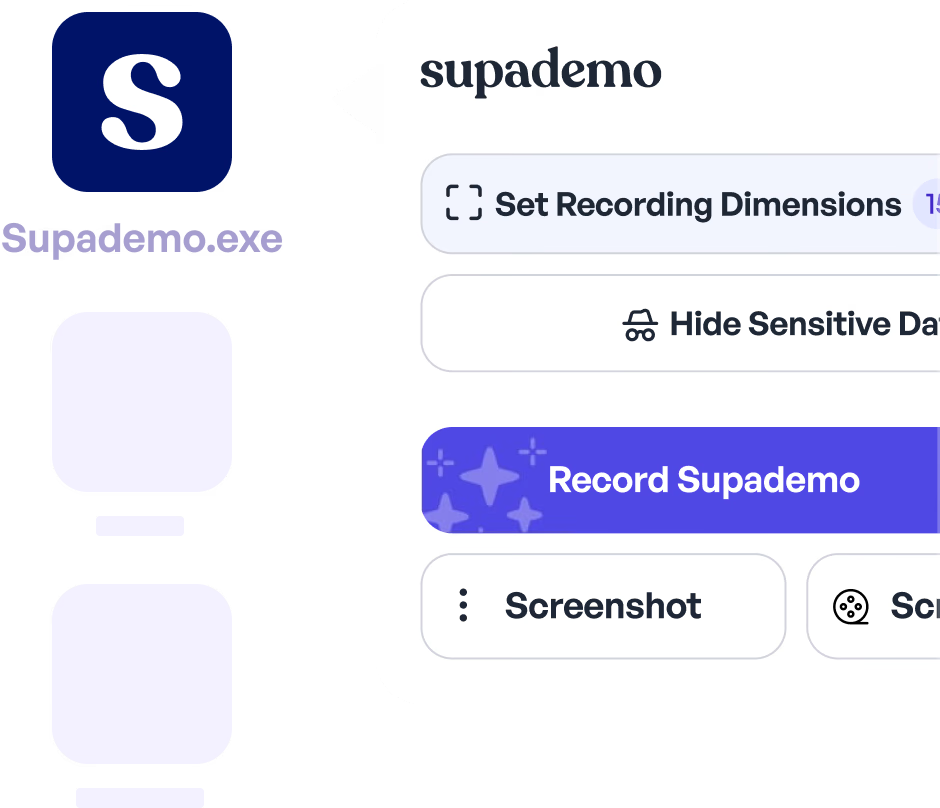
Windows desktop app recorder

Windows Desktop Recording

Capture demos on Windows with our desktop application. Record enterprise software, desktop tools, and any Windows application with ease.

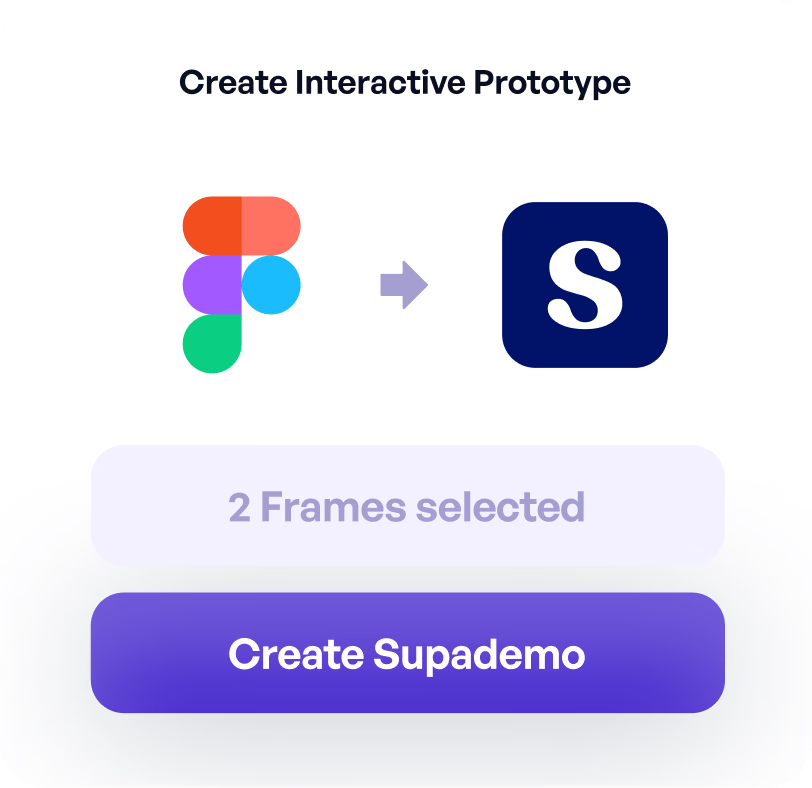
Figma plugin for creating demos

Figma Plugin

Transform your Figma designs into interactive prototypes with our Figma plugin. Create walkable demos directly from your design files without leaving Figma.

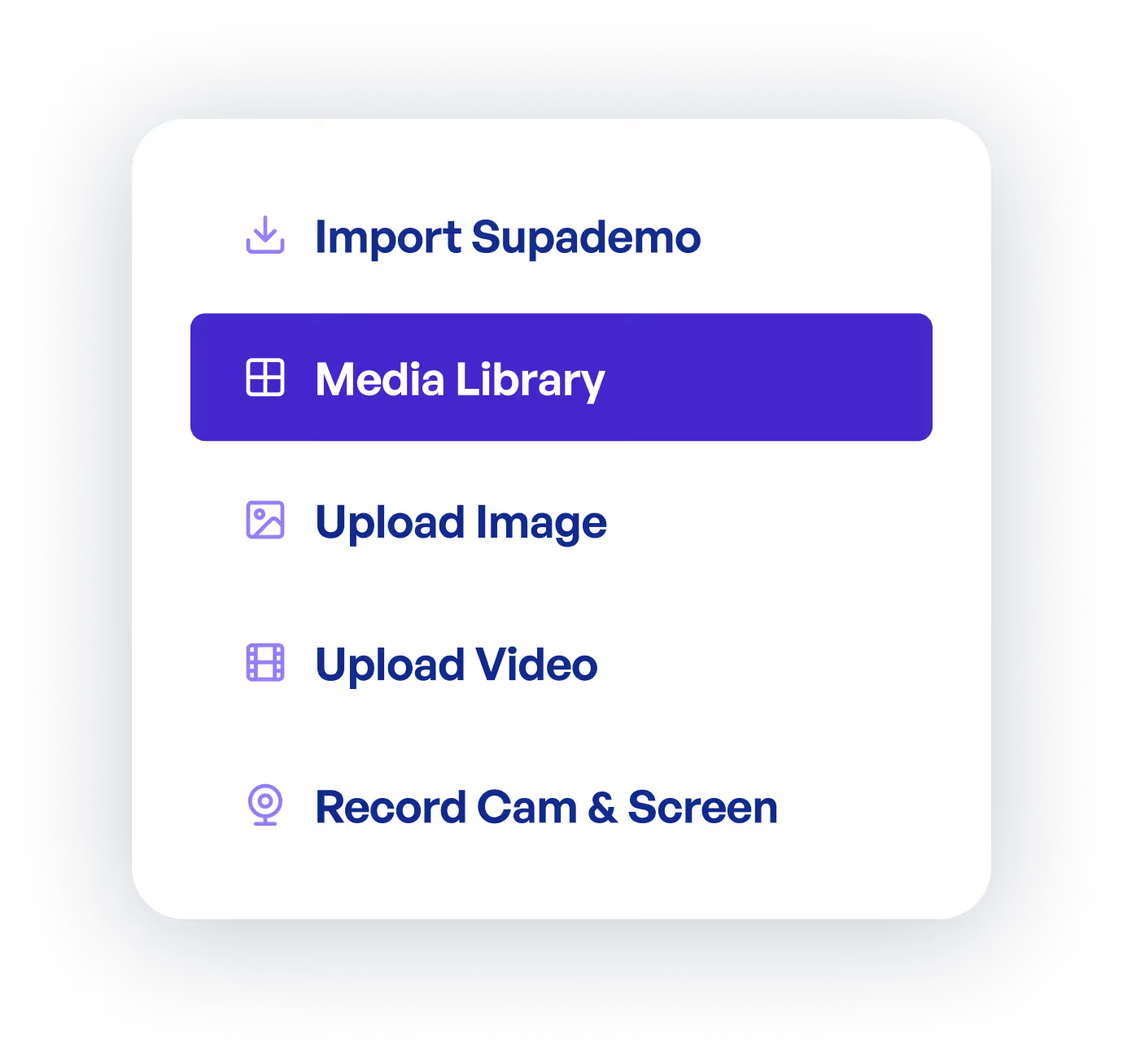
Upload videos and screenshots

Upload Video and Screenshots

Already have screenshots or videos? Upload them to Supademo and transform them into interactive step-by-step demos. Perfect for existing content repurposing.

Powerful uses cases for every team at your company

Qualify and close deals faster

Close more deals by pre-qualifying prospects and involving decision makers through interactive product demos.

Supademo for Sales & Enablement
Qualify and close deals faster

FAQs

Commonly asked questions about Supademo. Have other questions? Reach out and our team will be happy to help.

FAQ illustration

What methods can I use to record demos with Supademo?

Supademo offers multiple recording options: a Chrome Extension for capturing any web application directly in your browser, Mac and Windows desktop apps for recording native applications and software, a Figma plugin for transforming designs into interactive prototypes, and an upload feature to convert existing screenshots or videos into interactive demos.

What types of interactive demos can I create with Supademo?

You can create several types of demos including guided HTML demos (pixel-perfect front-end clones), guided screenshot/video-based demos, sandbox environments for self-guided exploration, and interactive prototypes from Figma designs. Each format serves different use cases from sales enablement to customer onboarding.

How long does it take to create an interactive demo?

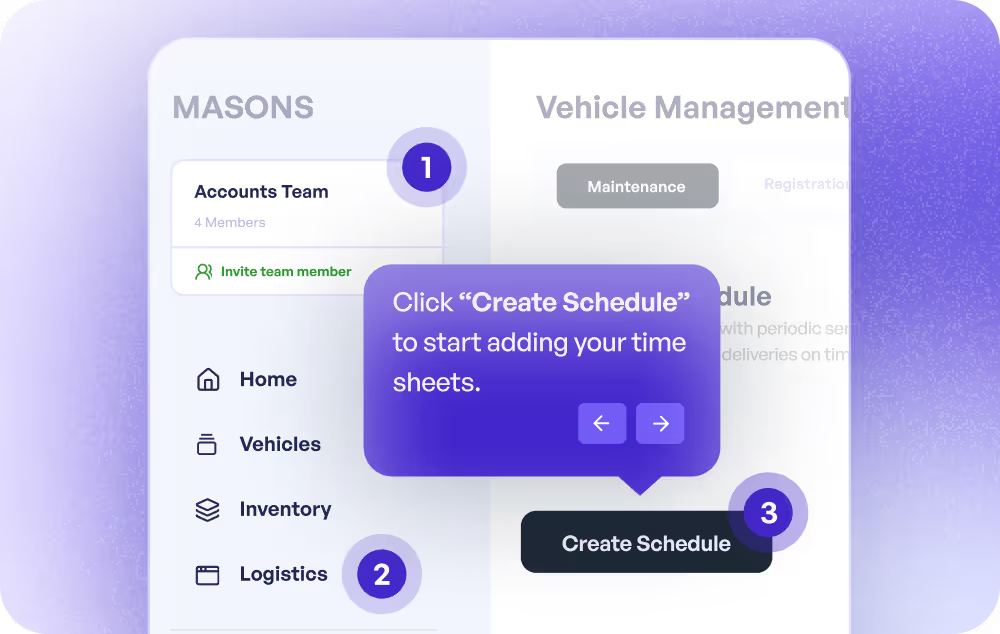
Creating a demo takes just minutes. Simply open Supademo's recorder, click through your product or workflow, and Supademo automatically captures each step and generates text descriptions. The platform transforms your clicks into an engaging interactive demo instantly, ready to be personalized with voiceovers, branding, and CTAs.

What is the difference between HTML demos and screenshot demos?

HTML demos capture pixel-perfect front-end clones of your product with full interactivity including hover states, animations, and clickable elements. Screenshot demos capture static images of each step but are faster to create and work for any application. HTML demos offer higher fidelity while screenshot demos provide broader compatibility.

Can I record demos of desktop applications or mobile apps?

Yes, Supademo's Mac and Windows desktop apps allow you to record any native application, code editor, or desktop software. For mobile apps, you can use screen mirroring to your desktop or upload existing screenshots and videos to create interactive mobile demos.

Trusted by 100,000+ professionals at leading companies

Jotform Logo
Spare Logo
Anvil Logo
Ledger Logo
Beehiiv Logo
Visma Logo
Lemlist Logo
Easy Logo
EngDB Logo
Helpjuice Logo
Alibaba Logo
Typeform Logo
Bullhorn Logo
Roserocket Logo
Turo Logo
RB2B Logo
Concentrix Logo
Posh VIP Logo
VRIFY Logo
Siemens Logo