Free AI Interactive Demo Builder
The free no-code interactive demo builder records any product flow and turns it into a clickable interactive demo with AI annotations, hotspots, and branching. Used by 100,000+ teams as their AI demo maker for sales, customer success, and product.
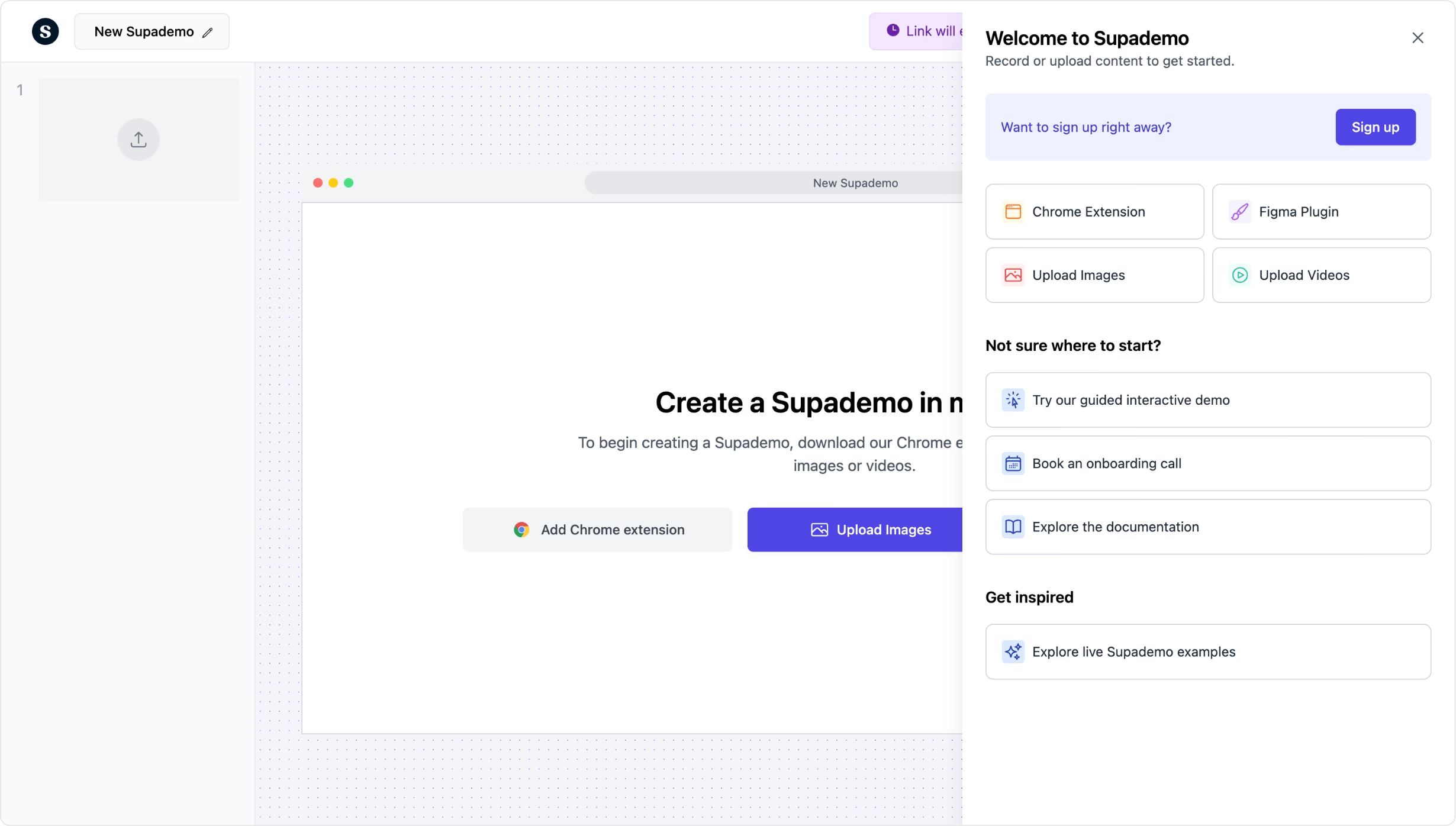
Build interactive product demos in minutes. Free to start.
Try free interactive demo builderTrusted by 200,000+ top operators and 3,000+ paying organizations


How to build an interactive demo with Supademo
Record your product flow
Install the Supademo Chrome extension and click through any workflow. Each click is captured as a step with auto-generated annotations. Works on any web app, desktop tool, or mobile screen.
Add hotspots, branching, and voiceovers
Drop in clickable hotspots, conditional branching paths, AI voiceovers, and zoom effects. Personalize the demo for different personas or verticals without re-recording.
Share or embed anywhere
Publish via shareable link, embed on your website or help center, or export as video, GIF, or PDF. Track who viewed, where they dropped off, and which paths they took.

What makes Supademo's interactive demo builder different
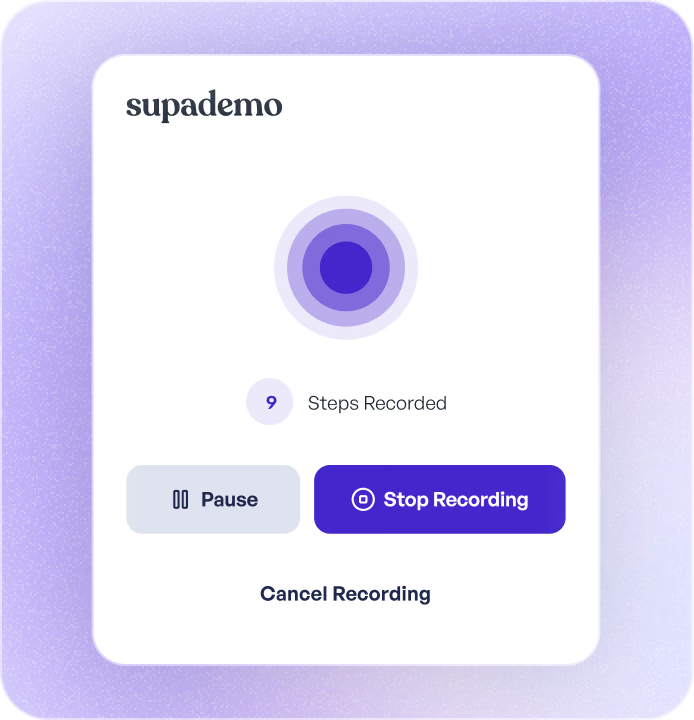
AI captures and annotates as you click
Most interactive demo builders require manual setup for every step. Supademo records your screen and uses AI to auto-generate descriptions, tooltips, and annotations. You edit the result instead of building from scratch. Tools like Navattic and Walnut need more hands-on configuration for every demo.
How AI demo capture works in Supademo →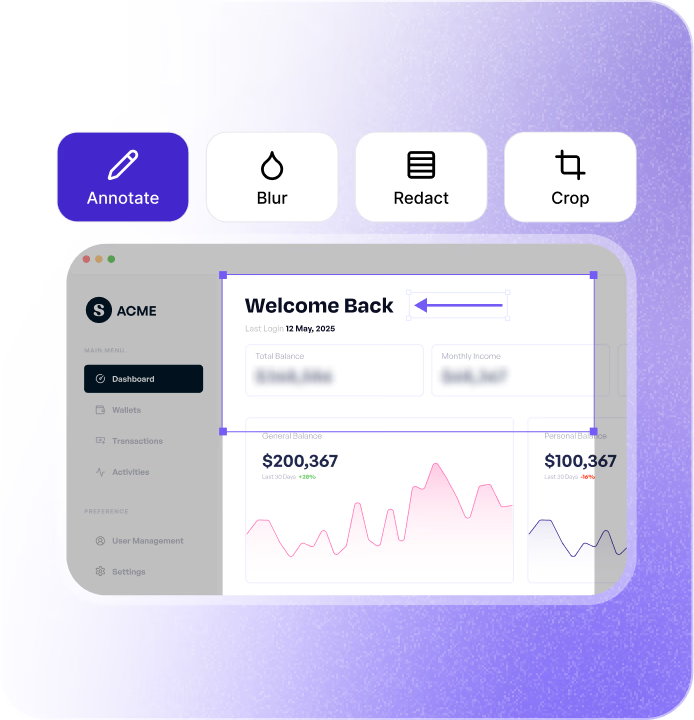
Branching paths let viewers choose their own journey
Set up conditional logic so viewers pick their role, use case, or feature interest and see a tailored demo path. Unlike Storylane or Arcade, Supademo supports multi-level branching without requiring you to duplicate entire demos for each audience segment.
How branching and personalization work →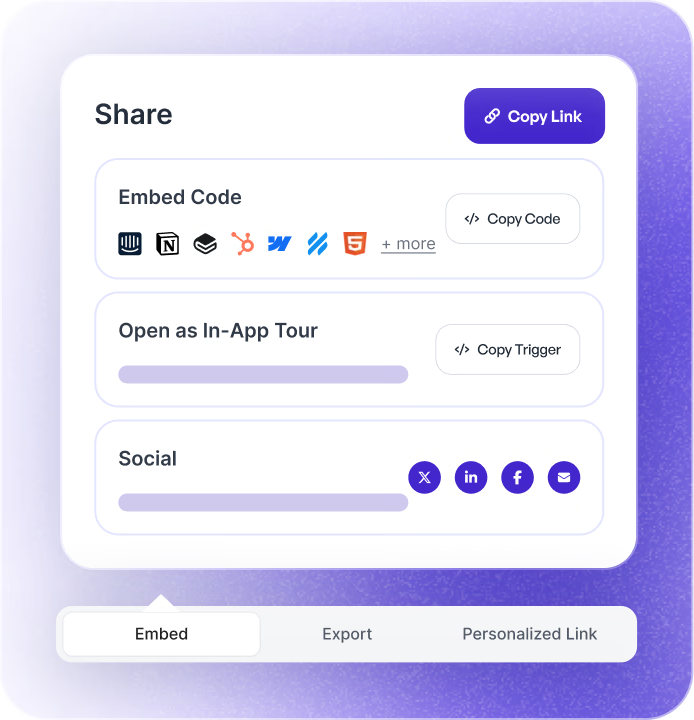
Analytics that show exactly where buyers engage or drop off
Track completion rates, step-level engagement, viewer identity, and drop-off points for every demo. Integrate with HubSpot or Salesforce to tie demo engagement directly to pipeline. Most competitors offer surface-level view counts by comparison.
How interactive demo analytics drive revenue →Why we built Supademo's interactive demo builder

“Spare runs 7+ product lines across four continents. Their pre-sales team used to rebuild demos for every market. They've since saved 50+ hours a month and accelerated over $1M in pipeline on Supademo's interactive demo builder. Per our 2026 research, 78% of teams reuse the same interactive demos across two or more use cases.”

“Multi-format output wasn't on our roadmap. A customer kept asking, 'can you export this as a video for LinkedIn?' We said no four times before realizing they were right. With Supademo's interactive demo builder, you record the demo once and the recording outputs as a screenshot, video, embed, or AI-narrated version.”
How teams use Supademo's interactive demo builder
Replace live demos with self-serve product experiences
Send interactive demos before and after sales calls so prospects can explore your product on their own time. Shorten sales cycles and reduce no-shows by letting the product speak for itself.
Supademo for Sales & Enablement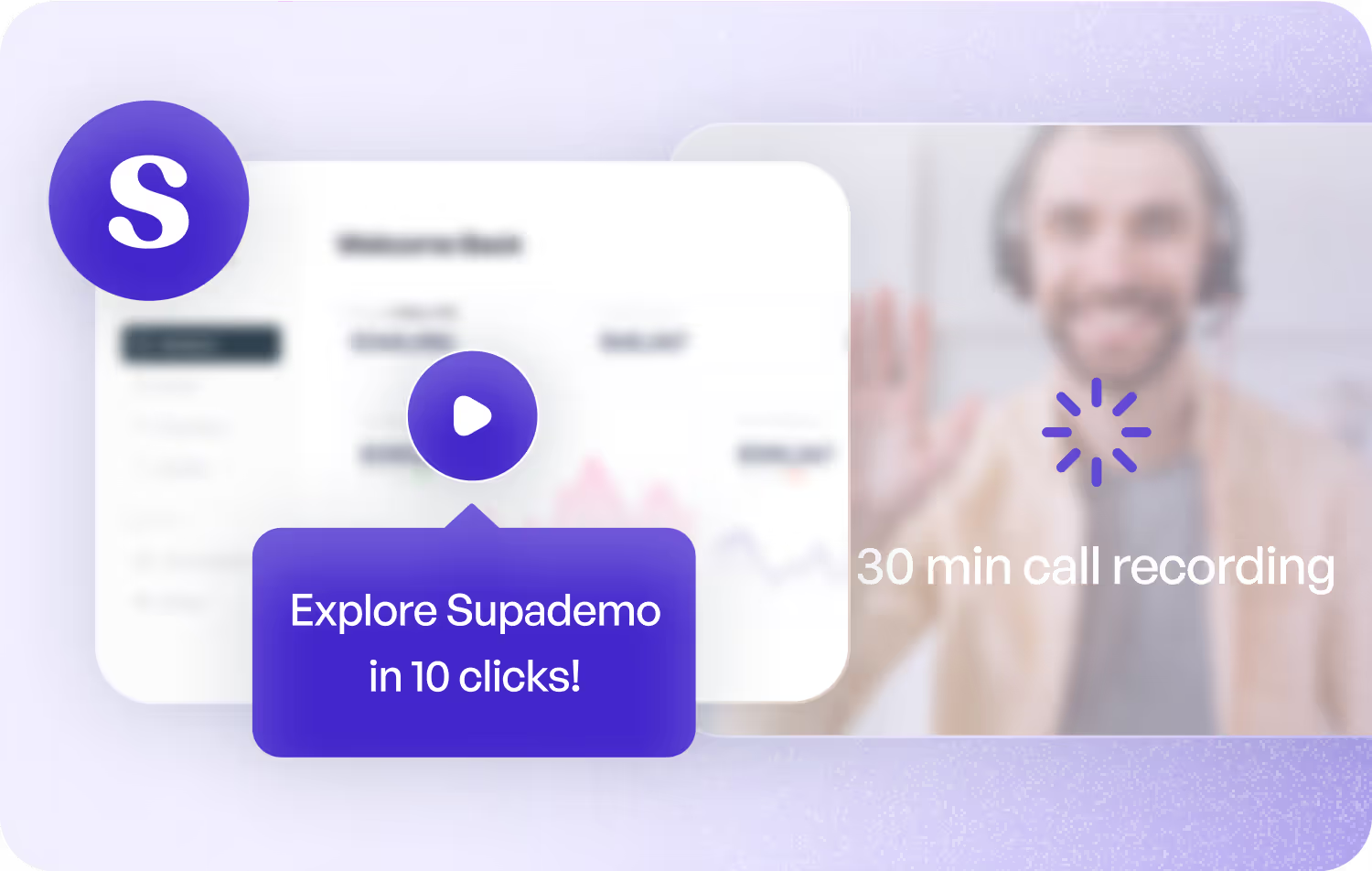
Embed interactive demos on your website and landing pages
Replace static screenshots and explainer videos with clickable product demos that convert. Embed on pricing pages, feature pages, and ad landing pages to show value before the signup.
Supademo for Marketing & Growth
Accelerate onboarding and feature adoption
Build interactive demos that walk new customers through key workflows step by step. Track which customers completed onboarding and which need a nudge.
Supademo for Customer Success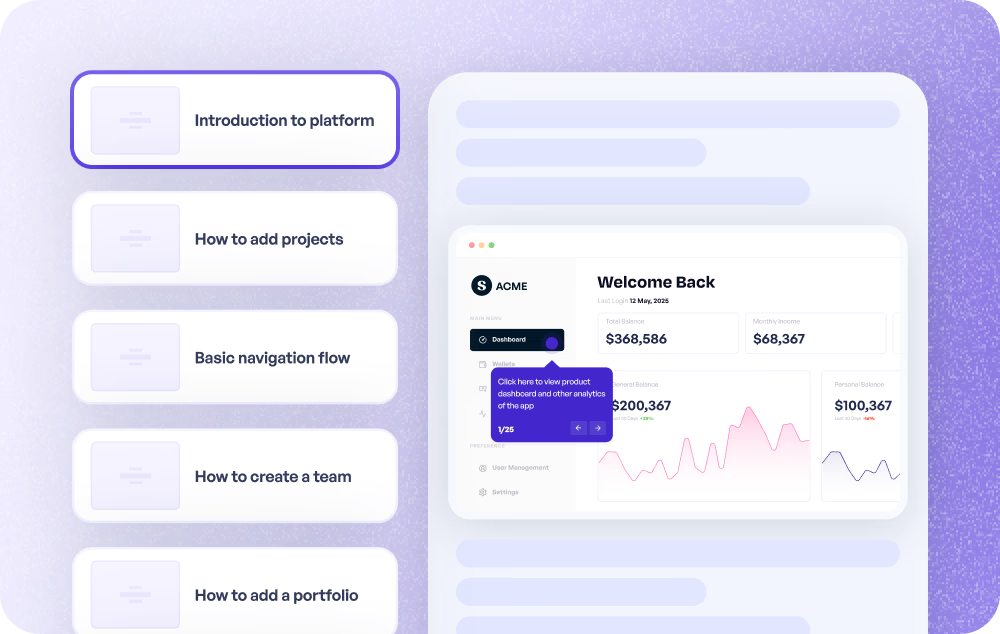
Deflect tickets with visual, self-serve answers
Embed interactive demos in your help center and knowledge base. Customers find visual, step-by-step answers instead of filing a ticket. Track which demos resolve the most issues.
Supademo for Support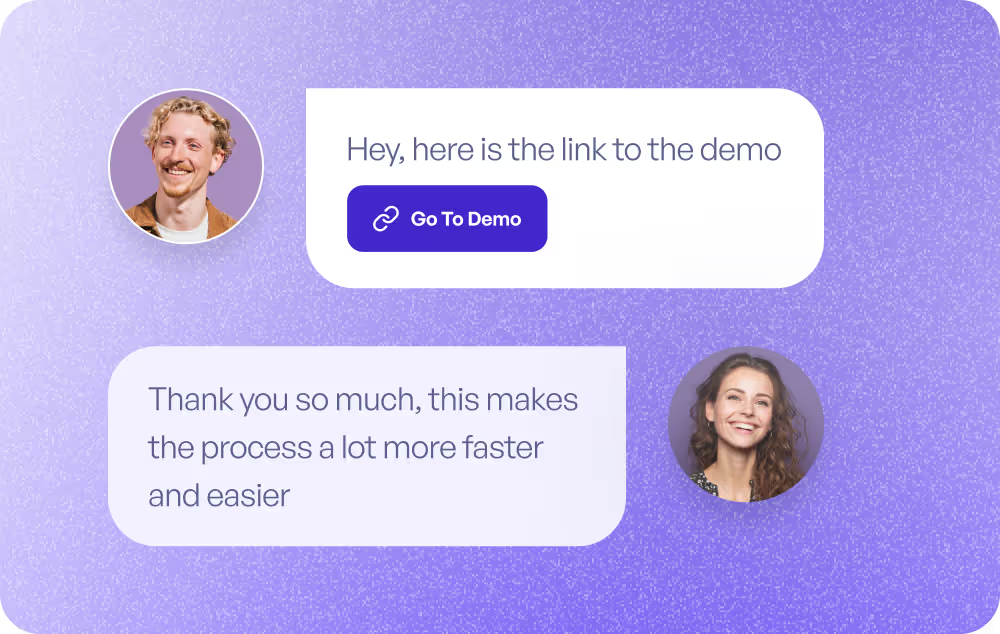
Communicate new features without writing release notes nobody reads
Build interactive feature announcements that show users exactly what changed and how to use it. More effective than changelog posts, less work than a webinar.
Supademo for Product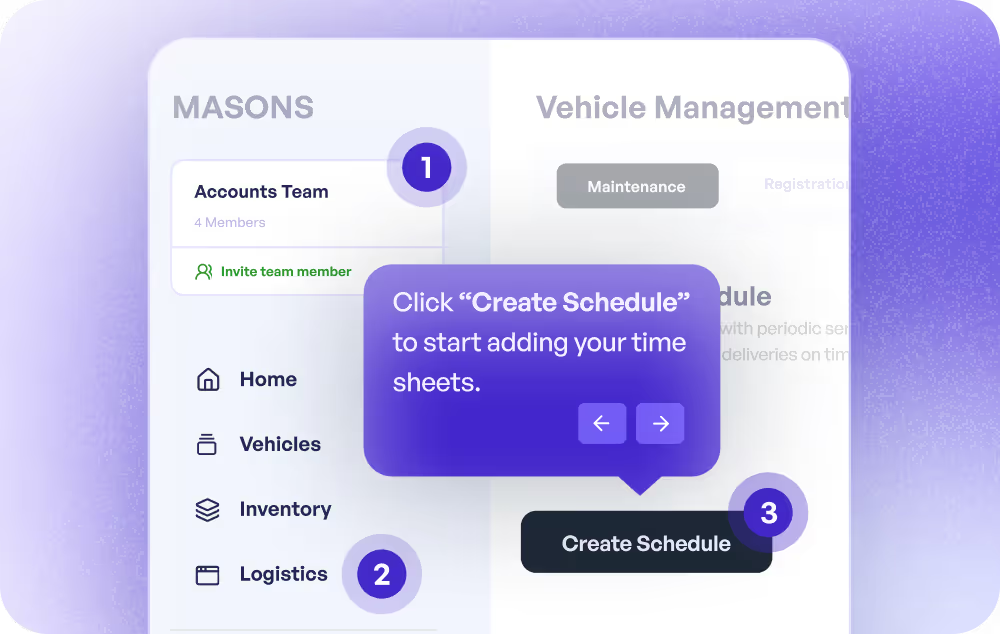
Scale training without scheduling a single session
Create interactive training demos that employees or partners can complete at their own pace. Track completion and identify where learners get stuck, all without a live facilitator.
Supademo for Training
How do sales teams use interactive demo builders?
Sales teams use interactive demo builders to send self-serve product demos to prospects, reducing reliance on live calls and shortening the sales cycle.
How do marketing teams use interactive demo builders?
Marketing teams embed interactive demos on websites and landing pages, replacing static visuals with clickable product experiences that drive higher conversion rates.
How do CS teams use interactive demo builders?
Customer success teams create interactive demos that guide new users through onboarding workflows, accelerating time-to-value and reducing churn.
How do support teams use interactive demo builders?
Support teams embed interactive demos in help centers to provide visual, self-serve answers that deflect tickets and reduce resolution time.
How do product teams use interactive demo builders?
Product teams use interactive demos for feature announcements and release communication, showing users exactly what changed rather than relying on text-heavy changelogs.
How do training teams use interactive demo builders?
Training teams build interactive demos as self-paced learning modules, scaling onboarding and upskilling without requiring live facilitators or scheduled sessions.
Explore Similar Free Tools
Frequently asked questions
Common questions about Supademo’s interactive demo builder. Have others? Reach out and our team will be happy to help.

An interactive demo builder lets you create clickable, self-paced product demonstrations that viewers navigate on their own. Unlike recorded videos or live screen-shares, interactive demos let users click through real product flows at their own pace. Supademo captures your screen and uses AI to generate each step automatically.
Install the Supademo Chrome extension, click Record, and walk through your product workflow. Supademo captures each step and auto-generates annotations. Then add hotspots, branching, voiceovers, or zoom effects before sharing via link or embed.
Navattic and Walnut focus primarily on cloning live product environments for enterprise sales demos. Supademo takes a capture-first approach: record any screen, get AI-generated annotations, and publish in minutes. It also supports screenshot-based, video, and HTML demo formats in one platform, with a generous free tier. For the full picture, see our 10 Best Interactive Product Demo Software guide.
Yes. Supademo supports multi-level branching so you can create different demo paths based on viewer role, use case, or interest. Viewers choose their path and see only the steps relevant to them, without you needing to duplicate the entire demo.
Supademo tracks views, completion rates, step-level engagement, drop-off points, and viewer identity. You can integrate with HubSpot or Salesforce to connect demo engagement to your pipeline and see which demos influence deals.
Yes. Use an iframe or JavaScript embed to place demos on any page: your website, help center, knowledge base, or landing page. The demo renders inline so viewers never leave your domain. Direct links, video exports, GIF exports, and PDF downloads are also available.
The interactive demo builder is free with unlimited demo views and link sharing. No credit card required. Paid plans include unlimited demos, CRM integrations, custom branding, team workspaces, SSO, and advanced analytics. Every paid plan comes with a free trial.
Install the Supademo Chrome extension, click record on your SaaS product flow, and the no-code interactive demo builder captures each click as a step. AI generates annotations and voiceovers automatically. No engineering, no scripting — the demo maker outputs a shareable link or embed in under five minutes.
An interactive demo builder creates clickable, self-guided product walkthroughs that viewers navigate at their own pace. Instead of live calls or static videos, viewers click through real product flows. Supademo's interactive demo builder records your screen, then uses AI to generate hotspots and step descriptions automatically.
An AI demo maker for SaaS records once, generates step-by-step hotspots with AI, supports branching for different personas, and embeds without code. Supademo's AI demo maker is free and powers product demos for 100,000+ SaaS teams across sales, customer success, and product.
Yes. Supademo's free interactive demo builder requires no code and no credit card. Record your product, add AI-generated annotations and hotspots, then share a link or embed. The free plan includes unlimited demo creation and tracked sharing — see paid plans for branding and SSO.