Free AI SOP Generator
Record any workflow and Supademo's AI SOP creator turns it into an interactive, step-by-step SOP. No writing, no formatting, no templates. Use it as your SOP maker, SOP builder, or SOP creator for fast SOP creation — just click through your process and the SOP builds itself.
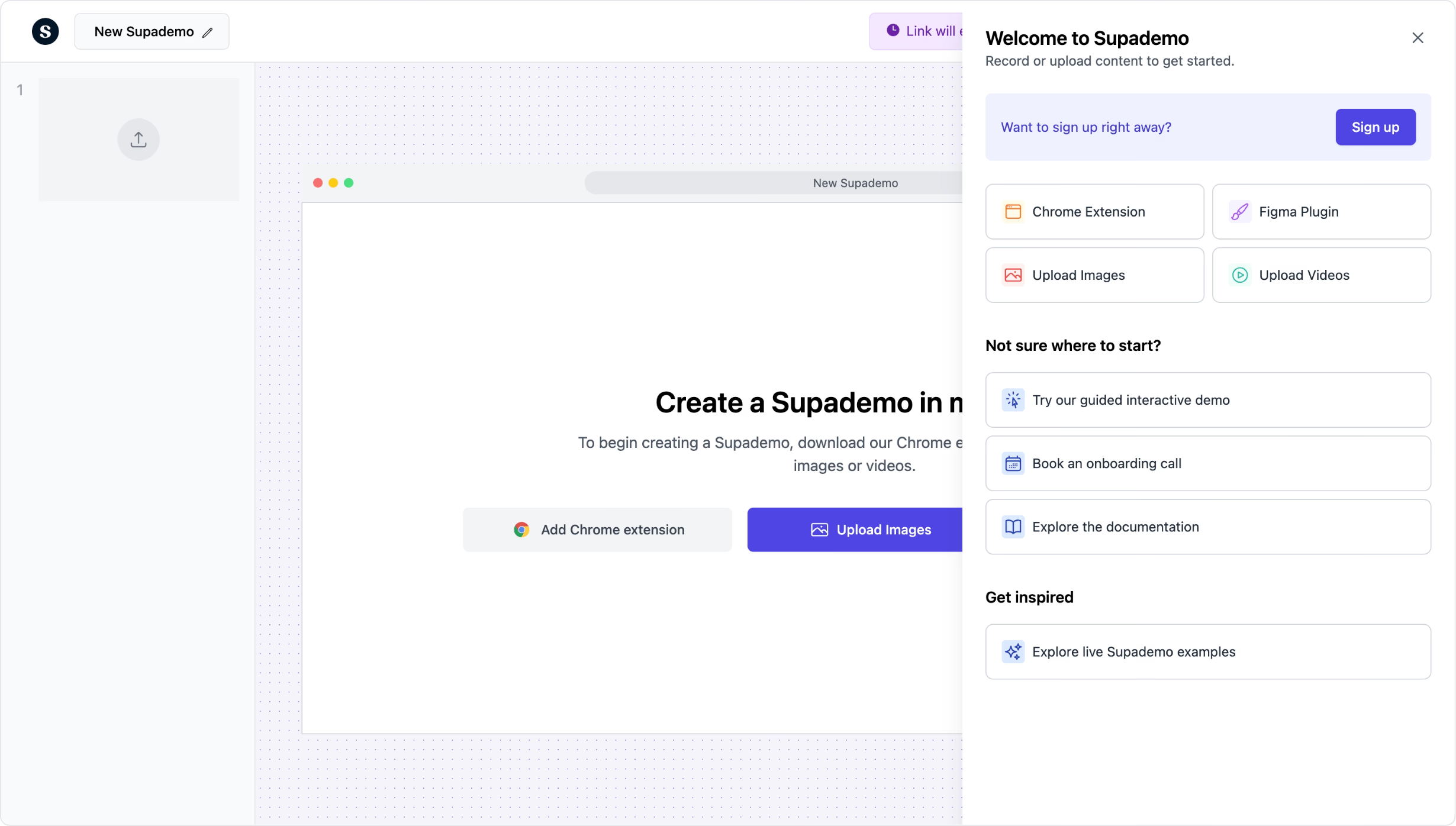
Generate interactive SOPs from any workflow. Free, in minutes.
Try free SOP generatorTrusted by 200,000+ top operators and 3,000+ paying organizations


How to generate an SOP with Supademo
Record the process
Open the Supademo Chrome extension and walk through the procedure step by step. Supademo captures each click and auto-generates numbered instructions with screenshots.
Edit and add context
Refine AI-generated annotations, add AI voiceovers for audio guidance, blur sensitive data, and insert conditional branching for processes with decision points.
Share with your team
Publish via link, embed in your internal wiki or knowledge base, or export as PDF. Track who viewed the SOP and where they got stuck so you can improve it over time.

What makes Supademo's SOP generator different
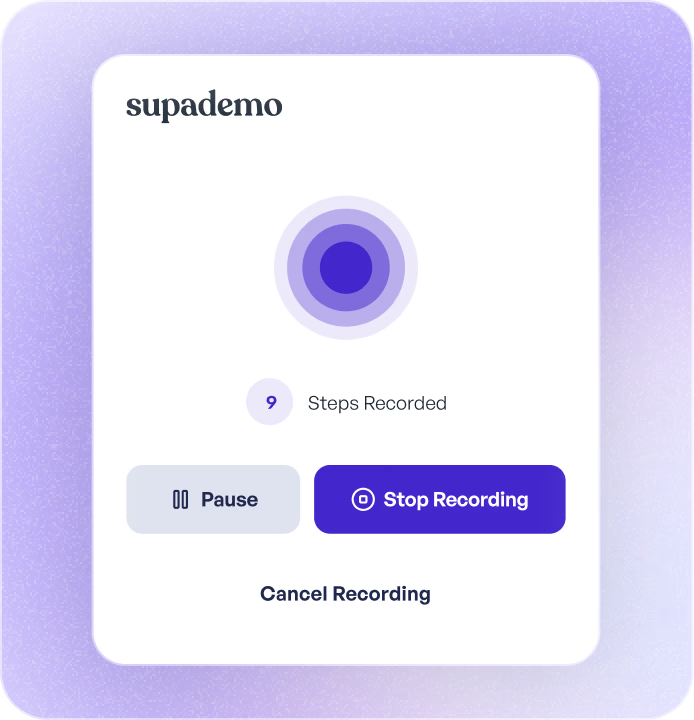
AI writes the SOP as you click through the process
Traditional SOP tools produce flat screenshot sequences that employees scroll past. Supademo turns your recorded workflow into an interactive walkthrough where each step is a guided action. AI handles the heavy lifting: writing descriptions, placing annotations, and organizing the SOP structure as you click through the process.
How AI-powered SOP capture works →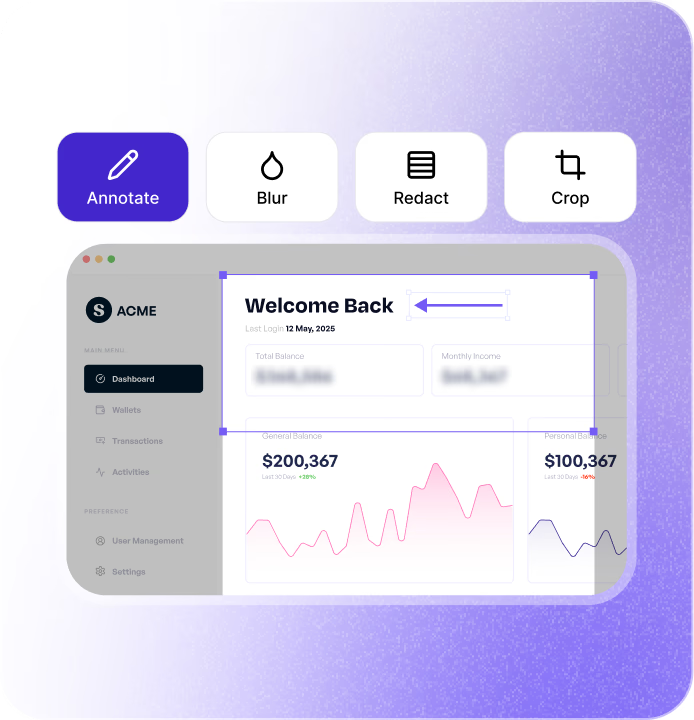
Interactive SOPs, not static PDFs
SOPs built in Process Street or Trainual are text-heavy checklists that employees skim. Supademo SOPs are visual, clickable walkthroughs that guide team members through real software interfaces step by step. Instead of interpreting bullet points, employees follow along by clicking through the actual workflow.
Interactive SOPs vs. static documents →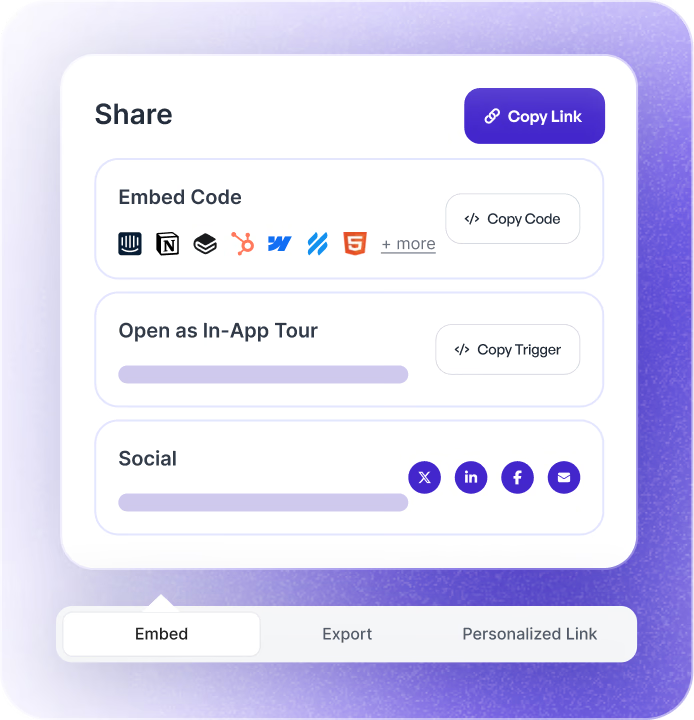
Update once, synced everywhere
Processes change constantly. In Supademo, edit the affected SOP step once and every shared link, embed, and export updates automatically. No chasing down outdated copies in shared drives, wikis, or intranets. Every team member always sees the latest version.
How SOP version management works →Why we built Supademo's SOP generator

“RB2B pulled 60+ hours of repeat sales calls out of their month in 30 days after replacing them with Supademo demos. The same plays out internally. I documented our release process in Notion and the team Slacked me anyway because nobody reads static docs. Supademo's AI SOP generator turns the process into a clickable practice run new hires complete.”

“Customers leaving Scribe kept telling us their static SOPs sat in folders unread. We ran a quick comparison and found completion rates on Supademo's interactive SOPs sit around 78%, versus closer to 40% for typical static SOPs from those same customers. Authoring speed is the same. The thing that changed is whether anyone goes through it.”
How teams use Supademo as an SOP maker and SOP builder
Standardize sales processes across the team
Create SOPs for CRM workflows, deal progression, and outreach sequences. New reps follow the same playbook from day one instead of shadowing someone for a week.
Supademo for Sales & Enablement
Document campaign workflows and tool processes
Build SOPs for recurring marketing processes: campaign setup, analytics reporting, content publishing, ad management. Stop explaining the same workflow every quarter.
Supademo for Marketing & Growth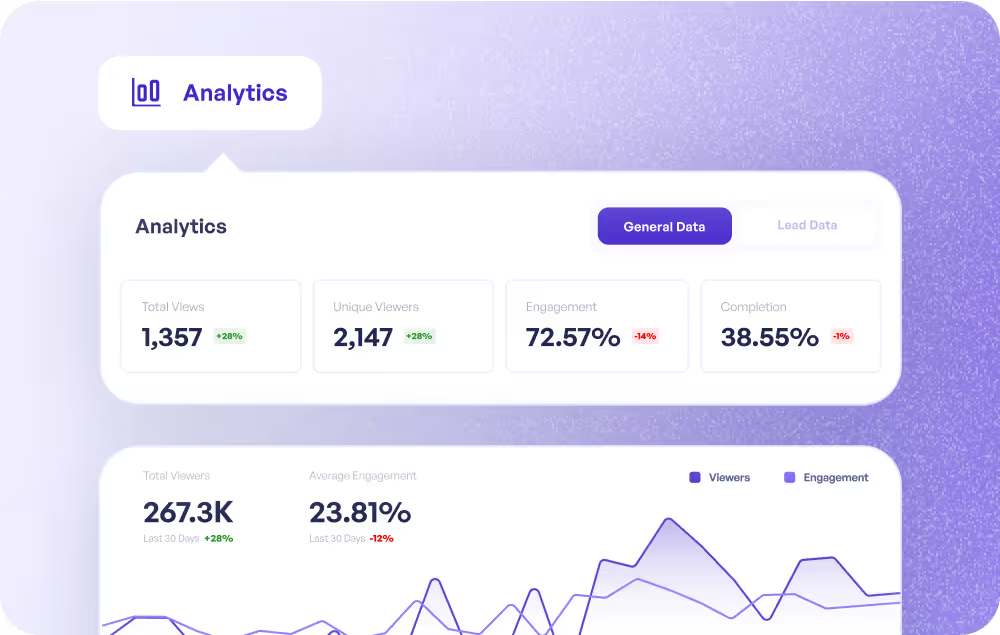
Codify CS playbooks for consistency
Turn your best CS workflows into repeatable SOPs: onboarding checklists, QBR prep, escalation procedures. Every CSM follows the same process.
Supademo for Customer Success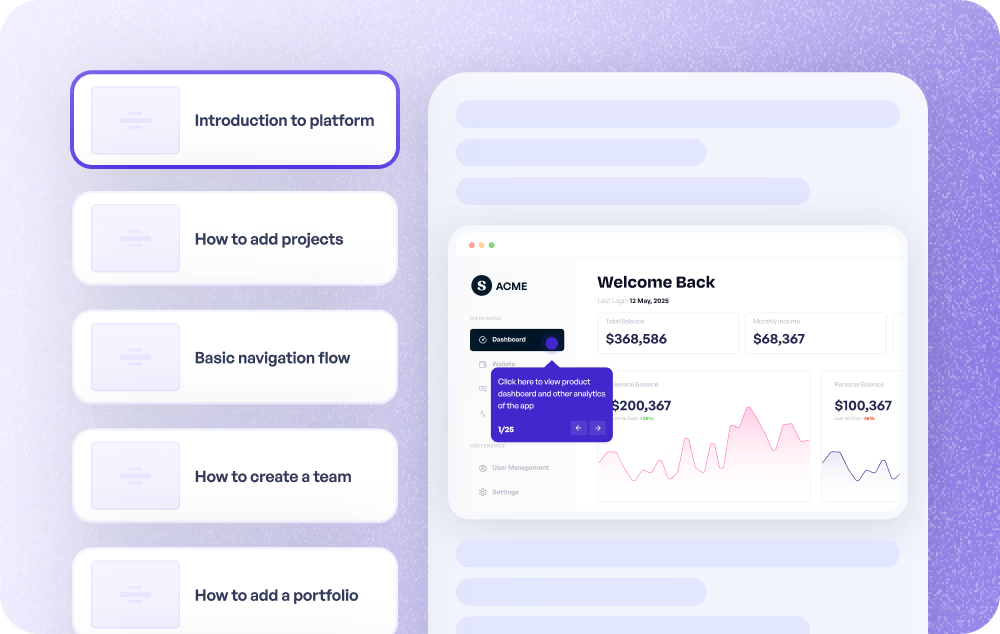
Standardize troubleshooting and escalation flows
Create SOPs for common ticket categories, escalation paths, and troubleshooting procedures. New agents handle tickets confidently from day one.
Supademo for Support
Document internal processes and cross-team handoffs
Build SOPs for release processes, QA workflows, and cross-functional handoffs. Keep everyone aligned without relying on tribal knowledge.
Supademo for Product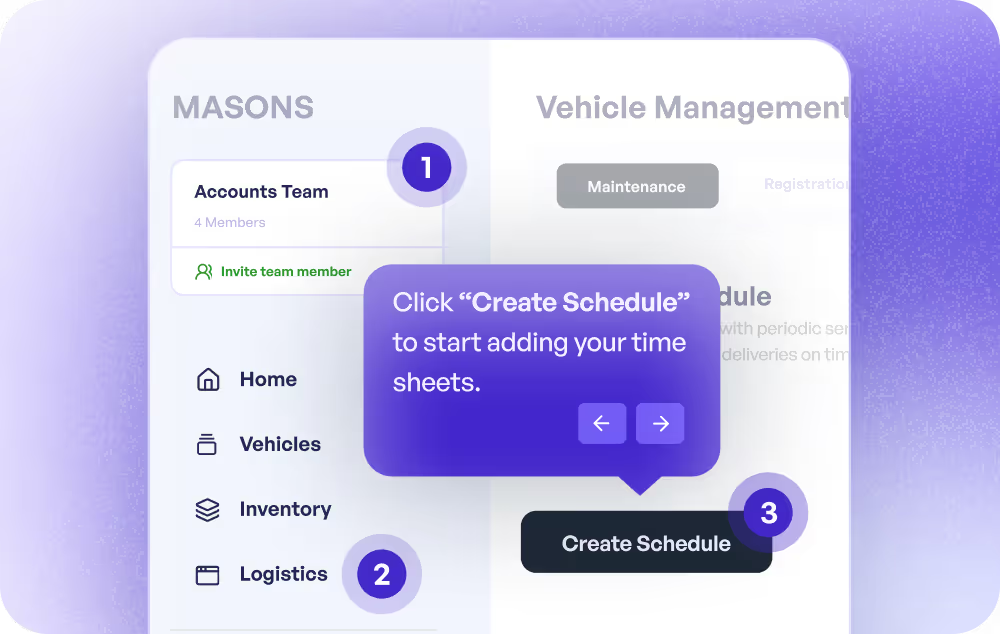
Turn SOPs into training modules
Convert standard operating procedures into interactive training that employees complete at their own pace. Track completion and identify where processes need clarification.
Supademo for Training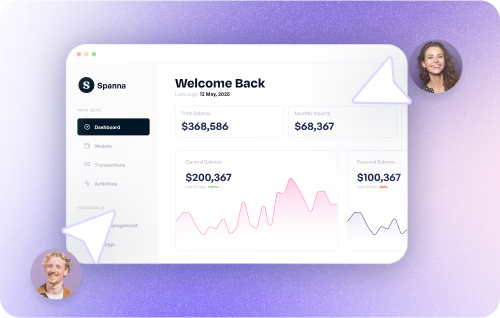
How do sales teams use SOP generators?
Sales teams use SOP generators to document CRM workflows, deal stages, and outreach processes, ensuring consistency across the team and faster onboarding for new reps.
How do marketing teams use SOP generators?
Marketing teams create SOPs for recurring workflows like campaign setup, reporting, and content publishing, reducing tribal knowledge and onboarding new team members faster.
How do customer success teams use SOP generators?
CS teams document onboarding, QBR, and escalation procedures as interactive SOPs, ensuring every CSM follows consistent workflows and new hires ramp faster.
How do support teams use SOP generators?
Support teams create SOPs for troubleshooting, escalation, and ticket handling procedures, enabling new agents to resolve issues consistently without extensive shadowing.
How do product teams use SOP generators?
Product teams document release processes, QA workflows, and cross-functional handoffs as interactive SOPs, reducing miscommunication and maintaining consistency.
How do training teams use SOP generators?
Training teams convert SOPs into interactive training modules with completion tracking, replacing manual walkthroughs and ensuring employees learn processes consistently.
Explore Similar Free Tools
Frequently asked questions
Common questions about Supademo’s SOP generator. Have others? Reach out and our team will be happy to help.
An SOP generator is a tool that helps you create standard operating procedures quickly and consistently. Unlike traditional SOP tools that produce static documents, Supademo's AI SOP generator captures your screen as you perform a workflow and auto-generates an interactive, clickable SOP with annotated steps. Teams that write user guides and process documentation get the most value.
An AI SOP generator turns a screen recording into a step-by-step standard operating procedure without manual writing or formatting. Supademo's AI SOP generator detects every click, auto-names each step with AI, and lets you export to PDF or embed in Confluence, Notion, or your LMS — no scripting, templates, or video editing required.
Install the Supademo Chrome extension, click Record, and walk through the procedure. Supademo captures each step with AI-generated descriptions and screenshots. Edit the annotations, add voiceovers or branching if needed, then share via link or embed in your wiki. You can also convert SOPs into interactive tutorials for onboarding.
Scribe and Tango generate static screenshot sequences with text overlays. Supademo creates interactive, clickable walkthroughs that guide users through each step. Supademo also supports voiceovers, branching, analytics, and live-updating embeds that stay current when processes change. For a wider comparison, see our 9 Best Process Documentation Tools 2026 guide.
Yes. Export as PDF for offline use, or embed via iframe in Confluence, Notion, SharePoint, or any internal wiki. Embedded SOPs update automatically when you make changes in Supademo. No re-exporting or re-uploading. This makes Supademo a strong fit for teams building product manuals alongside SOPs.
Yes. Supademo tracks views, completion rates, step-level engagement, and drop-off points. You can see which SOPs are most viewed, where employees get stuck, and which procedures need improvement. This data is especially useful for product-led onboarding and in-app training programs.
Yes. Use branching to create decision points where the SOP path changes based on the scenario. For example, an escalation SOP can branch based on ticket severity, showing different steps for each level. This is the same branching used in interactive walkthroughs.
The SOP generator is free to use, and published SOPs get unlimited views at no charge. Paid plans expand your account to unlimited SOPs, add custom branding, team workspaces, SSO, and advanced analytics. All tiers offer a free trial.
SOPs often contain sensitive process details, so Supademo provides SOC 2 Type II compliance and enterprise-grade encryption. You can blur confidential fields before sharing, set passwords on individual SOPs, restrict access by domain, or keep them private. Enterprise plans include SSO and SAML.
They refer to the same type of tool. An SOP maker, SOP builder, and SOP generator all help you create standard operating procedures, just different terms people use to search for the same thing. Supademo works as all three: record any workflow and it automatically generates a step-by-step, interactive SOP with no writing or formatting required.