Onboarding Snapshot
Activation Event
First demo recorded and shared
Time-to-Value
Under 10 minutes for first demo
Primary Strength
Record-first flow removes setup friction
Primary Risk
Chrome extension dependency slows some users
Overview
Supademo's onboarding is structured around a single goal: get new users to a shareable demo as quickly as possible. The flow uses intent-based routing, GIF-driven guidance, and a dual-track learn-while-doing layout to minimize setup friction. The one real obstacle is a required Chrome extension install that introduces a dependency outside the product's control.
What Should You Steal?
Swipe through actionable takeaways from this onboarding flow.
The urgency selection is smarter than it looks
Early in the flow, Supademo asks how quickly I want to create a demo.
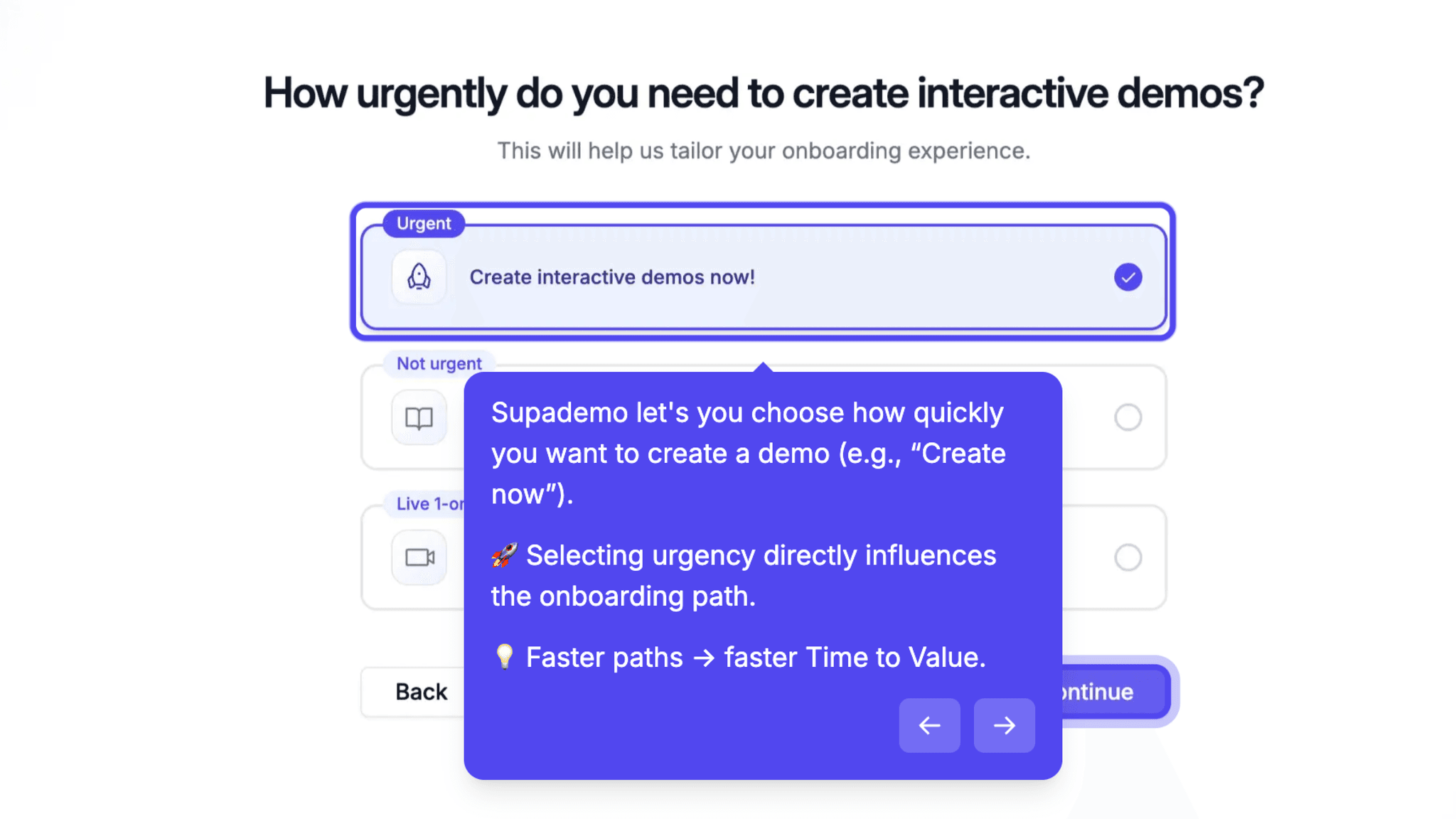
That sounds like a small question, but it's doing real work. Faster-intent users get routed to a shorter path, which means fewer drop-off points before they see value. The branching is light-touch but genuinely useful — most onboarding flows treat every new user identically regardless of intent, and the result is a bloated sequence that loses the impatient ones in step two.
Visual guidance over written instructions
When Supademo needs to explain how to pin the Chrome extension, it shows a GIF instead of a numbered list.
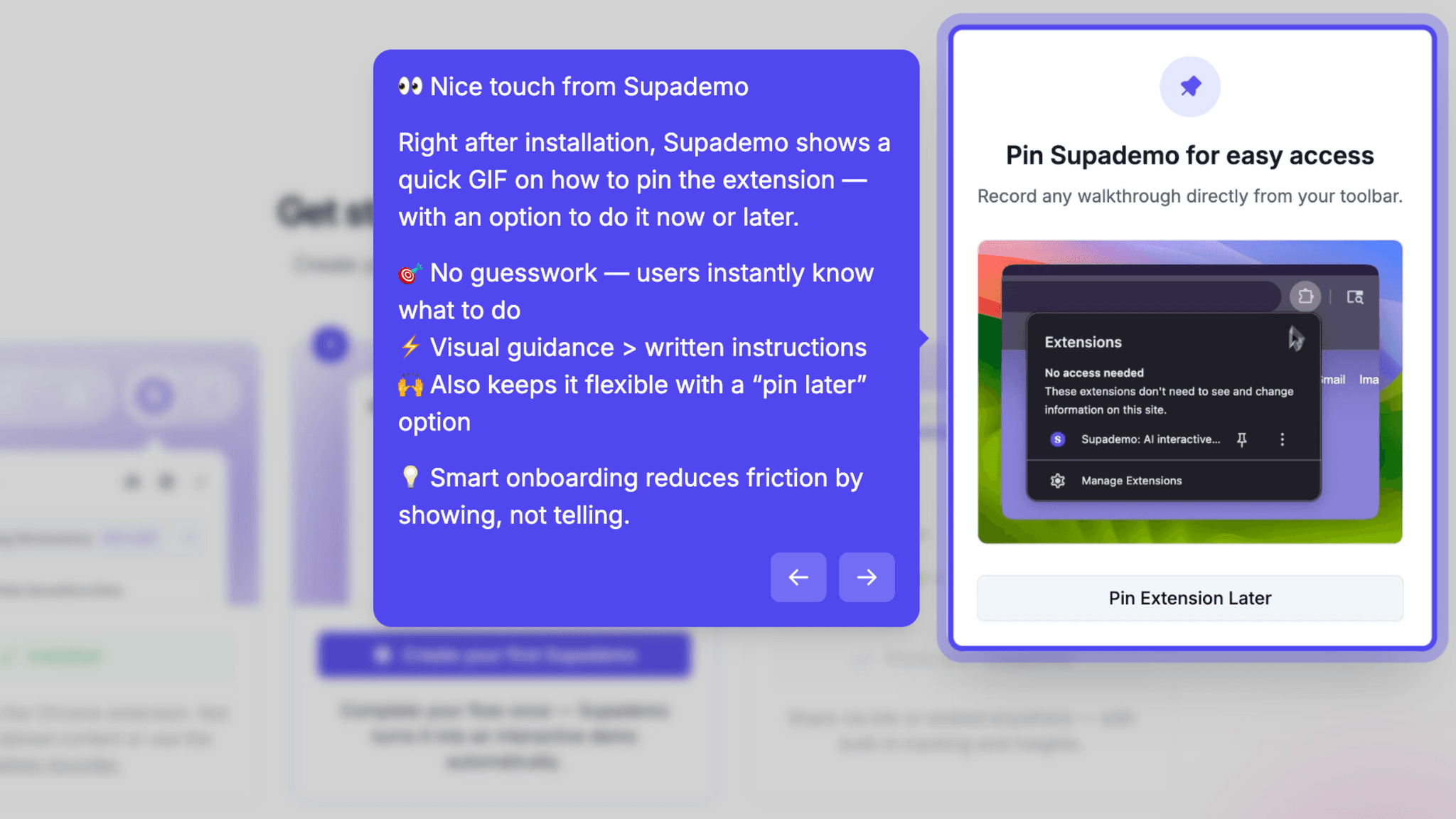
Written instructions about UI actions are easy to misread, and a short animation removes interpretation entirely. The 'pin now or skip for later' option also signals the product isn't trying to force a specific behavior, which lowers the defensive instinct I notice in myself during setup flows.
The dual-track moment: learn while doing
Inside the recording setup screen there's a layout I found genuinely clever:
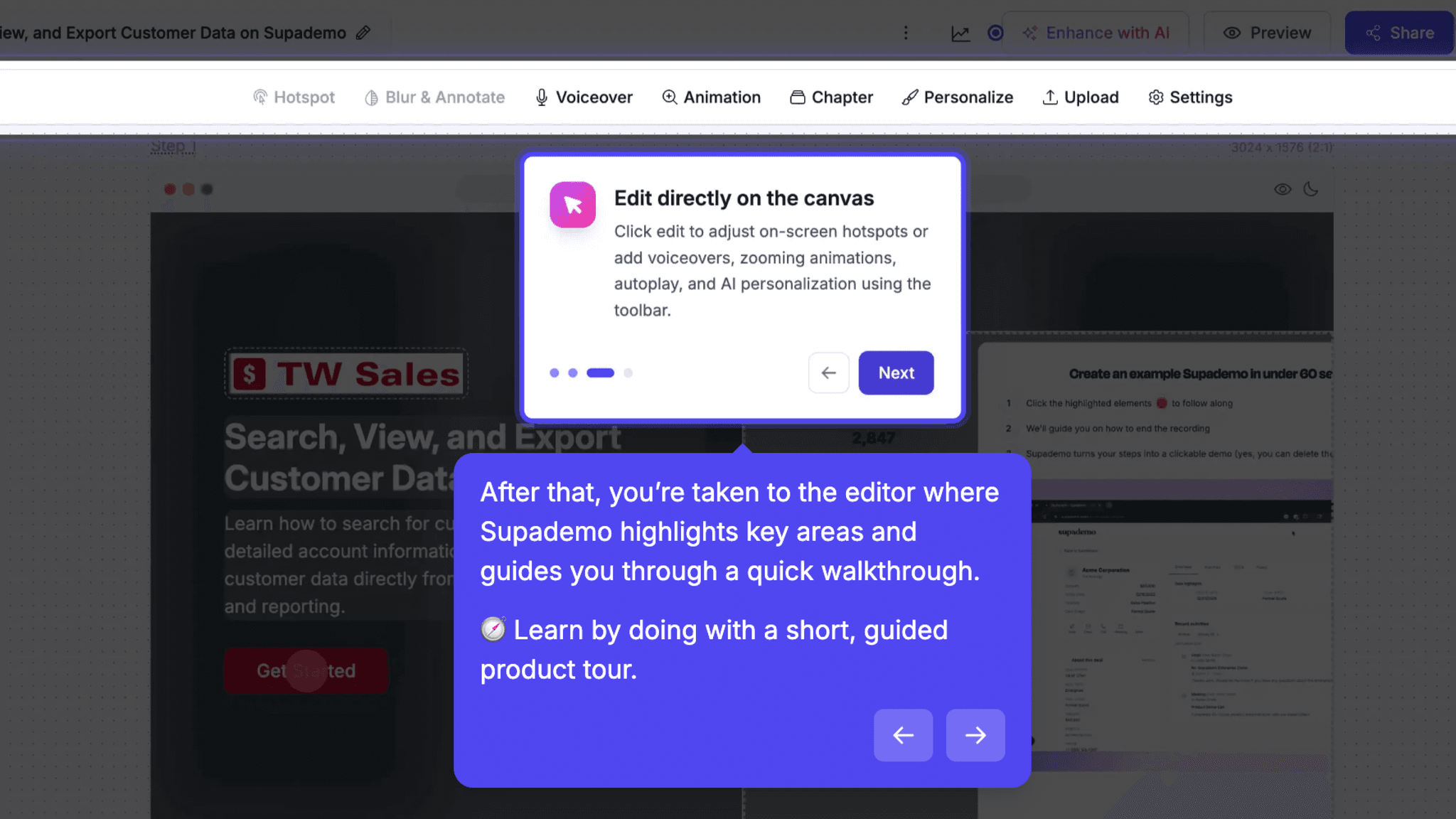
a short walkthrough explains how recording works while a checklist runs alongside it, ticking off items as I watch. By the time the walkthrough ends, I already understand what I'm about to do. Most products make me read instructions and then act on them separately. This one collapses those two steps.
Where the flow ends matters as much as how it runs
The flow doesn't end at 'demo created.' It ends at sharing.
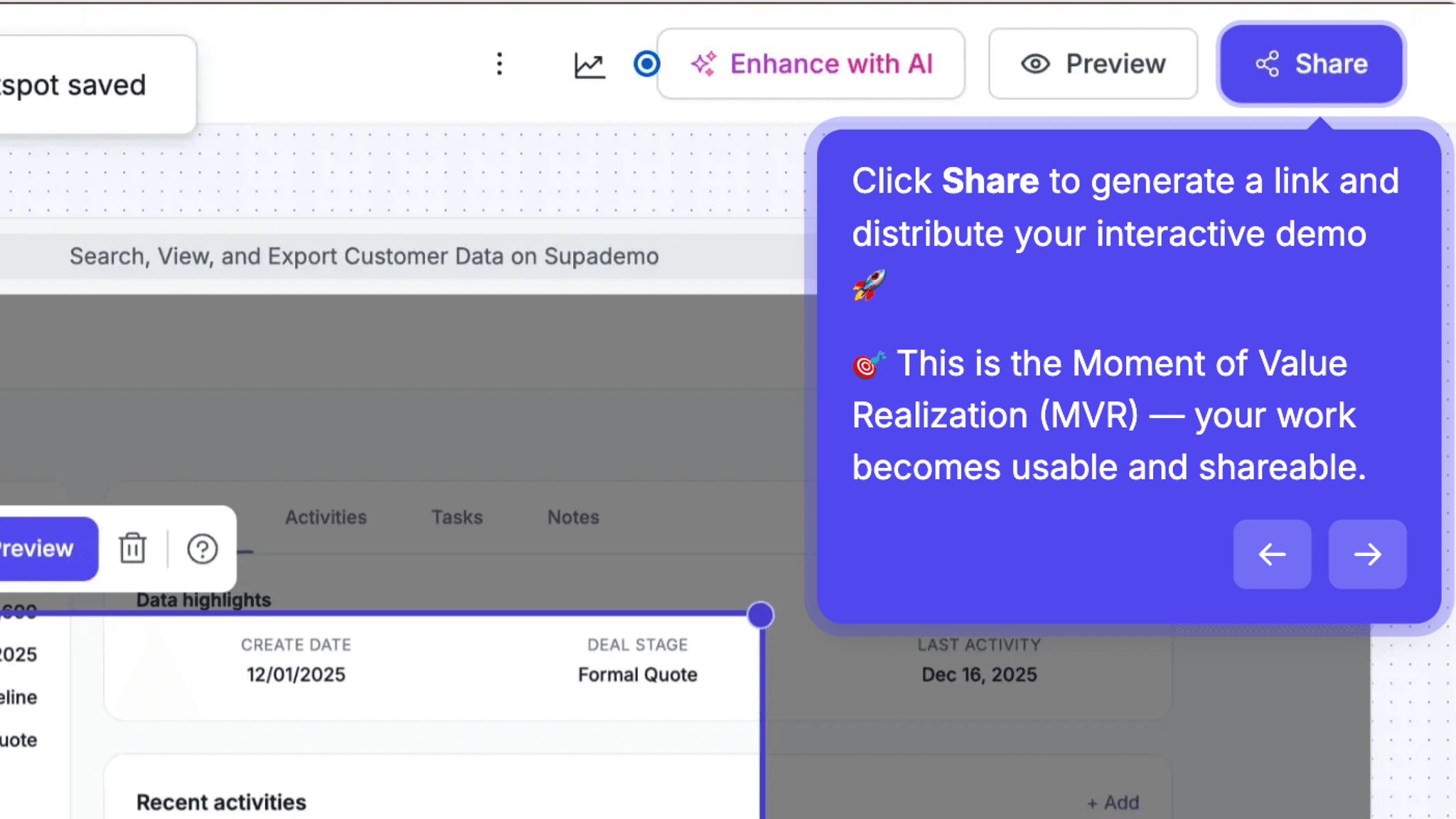
The share step is where my recorded work becomes something usable — something I can actually send to another person. Closing the loop there, rather than at the editor, means I leave with a concrete output in hand. Ending on a shareable link feels like finishing the job.
Onboarding Tactics That Work
Frictionless signup with multiple auth options reduces entry barriers
Intent-based path selection routes users toward faster value
GIF-based guidance replaces written instructions for setup steps
Where There's Friction
Chrome extension install adds a mandatory step outside the product
Editing depth isn't reinforced before pushing users to share
First-time users hit the extension wall before recording anything
When Is the In-App Activation Moment?
The activation moment is when I share my first demo link. Not when I finish recording, not when I save an edit.
Everything before that point, including signup, extension install, recording, and editing, is setup. Valuable setup, but still just setup. The share step is when the demo becomes functional: it's a link I can send to someone else, which means the work is done and the product has delivered on its promise.
The flow builds toward this deliberately. Recording starts immediately after the extension installs with no configuration screens between; the editor is positioned as refinement, not a required hurdle; the share CTA appears as soon as a demo exists, not after a defined checklist is complete.
What I find interesting is that the activation moment is externally visible. It's not 'you used a feature' or 'you completed a tutorial.' It's 'you created something shareable.' That's a higher bar than most SaaS products set, and it means anyone who reaches it has genuinely experienced the core value, not just clicked through a guided tour.
The Bottom Line on Supademo's Onboarding
Supademo's onboarding is structured around a simple idea: get me to a shareable demo as quickly as possible. Most of the flow decisions, the intent question, the GIF instructions, the dual-track learn-while-doing layout, trace back to that goal. The through-line is unusually clear.
The main friction point is real and worth naming plainly. Requiring a Chrome extension before recording anything introduces a dependency that lives outside the product's control. If I hit trouble at the Web Store, there's no fallback. That's a meaningful drop risk on an otherwise clean flow, and it's the one place where a competitor with a no-extension path has an obvious opening.
Closing the loop at a shareable output, rather than a completed task, gives new users something to point to. That's more motivating than a progress bar.
FAQs
Common questions about Supademo's onboarding flow and what makes it effective.
How does Supademo onboard new users?
Supademo opens with an intent-based question that routes users toward a faster or more exploratory path. From there, the flow moves through extension install, recording, light editing, and sharing, with visual guidance at key friction points.
What makes Supademo's onboarding stand out?
The record-first approach is the clearest differentiator. Rather than building toward a demo through a series of setup screens, Supademo gets me into an actual recording within the first few minutes. The dual-track walkthrough-plus-checklist layout on the recording screen is also an unusually thoughtful design choice.
How long does it take to reach value in Supademo?
Under ten minutes, on the default path without friction. The extension install is the most variable step, but once it's complete, the recording and editing flow moves quickly.
How does Supademo compare to other SaaS tools?
Most interactive demo tools front-load configuration and template selection before I touch anything real. Supademo skips most of that and starts with recording. The tradeoff is a dependency on a browser extension, which not all competing tools require, but the payoff is a faster path to a working output.