How to Edit Shopify Orders from Gorgias

Integrating Gorgias with Shopify enables customer support teams to manage orders efficiently without switching between platforms. This tutorial shows you how to edit Shopify orders directly from your Gorgias inbox, streamlining order modifications and customer issue resolution.
Quick summary
In this tutorial, you'll learn how to access and edit Shopify orders from within Gorgias. You'll discover how to make quick adjustments to order details while maintaining context with your customer conversations, improving response time and reducing manual data entry.
Why this matters
Editing orders directly from Gorgias eliminates context switching and reduces the time your support team spends resolving customer issues. When customers request order changes, refunds, or updates, handling these tasks in one platform keeps your workflow efficient and reduces the chance of errors.
Step-by-step guide
- 1
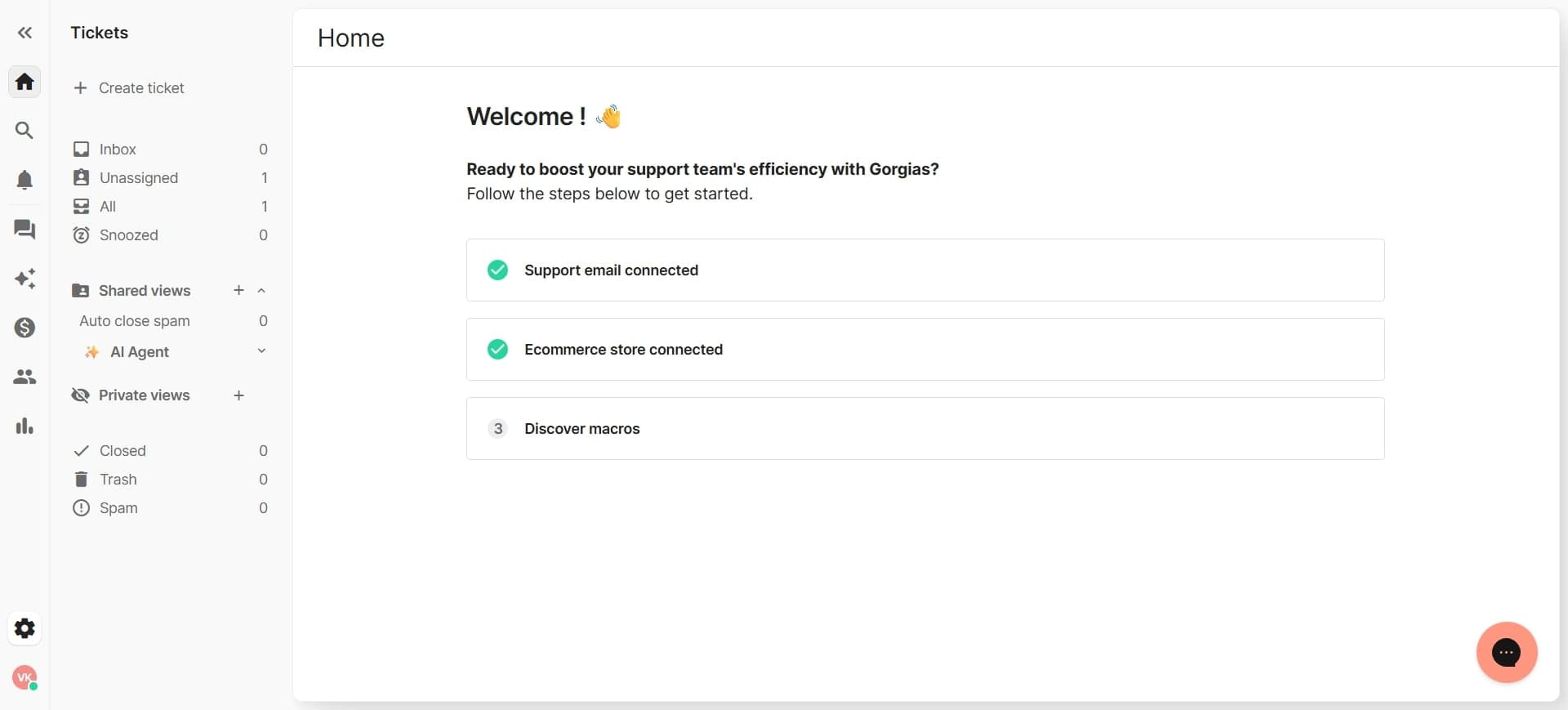
Open the customer conversation in Gorgias
Navigate to the conversation thread with the customer requesting an order edit. The order information will be visible in the conversation sidebar, allowing you to quickly reference order details.
- 2
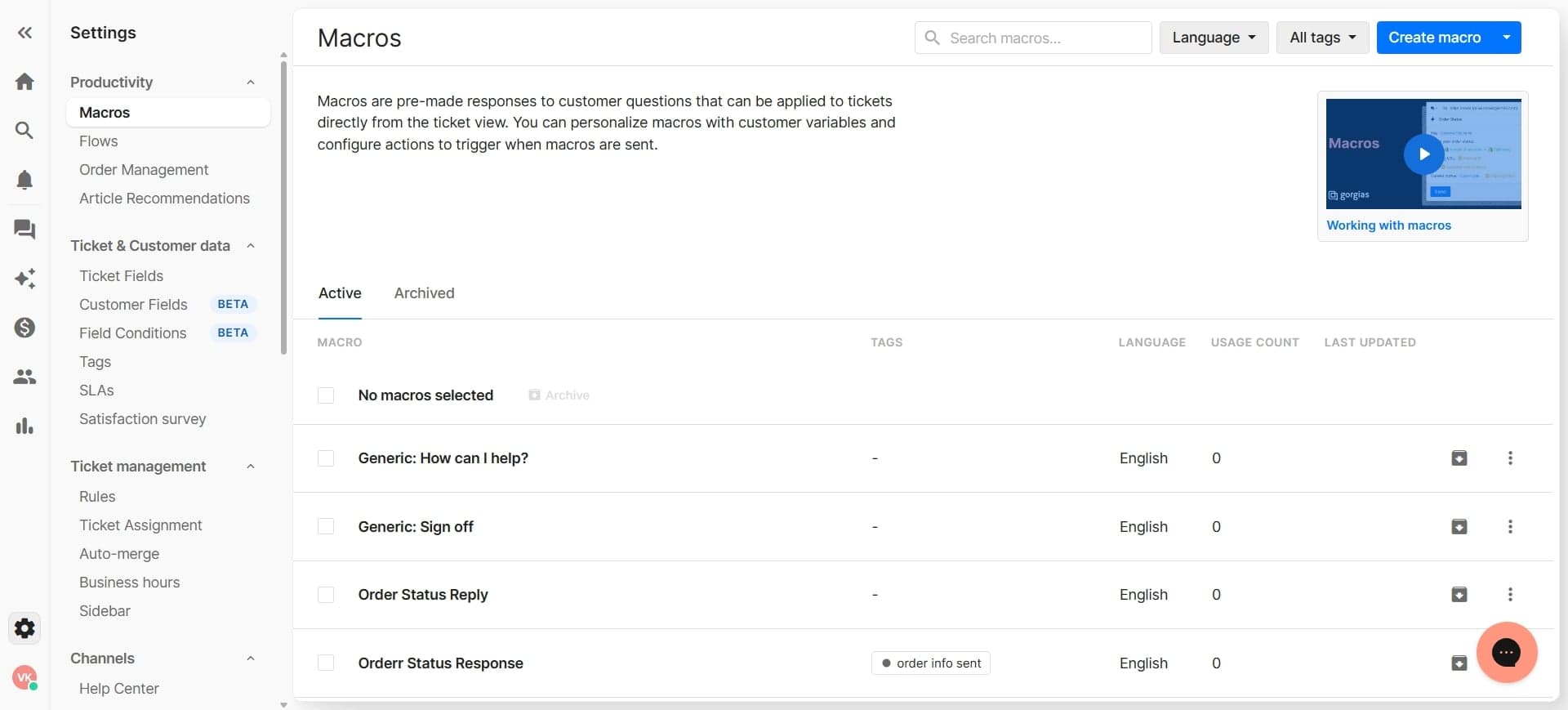
Locate the order in the sidebar panel
Look for the order card displayed in the right panel of the conversation. This panel shows all associated orders for the customer along with key order information like order number, total, and status.
- 3
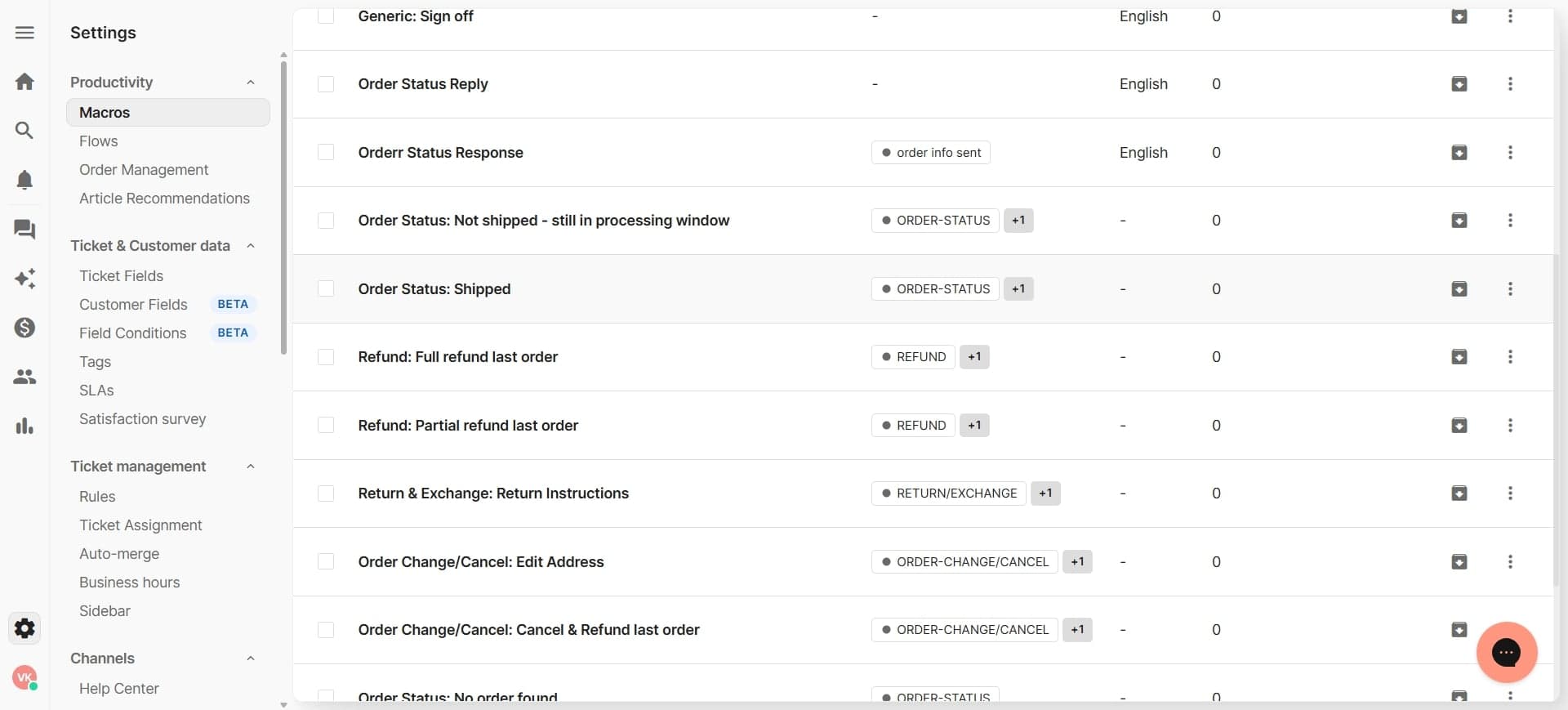
Click the edit order option
Select the edit button or menu option on the order card. This action opens the order editing interface where you can modify order details.
- 4
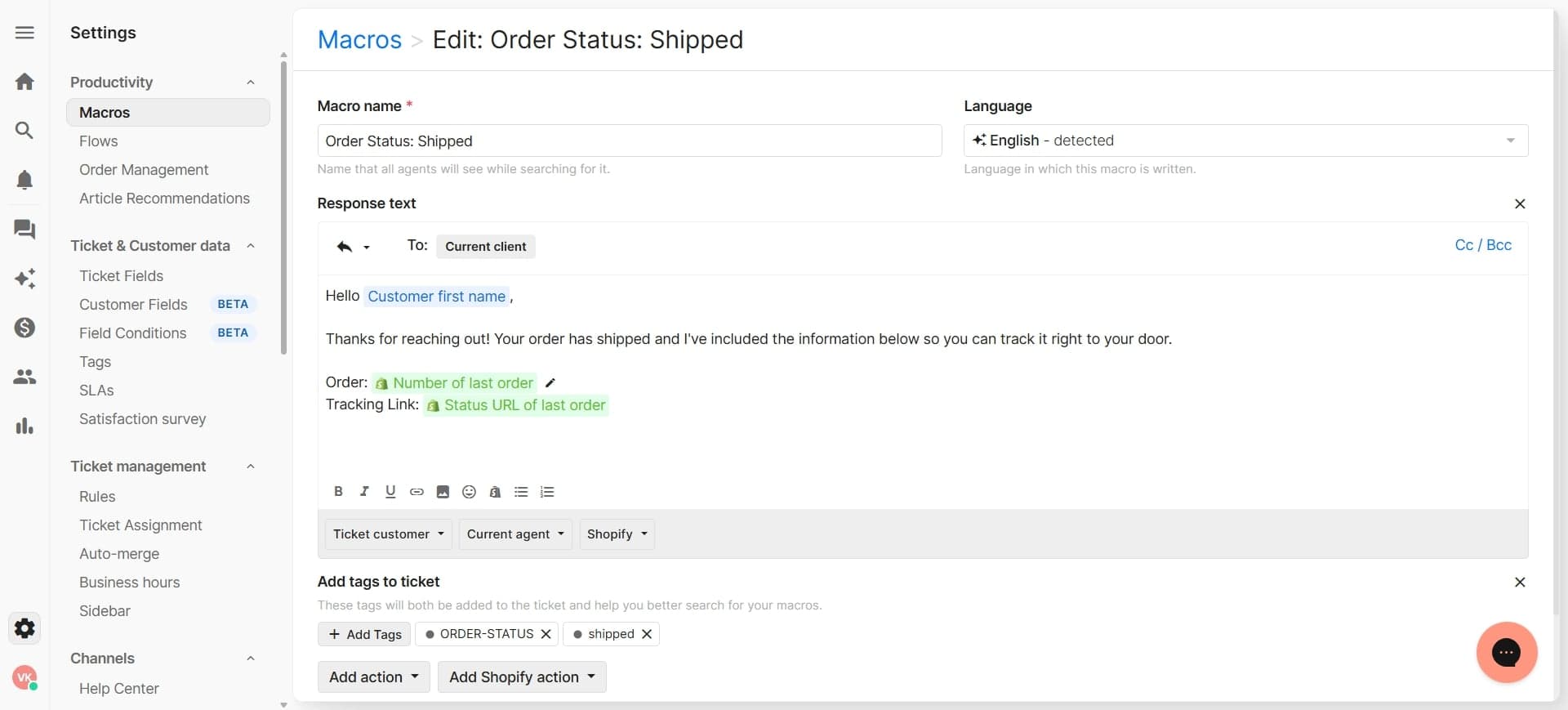
Make necessary order modifications
Update the order information as needed, such as adjusting quantities, changing shipping address, or modifying line items. Once you've made all required changes, save the modifications to sync them back to Shopify.
Frequently asked questions
Common questions about how to edit shopify orders from gorgias.
Can I edit all types of orders from Gorgias?
Most Shopify orders can be edited from Gorgias, but some restrictions may apply depending on the order status and payment method. Orders that are already shipped or paid may have limitations on what can be modified. Check Shopify's order editing policies for specific restrictions.
Will order edits in Gorgias automatically update in Shopify?
Yes, when you make and save order edits through Gorgias, they automatically sync to your Shopify store. This ensures your inventory, order records, and customer information stay consistent across both platforms.
What happens to the customer when I edit their order?
The customer will typically receive an order update notification from Shopify depending on what was changed. You can manage notification settings within Shopify to control when customers are alerted to order modifications.
Can I refund orders from Gorgias?
While you can view refund options through the order details in Gorgias, full refund processing may require accessing Shopify directly depending on your integration setup. Check with your Gorgias admin to confirm what refund capabilities are available through the integration.
What if I make an order edit by mistake?
You can undo or modify order changes in Shopify directly if needed. It's recommended to review all changes before saving, and to keep your team informed about significant order modifications to prevent duplicate edits.