How to Sync Calendly with Google Calendar

Syncing Calendly with Google Calendar ensures your availability is always up-to-date across both platforms, preventing double bookings and scheduling conflicts. This integration automatically reflects your Google Calendar's busy times in Calendly, streamlining your booking process. Learn how to set up this connection in just a few clicks.
Quick summary
In this tutorial, you'll connect your Calendly account to Google Calendar by navigating through integrations and configuring your availability settings. You'll discover how to access the calendar integration options and enable Google Calendar sync to keep your schedules in perfect alignment.
Why this matters
Manually updating your availability across multiple calendar platforms is time-consuming and error-prone. By syncing Calendly with Google Calendar, you ensure that your booked meetings and busy blocks automatically block time in Calendly, allowing clients to book only when you're actually available. This automation eliminates scheduling conflicts and reduces administrative overhead.
Step-by-step guide
- 1
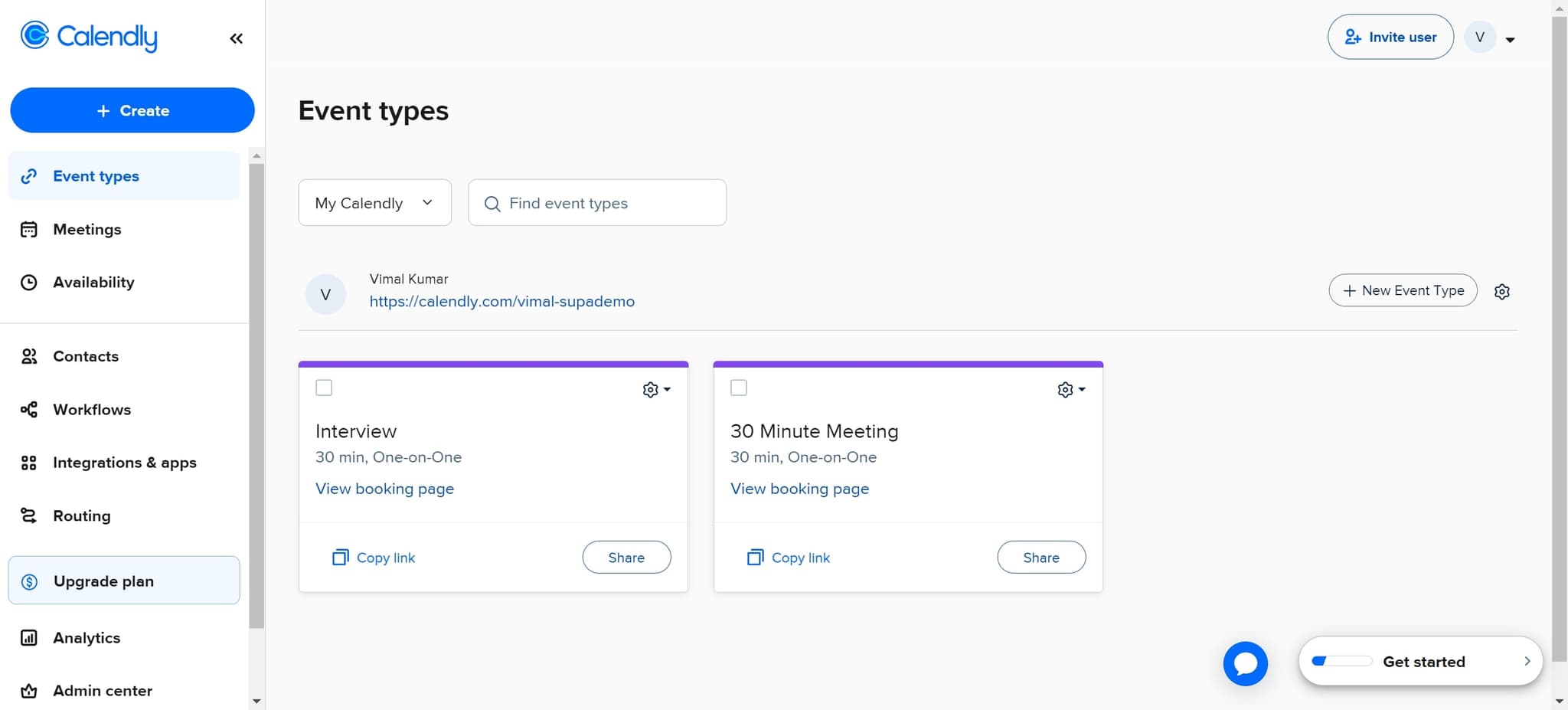
Click on My Calendly
Log into your Calendly account and locate the main menu. Click on 'My Calendly' to access your account dashboard and primary settings.
- 2
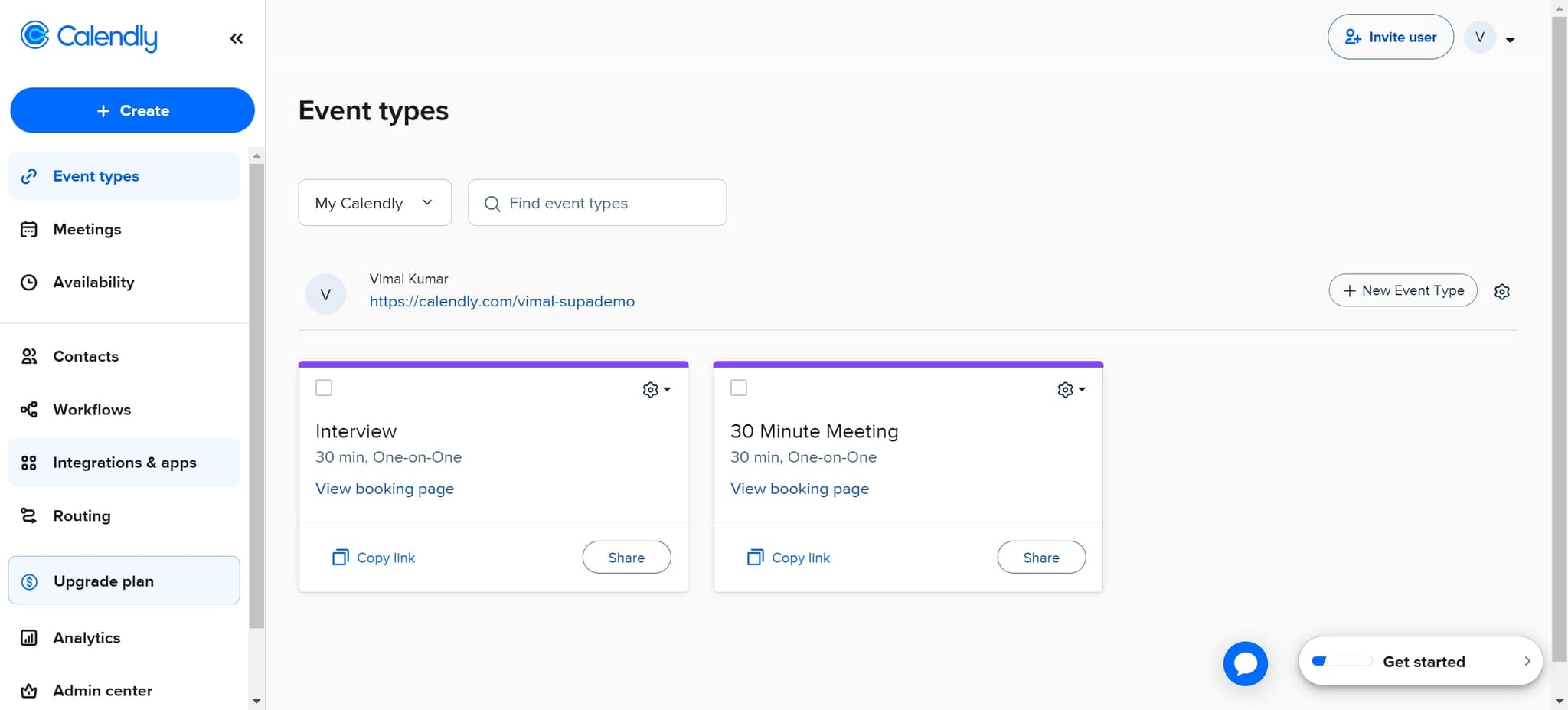
Navigate to Integrations & apps
From your account dashboard, find and click on 'Integrations & apps' in the left sidebar or main menu. This section contains all available integrations you can connect to your Calendly account.
- 3
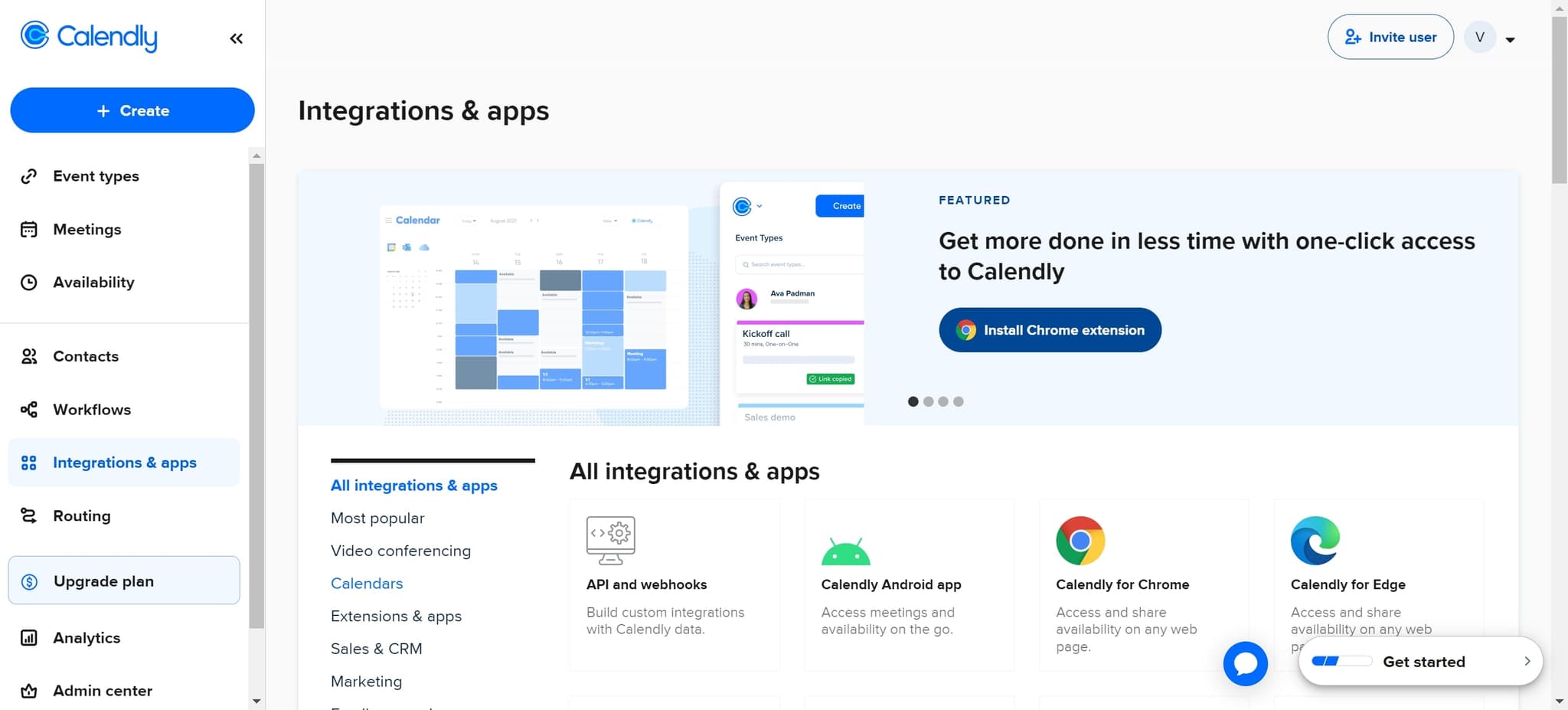
Select the Calendars option
In the Integrations & apps section, look for and click on 'Calendars' to view all available calendar integration options. This will display a list of supported calendar platforms.
- 4
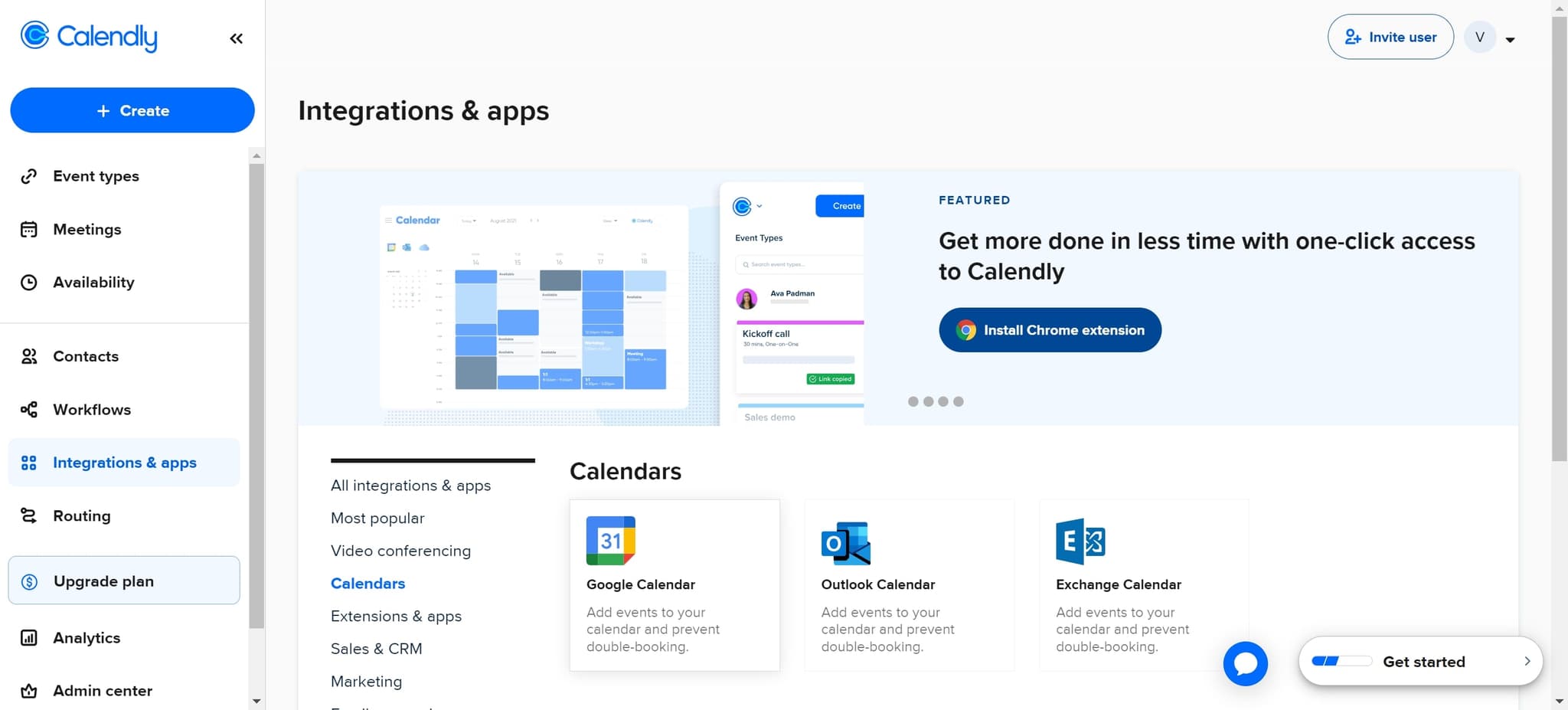
Click on Google Calendar
From the calendar options, click on 'Google Calendar' to begin the integration process. You'll be prompted to authorize Calendly to access your Google Calendar account.
- 5
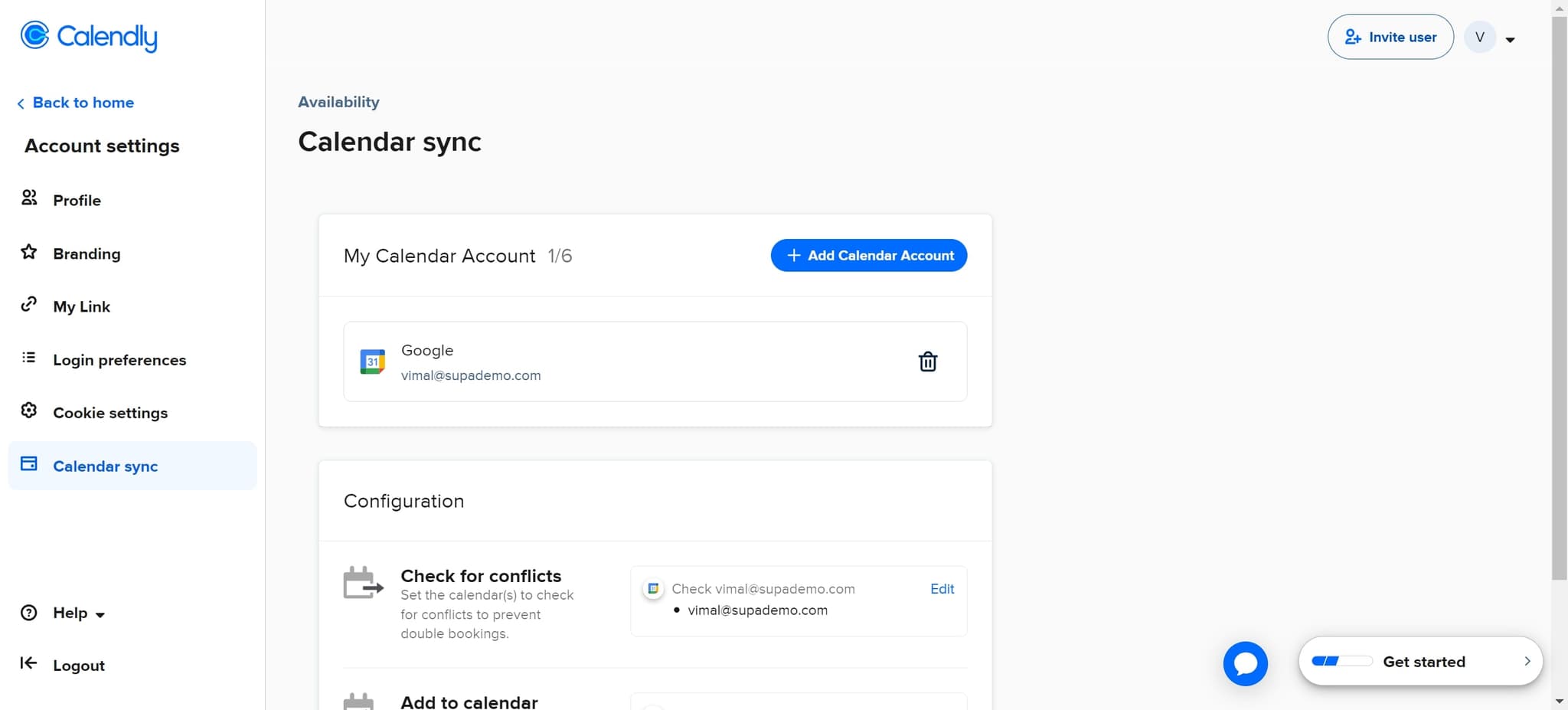
Configure your availability settings
After connecting Google Calendar, click on 'Availability' to set up how your Google Calendar events will sync with Calendly. Configure which calendars to sync and how busy time should be reflected in your booking availability.
Frequently asked questions
Common questions about how to sync calendly with google calendar.
Will syncing Google Calendar block my busy times in Calendly?
Yes, when you sync Google Calendar with Calendly, any events marked as busy on your Google Calendar will automatically block those time slots in Calendly. This prevents clients from booking appointments when you're already scheduled for other commitments.
Can I sync multiple Google Calendars to Calendly?
In most cases, you can sync your primary Google Calendar and add additional calendars during the availability configuration. Check your Availability settings to see which calendars are currently synced and add more if needed.
What happens if I have conflicting events in both calendars?
Calendly uses the sync information to prevent double bookings by blocking times when conflicts exist. Once you book an appointment in Calendly, it should appear in your Google Calendar, ensuring both calendars stay synchronized.
How often does Calendly sync with Google Calendar?
Calendly typically syncs with Google Calendar in real-time or near real-time, though there may be a slight delay of a few minutes. This ensures that newly created events are reflected across both platforms quickly.
Do I need to reconnect Google Calendar if I change my Google password?
In most cases, you won't need to manually reconnect unless Google requires you to re-authorize Calendly's access. If you encounter sync issues after changing your password, you can simply re-authorize the integration through the Integrations & apps section.