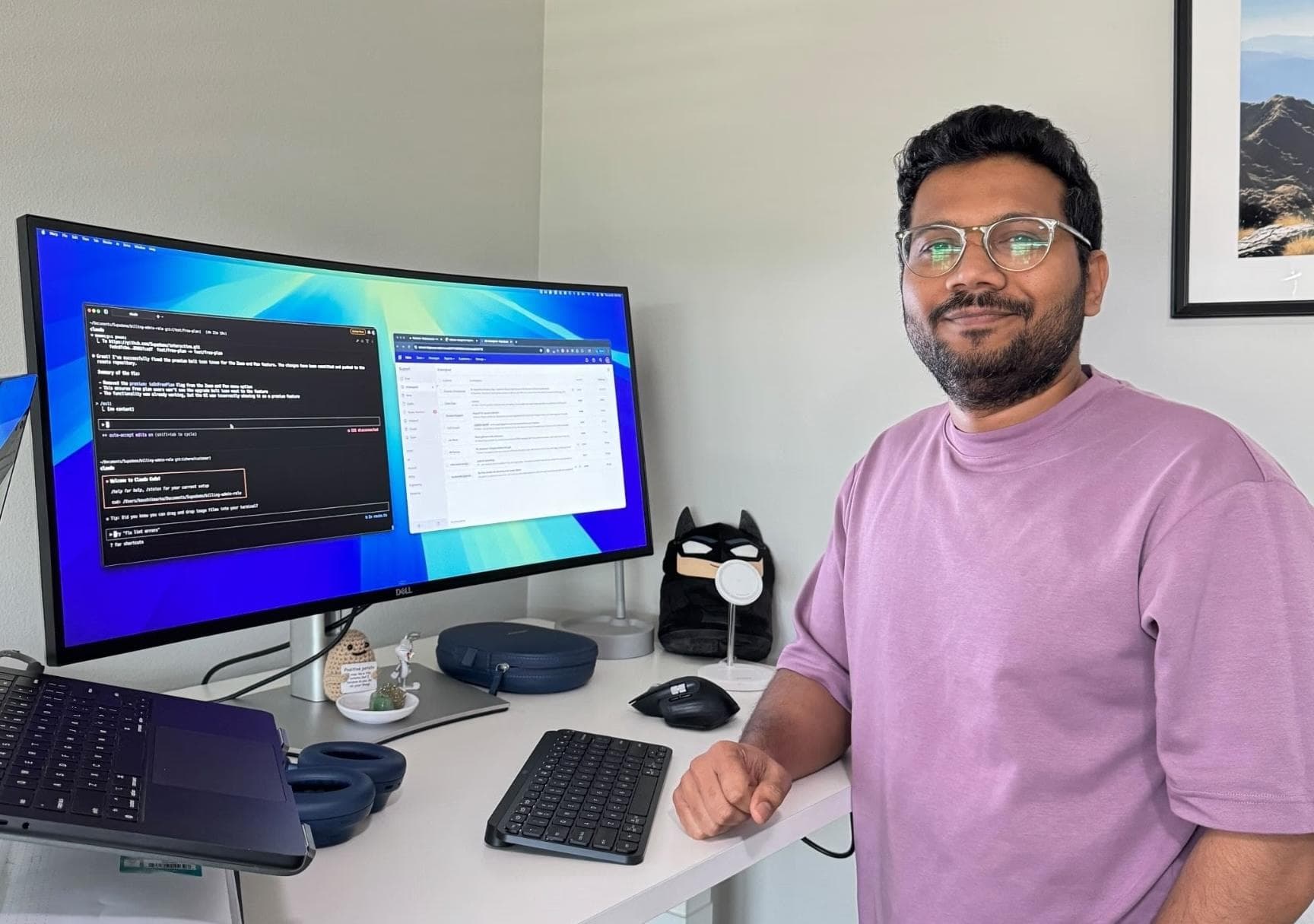
Cold outbound is getting brutal. So I tried something slightly unhinged: I made a personalized product demo for every prospect on my list, with their name, their company, and my voice, without recording hundreds of videos.
Each demo opens with the prospect's name, mentions their company inside the walkthrough, and has a voiceover that sounds like me talking directly to them. But I didn't record any of it manually. I recorded one master demo, connected it to a spreadsheet, and used AI to generate a unique demo link for every single prospect on the list.

The reason I started testing this is simple: most cold emails are painfully generic. Even the “personalized” ones usually just say something like, “Hey Sarah, noticed you're the VP of Sales at Acme,” and everyone knows that came from a sequence. So I wanted to see what would happen if, instead of just personalizing the email, we personalized the actual product experience.
In this post, I'm going to show you the exact workflow I'm using to do this, including the exact AI prompt I'd use to run it for a real outbound campaign.
Why Personalization Has to Move Closer to the Product
Before jumping into the tactical setup, let me explain why I think this is interesting.
For the last few years, outbound has become this weird arms race. Everyone has better enrichment tools, better AI copywriting tools, better sequencing tools, and better ways to pretend they wrote a personal email. But buyers are not stupid. They can tell when the email was mass generated, they can tell when the Loom was copied and pasted, and they can tell when the “personalization” is just their first name and company name dropped into an email template.
So as a founder, the question I've been thinking about is: how do you make outbound feel more relevant without making it feel fake? I think the answer is that personalization has to move closer to the actual product. Instead of just saying, “Hey, I made this for you,” you actually show them something that feels like it was made for their context. Here's an example of what I mean:
That's where this workflow came from. The goal is not to trick someone or pretend you manually recorded 500 custom demos. The goal is to take one really good product walkthrough and make it more relevant for the person receiving it.
The system has four parts. First, you create one master demo. Then you add dynamic variables. Then you clone your voice with AI. Finally, you use Claude and the Supademo MCP to generate personalized links from a spreadsheet. Let me walk you through it.

Step 1: Create Your Master Demo
The first step is creating your master demo. This is the base template that every personalized version will come from, and this part matters a lot: if the master demo is confusing, every personalized version is going to be confusing too.
So don't think of this as recording a generic product tour. Think of it as recording the shortest possible version of the demo you'd give to a real prospect. Your job is to get them to the “aha moment”, not to onboard them onto your product.
To create the master template, start a new recording with the Supademo Chrome extension. As you click through your product, every click becomes a step in the interactive demo automatically, so you're just walking through specific pages the way you would on a live call.
Pick one “aha moment”, not a product tour
The key is to pick one “aha moment” that your ideal buyer cares about. Not your entire product, and definitely not a 25-step tour of your dashboard.
For example, if I'm selling to a sales leader, I might show how their team can create and share interactive product demos for outbound, onboarding, or sales enablement. If I'm selling to a customer success leader, I might show how they can create demos for onboarding or support. The workflow should match the pain point. For this campaign, I built the demo around personalized outbound.

Keep it between 5 and 10 steps
My rule of thumb is to keep the demo between 5 and 10 steps. That's usually enough to show the core idea without overwhelming someone who doesn't know much about your company. The goal of this demo is not to explain everything your product does. The goal is to get your prospect to think, “Okay, this is relevant enough that I'm open to taking the call.”

So I keep it tight: show the main workflow, show where personalization happens, show what the viewer experiences, show analytics, and end with a clear CTA.
Once the recording is done, Supademo turns it into an interactive walkthrough that I can edit. From there, I can use Supademo's built-in Demo Copilot to customize the hotspot text, designs, and animations simply by prompting in natural language.
This master demo becomes the foundation for everything else, so if you're doing this yourself, spend the extra 10 minutes to make it good. That's where the leverage comes from: you're not making 100 demos, you're making one strong demo template that can become 100 personalized demos.
Step 2: Add Dynamic Variables
Now that the master demo is recorded, the next step is adding dynamic variables. Dynamic variables are basically tokens or placeholders. Instead of hardcoding “Sarah” or “Acme” into the demo, I use a variable like first name or company name, and each personalized link fills in those values automatically.
For outbound, I'd start simple: first name, company name, and role.
The mistake people make with AI personalization is they try to personalize everything. They mention the person's office address, funding round, LinkedIn post, podcast appearance, and college, and suddenly it feels like a robot wearing a human mask. You don't need that. You just need enough personalization to make the demo feel relevant.
Place variables where they naturally belong
The cool thing is that I can place those variables inside the demo wherever they naturally fit. For example, I can add them to the title, the demo's chapter screen, hotspot text, and even the captured HTML of the demo itself: making the actual product demo personalized, not just the text around it.

That immediately makes the demo feel more specific. The important thing is that the personalization should feel natural. Don't jam their name into every sentence, and don't make every screen scream, “This was personalized by AI.” Use it where it adds context.
Every variant stays connected to the master
One of the nice things about doing this with a master demo is that every personalized variant is still connected back to the original template. So if I later fix a typo, change the CTA, update a step, or improve the walkthrough, I don't have to remake every single demo. I update the master demo once, and every personalized version inherits that improvement. That is the part that makes this scalable.
Step 3: Clone Your Voice With AI
The next layer is AI voice cloning, and this is the part that can either feel really impressive or really cringe depending on how you use it.
The point of voice cloning is not to deceive someone. I'm not trying to make anyone believe I sat down and personally recorded a custom voiceover for every single prospect. The point is to make the demo feel warmer than a silent demo or a generic AI voice.
Inside Supademo, open the AI voice settings. To clone your voice, you just need a short voice sample. Record yourself talking naturally for a few seconds, and I'd recommend recording it the way you actually speak: not in a fake announcer or radio voice.
Once that sample is processed, you can apply your cloned voice across the demo. Now every prospect gets a personalized demo that sounds like you while still dynamically mentioning their name or company.
Step 4: Scale It With Supademo AI or the Claude MCP
At this point, I have the master demo, the variables, and the cloned voice. But so far, that's still just one personalized demo template. The real question is: how do you turn that into hundreds of personalized links without doing it manually?
This is where AI comes in. I use Supademo's Demo Copilot for this, but you can also use the Supademo MCP connector with Claude or ChatGPT. Instead of manually creating links or writing hotspot copy, I simply ask AI to do it with natural language prompts.
Start with a simple spreadsheet
The first thing I do is upload a spreadsheet of the prospects I want to reach. It can be very simple: first name, company name, role, email, industry, and segment. Then I have AI generate a new column for the personalized demo link.
The one prompt that ties it all together
Now I can give the AI one prompt, and this is where the entire workflow comes together. The prompt would say something like:
Using the attached spreadsheet, create a unique Supademo tracking link for each prospect, using the mapped variables in the sheet within the demo. Use the master demo called Personalized demo for {{name}} (cmqvaip3d025qqmec0ogkdcdf). Make the links expire in 30 days. Then generate a unique trackable link for that prospect, and add the completed link back into a new column on the sheet for download.
That's the basic version. You can get more advanced by asking AI to adjust chapter titles by industry, change CTA buttons by segment, or group prospects into different versions based on the type of company they work at. But for most teams, I'd start simple. That alone is already much better than generic outbound.
AI then goes row by row and generates the personalized links. When it's done, I have a spreadsheet with a new column, and each row has a unique demo link for that exact prospect. So instead of recording 100 Looms, editing 100 intros, and manually creating 100 custom assets, I have one master demo personalized across the entire list. This can now be used in Apollo, HubSpot, Heyreach, Dripify, or any sequence builder.
That's the leverage. The human work is creating the strategy and the core demo. The AI work is scaling the repetitive personalization.
What the Prospect Actually Sees
Now let's look at what the prospect sees, because this is the part that actually matters. If the end experience feels generic, none of this is useful.
Let's say the demo is for Sarah at Acme. When Sarah clicks the link, the demo opens with her name on screen. The intro says, “Hey Sarah, here's a quick demo for Acme,” and the voiceover reads each step in my voice.

As she goes through the demo, the chapter titles, the actual demo data, and the hotspots mention Acme naturally. Not in every sentence, and not in a weird over-personalized way, but just enough to make it obvious that this was created for her context.
And because this is interactive, she's not just watching a passive video. She can click through the actual product, move at her own pace, replay steps, and get a feel for the product without needing to book a call first.
That matters because most prospects are not ready to talk to sales immediately. They want to understand the product first. They want to see if it's relevant. They want to know whether the call is worth their time. This gives them that experience before the call ever happens.
The Follow-Up Is Where This Gets Really Useful
The personalized demo is useful, but honestly, the analytics are where the magic happens. Once Sarah opens the demo, I can see exactly what happened: whether she viewed it, how far she got, which steps she spent time on, where she dropped off, and whether she clicked the CTA.
That changes the follow-up completely. Most outbound follow-up is terrible. It's usually something like, “Just bumping this to the top of your inbox,” or “Any thoughts?” That kind of follow-up gives the prospect no new reason to care.

But if I can see that Sarah spent time on the analytics section of the demo, my follow-up can be much more specific: “Hey Sarah, noticed you spent time on the analytics part of the demo. Usually when teams look at that, they're trying to understand which prospects or customers actually engaged before the next conversation. Is that something your team is focused on?”
That is a completely different message. It's still outbound, but now it's based on behavior instead of a guess.
For a sales team, that context is incredibly useful. Instead of starting the first call cold, you already know what the person looked at, which workflow they cared about, whether they made it to the CTA, and whether the demo actually resonated.
That's the part I find most interesting. This is not just personalization for the sake of personalization. It's a way to make outbound more product-led. Instead of asking people to book a call just to understand what you do, you let them experience the product first, then use their engagement to follow up in a smarter way.
The Bigger Idea
So that's the full workflow: one master demo, a few dynamic variables, a cloned voice, a spreadsheet of prospects, and one AI prompt that turns it into a personalized demo link for every person on the list.
The bigger idea here is that personalization is moving from the message to the product experience itself. For years, outbound personalization meant customizing the email. Now, with AI, you can customize the thing the buyer actually wants: the product demo.
If you want to try this workflow yourself, you can create your master demo, add dynamic variables, clone your voice, and start generating personalized links with Supademo for free.
Want more behind-the-scenes from building Supademo? Read how I built an AI Demo Agent that sells 24/7 and why SaaS is about to change forever.
Frequently Asked Questions
Commonly asked questions about this topic.
What is a personalized outbound demo?
How do I create personalized demos at scale without recording hundreds of videos?
What variables should I personalize in an outbound demo?
Is AI voice cloning in outbound demos deceptive?
Can Claude or ChatGPT generate personalized demo links automatically?
How do personalized demos improve outbound follow-up?

Co-Founder & CEO
Joseph is the CEO and co-founder of Supademo, building AI-driven interactive demo tooling used by 200,000+ founders, marketers, and operators to accelerate product understanding and sales. He’s a two-time startup founder passionate about zero-to-one product building and remote-first company culture.