Growth Playbook • 2025
Growing Supademo 10x YoY with Product-Led SEO
How we scaled from $100K to over $1M ARR in 12 months using programmatic SEO and free tools
Introduction
When it comes to early-stage startups, $1M ARR is the magic number we're all chasing — the badge of honor and early confirmation that you're building something users truly want.
For Supademo, we were lucky enough to achieve this feat in 2024, when we grew 10x through relentless execution, tactical experimentation, and ruthlessly cutting what didn't work.
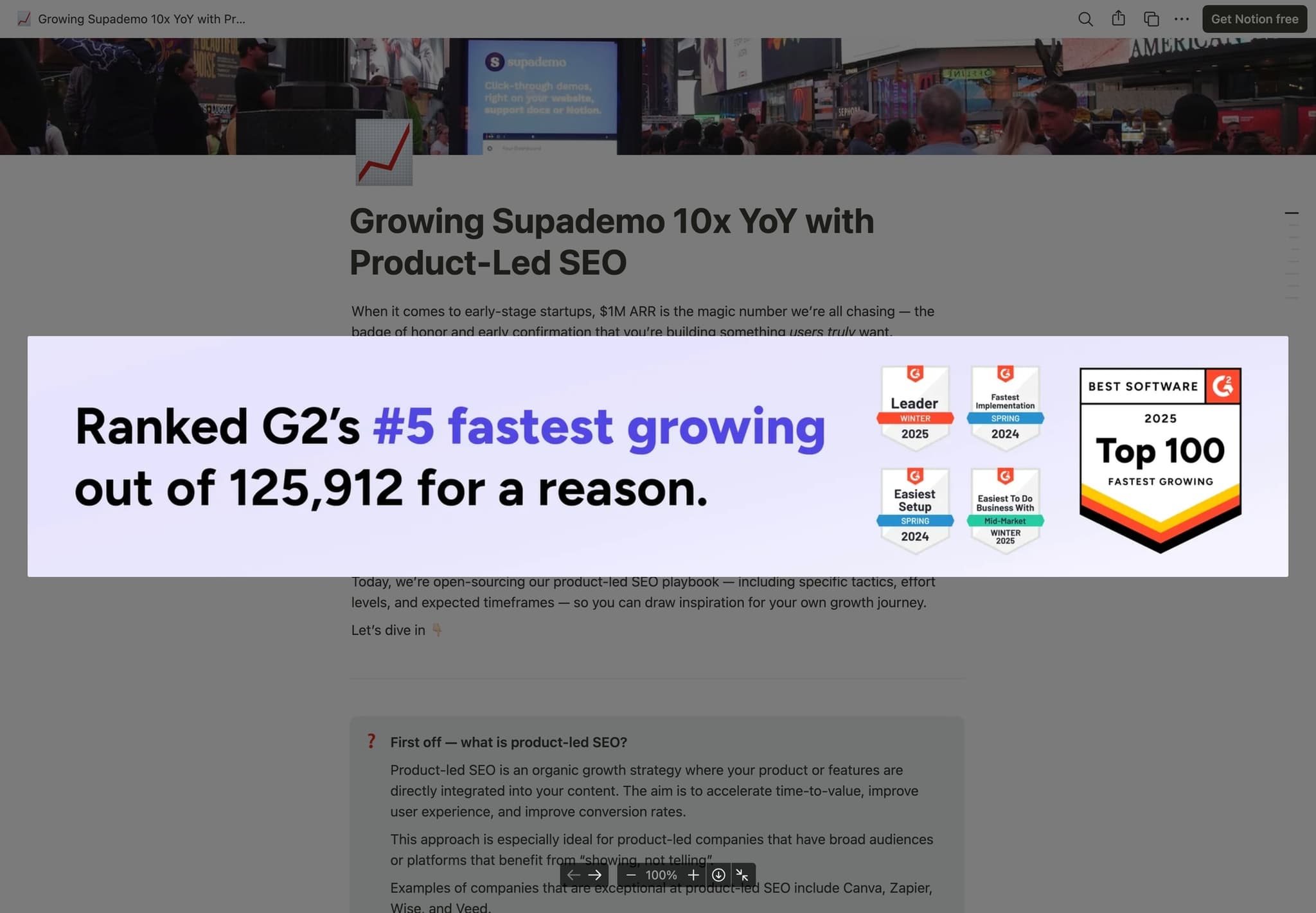
And while there wasn't a silver bullet to achieving $1M ARR, product-led SEO — specifically programmatic SEO and free tools — were huge contributors to our milestone.
Today, we're open-sourcing our product-led SEO playbook — including specific tactics, effort levels, and expected timeframes — so you can draw inspiration for your own growth journey.
What is product-led SEO?
Product-led SEO is an organic growth strategy where your product or features are directly integrated into your content. The aim is to accelerate time-to-value, improve user experience, and improve conversion rates.
This approach is especially ideal for product-led companies that have broad audiences or platforms that benefit from "showing, not telling".
Examples of companies that are exceptional at product-led SEO include Canva, Zapier, Wise, and Veed.
How we leverage programmatic SEO
Since Supademo is a product that benefits from the "show, don't tell" philosophy, programmatic SEO was one of the first scalable channels we invested in.
Why? Investing in SEO from day 1 is like a 401(k). The earlier you start, the more it compounds over time — whether it's domain reputation, backlinks, or general presence. And while there's a lot of doom and gloom narrative about the death of SEO, we think SEO is going to continue to grow in importance in the age of LLMs and AI search.
Below are two SEO tactics that worked particularly well for us:
BOFU: Programmatic Comparison Pages
- Hypothesis: Piggyback on long-tail keywords focused around competitor traffic to generate qualified signups, quickly (since less competitive)
- Timeline: 2-4 weeks
- Results: >20% visitor to signup rate on comparison pages
If you're serving a large TAM or lucrative market, chances are you have plenty of competitors. In fact, I'd be worried about the viability of your business if you don't.
So one of our first growth tactics was to piggyback off the search volume, buzz, and reputation built by competitors and alternatives. And while these search volumes are relatively small — they bring in high intent, conversion-focused traffic with high ROI.
Here's the exact strategy we used
- 1.List out all of your competitors and segment them into two buckets:
- Direct (for us: demo automation platforms)
- Indirect/periphery competitors (for us: SOP generators, product tours, sandbox demos)
- 2.Do research for each by searching for the keyword "{competitor} alternatives" on Ahrefs or SEMRUSH. You'll get a good picture of KW difficulty or how worthwhile it is to create content for a particular product/competitor. Use this as a proxy to thin out or add to your list.
- 3.Create 3-4 "quadrants" for each competitive advantage you hold vs. the competition. This can be ease of use, pricing, affordability, features, or another vector.
- 4.Segment the list of competitors from step 1 into the appropriate quadrants.
- 5.Next, create a template landing page on Webflow or equivalent or code (we used React + NextJS) for each quadrant. Each template should highlight a particular competitive advantage. Here are snippets from our example:
- Header: "The affordable {competitor} alternative" or "The feature-packed {competitor} alternative"
- Hero: {interactive demo showcasing why you're better at quadrant value, in just a few clicks}
- Table breakdown of key features and differentiators
- Reasons why your solution is the best solution for that quadrant
- Semantic FAQs about the competitor to strengthen keyword positioning
- 6.Next, create a master CSV or JSON file that will be used to feed the appropriate variables to the template above — one row for each competitor.
- 7.Pull data from the CSV/JSON into your template pages to create a page for each keyword search term. Deploy and track organic search volumes on a weekly cadence and improve as you go.
- 8.Finally, group and link out these comparison pages via a single page to serve as a hub. For us, this page serves as double duty of targeting the keyword "Supademo alternatives".
And while it can feel daunting to pit your product head-to-head with incumbents, this growth tactic was one of our fastest strategies to garnering qualified signups.
Our initial goal here wasn't to have the perfect comparison page or wait until we had full feature parity. It was to quickly increase discovery with buyers who may have never found us otherwise — and quickly iterate on pages that gained momentum.
TOFU: Interactive Tutorials at Scale
- Hypothesis: By adding value first (visually answering common queries with embedded demos), a portion of viewers would funnel into the main product
- Timeline: 2-4 weeks
- Results: Drives 50% of all organic traffic. Low conversion rate but drives dozens of signups per month and increases brand visibility
Similar to Zapier's strategy of integration-focused landing pages that put their product front-and-center (i.e. "Connect Slack to Salesforce"), we wanted to create programmatic SEO pages that answered "how to's" for popular products.
And while not as high-intent as the Zapier example above (i.e. people searching/landing on our pages are looking to consume demos/tutorials, not create them), our bet was that by building instructional, value-first landing pages for common questions for popular products, we would be able to siphon a portion of visitors into signing up for our core product.
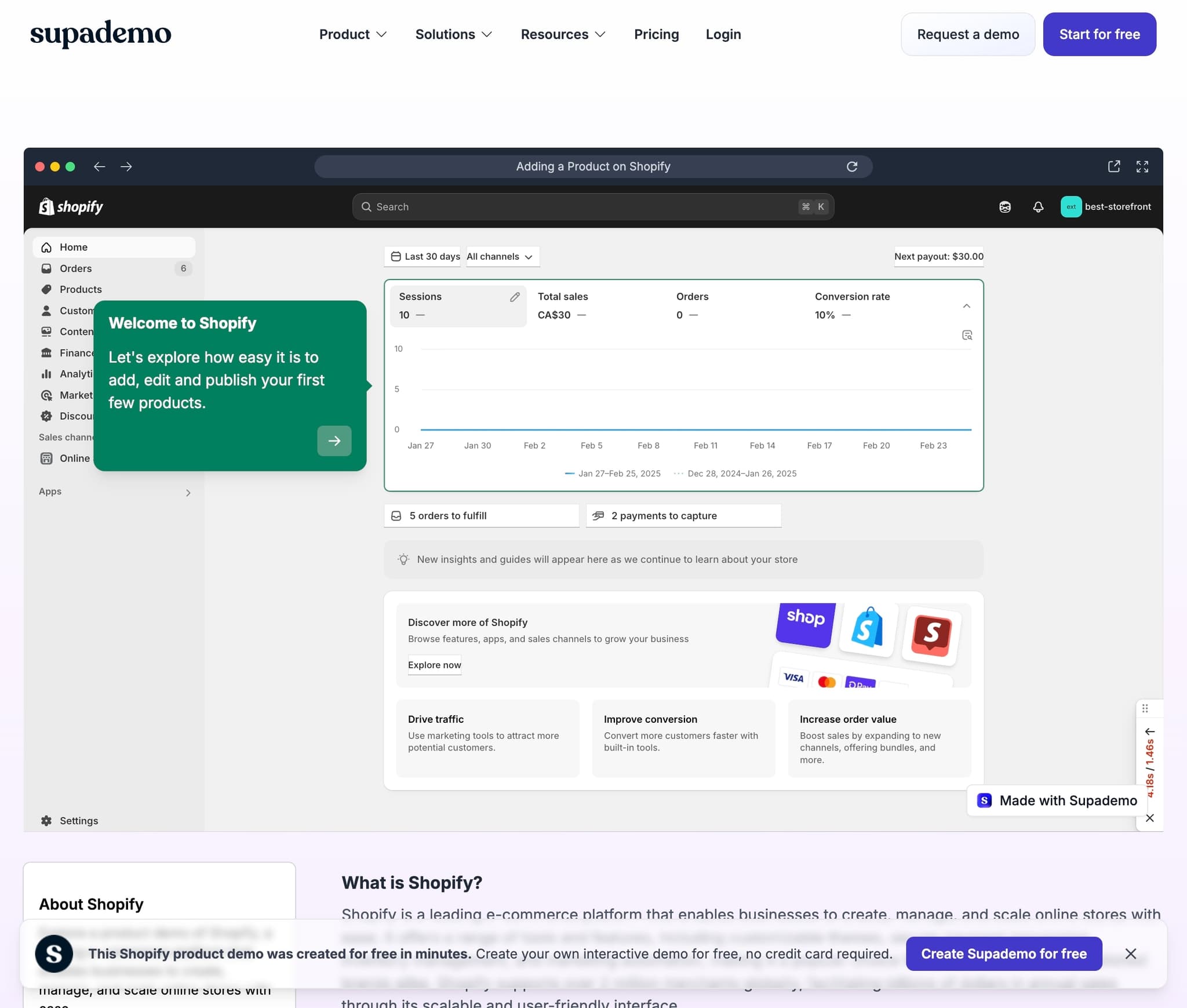
When evaluating this growth tactic, we were inspired by other product-led examples like:
- Online spreadsheet tools like Rows targeting "how-to" formulas for Excel
- Analytics platforms like Mixpanel targeting "how-to's" for calculating CAC, LTV
- Data aggregators like GetLatka targeting search terms like "ZoomInfo revenue"
- Banking platforms like Wise targeting search terms like "How to calculate DCF"
Here's the exact strategy we used
- 1.Build out a comprehensive list of products (or competitors) in your niche.
- 2.Go to the keyword research tool on Ahrefs or SEMRUSH and search for common search terms like "{product} how to", "{product} demo", "{product} revenue". You'll get a good picture of volume and KW difficulty for long-tail keywords.
- 3.Next, create a template landing page on Webflow (or equivalent) or code (we used React + NextJS). This template should ideally include:
- Hero section: {interactive demo or embed of your product that answers the query}
- Body section: information on the product and why it's beneficial
- Semantic FAQs about the product to strengthen keyword positioning
- A clear CTA or watermark badge that redirects users to your main product experience
- 4.Next, create a master CSV or JSON file that will be used to feed the appropriate variables to the template above — one row for each keyword.
- 5.Pull data from the CSV/JSON into your template pages to create a page for each keyword search term. Deploy and track organic search volumes on a weekly cadence and improve as you go.
By focusing on high volume queries for adjacent products for our ICP (i.e. Figma, HubSpot, Apollo.io), our bet was that a portion of them would be inspired to try out Supademo for their own product demo/tutorial creation needs.
And while these pages are somewhat low converting (<2%), they've organically picked up backlinks, drove 50% of our organic traffic, and still nets us hundreds of signups.
Free Tools & Ungated Platform Access
- Hypothesis: By making core features of our platform ungated and loginless, we would accelerate time-to-value and increase trial conversions. It would also allow us to feature individual features on high-volume, free tools pages
- Timeline: 4-8 weeks
- Results: Didn't impact free-to-paid, but free tools generate 15-20k visitors per week with ~10% signup conversion
The most successful growth experiment for us was ungating our product experience: making it possible for users to create Supademos, take screenshots, and explore our demo editor without signup.
Our thesis for ungating our product experience was twofold:
- By making our product experience fully ungated, we could engage a cohort of "tire kicker" users who weren't ready to start a 14-day free trial, but could be convinced after playing around with the platform.
- There are lots of adjacent jobs to be done (i.e. taking screenshots, editing video) that could be satisfied with features within our product. We could make these accessible with focused, free tool pages — with the aim of funneling a portion of these visitors into our main product.
To run an experiment around this thesis, we first made the entire Supademo experience ungated — meaning users can simply download our Chrome extension and start recording an unlimited number of Supademos. Outside of cost-prohibitive features like AI voiceovers or text generation, we lifted all restrictions on sharing and editing, essentially leading with value-first.
Finally, to incentivize this cohort of anonymous users to convert, we create expiration dates for content, where Supademos are auto-deleted after 7 days, unless "claimed" with a signup. In all, the process of ungating our product took about 4 weeks of engineering effort.
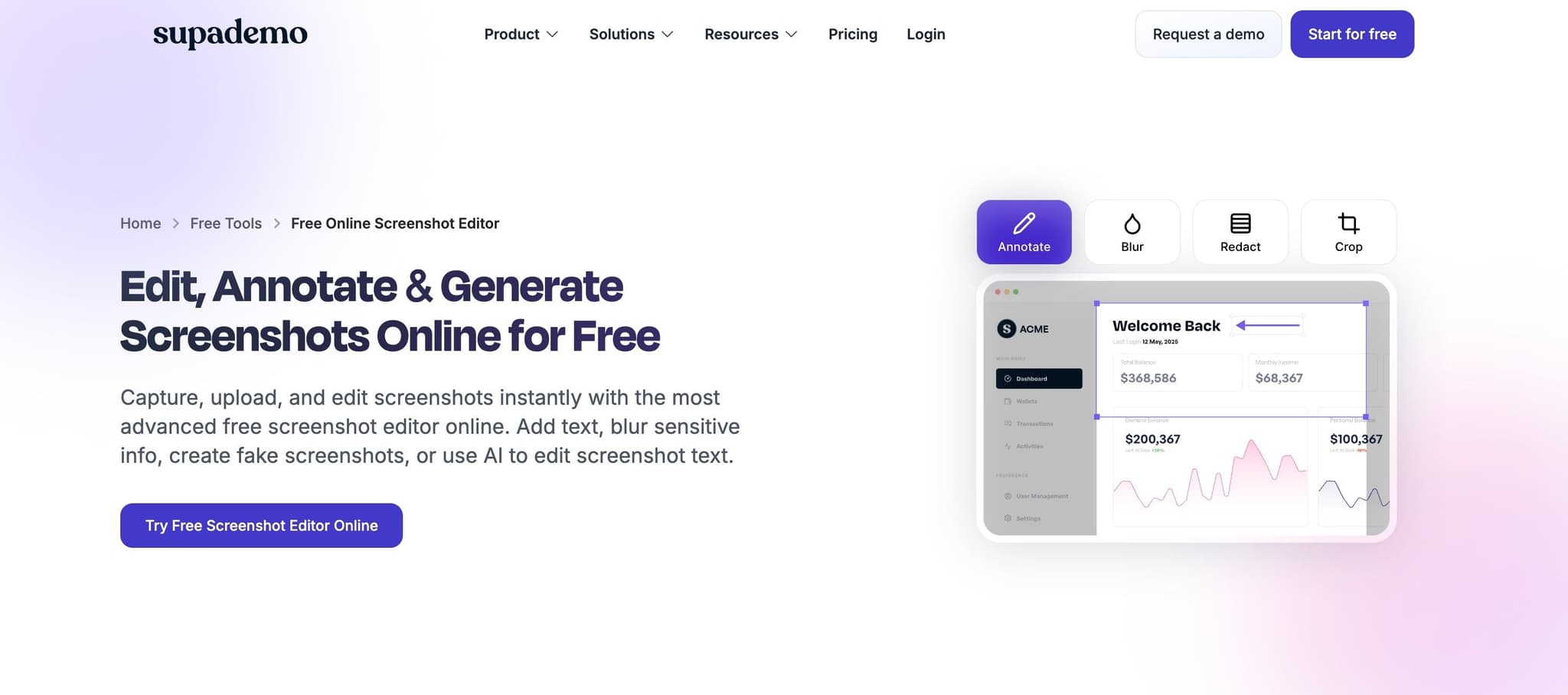
In tandem, we built SEO-optimized free tools pages for specific features within our core product including examples like:
- Free online screenshot editor: 10-20k visitors weekly
- Screenshot link generator: 10k visitors weekly
- Free prototype maker: 300 visitors weekly
- Clickable video maker: 120 visitors weekly
- Online blurring tool: 100 visitors weekly
Best of all, we would create multiple landing page variations for the same feature — allowing us to target niche keywords without significant extra effort.
Pro tip: With the rise of AI coding platforms like Replit, Bolt or Loveable, you can further scale your free tools strategy beyond pre-built features. For instance, you can easily spin up adjacent tools like calculators and generators in a fraction of the time it used to take.
Ultimately, the demand for our free tools confirm our intuition that some users that create/edit screenshots also have the need to create product demos. Startups that create clickable prototypes may need to create sales demos for it once it ships.
Here's the exact strategy we used
- 1.Make aspects of the core product ungated — meaning users should be able to try specific features without signup or trial.
- 2.Go to the keyword research tool on Ahrefs or SEMRUSH and search for common tools or jobs to be done that your target persona might be searching for.
Pro tip: Concentrate on addressing a single, well-defined problem instead of creating an all-encompassing solution. A streamlined, specialized tool is quicker to develop and stands a better chance of ranking well in search engines.
- 3.Next, create a template landing page on Webflow (or equivalent) or code (we used React + NextJS). This template should ideally include:
- Hero section with breadcrumb navigation and image
- Section with the embedded tool or screenshot of the tool that links out to the actual tool's URL
- How to section of how to achieve the specific "job to be done" for the tool
- Section outlining the benefits of the specific tool
- Semantic FAQs about the product to strengthen keyword positioning
- A clear CTA or watermark badge that redirects users to your main product experience
- 4.Next, create a master CSV or JSON file that will be used to feed the appropriate variables to the template above — one row for each tool.
- 5.Pull data from the CSV/JSON into your template pages to create a page for each keyword search term. Deploy and track organic search volumes on a weekly cadence and improve as you go.
In Conclusion...
If you're a founder or operator who's made it to $1M ARR and beyond, congratulations. You're within the 4% of B2B SaaS startups that made it this far.
And if you're on the verge or on the path — hopefully this product-led SEO playbook was a helpful read to inspire ideas you can implement within your own startup. Ultimately, B2B growth isn't about home runs — it's about stacking singles and doubles, week after week. Relentlessly test, cut what doesn't work, and double down on what does.
Try Supademo for Free
We created Supademo to make it dead easy to create interactive demos and product tours. It's by far the easiest, simplest way to showcase your product.
If you want to give it a shot, it's 100% free to try. Just go to supademo.com & play around. You can be up and running in literally 15 seconds.