How to Create Freshdesk AI Agent

Freshdesk AI Agent automates customer support by handling routine inquiries, reducing response times, and freeing your team to focus on complex issues. This guide walks you through setting up and configuring your first AI Agent in Freshdesk to start delivering intelligent, automated responses.
Quick summary
In this tutorial, you'll learn how to create and deploy a Freshdesk AI Agent from initial setup through configuration. You'll discover how to define agent behavior, set response parameters, and integrate it with your support workflow to enhance customer service efficiency.
Why this matters
AI Agents significantly reduce support ticket volume by handling repetitive questions, improving first-response times, and providing 24/7 availability without human intervention. Implementing this automation allows your support team to concentrate on high-value customer interactions that require human expertise and empathy.
Step-by-step guide
- 1
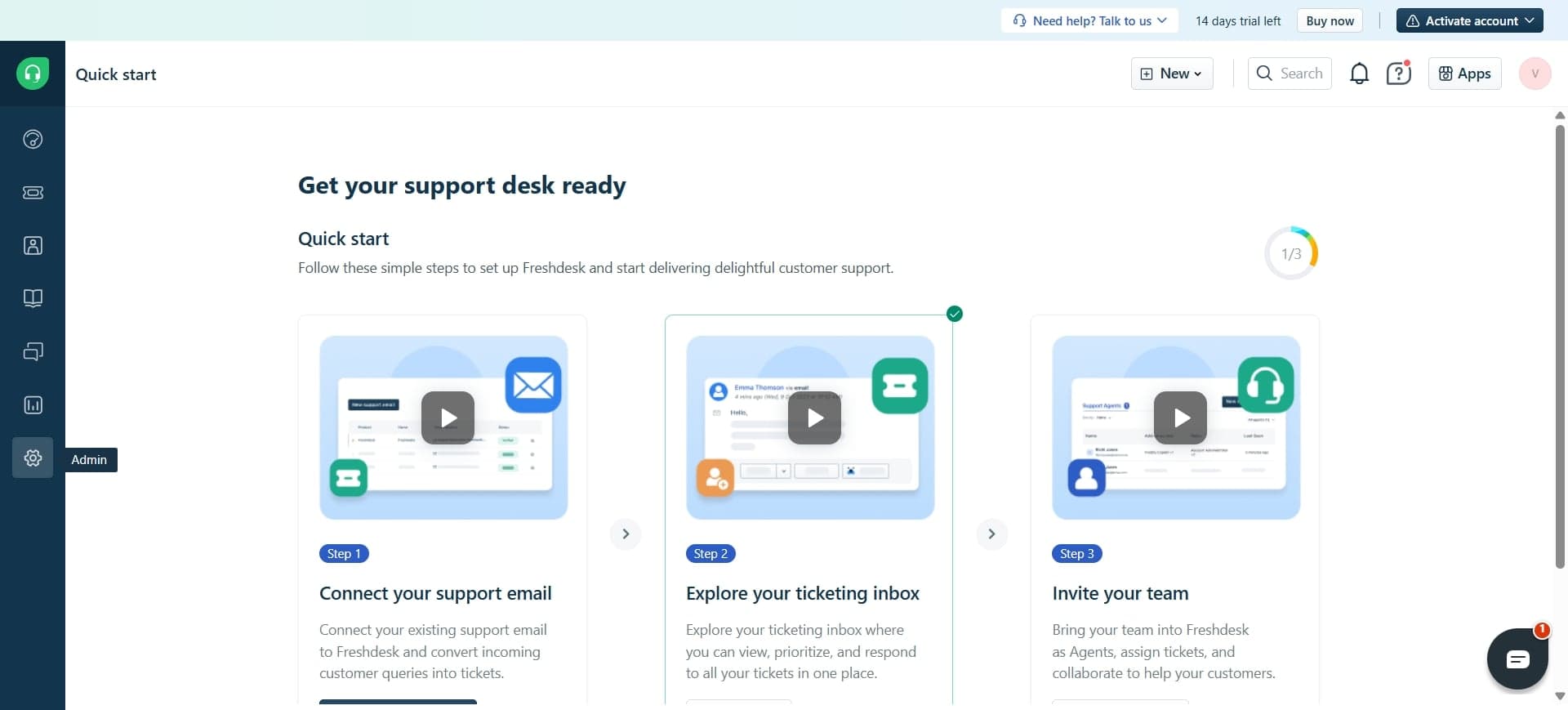
Access the Freshdesk admin panel
Log into your Freshdesk account and navigate to the admin settings. Look for the automation or AI features section in the left sidebar menu.
- 2
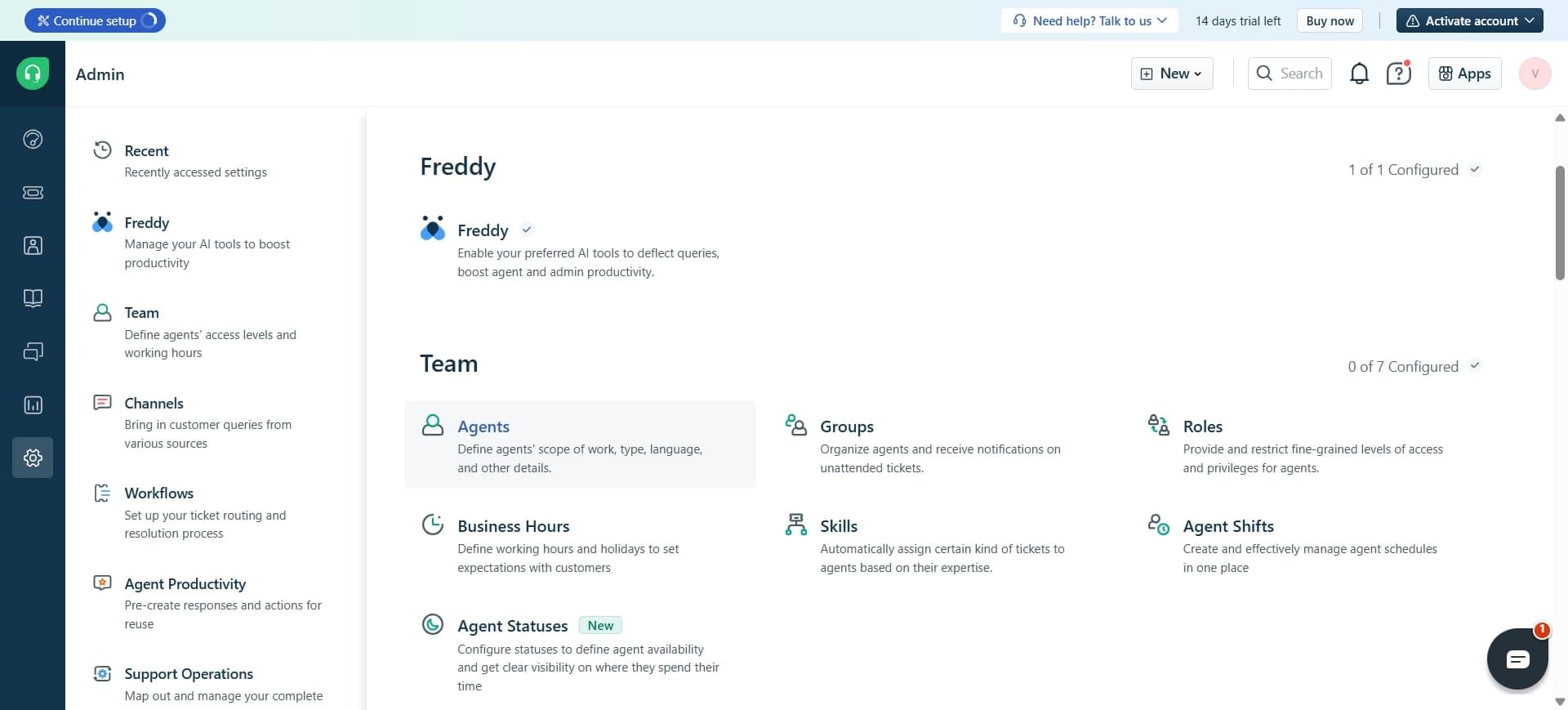
Navigate to AI Agent settings
Find the dedicated AI Agent section within your admin panel. This is where you'll manage and create new AI agents for your helpdesk.
- 3
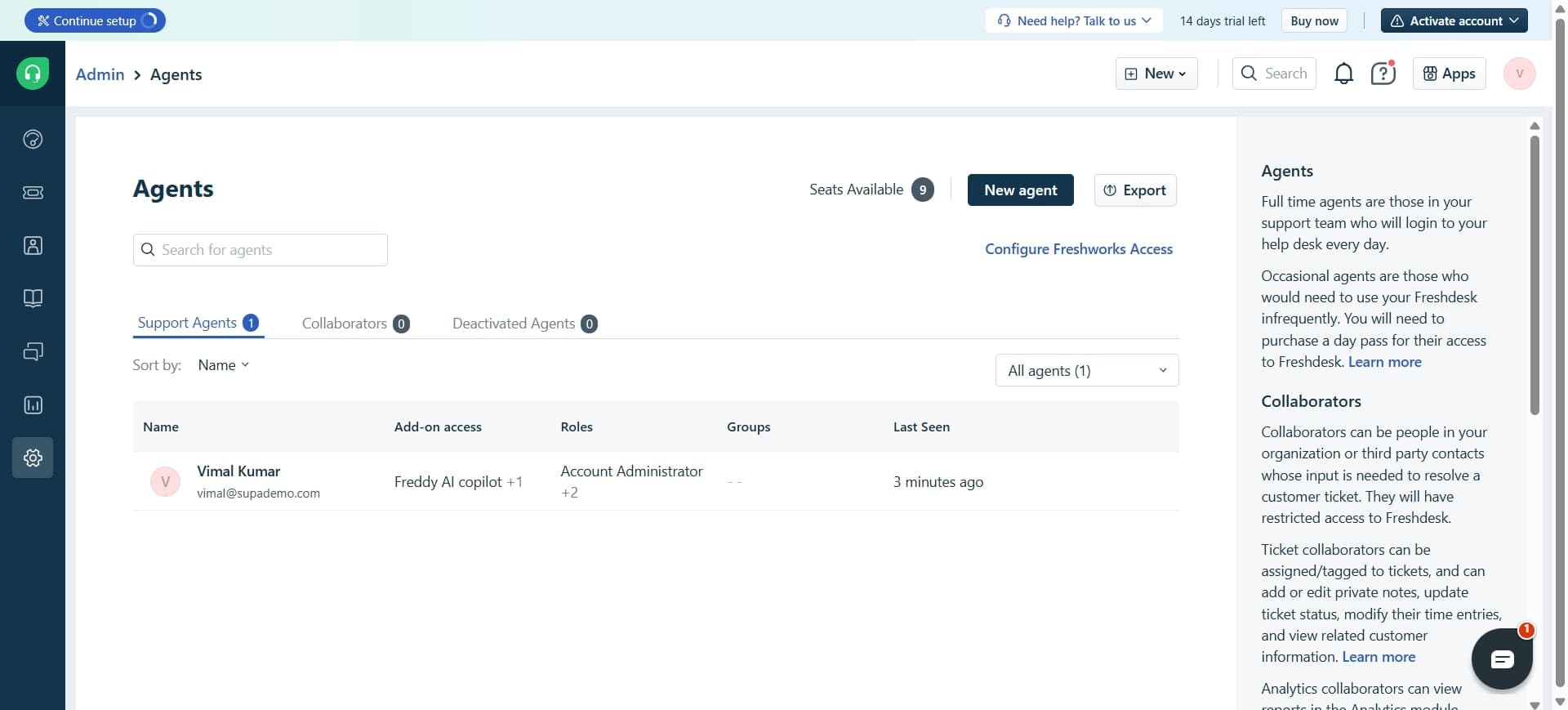
Click create new AI Agent
Select the option to create a new AI Agent. You'll be presented with a configuration form where you can define the agent's name, purpose, and initial parameters.
- 4
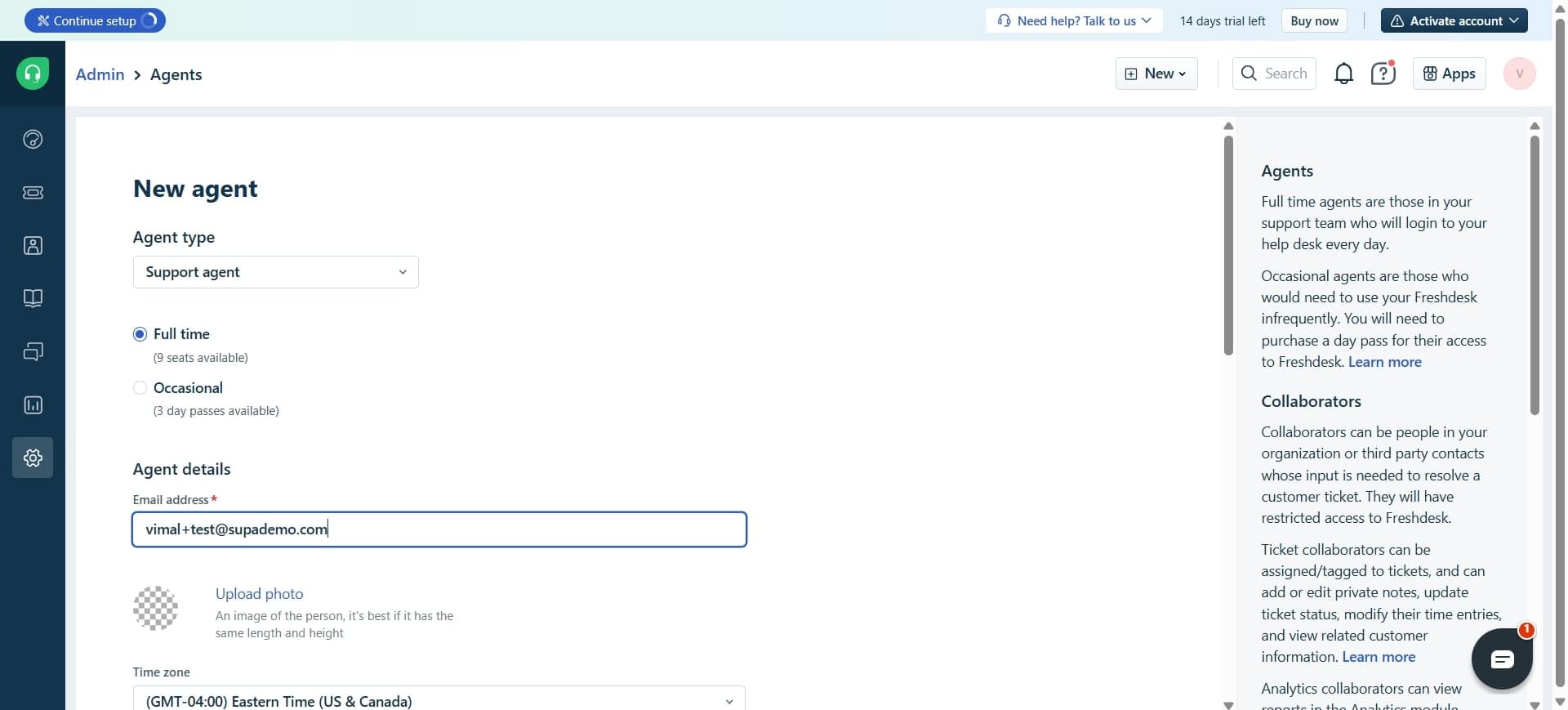
Configure agent name and description
Enter a descriptive name for your AI Agent and provide a brief description of its primary function. This helps your team identify the agent's role within your support system.
- 5
Set response behavior parameters
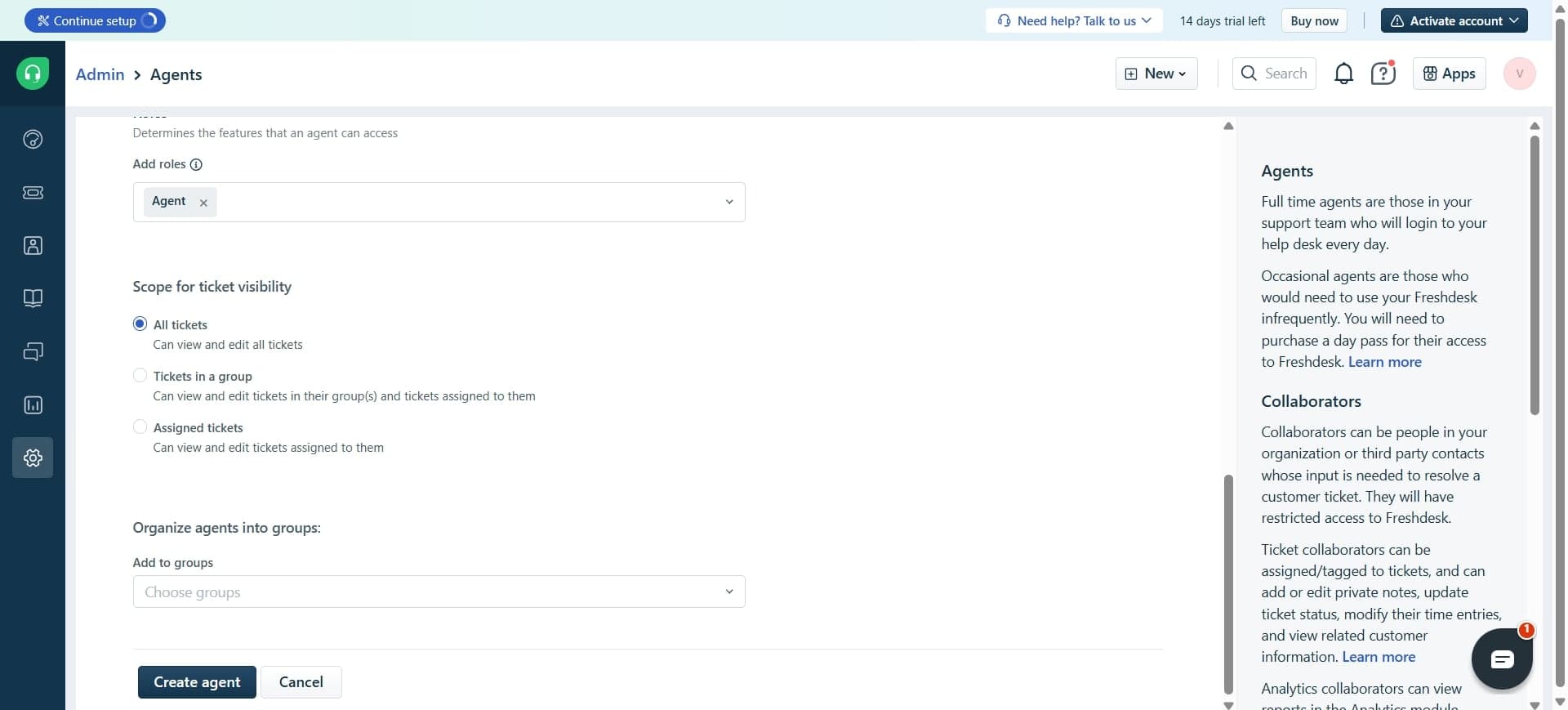
Define how the agent should respond to customers, including tone, escalation rules, and the types of inquiries it should handle. Configure thresholds for when issues should be escalated to human agents.
- 6
Train the agent with knowledge base content
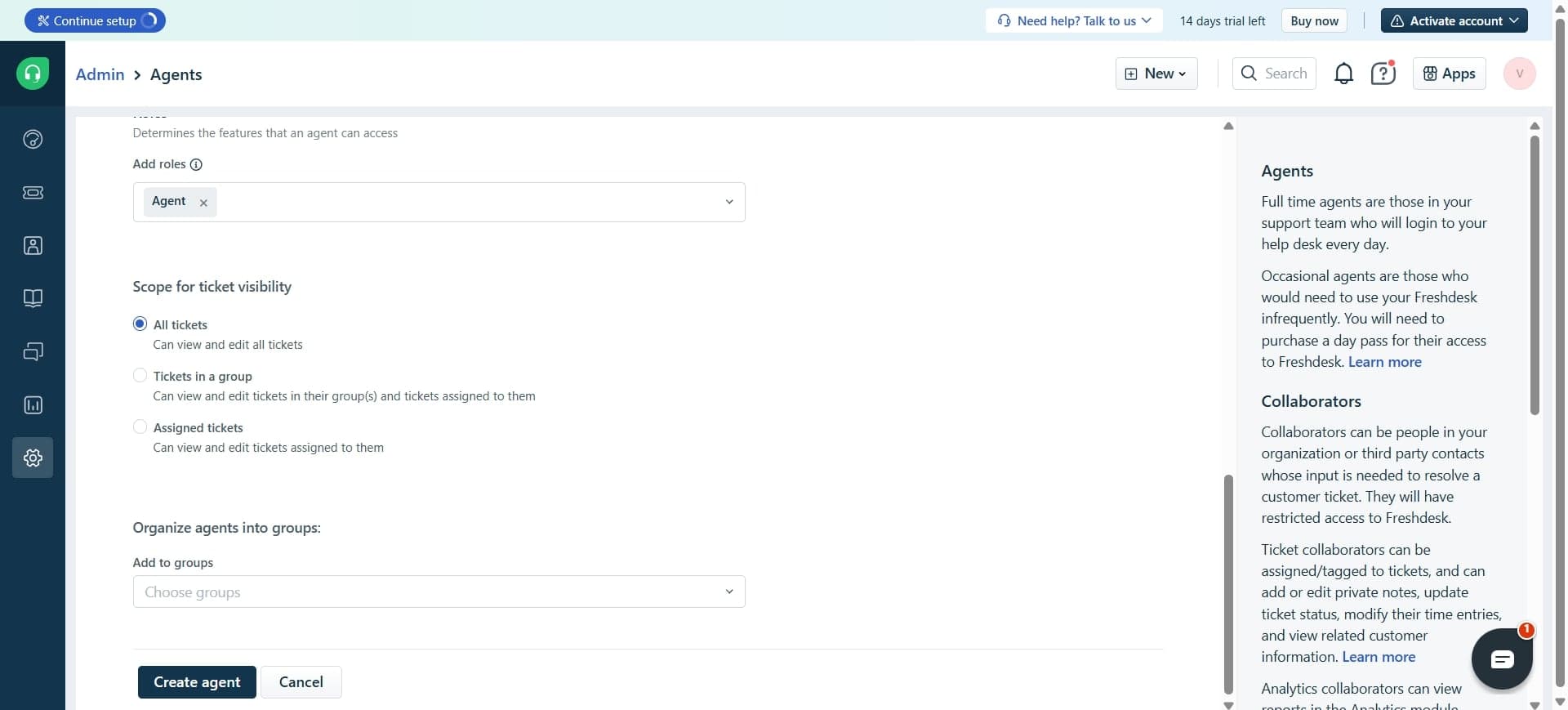
Link your Freshdesk knowledge base articles and FAQs to the AI Agent. The agent uses this content to provide accurate, contextual responses to customer questions.
- 7
Deploy and test the AI Agent
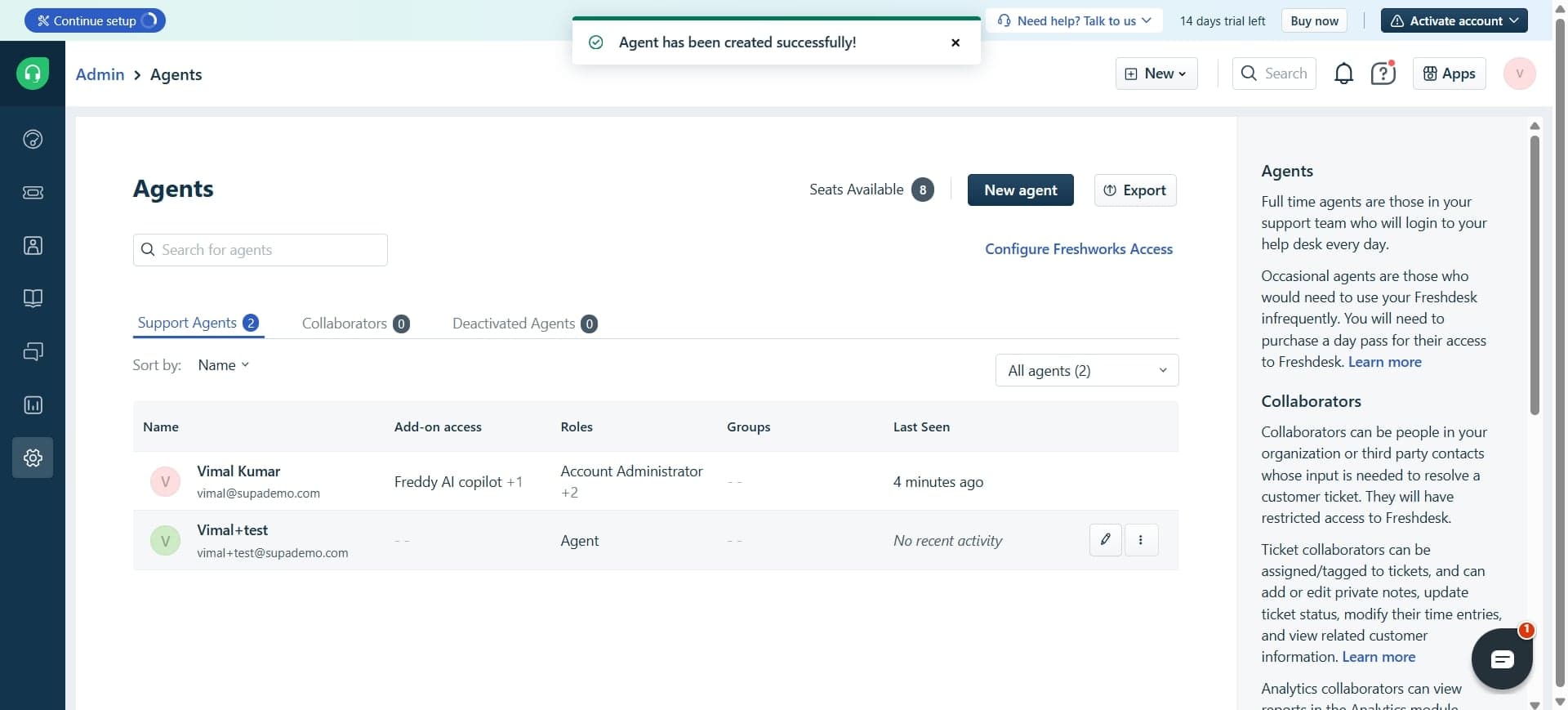
Activate your AI Agent and run test conversations to ensure it responds appropriately. Monitor initial performance and make adjustments to parameters as needed before full deployment.
Frequently asked questions
Common questions about how to create freshdesk ai agent.
Freshdesk AI Agents excel at handling frequently asked questions, password resets, account status inquiries, ticket tracking, and general product information requests. They can address any question covered in your knowledge base and escalate complex or sensitive issues to human agents automatically.
Yes, you can customize response behavior parameters including tone, language style, and escalation rules. You can also train the agent using specific knowledge base articles and FAQs that align with your brand voice and support standards.
Configure escalation thresholds and triggers within the agent's response parameters. You can set rules that automatically escalate conversations when confidence scores are low, specific keywords are detected, or the customer requests human support.
Freshdesk AI Agents can be deployed across channels like email, chat, and web forms depending on your Freshdesk plan and configuration. However, availability may vary by channel, so verify which channels support AI Agent deployment in your specific setup.
When the agent cannot confidently answer a question, it will either ask for clarification, escalate the conversation to a human agent, or provide a helpful response indicating that a specialist will assist shortly. This depends on your escalation settings and knowledge base coverage.