How to create a segment in Mailchimp

Segments in Mailchimp allow you to target specific groups of subscribers based on their behavior, demographics, or engagement level. This enables you to send more personalized and relevant campaigns that drive higher engagement and conversion rates.
Quick summary
In this tutorial, you'll learn how to create a segment in Mailchimp from start to finish. You'll navigate through the segment creation interface, define your audience criteria, and activate your new segment for use in campaigns.
Why this matters
Creating segments is essential for effective email marketing because it allows you to avoid sending one-size-fits-all messages to your entire list. By segmenting your audience, you can increase open rates, click-through rates, and customer satisfaction while reducing unsubscribe rates.
Step-by-step guide
- 1
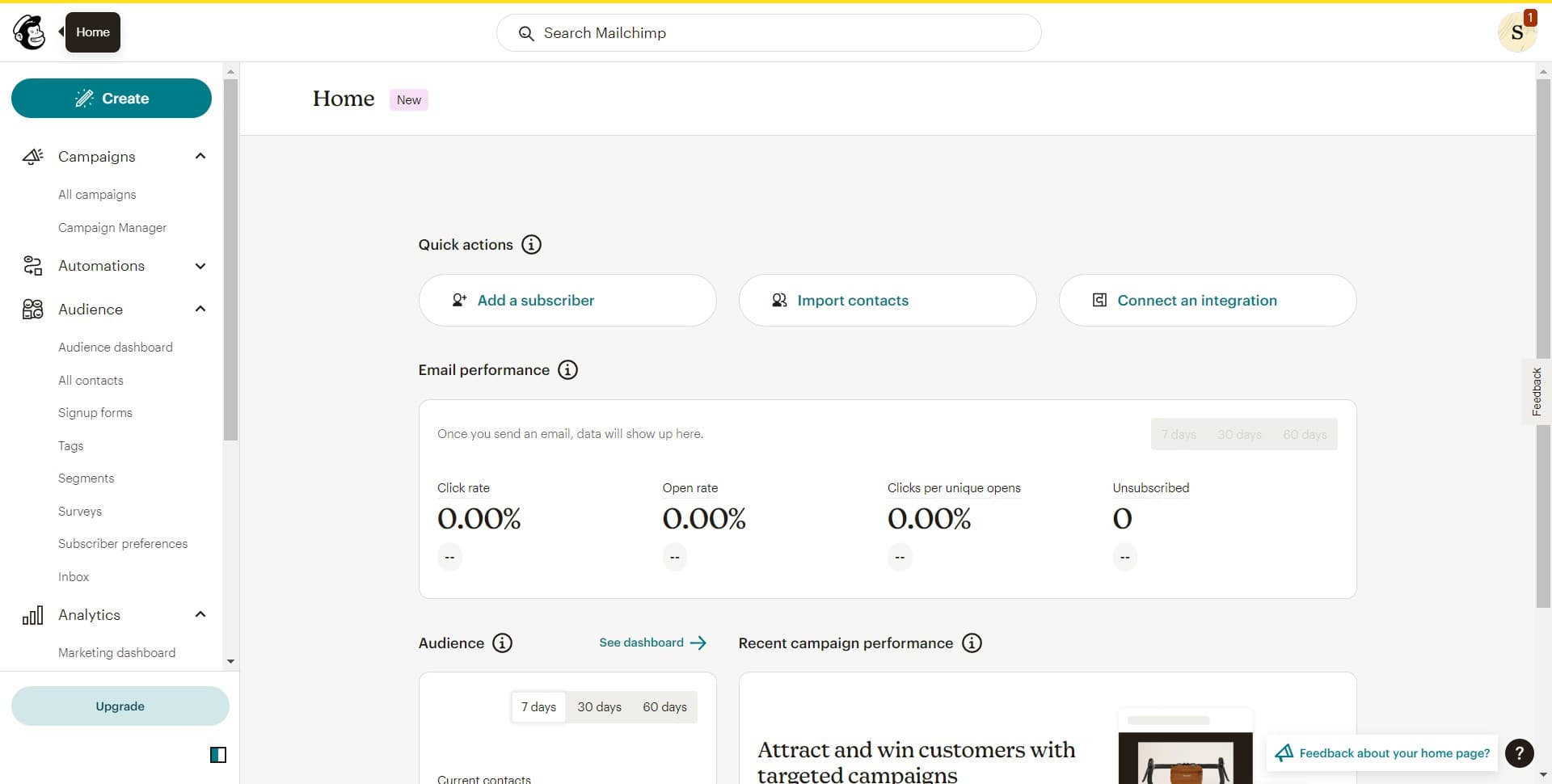
Access the Create menu
Start by locating and clicking the 'Create' button in your Mailchimp dashboard. This will open a dropdown menu with various options for creating new marketing assets.
- 2
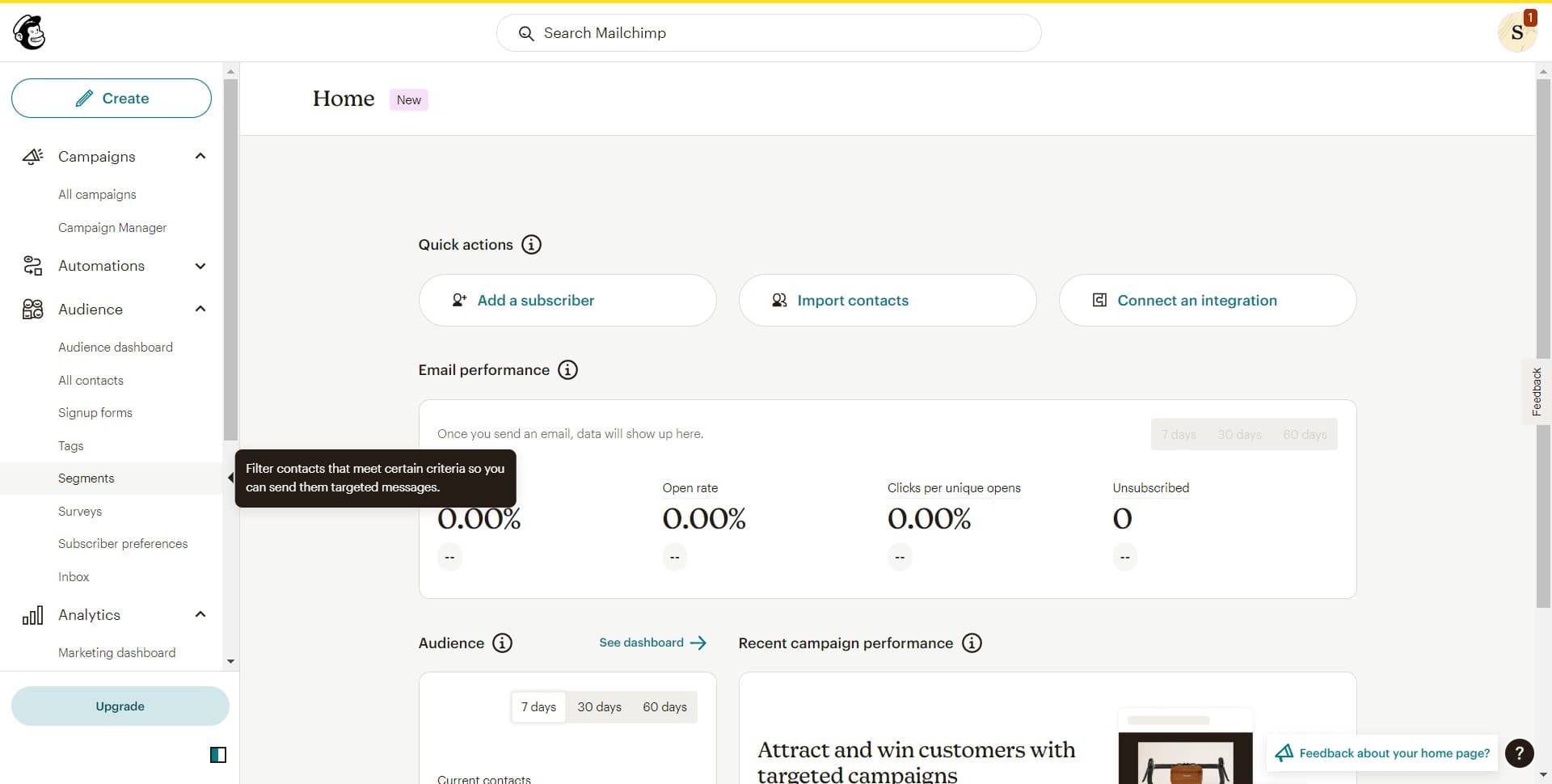
Navigate to Segments
From the dropdown menu, click on 'Segments' to access the segment creation tools. This will take you to the segments management area where you can view and create new segments.
- 3
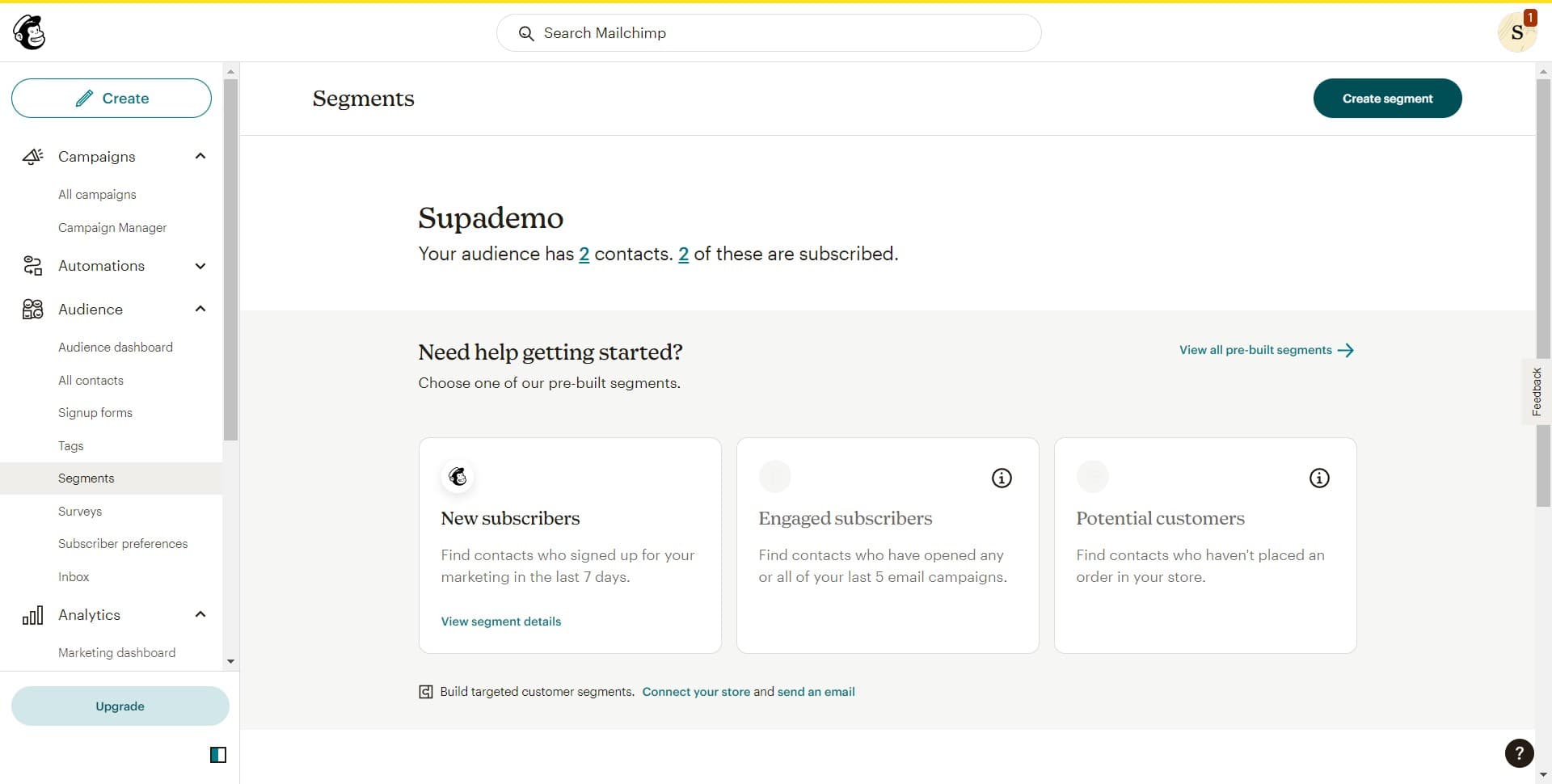
Initiate segment creation
Click on 'Create segment' to begin defining a new audience segment. You'll be prompted to set up the criteria that will determine which subscribers belong to this segment.
- 4
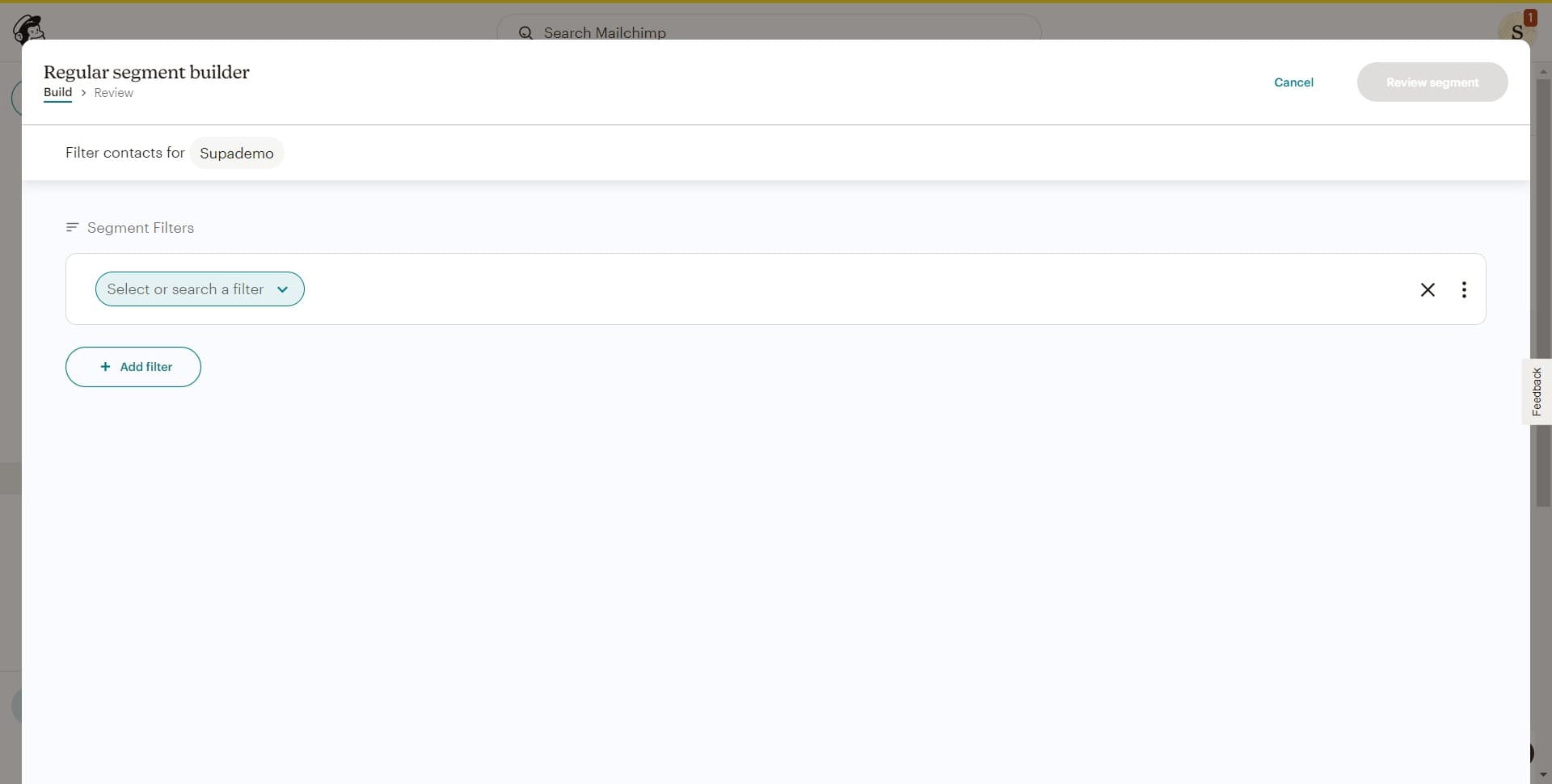
Define segment criteria
At this stage, you'll specify the conditions for your segment, such as subscriber activity, engagement level, or other demographic filters. Select the criteria that best match your target audience.
- 5
Review segment details
Click on 'Review segment' to examine the segment configuration you've created. This step allows you to verify that your criteria are correct before finalizing the segment.
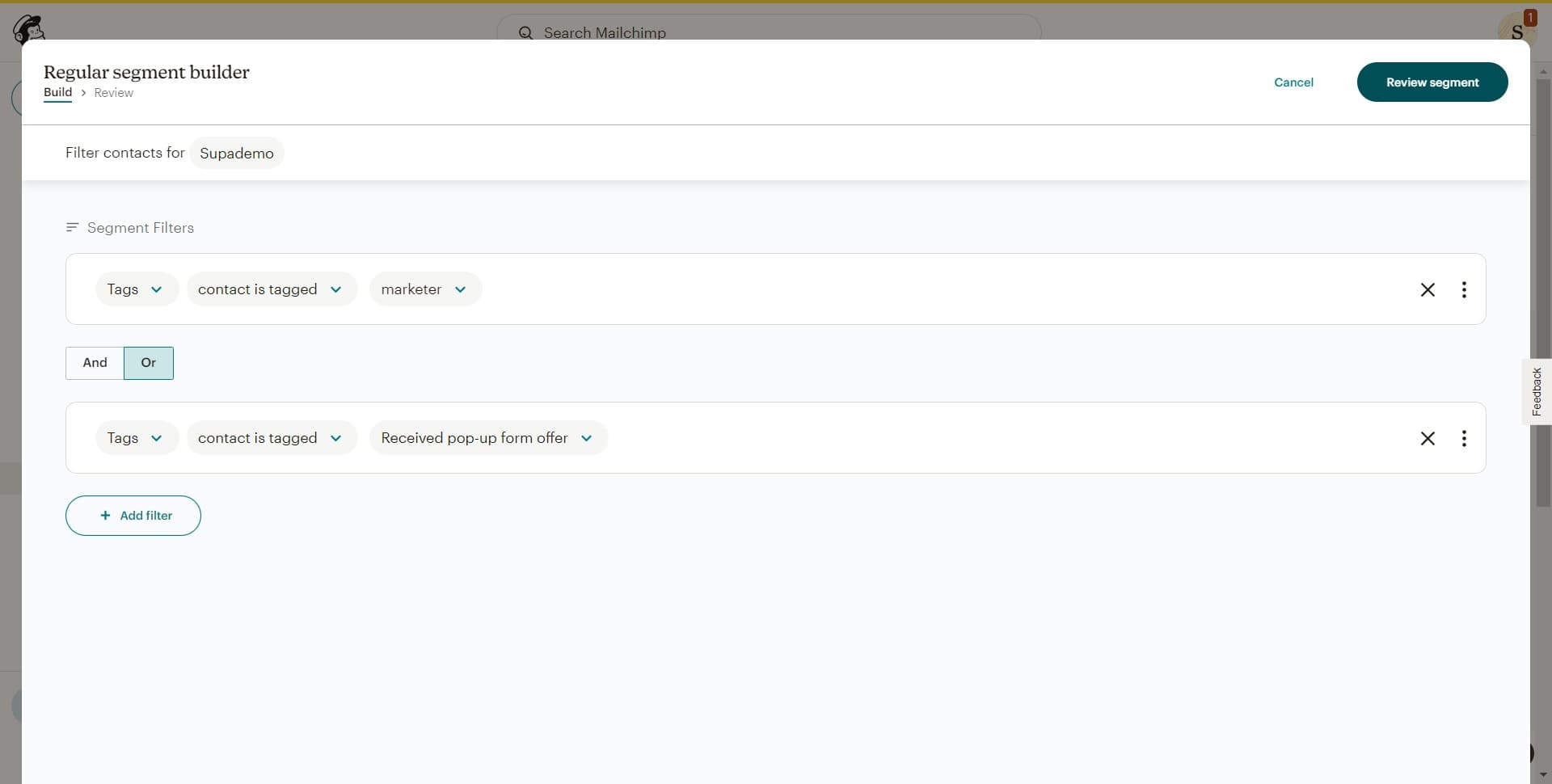
- 6
Confirm segment configuration
Review the settings and make any necessary adjustments to ensure your segment captures the right audience. Once satisfied, proceed to the next step.
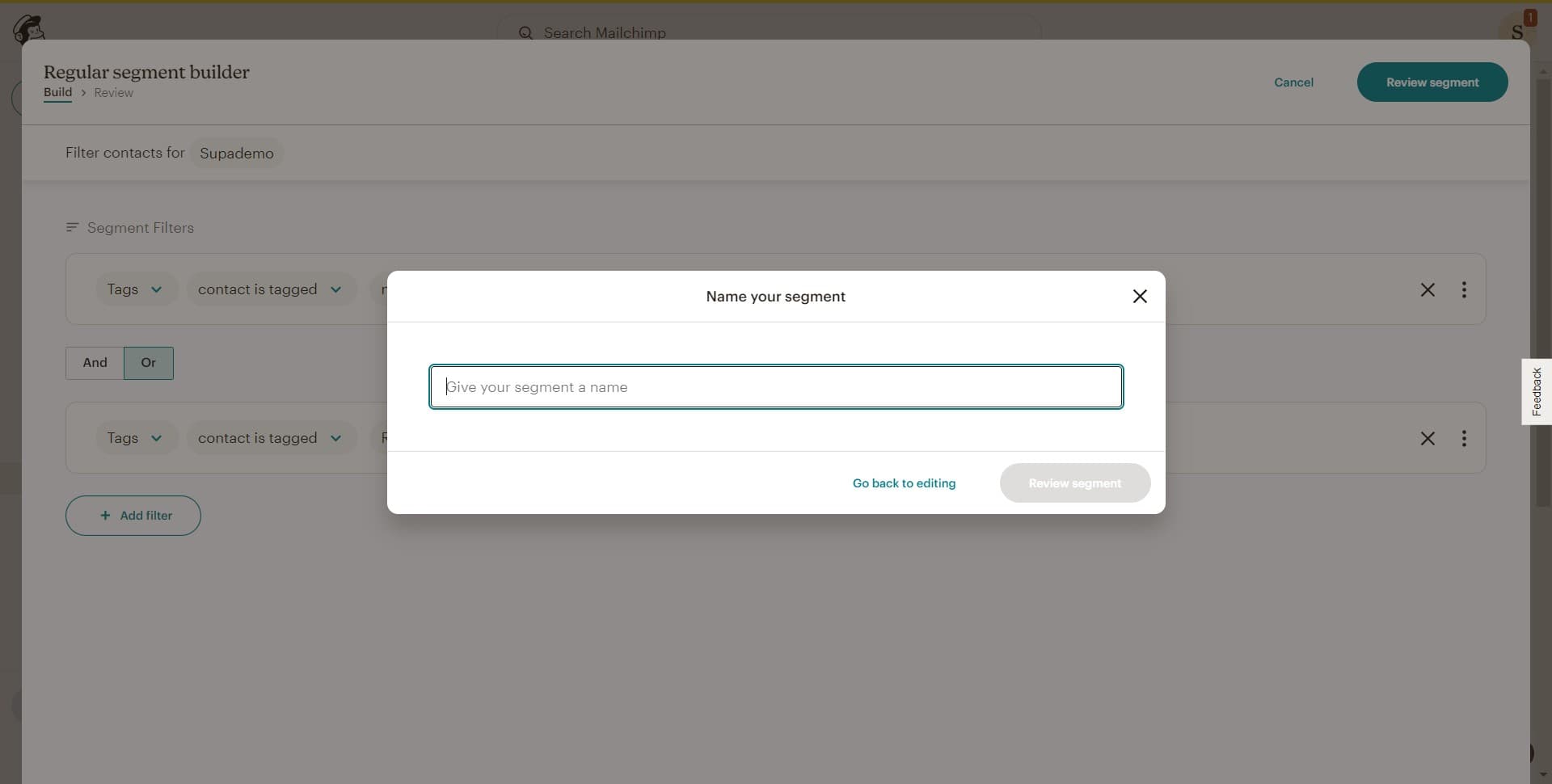
- 7
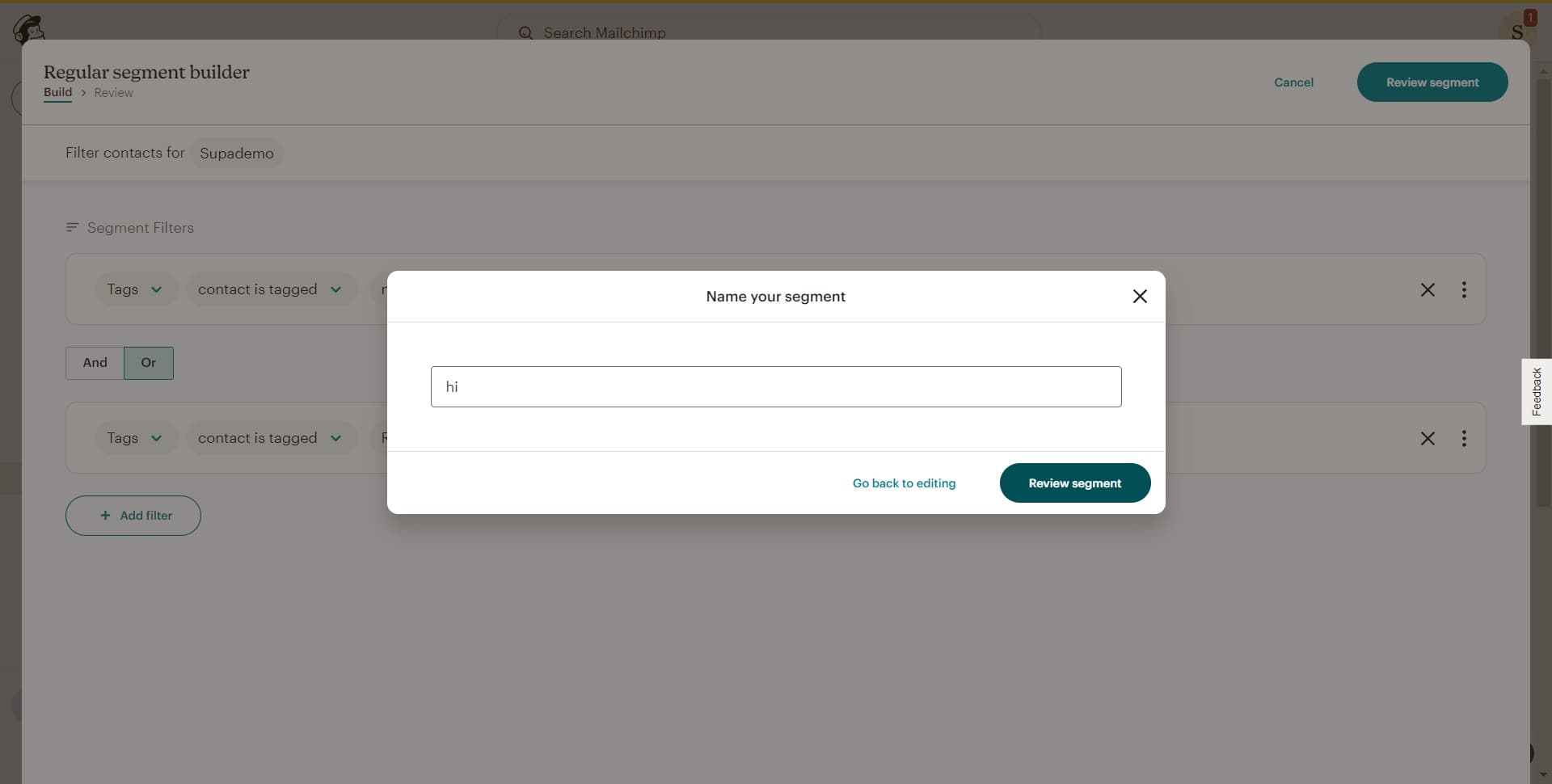
Complete the segment review
Click on 'Review segment' again to do a final check of your segment parameters. This ensures all criteria are properly configured before activation.
- 8
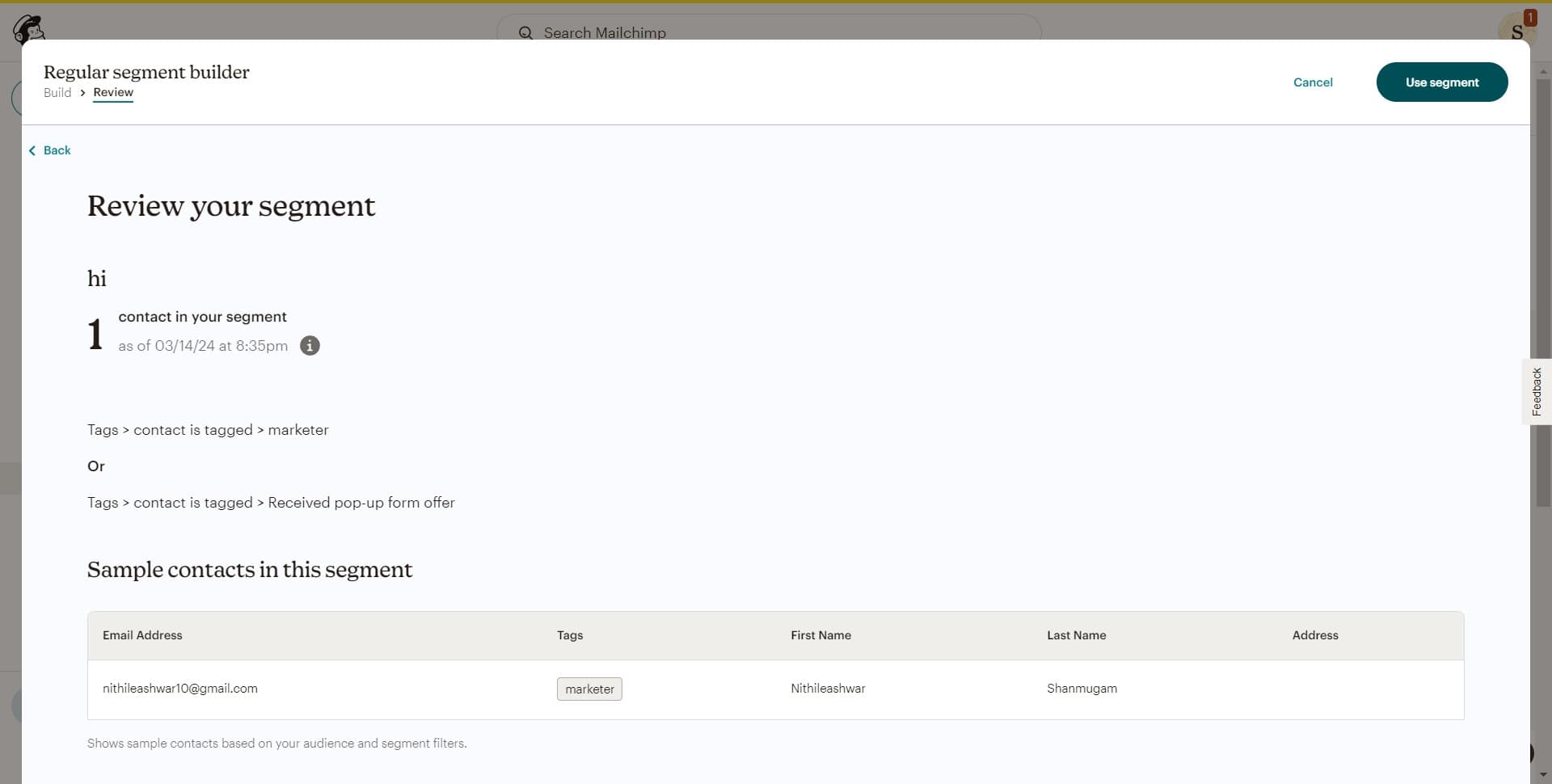
Activate your segment
Click on 'Use segment' to finalize and activate your newly created segment. Your segment is now ready to be used in email campaigns and automations.
Frequently asked questions
Common questions about how to create a segment in mailchimp.
What criteria can I use to create a segment?
Mailchimp allows you to segment based on various criteria including purchase history, email engagement, subscriber location, signup date, and custom field values. You can combine multiple conditions to create more specific audience groups that align with your campaign goals.
Can I edit a segment after creating it?
Yes, you can edit segments after creation. Simply navigate to your segments list, select the segment you want to modify, and update the criteria as needed. Changes to segment criteria will be reflected immediately in your audience membership.
How many segments can I create in Mailchimp?
The number of segments you can create depends on your Mailchimp plan. Most plans allow for multiple segments, but free accounts may have limitations. Check your specific plan details for segment limits.
Will subscribers automatically be added to a segment?
Yes, subscribers are automatically added to segments based on the criteria you set. As subscriber behavior and data change, their segment membership is updated in real-time to reflect the current criteria.
Can I use multiple segments in a single campaign?
Yes, you can select a segment when setting up a campaign to target only those subscribers who match your segment criteria. This allows you to send highly targeted messages to specific audience groups rather than your entire mailing list.