How to Create a Shopify Account

Creating a Shopify account is the first step toward launching your online store. This guide walks you through the entire account setup process, from initial signup to completing your store's basic configuration.
Quick summary
In this tutorial, you'll learn how to register for a Shopify account, verify your email, and complete the initial store setup steps. By the end, your account will be ready for you to begin building your store.
Why this matters
Having a properly configured Shopify account is essential for accessing all the platform's ecommerce tools and features. A complete setup ensures you can immediately start adding products, customizing your store, and preparing to accept customer orders.
Step-by-step guide
- 1
Click Start Free Trial
Navigate to the Shopify signup page and click on the "Start free trial" button to begin the account creation process. This initiates your 14-day free trial period, giving you full access to Shopify's features.

- 2
Provide Your Information
Enter your email address, password, and store details as prompted on the signup form. This information will be used to create your account and establish your store's basic identity.
- 3
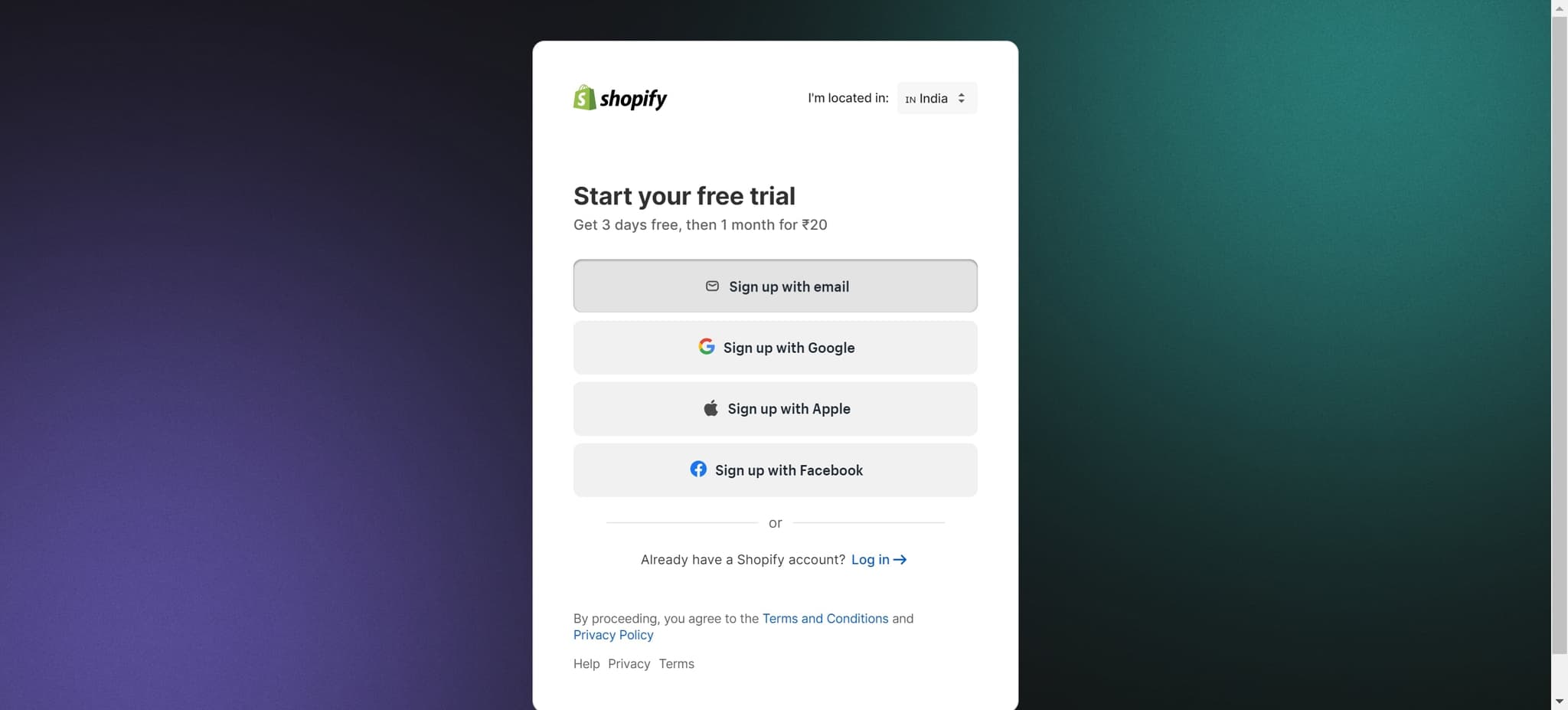
Select Email Signup Option
Click on "Sign up with email" to proceed with email-based registration rather than using third-party authentication. You'll then enter your credentials to create your account.
- 4
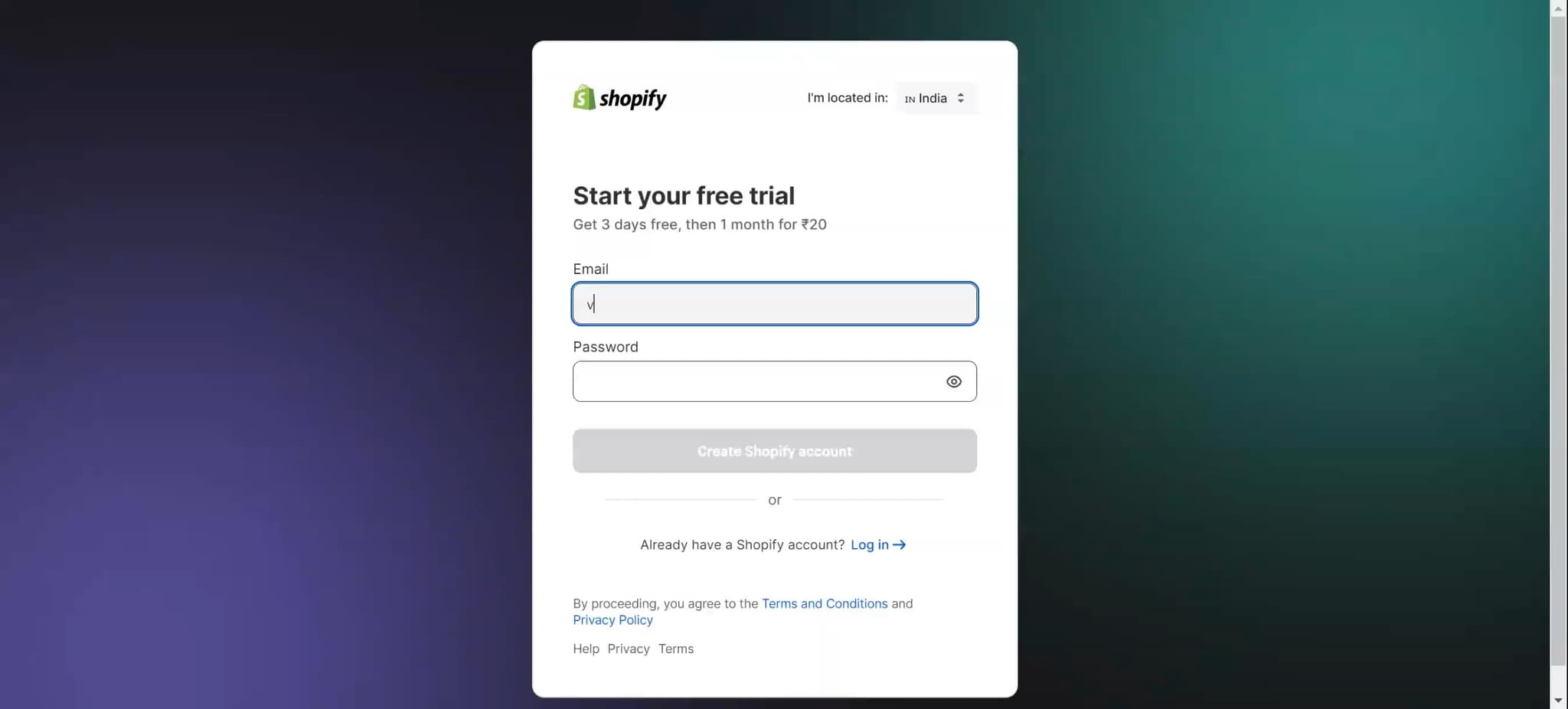
Verify Your Account Details
Review the information you've entered and confirm it's correct before proceeding. This step ensures your account is set up with accurate details.
- 5
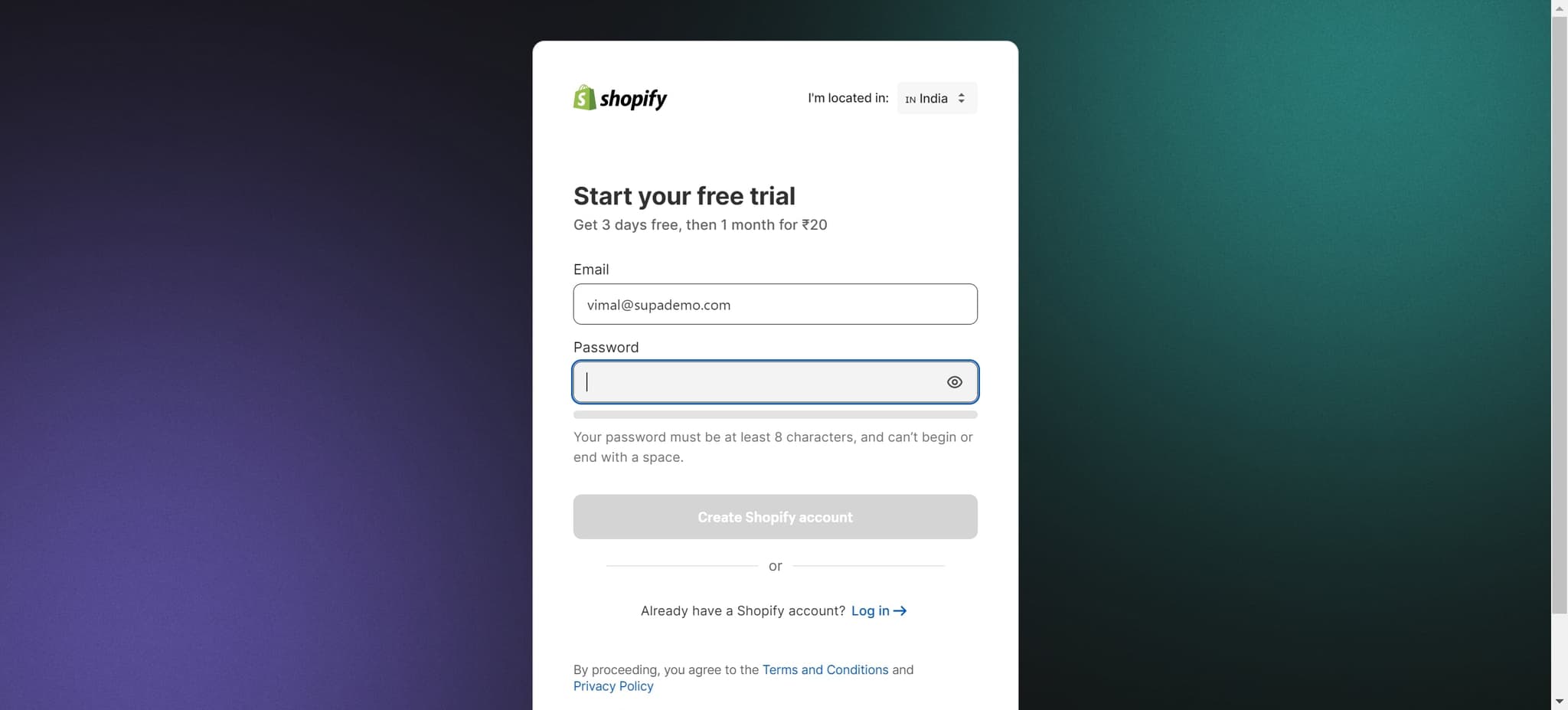
Confirm Your Selection
Click on the displayed element to confirm your choices and move forward in the setup process. This action will validate your selections and proceed to the next stage.
- 6
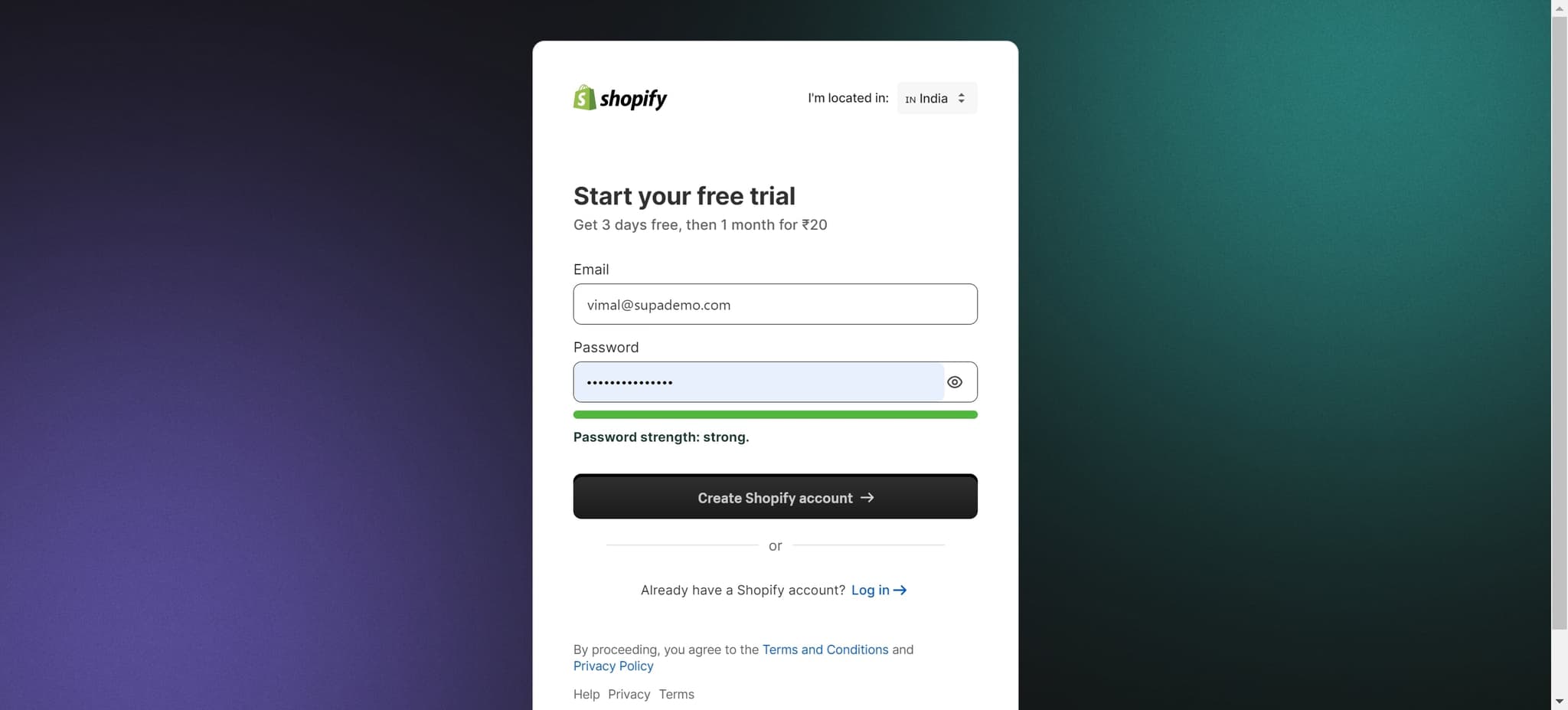
Create Your Shopify Account
Click on "Create Shopify account" to officially create your account with the information you've provided. Your account will be generated and you'll gain access to your store dashboard.
- 7
Complete Account Verification
Click on the indicated link to verify your email address or complete any additional account verification steps. This ensures your account is fully activated.
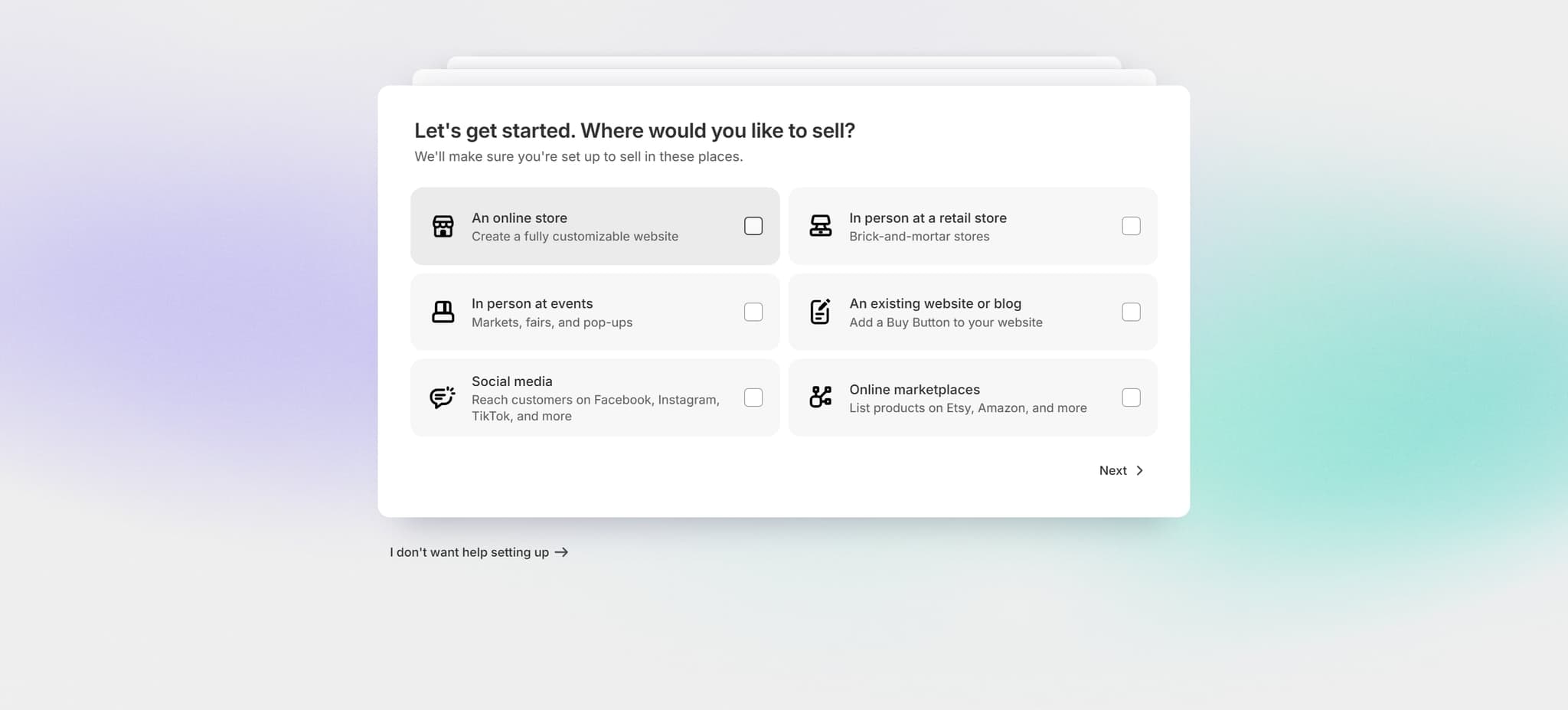
- 8
Proceed to Setup
Click on the next prompt to continue through the store setup wizard. This guides you toward configuring essential store settings.
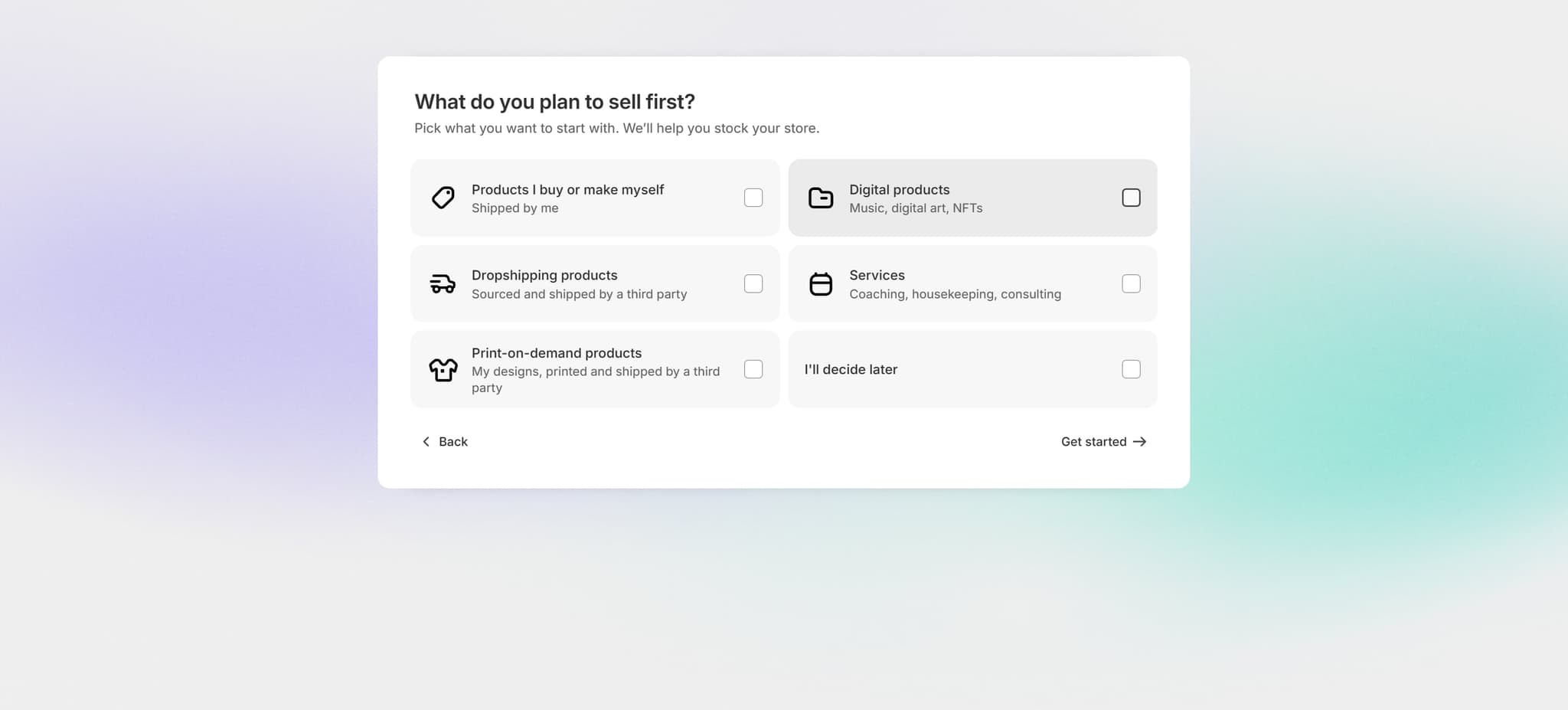
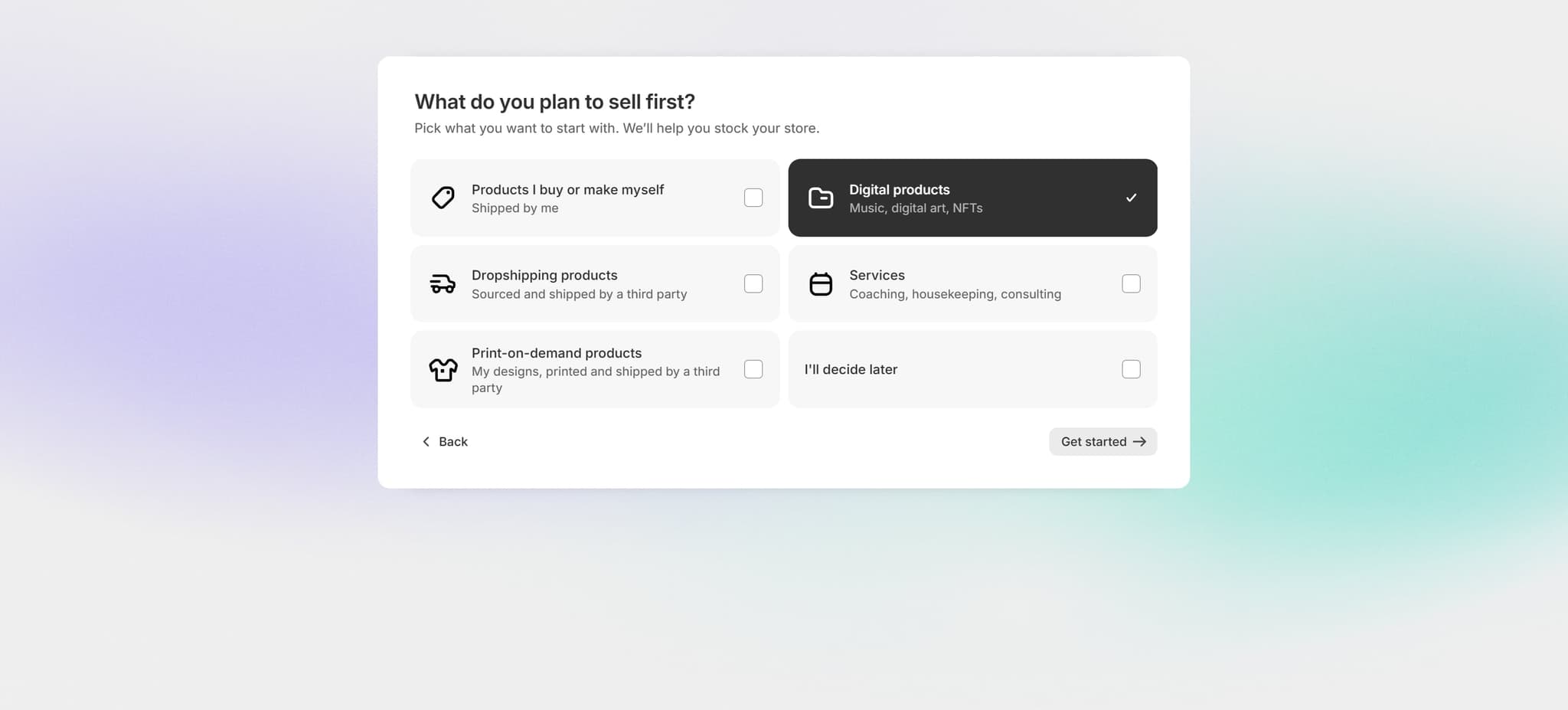
- 9
Click Get Started
Click on "Get started" to begin the guided setup process for your store. This opens the onboarding flow where you'll configure basic store details.
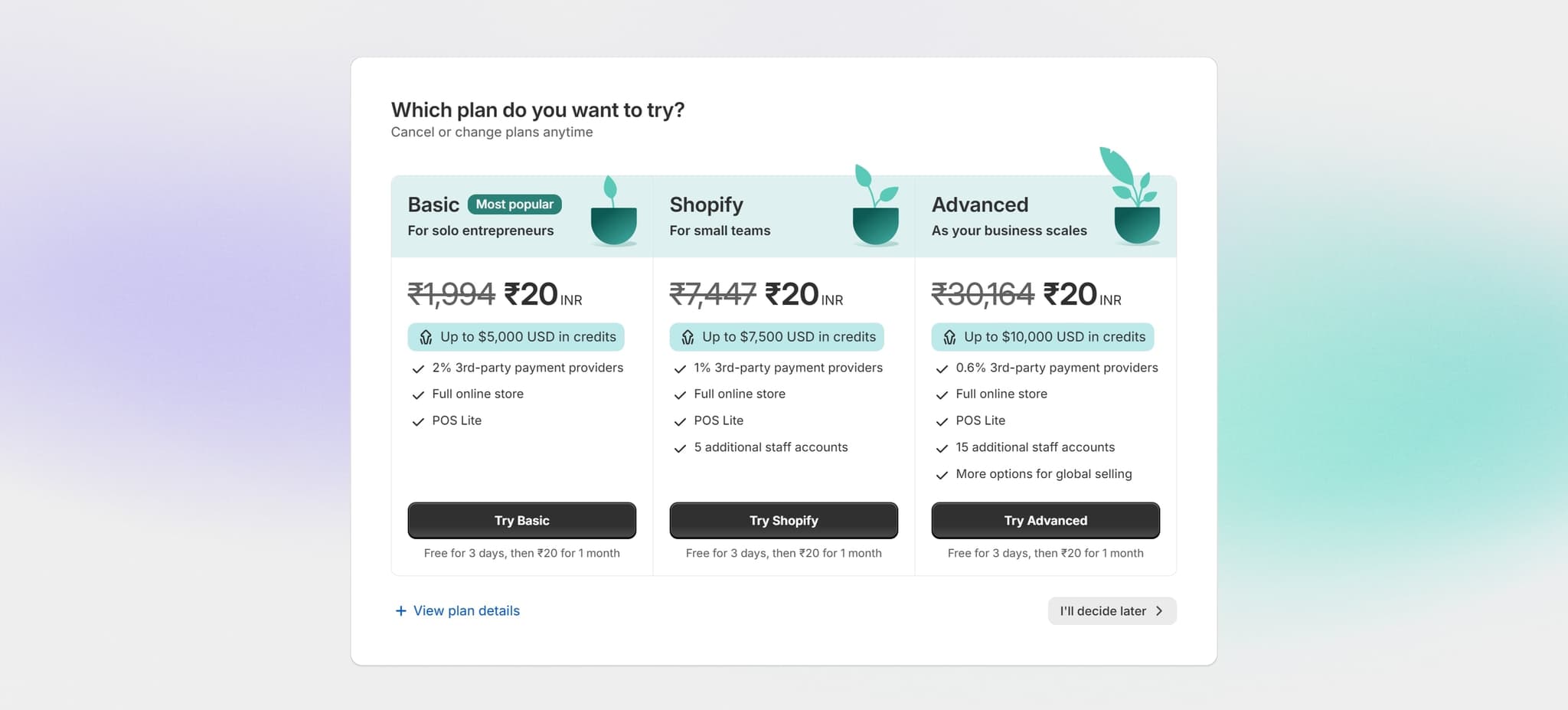
- 10
Defer Additional Setup
Click on "I'll decide later" to skip optional setup prompts and move forward. This allows you to proceed to your dashboard without completing every optional configuration step immediately.
- 11
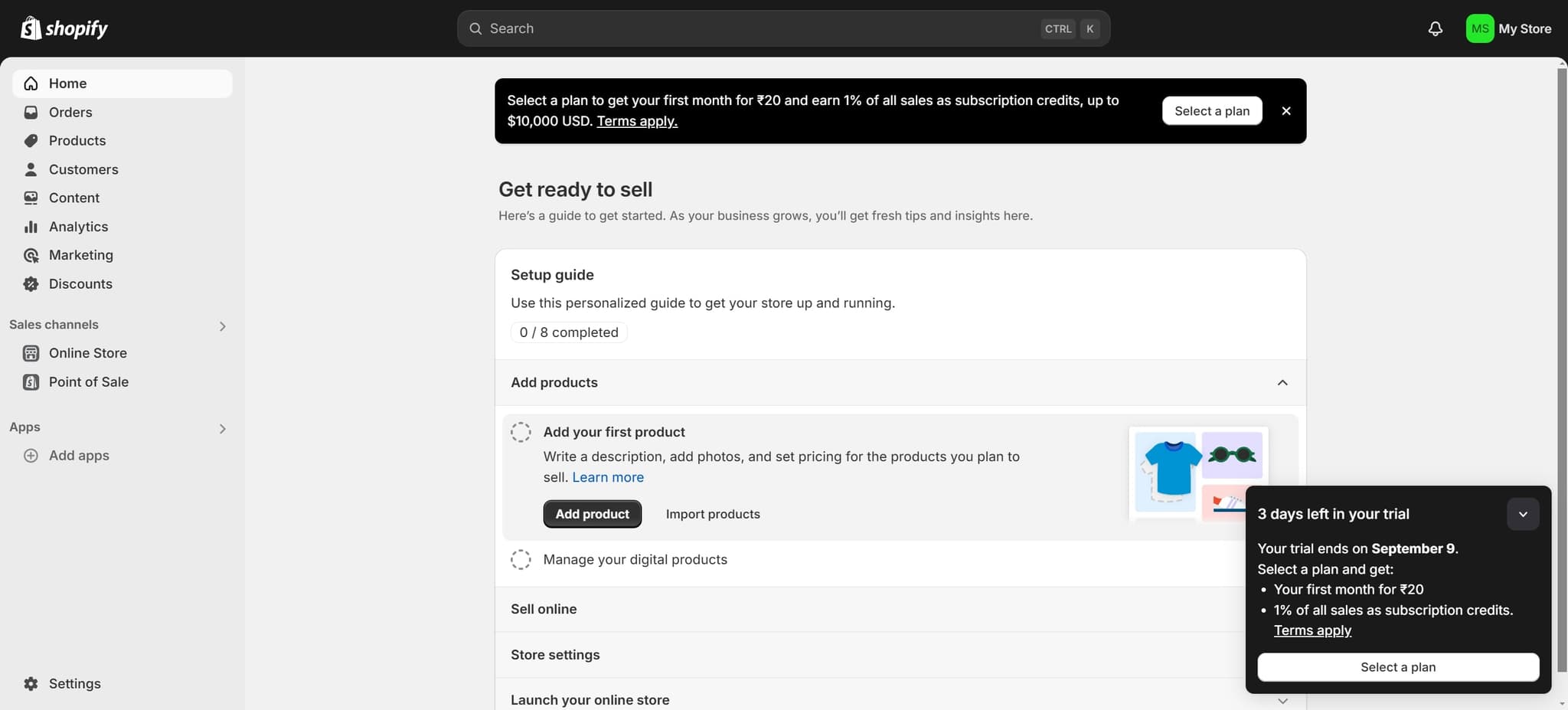
Access Your Store Home
Click on "Home" to navigate to your store's main dashboard. Your account setup is now complete, and you're ready to begin building and configuring your store.
Frequently asked questions
Common questions about how to create a shopify account.
How long is the Shopify free trial?
Shopify offers a 14-day free trial when you sign up for a new account. During this trial period, you have access to all core features, allowing you to explore the platform and build your store before committing to a paid plan.
Can I use my email address or social account to sign up?
You can sign up using your email address. During signup, you'll be given the option to use "Sign up with email" to create your account with your preferred email and password.
What information do I need to provide to create an account?
At minimum, you'll need to provide an email address, a password, and your store name. Shopify may also ask for additional details like your country and industry type during the initial setup process.
What should I do if I don't want to complete all setup steps immediately?
You can click "I'll decide later" on any optional setup prompts to skip them and access your dashboard. You can always return to complete these configurations later from your store settings.
What happens after I complete the signup process?
Once you complete the signup and verification steps, you'll be taken to your Shopify dashboard home page. From there, you can start adding products, customizing your store design, configuring payment methods, and setting up shipping options.