How to delete a column in Monday.com

Deleting columns in Monday.com is a straightforward process that helps you keep your boards organized and focused on relevant data. Whether you're removing outdated fields or restructuring your workflow, this guide walks you through removing columns efficiently.
Quick summary
In this tutorial, you'll learn how to delete a column from your Monday.com board in just a few clicks. We'll cover locating the column menu and confirming the deletion to remove unwanted fields from your workspace.
Why this matters
Managing your board structure is essential for maintaining clarity and reducing clutter in your project management workflow. Removing unnecessary columns helps your team focus on the most important information and keeps your board clean and easy to navigate.
Step-by-step guide
- 1
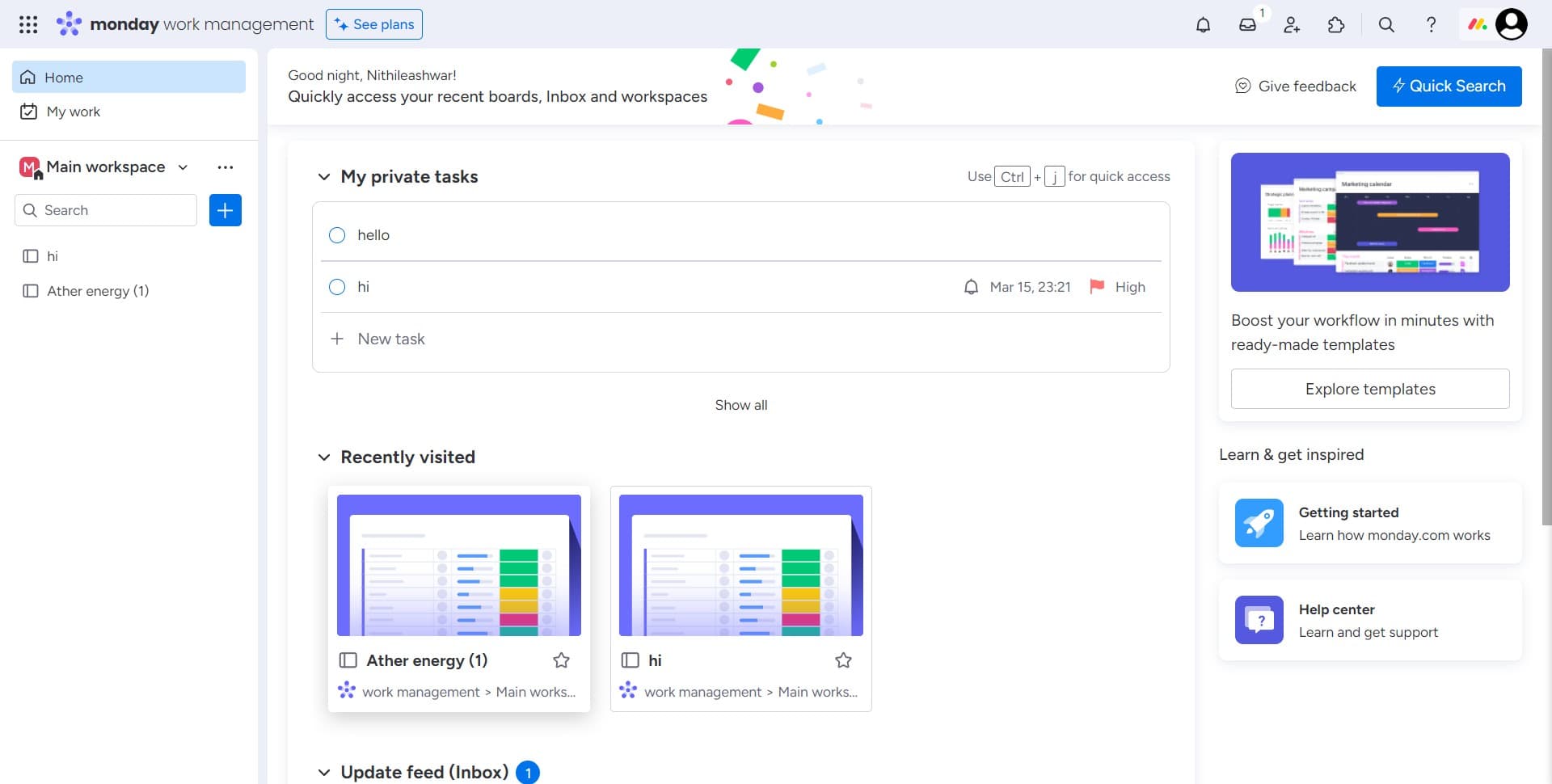
Click on the Image column
Locate the column you want to delete and click on it. In this example, we're selecting the Image column to demonstrate the deletion process.
- 2
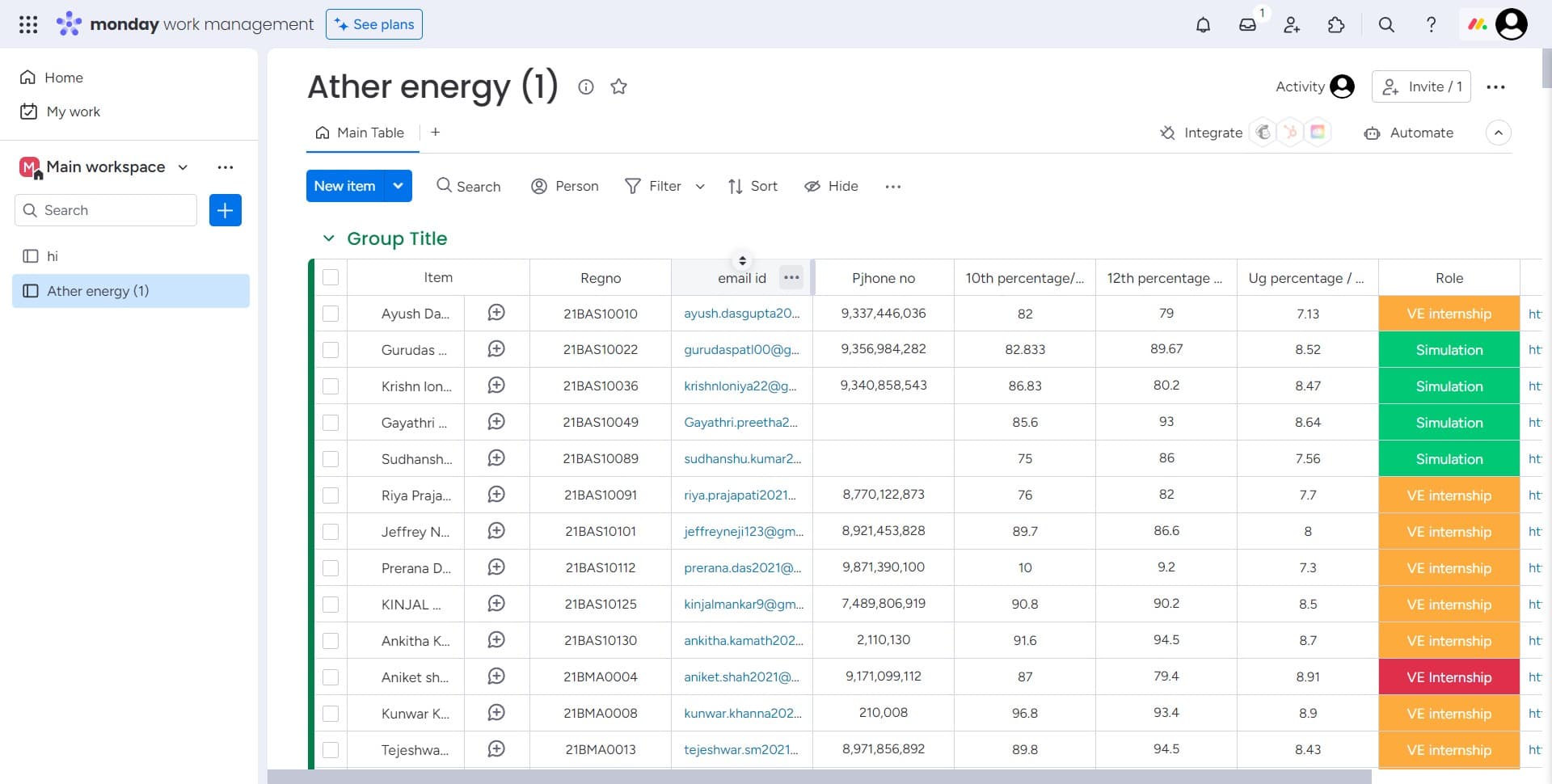
Access the column menu
Click on the menu icon or options button associated with the selected column. This will open a dropdown menu with available actions for that column.
- 3
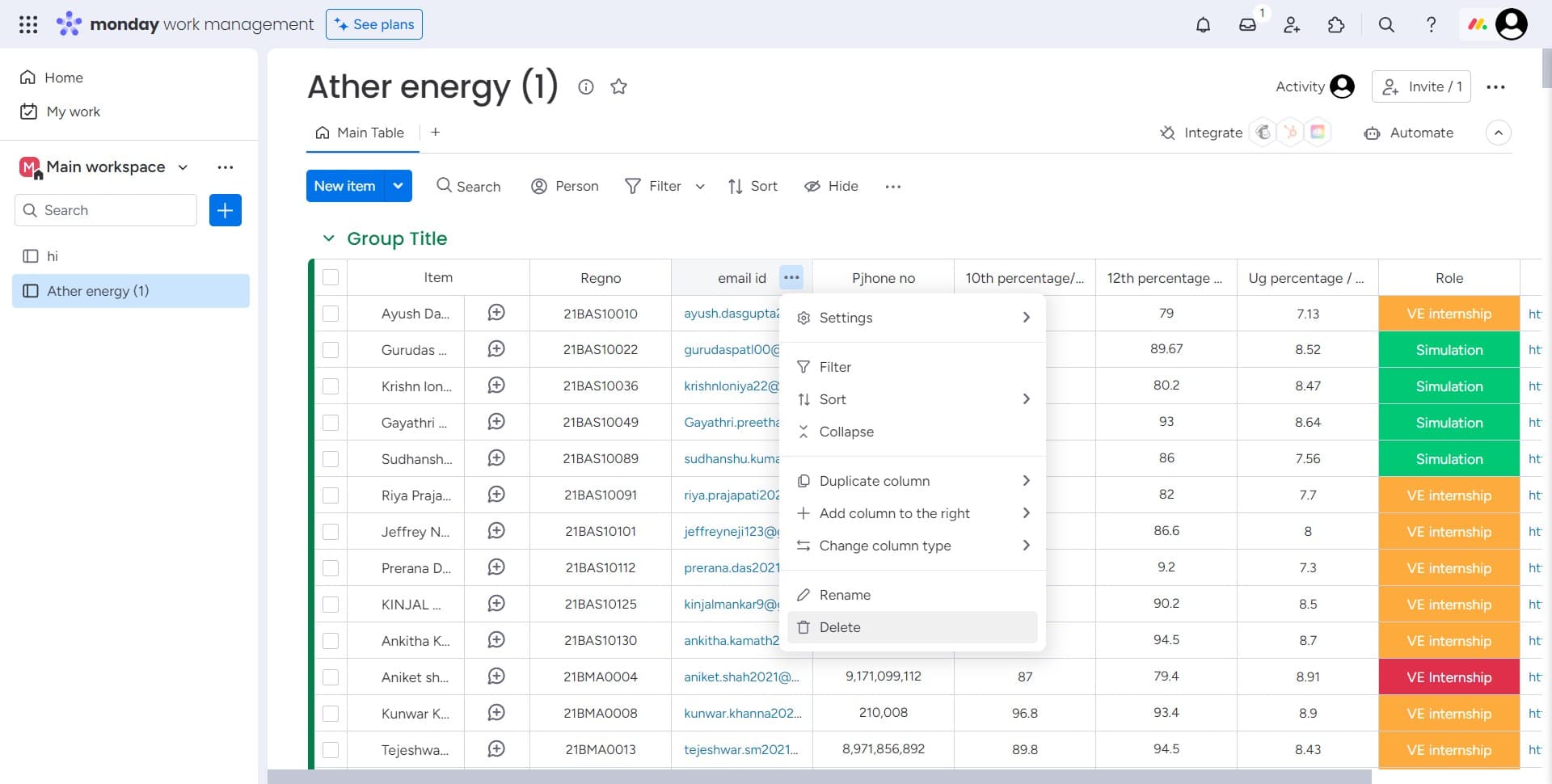
Select Delete from the menu
From the dropdown menu, click on the Delete option. This will initiate the deletion process for the selected column.
- 4
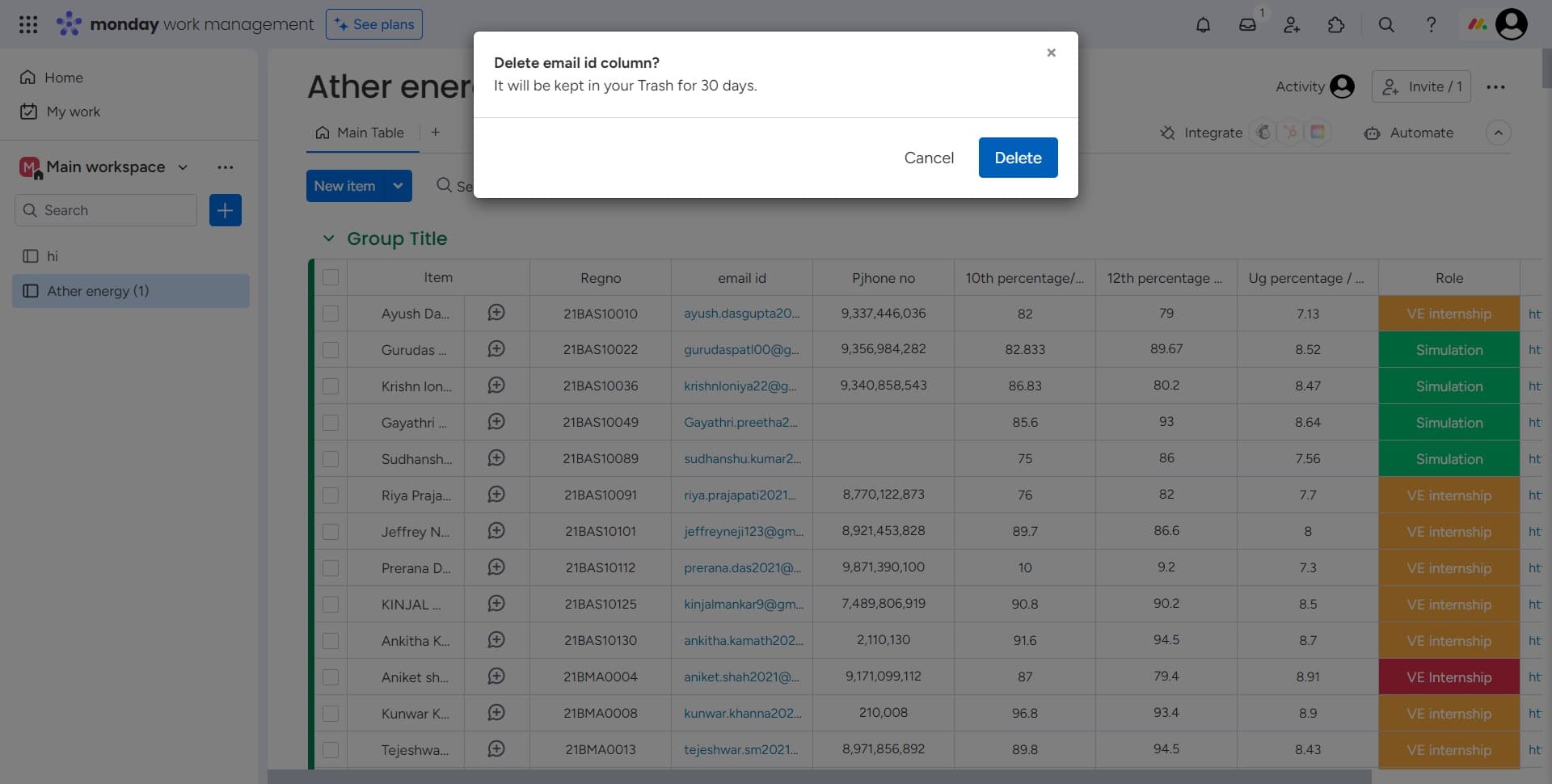
Confirm the deletion
Click Delete again to confirm the removal of the column. Once confirmed, the column and all its data will be permanently removed from your board.
Frequently asked questions
Common questions about how to delete a column in monday.com.
Can I undo a column deletion?
Once you confirm the deletion, the column is permanently removed from your Monday.com board. There is no undo option for column deletions, so make sure you're certain before confirming. Consider archiving the board or taking a screenshot if you need to preserve the data for reference.
Will deleting a column affect my board's automations?
Yes, if you have automations that reference the deleted column, those automations may break or become invalid. Before deleting a column, review any connected automations or workflows that depend on that field to avoid disrupting your processes.
Can I delete a column if it contains data?
Yes, you can delete a column even if it contains data. Monday.com will not prevent you from removing columns with information, but the data will be lost permanently. Make sure to export or back up any critical information before deletion.
Is there a difference between hiding and deleting a column?
Yes, hiding a column simply removes it from view while preserving the data, whereas deleting a column permanently removes both the field and all associated data. If you may need the column again in the future, consider hiding it instead of deleting it.
Can I delete a column on a locked or read-only board?
No, you need appropriate permissions to modify a board's structure. If your board is locked or if your user role has restricted editing privileges, you won't be able to delete columns. Contact your board administrator to adjust your permissions if needed.