How to Move a Typeform to Another Workspace

Moving a Typeform to another workspace is useful when you need to reorganize your forms across different teams or projects. This guide walks you through the process of transferring your form while maintaining all its data and settings.
Quick summary
In this tutorial, you'll learn how to move a Typeform from one workspace to another. We'll cover accessing your form's settings, selecting the destination workspace, and confirming the transfer to ensure your form is properly relocated.
Why this matters
Workspace management is critical for maintaining organized workflows, especially in teams with multiple projects or departments. Moving forms between workspaces helps you keep related forms grouped together and ensures the right team members have access to the forms they need.
Step-by-step guide
- 1
Open your Typeform account
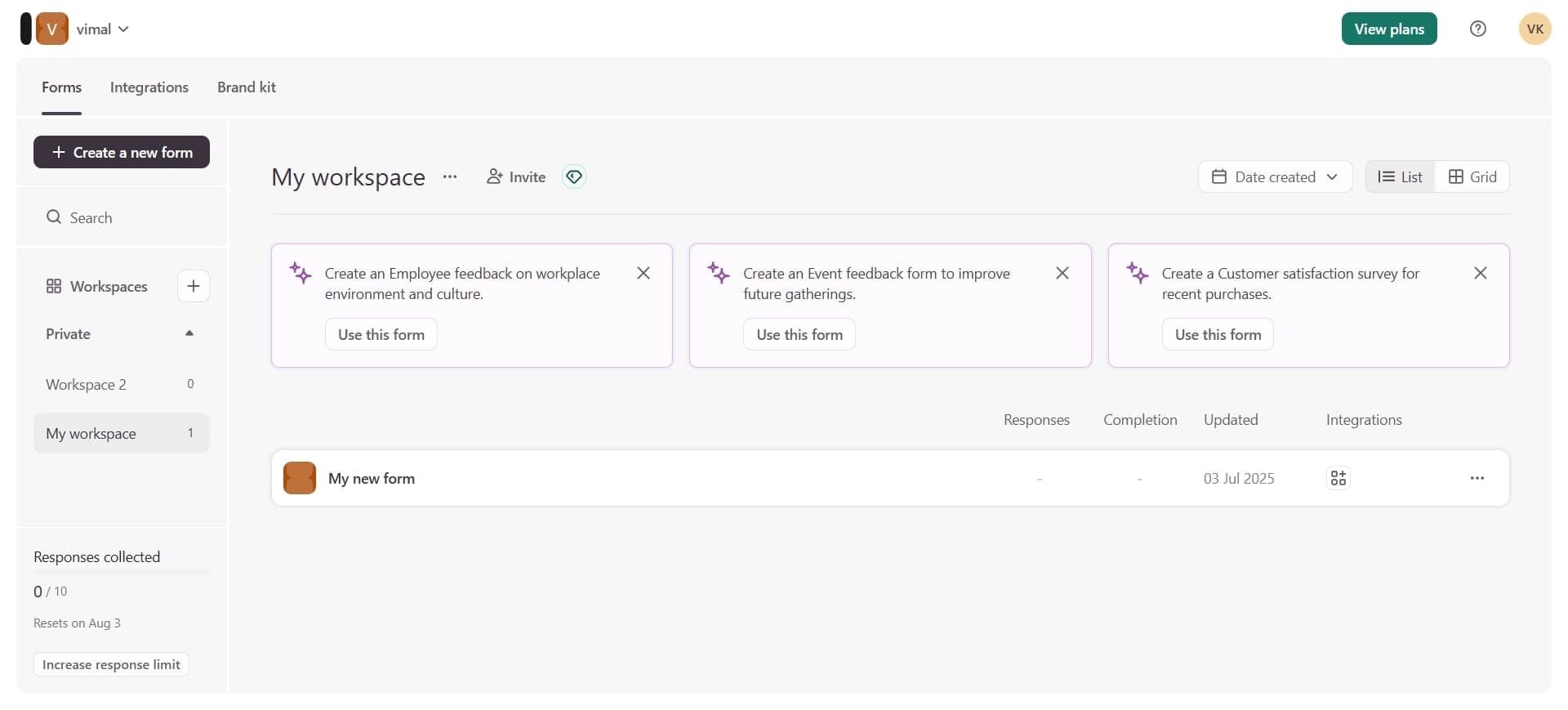
Log in to your Typeform account and navigate to your dashboard. You'll see a list of all your forms organized by workspace.
- 2
Select the form to move
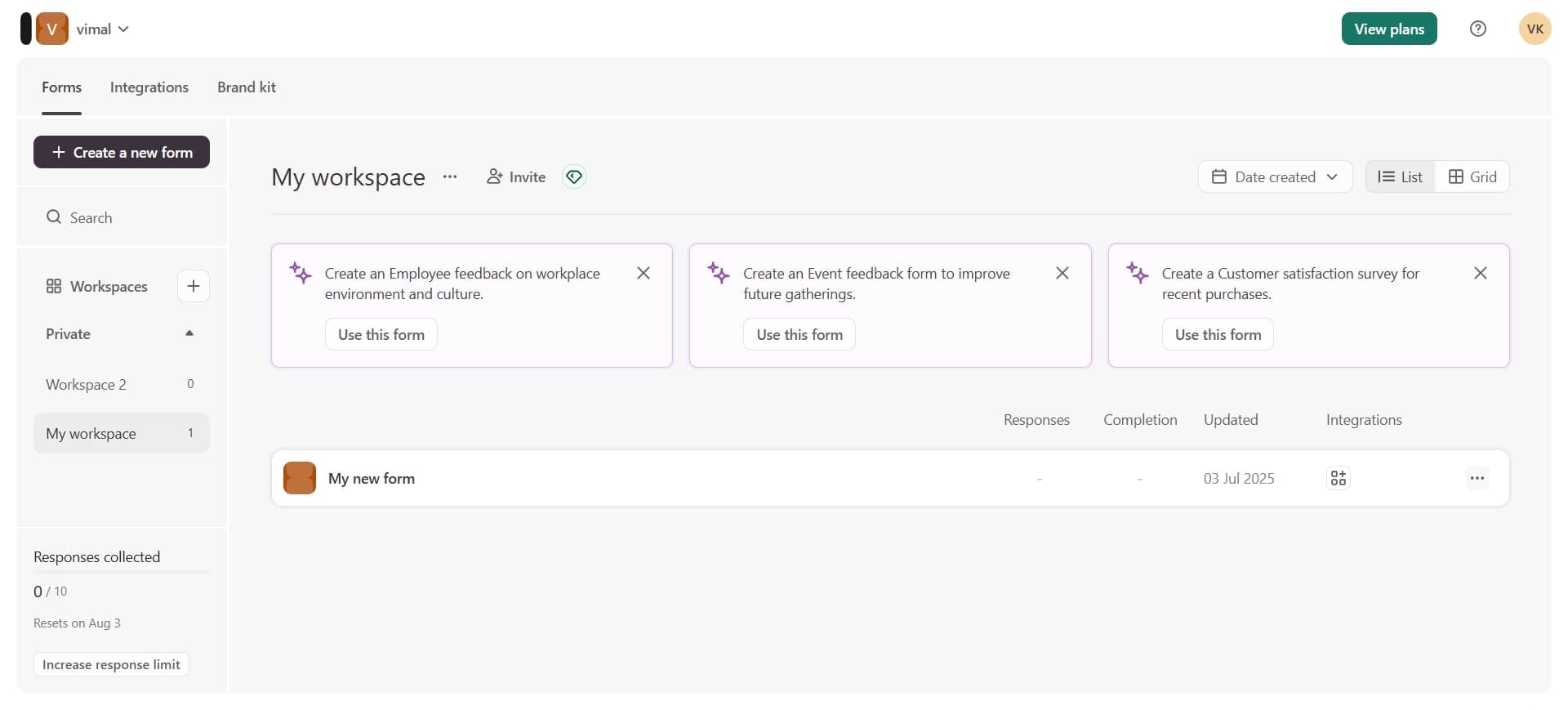
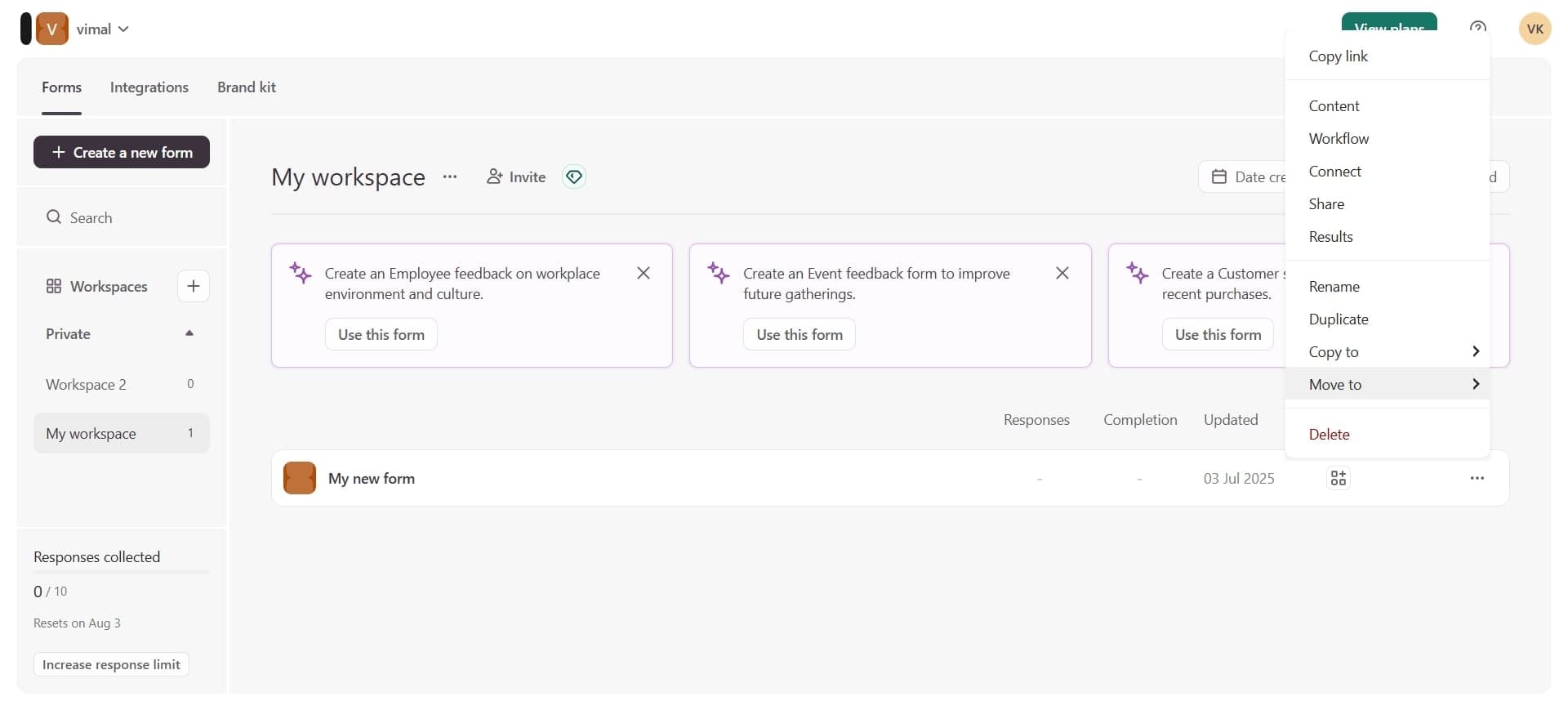
Click on the form you want to move to another workspace. Open its settings menu to access form options and management features.
- 3
Access workspace settings
Find and click on the workspace or settings option within the form's menu. This will display options related to form management and workspace assignment.
- 4
Confirm the workspace transfer
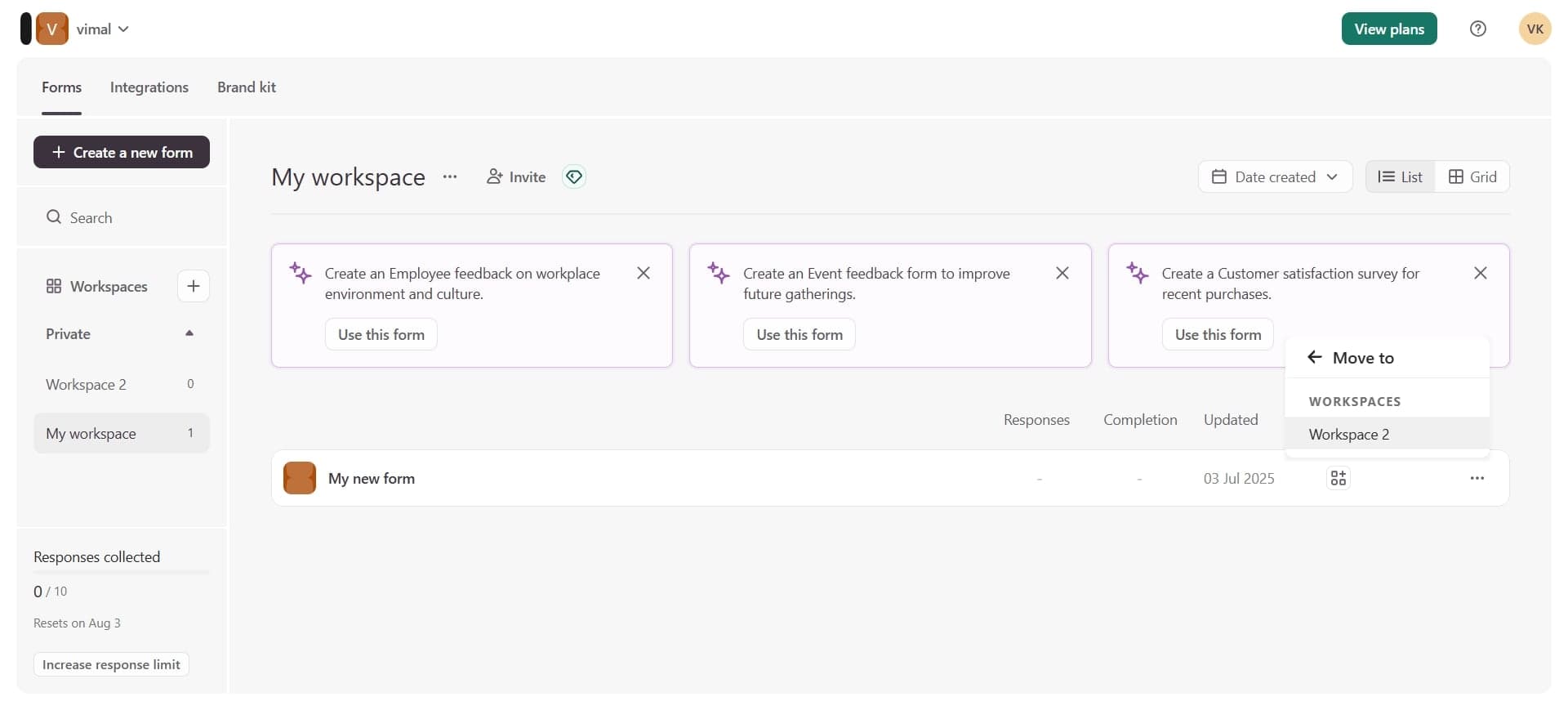
Select your destination workspace from the available options and confirm the move. Your form will be transferred to the new workspace with all its content and settings intact.
Frequently asked questions
Common questions about how to move a typeform to another workspace.
Will my form responses be transferred when I move it?
Yes, all form responses and data are preserved when you move a form to another workspace. Your form history and analytics remain intact after the transfer.
Can I move a form if I don't have admin access to the destination workspace?
You'll need appropriate permissions in both the source and destination workspaces to move a form. Contact your workspace administrator if you don't have the necessary access rights.
Is there a limit to how many forms I can move at once?
Typeform requires you to move forms individually through the form settings. If you need to relocate multiple forms, you'll need to repeat the process for each one.
What happens to shared links after I move a form?
Your form's public share links and embedded forms continue to work normally after moving to another workspace. The URLs remain the same, so no external links need to be updated.
Can I undo a form transfer to restore it to the original workspace?
Yes, you can move a form back to its original workspace using the same process. Simply access the form settings and select your previous workspace as the destination.