Interactive Loom Demo
Explore a demo of Loom, a video communication tool that allows users to easily record, share, and engage with video content.
What is Loom?
Loom is a video messaging tool that makes it easy to record your screen, webcam, or both and share the recording as a link — instantly, without uploading to a video platform. Founded in San Francisco in 2016 and acquired by Atlassian in 2023, Loom is used by over 25 million people at companies like HubSpot, Salesforce, and Figma.
The core experience is designed for speed: install the Loom desktop app or Chrome extension, click record, and a shareable link is instantly generated the moment you stop. Recipients click the link to watch in their browser — no account required. Loom embeds viewer reactions, comments, and chapters directly on the video page.
Loom is particularly popular for async team communication, sales prospecting (video emails), and software demos and tutorials. The viewer analytics show you who watched, how much they watched, and when they dropped off.
How to get started with Loom
- 1
Install Loom
Download the Loom desktop app at loom.com or install the Chrome extension. Both let you record your screen, camera, or both — and both create shareable links instantly.
- 2
Choose your recording type
Select Screen + Camera (shows your face in a bubble), Screen Only (just the screen), or Camera Only (just your webcam). Choose which screen or window to capture.
- 3
Record your video
Click Start Recording and speak naturally. Loom draws attention to your mouse cursor, so focus on what you're clicking and explaining. Keep recordings under 5 minutes for best engagement.
- 4
Share your video link
The moment you stop recording, Loom copies a shareable link to your clipboard. Paste it in Slack, email, Notion, Jira, or anywhere. Recipients watch it in their browser — no login needed.
- 5
Review viewer analytics
In your Loom dashboard, see who viewed your video, how much they watched, and where they dropped off. Loom also shows emoji reactions and time-stamped comments left by viewers.
Explore more Loom guides
Step-by-step interactive demos and tutorials for Loom.
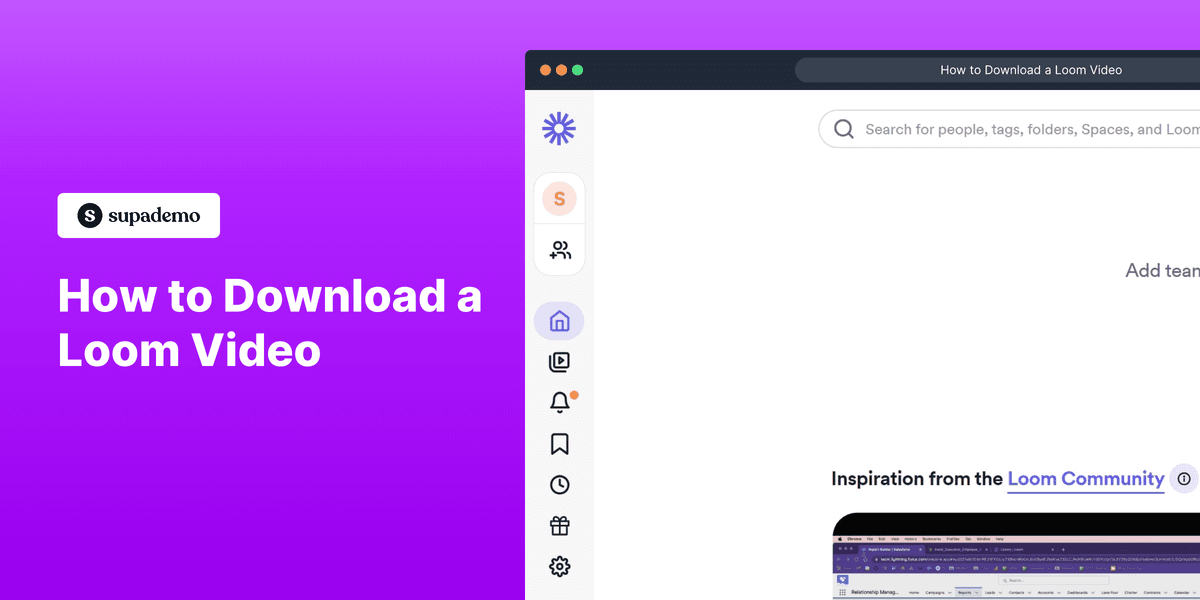
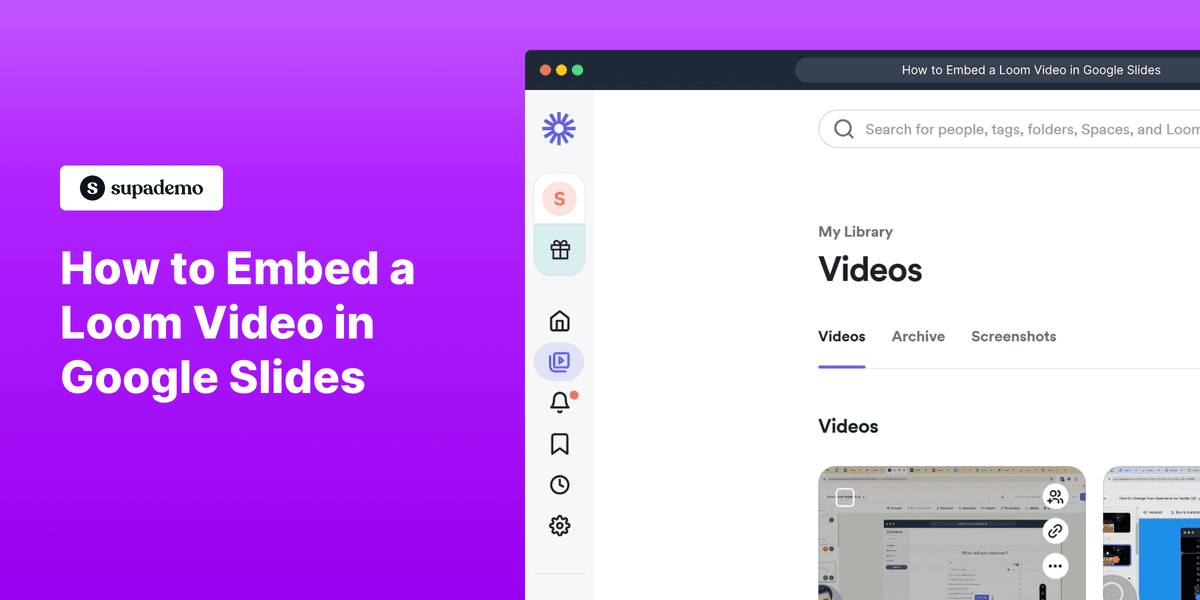
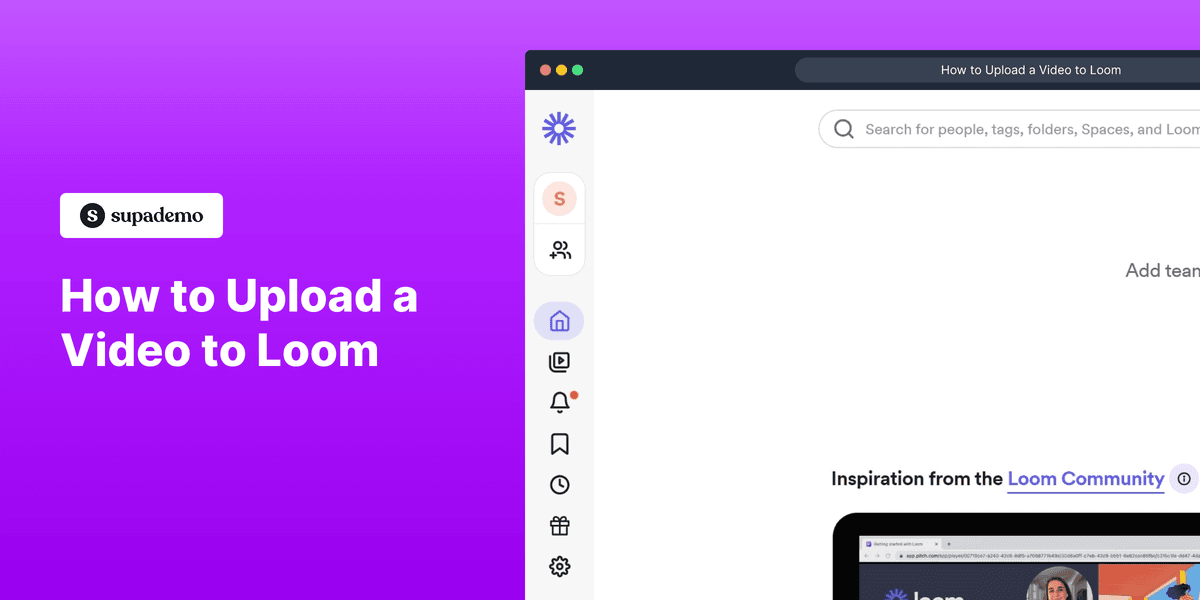
Who is Loom most useful for?
Engineering and product teams who want to give async feedback on designs, explain code changes in PRs, or walk teammates through a decision without scheduling a meeting. Loom and Supademo are often used together — Loom for narrated screen recordings, Supademo for interactive product demos that let viewers click through themselves.
Sales teams using Loom to send personalized video emails to prospects. Add a Supademo link in your Loom video description so prospects can explore the product interactively after watching your personalized intro.
Customer success and support teams who create tutorial libraries and onboarding resources. Supademo is a strong complement to Loom in these cases — Loom for narrated explanations, Supademo for step-by-step interactive walkthroughs that users can follow at their own pace.
Managers and team leads in distributed or remote organizations who replace meeting-heavy culture with async video updates. Record context, decisions, and feedback as Loom videos and let teammates engage on their own schedule.
Looking for alternatives to Loom?
Here are four tools worth evaluating depending on your needs.
Where Loom records narrated walkthroughs, Supademo creates interactive demos that let viewers click through steps themselves. Often used together for maximum impact in sales and onboarding.
Stronger for enterprise sales teams with CRM integrations, video analytics, and personalized video at scale. More expensive than Loom but built specifically for revenue teams.
A basic screen recording tool with editing features. Much cheaper than Loom but lacks instant sharing, viewer analytics, and the collaborative commenting that makes Loom valuable for teams.
Similar instant sharing model to Loom but supports screenshots, GIFs, and screen recordings. Better for quick visual communication; Loom is better for longer, narrated walkthroughs.
FAQs on Loom
Commonly asked questions about Loom. Have more? Reach out and our team will be happy to help.
Yes. Loom's free plan allows up to 25 videos per person with a maximum length of 5 minutes per video. Paid plans (Business at $12.50/user/month) remove the video cap, extend recording length, allow custom branding, and add advanced analytics.
Yes. Anyone with the link can watch a Loom video in their browser without creating an account. You can also password-protect videos or restrict viewing to specific email domains for sensitive content.
Yes. Loom has a built-in editor that lets you trim the beginning and end of videos and cut sections from the middle. You can also add a call-to-action button, custom thumbnail, and chapters to the video page.
Yes. Loom has a desktop app for Mac and Windows that provides better performance than the browser extension. It allows recording when you're in full-screen applications or need more control over what you capture.
Yes. Loom links embed automatically as previews in Notion, Confluence, Slack, Jira, GitHub, and most other tools that support URL unfurling or oEmbed. Recipients see the video thumbnail and can watch without leaving the tool.
The free plan caps recordings at 5 minutes. Paid plans have no time limit per recording. For very long recordings (training sessions, demos), the desktop app is more reliable than the browser extension.
Yes. Loom automatically generates a transcript for every video. The transcript is searchable and synced to the video timeline — clicking any sentence in the transcript jumps to that moment in the video.
Yes. Loom is GDPR compliant and provides data processing agreements for EU customers. You can delete individual videos or your entire Loom library at any time. Business and Enterprise plans include advanced security controls and SSO.