Free Iframe to SCORM Generator
Paste any iframe, URL, HTML embed, or Supademo link to generate a SCORM 1.2 zip (complete with imsmanifest.xml and a SCORM runtime wrapper) that any SCORM-compatible LMS can launch and track. Free, browser-based, no signup.
Your embed code is processed locally in your browser. Nothing is uploaded to Supademo.
Used as the SCORM manifest identifier. Auto-generated from the course title.
Width ÷ height. Supademo default is 1.76.
Floor so the embed doesn't collapse in narrow LMS frames.
Adds a learner-facing button so the user can mark the module complete themselves.
SCORM launch preview
Paste an embed to preview your launch page
Drop in a Supademo URL, iframe, or embed block. We'll render the page learners will see when they launch the SCORM module.
Final completion tracking happens inside your LMS once the SCORM ZIP is uploaded.
What's in the ZIP
- →
imsmanifest.xml - →
index.html - →
scorm-wrapper.js - →
styles.css
SCORM 1.2: uploads directly to your LMS.
Completion options
- •Learner completion button
- •On launch
- •After a time delay
Trusted by 200,000+ top operators and 3,000+ paying organizations

How to convert an iframe to SCORM
1. Paste your iframe, URL, or HTML embed
Drop in an iframe embed, a plain URL, an HTML embed block, or a Supademo demo link. The SCORM package generator auto-detects the format and normalizes Supademo /demo/ links into /embed/ links.
2. Choose your completion rule
Decide how the LMS module is marked complete: a manual learner button, automatically on launch, or after a configurable active viewing time.
3. Download your SCORM zip
Generate a SCORM 1.2 wrapper zip containing imsmanifest.xml (the SCORM manifest), an HTML launch page, the SCORM runtime wrapper script, and a stylesheet, all at the root of the zip, ready for upload.
4. Upload the SCORM file to your LMS
Upload the SCORM zip file to any SCORM 1.2-compatible LMS as a course module. Your LMS unpacks the package, launches the iframe wrapper, and the runtime reports completion back automatically.
Why use an iframe to SCORM generator?
URL, iframe, or HTML embed to SCORM
URL, iframe, or HTML embed to SCORM
Wrap any iframe, URL, HTML embed, or hosted page as a SCORM 1.2 wrapper your LMS can launch as a course module. One tool covers URL to SCORM, embed to SCORM, and HTML to SCORM workflows.
Browser-based & private
Browser-based & private
This free SCORM generator processes your input locally in the browser. Your embed code, URLs, and generated SCORM zip never leave your device.
LMS launch & completion tracking
LMS launch & completion tracking
The SCORM runtime wrapper inside every package talks to your LMS's SCORM 1.2 API to report completion, score, and session time. Choose completion on a learner button, on launch, or after active viewing time.
Supademo to SCORM in one click
Supademo to SCORM in one click
Convert any Supademo interactive demo to SCORM in seconds. The Supademo to SCORM workflow keeps your demo hosted and editable while the SCORM iframe wrapper handles LMS launch and tracking.
What is a SCORM package?
A SCORM package is a zip file an LMS can unzip and launch as a course module. The zip contains a small set of required files that let any SCORM-compatible LMS launch your content and track learner completion, with no integration code needed.
Inside a SCORM zip file
- →
imsmanifest.xml: the SCORM manifest. Tells the LMS what's inside the package, which file to launch, and what SCORM version is used. - →
index.html: the HTML launch page. The entry point your learner sees when they open the module. - →
scorm-wrapper.js: the SCORM runtime wrapper. Vanilla JavaScript that talks to your LMS's SCORM 1.2 API to report status, score, and session time. - →
styles.css: supporting styles for the launch page and embed container.
When uploaded, your LMS unpacks the zip, reads the manifest, launches index.html, and the runtime wrapper reports completion back over the SCORM API.
What this iframe to SCORM tool does differently
Most “HTML to SCORM” or “SCORM package generator” tools assume you're authoring SCORM-native content from scratch and bundling all your HTML, images, and JavaScript inside the zip.
This SCORM iframe wrapper works differently. It generates a thin SCORM 1.2 wrapper around any iframe, URL, HTML embed, or Supademo link. Your actual content stays hosted wherever it lives, and the SCORM zip only contains the manifest, launch page, runtime wrapper, and stylesheet. That means you can update the underlying demo, walkthrough, or page anytime without re-uploading the SCORM file.
Iframe embed vs SCORM package
Plain iframe / LMS iframe embed
- • Displays content inside a page
- • Does not report completion to the LMS by itself
- • Many LMS course editors don't allow raw iframes for security reasons
- • Great for docs, portals, help centers, and web pages
SCORM 1.2 wrapper package
- • Uploads as a course module (.zip)
- • Bundles the SCORM manifest, launch page, and runtime wrapper
- • Reports completion, score, and session time back to the LMS
- • Required for formal training, enablement, onboarding, and compliance
Why we built Supademo's iframe to SCORM generator

“Customers kept asking how to deliver an interactive demo to SCORM-only LMSs. Most SCORM package generators assume you're authoring native SCORM content. We built this so the Supademo to SCORM workflow takes a few seconds: paste a URL or iframe, download a SCORM 1.2 wrapper zip, upload it to your LMS.”

“The whole SCORM file generator runs in your browser. Your embed code never leaves your device. We just build the SCORM manifest, launch page, and runtime wrapper script locally and stream the zip straight to your downloads folder.”
Who uses Supademo's iframe to SCORM generator?
Turn product walkthroughs into LMS-ready modules
Wrap interactive product demos into SCORM packages so customers can launch them inside your learning academy and you can track completion back to the LMS.
Explore customer success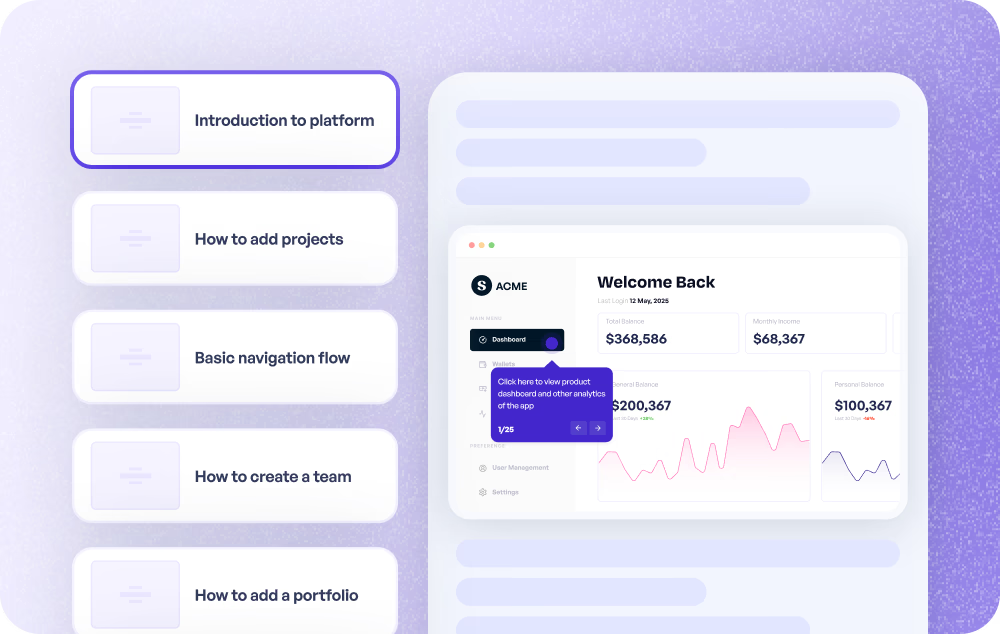
Package interactive demos for rep and partner training
Convert leave-behind demos and proposal walkthroughs into SCORM modules for sales onboarding programs and partner LMS environments.
Explore sales enablement
Ship interactive launches as LMS courses
Convert interactive product tours into SCORM modules for internal launches, sales kickoffs, and partner education programs.
Explore product marketing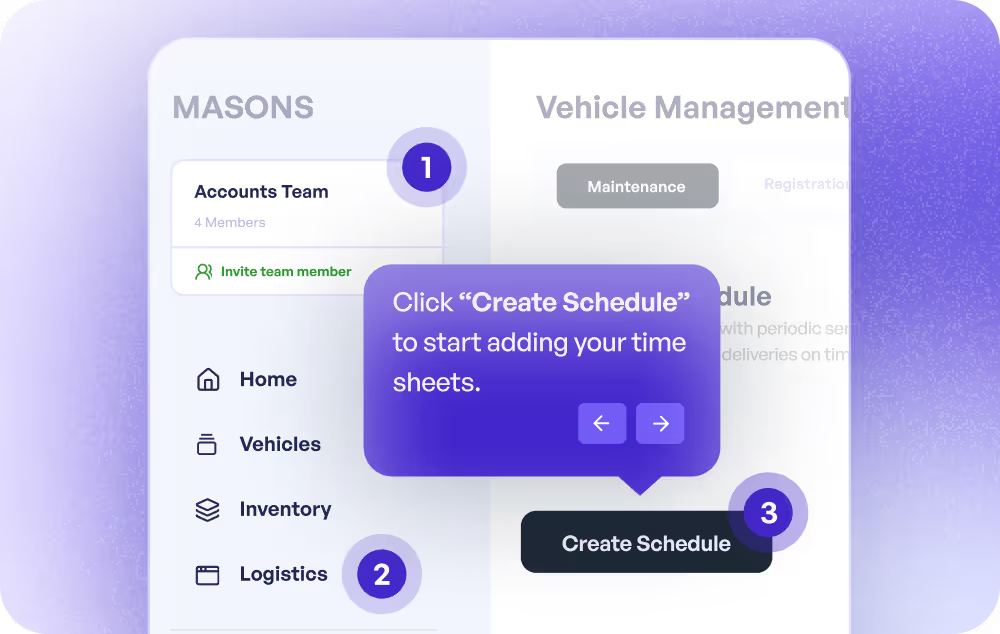
Embed guided walkthroughs into LMS courses
Wrap onboarding walkthroughs and feature tours as SCORM modules for new users or new employees inside your learning platform.
Explore onboarding use casesTurn help center walkthroughs into trackable training
Package help center walkthroughs as SCORM modules so support training, certifications, and refreshers can run inside your LMS.
Explore customer support
Package process demos and SOPs for employee learning
Wrap process demos, SOPs, and workflow guides as SCORM modules so completion is tracked inside your internal LMS.
Explore training use cases
How do customer education teams use an iframe to SCORM generator?
Customer education teams use the iframe to SCORM generator to convert interactive product demos into LMS-ready modules, so learners can launch demos inside their academy and completion is reported back to the LMS.
How do sales enablement teams use an iframe to SCORM generator?
Sales enablement teams package interactive demos and proposal walkthroughs as SCORM modules so reps and partners can complete training inside their LMS with completion tracking.
How do product marketing teams use an iframe to SCORM generator?
Product marketing teams convert interactive product tours into SCORM packages so they can be delivered inside internal LMSs for launches and partner enablement.
How do onboarding teams use an iframe to SCORM generator?
Onboarding teams wrap product walkthroughs as SCORM modules and load them into LMS courses to onboard new users or employees with completion tracking.
How do support teams use an iframe to SCORM generator?
Support teams convert help center walkthroughs into SCORM modules to deliver trackable refreshers, certifications, and support training inside an LMS.
How do internal training teams use an iframe to SCORM generator?
Internal training teams convert process demos, SOPs, and workflow guides into SCORM packages so completion is tracked inside the company's LMS.
Supademo to SCORM: ship interactive demos as LMS courses
Supademo interactive demos are already easy to embed across websites, help docs, and onboarding flows. This free SCORM wrapper generator turns those demos into LMS-uploadable SCORM 1.2 packages, so learners launch a Supademo inside a course module and the SCORM runtime reports completion back to the LMS automatically. Update your demo in Supademo any time; no need to regenerate the SCORM zip.
Explore Similar Free Tools
Frequently asked questions
Common questions about our free iframe to SCORM generator. Have others? Reach out and our team will be happy to help.
A SCORM wrapper is a small SCORM zip package that launches external or embedded content inside an LMS and reports learner activity (completion, score, session time) back to the LMS via the SCORM API. The SCORM wrapper itself is just a launch shell: an imsmanifest.xml manifest, an HTML launch page, and a SCORM runtime JavaScript file. The actual content (your iframe, URL, or embed) stays hosted wherever it lives.
A SCORM package is a zip file your LMS can unzip and launch. At minimum it contains imsmanifest.xml (the SCORM manifest), an HTML launch page (usually index.html), and a SCORM runtime wrapper script that talks to the LMS's SCORM API. This free SCORM zip generator produces all four files (manifest, launch page, runtime wrapper, stylesheet) and bundles them at the root of a downloadable zip, with no parent folder.
Yes. Paste any HTTPS URL (a Supademo demo, a hosted page, a help center article, a form, an interactive walkthrough) and the URL to SCORM generator wraps it in a SCORM iframe wrapper. The URL loads inside an iframe in the SCORM launch page, and the runtime wrapper reports completion to your LMS. This makes it a one-step create-SCORM-package-from-URL workflow.
Most HTML to SCORM tools take a folder of HTML files and bundle the actual HTML inside the SCORM zip. This iframe to SCORM generator works differently: it produces a SCORM iframe wrapper that loads your content from its original hosted URL. Your underlying HTML, demo, or page stays hosted and editable. The SCORM zip only contains the launch shell, manifest, and runtime. Use this when you want LMS launch and completion tracking without copying content into the package.
You can wrap most iframe-based content in a SCORM package as long as the content can be loaded by the LMS user's browser. Some sites block iframe embedding with X-Frame-Options or Content-Security-Policy headers, and script-based embeds may not run inside every LMS. Iframe embeds and URL inputs are the most reliable.
Yes. Supademo exports any interactive demo as a SCORM 1.2 package that reports completion, score, and session time back to your LMS — free, with no account required. The package wraps a live URL rather than bundling files inside the zip, so you can update the demo any time without re-uploading anything to your LMS. If you specifically need content bundled inside the package for offline playback, that is a different kind of tool and a dedicated SCORM authoring app is a better fit.
You choose how the LMS module is marked complete: a learner-facing completion button, automatically on launch, or after configurable active viewing time (paused when the embed is off-screen or the LMS tab is in the background). The SCORM runtime wrapper reports completion and a session-time payload to the LMS via the SCORM 1.2 API.
This tool generates SCORM 1.2 wrapper packages. SCORM 1.2 is the most widely supported SCORM standard across LMSs and is simpler than SCORM 2004 for the launch + completion tracking use case this tool covers.
Most interactive demo platforms do not document a native SCORM export — as of August 2026, neither Storylane nor Navattic publishes one. Whatfix supports SCORM 1.2 but requires you to contact their support team to enable export. Supademo's SCORM 1.2 export is free, self-serve, and needs no account: paste a demo link, choose a completion rule, and download the package. Because the package wraps a live URL, updating the demo does not mean re-uploading it to the LMS.
It should work in most SCORM 1.2-compatible LMSs (Cornerstone, Docebo, Moodle, TalentLMS, SCORM Cloud, LearnDash, Litmos, Absorb, and many others), but LMS behavior varies. Some platforms restrict external iframes, popups, third-party cookies, or script behavior. Always upload the generated SCORM zip to your target LMS and run a test launch before rolling out widely.
No. This SCORM file generator runs entirely in your browser and produces the SCORM zip locally. Your URLs, iframes, or embed code are never uploaded or stored on Supademo's servers.
Yes, the Supademo to SCORM workflow is the most common use case. Paste any Supademo /demo/ or /embed/ link (or the full Supademo iframe embed block), choose your completion rule, and download a SCORM 1.2 wrapper zip. The package launches your Supademo interactive demo inside any SCORM-compatible LMS, and you can update the demo in Supademo any time without re-uploading the SCORM file.
The interactive demo to SCORM generator supports Supademo /demo/ share links, /embed/ links, and the full Supademo iframe embed HTML block. /demo/ links are automatically normalized into /embed/ links for the generated SCORM package, and tracking UTM parameters are preserved.
Yes, but iframe-based embeds are the most reliable. If your div or HTML embed contains an iframe, the tool extracts the iframe source and generates a clean SCORM iframe wrapper. Script-based embeds (those that inject JavaScript into a placeholder div) may not run inside every LMS, so prefer the iframe form of your embed where available.
Create interactive demos your LMS, sales team, and customers can actually use
Supademo helps teams create interactive product demos, walkthroughs, tutorials, and onboarding guides that can be embedded, shared, tracked, and reused across every customer touchpoint.