Demo to Docs Generator
Paste a Supademo link and generate accurate step-by-step documentation for help centers, onboarding guides, internal training, and customer education. No sign-up, no install.
Paste one public Supademo link. We pull every step, screenshot, and annotation to draft your doc.
Why build documentation from an interactive demo?
A screenshot is one frozen moment. An interactive demo lets people click through the real product and learn by doing.
Interactivity beats static screenshots. Readers retain a flow they clicked through.
One demo, two formats. Turn the same recording into a screenshot help article right here.
Up to 20% higher engagement when one demo is reused across training and docs.
Trusted by 200,000+ top operators and 3,000+ paying organizations


How to turn a Supademo into a doc
1. Paste your Supademo link
Let AI do the heavy lifting. We automatically extract every step, screenshot, annotation, and interaction from your demo.
2. Choose the doc setup
Choose the doc format, match your existing style with a reference URL, add context, and include markdown notes when needed.
3. Generate your draft
The AI returns a structured, publish-ready document with steps, screenshots, SEO fields, and markdown export.
Why use Supademo's Demo to Docs Generator tool
Built from real demo structure
The generator preserves step order and keeps each screenshot attached to the correct step, so the draft reflects what the demo actually shows.
Reference-driven tone and structure
Add a documentation URL and the model uses it as a style guide for voice, sectioning, and overall article shape.
Ready-to-copy markdown
Generated output includes markdown export with image links, making it easy to move into a help center, CMS, or internal docs workflow.
Why we built Demo to Docs Generator

“I built this because I kept turning a finished Supademo into a help article by hand, one screenshot at a time. The material was already there. When Bullhorn reused one interactive demo across technical writing and training, they saw a 20% increase in learner engagement, so I wanted to turn that same walkthrough straight into docs.”

“According to our State of Interactive Demos 2026, teams report smoother feature rollouts, reduced support volume, stronger onboarding, and better internal consistency when Sales, CS, Product, and Support reuse the same demo library.”
Who uses Supademo's Demo to Docs Generator tool?
Turn walkthroughs into help-center articles
Support teams can convert a troubleshooting or task-based demo into a written article without starting from a blank page.
Explore customer support
Document enablement flows faster
Customer success teams can reuse onboarding demos as written guides for handoff, training, and async follow-up.
Explore customer success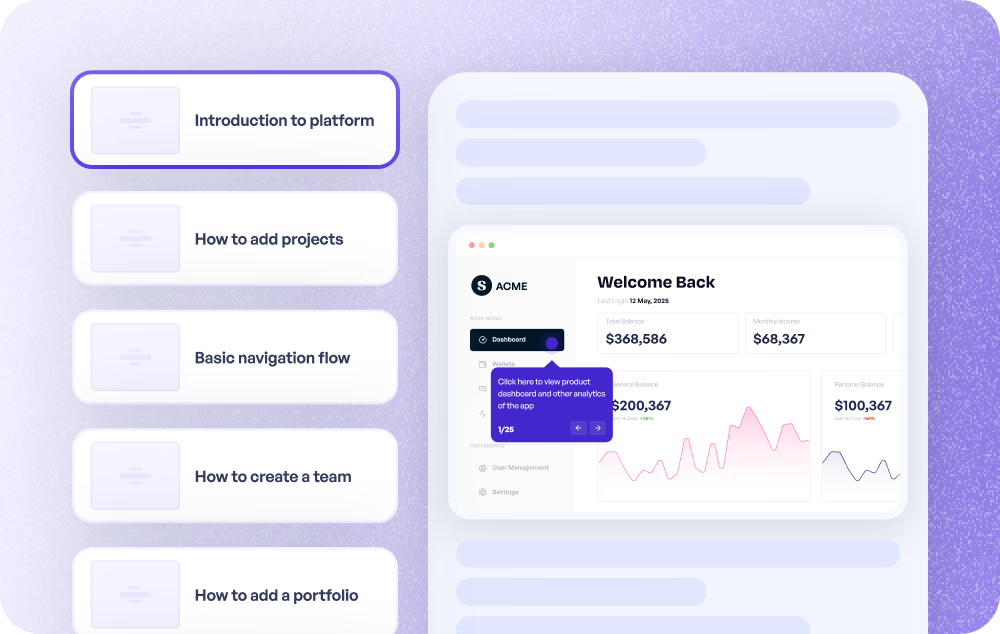
Keep docs closer to shipped UX
Product and product marketing teams can draft release documentation directly from the demo recorded for a new feature.
Explore product use cases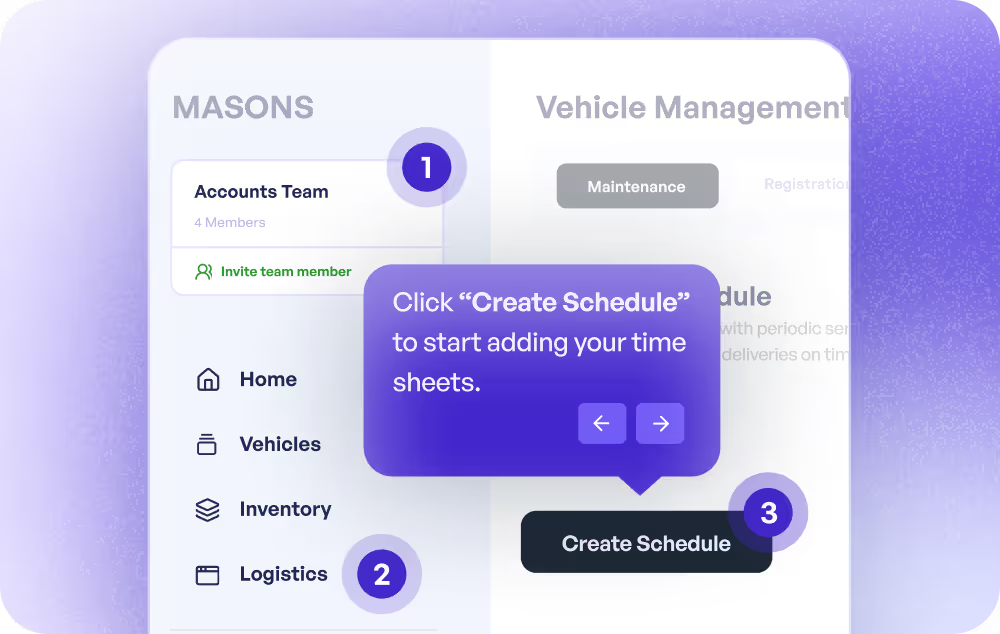
Create SOP-style drafts from demos
Training and enablement teams can start from a recorded workflow and export a written SOP or procedural guide faster.
Explore training use cases
How do support teams use Demo to Docs?
Support teams use Demo to Docs to convert guided product demos into publishable help articles with screenshots and step-by-step instructions.
How does customer success use Demo to Docs?
Customer success teams use Demo to Docs to turn onboarding and enablement demos into reusable docs for customers and internal teams.
How do product teams use Demo to Docs?
Product teams use Demo to Docs to generate first-draft documentation from release walkthroughs so docs stay aligned with the actual product flow.
How do training teams use Demo to Docs?
Training teams use Demo to Docs to draft SOPs and step-by-step guides from recorded demos instead of rewriting every process manually.
Explore Similar Free Tools
Frequently asked questions
How turning an interactive Supademo into a help doc works, from screenshots and accuracy to styling, export, and sign-in.
Paste the link to your interactive demo and the tool pulls every step, screenshot, and annotation, then drafts a structured help article. You pick the doc type (how-to, troubleshooting, or feature overview), review the draft, and export it as Markdown when it's ready to publish.
It works with any demo you record in Supademo's interactive demo builder, so a walkthrough you already have becomes a written guide in seconds instead of a blank page.
The steps, screenshots, and step order come straight from your interactive demo, so the draft mirrors what the product actually shows. The AI writes the wording around that real data and is instructed not to invent features, plan requirements, permissions, or shortcuts that aren't in the demo.
It's a first draft, so give it a quick review before you publish. If you'd rather start from a written brief than a demo, our AI documentation generator takes that approach instead.
The tool aims for a balanced number of screenshots rather than one on every step, and it favors steps that have a clear caption and image. That keeps the article readable instead of a wall of images.
You stay in control: turn any step's screenshot on or off, or leave a step out of the doc entirely, before you generate. For a screenshot-on-every-step format, the step-by-step guide generator is a better fit.
Yes. Add a reference doc URL and the model uses that page as a style guide for tone, sectioning, and overall article shape. You can also add extra context or upload Markdown files for anything the demo itself doesn't capture.
Support and customer education teams use this to keep new articles consistent with their existing library. See how customer support teams keep their docs on-brand.
Every draft exports as Markdown with the screenshots included as image links, so you can drop it straight into a help center, CMS, knowledge base, or internal docs without reformatting.
Need a different format? The SOP generator and manual maker produce standard operating procedures and product manuals from the same kind of source material.
You already captured the whole flow when you recorded the interactive demo. This turns that same recording into a written guide, so one demo gives you both a clickable walkthrough for hands-on learners and a classic screenshot article, without doing the work twice.
Reusing a single demo across formats pays off: Bullhorn saw up to a 20% increase in learner engagement doing exactly this, a pattern echoed in our State of Interactive Demos 2026.
The tool is free. You sign in with your Supademo account so it can read your demo's steps and screenshots, then you can generate and export as many drafts as you need.
It's built for support, customer success, product, and enablement teams creating help articles, onboarding guides, and internal docs. See how customer success teams turn demos into reusable guides.