How to Check Domain Rating of Referring Domains in Ahrefs

Evaluating the domain rating of your referring domains helps you understand the quality of your backlink profile. This tutorial shows you how to access and filter referring domain data in Ahrefs.
Quick summary
In this tutorial, we'll explore how to check the domain rating of your referring domains in Ahrefs. You'll navigate to the Referring Domains report in Site Explorer and review DR scores to evaluate the quality of your backlink profile.
Why this matters
Not all backlinks are equal. Links from high-DR domains carry more SEO weight than those from low-authority sites. Monitoring referring domain quality helps you prioritize link-building efforts and identify potentially harmful links.
Step-by-step guide
- 1
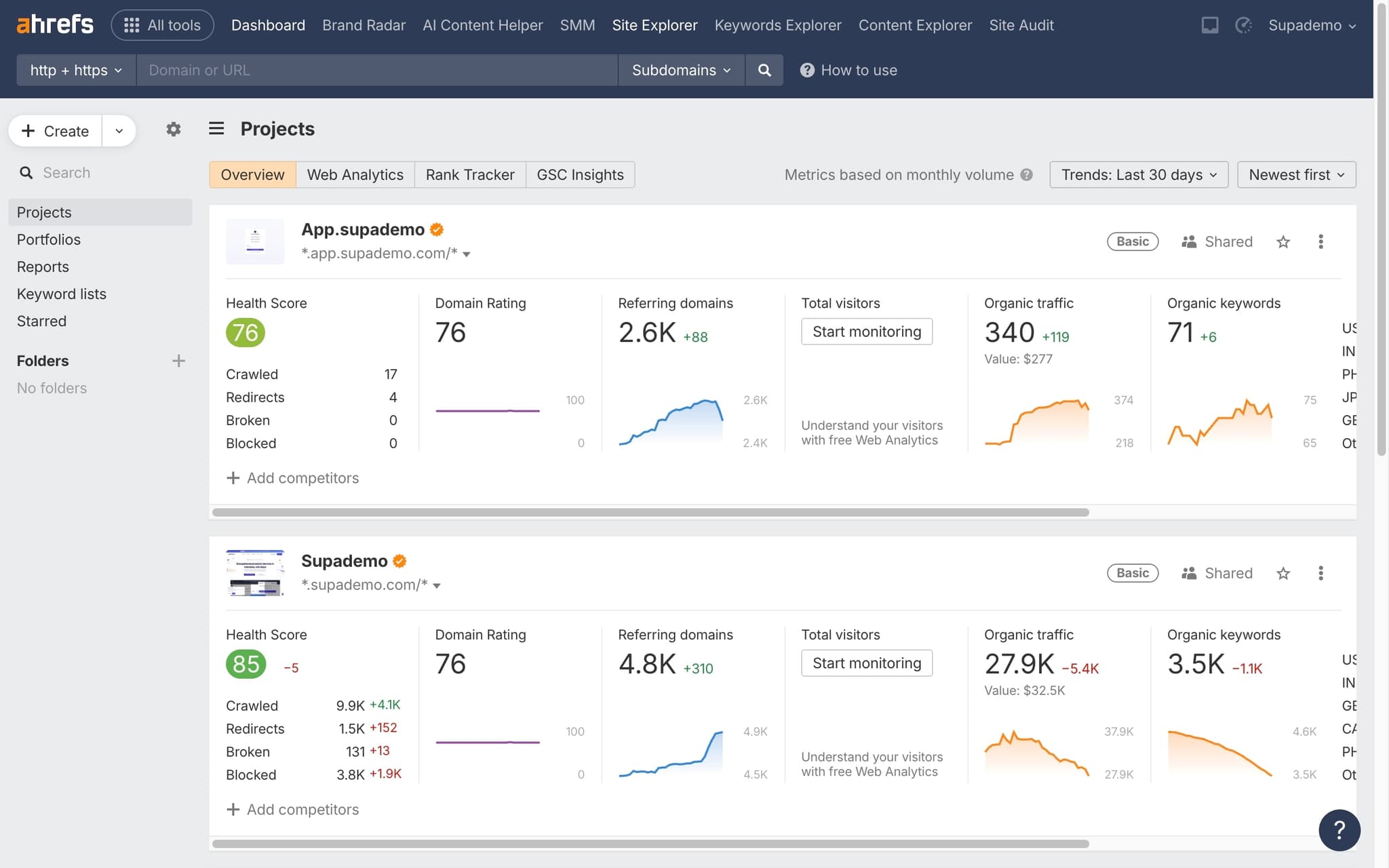
Open Site Explorer
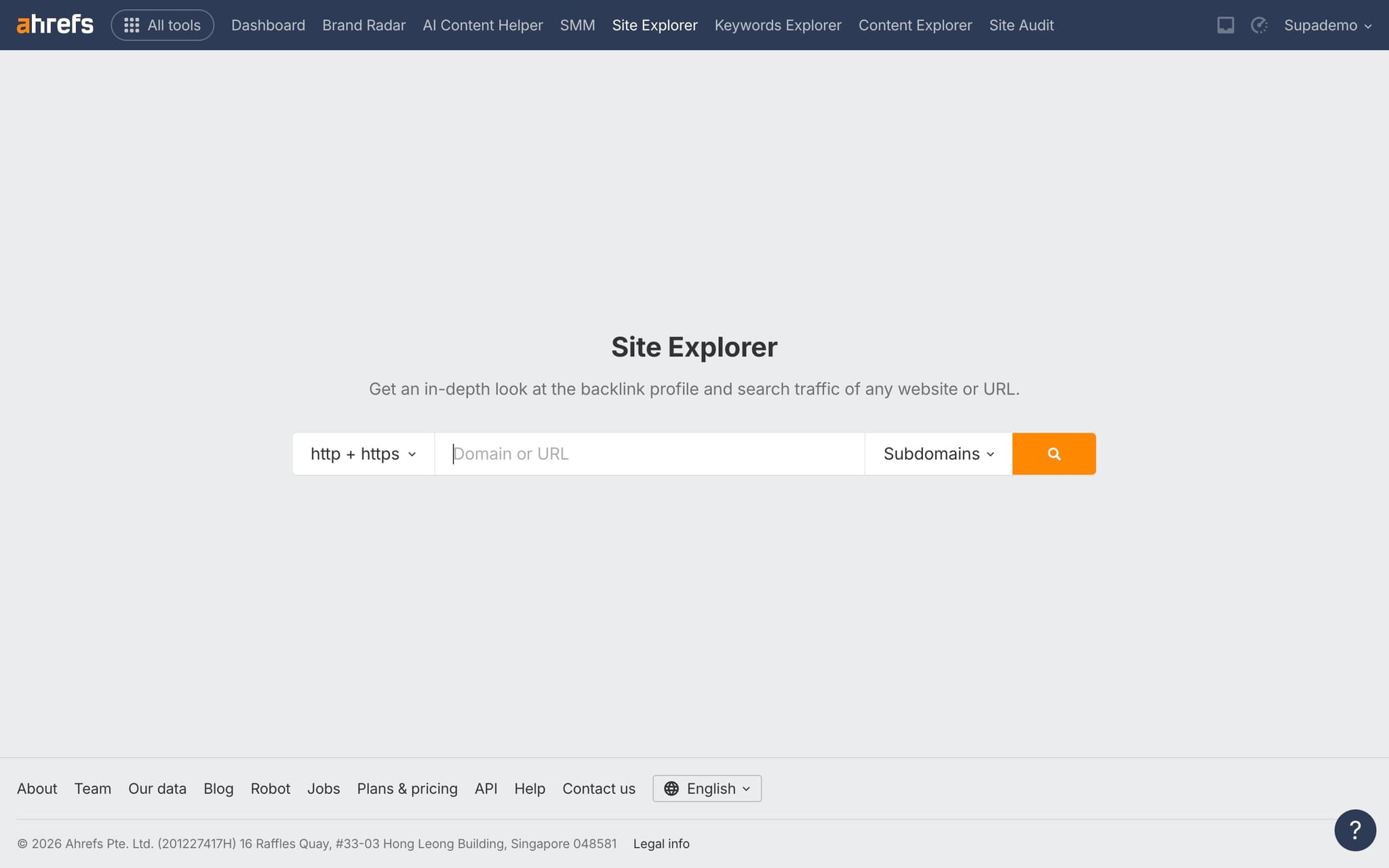
Go to Ahrefs and enter your target domain in Site Explorer.
- 2
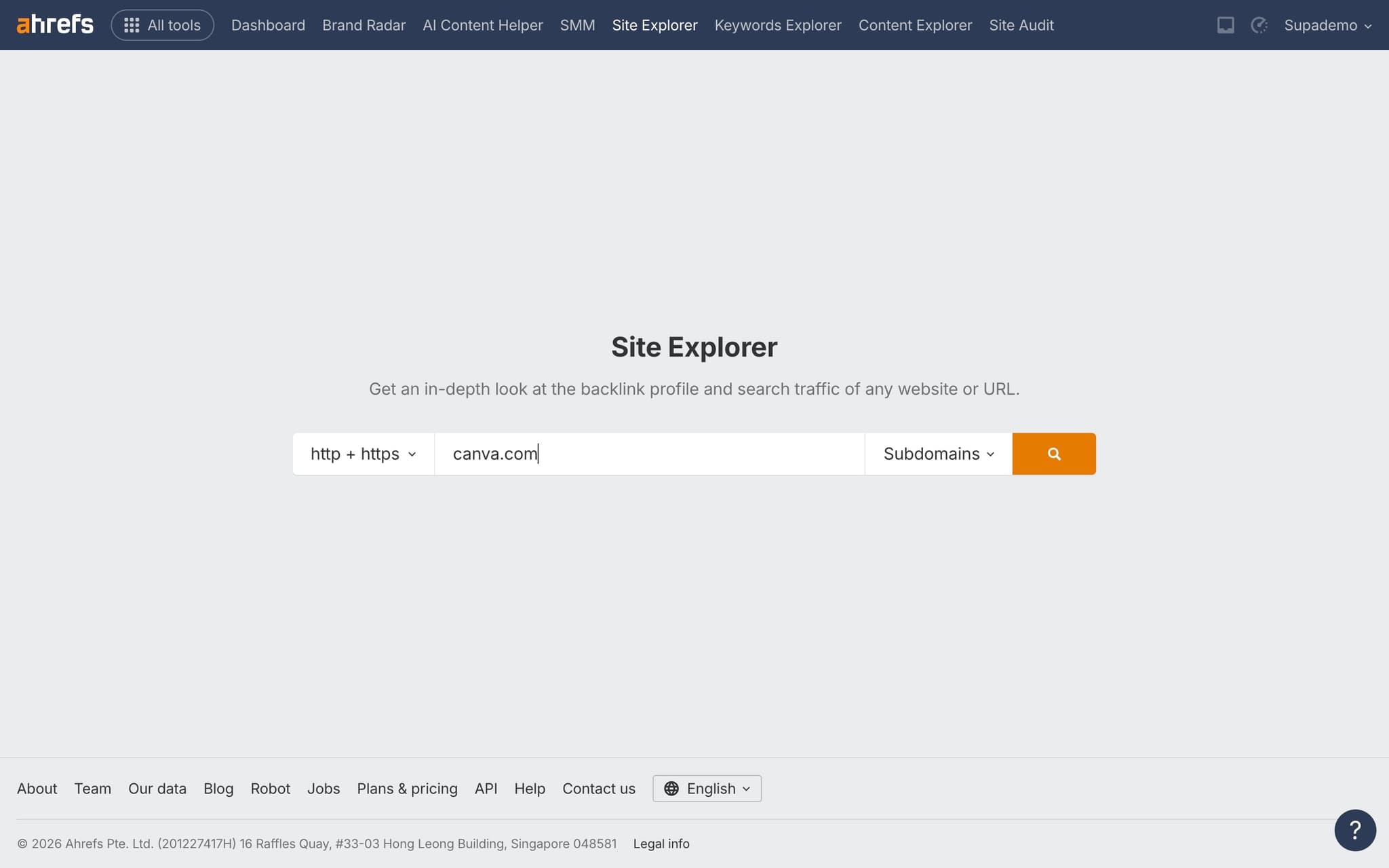
Navigate to Referring Domains
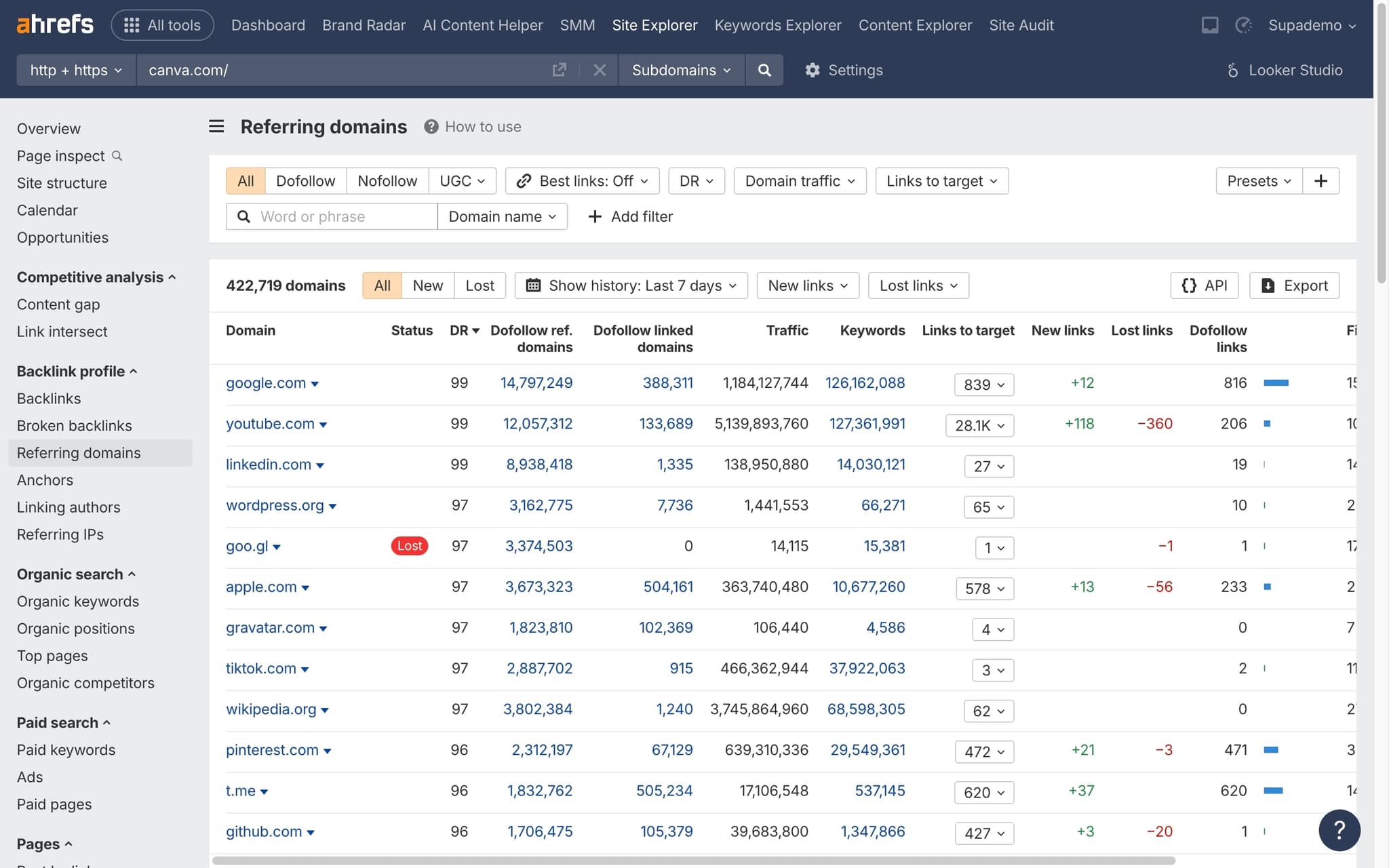
In the left sidebar, click 'Referring domains' under the Backlink profile section.
- 3
Sort by Domain Rating
Click the DR column header to sort referring domains by their Domain Rating score.
- 4
Filter by DR range
Use the DR filter to focus on specific rating ranges — for example, domains with DR 50+ to see your highest-quality links.
- 5
Export or analyze results
Review individual referring domains and their link metrics. Export the data for further analysis or outreach planning.
Frequently asked questions
Common questions about how to check domain rating of referring domains in ahrefs.
A referring domain is any unique root domain that links to the target site at least once. Ahrefs groups all backlinks by their parent domain, so ten links from one blog still count as a single referring domain. The count is deliberately de-duplicated to stop a handful of heavy linkers from inflating the apparent size of a backlink profile.
Links from high Domain Rating sites generally pass more authority than links from low DR sites, because DR is a proxy for the strength of the linking site's own backlink profile. Sorting referring domains by DR reveals whether a backlink profile is built on authoritative sources or padded with weak, low value links. This distinction matters more than the raw count of referring domains.
A monthly review is enough for most sites, with a deeper quarterly check when you are actively building links. Sudden spikes in low DR referring domains can signal a negative SEO attempt or a broken link scraper copying your content. Establishing a fixed cadence also makes it easier to spot slow, organic growth from editorial mentions. According to Supademo's State of Interactive Demos 2026 report, teams updating their workflow documentation weekly or monthly report ~80% impact compared to 67% for teams updating only during major releases, so a regular cadence pays off for the documentation of the audit too.
Yes. The Referring Domains report in Site Explorer includes a DR filter so you can show only links above a chosen threshold, such as DR 30 or higher. This is the standard way to prospect for authoritative outreach targets or to cut noise from a report before sharing it. You can combine the DR filter with traffic and language filters for tighter segmentation.
Most SEO teams capture their referring domain audit once using a browser screen recorder that turns each click into an annotated step, and new analysts follow the exact same flow without waiting on live handovers from senior reviewers. As Fredo Tan, Head of Growth at Supademo, puts it: "The SEO teams winning right now are treating recurring audits like a product, not a one off task. Record it once, reuse it forever."
New hires absorb tool workflows faster when they can click through a real interface rather than watch a passive recording. Teams that replaced linear videos with in-app training guides report shorter ramp times, fewer repeat questions, and measurable lifts in first week confidence.