How to Check Website Traffic in Ahrefs

Checking website traffic in Ahrefs gives you a clear picture of any site's organic performance. This tutorial walks you through opening Site Explorer, entering a domain, and reading the traffic overview dashboard so you can quickly assess how a site is performing in search.
Quick summary
In this tutorial, we'll explore how to check website traffic in Ahrefs using Site Explorer. You'll learn how to enter any domain, read the overview dashboard, and review estimated organic traffic, top keywords, and backlink counts.
Why this matters
Knowing how much organic traffic a site gets helps you benchmark competitors, evaluate link prospects, and track the results of your own SEO work. Ahrefs pulls this data from its massive keyword index, giving you directional estimates that are useful for comparisons even if the exact numbers vary.
Step-by-step guide
- 1
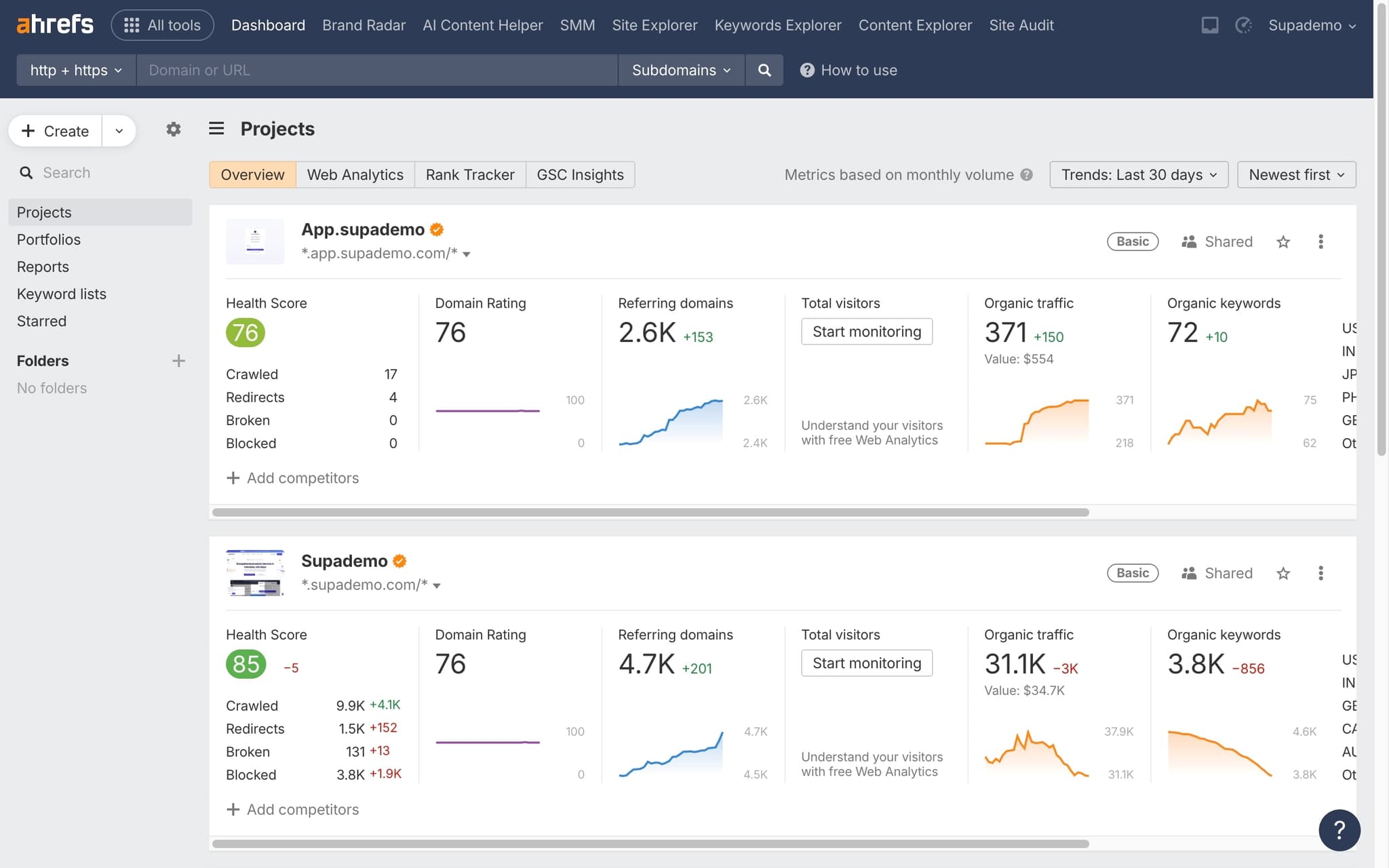
Log in to your Ahrefs dashboard
Open Ahrefs and sign in with your account credentials. Once logged in, you'll land on the main dashboard where you can access all of Ahrefs' core tools including Site Explorer, Keywords Explorer, and Site Audit.
- 2
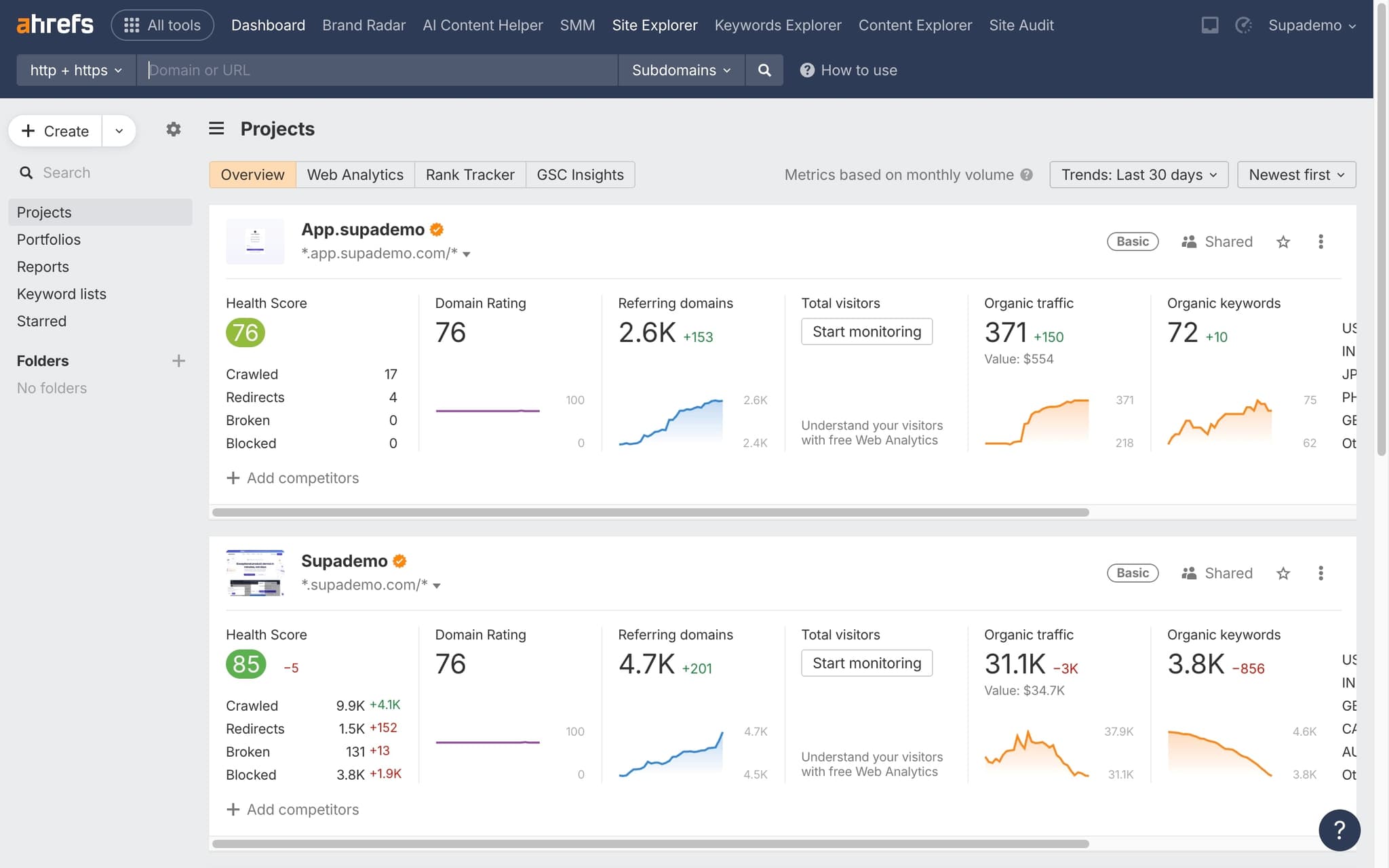
Click on Site Explorer
In the top navigation, click Site Explorer. This is the tool you'll use to analyze any website's organic traffic, backlink profile, and top-performing pages.
- 3
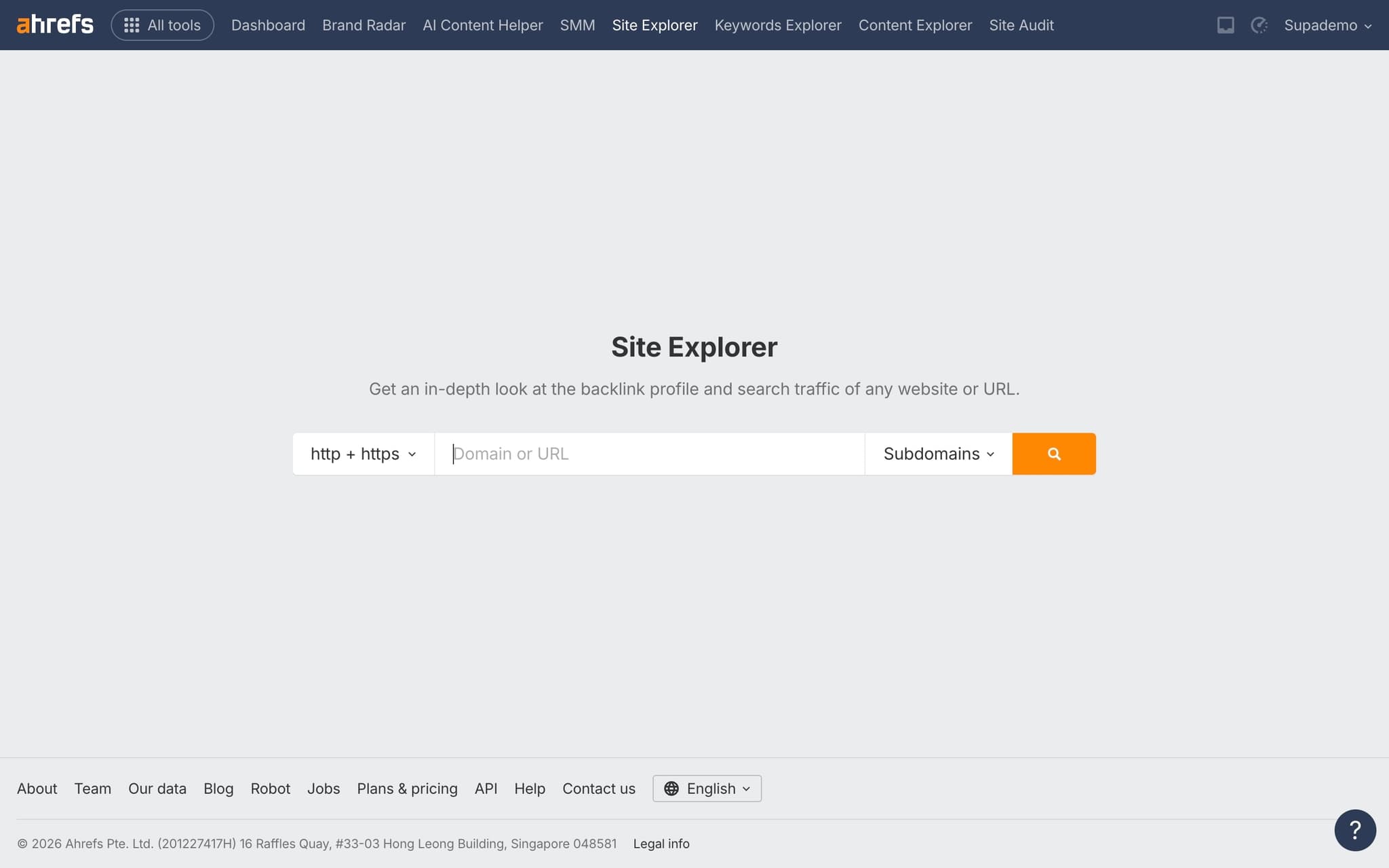
Enter your domain or URL
Type the domain you want to analyze into the search field. You can enter a full URL, a subdomain, or just the root domain depending on how granular you want your analysis to be.
- 4
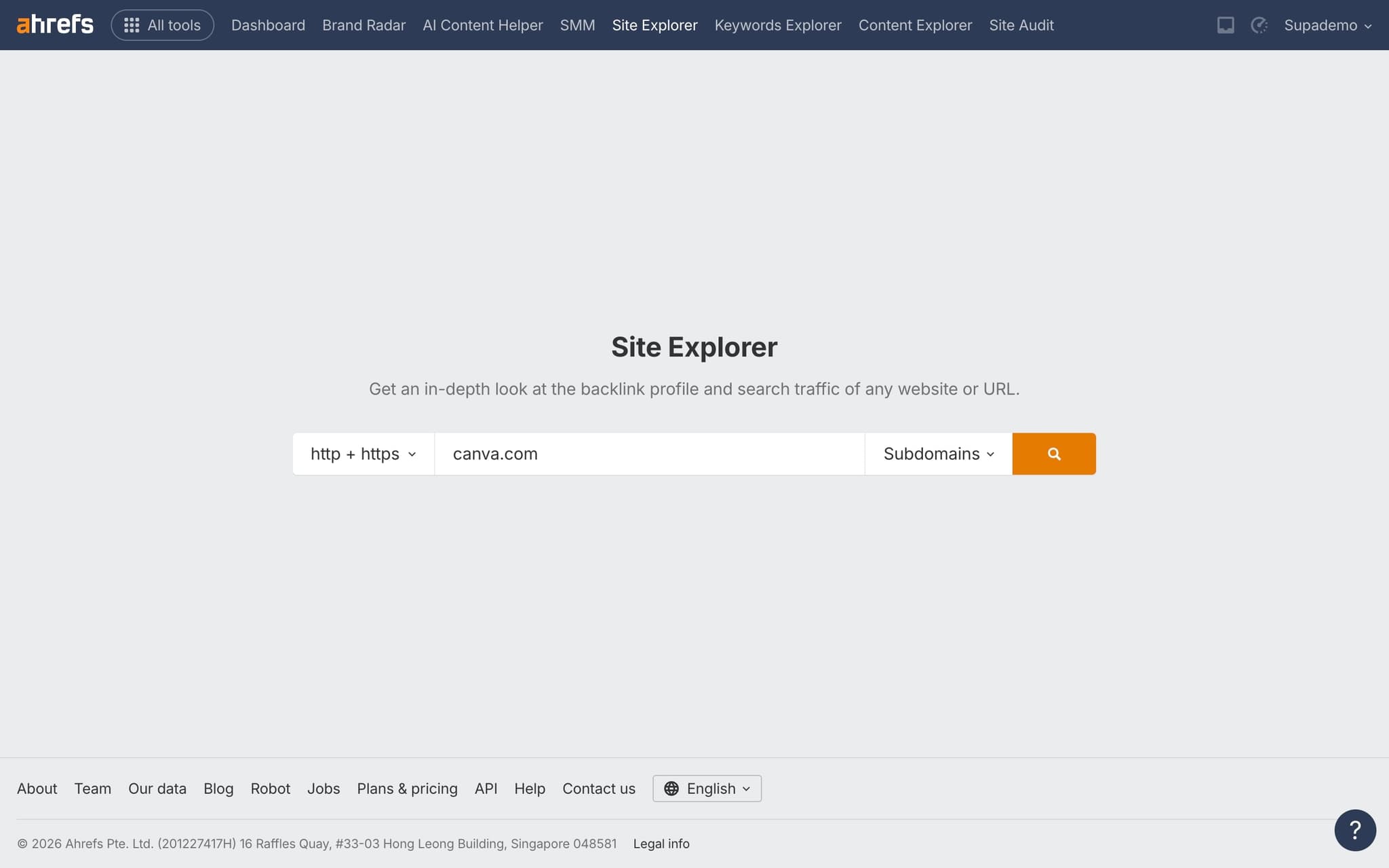
Click the search button
Hit the search button to run the analysis. Ahrefs will pull up all available data for the domain, which typically loads within a few seconds.
- 5
View organic traffic and SEO metrics
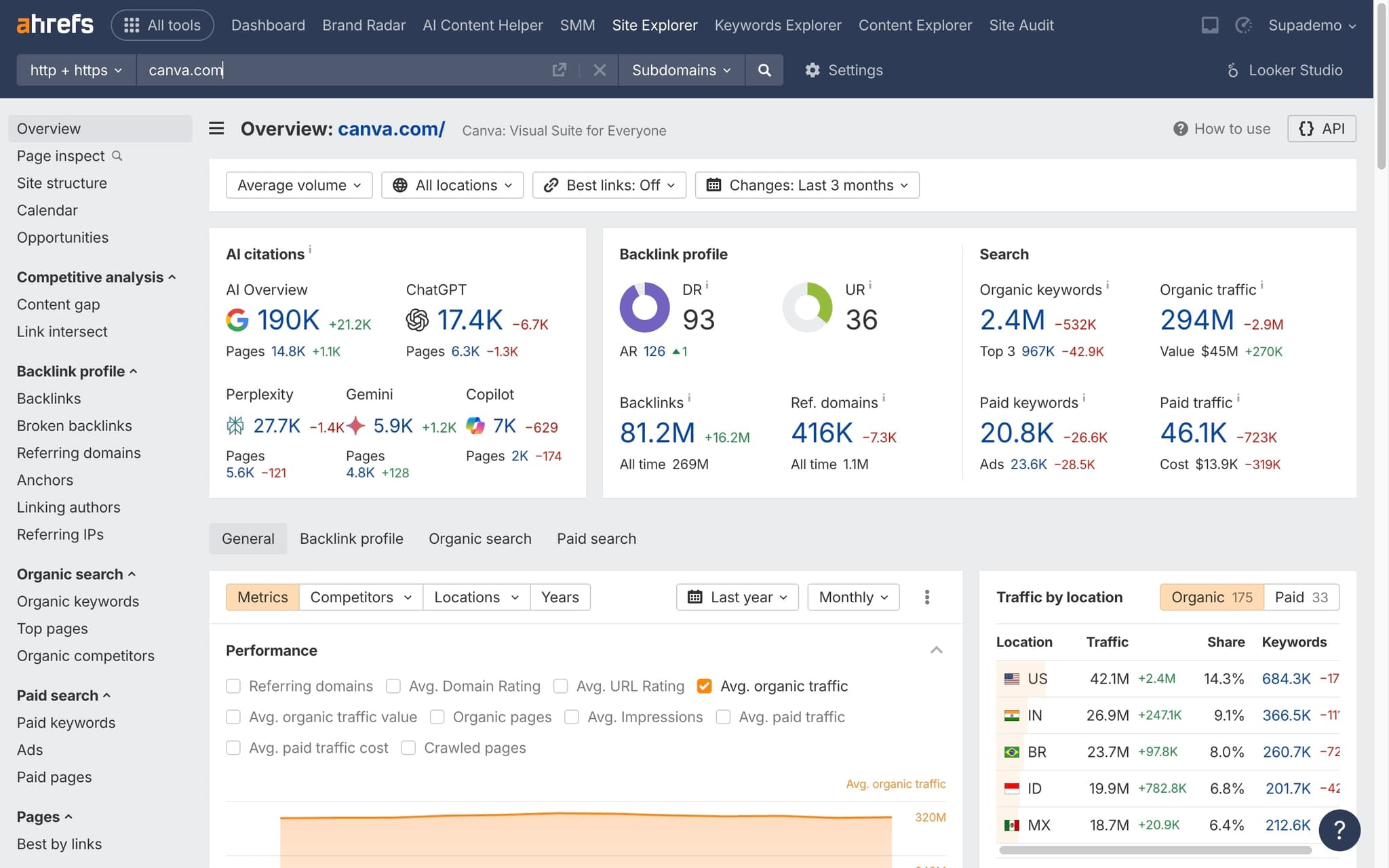
You'll now see the overview dashboard with key metrics including organic traffic estimates, the number of ranking keywords, backlink count, and referring domains. Scroll down to explore traffic trends over time and top pages driving visits.
Frequently asked questions
Common questions about how to check website traffic in ahrefs.
Yes. You can enter any domain into Site Explorer to see estimated organic traffic, top pages, referring domains, and paid keywords. There is no need to own or verify the site, because Ahrefs builds its estimates from its own crawl of the web and its keyword database. This makes Site Explorer the standard starting point for competitive research inside Ahrefs.
Ahrefs reports organic search traffic only, estimated from keyword rankings and predicted clickthrough rates. Google Analytics measures every real visit across every channel, including direct, referral, paid, and social. The two numbers will almost never match, but Ahrefs is reliable for directional trends, competitor benchmarking, and spotting sudden changes in SERP visibility. Marketing teams that document these workflows in repeatable formats see them travel further, and per Supademo's State of Interactive Demos 2026 report, 60.4% of marketing teams now use interactive demos on websites and 54.9% in email campaigns.
Each tool uses a different data source and modelling approach. Ahrefs derives its estimate from its proprietary keyword index and live SERP positions, while SimilarWeb blends clickstream panels, on-site measurement, and public data. Neither is absolute truth, so experienced analysts use both as relative benchmarks rather than exact counts.
Organic traffic value is the estimated monthly cost of buying the equivalent volume of clicks through Google Ads, based on the CPCs of the keywords a page already ranks for. It converts free organic visibility into a dollar figure that is easier to compare across pages and competitors. A high traffic value on a small number of keywords usually signals commercial intent rather than pure volume.
You can record the exact clicks inside Ahrefs, add tooltips to each metric, and drop the resulting walkthrough straight into a campaign brief using interactive tutorial software, so strategists see the analysis in context instead of interpreting flat screenshots. As Vimal Kumar, Product Operations Associate at Supademo, puts it: "When marketing teams embed an interactive replay inside the brief, completion rates roughly triple compared to static screenshots. People actually finish the walkthrough."
Screen recordings force viewers to watch passively, while interactive walkthroughs let them hover, click, and skip to the section they care about. A side by side video walkthrough comparison shows that interactive formats hold attention longer and drive higher task completion across almost every content category.