How to Find a Site's Domain Authority on Ahrefs

While 'Domain Authority' is technically a Moz metric, Ahrefs offers Domain Rating (DR) as its equivalent measure of a site's backlink strength. This tutorial shows you how to check any site's authority score in Ahrefs.
Quick summary
In this tutorial, we'll explore how to find a site's domain authority using Ahrefs. You'll learn that Ahrefs uses Domain Rating (DR) as its equivalent metric, and how to look it up quickly in Site Explorer.
Why this matters
Checking a site's domain authority helps you evaluate potential link partners, assess competitor strength, and prioritize outreach targets based on their backlink authority.
Step-by-step guide
- 1
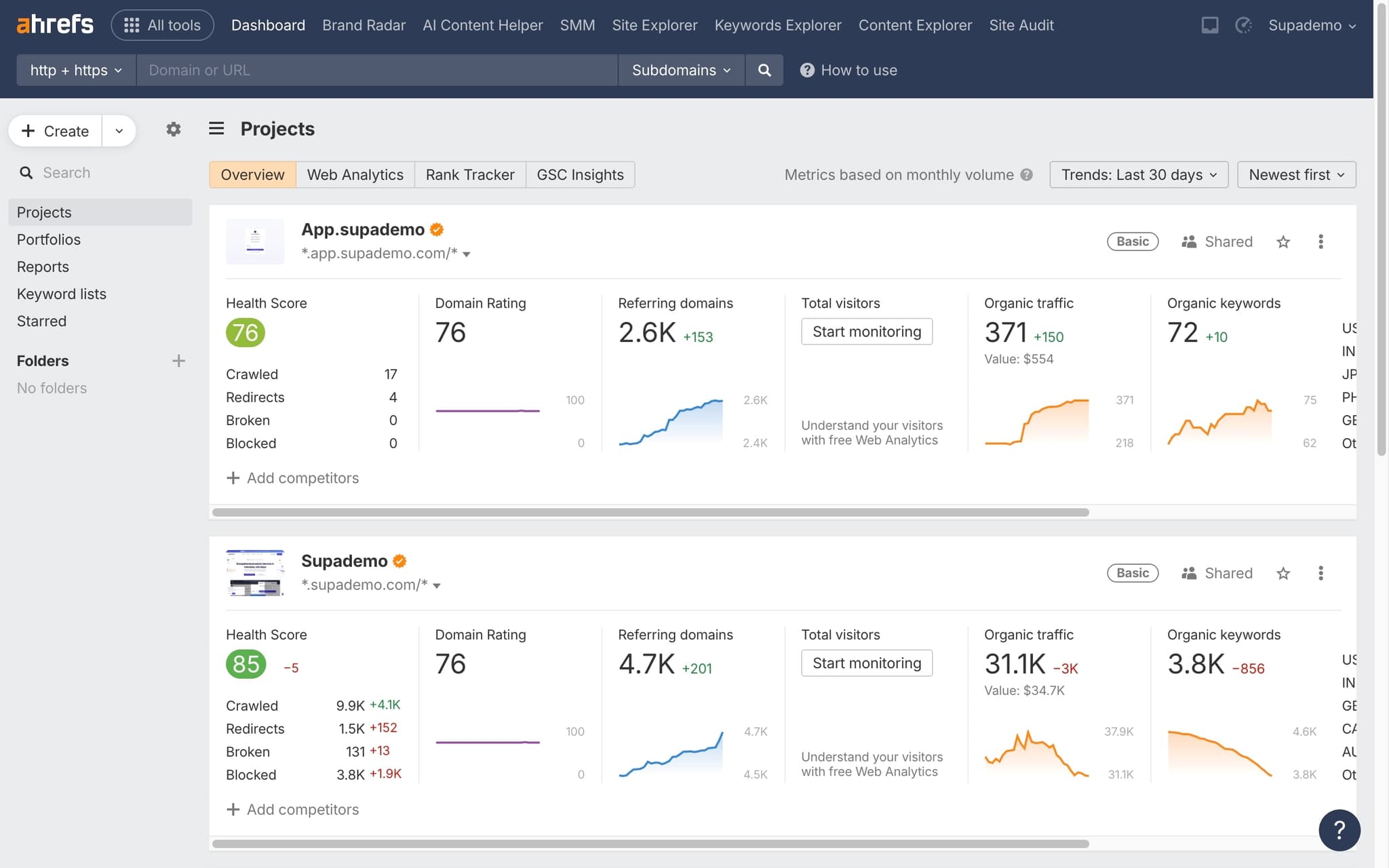
Open Site Explorer
Navigate to Site Explorer in Ahrefs.
- 2
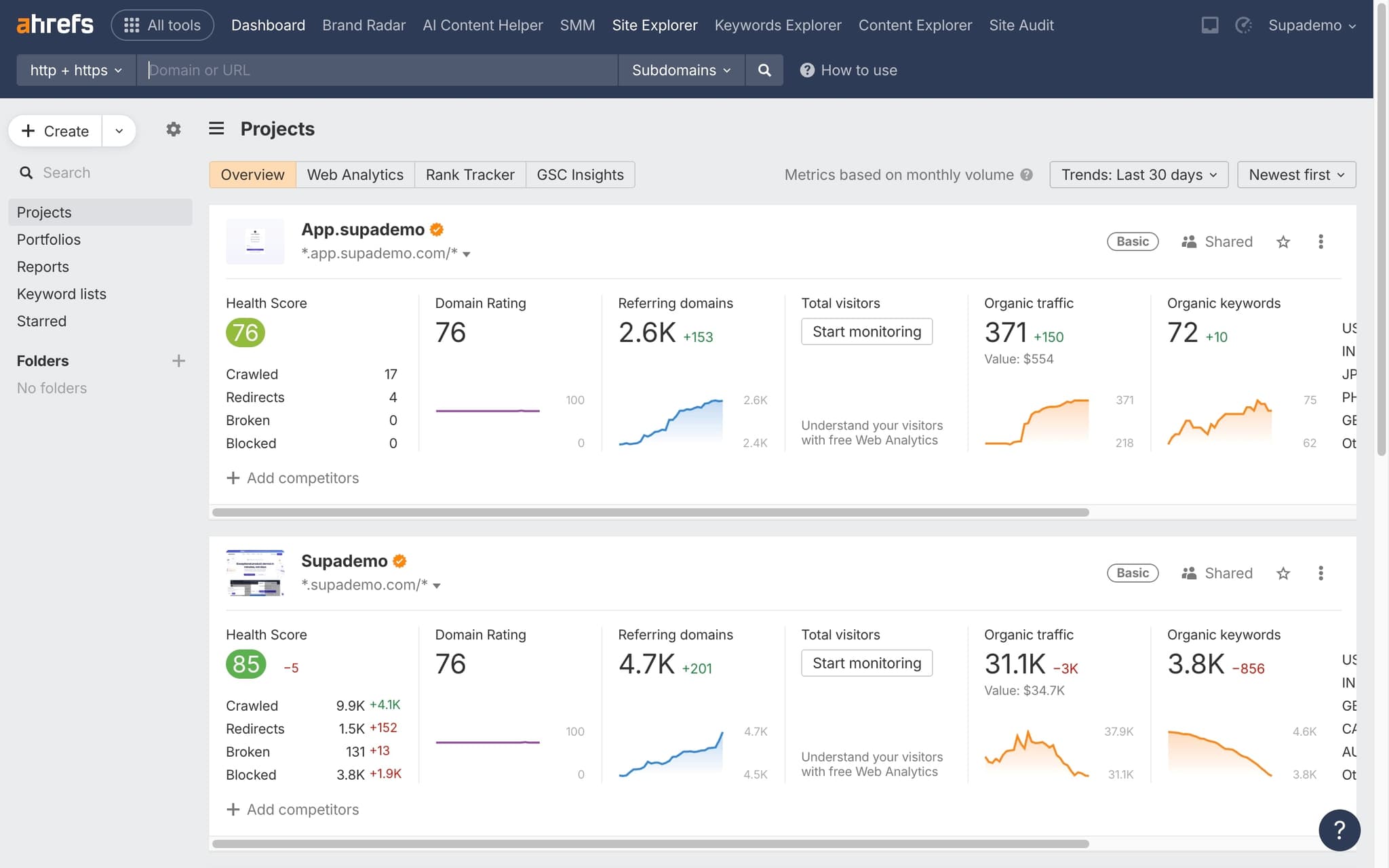
Enter the target domain
Type the domain you want to evaluate into the search bar.
- 3
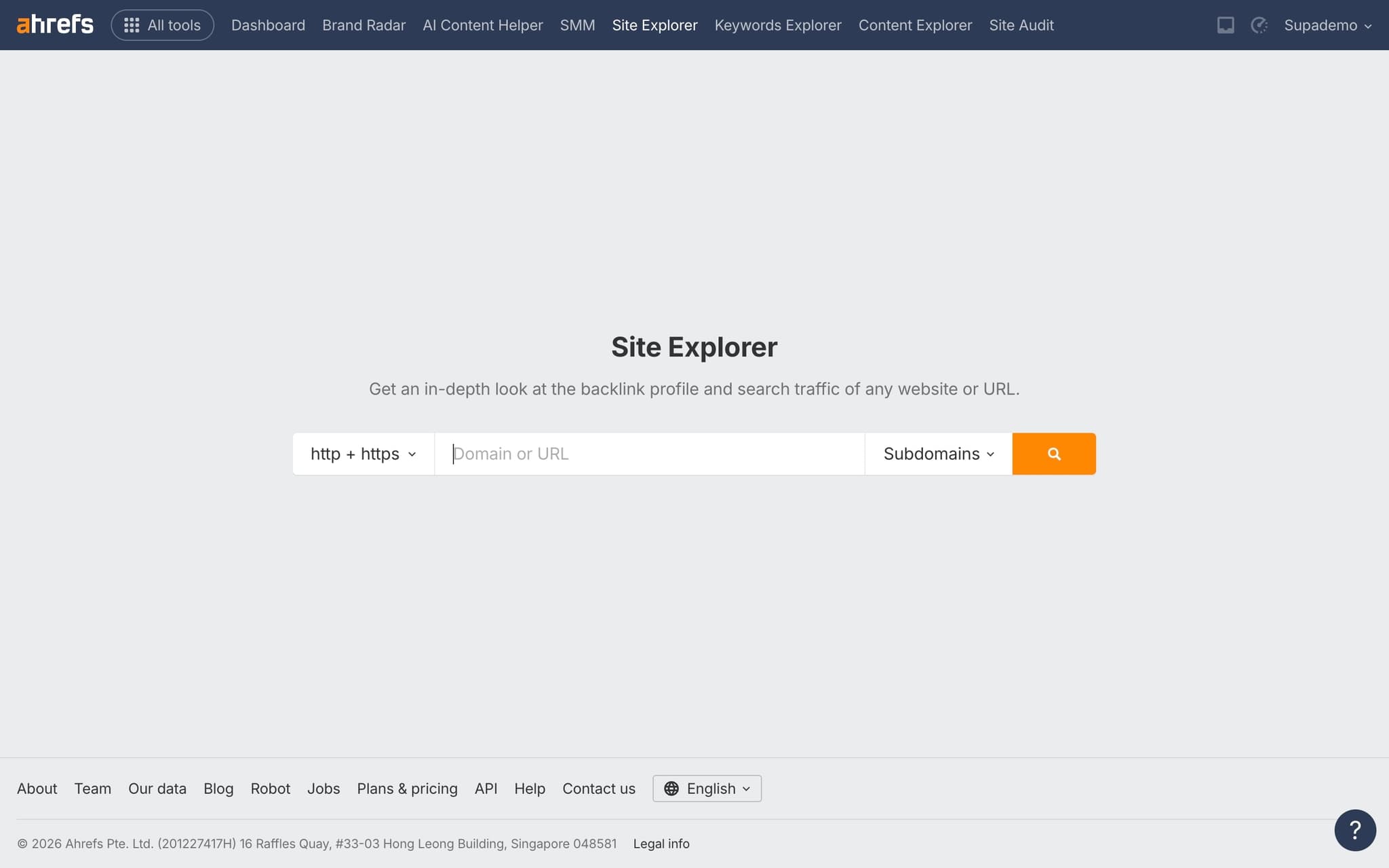
Check the DR score
The Domain Rating appears at the top of the overview page, giving you an instant authority assessment.
- 4
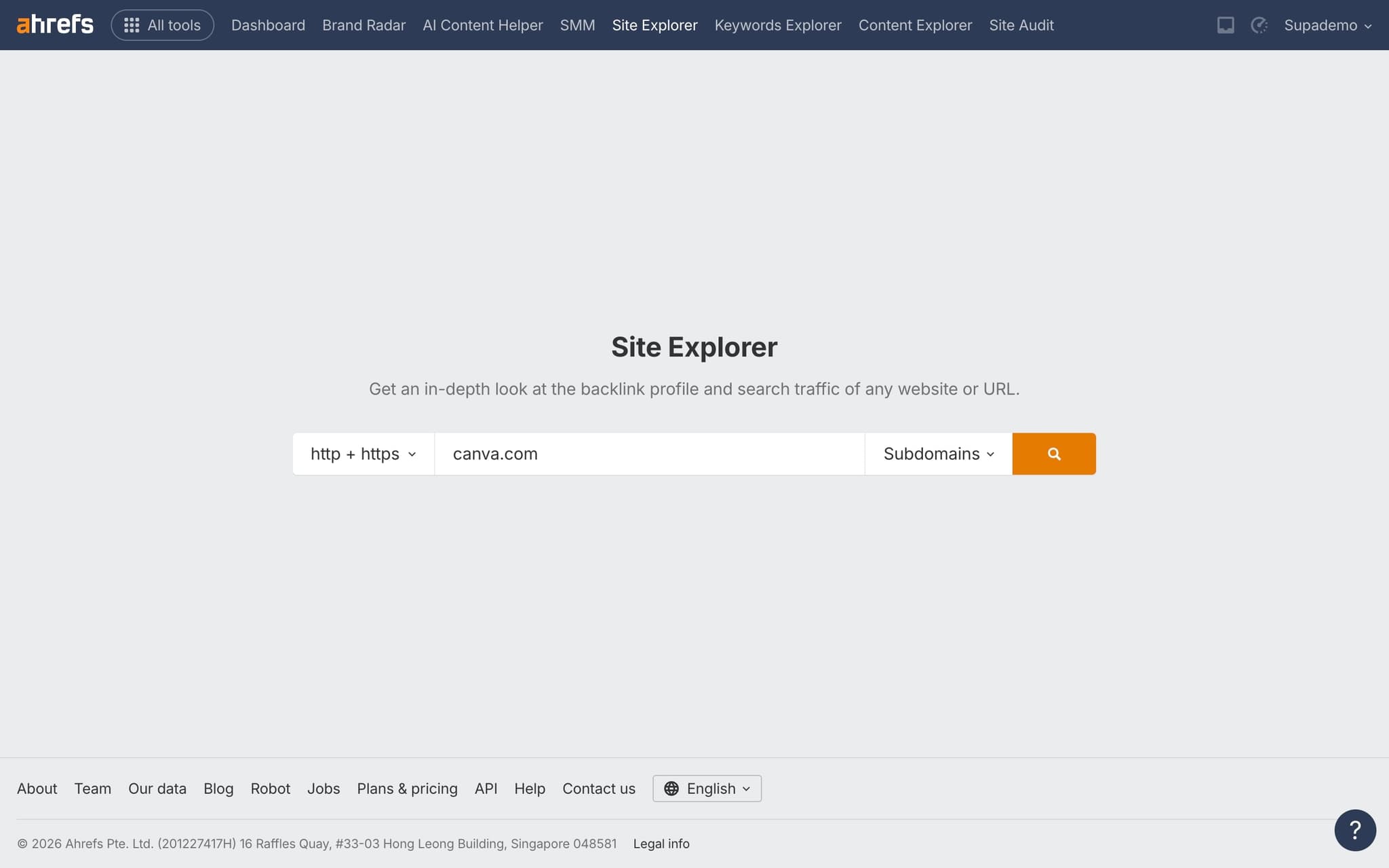
Compare with other metrics
Review referring domains count, organic traffic estimates, and other metrics alongside DR for a complete picture.
Frequently asked questions
Common questions about how to find a site's domain authority on ahrefs.
No. Ahrefs does not display Moz Domain Authority anywhere in its interface. Ahrefs uses its own metric called Domain Rating, which is calculated from its proprietary Ahrefs link index. The two scores are correlated but not interchangeable, because they are derived from different crawls and formulas.
URL Rating measures the link authority of a single page, while Domain Rating measures the overall authority of the root domain. A high DR site can still host individual pages with low UR if they lack internal or external links. Both metrics use the same 0 to 100 logarithmic scale, so they can be compared directly.
Batch Analysis in Ahrefs accepts a list of up to 200 domains and returns DR, referring domains, and organic traffic for each in a single view. The results can be sorted, filtered, and exported as CSV. It is much faster than opening Site Explorer for each URL individually, and the same multi use case logic applies to how teams operationalise the data: per Supademo's State of Interactive Demos 2026 report, teams using their workflows for four or more use cases report 31% higher overall satisfaction.
A new site usually has no indexed backlinks, so Ahrefs has nothing to score. DR climbs from zero only after the Ahrefs crawler finds the first referring domains, which can take several weeks after launch. The zero score is expected and disappears as soon as the first authoritative link is discovered.
Most agencies now use a drag and drop interactive walkthrough builder to capture their Ahrefs reporting flow as a guided tour, then ship it to each new client team without spending hours on bespoke training calls. As Fredo Tan, Head of Growth at Supademo, puts it: "For agencies, interactive walkthroughs are the closest thing to handing a client the analyst's screen. That is why they reduce ramp time on new accounts."
Yes. Adoption has accelerated sharply over the last two years as buyers demand self serve product experiences before booking a call. The state of interactive demos 2026 report shows how companies are deploying them across marketing, sales, and customer success.