How to Disavow Backlinks in Ahrefs

Toxic backlinks can hurt your site's search performance. Ahrefs helps you identify potentially harmful links and prepare a disavow file. This tutorial guides you through the entire process.
Quick summary
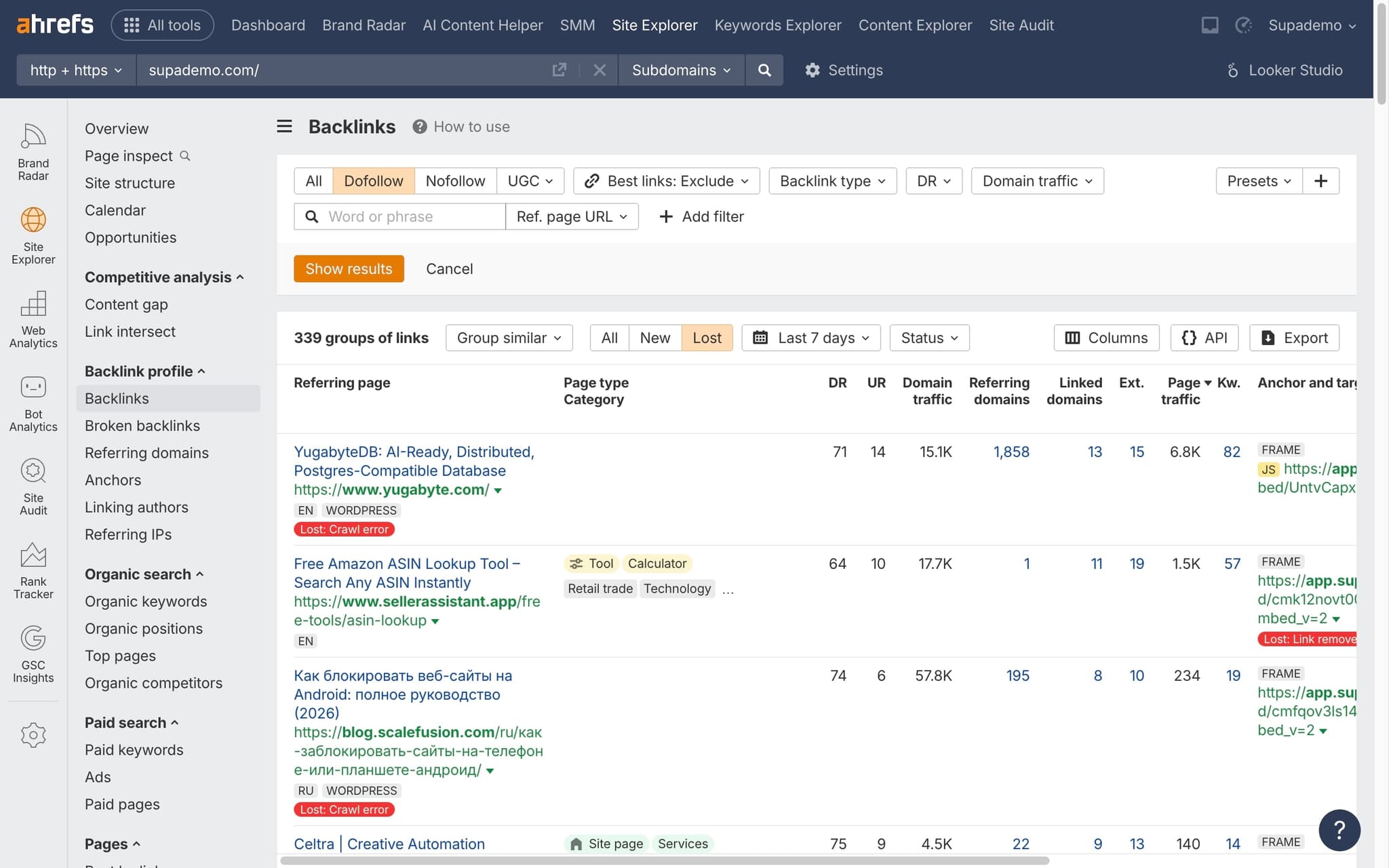
In this tutorial, we'll explore how to identify and prepare toxic backlinks for disavow using Ahrefs. You'll filter your backlink profile for low-quality dofollow links, sort by domain rating, and export the data for submission to Google Search Console.
Why this matters
While Google can typically ignore low-quality links on its own, a manual or algorithmic penalty from toxic backlinks can devastate your rankings. Proactively disavowing harmful links protects your site's search visibility.
Step-by-step guide
- 1
Run a backlink audit
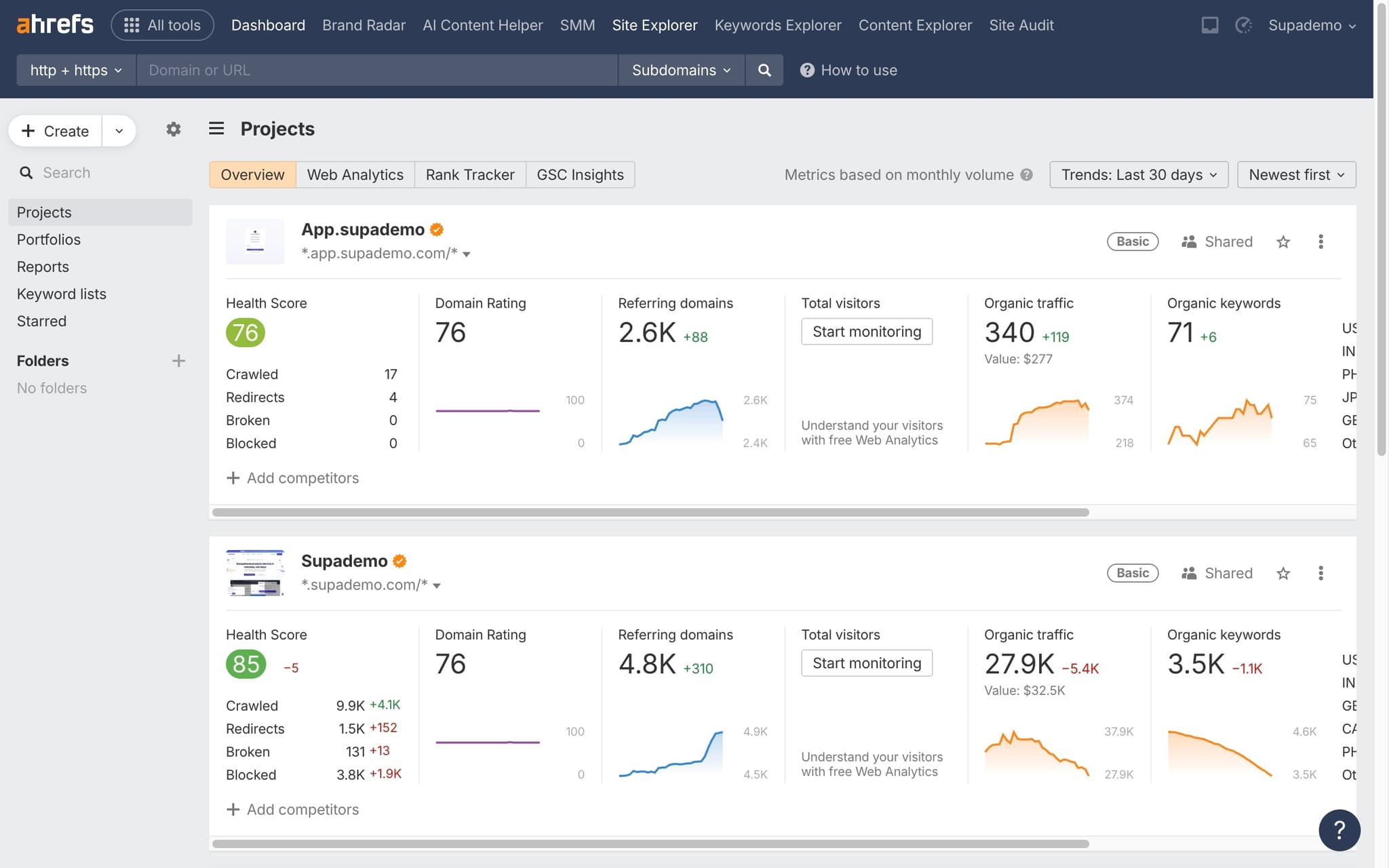
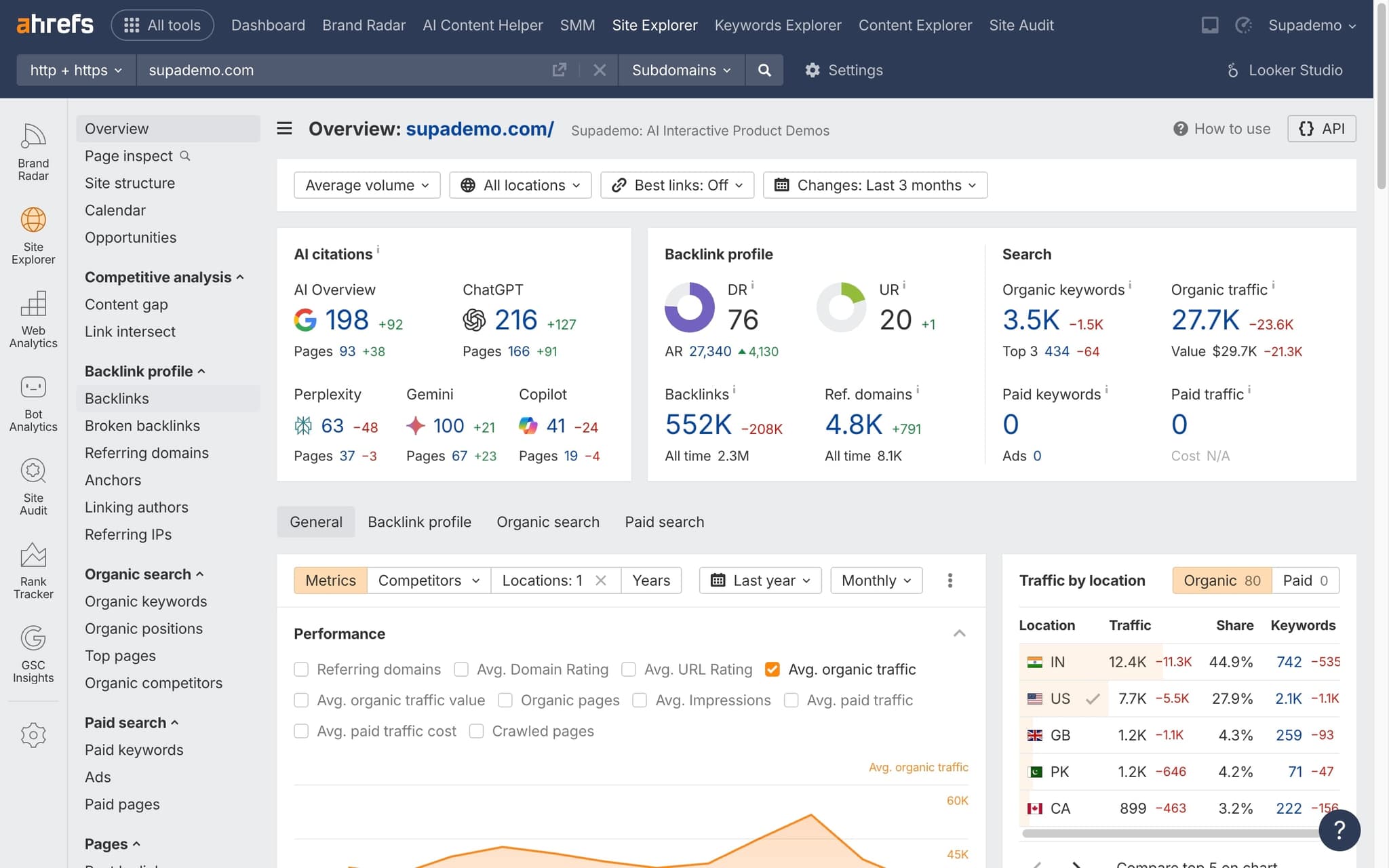
Open Site Explorer and navigate to your backlink profile. Look for domains with suspicious patterns — low DR, high outbound link counts, or irrelevant content.
- 2
Identify toxic links
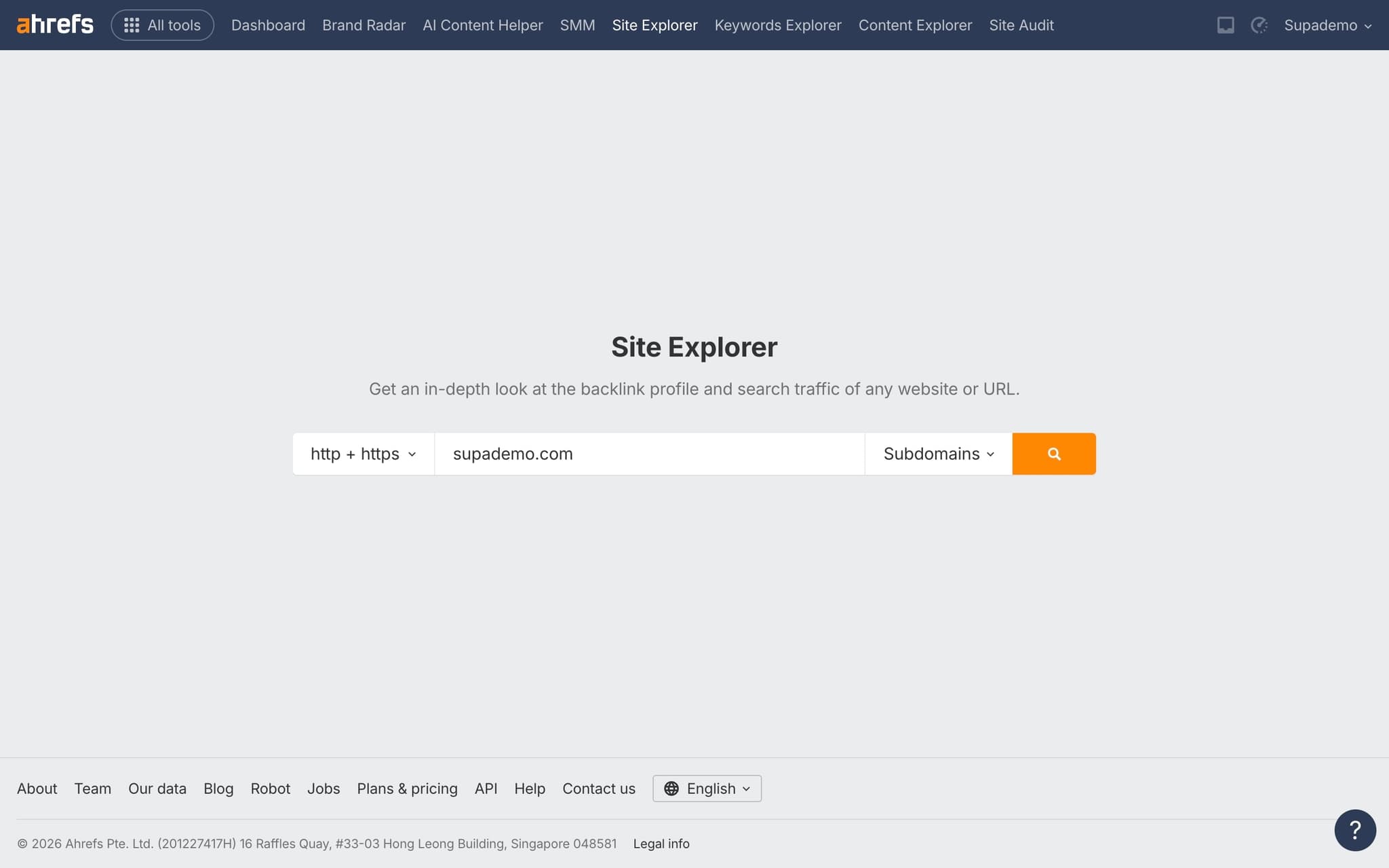
Review referring domains for signs of spam: unrelated niches, foreign-language link farms, or domains with very low DR scores.
- 3
Add domains to disavow list
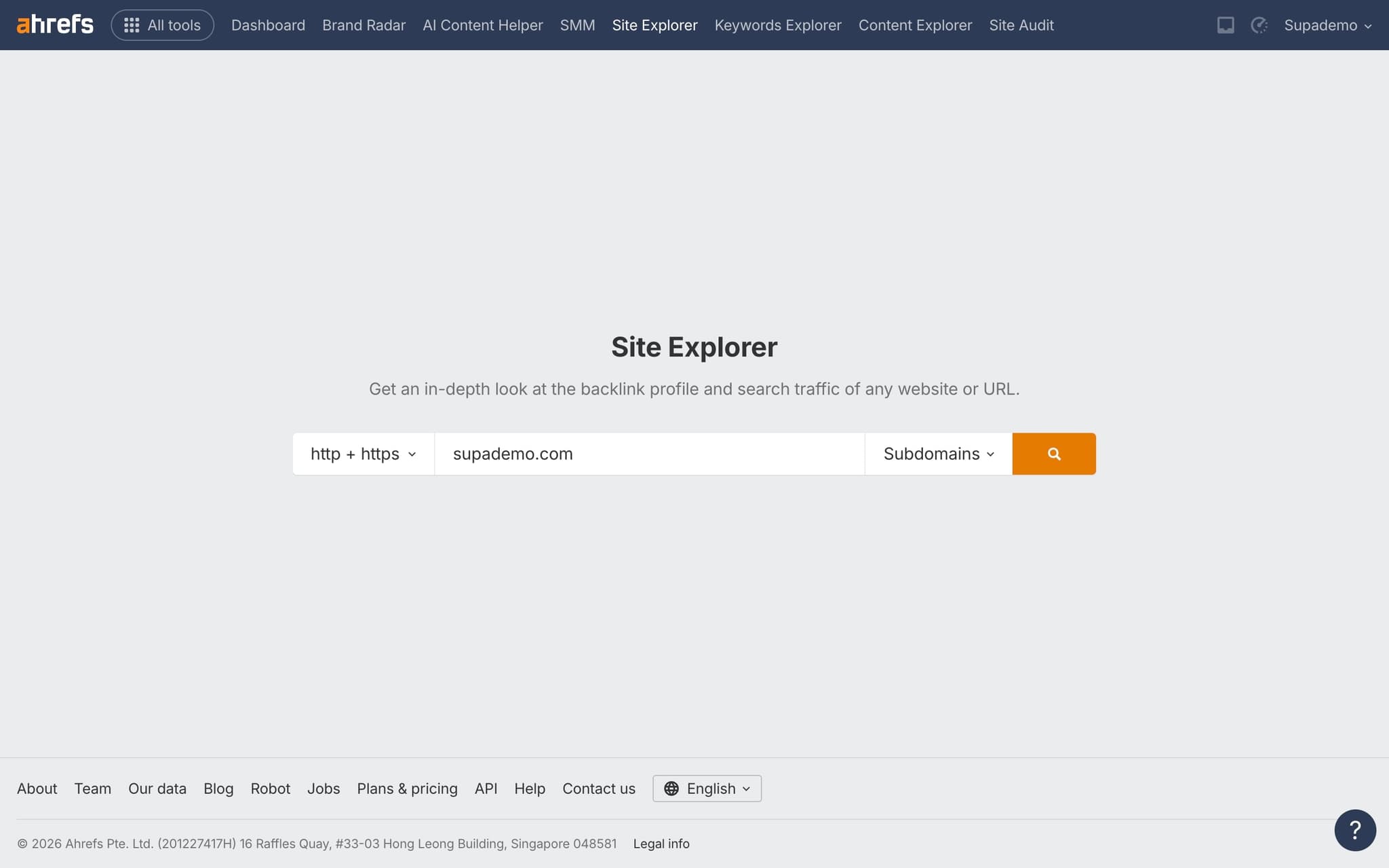
Select the domains you want to disavow and add them to your disavow list within Ahrefs.
- 4
Export the disavow file
Export your disavow list as a properly formatted .txt file that's compatible with Google Search Console.
- 5
Submit to Google Search Console
Upload the disavow file through Google Search Console's Disavow Links tool to tell Google to ignore those links.
Frequently asked questions
Common questions about how to disavow backlinks in ahrefs.
Disavow only when you have a manual action from Google or strong evidence of a targeted negative SEO attack. For ordinary low quality links, Google's algorithms are good at ignoring them automatically. A disavow file used casually can remove links that were actually passing value, so the decision should always be deliberate.
The file must be plain text with one entry per line. Use the prefix domain: followed by the root domain to disavow an entire site, or paste a full URL to disavow a single page. Save the file as UTF-8 before uploading it through the Google Search Console Disavow Tool.
Ahrefs lets you select backlinks in the Backlinks report and export them as a ready formatted disavow file. The actual submission still happens inside Google Search Console, because Ahrefs has no way to push the file to Google on your behalf. Treat Ahrefs as the selection layer and Search Console as the submission layer.
Google processes the uploaded file within a few days, but any ranking impact usually takes weeks or months as the affected pages are recrawled and reassessed. There is no overnight recovery, and the exact timeline depends on how often Googlebot recrawls the disavowed domains. Track recovery through impressions and clicks in Search Console rather than daily rank checks.
Writing a link audit SOP in Google Docs rarely sticks with a new analyst, because the steps and UI change too often for a static doc to keep up. A manual maker captures each click inside the live tool and updates the guide when the interface changes, so the analyst always follows the current flow. As Vimal Kumar, Product Operations Associate at Supademo, puts it: "We see the same pattern across SEO customers. The more interactive the training, the less time senior analysts spend in 1:1 onboarding sessions with new hires."
The best customer teams map touchpoints across the full customer success lifecycle and use interactive walkthroughs to nudge adoption at every stage. That approach lifts retention more reliably than broadcast emails or one off webinars, because the guidance arrives in context when users actually need it.