How to Delete a List on Ahrefs

Keeping your Ahrefs workspace organized means cleaning up old lists you no longer need. This quick tutorial shows you how to delete a keyword or backlink list.
Quick summary
In this tutorial, we'll explore how to delete a keyword list in Ahrefs. You'll navigate to your saved lists, open the actions menu for the list you want to remove, and confirm the permanent deletion.
Why this matters
Cluttered workspaces slow down your workflow. Regularly pruning old lists keeps your Ahrefs dashboard focused on active projects and current data.
Step-by-step guide
- 1
Open your lists
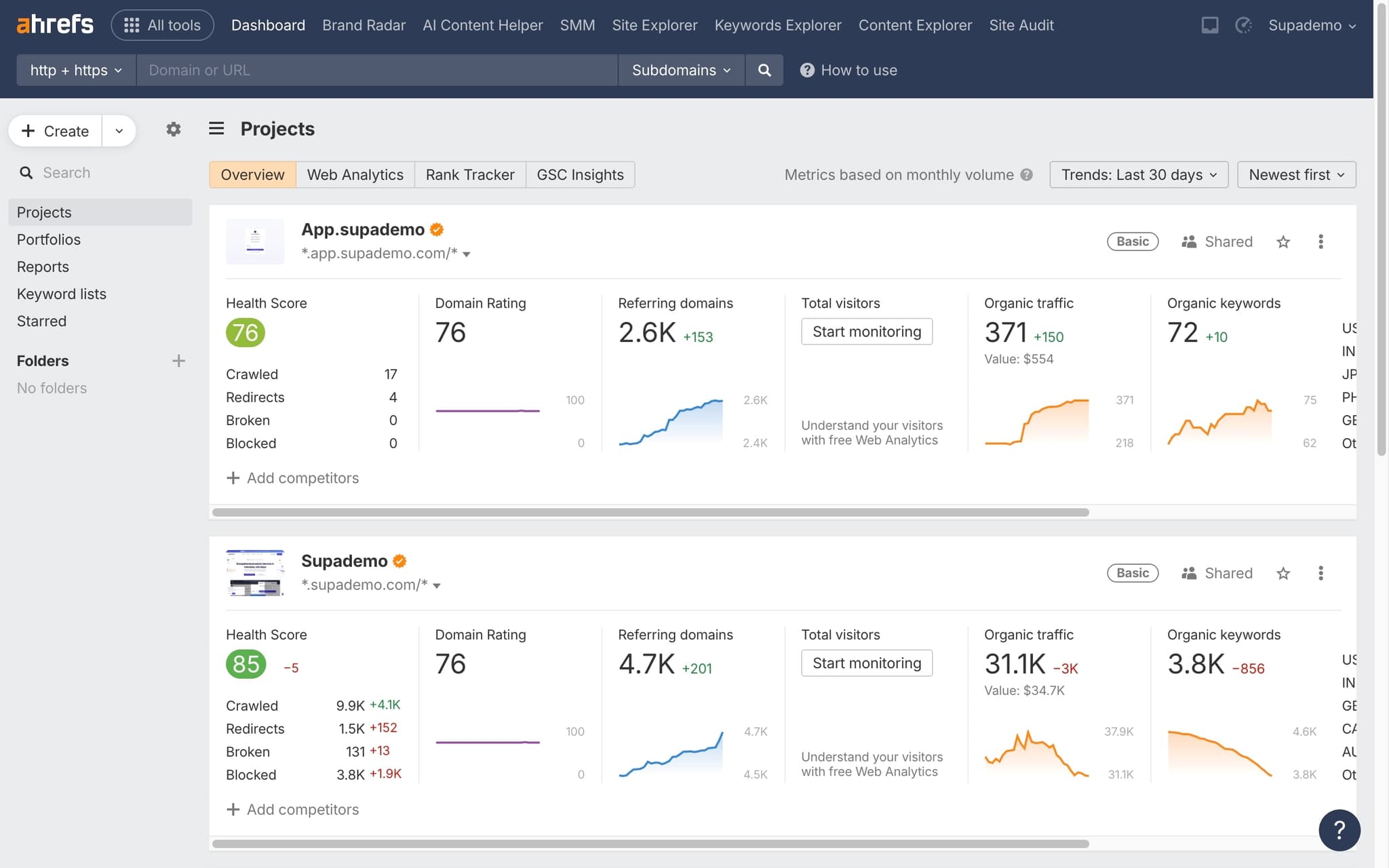
Navigate to your saved lists within Ahrefs. You can find keyword lists and other saved collections in the dashboard.
- 2
Find the list to delete
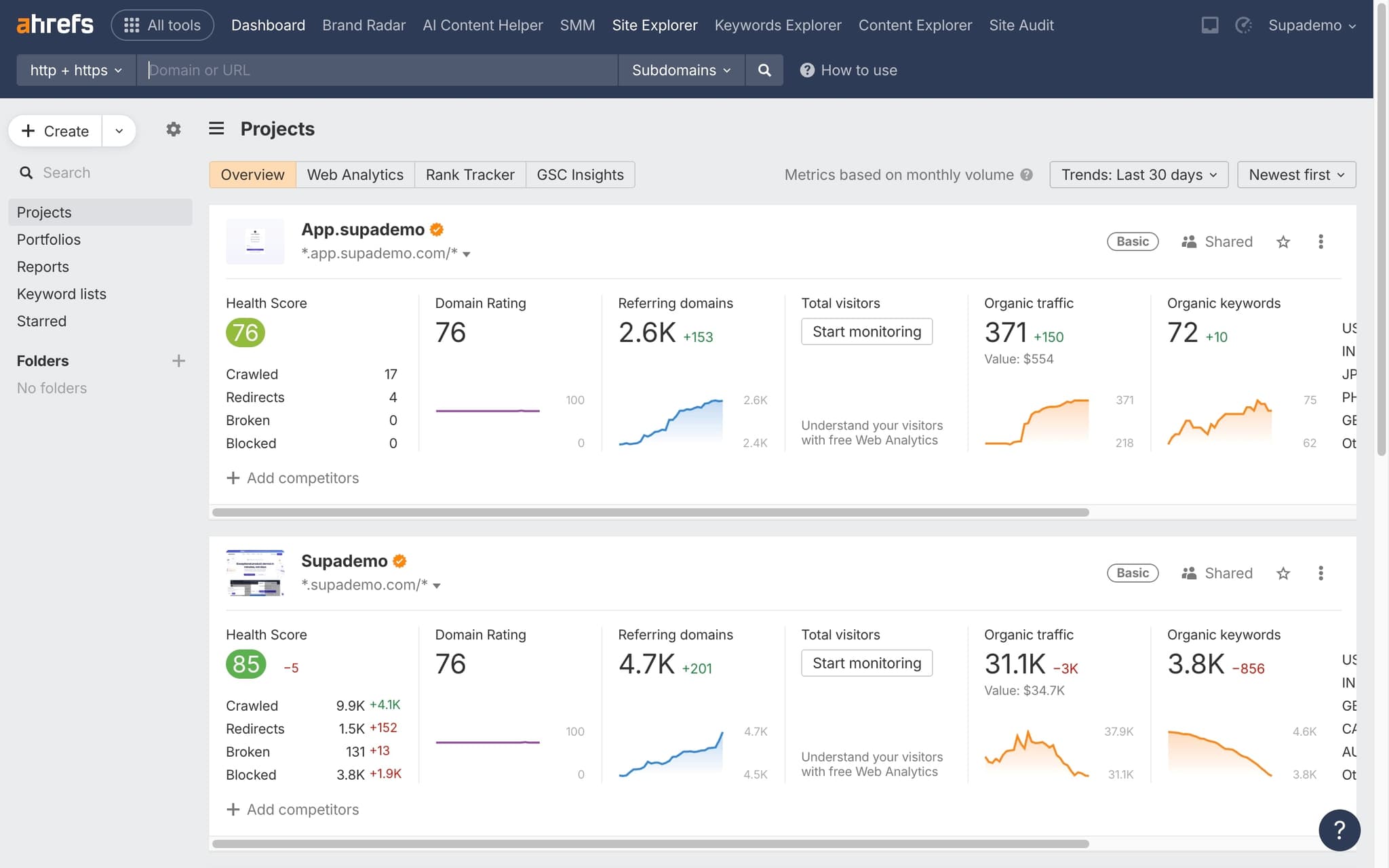
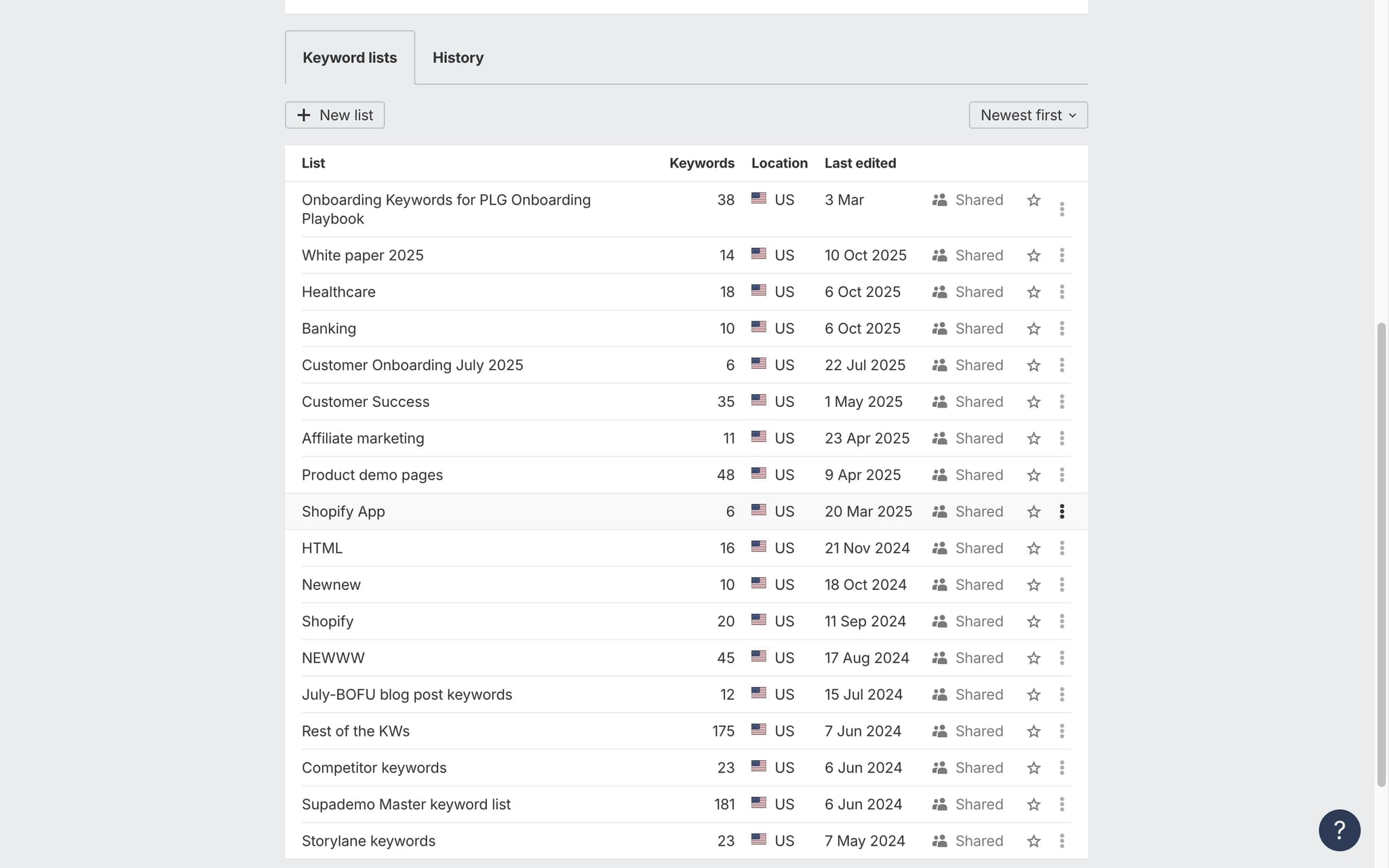
Locate the specific list you want to remove from your workspace.
- 3
Delete the list
Click the delete or remove option for the list. Confirm the deletion when prompted.
Frequently asked questions
Common questions about how to delete a list on ahrefs.
No. Ahrefs does not offer a restore function for deleted keyword or URL lists, and support cannot retrieve them from a backup. Export the list as CSV before deleting if there is any chance you will need the data later. Once the delete is confirmed, the list and its tags are gone permanently.
Deleting a list removes the list itself, its tags, and any saved filters attached to it. Tracked keywords inside a separate Rank Tracker project remain untouched, because Lists and Rank Tracker projects are stored in different places. This separation means cleaning up Lists will not affect your historical ranking data.
The delete option only appears on lists owned by your own account. If the list was shared with you by a workspace admin, you will see a read only view and the delete button will be hidden. Only the original owner, or an admin with full workspace permissions, can remove a shared list.
From the Lists dashboard, tick the checkboxes next to each list you want to remove and open the bulk action menu at the top of the table. Choose Delete and confirm the prompt to remove all selected lists in one step. Bulk delete is only available on lists you own, not on lists shared with you.
Rather than writing numbered instructions every reporting cycle, RevOps teams use a browser based demo recorder to capture each Ahrefs click with auto generated annotations, and stakeholders click through the report flow themselves instead of pinging the analyst. As Fredo Tan, Head of Growth at Supademo, puts it: "For reporting workflows, embedded interactive walkthroughs typically reach 3 to 4x the engagement of demo videos on the same dashboards."
Help articles force users to switch tabs and translate written instructions back into the product, which kills momentum. Research on in app tutorials shows contextual guidance delivered inside the interface drives meaningfully higher completion than standalone docs.