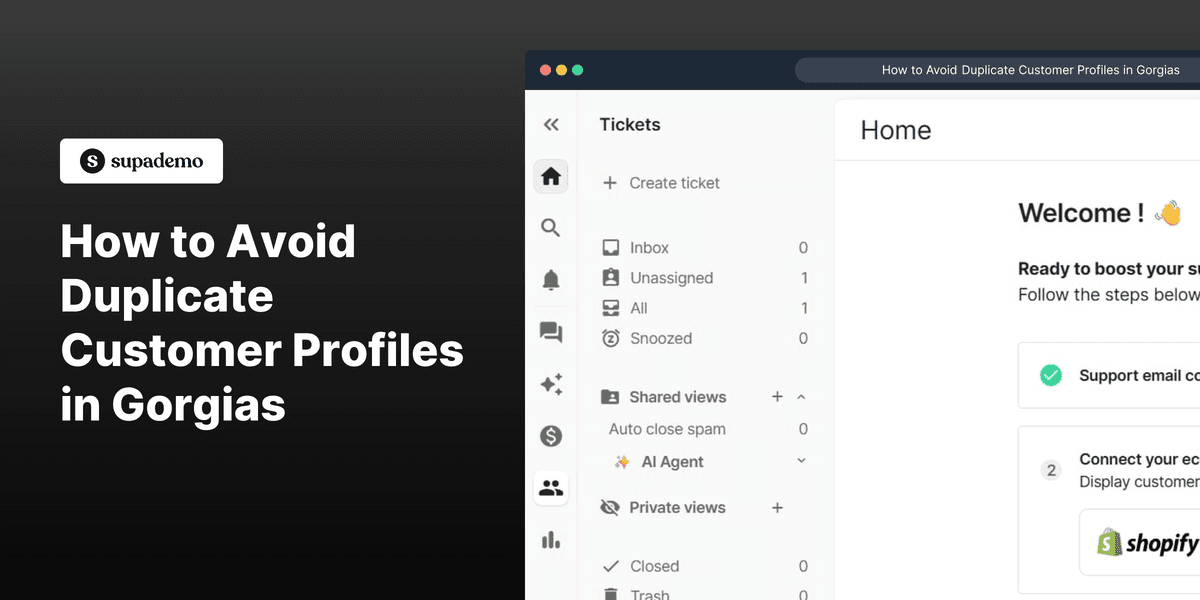
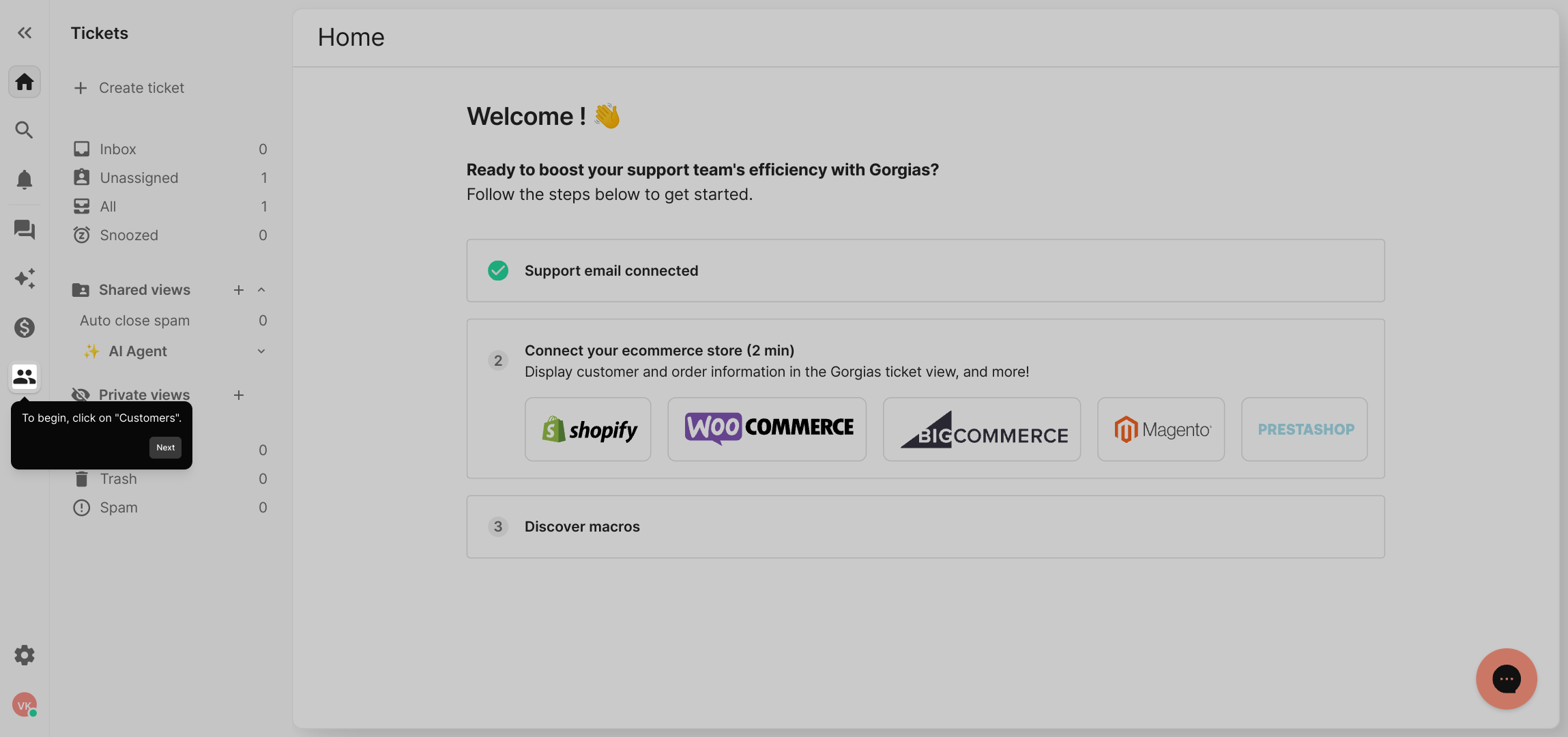
1. To begin, click on "Customers".
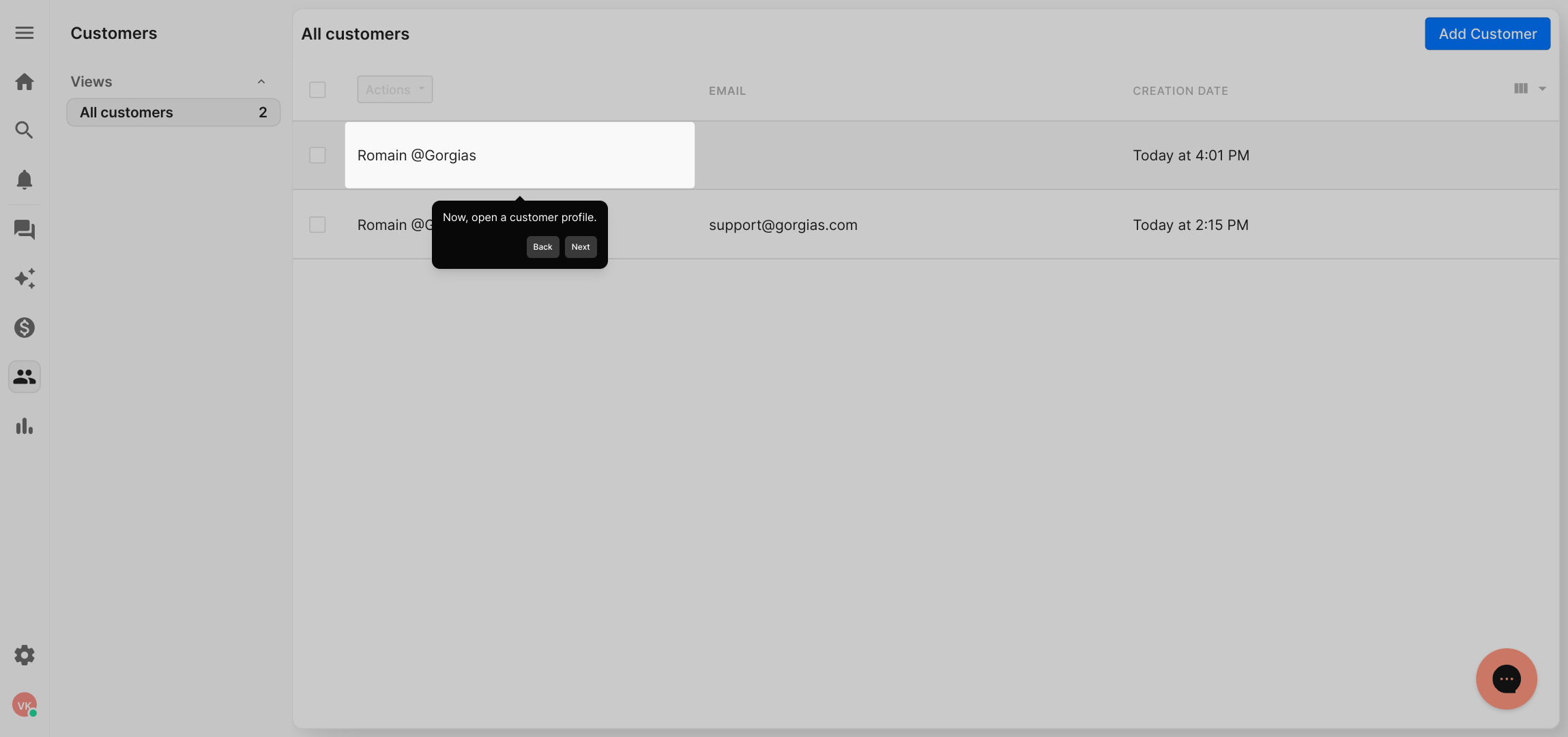
2. Now, open a customer profile.
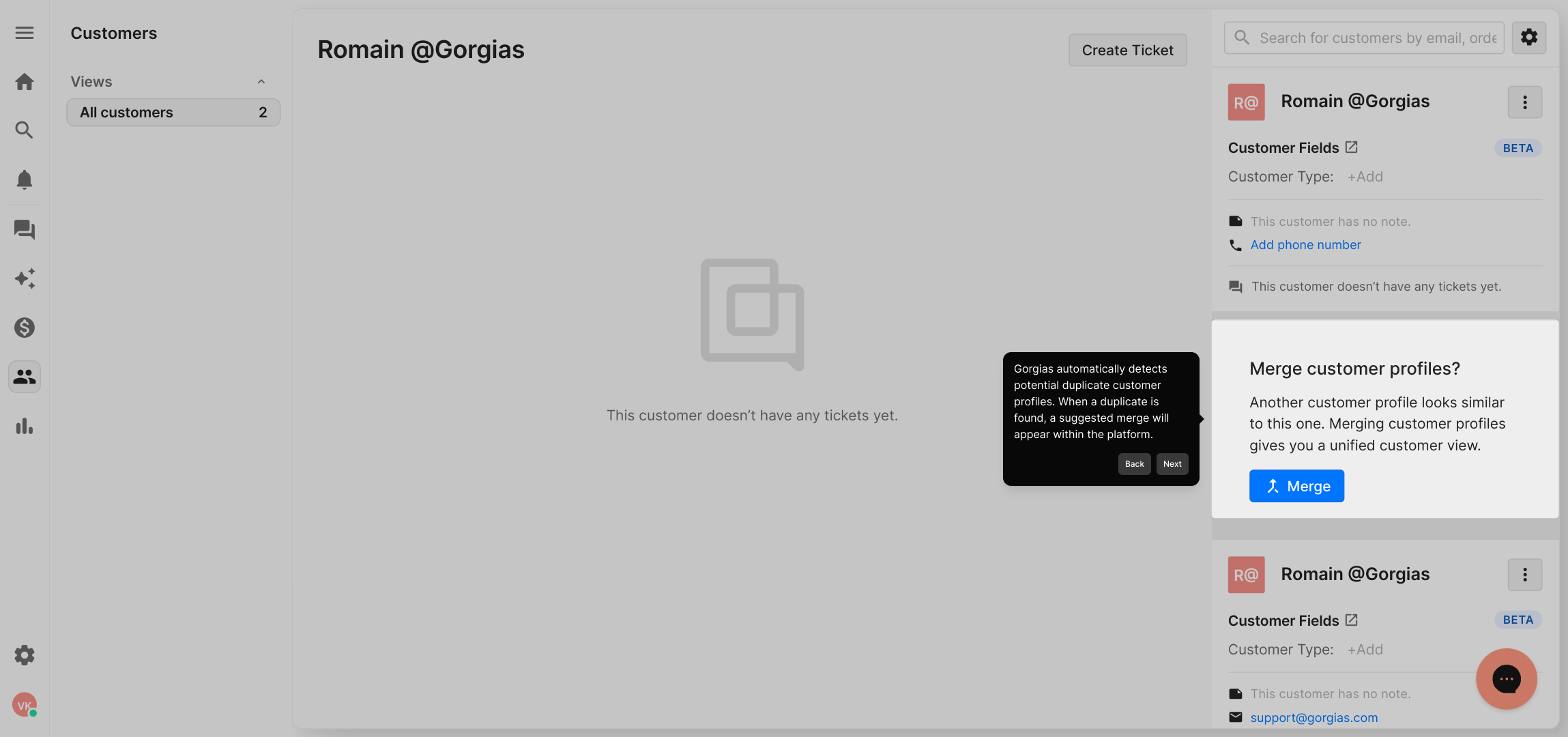
3. Gorgias automatically detects potential duplicate customer profiles. When a duplicate is found, a suggested merge will appear within the platform.
4. Once that happens, click on "merge".
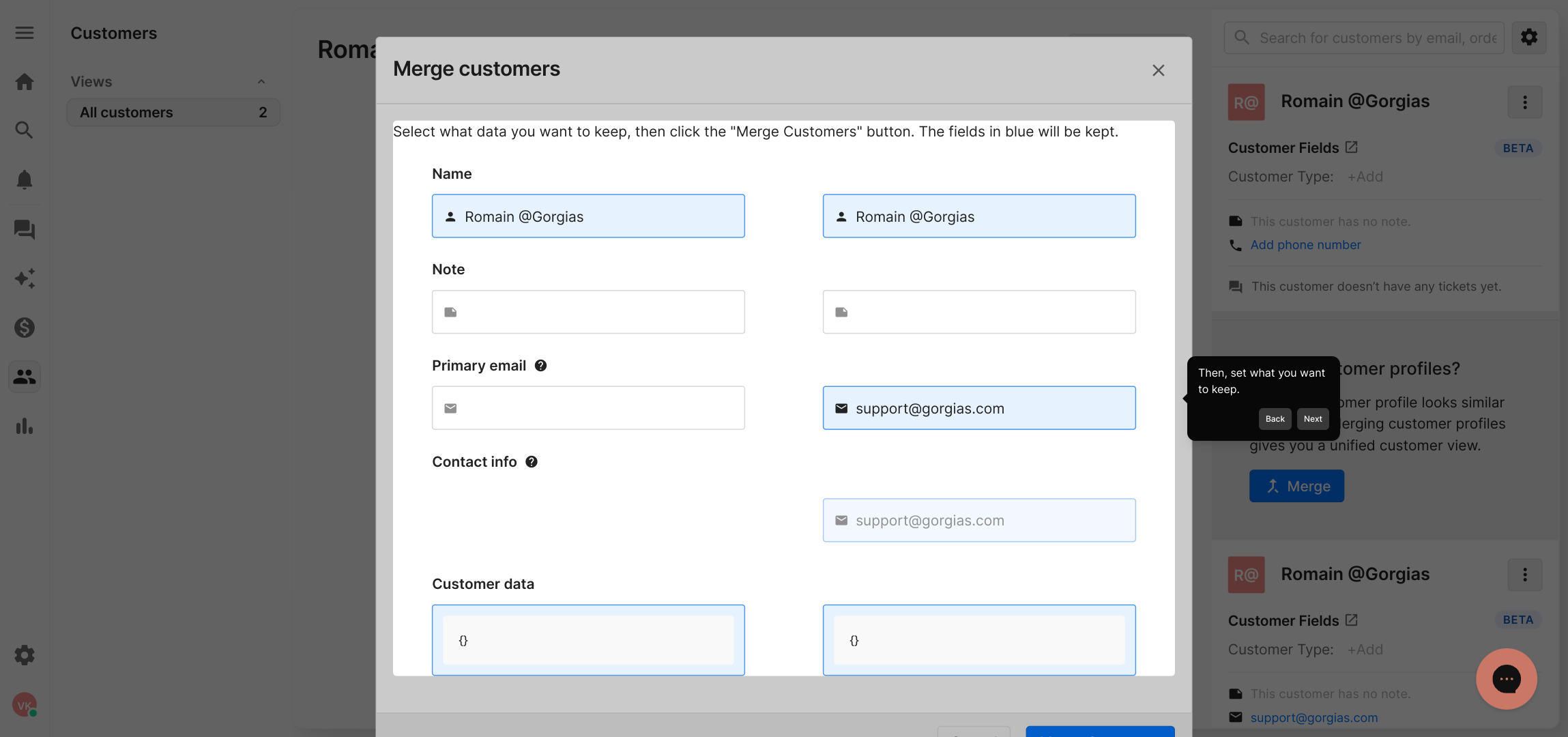
5. Then, set what you want to keep.
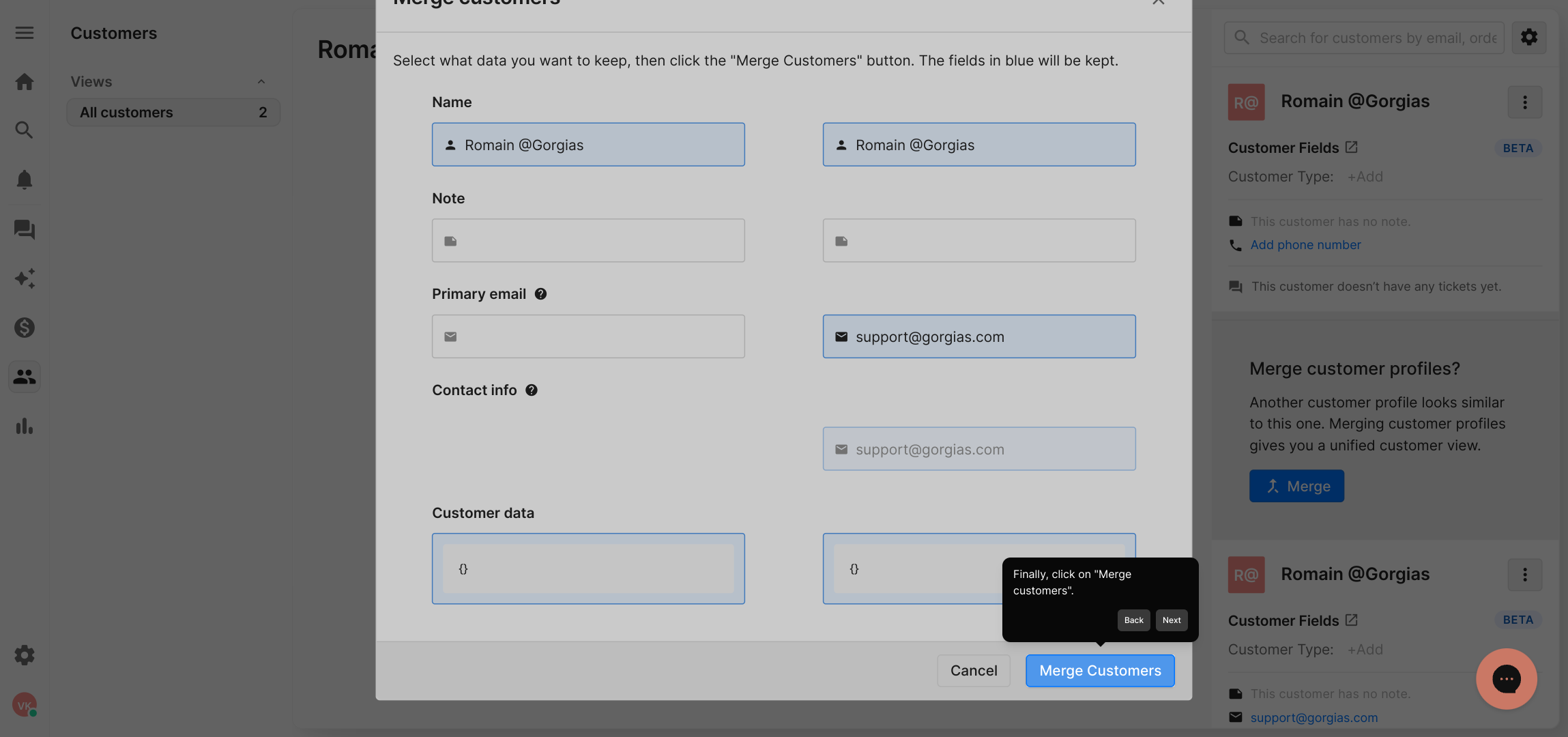
6. Finally, click on "Merge customers".
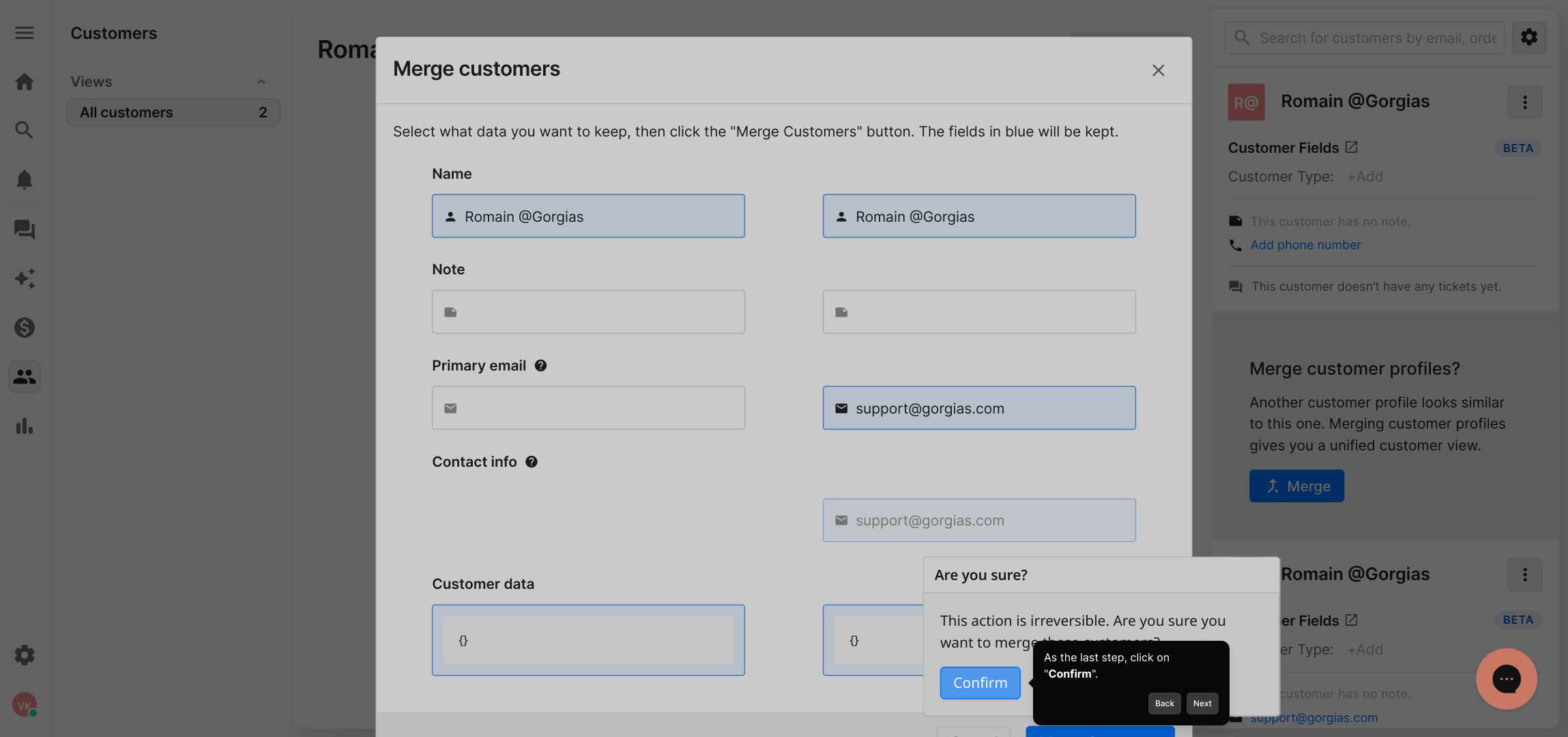
7. As the last step, click on "Confirm".
8. Create a Supademo in seconds
This interactive demo/guided walkthrough on How to Avoid Duplicate Customer Profiles in Gorgias was created using Supademo.
How to Avoid Duplicate Customer Profiles in Gorgias : Step-by-Step Guide
Start by navigating to the main navigation menu and selecting the "Customers" tab. This is where you can manage all your customer profiles and begin the process of organizing your contacts efficiently.
From the list of customers, find and open the profile of the specific customer you want to review or update. This detailed view allows you to access all the relevant information associated with that individual customer.
Gorgias continuously scans your customer database to identify profiles that might be duplicates. When the system detects a potential match, it will notify you by displaying a suggested merge option right here in the customer profile view.
Once you see a suggested merge notification, take action by clicking on the "merge" button. This initiates the process of combining the duplicate profiles to keep your records clean and accurate.
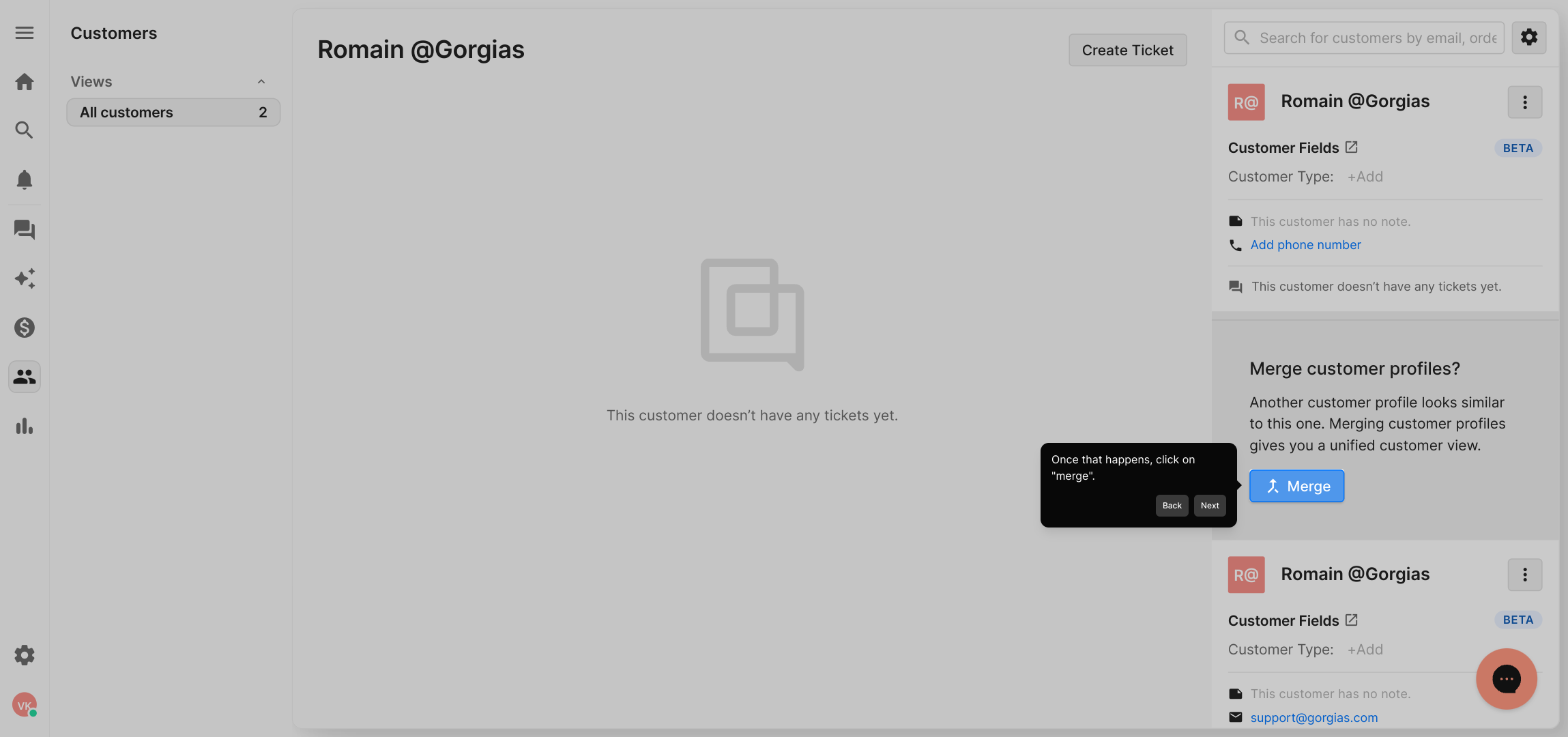
Next, review the information from the duplicates and choose which details you want to retain. This helps ensure that the consolidated profile contains the most relevant and up-to-date customer data.
When you’re confident in your selections, proceed by clicking the "Merge customers" button to complete the merging process and update your records seamlessly.
As a final confirmation, you’ll need to click the "Confirm" button to finalize the merge. This step makes sure you approve the changes before they are applied permanently.
With the merge complete, you’ve efficiently cleaned up your customer database. Now, enjoy creating and managing your Supademo projects quickly, with your customer information neatly organized and ready for use.
Create your own interactive demos in < 5 mins with Supademo
You can create your own interactive product demo in minutes using Supademo. Drive growth, scale enablement, and supercharge product-led onboarding with Supademo. Sign up for free here with no credit card required.
FAQs
Commonly asked questions about this topic.
What causes duplicate customer profiles in Gorgias?
How does Gorgias detect duplicate profiles?
Can I merge duplicate customers manually in Gorgias?
What happens when I merge duplicate profiles?
Is there a way to prevent duplicate profiles from being created?
Can merging be undone after confirming in Gorgias?
Does Gorgias merge duplicate orders or just customer profiles?
Are duplicate customer profiles harmful for my support workflow?
How often should I check for and merge duplicates in Gorgias?
Does Supademo help with avoiding duplicates in Gorgias?

Product Operations Associate
Vimal Kumar helps build and grow Supademo’s team and GTM efforts, with a focus on figuring out growth levers and improving product traction.




