How to Contact Shopify

Getting in touch with Shopify support is essential when you need help managing your store or resolving technical issues. This guide walks you through the quickest way to access Shopify's Help Center and support resources directly from your admin dashboard.
Quick summary
In this tutorial, you'll learn how to navigate to Shopify's Help Center and initiate contact with their support team. You'll discover where to find the setup guide and how to access help resources from your Shopify admin panel.
Why this matters
Quick access to Shopify support can save you time when troubleshooting problems or seeking guidance on store features. Knowing how to reach the Help Center directly from your admin ensures you can get answers without leaving your workspace.
Step-by-step guide
- 1
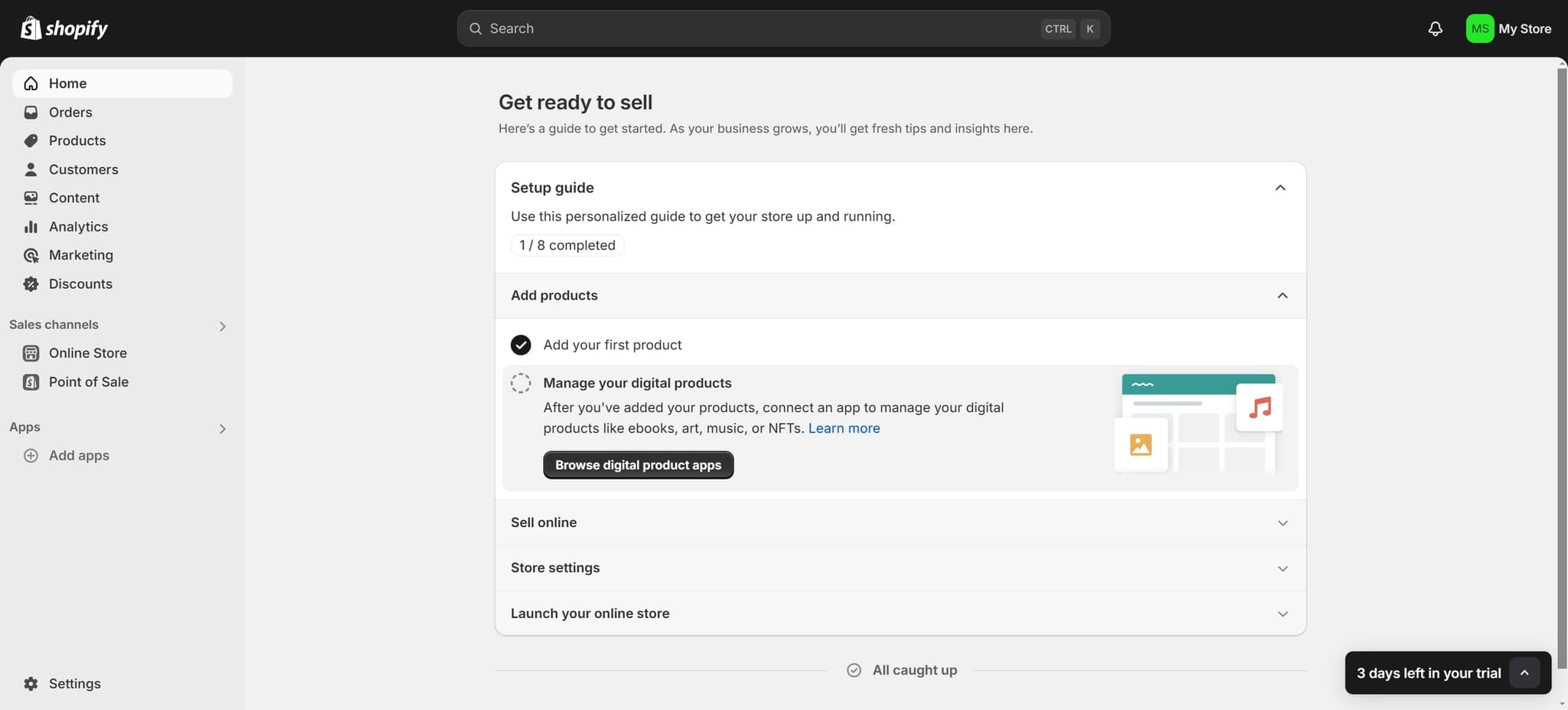
Click on Setup guide
From your Shopify admin dashboard, locate and click the 'Setup guide' option. This will open Shopify's guided onboarding and support resources.
- 2
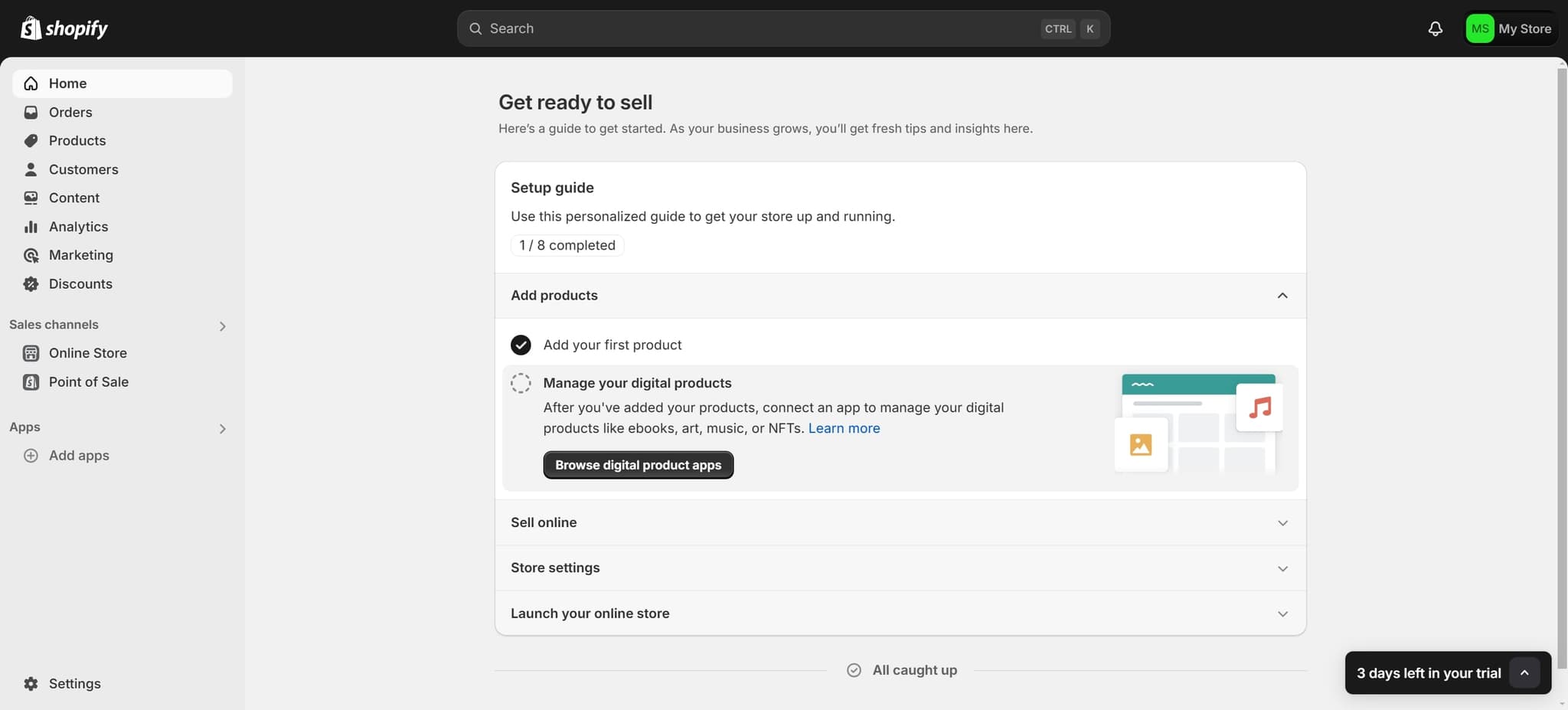
Click on the element
After the setup guide opens, click on the designated element that appears on the screen. This will advance you to the next available option in the support flow.
- 3
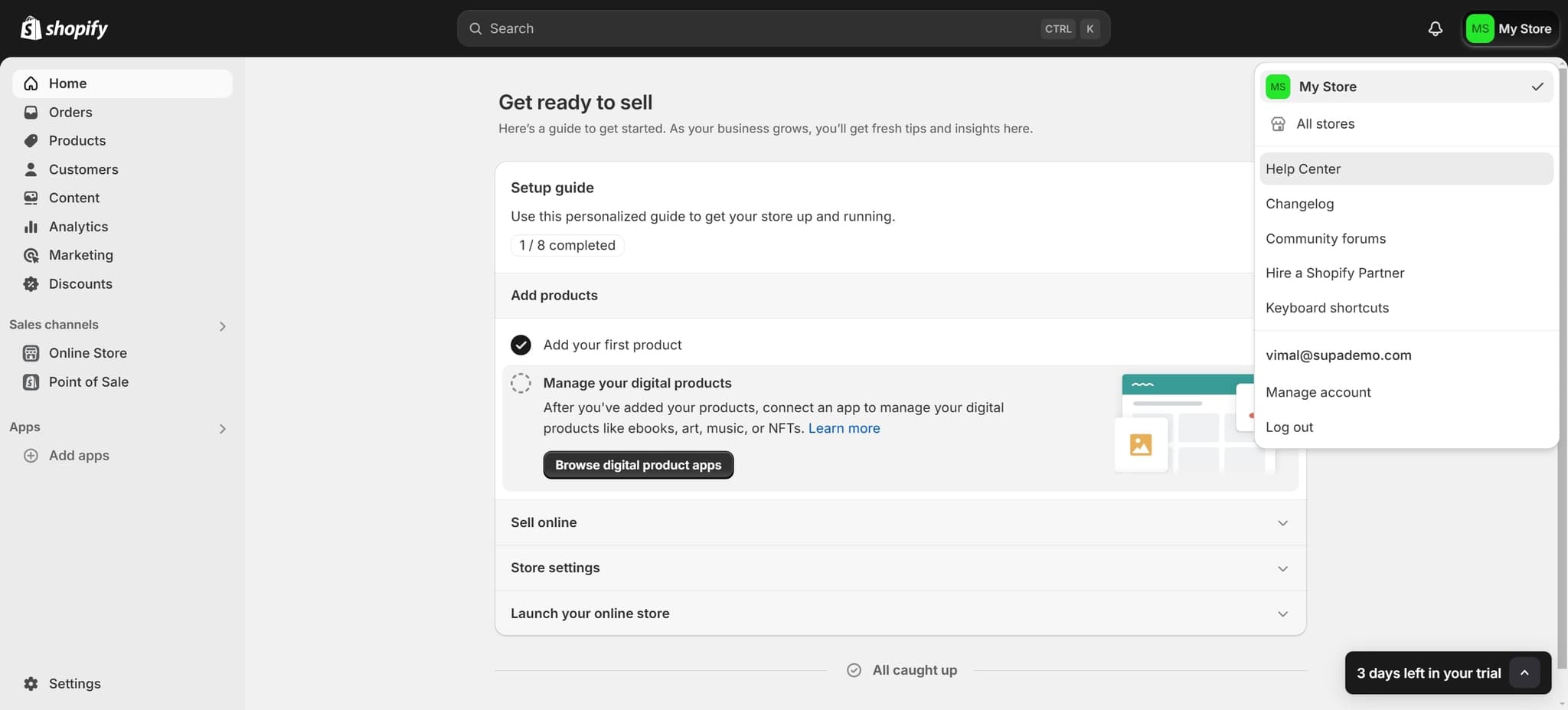
Click on Help Center
Select the 'Help Center' option to access Shopify's comprehensive knowledge base and support articles. This resource contains detailed guides, FAQs, and solutions for common issues.
- 4
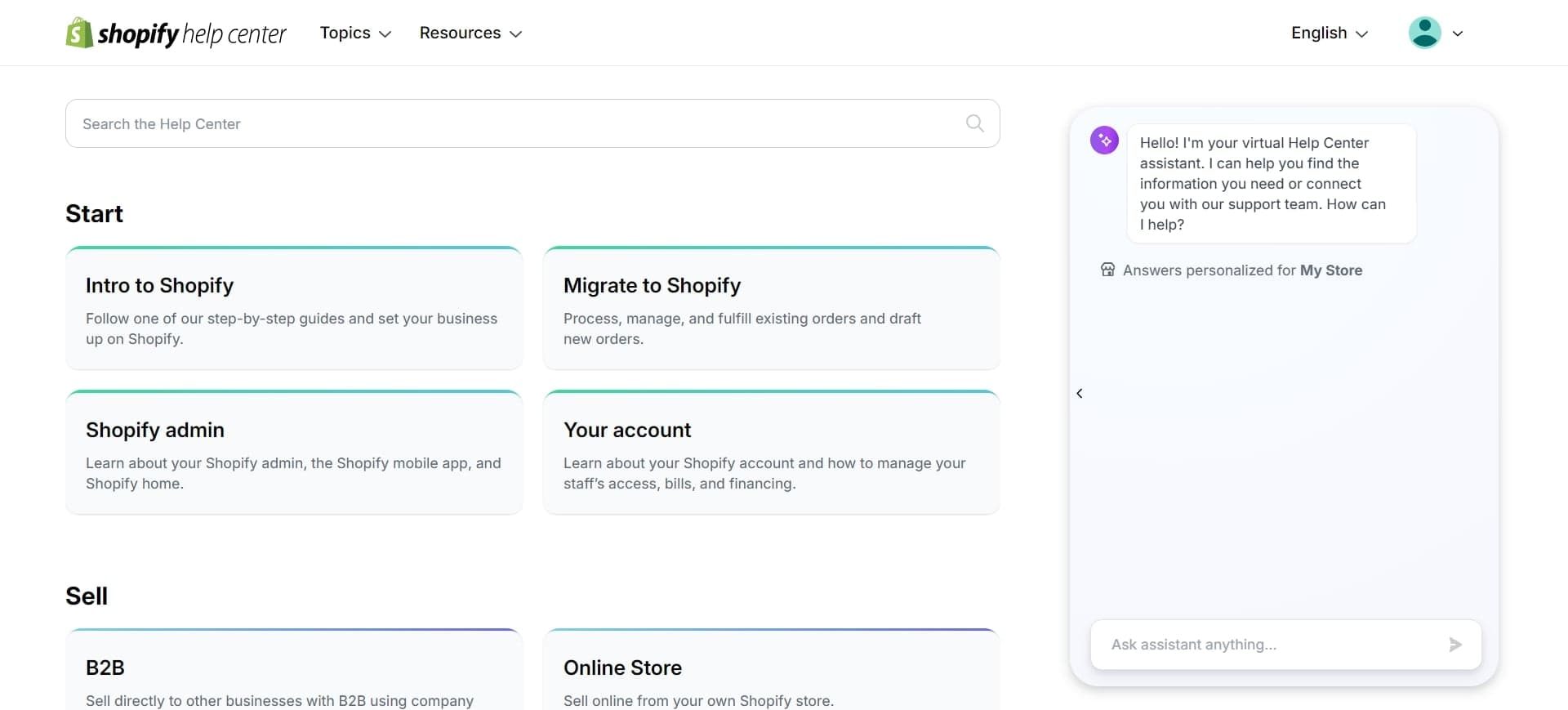
Click Start to begin
Click the 'Start' button to initiate your interaction with the Help Center or support process. This will connect you with the appropriate resources or support channels for your needs.
Frequently asked questions
Common questions about how to contact shopify.
The Setup guide is typically located on the main dashboard or home screen of your Shopify admin. If you don't see it, try refreshing your browser or checking under the 'Apps and sales channels' section. You can also access support directly through the Help Center by using the search functionality in your admin panel.
Yes, the Help Center provides multiple ways to get support. You can search for answers to your questions, access detailed guides, and submit support tickets if your issue requires direct assistance from a Shopify representative.
Following this workflow through the Setup guide and Help Center is one of the most direct routes. For urgent issues, you can also click the question mark icon in the top right corner of your admin dashboard for quick access to help resources.
Shopify support can assist with account issues, technical problems, billing questions, feature explanations, and general store management guidance. The Help Center has resources for both basic questions and advanced troubleshooting.
If you submit a support ticket through the Help Center, Shopify will have access to your account information automatically since you're logged in. This helps their support team assist you more quickly and accurately with your specific store.