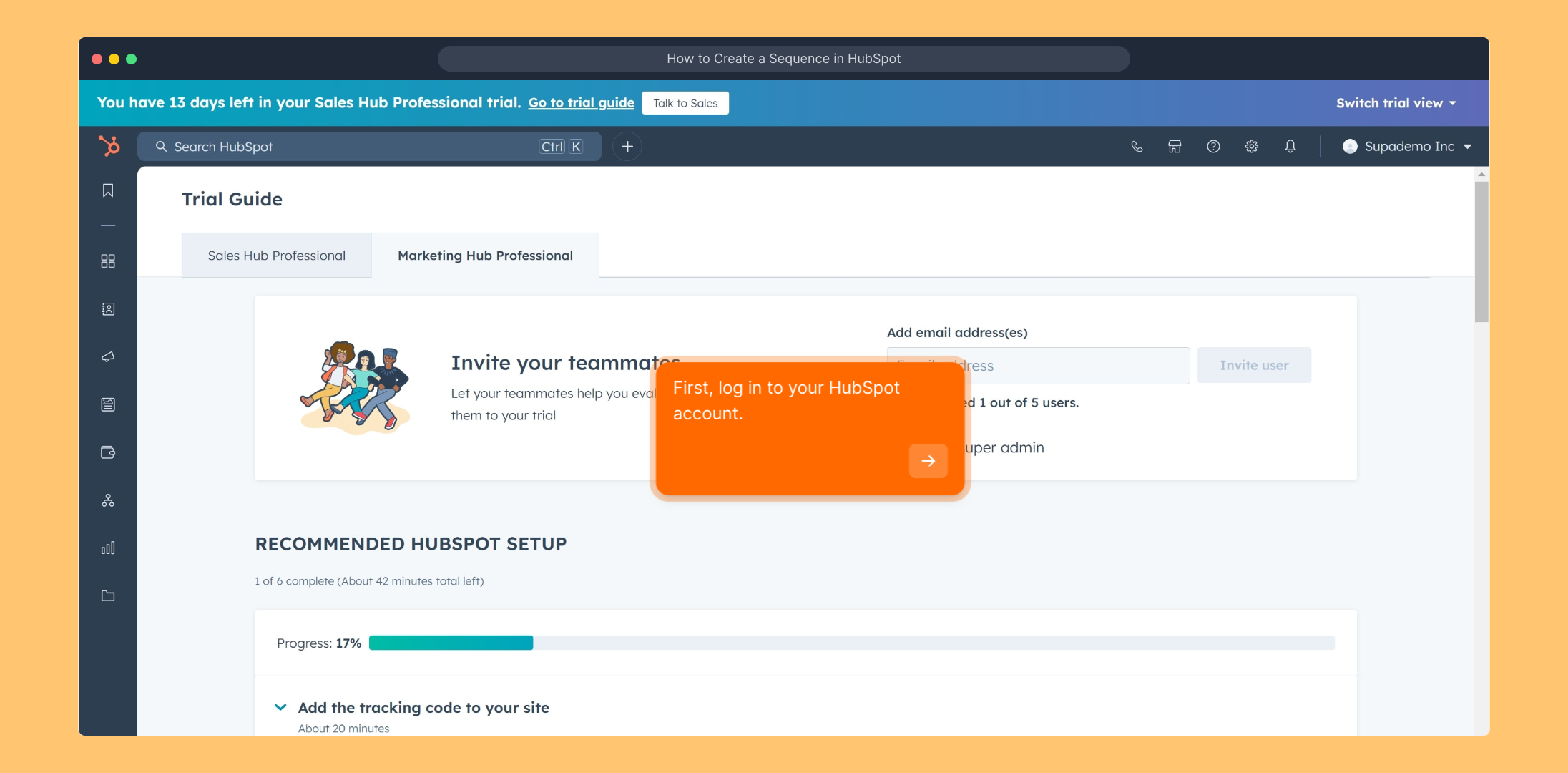
1. First, log in to your HubSpot account.
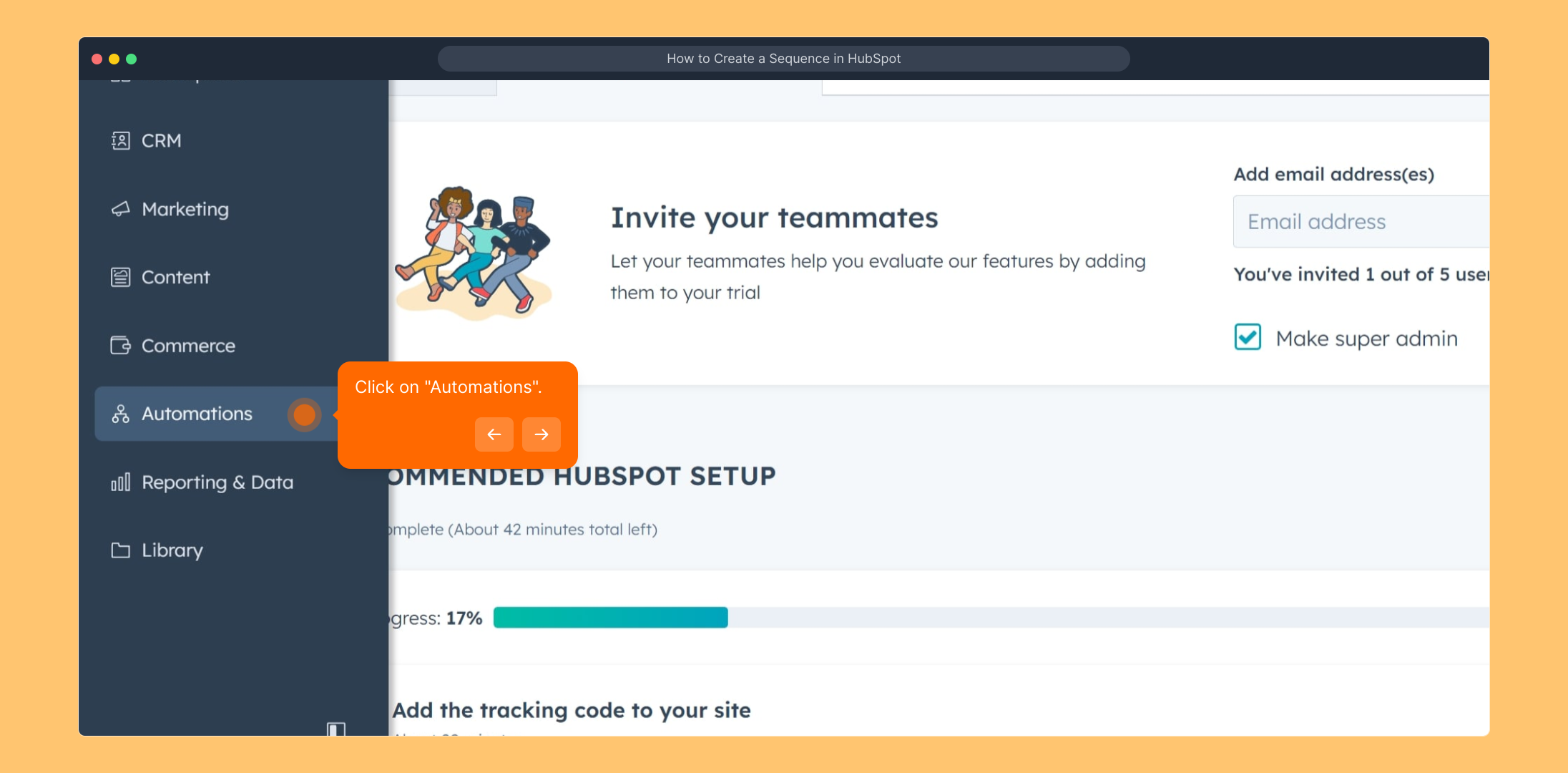
2. Click on "Automations".
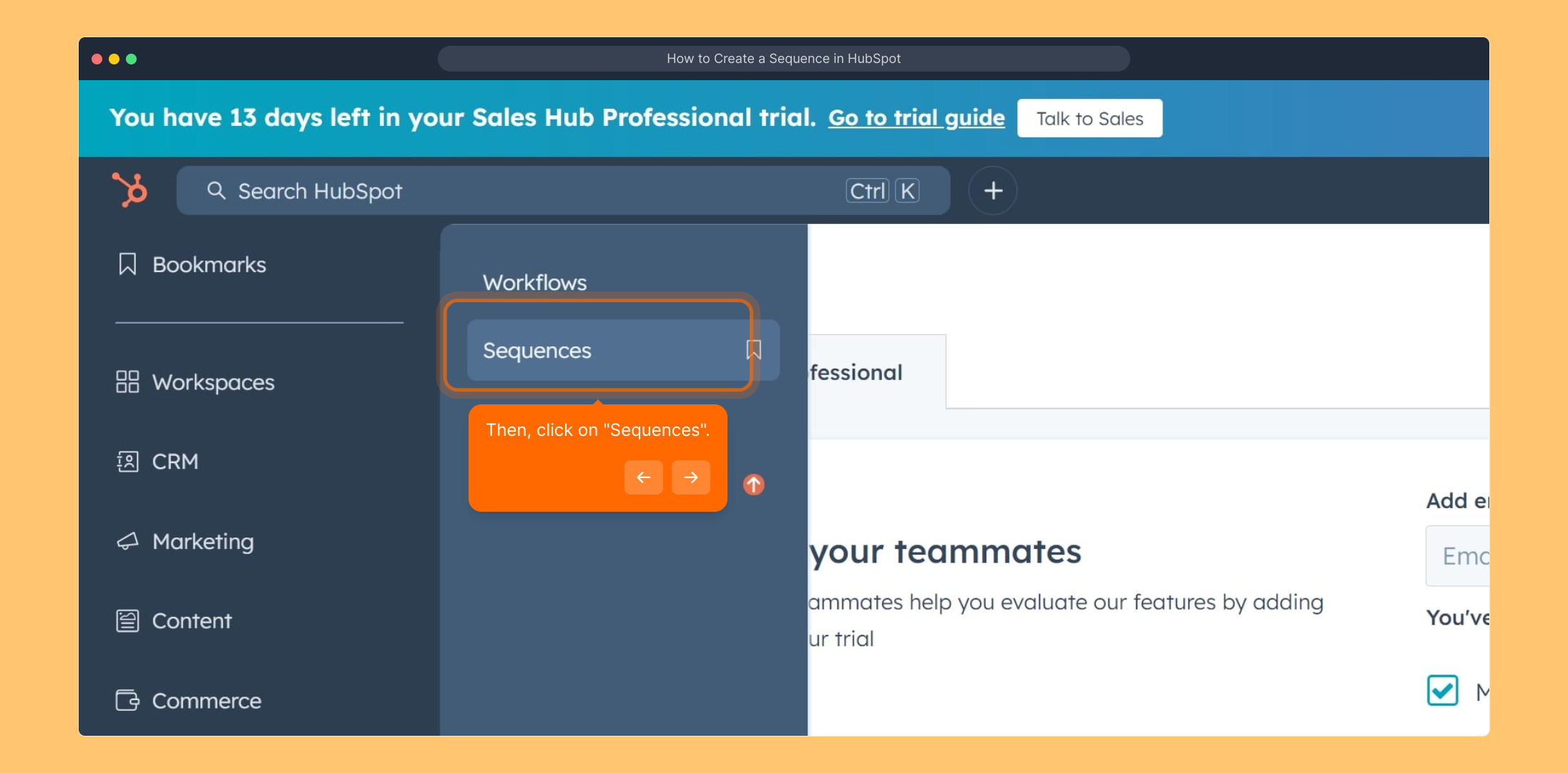
3. Then, click on "Sequences".
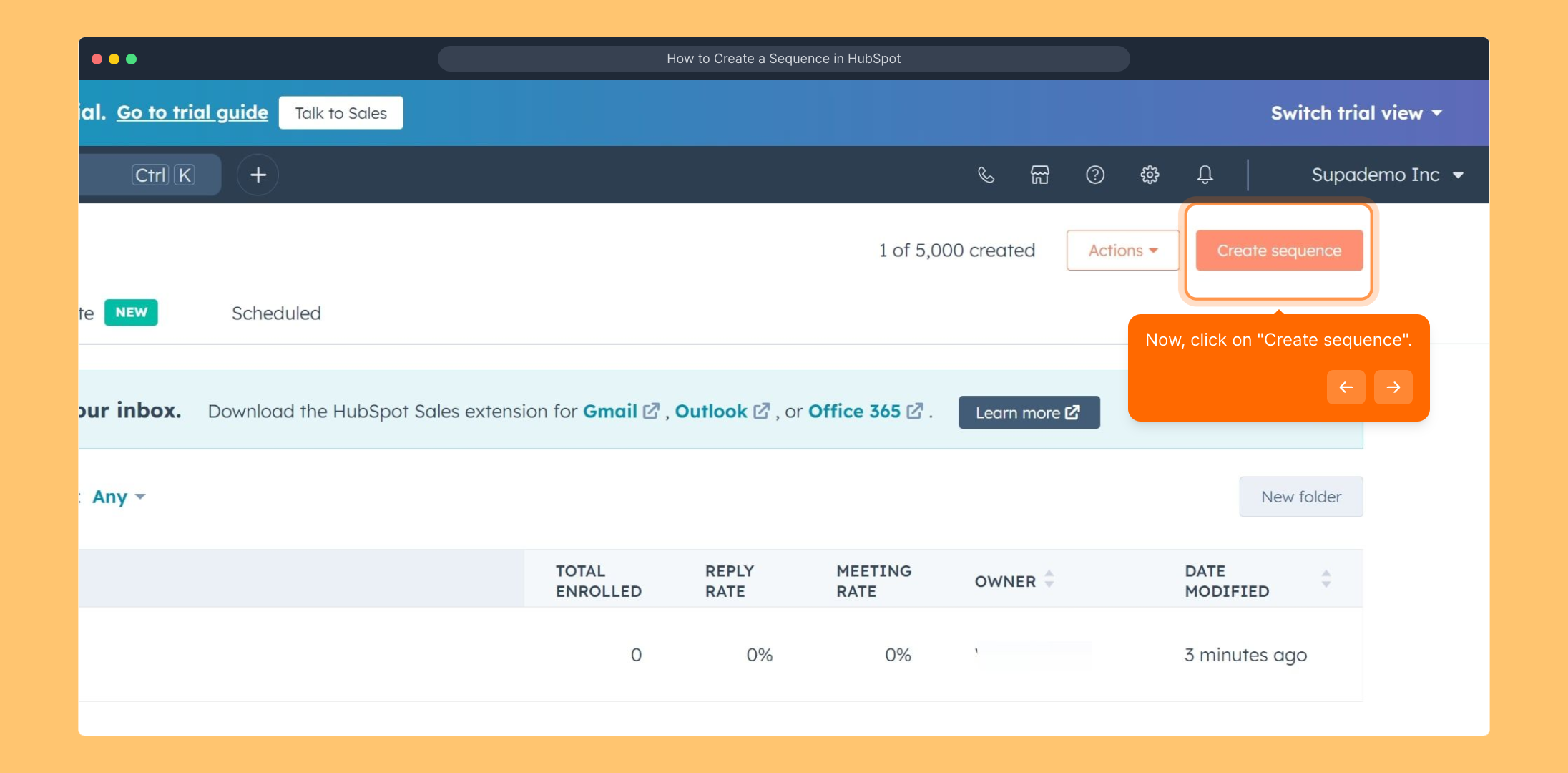
4. Now, click on "Create sequence".
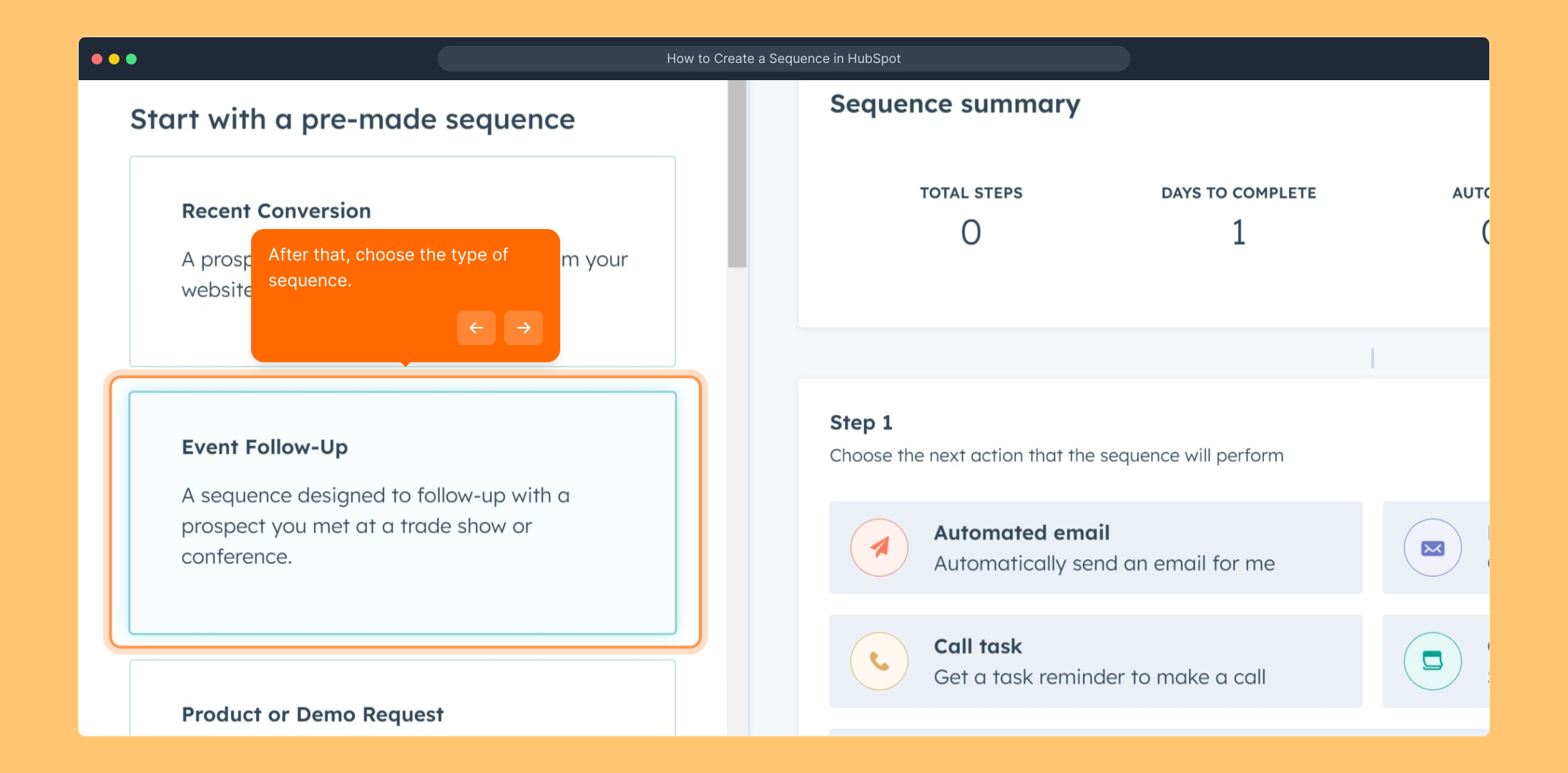
5. After that, choose the type of sequence.
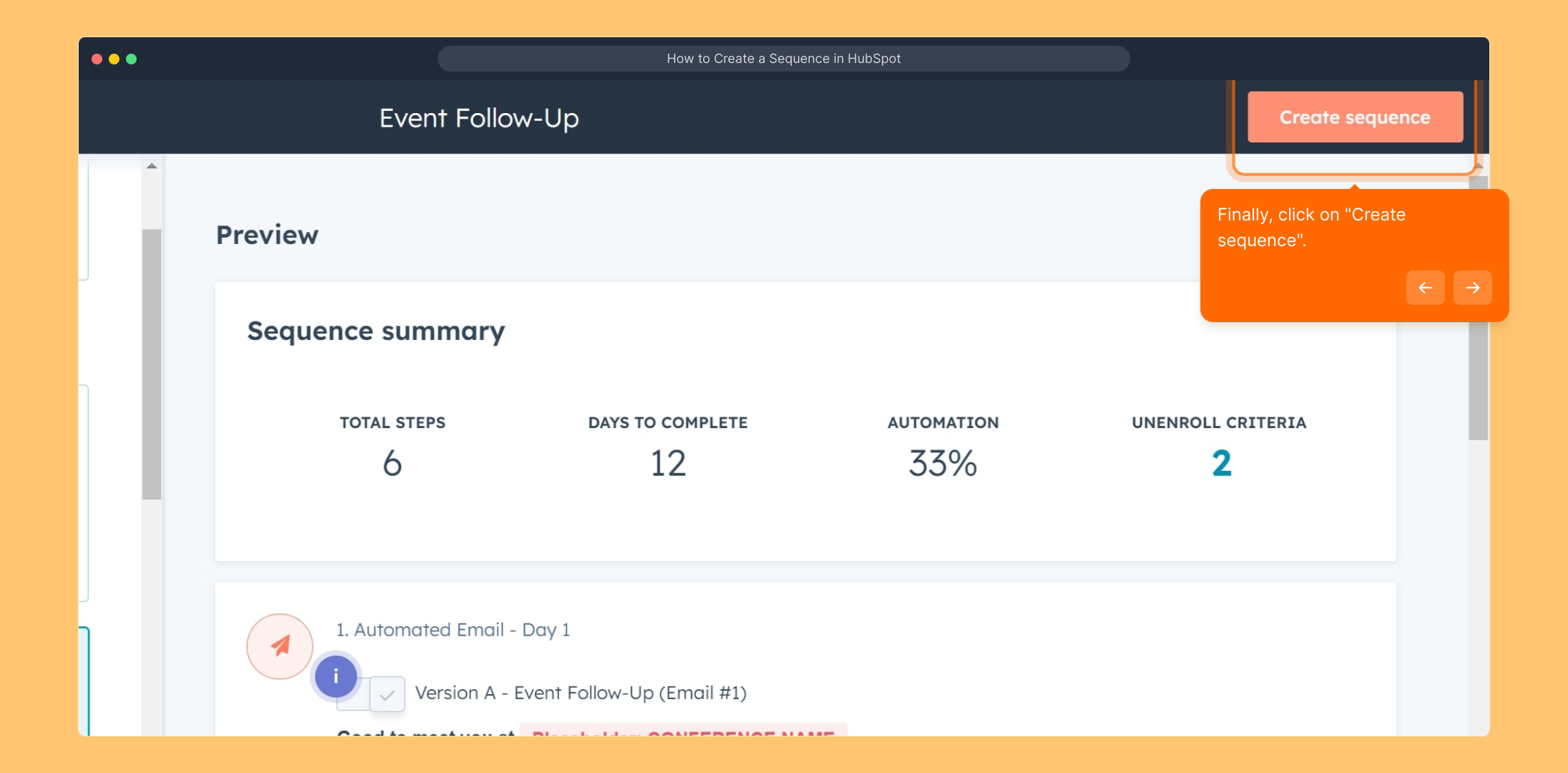
6. Finally, click on "Create sequence".
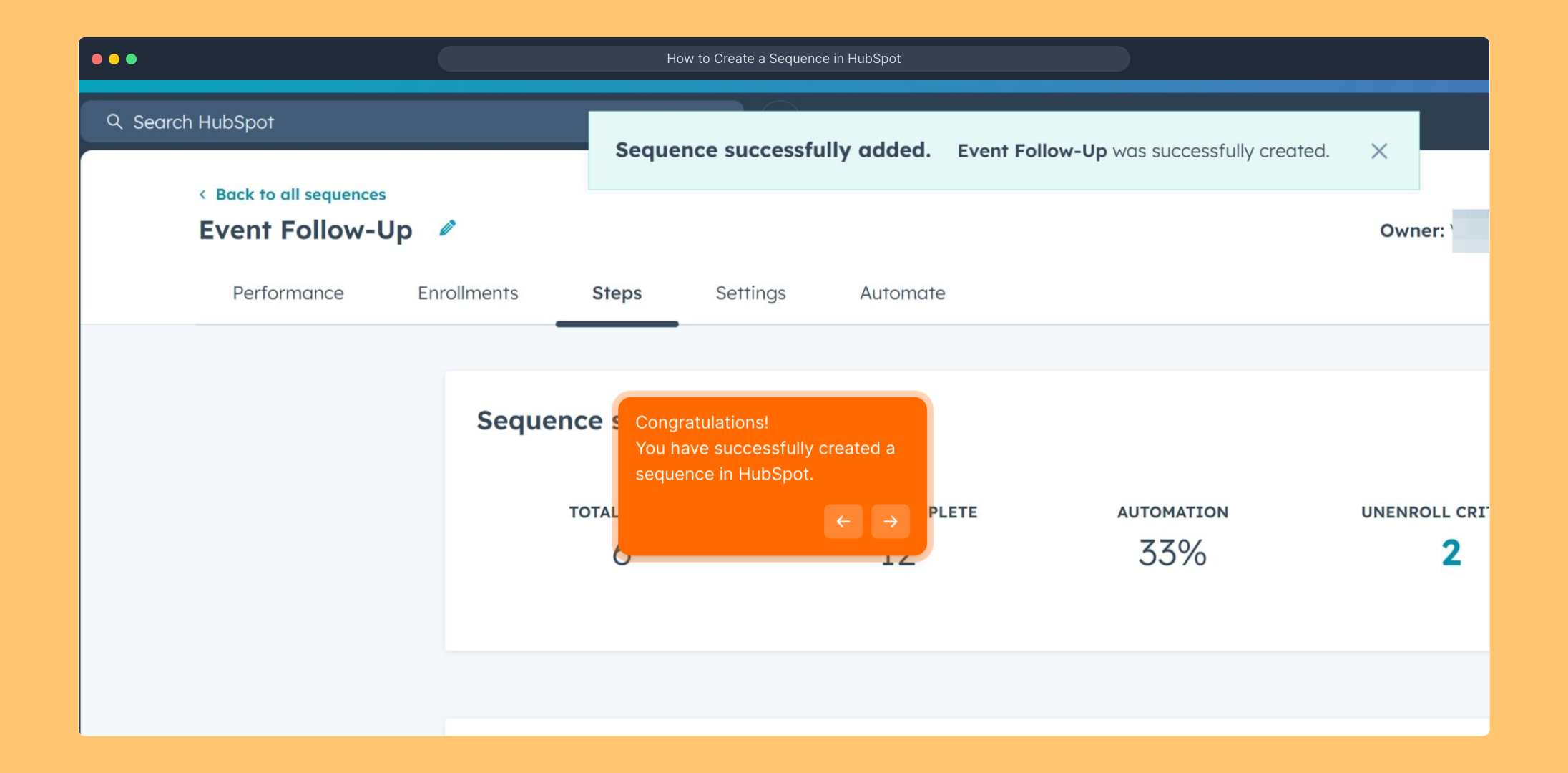
7. Congratulations!
You have successfully created a sequence in HubSpot.
8. Enjoyed the guided demo?
This interactive demo/guided walkthrough on How to Create a Sequence in HubSpot was created using Supademo.
How to Create a Sequence in HubSpot : Step-by-Step Guide
Begin by signing in to your HubSpot dashboard using your credentials. This will take you to your main workspace where you manage all your marketing and sales tools.
From the main menu, look for the “Automations” section. This area is where you can streamline your workflows and set up various automated processes to save time.
Next, navigate to “Sequences” within the Automation tools. Sequences allow you to create a series of automated emails and tasks to nurture your contacts efficiently.
To start building your own sequence, find and select the “Create sequence” option. This will open a new interface to design and customize your automated series.
Now, choose the type of sequence that best fits your needs. HubSpot offers different templates and options depending on your goal, so take a moment to pick the one that matches your intended workflow.
Once your sequence type is selected, finalize the setup by clicking on the “Create sequence” button. This action saves your choice and moves you forward to editing and personalizing your sequence.
Well done! You’ve successfully created a sequence in HubSpot. This powerful tool will help you automate communications and follow-ups with your contacts.
We hope you found this walkthrough helpful! If you enjoyed this guided demo, be sure to explore more features HubSpot offers to enhance your marketing and sales efforts.
Create your own interactive demos in < 5 mins with Supademo
You can create your own interactive product demo in minutes using Supademo. Drive growth, scale enablement, and supercharge product-led onboarding with Supademo. Sign up for free here with no credit card required.
FAQs
Commonly asked questions about this topic.
What is a sequence in HubSpot?
Do I need a specific HubSpot subscription to create sequences?
How do I add contacts to a sequence?
Can I customize the emails within a sequence?
What types of sequences can I create in HubSpot?
Is there a limit to the number of sequences I can create?
Can sequences include tasks besides emails?
How do I monitor sequence performance?
What happens if a contact replies during a sequence?
Can I pause or stop a sequence once it's started?

Product Operations Associate
Vimal Kumar helps build and grow Supademo’s team and GTM efforts, with a focus on figuring out growth levers and improving product traction.




