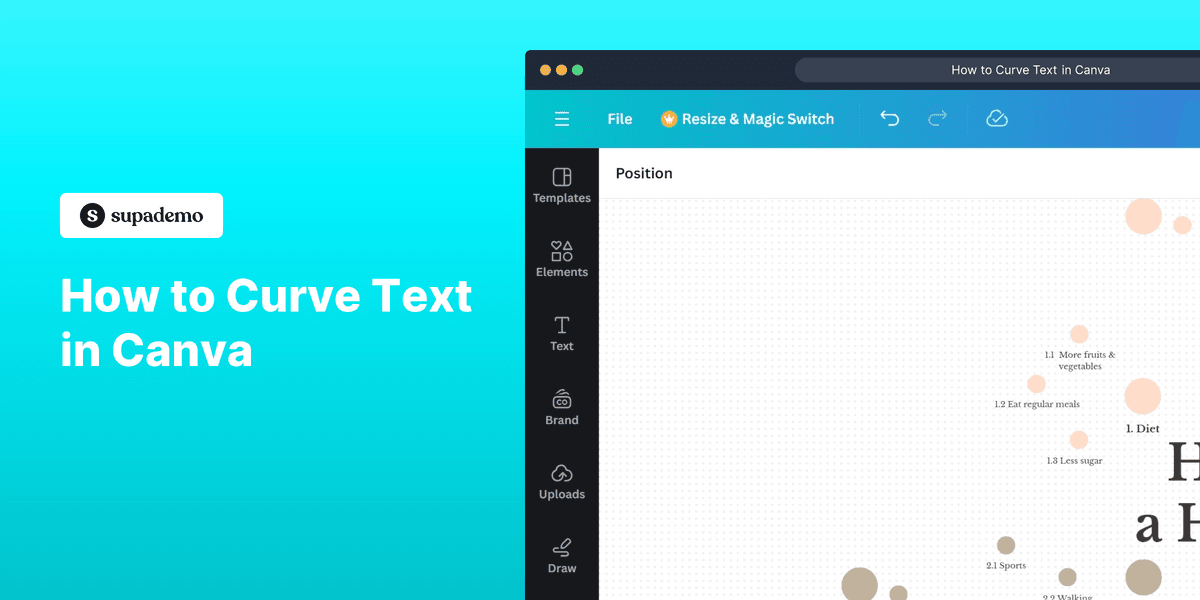
1. First, open the Canva project where you want to add curved text.
2. Now, select the text by double-clicking on it.
3. Then, click on "Effects".
4. In the Effects panel, scroll down and select the "Curve" effect.
5. Congratulations!
You have successfully curved the text in Canva.
6. Create a Supademo in seconds
This interactive demo/guided walkthrough on How to Curve Text in Canva was created using Supademo.
How to Curve Text in Canva : Step-by-Step Guide
To get started, open your existing Canva project or create a new one where you'd like to add some stylish curved text. This is the first step toward enhancing your design with a unique text effect.

Next, find the text element you want to curve. Simply double-click on the text to select it and prepare it for editing. This action ensures that the text is active and ready for the next steps.

Once your text is selected, look over to the top toolbar and click on the "Effects" button. This will open a panel of creative options to transform your text’s appearance.

Within the Effects panel, scroll through the available text effects until you find the "Curve" option. Click on it to apply a curved shape to your selected text, giving your design a dynamic and engaging look.

You’re all set! Your text should now display with a smooth curve, adding a fresh and creative touch to your Canva project. Feel free to adjust the curve settings for the perfect effect.

Ready to elevate your designs even more? Explore Supademo to quickly create engaging demos and tutorials that showcase your creative projects in just a few clicks.

Create your own interactive demos in < 5 mins with Supademo
You can create your own interactive product demo in minutes using Supademo. Drive growth, scale enablement, and supercharge product-led onboarding with Supademo. Sign up for free here with no credit card required.
FAQs
Commonly asked questions about this topic.
What is the "Curve" effect in Canva?
Can I adjust the degree of the curve in Canva?
Is the Curve text effect available on the free Canva plan?
Can I curve text after changing the font?
How do I find the Effects panel in Canva?
Can I revert curved text back to normal text?
Can I curve multiple lines of text in Canva?
Does the Curve effect work on upload fonts?
How can I use curved text effectively in design?
Can I animate curved text in Canva?

Product Operations Associate
Vimal Kumar helps build and grow Supademo’s team and GTM efforts, with a focus on figuring out growth levers and improving product traction.




