How to Delete Contacts in Mailchimp

Vimal Kumar
Vimal Kumar·
How to Delete Contacts in Mailchimp

What is Mailchimp?

Mailchimp is a marketing automation platform designed to help users create, send, and analyze email campaigns. It provides tools for email marketing, audience management, and reporting. Whether you need to design newsletters, set up automation, or track campaign performance, Mailchimp offers a wide array of resources to streamline your efforts.
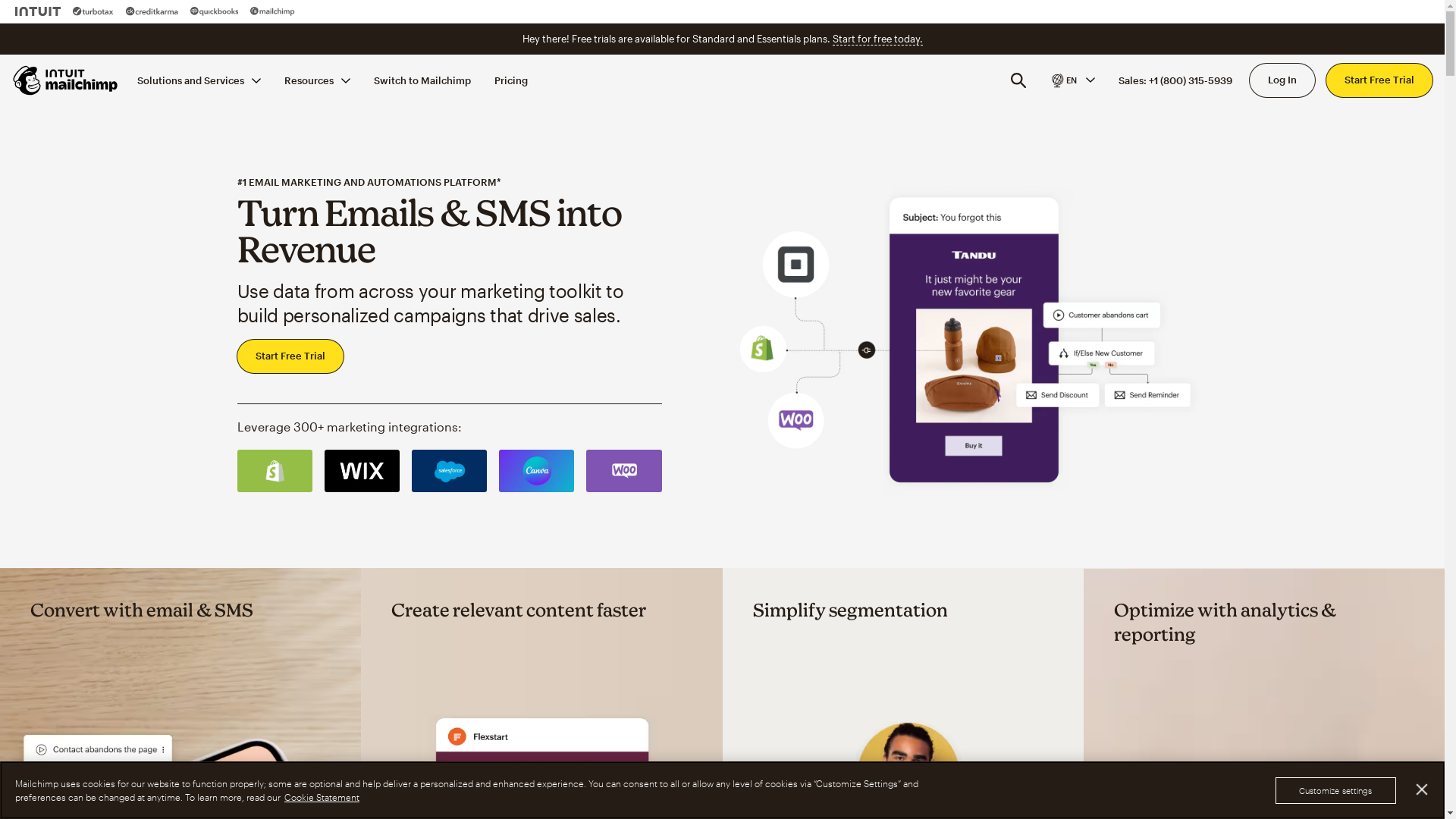
Mailchimp Screenshot

Who is Mailchimp best suited for?

Mailchimp is best suited for Product Marketers, small business owners, and digital agencies. It is ideal for creating engaging email campaigns, automating marketing efforts, and conducting audience segmentation. These features help professionals enhance customer engagement, improve marketing ROI, and simplify campaign management.

How to Delete Contacts in Mailchimp

Interactive demo powered by Supademo

Common FAQs on How to Delete Contacts in Mailchimp

Commonly asked questions about this topic.

How do I delete a contact in Mailchimp?

To delete a contact, go to the Audience tab, select All contacts, find the contact you wish to delete, click the dropdown next to their name, and select "Delete."

Can I recover a deleted contact in Mailchimp?

No, once a contact is deleted, it cannot be restored. Make sure to export your contacts if you want to keep a backup before deleting them.

What happens if I delete an unsubscribed contact?

Deleting an unsubscribed contact removes them from your audience permanently, but it doesn’t reduce the contact count in your plan. Consider archiving instead if you want to reduce contact count.

Is there a way to delete multiple contacts at once?

Yes, you can delete multiple contacts by selecting them in the audience view and choosing the delete option from the bulk actions dropdown menu.

Why can’t I delete certain contacts in Mailchimp?

Some contacts, such as those with ongoing campaigns or those included in specific groups or segments, cannot be deleted until those associations are removed.

Enjoyed this interactive product demo of Mailchimp?

Create your own interactive product demo in minutes. Drive growth, scale enablement and supercharge product led-onboarding with Supademo. Sign up for free here with no credit card required.
Vimal Kumar
Vimal Kumar

Product Operations Associate

Vimal Kumar helps build and grow Supademo’s team and GTM efforts, with a focus on figuring out growth levers and improving product traction.


More from the blog

How to Remove 'Powered by Shopify'

How to Remove 'Powered by Shopify'

Learn how to easily remove the 'Powered by Shopify' text from your online store with step-by-step instructions and tips to customize your Shopify storefront.

Vimal Kumar
Vimal KumarJan 3, 2026
How to Add Products to Shopify

How to Add Products to Shopify

Learn step-by-step how to add products to your Shopify store effortlessly, including tips on product details, images, pricing, and inventory management to boost your online sales.

Vimal Kumar
Vimal KumarDec 17, 2025
How to Deactivate Your Shopify Store

How to Deactivate Your Shopify Store

Learn step-by-step how to deactivate your Shopify store easily, including important considerations and tips to pause or close your shop without losing data.

Vimal Kumar
Vimal KumarDec 17, 2025
How to Remove 'Powered by Shopify'

How to Remove 'Powered by Shopify'

Learn how to easily remove the 'Powered by Shopify' text from your online store with step-by-step instructions and tips to customize your Shopify storefront.

Vimal Kumar
Vimal KumarDec 17, 2025
How to Create a Shopify Account

How to Create a Shopify Account

Learn step-by-step how to create a Shopify account quickly and easily, set up your online store, and start selling your products in no time.

Vimal Kumar
Vimal KumarDec 17, 2025
How to Create a Stripe Account

How to Create a Stripe Account

Learn how to create a Stripe account quickly and easily with our step-by-step guide, perfect for beginners looking to start accepting online payments.

Vimal Kumar
Vimal KumarDec 17, 2025


