
1. Firstly, navigate to the Figma website at www.figma.com.
2. Video Step (
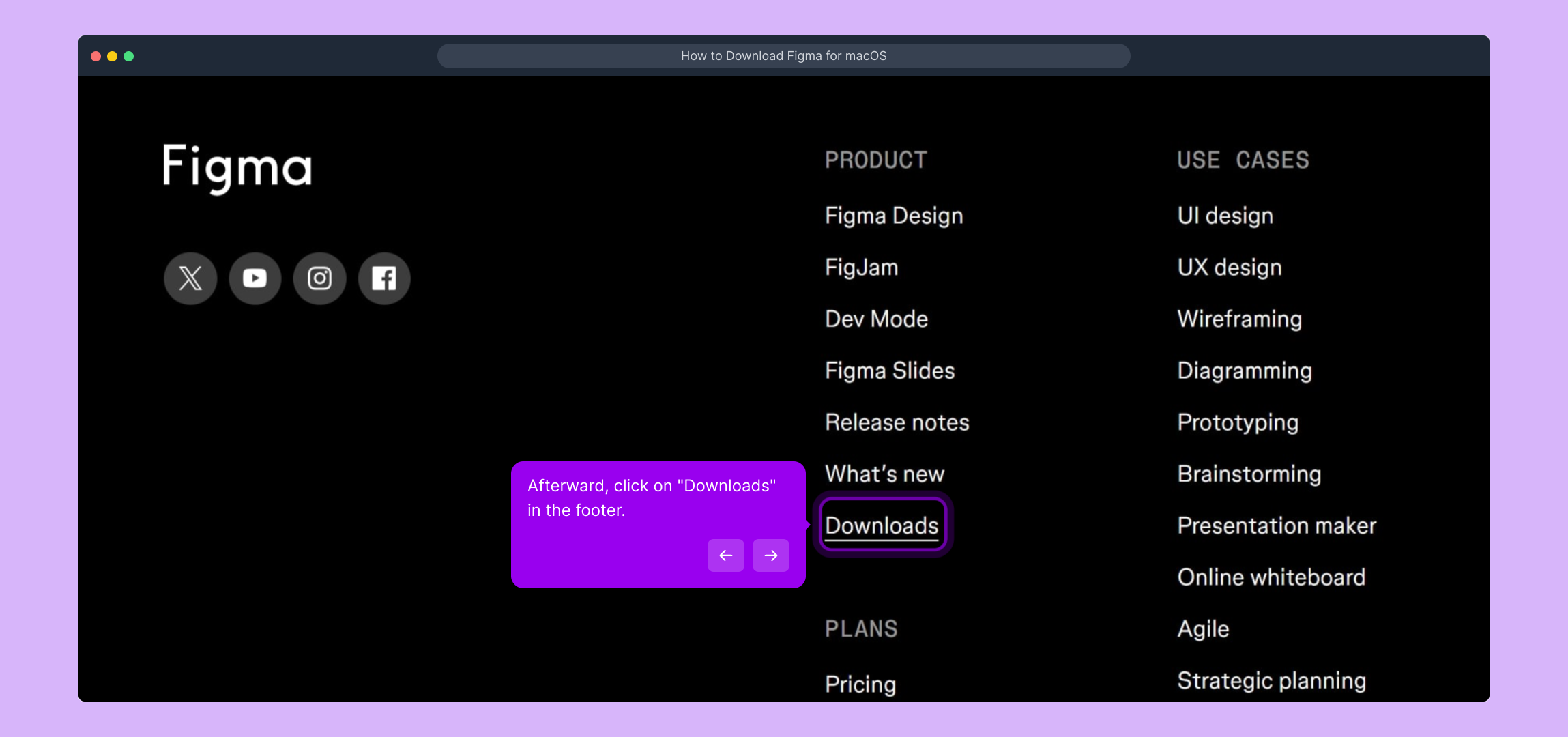
3. Afterward, click on "Downloads" in the footer.
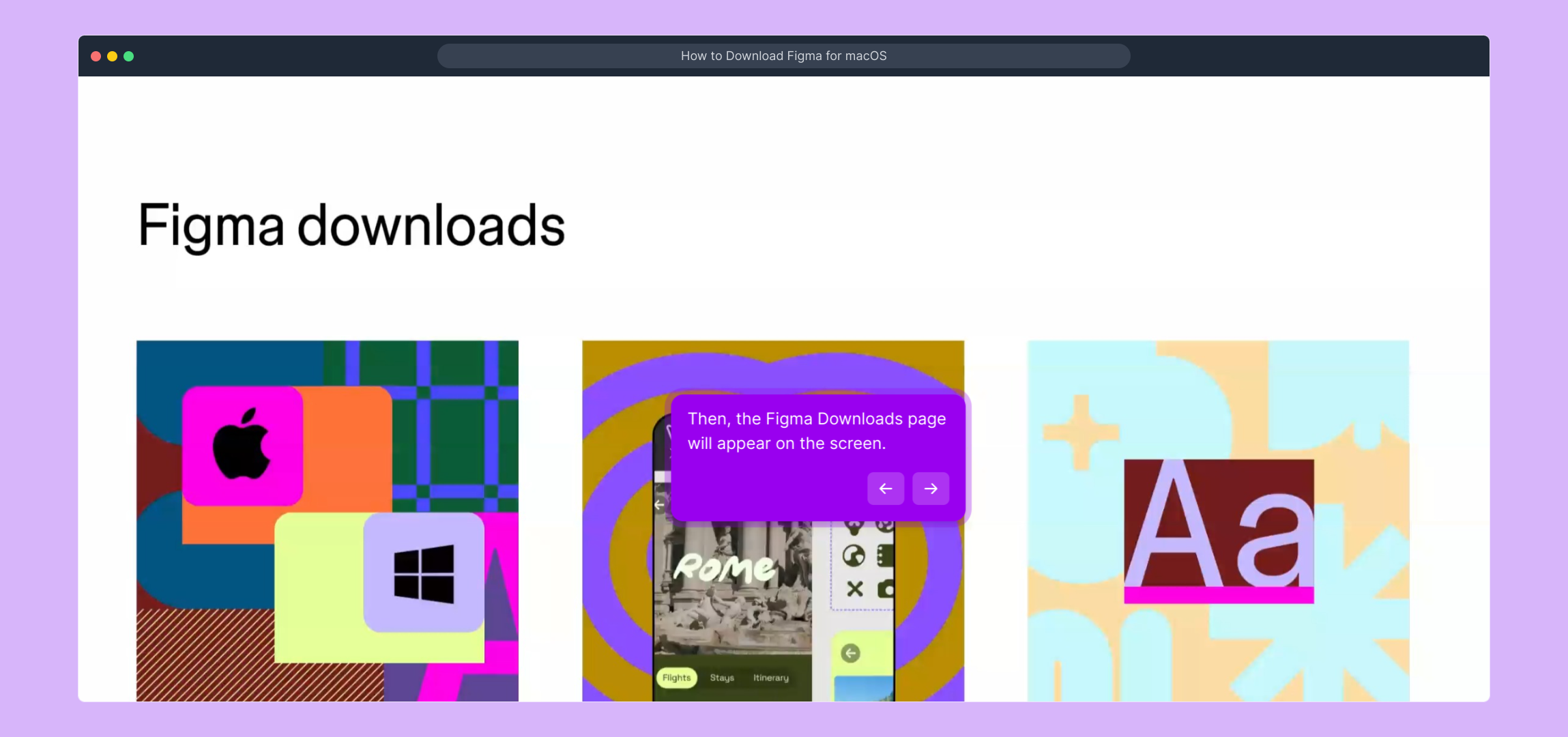
4. Then, the Figma Downloads page will appear on the screen.
5. Video Step (
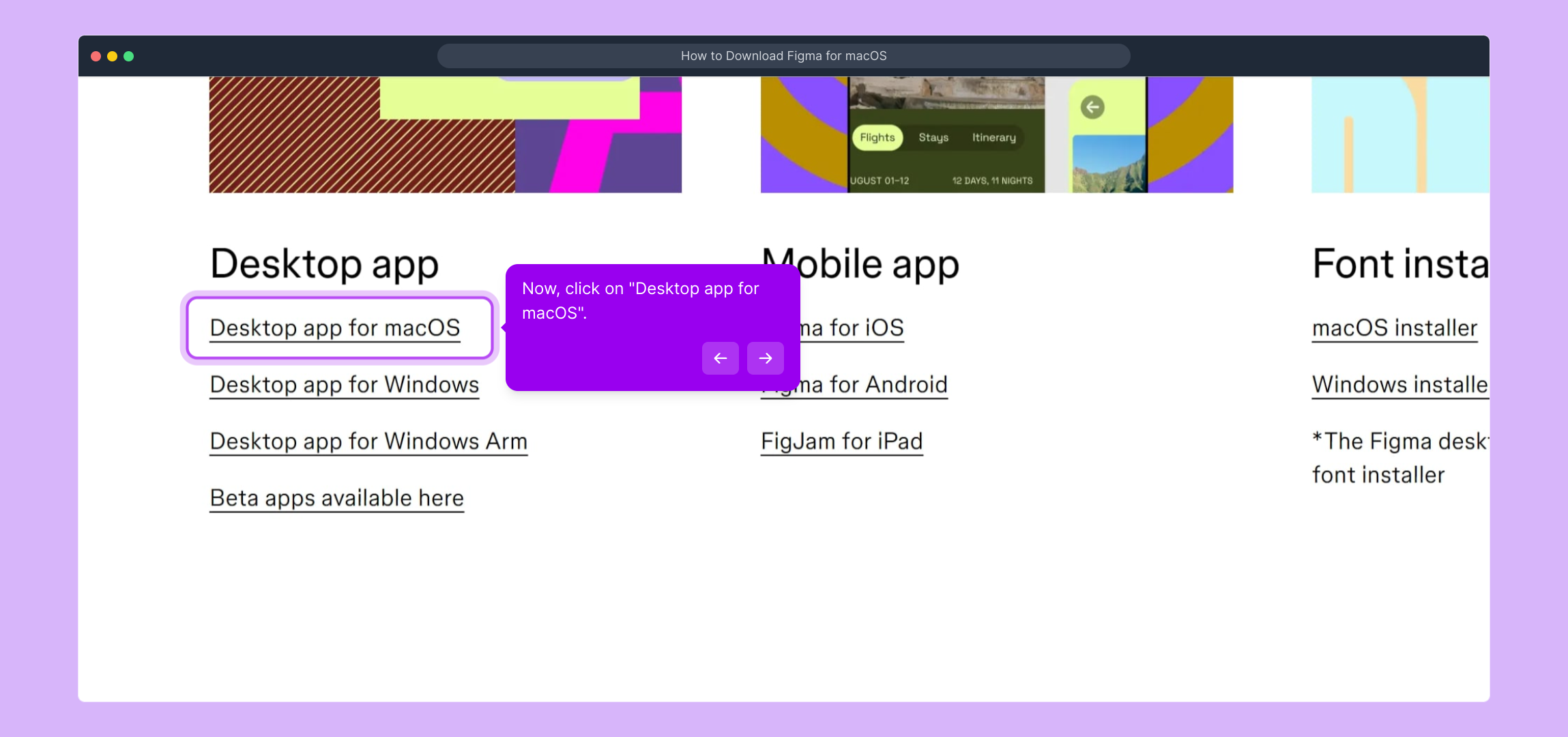
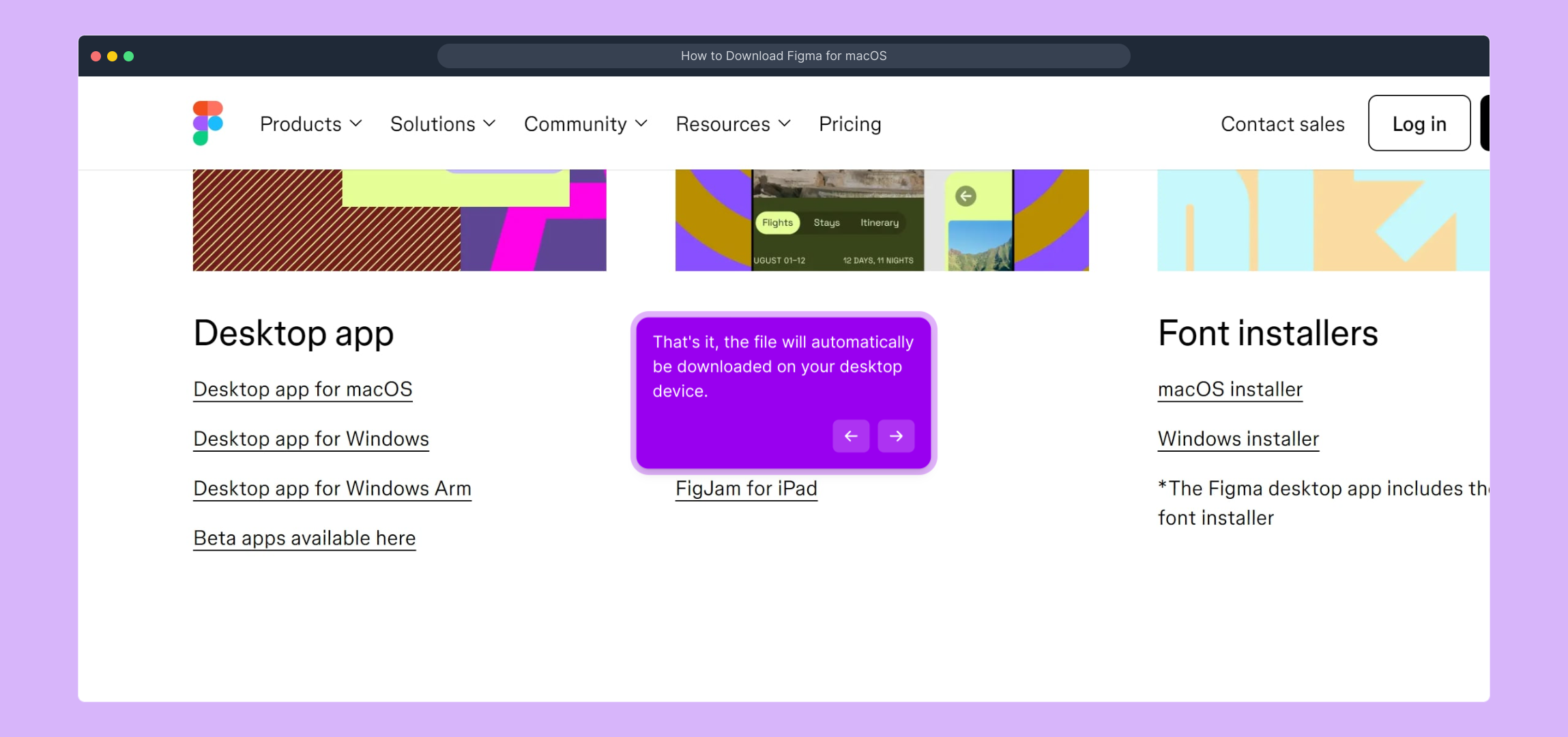
6. Now, click on "Desktop app for macOS".
7. That's it, the file will automatically be downloaded on your desktop device.
8. Create a Supademo in seconds
This interactive demo/guided walkthrough on How to Download Figma for macOS was created using Supademo.
How to Download Figma for macOS : Step-by-Step Guide
To get started, open your web browser and go to the Figma homepage by entering www.figma.com. This is where you’ll find all the tools and resources to design and collaborate online.

Watch this helpful video for an overview of the next steps involved in navigating the Figma site and accessing important features.
(

Next, scroll down to the bottom of the page where you’ll find the footer menu. Here, look for the “Downloads” link—this takes you directly to the area where you can grab the latest versions of Figma’s applications.
Once you click “Downloads,” you’ll be brought to the dedicated downloads page. This section displays all available installation options, making it easy to find the right app for your device.
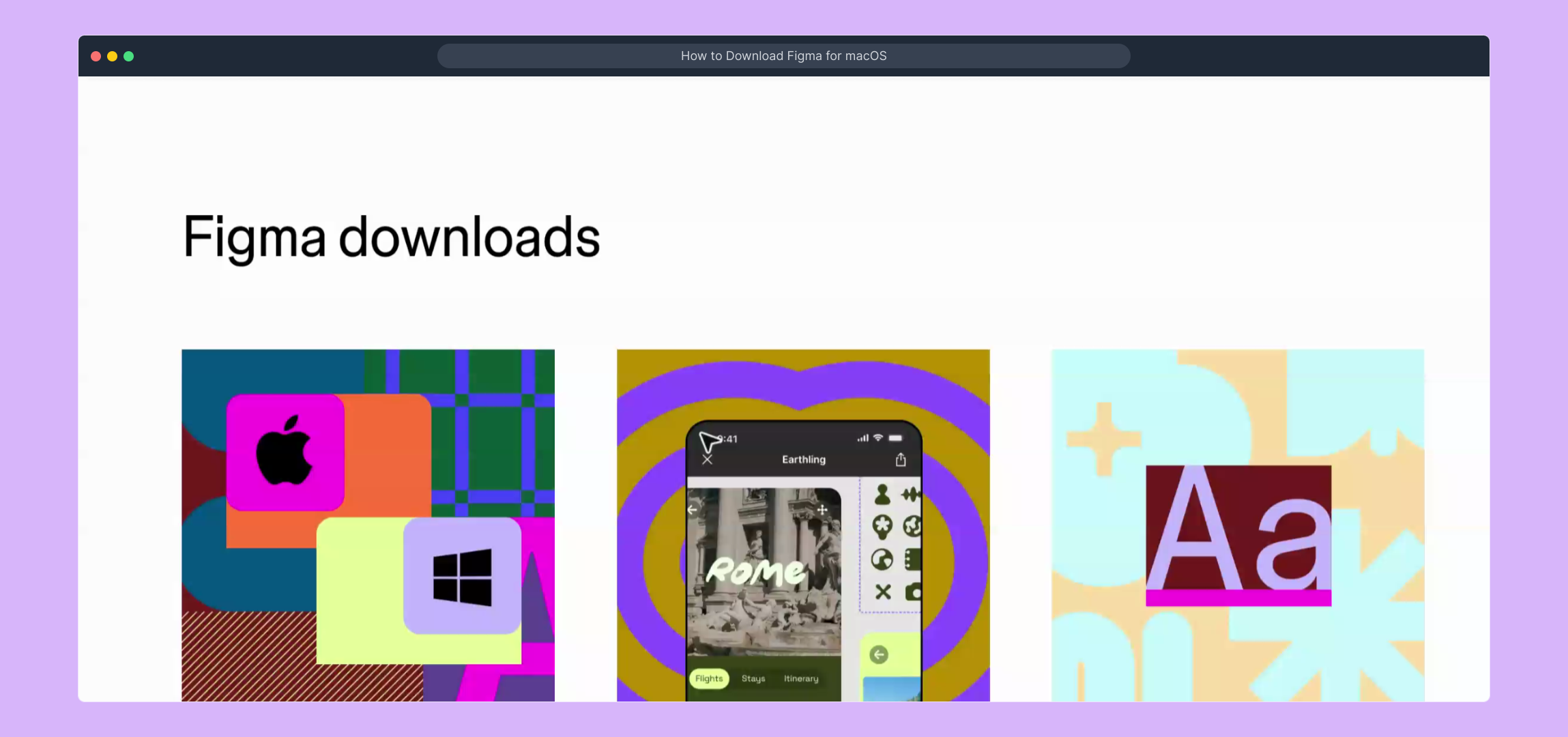
Here’s a short video walking you through the download page interface and how to select the proper installer for your needs.
(
At this point, locate the option labeled “Desktop app for macOS” and click on it. This action will initiate the download process for the Mac desktop version of Figma, allowing you to work offline with full functionality.
Once you select the macOS desktop app, the download will begin automatically. Depending on your browser settings, the file should save to your default download folder, ready for you to open and install.
With the Figma desktop app installed, you’re all set to create, share, and collaborate on designs quickly and efficiently. Dive into your projects and explore everything Figma has to offer!
Create your own interactive demos in < 5 mins with Supademo
You can create your own interactive product demo in minutes using Supademo. Drive growth, scale enablement, and supercharge product-led onboarding with Supademo. Sign up for free here with no credit card required.
FAQs
Commonly asked questions about this topic.
What is Figma and why should I download it on macOS?
Is the Figma macOS app free to download?
Where can I find the Figma download link on the website?
Why should I choose the desktop app over the browser version?
How do I install Figma after downloading on macOS?
Can I update Figma desktop app manually on macOS?
What system requirements does Figma have for macOS?
Can I use Figma desktop app offline on macOS?
What should I do if the Figma download doesn’t start?
Is it safe to download Figma only from the official website?

Product Operations Associate
Vimal Kumar helps build and grow Supademo’s team and GTM efforts, with a focus on figuring out growth levers and improving product traction.




