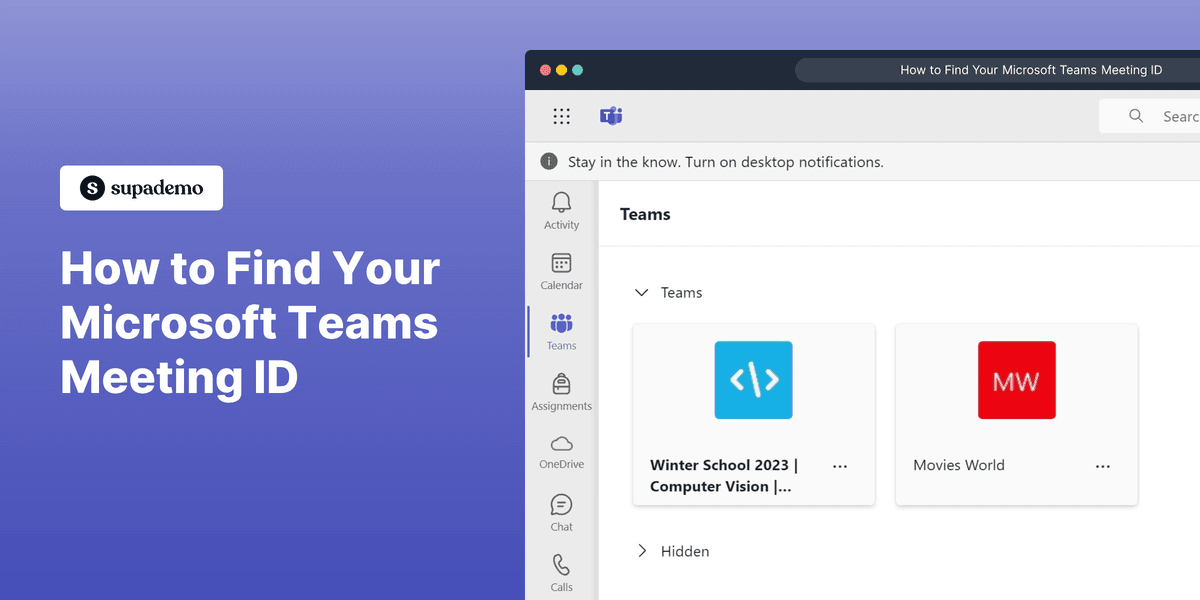
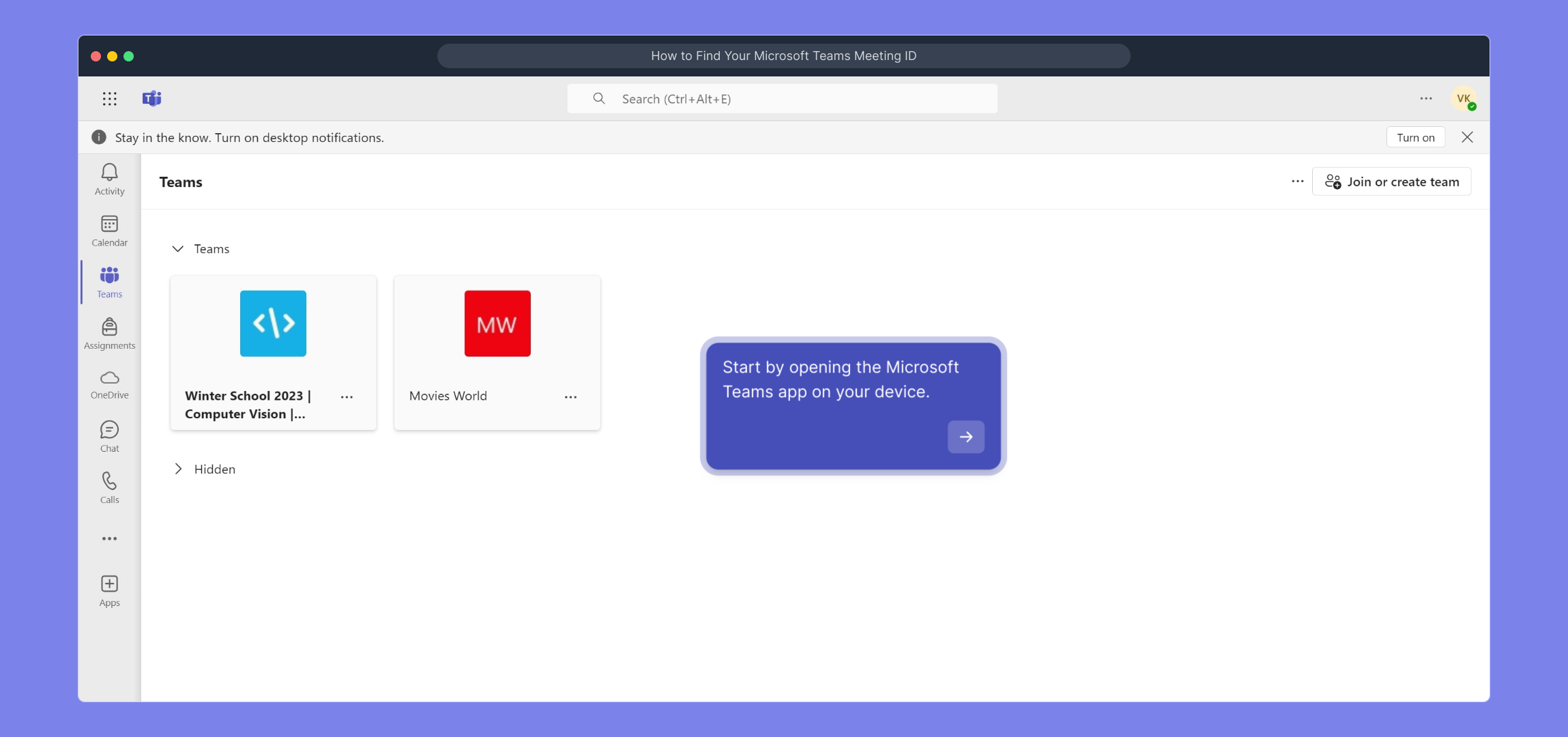
1. Start by opening the Microsoft Teams app on your device.
2. Following that, click on "Calendar".
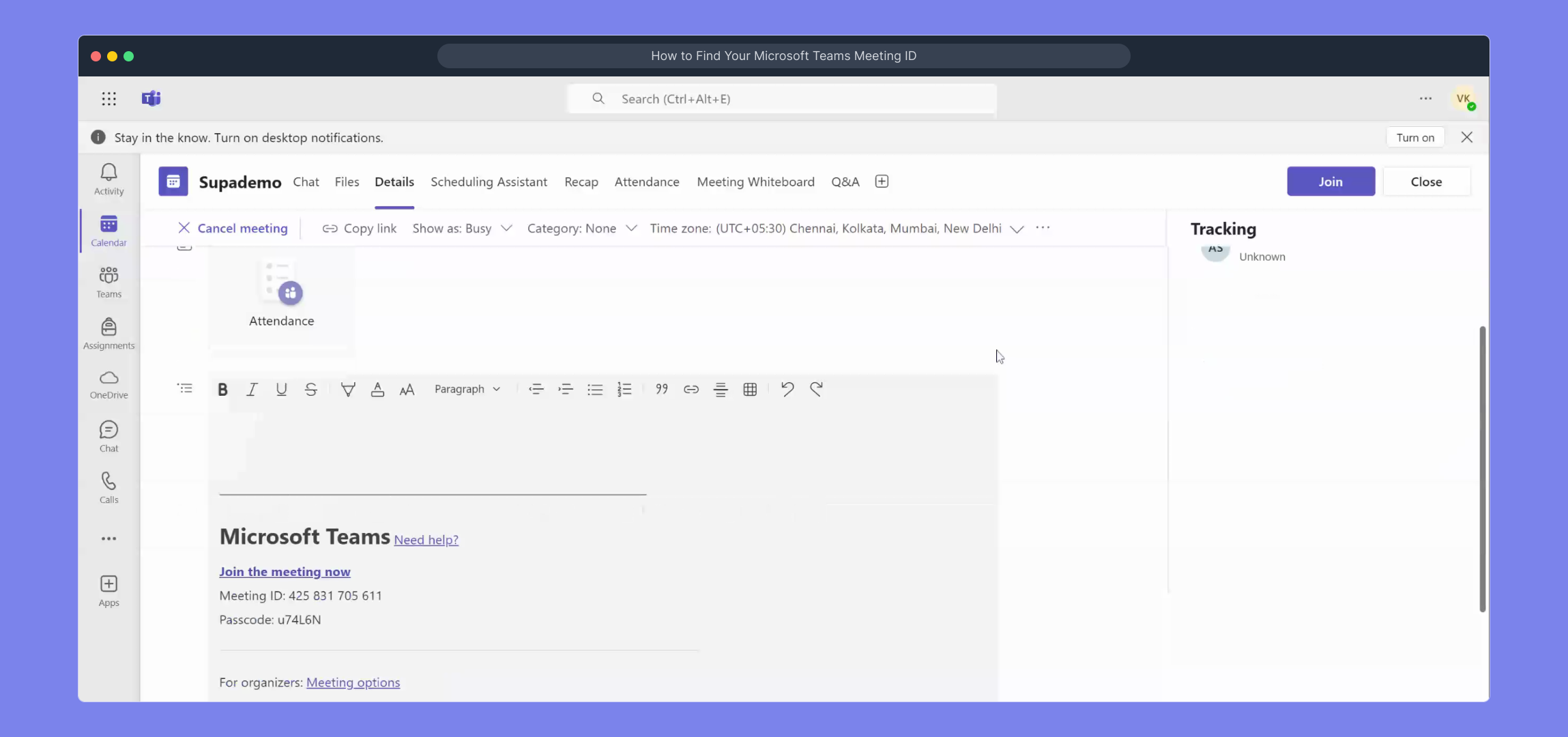
3. After that, click on the meeting for which need the meeting id.
4. Now, click on "Edit".
5. Video Step (
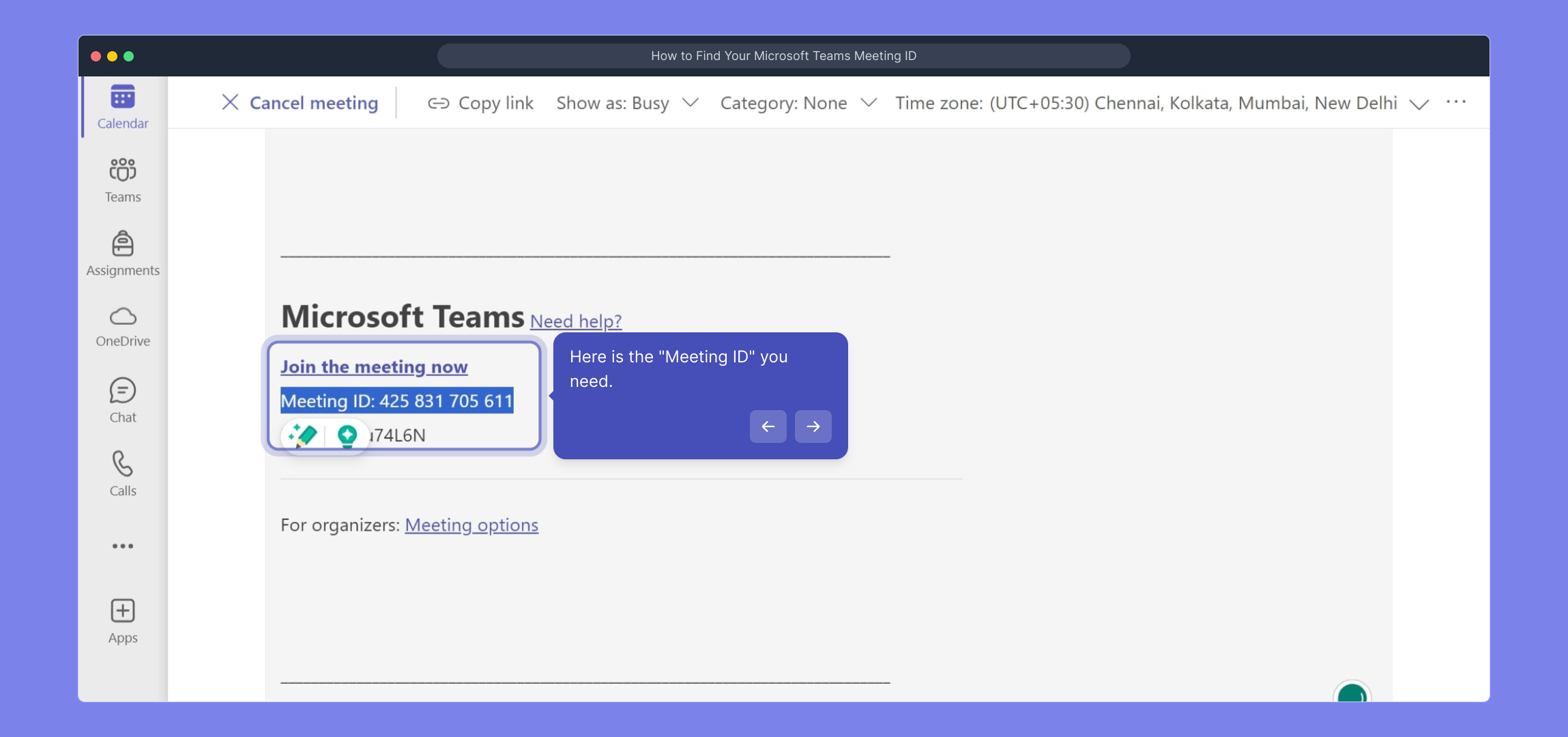
6. Here is the "Meeting ID" you need.
7. Create a Supademo in seconds
This interactive demo/guided walkthrough on How to Find Your Microsoft Teams Meeting ID was created using Supademo.
How to Find Your Microsoft Teams Meeting ID : Step-by-Step Guide
To get started, launch the Microsoft Teams application on your device. This will bring you to the main interface where you can access all your Teams features.
Next, locate and select the "Calendar" tab from the sidebar. This is where all your scheduled meetings and events are organized.

Browse through your calendar to find the specific meeting you want to get the Meeting ID for. Click on that meeting entry to view its details.

Once the meeting details open, look for the "Edit" option and click it so you can access the full meeting information and settings.

Watch this helpful video for a visual walkthrough of the steps involved.
(
Here you will find the "Meeting ID" displayed prominently — this is the unique code you’ll need for joining or sharing the meeting.
Finally, quickly create a Supademo to streamline your process right from here — it’s fast, simple, and effective.
Create your own interactive demos in < 5 mins with Supademo
You can create your own interactive product demo in minutes using Supademo. Drive growth, scale enablement, and supercharge product-led onboarding with Supademo. Sign up for free here with no credit card required.
FAQs
Commonly asked questions about this topic.
What is a Microsoft Teams Meeting ID?
Where can I find my Microsoft Teams Meeting ID?
Can I share the Meeting ID with people outside my organization?
Does every Microsoft Teams meeting have a Meeting ID?
Is the Meeting ID the same as the meeting link?
Can I find the Meeting ID on the Teams web app?
Why do I need the Meeting ID?
Can I use the Meeting ID to join a Teams meeting on different devices?
What should I do if I can’t find the Meeting ID?
Is the Meeting ID visible to all participants?

Product Operations Associate
Vimal Kumar helps build and grow Supademo’s team and GTM efforts, with a focus on figuring out growth levers and improving product traction.




