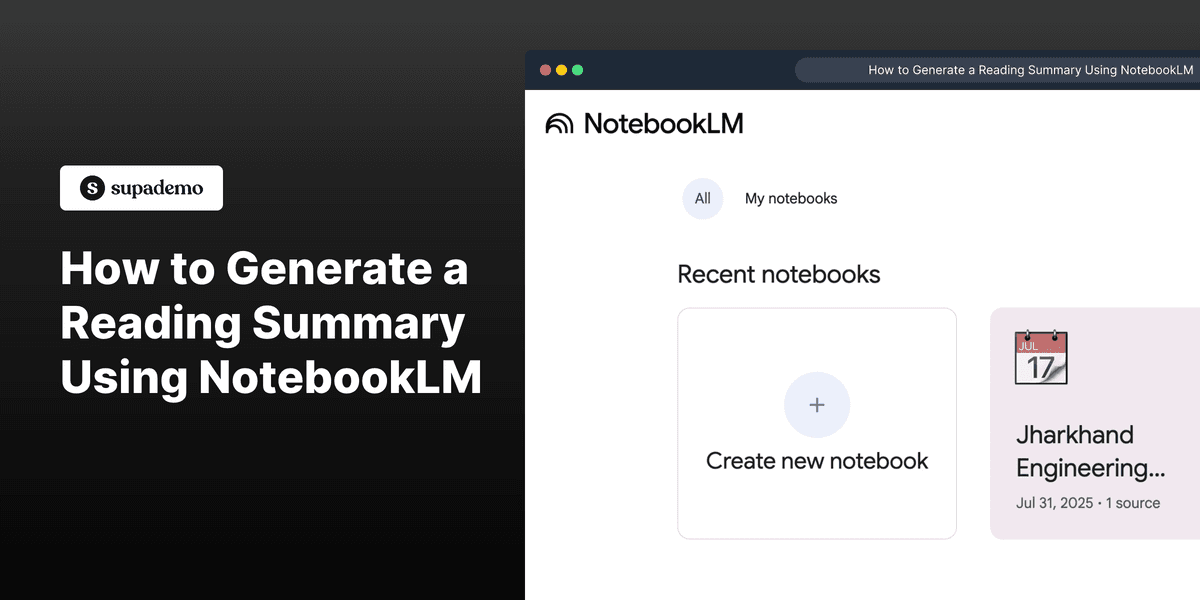
1. First, open NotebookLM on your device.
2. Next, click on the Notebook that you want to summarize.
3. Now, navigate to the Chatbox.
4. Here, type a prompt to summarize the documents.
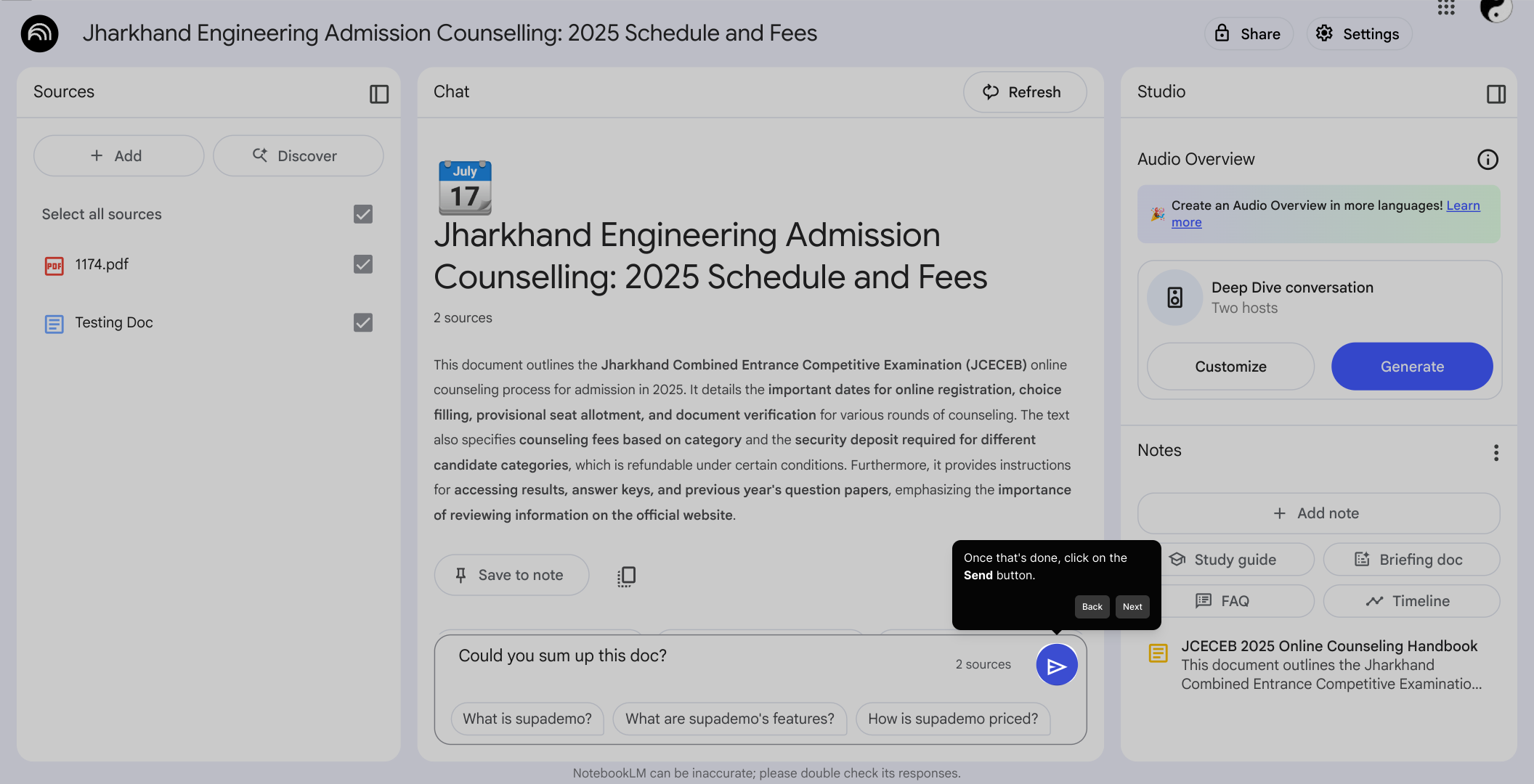
5. Once that's done, click on the Send button.
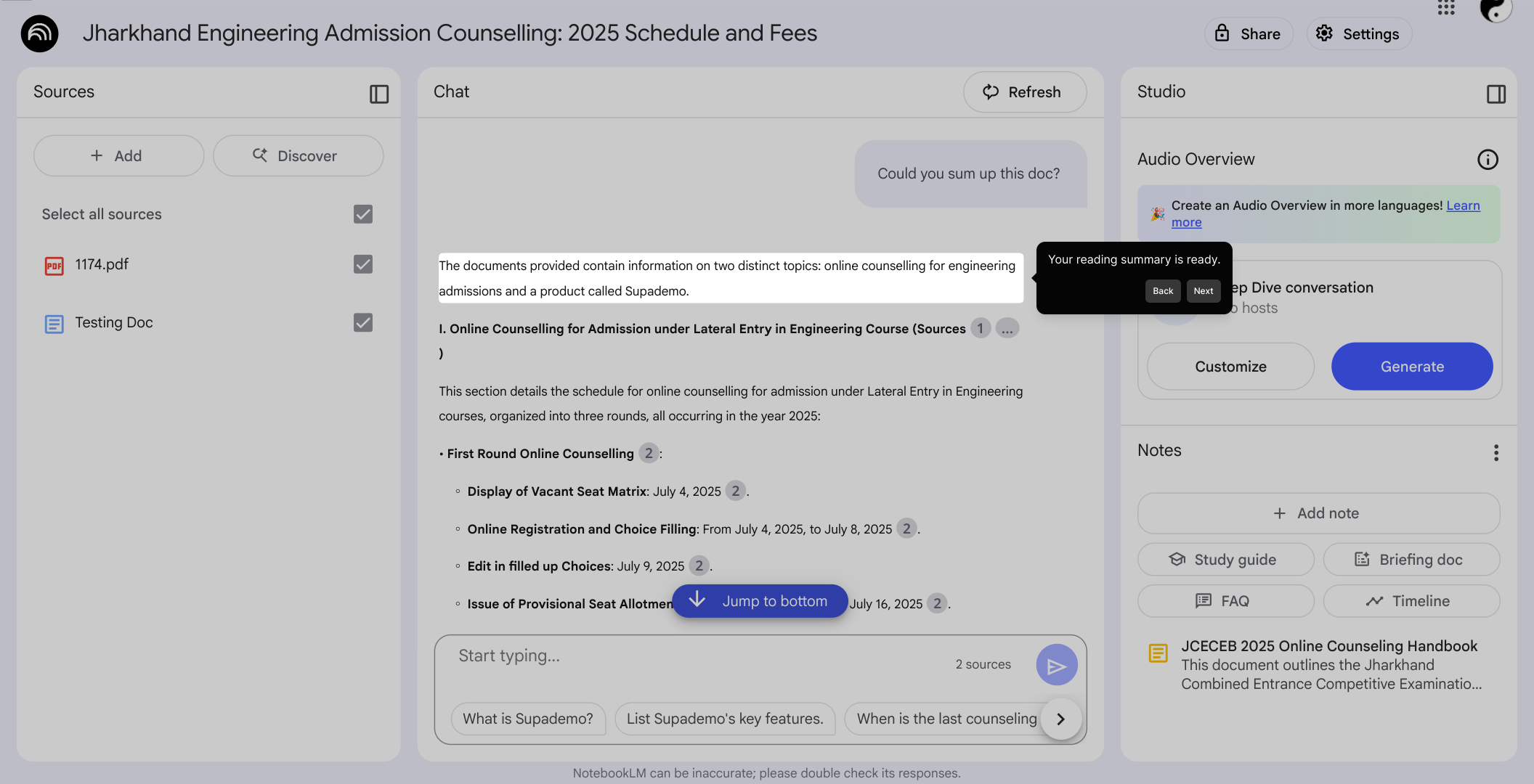
6. Your reading summary is ready.
7. Create a Supademo in seconds
This interactive demo/guided walkthrough on How to Generate a Reading Summary Using NotebookLM was created using Supademo.
How to Generate a Reading Summary Using NotebookLM : Step-by-Step Guide
To get started, open the NotebookLM app on your device. This is where you’ll manage all your notebooks and access powerful summarization features.
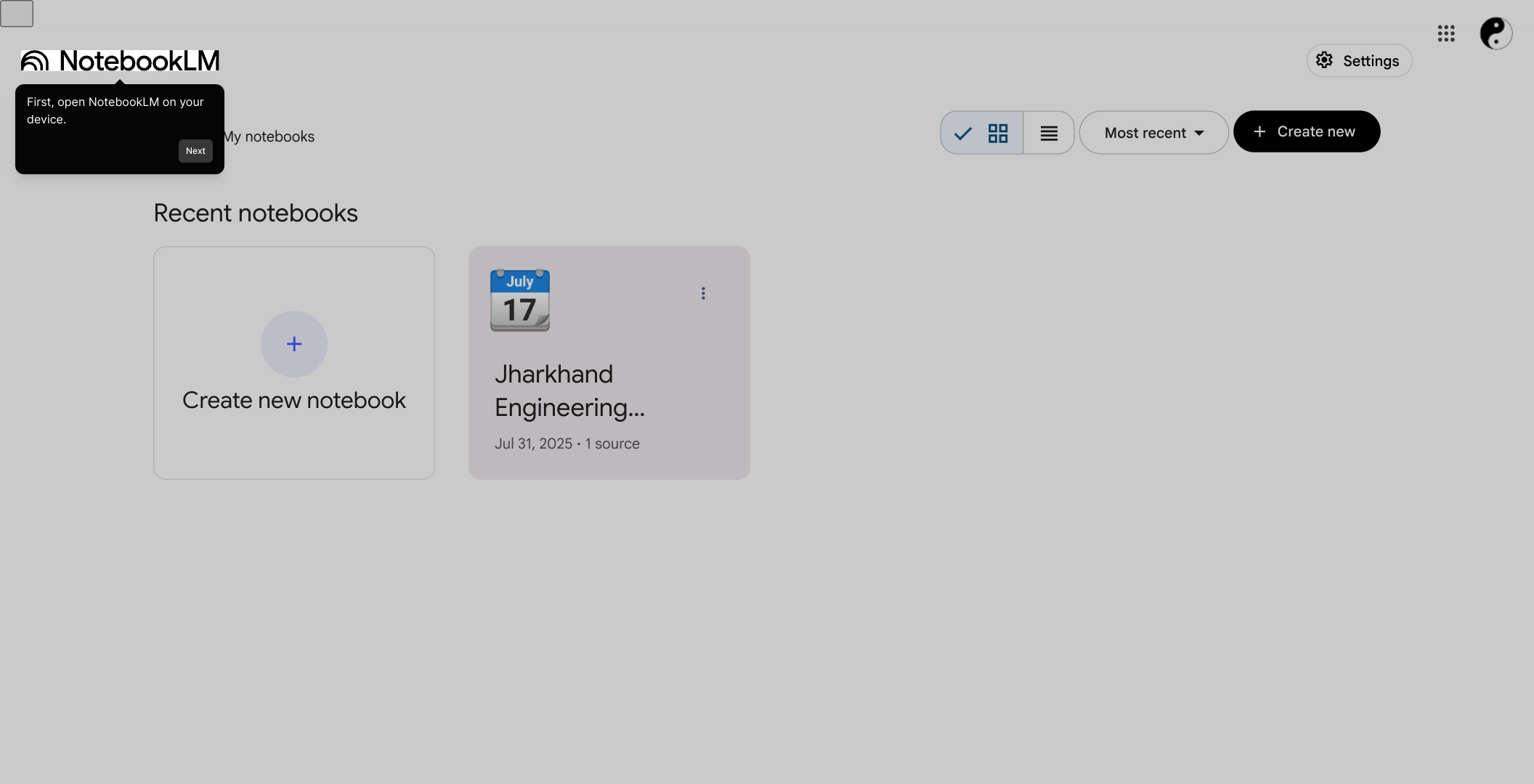
Once you're in the app, locate the Notebook you'd like to work with. Click on it to open and view the contents you want summarized.
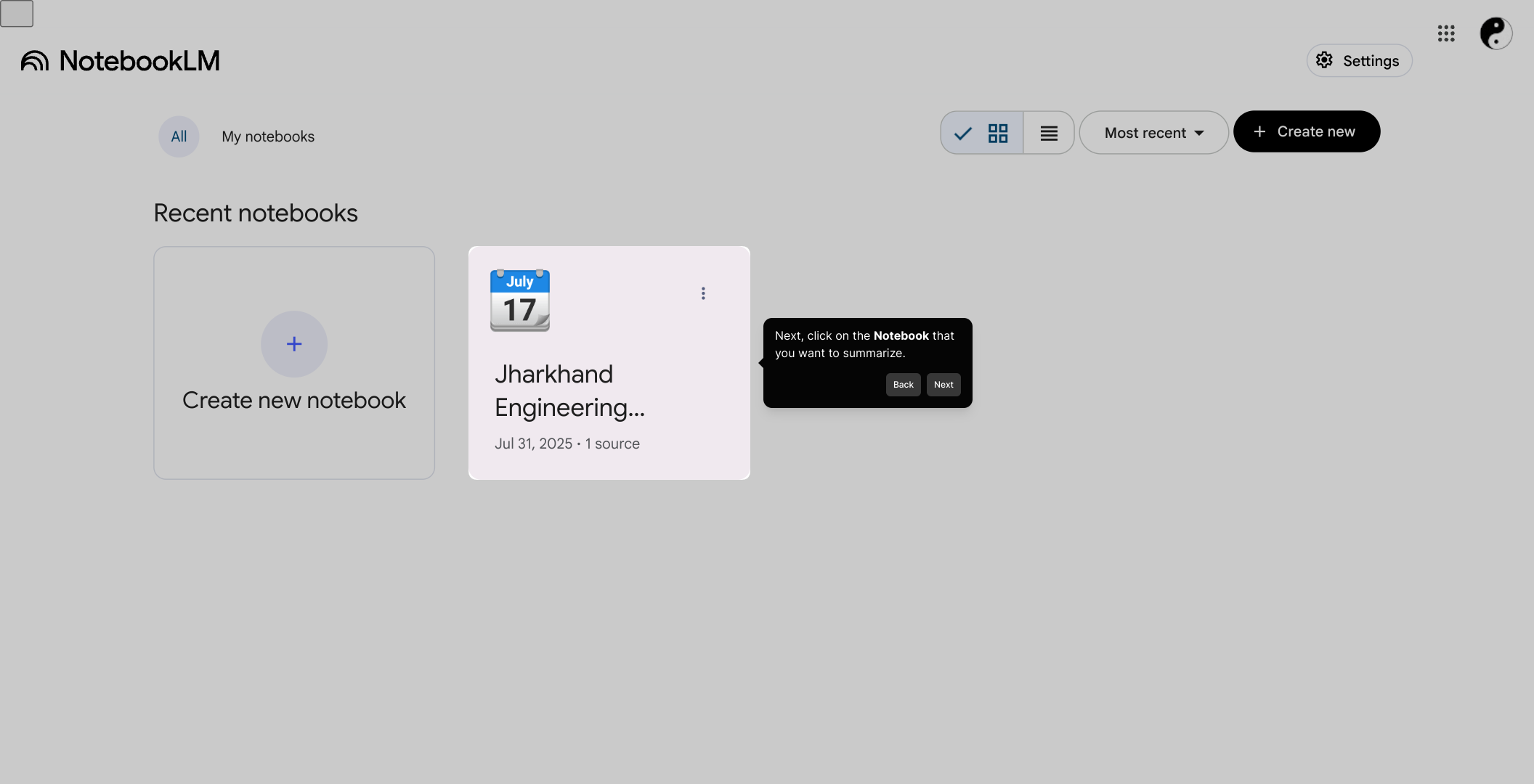
After opening your notebook, move over to the Chatbox section. This is where you can interact directly with the summarization AI and enter your requests.
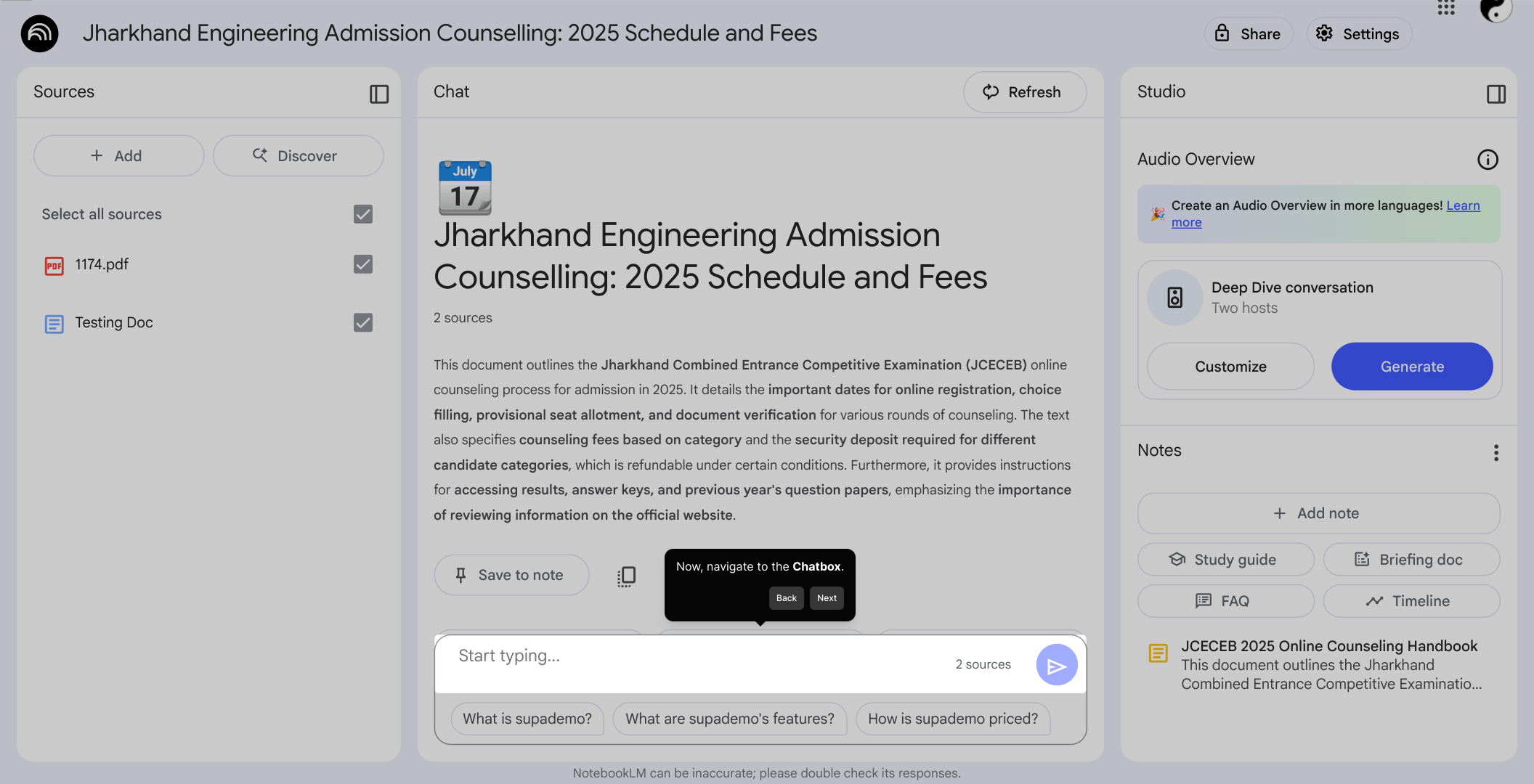
In the Chatbox, type a clear and concise prompt asking the system to summarize the documents or notes you have in your notebook. This helps the AI understand exactly what you need.
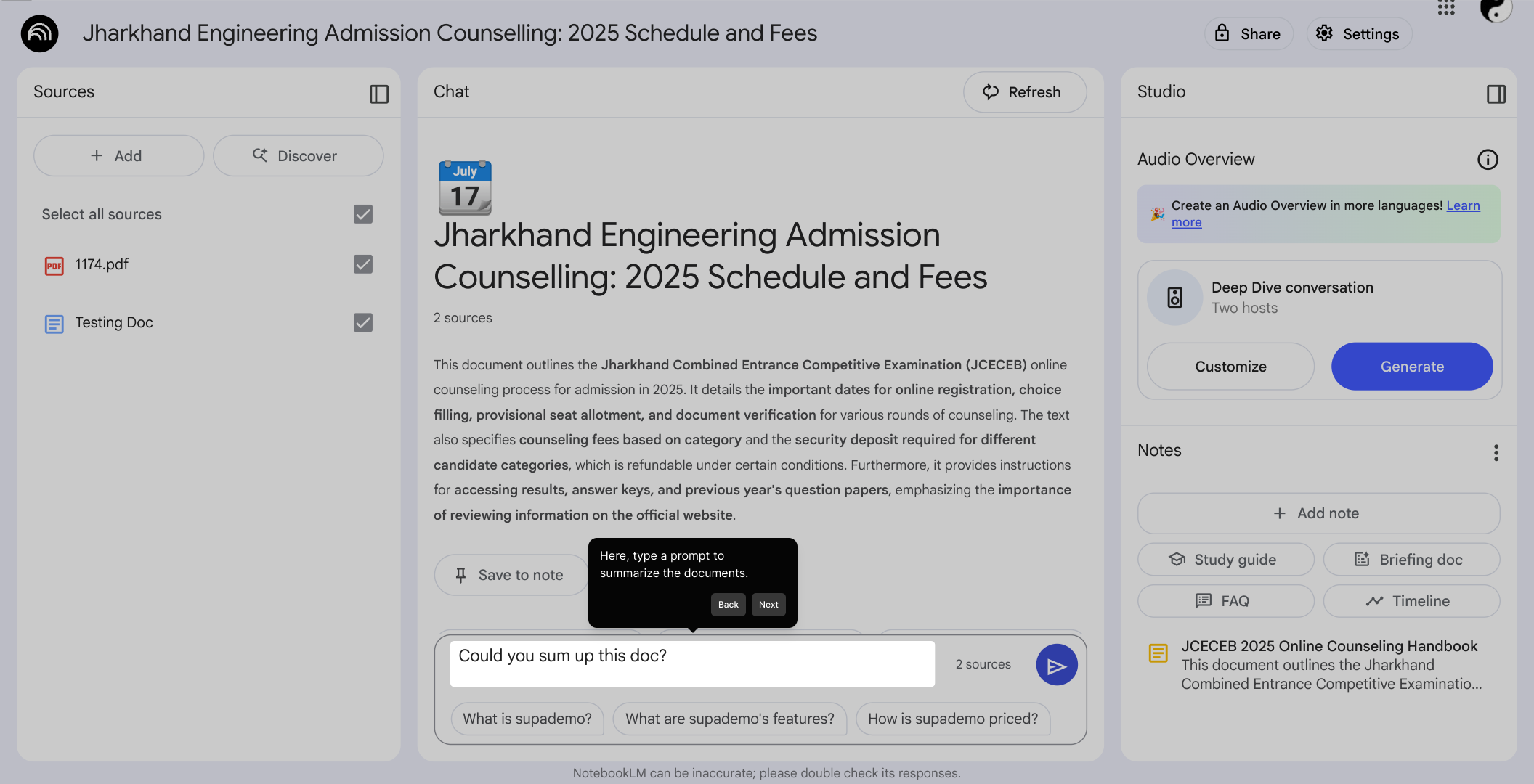
When your prompt is ready, click the Send button to submit your request. The AI will then process the information and prepare your summary.
Shortly after sending your prompt, your summarized reading will be generated and displayed. You can review it here to quickly grasp the key points.
With your summary ready, you can now create a Supademo in just a few seconds to share your insights effortlessly.
Create your own interactive demos in < 5 mins with Supademo
You can create your own interactive product demo in minutes using Supademo. Drive growth, scale enablement, and supercharge product-led onboarding with Supademo. Sign up for free here with no credit card required.
FAQs
Commonly asked questions about this topic.
What is NotebookLM?
How do I start generating a summary in NotebookLM?
Can I summarize multiple documents at once?
What kind of prompts should I use to get the best summary?
Is NotebookLM available on mobile devices?
How quickly does NotebookLM generate summaries?
Can I edit the summary generated by NotebookLM?
Is my data safe when using NotebookLM?
Can I share summaries created with NotebookLM?
Do I need technical skills to use NotebookLM for summaries?

Product Operations Associate
Vimal Kumar helps build and grow Supademo’s team and GTM efforts, with a focus on figuring out growth levers and improving product traction.




