
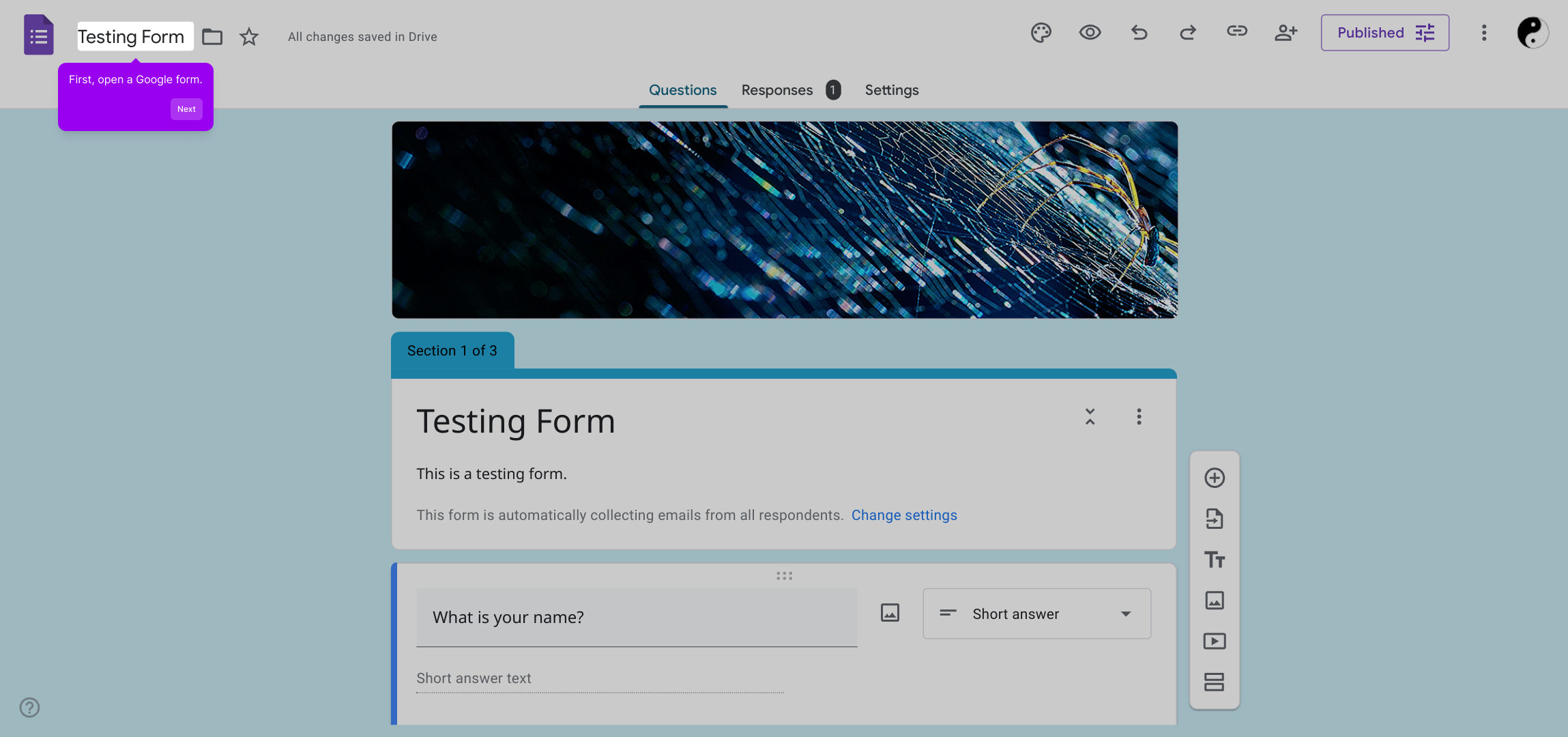
1. First, open a Google form.
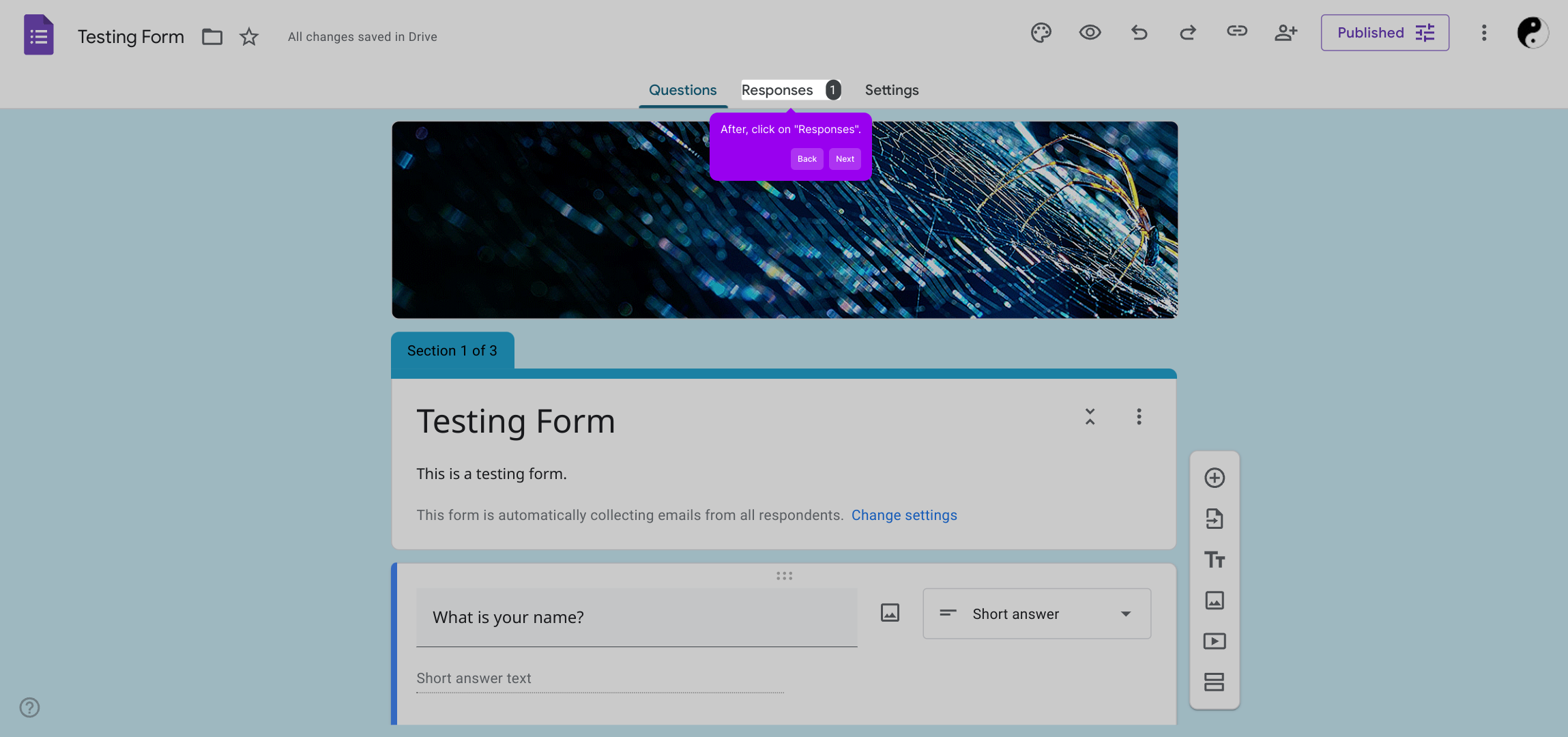
2. After, click on "Responses".
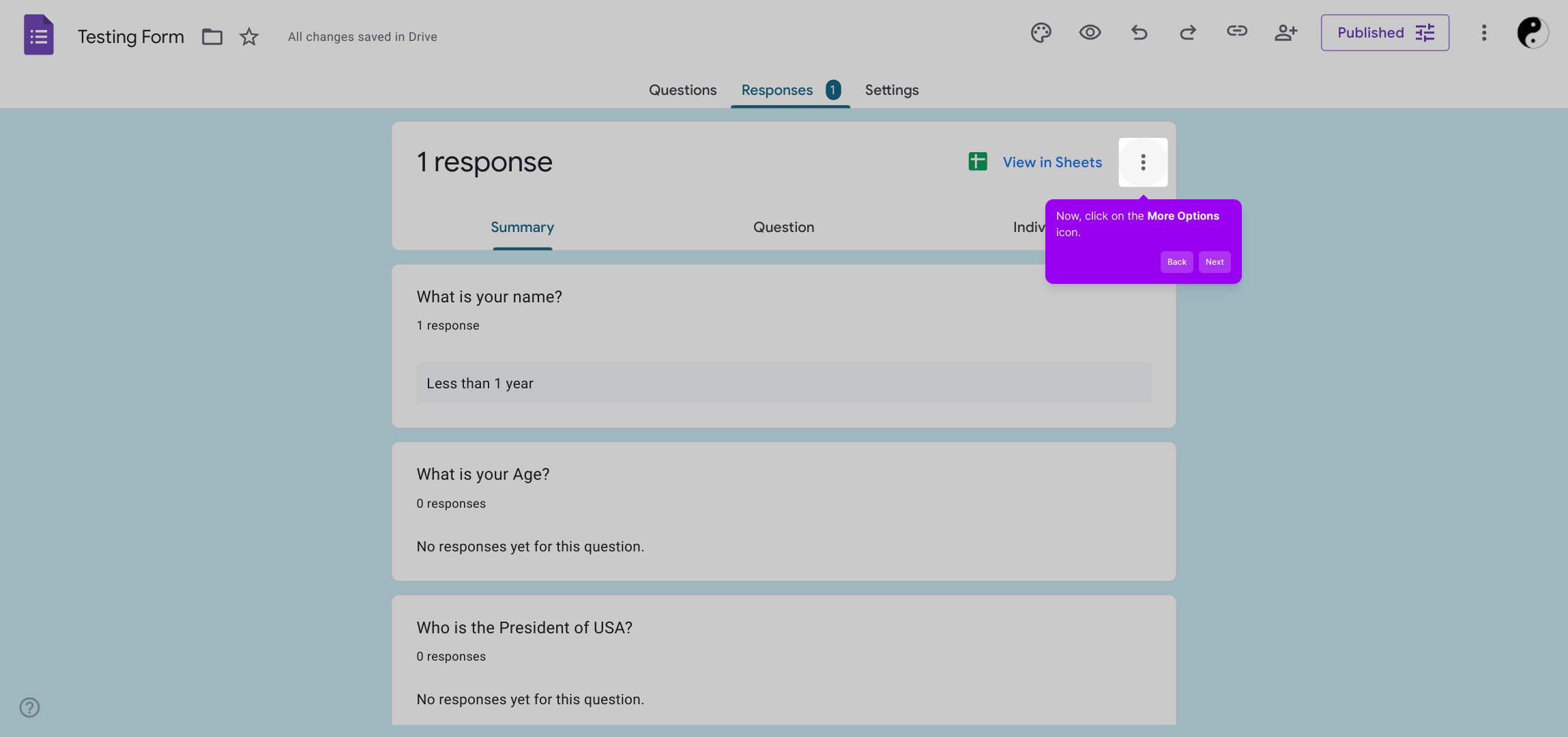
3. Now, click on the More Options icon.
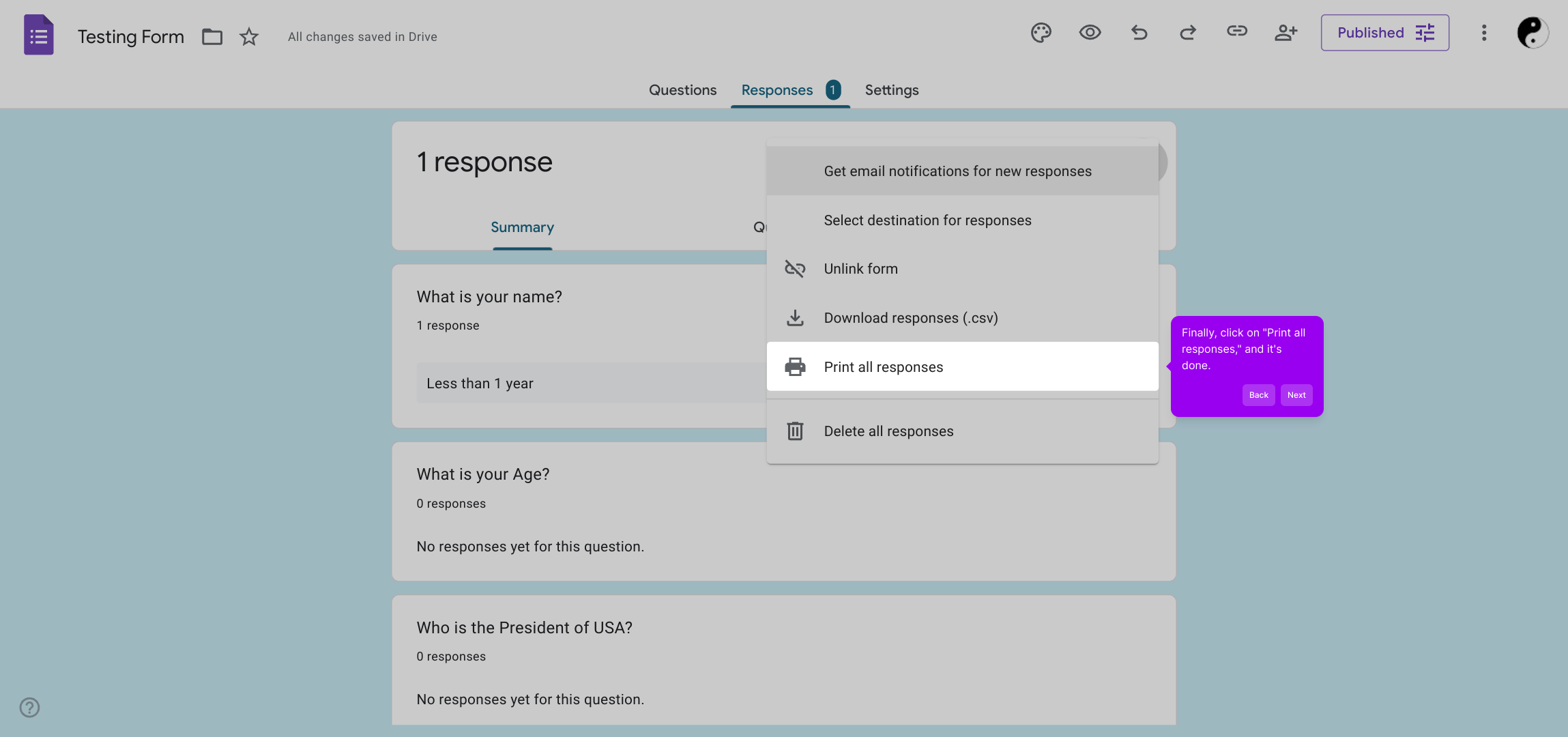
4. Finally, click on "Print all responses," and it's done.
5. Create a Supademo in seconds
This interactive demo/guided walkthrough on How to Print All Google Form Responses was created using Supademo.
How to Print All Google Form Responses : Step-by-Step Guide
To get started, open the Google Form you’d like to view responses for. This is where all your form submissions are collected and managed.
Once inside your form, navigate to the “Responses” tab at the top. This area shows the summary of all received answers and options for managing the data.
Next, locate and click on the More Options icon—represented by three vertical dots—to access additional settings related to your responses.
In the dropdown menu, select “Print all responses” to generate a complete printable view of every submission, making it easy to review or share your data.
With just a few clicks, you’ve efficiently created a Supademo that showcases how straightforward it is to compile and utilize your form data.
Create your own interactive demos in < 5 mins with Supademo
You can create your own interactive product demo in minutes using Supademo. Drive growth, scale enablement, and supercharge product-led onboarding with Supademo. Sign up for free here with no credit card required.
FAQs
Commonly asked questions about this topic.
How do I print all responses from a Google Form?
Can I print Google Form responses without using Sheets?
Is it possible to print individual Google Form responses?
How can I print Google Form responses in a readable format?
Can I save Google Form responses as a PDF?
What if I don’t see the “Print all responses” option?
Can Google Form responses be printed in bulk from Google Sheets?
Is there a way to customize which responses print?
Do I need special permissions to print form responses?
Can I automate printing Google Form responses?

Product Operations Associate
Vimal Kumar helps build and grow Supademo’s team and GTM efforts, with a focus on figuring out growth levers and improving product traction.




