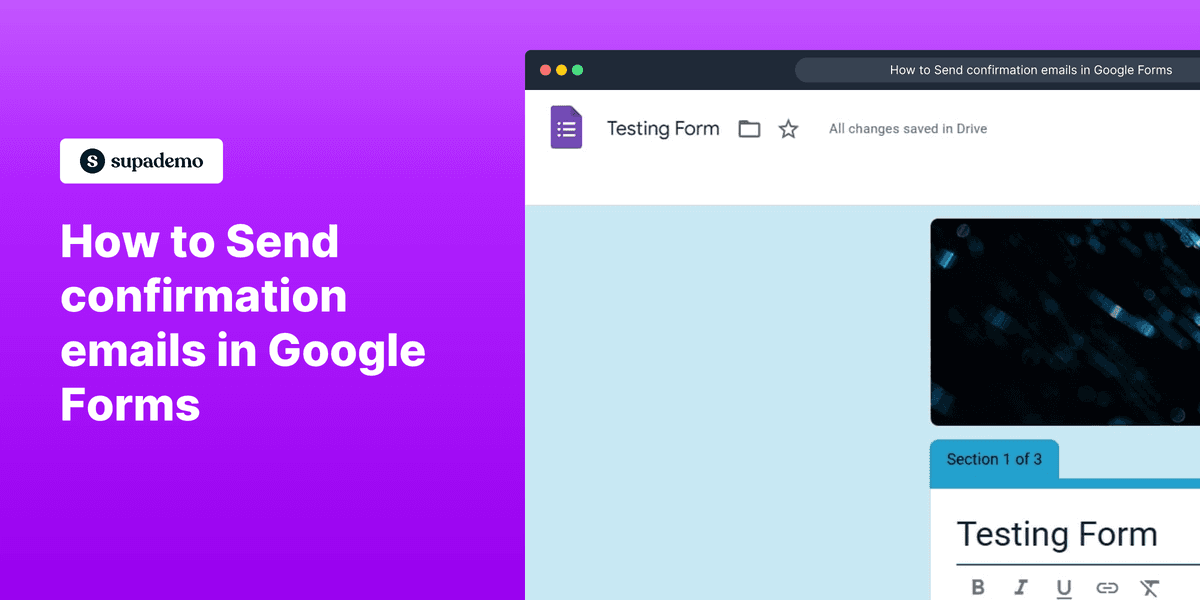
1. Open the form you want to edit.
2. Next, click on "Settings" to adjust options.
3. Select the responses drop-down menu.
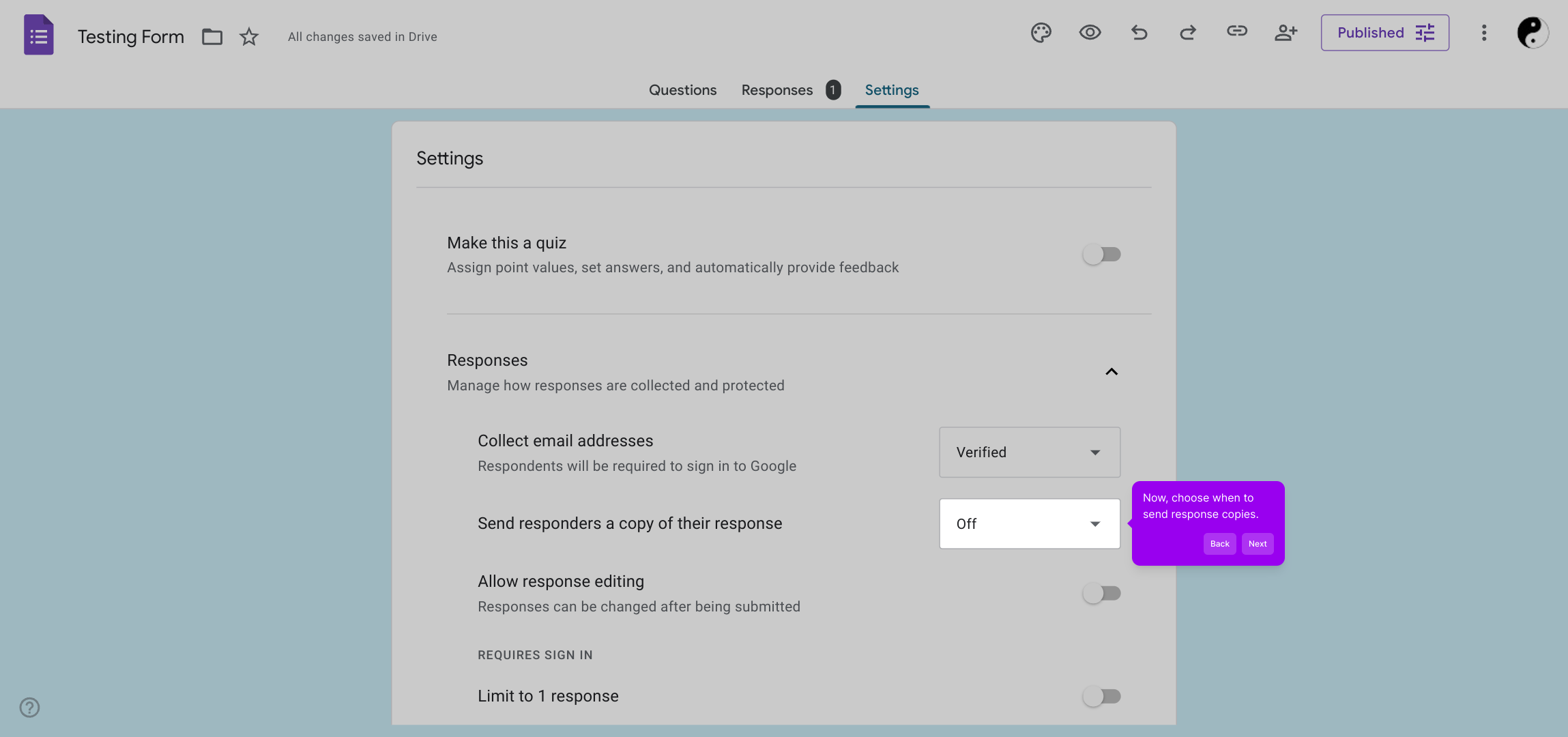
4. Now, choose when to send response copies.
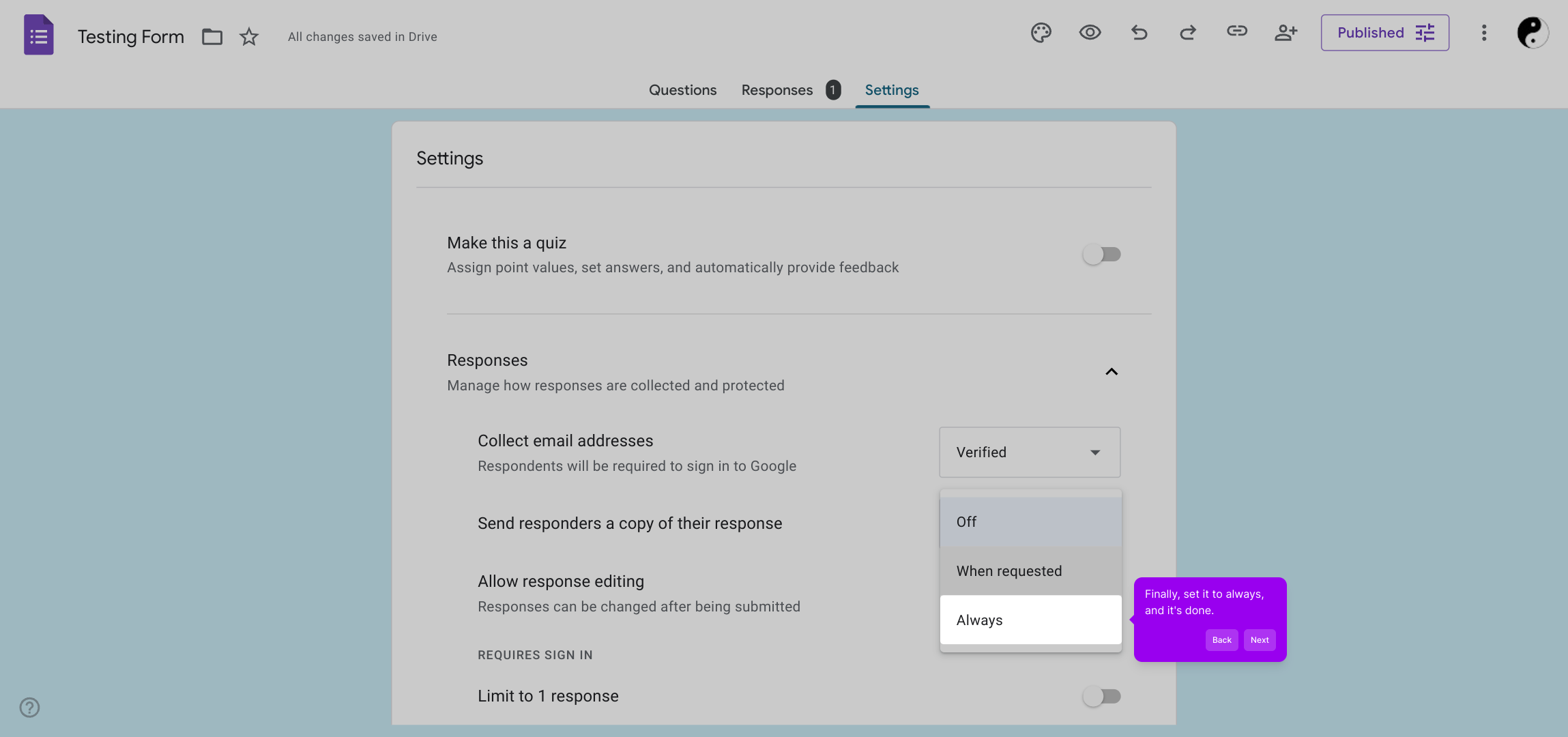
5. Finally, set it to always, and it's done.
6. Create a Supademo in seconds
This interactive demo/guided walkthrough on How to Send confirmation emails in Google Forms was created using Supademo.
How to Send confirmation emails in Google Forms : Step-by-Step Guide
Start by locating and opening the specific form you wish to update. This will bring you into the editing environment where you can make all necessary changes.
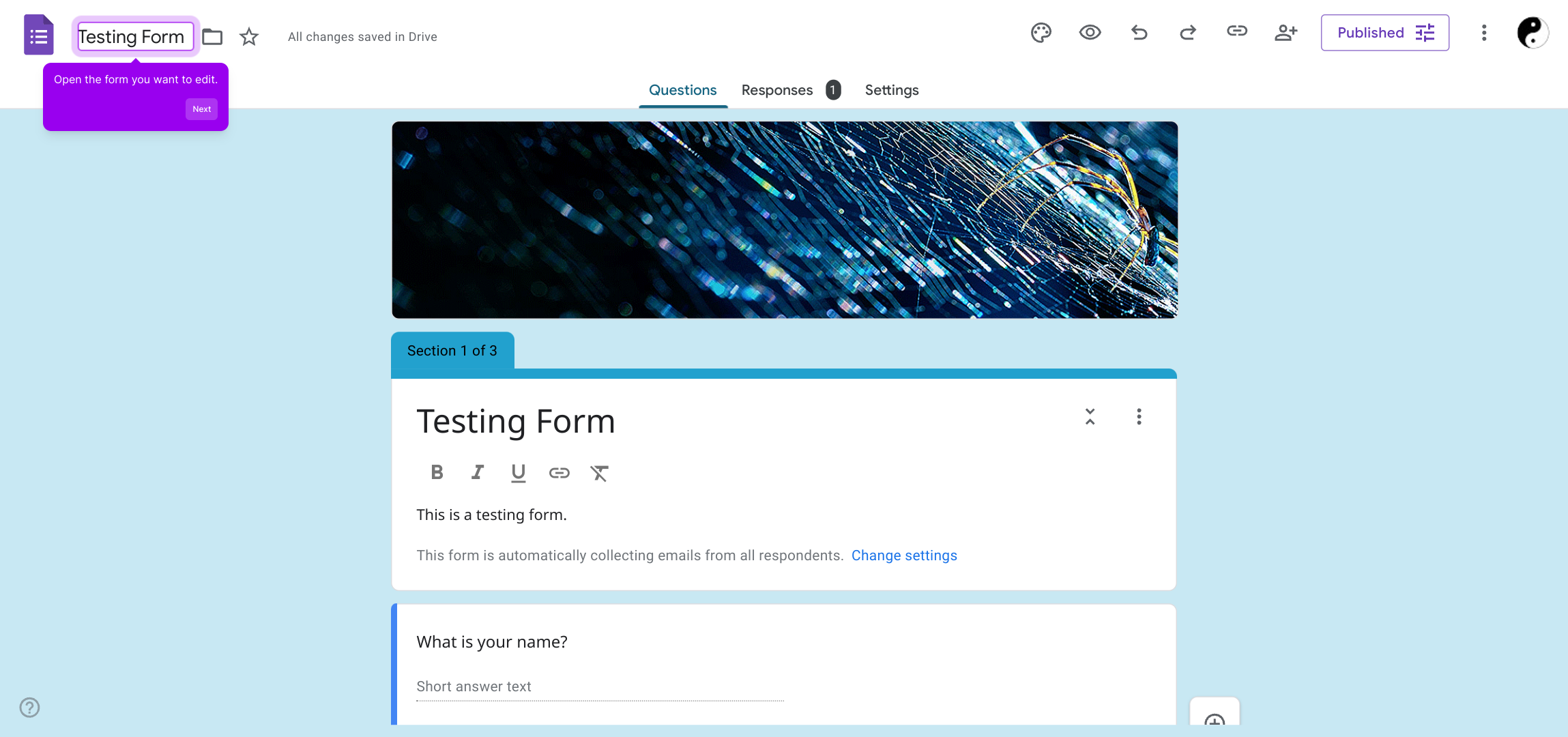
Once inside the form editor, find and select the "Settings" option. This section contains all the configurable options that control how your form behaves and processes responses.
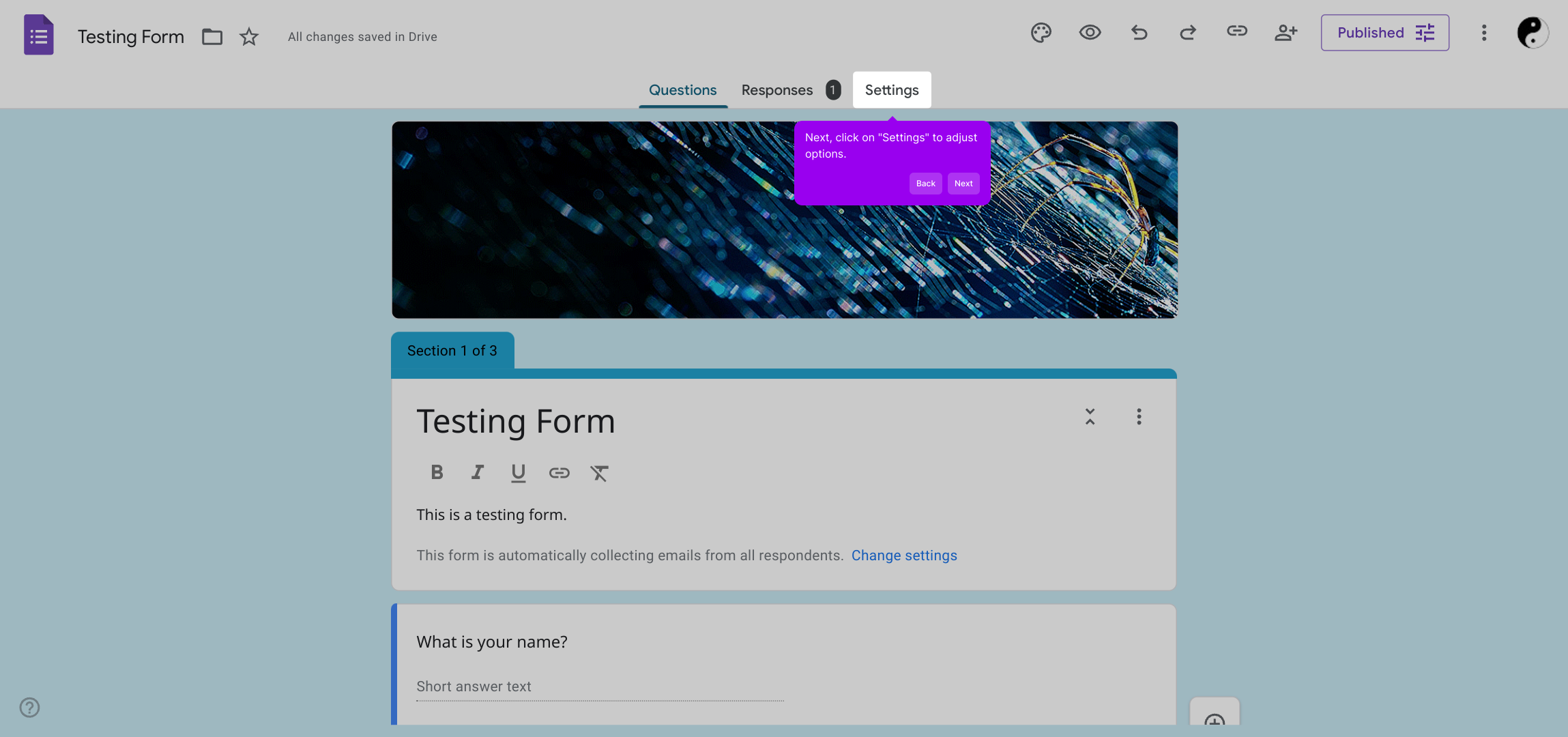
Within the settings, look for the responses drop-down menu. This allows you to manage how form responses are handled or viewed, offering you greater control over the collected data.
Next, decide the timing for sending copies of the form responses. This step is important for ensuring the right people receive updates at the appropriate moments.
To complete your setup, set the option to "always" send response copies. This guarantees continuous notifications without needing to revisit this setting.
With these steps finished, you’re ready to create a Supademo quickly and effortlessly, streamlining your workflow in just seconds.
Create your own interactive demos in < 5 mins with Supademo
You can create your own interactive product demo in minutes using Supademo. Drive growth, scale enablement, and supercharge product-led onboarding with Supademo. Sign up for free here with no credit card required.
FAQs
Commonly asked questions about this topic.
How do I enable confirmation emails in Google Forms?
Can I customize the confirmation email content?
Do respondents need to provide their email addresses?
Is there a way to send confirmation emails only sometimes?
Can I send confirmation emails without respondents logging in?
How can I test if confirmation emails are working?
Are confirmation emails sent instantly after submission?
Can I add attachments or images to confirmation emails?
Does enabling confirmation emails affect form analytics or storage?
Can I disable confirmation emails after initially enabling them?

Product Operations Associate
Vimal Kumar helps build and grow Supademo’s team and GTM efforts, with a focus on figuring out growth levers and improving product traction.




