How to add a label in Trello workspace

Labels in Trello help you organize and categorize cards by color, priority, or project type, making it easier to identify and filter tasks at a glance. This guide walks you through the process of creating a new label in your Trello workspace so you can start tagging cards immediately.
Quick summary
In this tutorial, you'll learn how to create a custom label in Trello from start to finish. You'll navigate to the Labels section and set up a new label that you can apply to any card in your workspace.
Why this matters
Custom labels are essential for visual organization and quick card identification, especially in boards with multiple projects or priority levels. By setting up labels early, you establish a consistent tagging system that improves team collaboration and task prioritization across your workspace.
Step-by-step guide
- 1
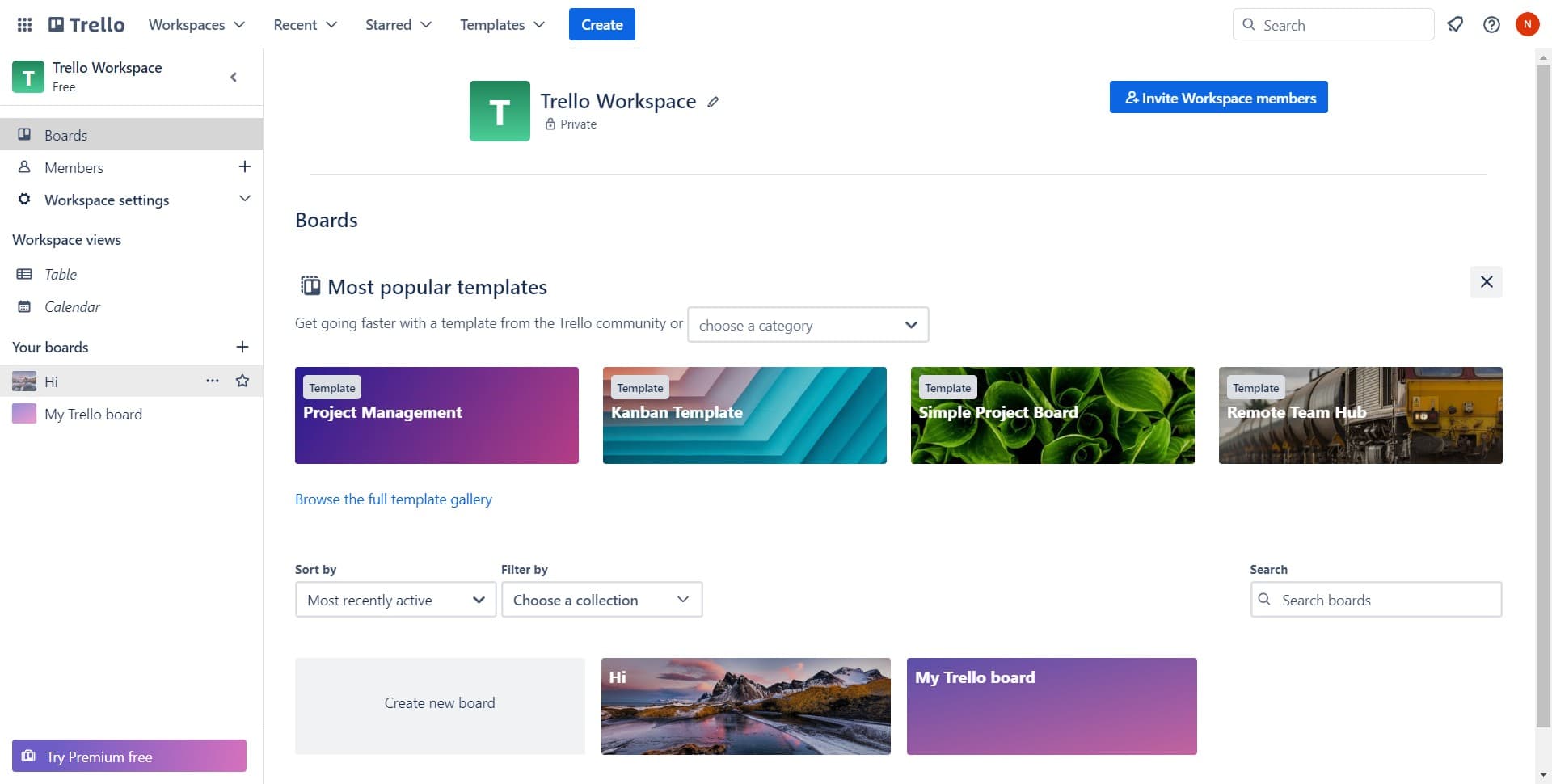
Click on the workspace menu
Start by clicking on the menu icon or workspace name to access your workspace settings. This opens the navigation panel where you can manage your Trello workspace options.
- 2
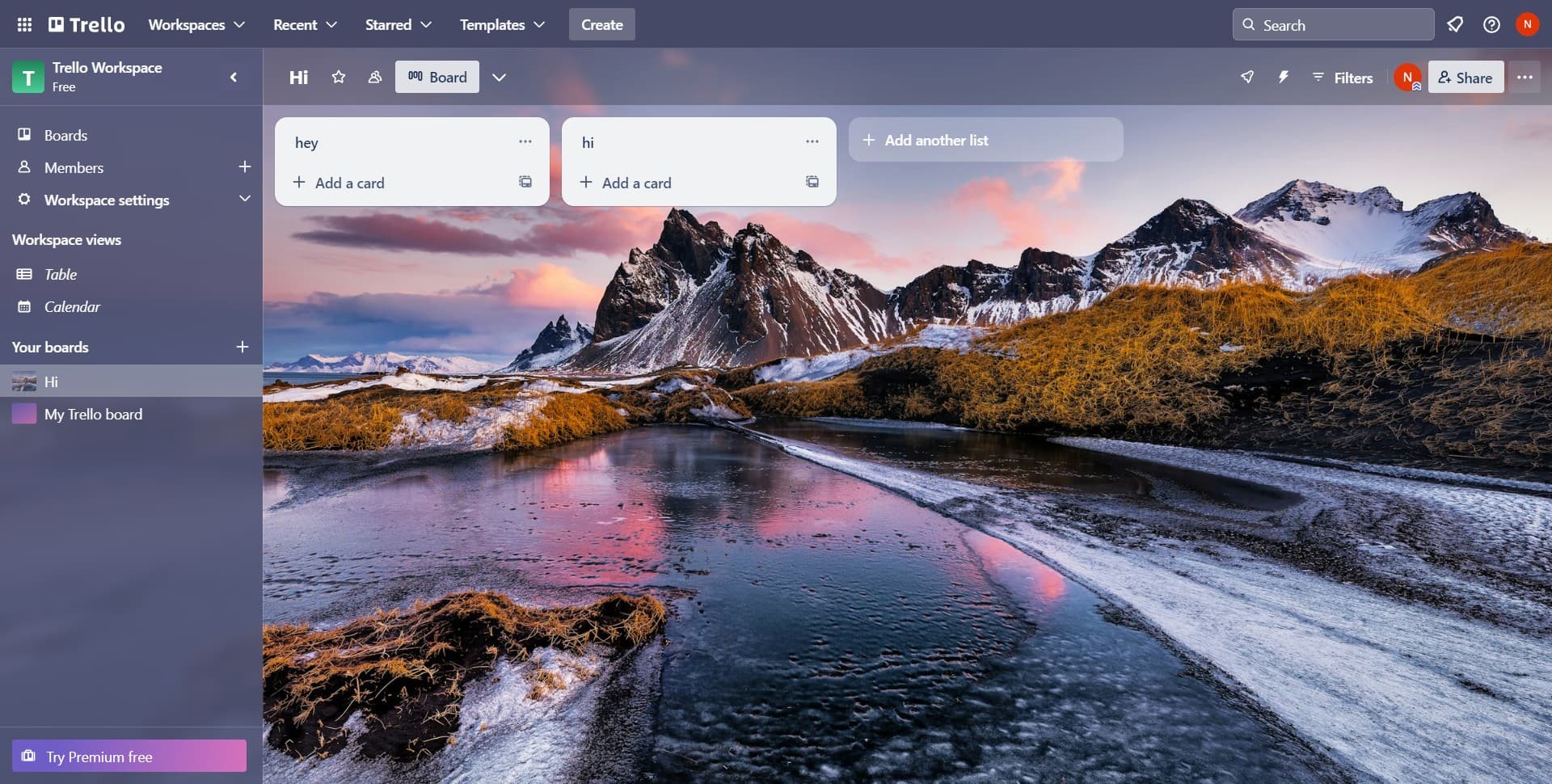
Navigate to the settings area
Click on the designated settings or menu option to reveal additional workspace management features. This brings you one step closer to the Labels section.
- 3
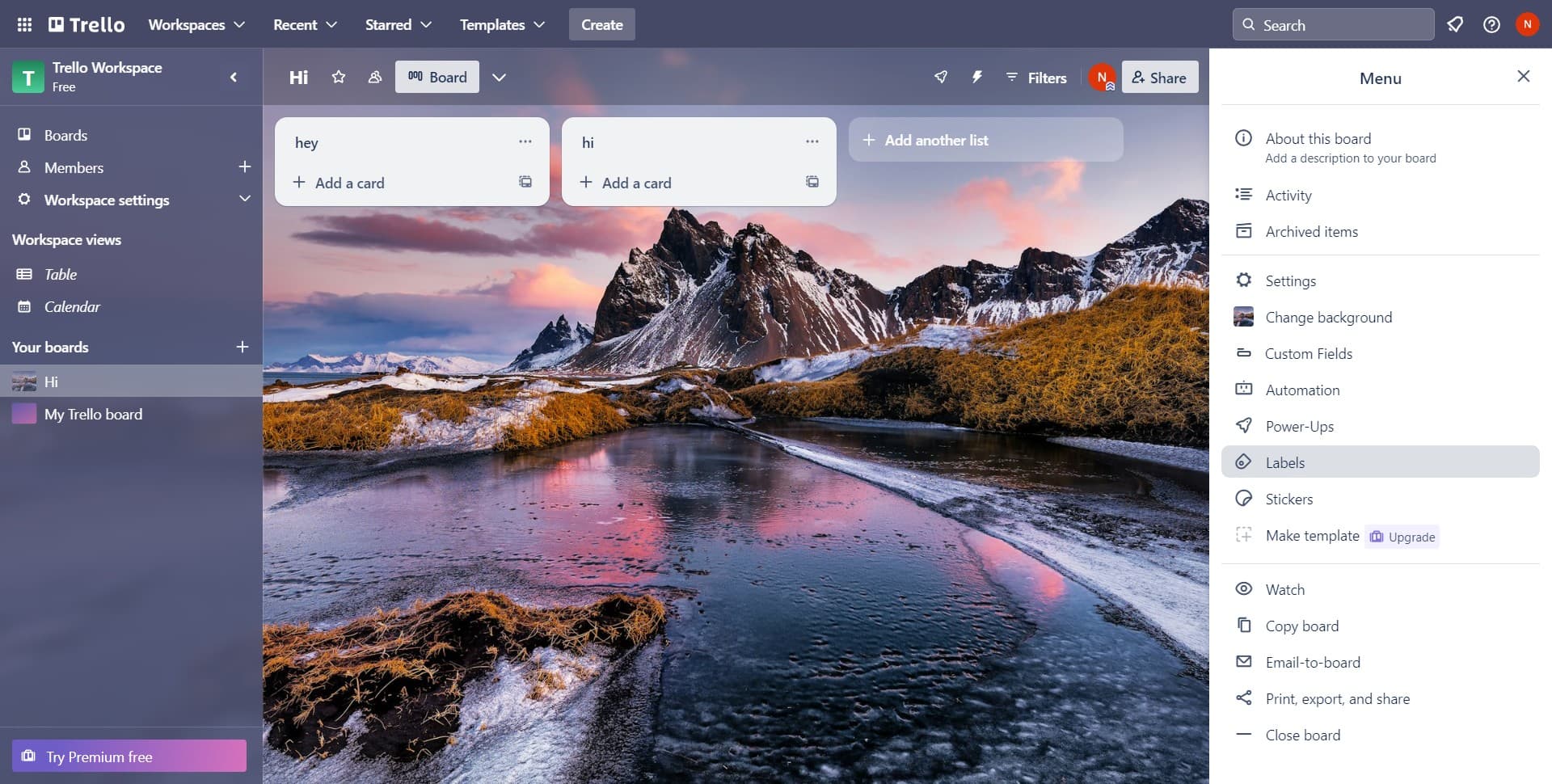
Open the Labels section
Click on Labels to view all existing labels in your workspace and access label creation tools. This is where you can manage and organize all labels for your workspace.
- 4
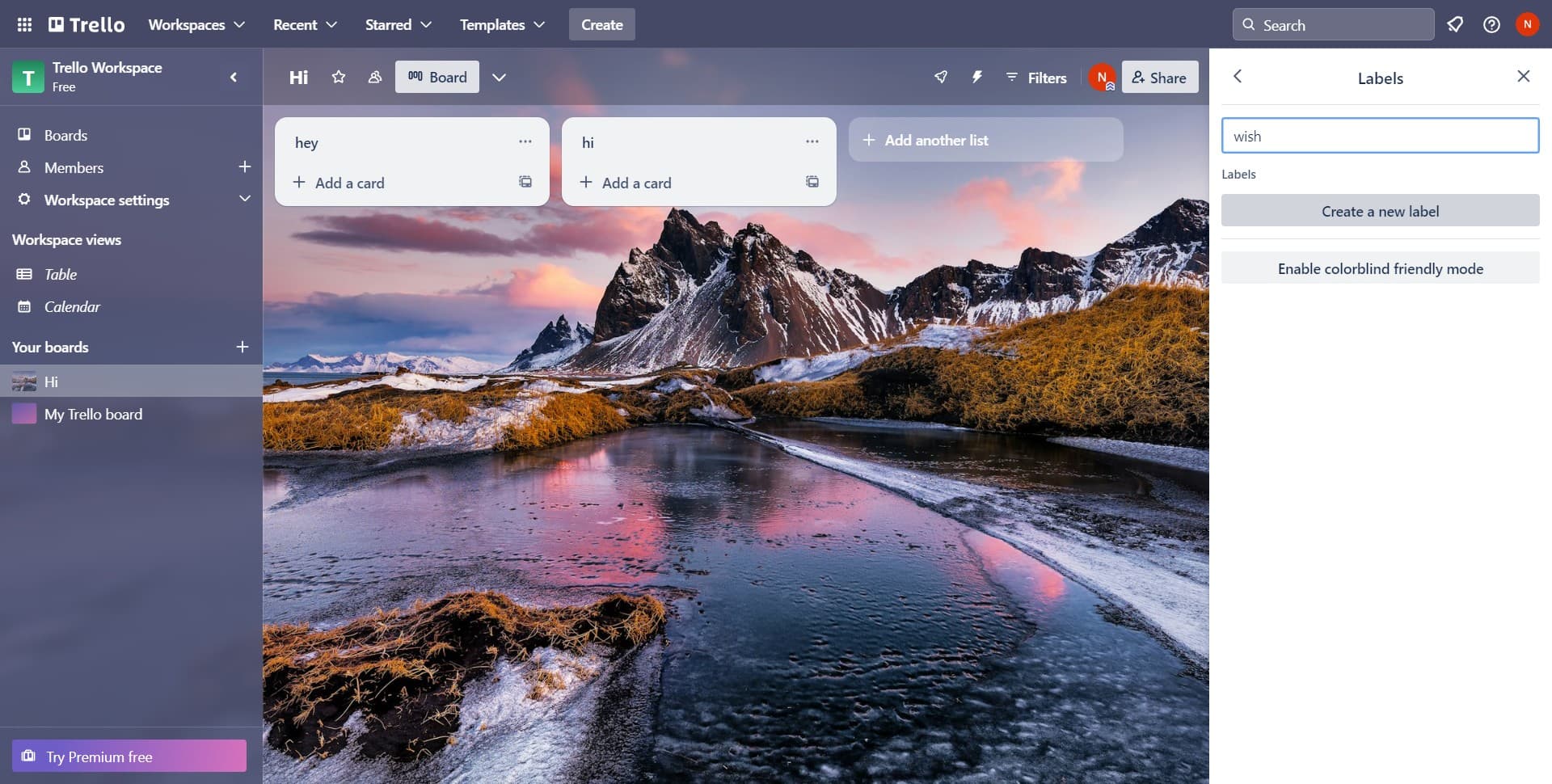
Select Create a new label
Click the Create a new label button to begin setting up your custom label. A form will appear where you can configure the label's name and color.
- 5
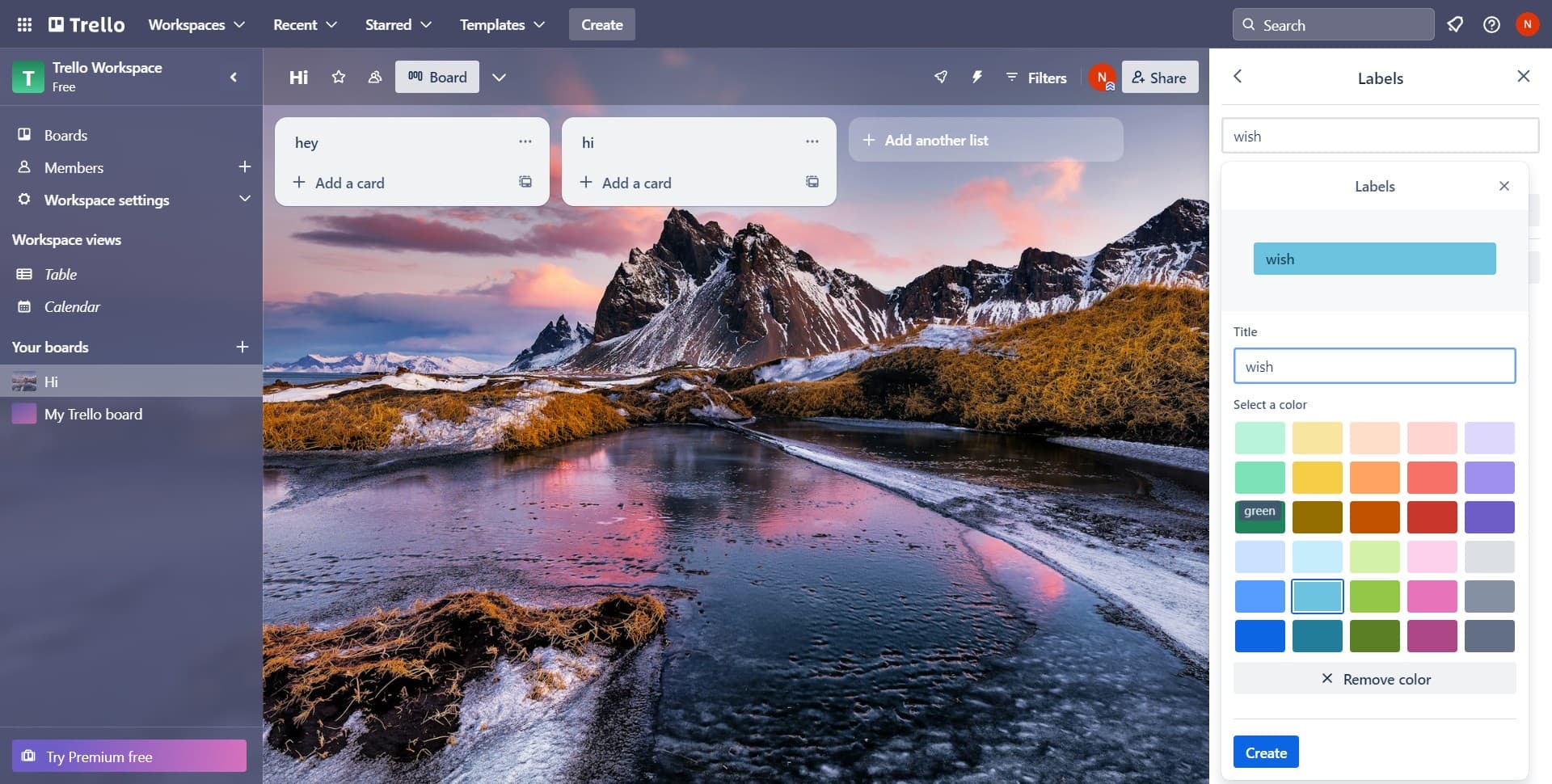
Enter label details
Fill in the label information such as its name and select a color that matches your organizational system. Make sure the label name is clear and descriptive for easy identification.
- 6
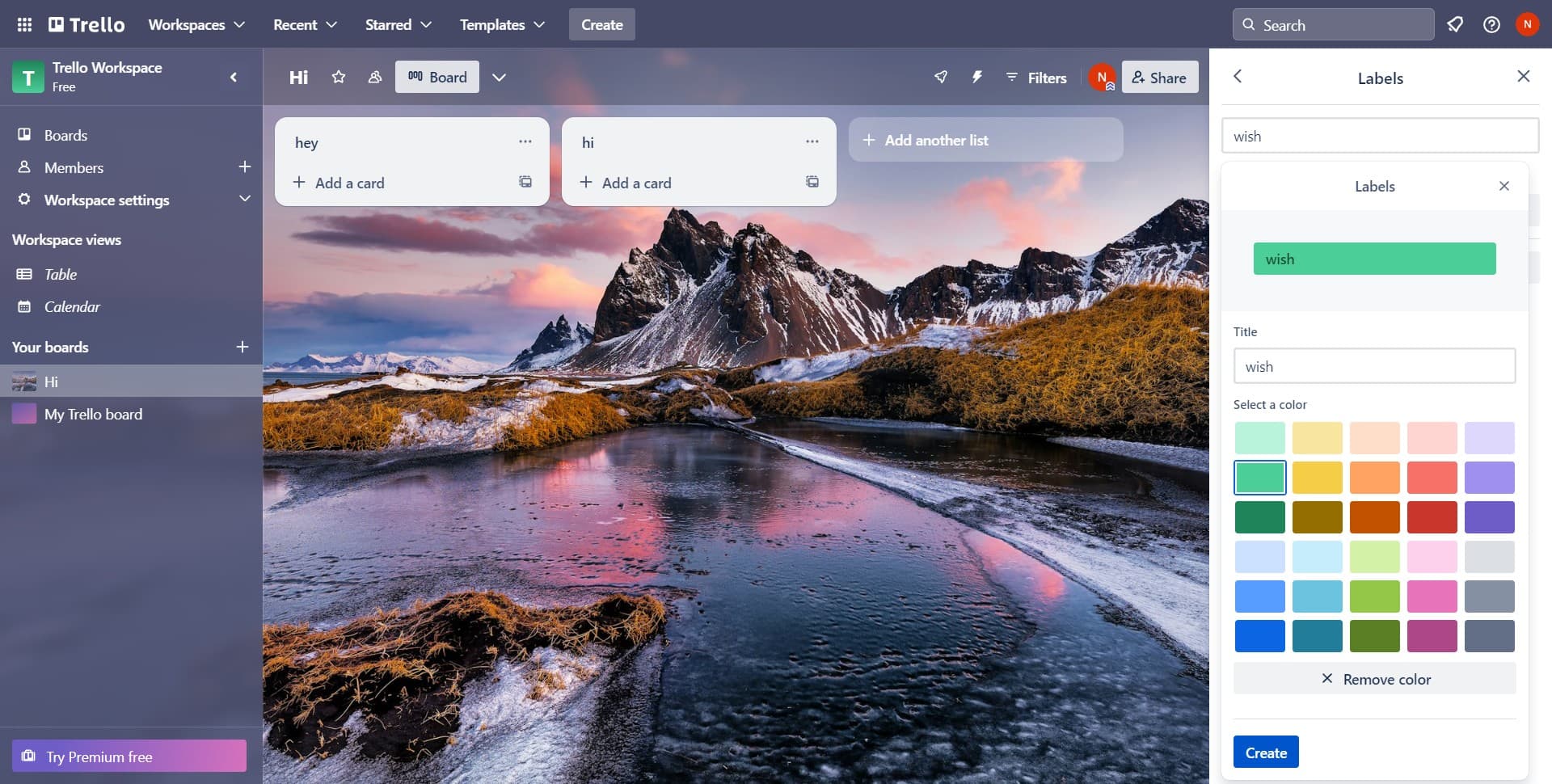
Confirm the label creation
Click the Create button to finalize and save your new label. Your label is now available to apply to cards throughout your Trello workspace.
Frequently asked questions
Common questions about how to add a label in trello workspace.
Can I change a label's color or name after creating it?
Yes, you can edit a label anytime by accessing the Labels section in your workspace settings and selecting the label you want to modify. Simply update the name or color and save your changes. The updates will apply to all cards that use that label.
How many labels can I create in Trello?
Trello doesn't impose a strict limit on the number of labels you can create in a workspace. However, it's best practice to keep your label system manageable and organized to avoid overwhelming your team with too many options.
Can multiple team members see and use the labels I create?
Yes, labels created in your workspace are visible to all team members with access to that workspace. Everyone can apply these labels to cards, ensuring consistent organization across your entire team.
What's the best way to name labels for clarity?
Use clear, concise names that describe the label's purpose, such as priority levels (Urgent, High, Low), project types (Design, Development, QA), or status indicators (In Review, Blocked). Avoid vague names that could confuse team members about their intended use.
Can I delete a label from my workspace?
Yes, you can delete a label from the Labels section in your workspace settings. When you delete a label, it will be removed from all cards that have it, so proceed carefully if the label is in active use.