
What is LastPass?
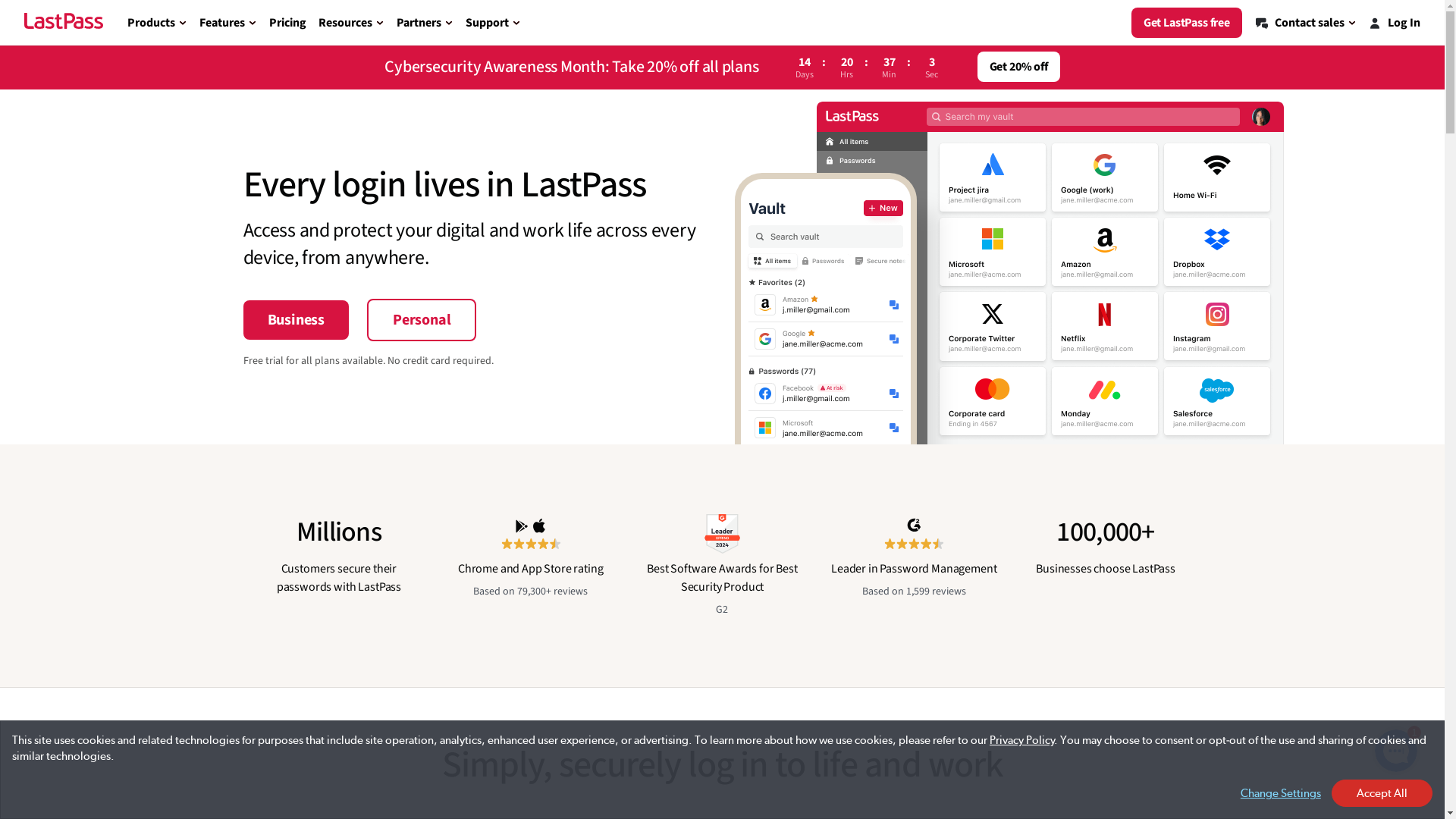
LastPass is a password management service that helps users securely store and manage their passwords and sensitive information. It offers a convenient way to auto-fill login credentials and synchronize them across multiple devices, ensuring easy access while maintaining security. LastPass uses robust encryption methods to protect user data, making it a trusted choice for both personal and professional use.
Who is LastPass best suited for?
LastPass is best suited for professionals like Product Marketers, IT administrators, and remote workers. For Product Marketers, it streamlines the management of numerous accounts, ensuring secure access to various tools needed for their campaigns. IT administrators can use it to manage employee access to critical systems, reducing security risks. Additionally, remote workers benefit from seamless synchronized access across devices, enhancing productivity while maintaining security.
How to Add the LastPass Extension to Chrome
Common FAQs on How to Add the LastPass Extension to Chrome
Commonly asked questions about this topic.
How do I install LastPass in Chrome?
Why can't I see the LastPass icon in the Chrome toolbar?
Do I need an account to use LastPass on Chrome?
Is LastPass free on Chrome?
How do I update LastPass in Chrome?
Enjoyed this interactive product demo of LastPass?

Product Operations Associate
Vimal Kumar helps build and grow Supademo’s team and GTM efforts, with a focus on figuring out growth levers and improving product traction.


