
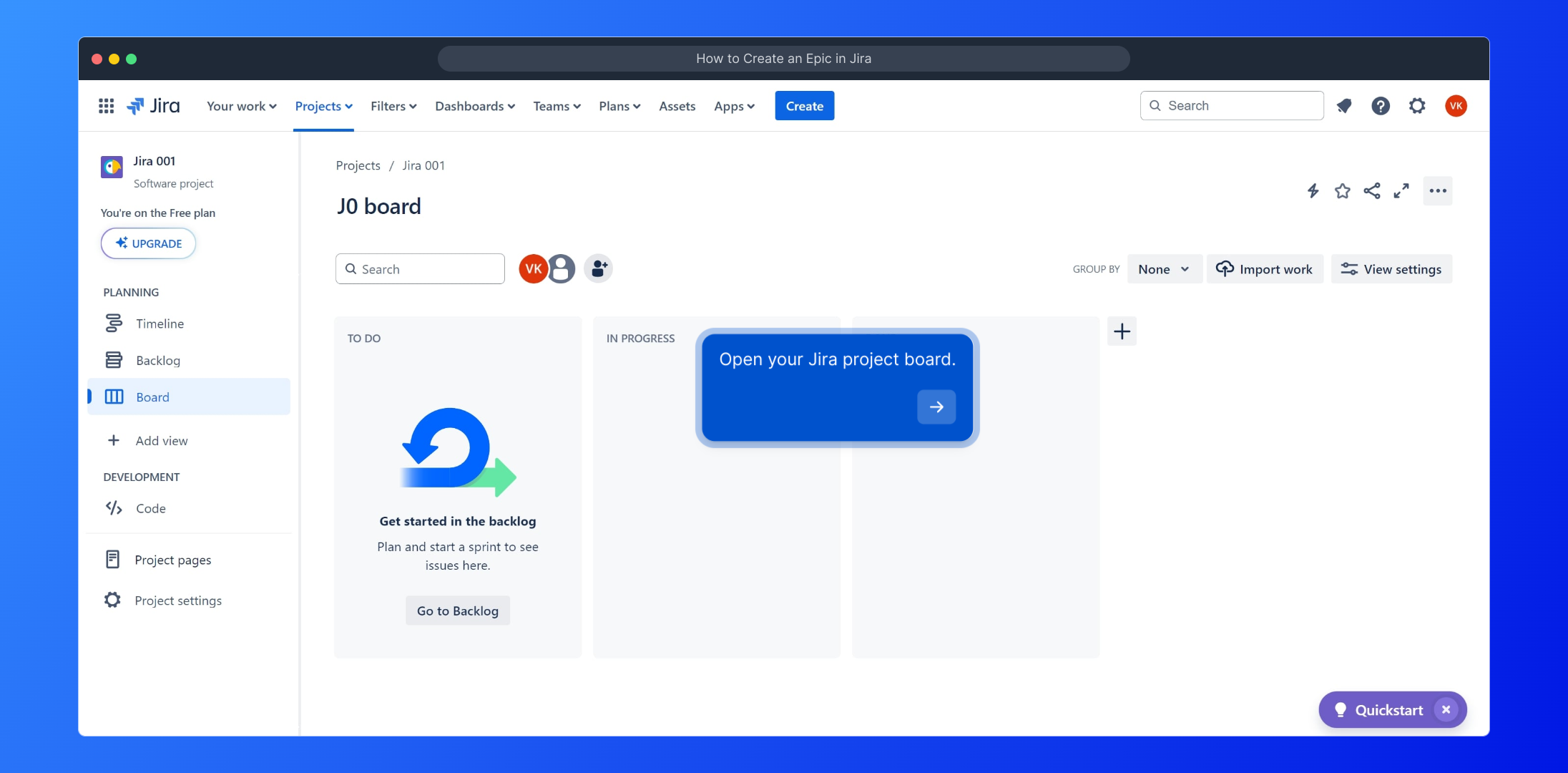
1. Open your Jira project board.
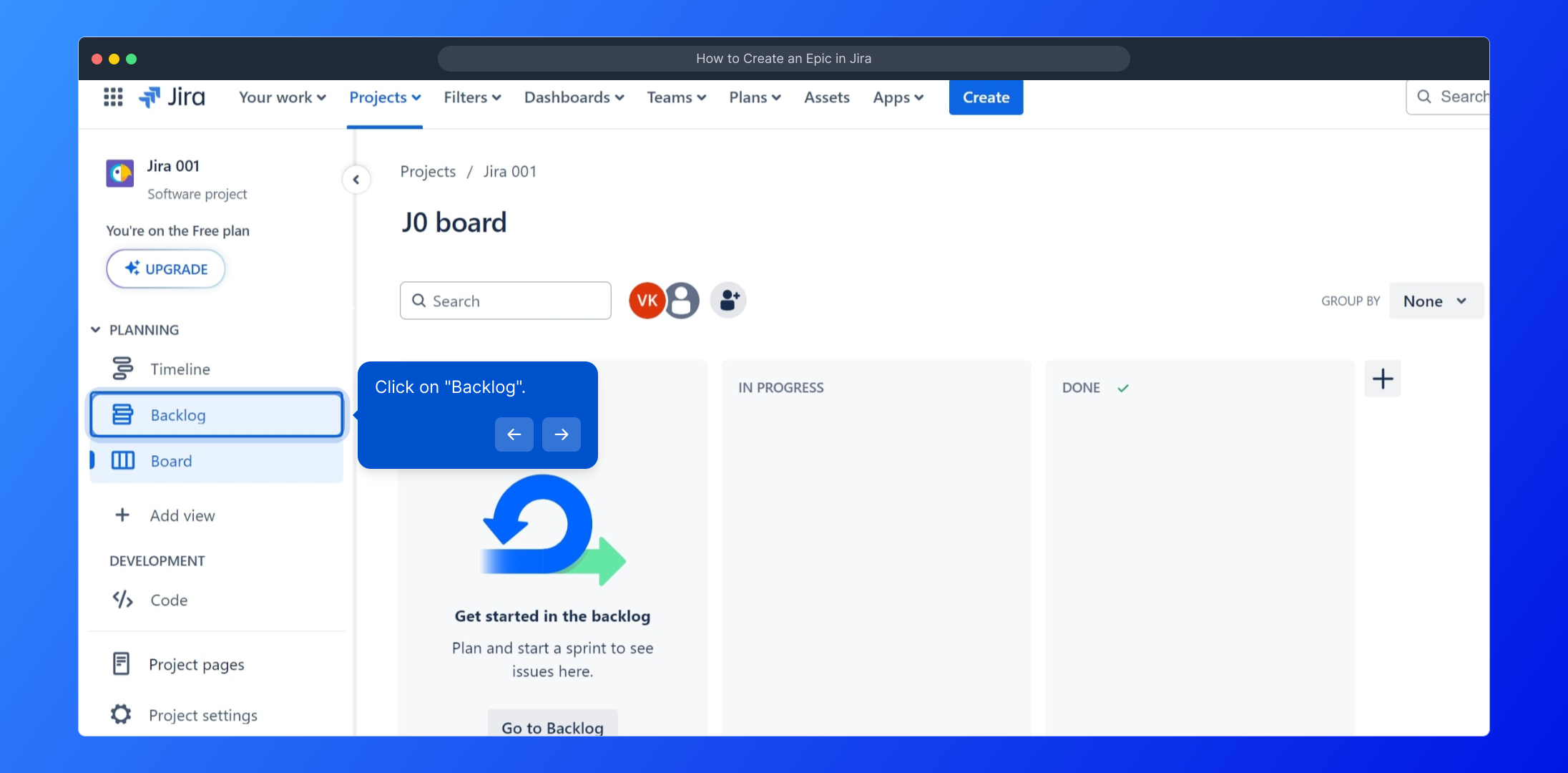
2. Click on "Backlog".
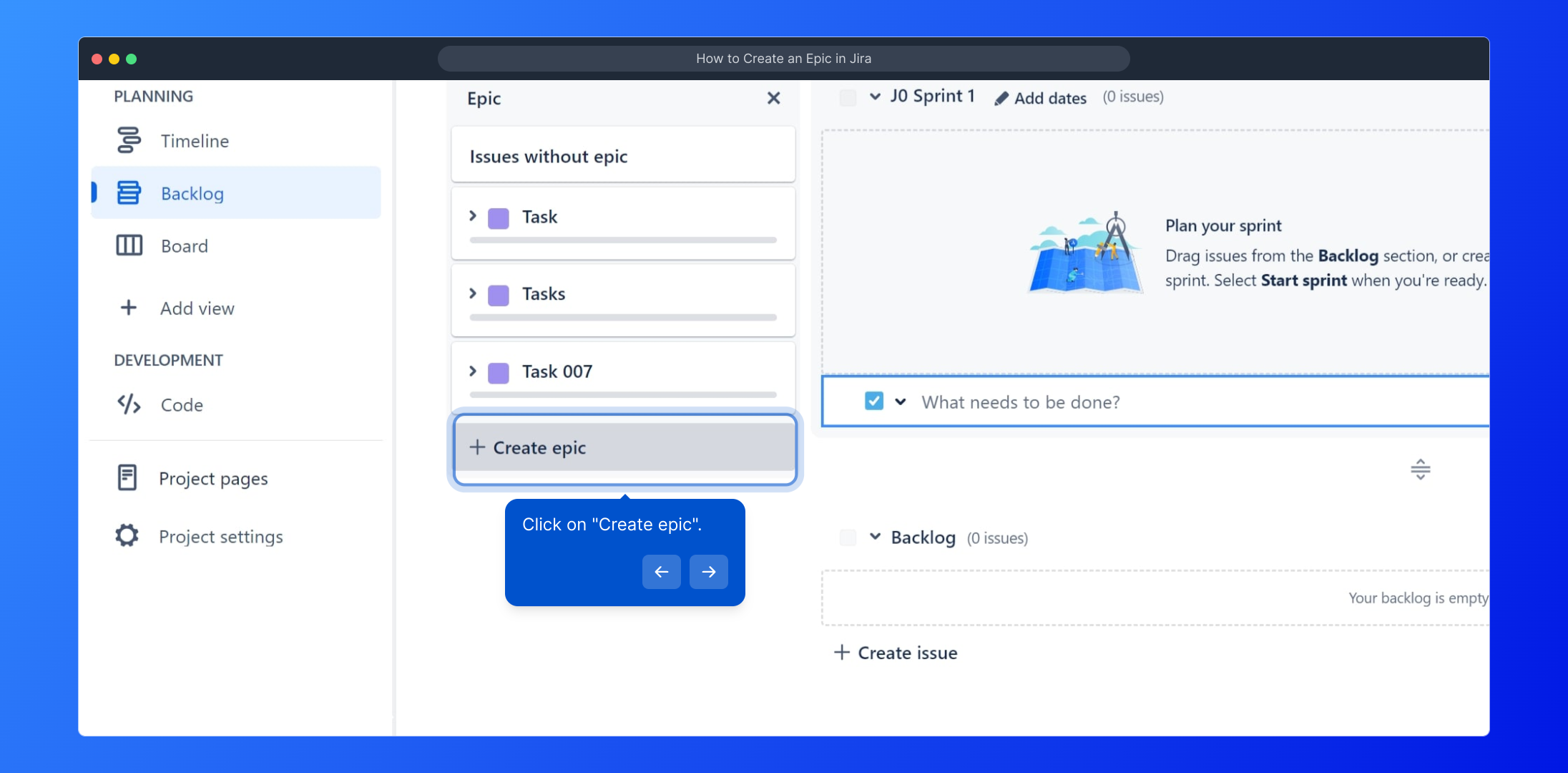
3. Click on "Create epic".
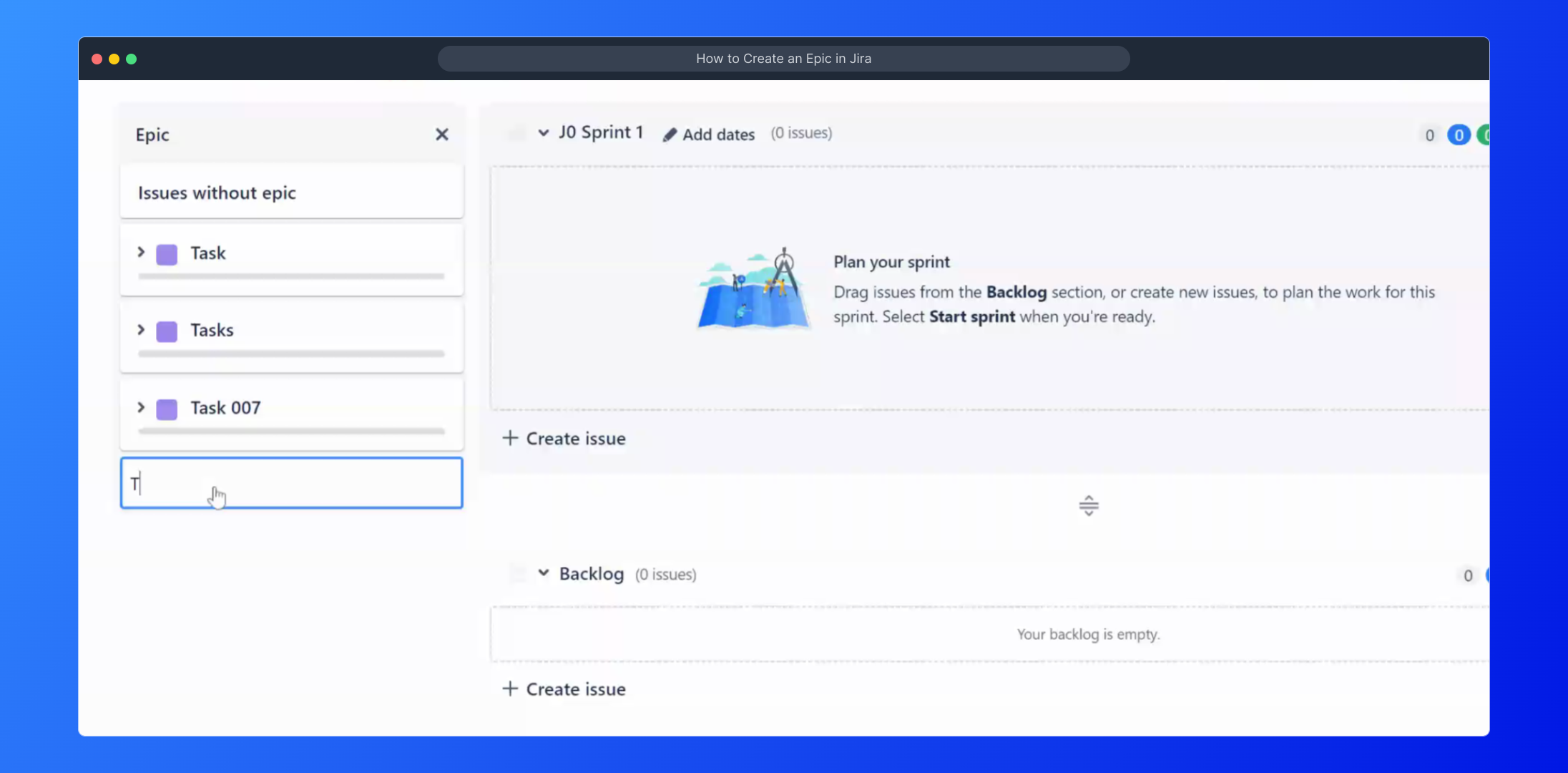
4. Video Step (
5. Your epic is ready
6. Transform Your Project Planning
This interactive demo/guided walkthrough on How to Create an Epic in Jira was created using Supademo.
How to Create an Epic in Jira : Step-by-Step Guide
Start by navigating to your Jira project board where you manage your tasks and workflows. This is the central hub for all your project activities.
Once on your project board, look for the "Backlog" section in the sidebar. Clicking here will show you all upcoming and unassigned work items waiting to be organized.
In the "Backlog" view, locate the option labeled "Create epic." Selecting this allows you to define a large body of work to group related tasks and stories effectively.
Need a quick walkthrough? Watch this step-by-step video guide to see exactly how to create an epic within Jira and understand its benefits.
(
Congratulations! Your new epic has been created and is ready to organize your larger project initiatives into manageable parts that your team can tackle.
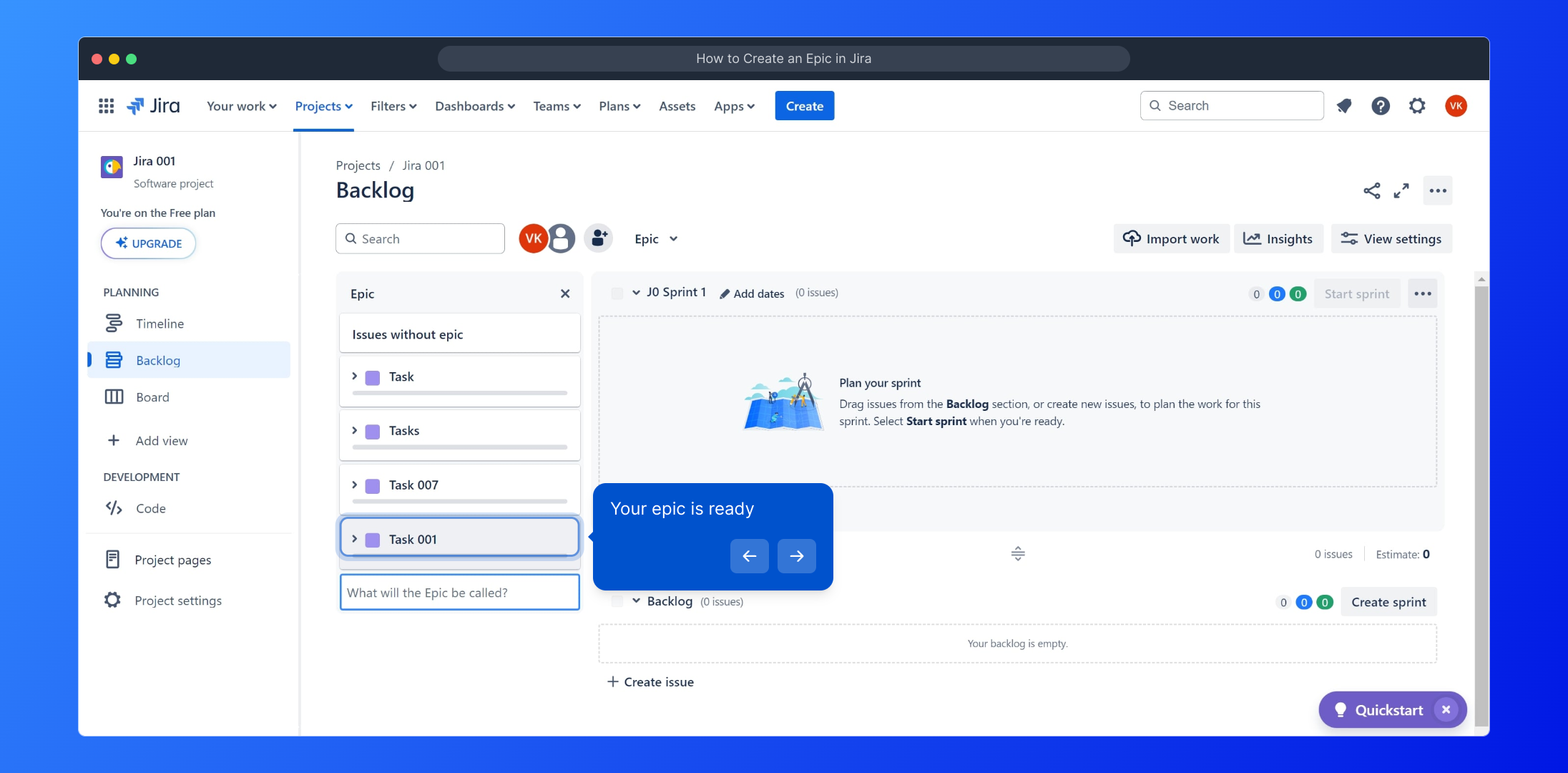
With your epic set up, you’re empowered to streamline your project planning. Use epic grouping to track progress and keep your team aligned towards your goals.
Create your own interactive demos in < 5 mins with Supademo
You can create your own interactive product demo in minutes using Supademo. Drive growth, scale enablement, and supercharge product-led onboarding with Supademo. Sign up for free here with no credit card required.
FAQs
Commonly asked questions about this topic.
What is an epic in Jira?
How do I create an epic in Jira?
Can I add tasks to an epic after its creation?
Is there a limit to the number of epics a project can have?
Can I edit epic details after creating it?
How do epics help in project planning?
Can I create an epic from a mobile device?
What is the difference between an epic and a story in Jira?
Can I delete an epic once created?
How do I track progress within an epic?

Product Operations Associate
Vimal Kumar helps build and grow Supademo’s team and GTM efforts, with a focus on figuring out growth levers and improving product traction.


