How to Sign Up for ChatGPT

Getting started with ChatGPT is quick and straightforward. This guide walks you through the sign-up process, from visiting the site to verifying your email. You'll be ready to start using ChatGPT's AI capabilities in just a few minutes.
Quick summary
In this tutorial, you'll learn how to create a ChatGPT account step by step. You'll navigate through the sign-up page, enter your information, and verify your email to complete the registration process.
Why this matters
Creating a ChatGPT account is your first step toward accessing one of the most powerful AI tools available today. A verified account ensures you can save your conversations, access advanced features, and maintain your conversation history across sessions.
Step-by-step guide
- 1
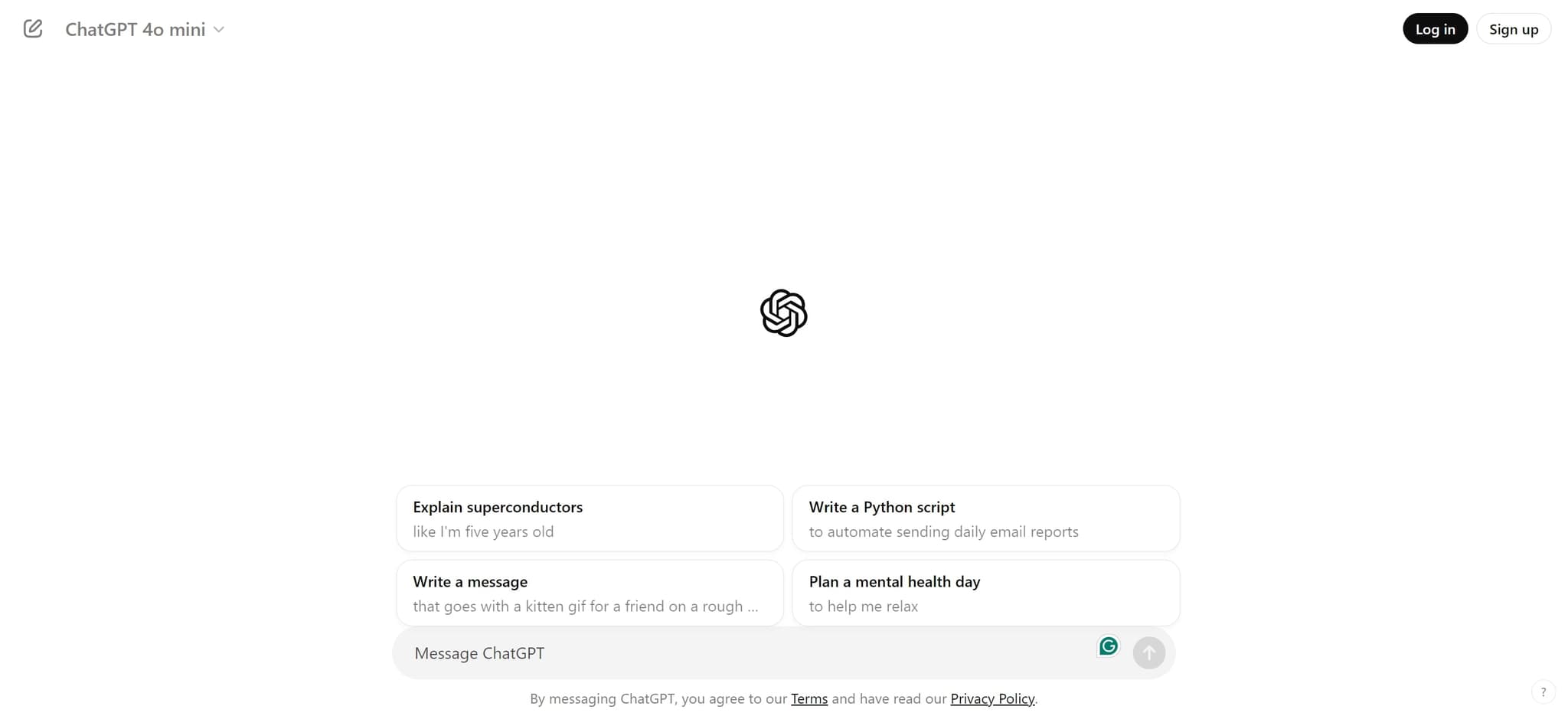
Visit the ChatGPT website
Navigate to the ChatGPT homepage by clicking the provided link. You'll arrive at the main landing page where you can begin the sign-up process.
- 2
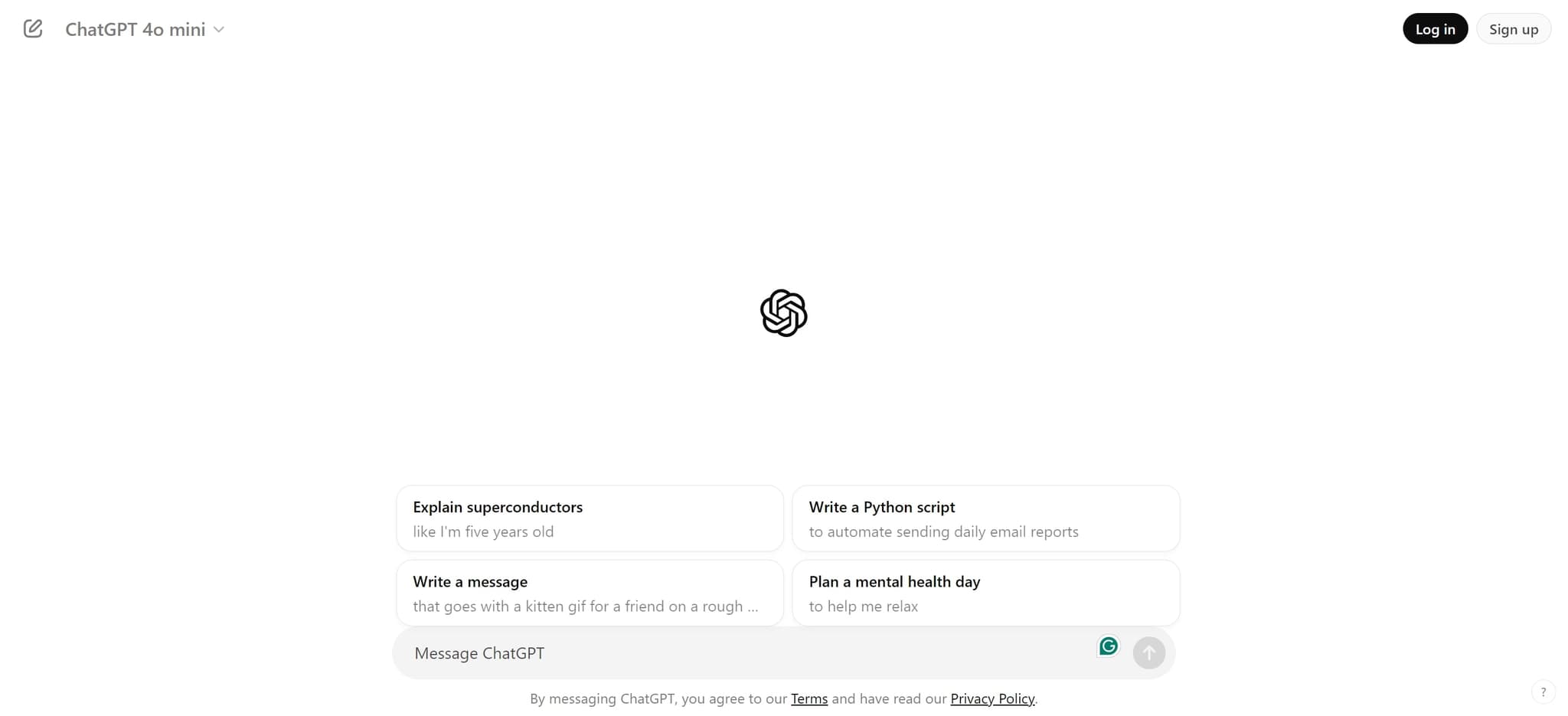
Click on Sign up
On the homepage, locate and click the 'Sign up' button. This will redirect you to the account creation page where you can enter your details.
- 3
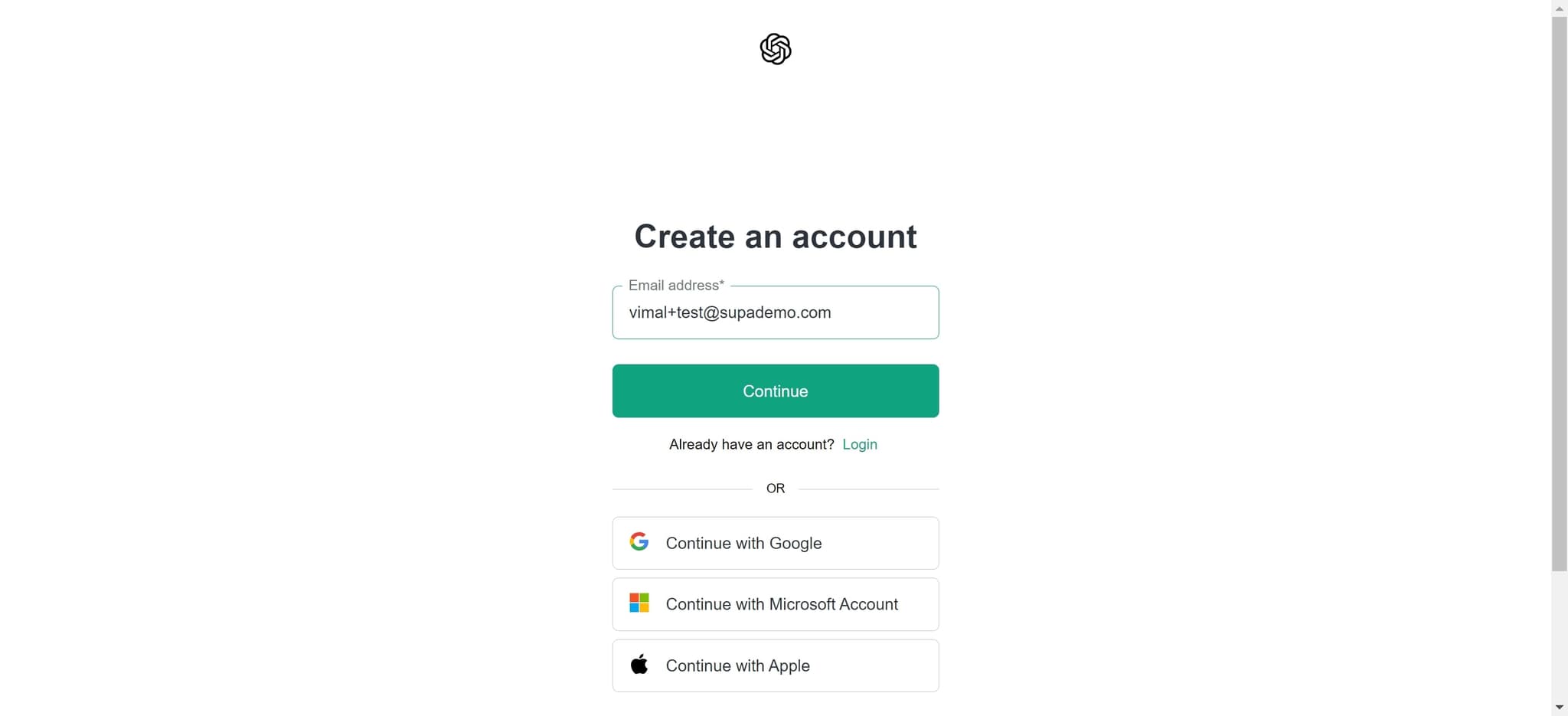
Create an account
Click on 'Create an account' to begin entering your information. You'll be prompted to provide your email address and set a password for your new account.
- 4
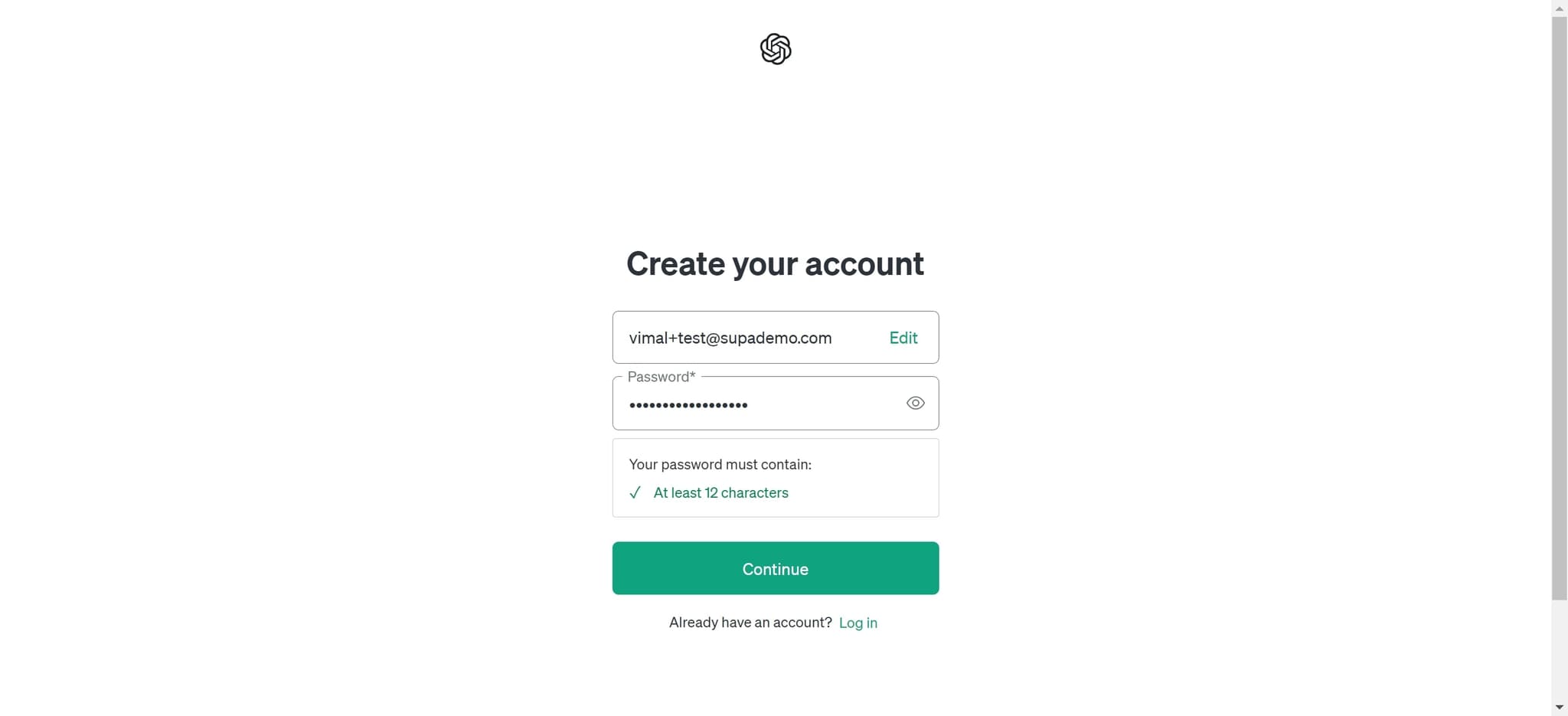
Click Continue
After entering your account details, click the 'Continue' button to proceed to the next step. This will advance you through the registration process.
- 5
Upload profile information
At this stage, you may be asked to upload or confirm additional profile details. Follow the on-screen prompts to complete any required information for your account.
- 6
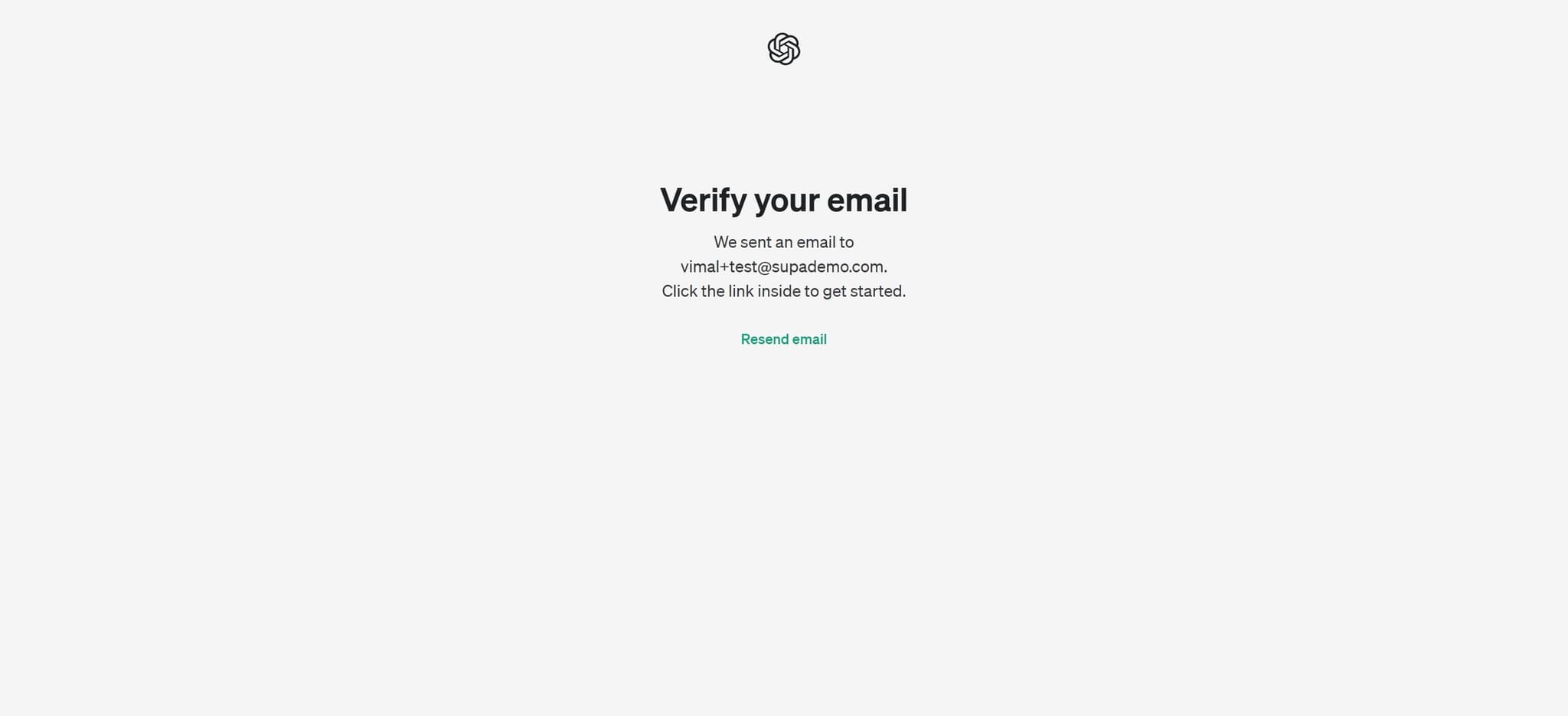
Verify your email
Click on 'Verify your email' to confirm your email address. ChatGPT will send a verification link to the email you provided during sign-up.
- 7
Complete email verification
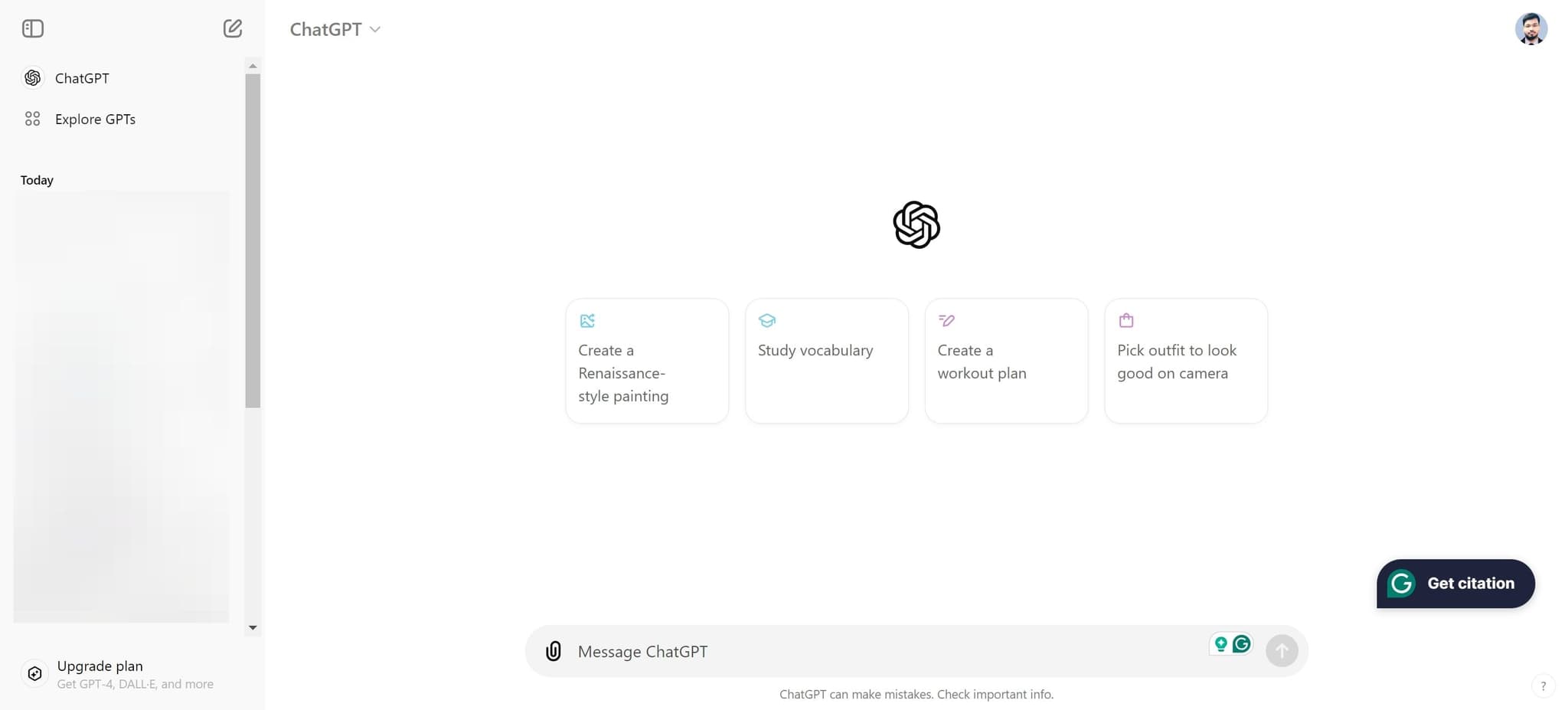
Check your email inbox for the verification message from ChatGPT and click the link provided. Once verified, your account will be fully activated and ready to use.
Frequently asked questions
Common questions about how to sign up for chatgpt.
Do I need to provide payment information to sign up for ChatGPT?
No, you can create a free ChatGPT account without providing any payment information. A credit card is only required if you want to upgrade to a paid plan or use additional premium features. The basic free tier allows you to access ChatGPT's core functionality.
How long does email verification take?
Email verification is typically instantaneous. The verification email from ChatGPT should arrive in your inbox within seconds of completing sign-up. If you don't see it, check your spam or junk folder, as verification emails sometimes get filtered there.
What should I do if I don't receive the verification email?
First, check your spam and junk folders. If the email isn't there, return to the sign-up page and request that the verification email be resent. Make sure you've entered your email address correctly during the registration process.
Can I use ChatGPT immediately after signing up?
Yes, once your email is verified, you can start using ChatGPT right away. Your account will be fully activated, and you can begin asking questions and having conversations with the AI. There's no additional waiting period required.
Is my personal information secure when signing up for ChatGPT?
ChatGPT uses industry-standard encryption and security protocols to protect your personal information during sign-up. Your email and password are securely stored, and OpenAI follows strict data protection practices. Always ensure you use a strong, unique password for your account.