How to sort fields in Airtable

Sorting fields in Airtable allows you to organize your data in a meaningful way, making it easier to find and analyze information at a glance. Whether you need to sort by a single field or multiple fields with different priorities, Airtable's sorting feature gives you flexible control over how your records are displayed.
Quick summary
In this tutorial, you'll learn how to sort fields in Airtable using both single and multi-field sort configurations. You'll discover how to apply primary and secondary sorts to organize your data by multiple criteria, helping you prioritize and filter records efficiently.
Why this matters
Effective data organization is critical for productivity. Sorting by relevant fields helps you quickly locate important records, identify patterns, and make better decisions based on your data. Multi-field sorting is especially powerful when you need to organize by priority—for example, sorting by status first, then by due date within each status.
Step-by-step guide
- 1
Click on the field header
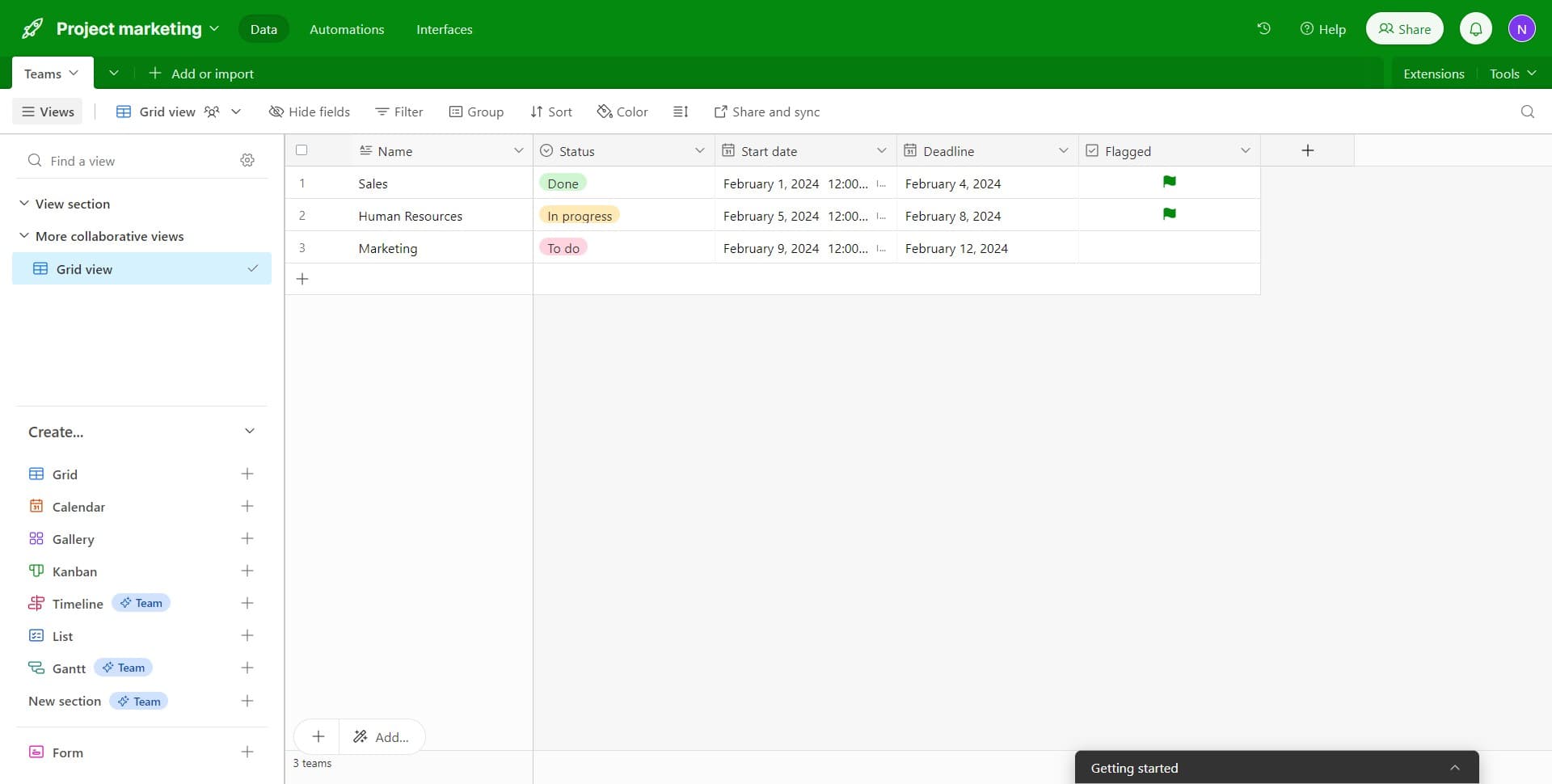
Start by clicking on the "Name" field header in your Airtable table. This selects the field and prepares it for sorting operations.
- 2
Select the Sort option
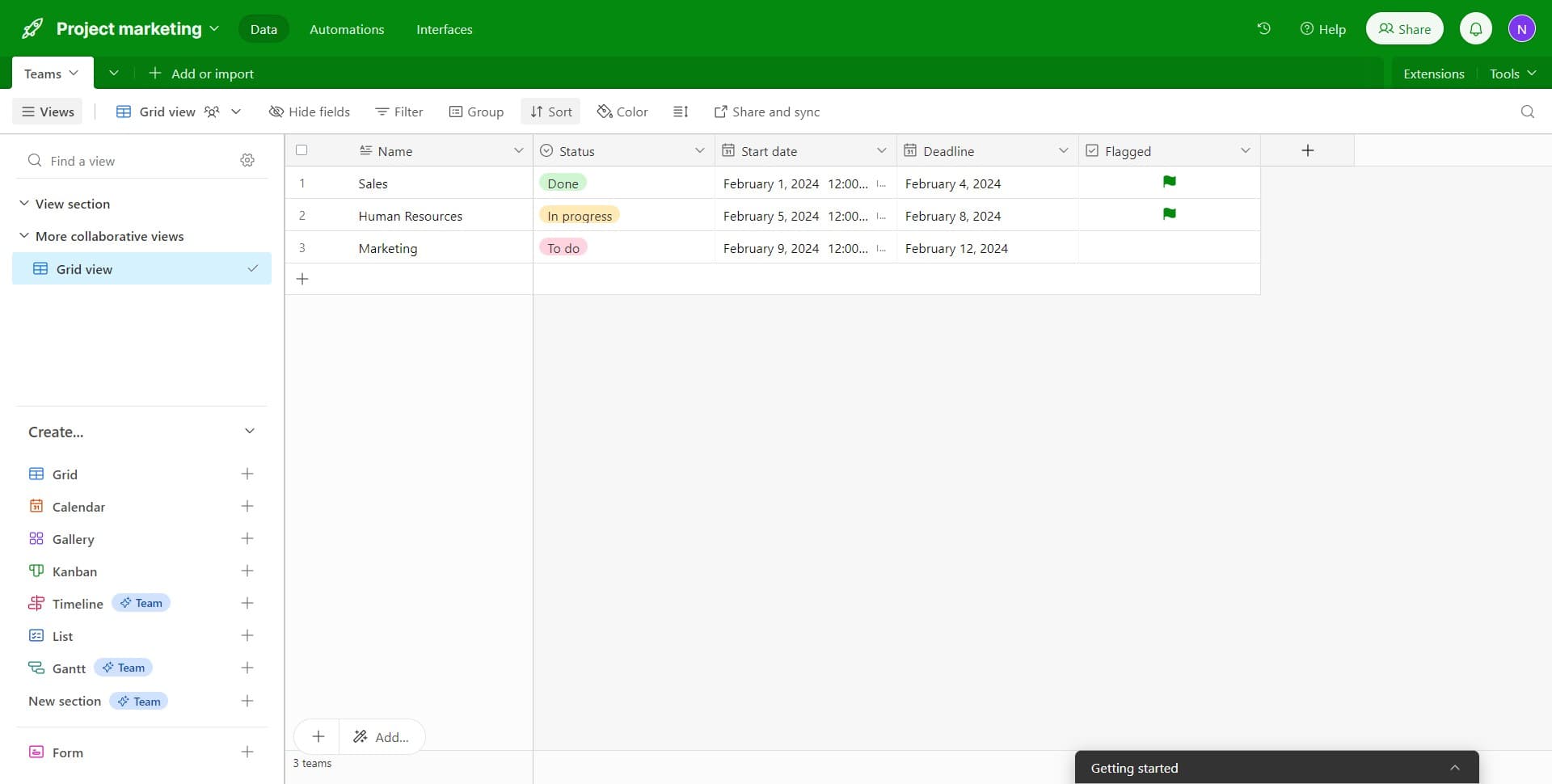
Click on the "Sort" button that appears in the menu. This opens the sorting configuration panel where you can define how to arrange your records.
- 3
Choose your primary sort field
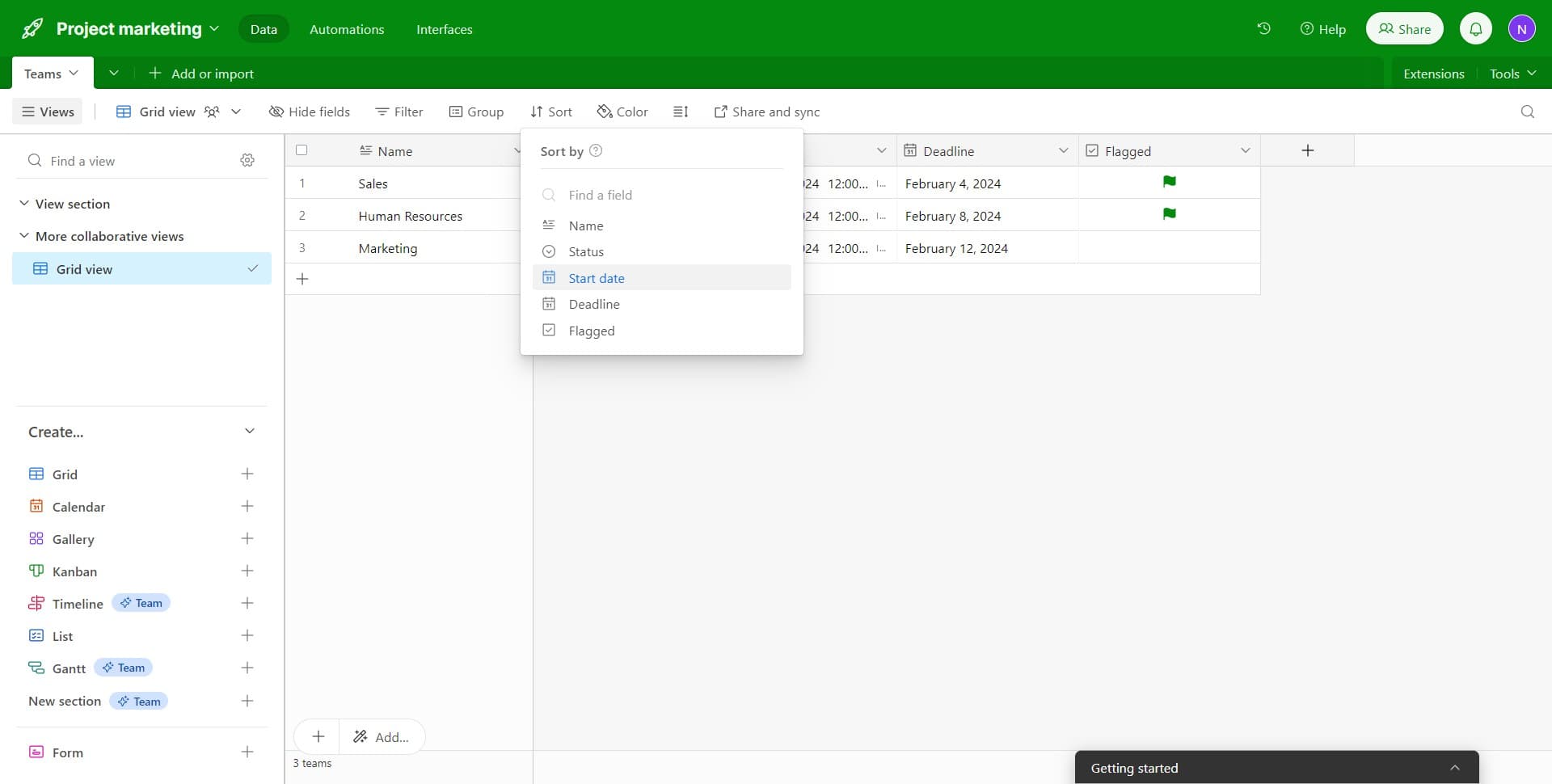
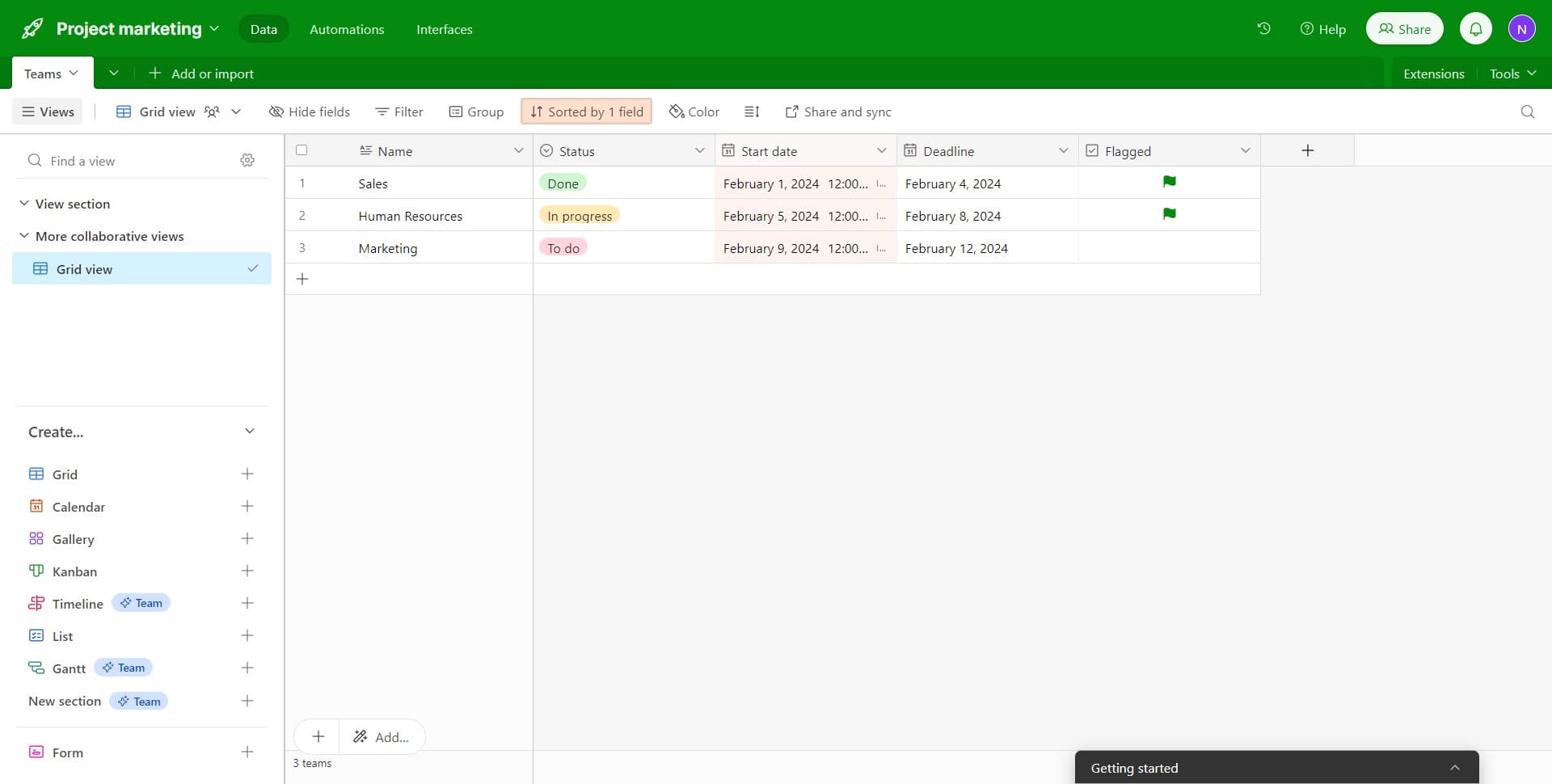
Click on "Start date" to set it as your primary sort field. This field will be used as the first criterion for organizing your records.
- 4
Set the sort direction
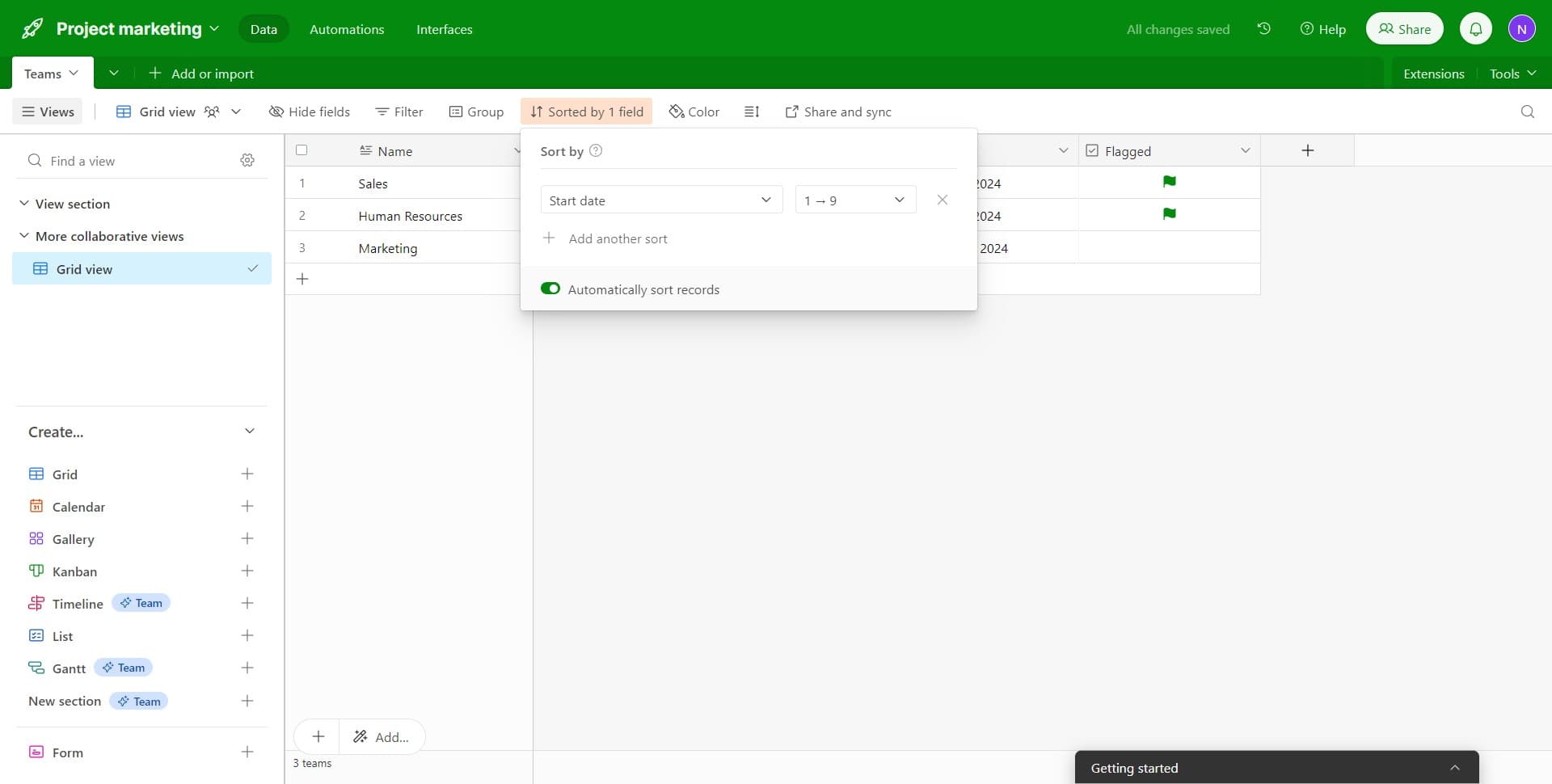
Click on "Start date Dead..." to configure the sort direction (ascending or descending). This determines whether records appear from earliest to latest or vice versa.
- 5
Confirm the primary sort
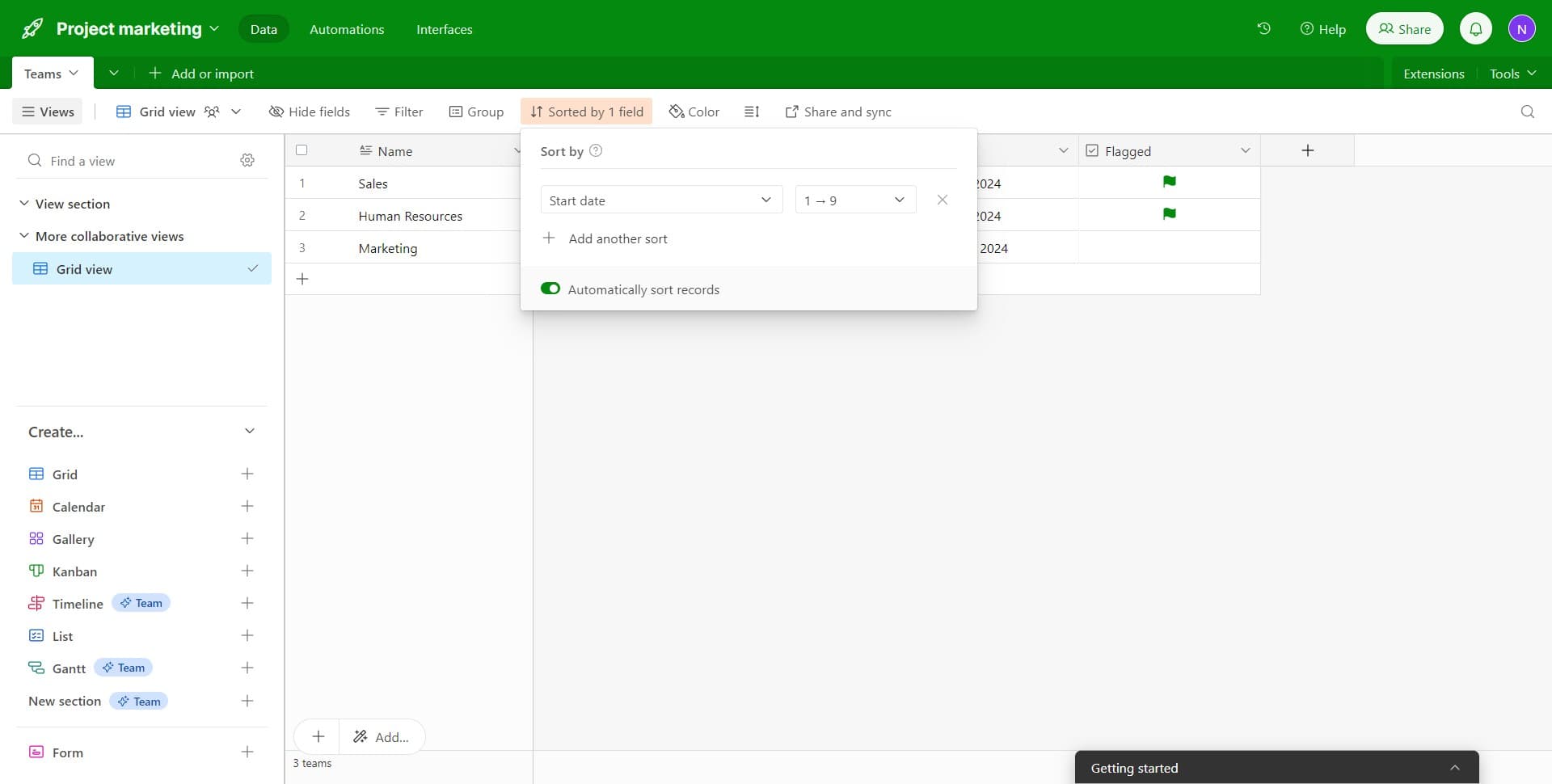
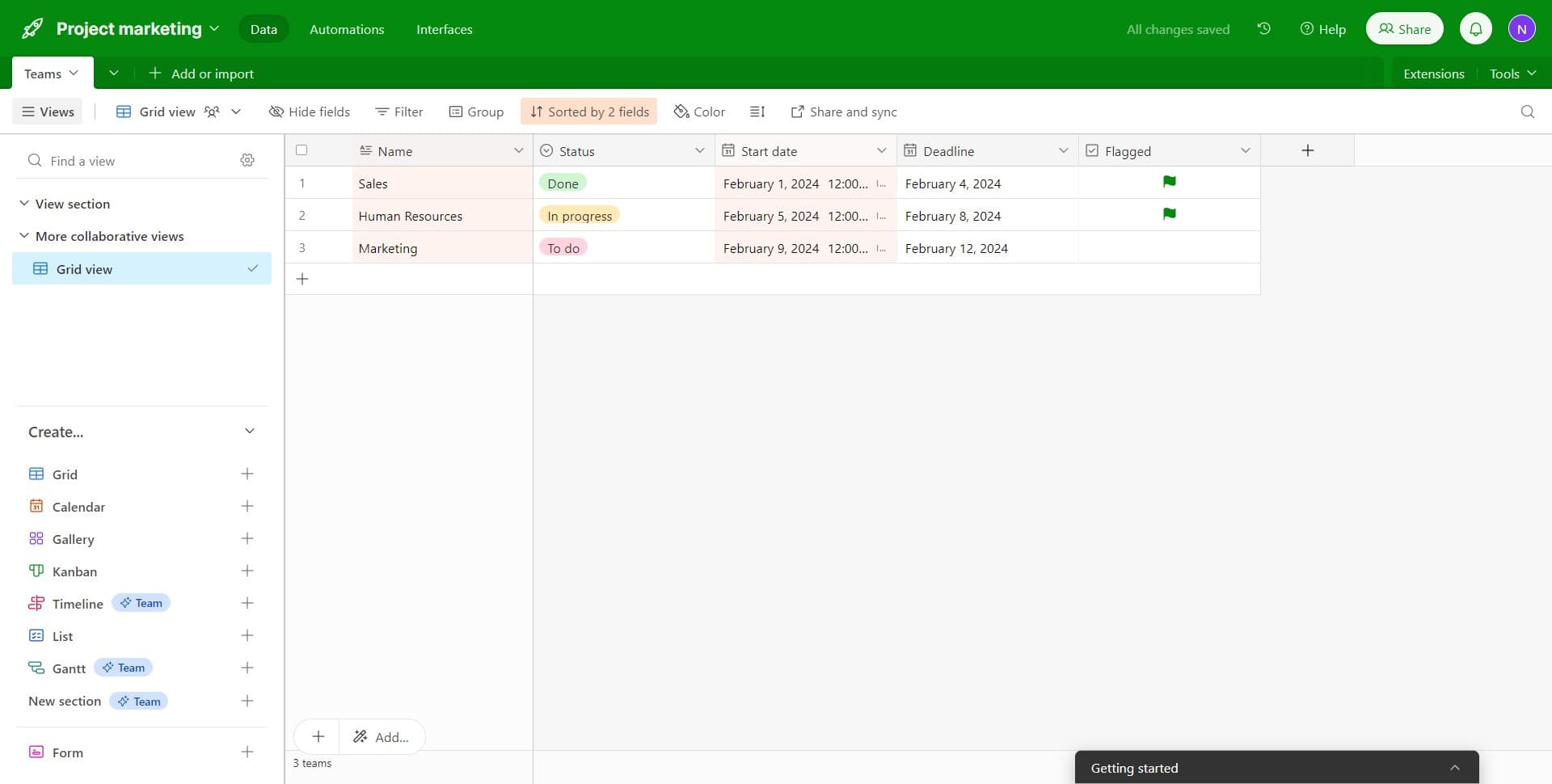
Click on "Sorted by 1 field" to confirm that your primary sort has been applied. You'll see this indicator showing the number of active sort criteria.
- 6
Add a secondary sort field
Click on "Add another sort" to layer in an additional sorting criterion. This allows you to organize records by a second field within each group of your primary sort.
- 7
Select the secondary sort field
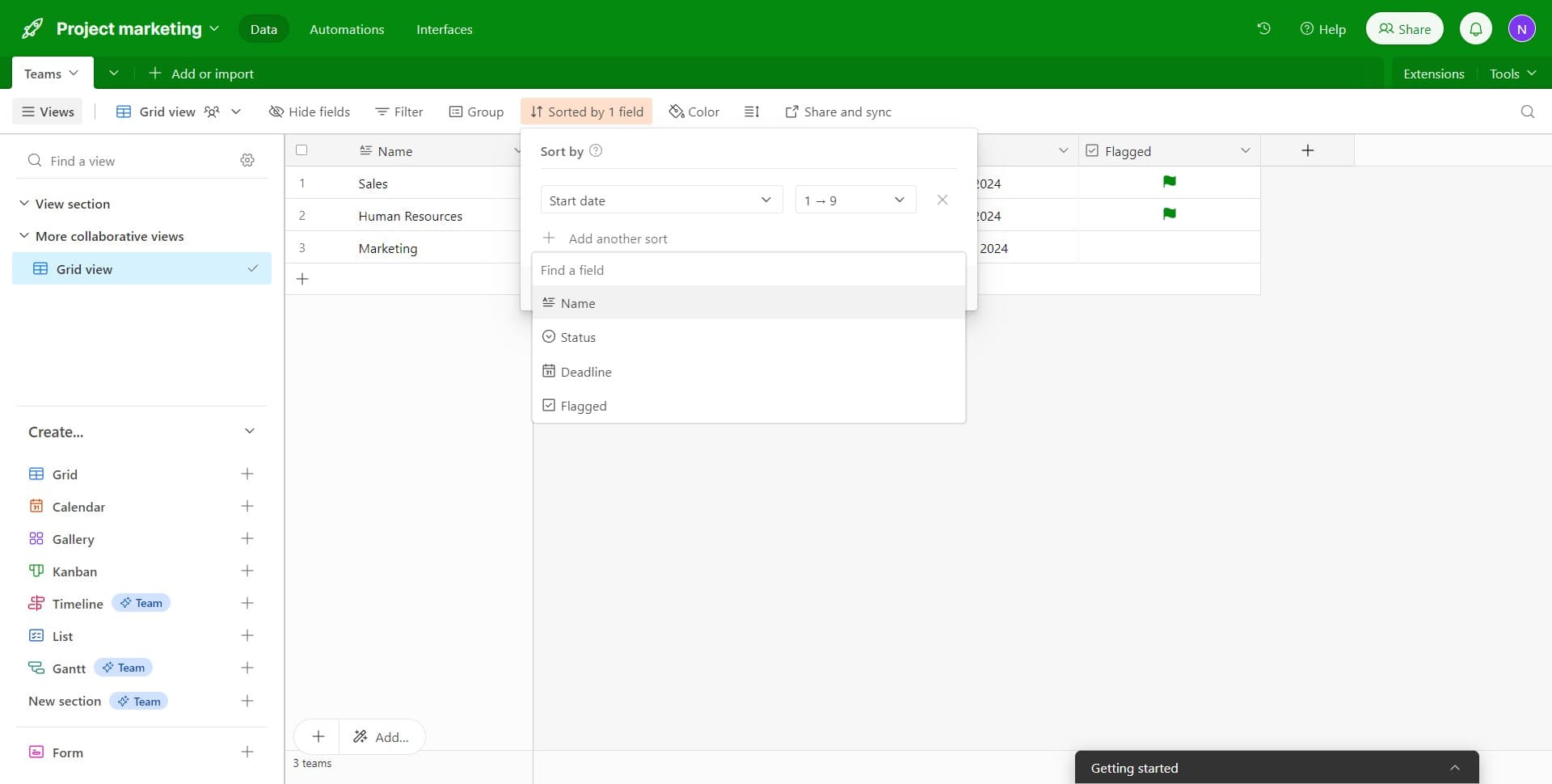
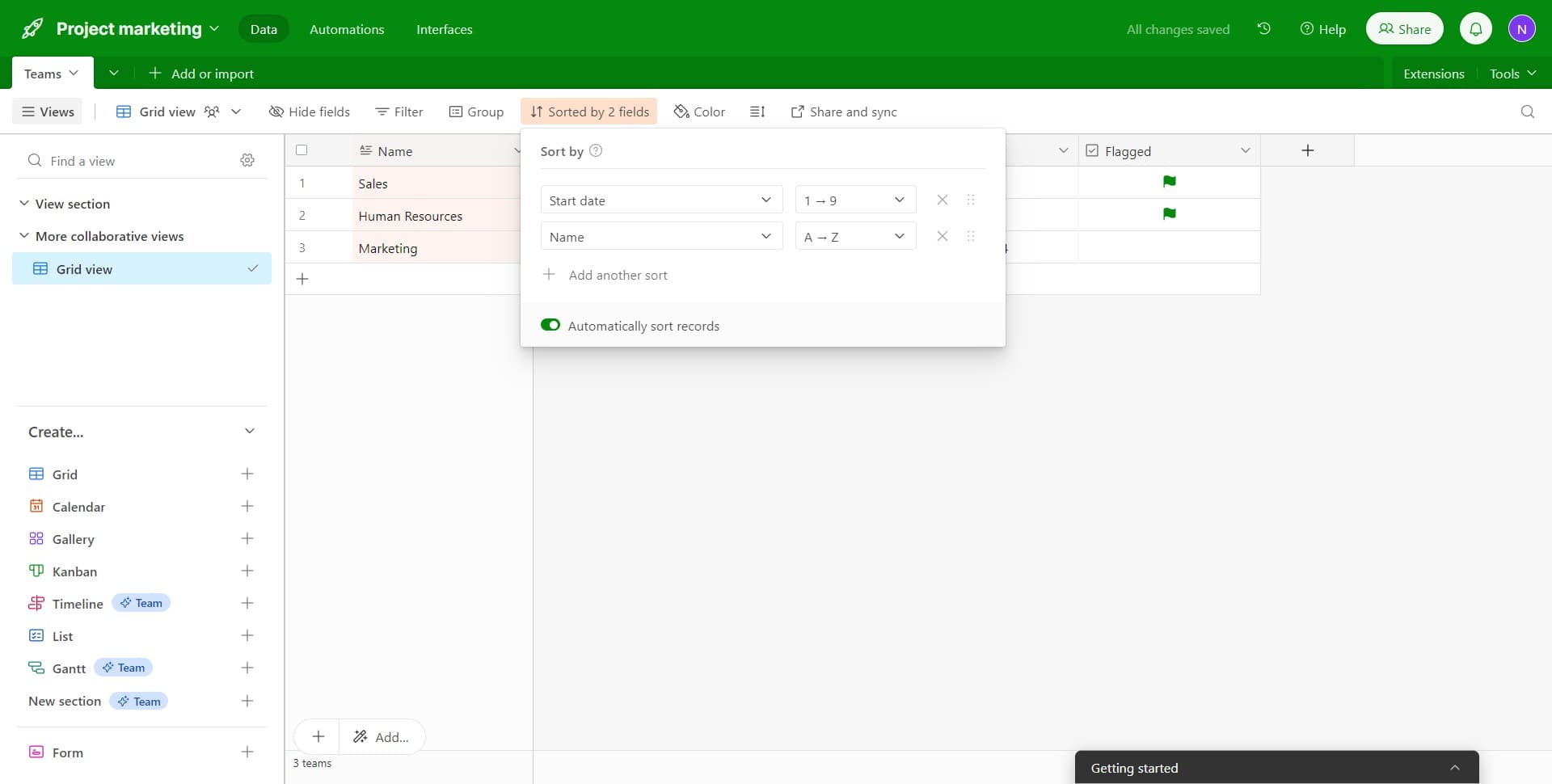
Click on "Name" to set it as your secondary sort field. Records will now be further organized alphabetically by name within each primary sort group.
- 8
Configure the secondary sort direction
Click on "Start date Dead..." to set the sort direction for your secondary field. This ensures your secondary sort also follows your preferred order.
- 9
Apply the multi-field sort
Click on "February 5, 202..." to finalize and apply your multi-field sort configuration. Your table will now display records sorted first by the primary field, then by the secondary field.
Frequently asked questions
Common questions about how to sort fields in airtable.
Can I sort by more than two fields in Airtable?
Yes, Airtable allows you to add multiple sort criteria beyond just two fields. You can continue clicking "Add another sort" to layer in as many sort fields as needed. The order in which you add them determines their priority, with the first sort being the primary criterion.
How do I change the sort order from ascending to descending?
In the sort configuration panel, click on the field's sort direction indicator to toggle between ascending and descending order. Ascending sorts from A-Z or earliest to latest date, while descending reverses that order.
What happens to my data when I apply a sort?
Applying a sort only changes how records are displayed in your view—it does not modify or rearrange the actual data in your base. You can remove or change the sort at any time without affecting your underlying records.
Can I save a sort configuration to reuse it later?
Yes, sorts are saved within a specific view in Airtable. If you create a new view with a particular sort configuration, that sort will persist whenever you open that view. You can have different sorts in different views without affecting each other.
Why would I need multi-field sorting instead of sorting by just one field?
Multi-field sorting is useful when you have hierarchical or grouped data. For example, you might sort by project status first, then by deadline within each status. This helps you prioritize work more effectively than a single-field sort would.