TESTING

Vimal Kumar
Vimal Kumar·

Create and save concise hotspot labels and tips

Author:
Steps: 10
Source: Supademo

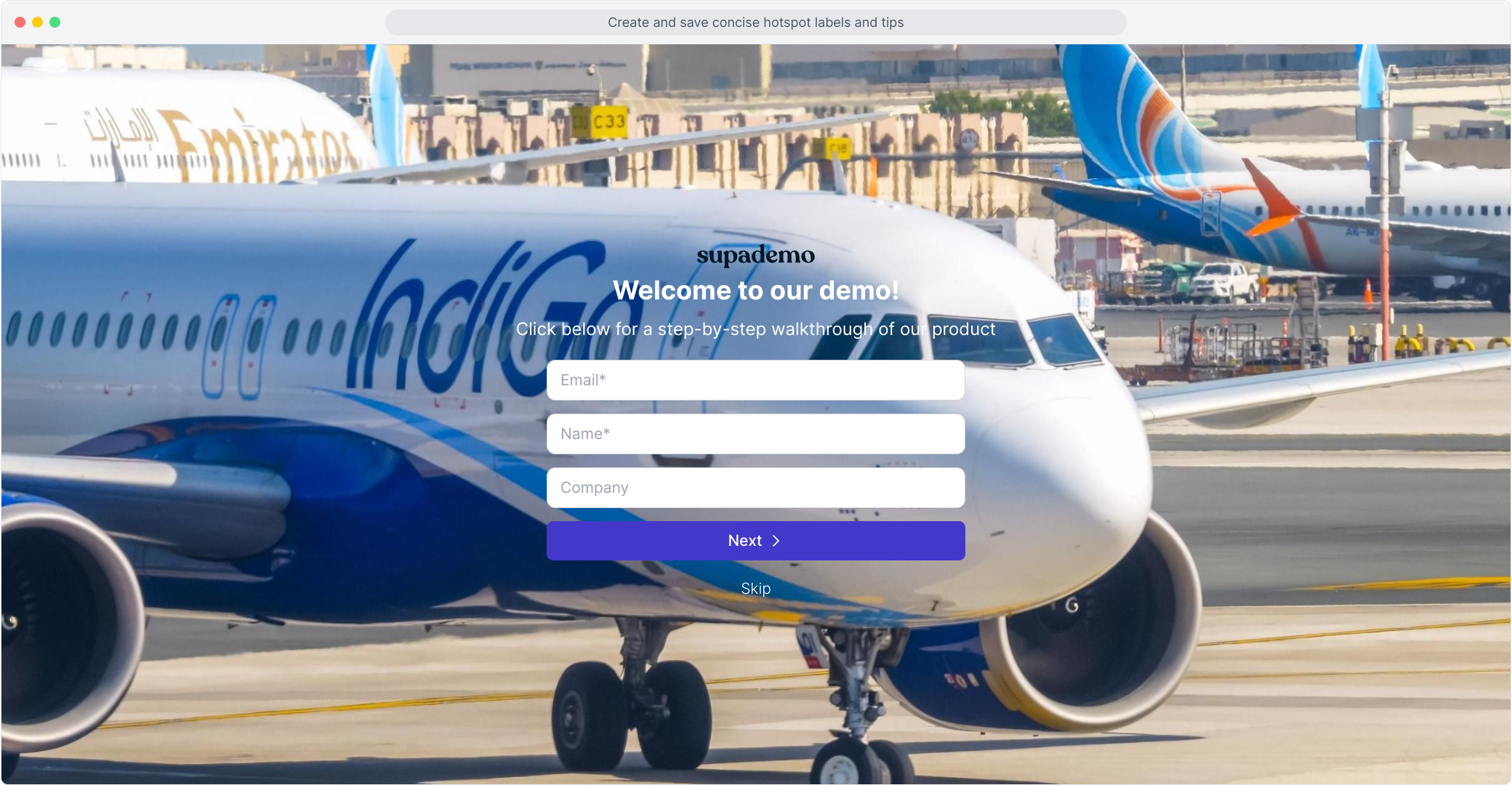
1. Welcome to our demo!
1

2. Add some hotspot text here.

2

3. Add some hotspot text here.

3

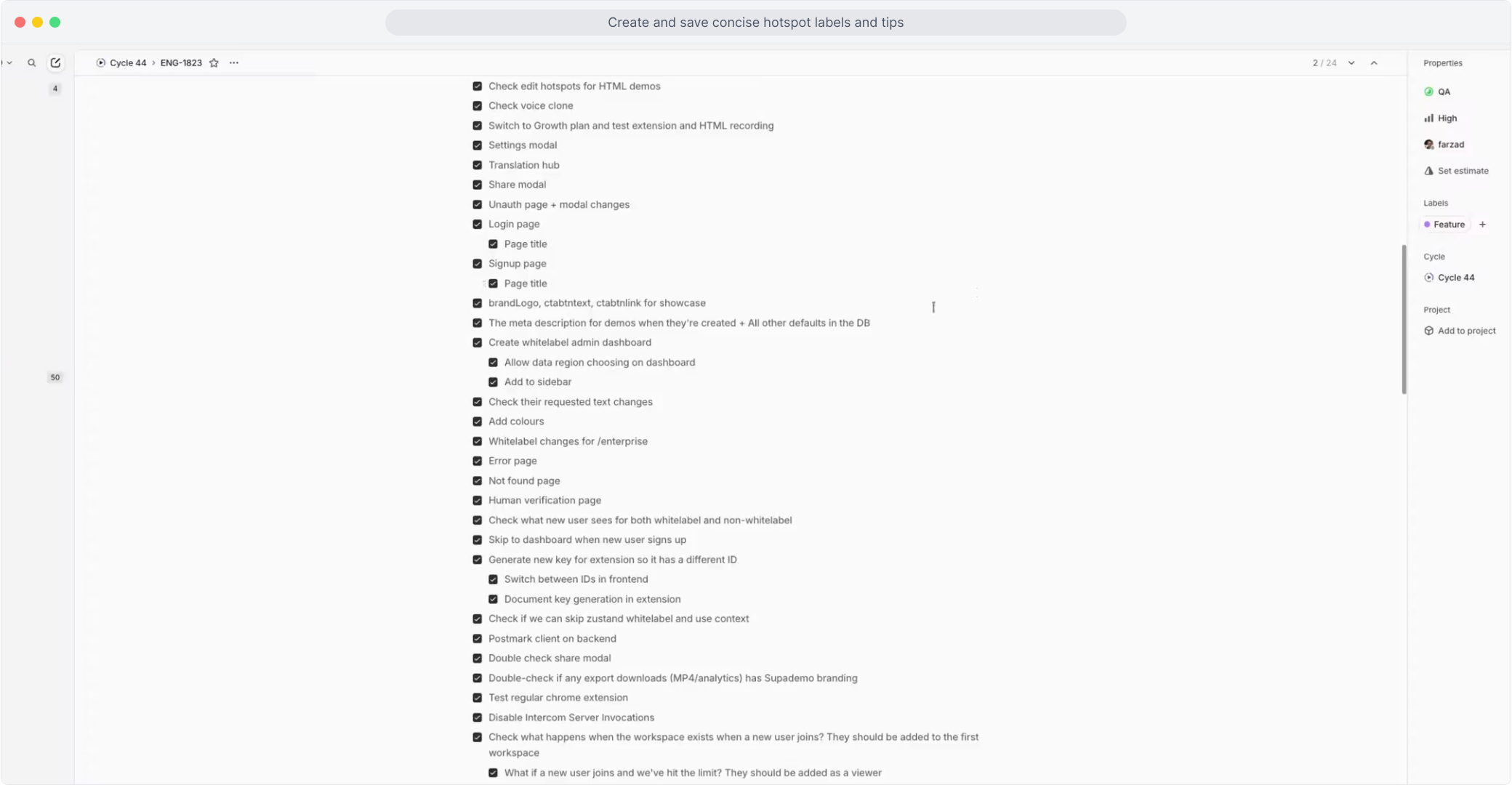
4. Video Step

(Play Now)

4

5. Welcome to our demo!

5

6. Add some hotspot text here.

6

7. Add some hotspot text here.

7

8. Add some hotspot text here.

8

9. Enjoyed the guided demo?

9

10. Enjoyed the guided demo?

10

Vimal Kumar
Vimal Kumar

Product Operations Associate

Vimal Kumar helps build and grow Supademo’s team and GTM efforts, with a focus on figuring out growth levers and improving product traction.


More from the blog

Product Experimentation Guide for Product Managers

Product Experimentation Guide for Product Managers

In the dynamic world of product management, experimentation is not just a buzzword; it's a fundamental approach to innovation, growth, and improvement. Product experimentation involves testing...

Rachel Witt
Rachel WittDec 11, 2023
Featured image for How to Configure settings and trusted domains on Totango

How to Configure settings and trusted domains on Totango

Overview: Effectively managing your products in Totango requires optimizing configurations and ensuring trusted domains are set up correctly. This guide provides a step-by-step process to configure...

Nithil Shanmugam
Nithil ShanmugamJan 19, 2024
A Guide to Interactive Demo Branching

A Guide to Interactive Demo Branching

Branching allows your viewers to choose their own journey within an interactive demo - ensuring a better interactive and engaging experience. By letting viewers choose their own viewing path,...

Joseph Lee
Joseph LeeJan 10, 2024