How is Supademo different from Tango for process documentation?
Supademo records the same browser workflows as Tango, then publishes them as a guide people click through, voices them in 25+ languages, translates them into 50+ from $38/mo, and branches by role. Tango holds workflow translation and multi-path workflows on its Enterprise plan.
Feature comparison. Supademo leads on 6 of 6 of the features shown, out of 12 compared in full below.


Trusted by 200,000+ top operators and 3,000+ paying organizations


How does Supademo compare to Tango?
Interactive demos vs. static workflow documentation. A side-by-side look at pricing, formats, AI capabilities, and sharing options.
| Feature | Supademo | Tango |
|---|---|---|
| Demo formats | ||
| Interactive click-through demos | ✅ Yes | ⛔️ No |
| Guided HTML demos | ✅ Yes | ⛔️ No |
| Mobile demos | ✅ Yes | ⛔️ No |
| Recording and capture | ||
| Screen recording | ✅ Yes | ⛔️ No |
| AI | ||
| AI translation | ✅ From $38/mo | 🟡 Enterprise only |
| AI voice cloning | ✅ Yes | ⛔️ No |
| Delivery and analytics | ||
| Video export | ✅ Yes | 🟡 Video embeds, Pro and up |
| Conditional branching | ✅ From $38/mo | 🟡 Enterprise only |
| Forms | ✅ Yes | ⛔️ No |
| Completion and engagement analytics | ✅ From $38/mo | 🟡 From $15/user/mo |
| Demo hubs | ✅ Yes | ⛔️ No |
| Platform and support | ||
| Update your whole library from one instruction | ✅ Inside Supademo or your AI toolsPlain English, inside Supademo or from ChatGPT, Claude, Gemini, Grok, Copilot, and Cursor | 🟡 One guide at a timeOne guide at a time |
Why do teams choose Supademo over Tango?
Tango works well for internal workflow documentation. When content needs to go beyond SOPs, these gaps become clear.
Reason #1
Faster to set up, no technical overhead
Most teams publish their first Supademo in under 5 minutes with no training. Tango works for internal SOPs, but polished customer-facing interactive content takes more setup and customization.
Supademo builds fully interactive, clickable product walkthroughs. Tango delivers Static screenshots.
Supademo
Click to advance
Tango
Static screenshots
Reason #2
Six capture formats, not just browser and desktop
Tango captures browser workflows (desktop on paid plans). Supademo adds guided HTML demos, video, Figma imports, mobile demos, and sandbox environments. Viewers click through interactive demos instead of scrolling static screenshots.
Supademo supports 6 of 6 recording formats: HTML, Sandbox, Screenshots, Video, Desktop and Figma. Tango supports 1 of 6.
Reason #3
One AI engine, in the product and in your agent
AI Command runs 80+ actions across your workspace, and the same engine answers Claude and ChatGPT over MCP, so one instruction retitles and translates a whole library of guides, with every write held for approval. Tango's help center says its MCP is not yet public.
AI capabilities. Supademo: In-product AI, MCP for your agent, Approval on writes, Translation and Voice clone. Tango: Writes step text, Voice transcription and Translation.
AI creates content
Tango AI
Reason #4
Covers the full customer journey, not just SOPs
Tango is focused on internal documentation and process workflows. Supademo spans marketing, sales, CS, and training with embedding on all plans, demo hubs, and conditional branching to personalize each viewer's experience.
Coverage across the customer journey. Supademo covers Marketing, Sales, Onboarding, Support and Training. Tango covers Onboarding, Support and Training.
Customer journey coverage
What do users say about Supademo (vs. Tango & others)?
Feedback from G2 reviewers, Reddit users, and teams that chose Supademo over static documentation tools like Tango.

Supademo on G2
Why teams choose Supademo over Tango

“Supademo has played a pivotal role in elevating the quality and efficacy of our customer support and success org. Through it, we've been able to craft a comprehensive and top-notch knowledge base. It saves us hours in unnecessary, redundant support work.”

“Supademo is SO GOOD. We're using it for all of onboarding documents now.”

“Supademo integrates seamlessly with my workflows, allowing me to easily create demos and videos that I can use in email, social media, and internal training campaigns. The customization and features specific to my use case make it valuable for both marketing and training.”

“Supademo has allowed us to move faster and become more efficient with developing client-facing training videos and how-to guides.”
Should you choose Supademo or Tango?
Supademo is built for interactive, customer-facing demos across every team. Tango is built for internal workflow capture and SOPs.
Choose Supademo
Training
Walk new hires through an SOP in 50+ languages, and see who finished
Customer Success
Answer the repeat questions with a walkthrough in the help center, and keep it current as the product changes
Customer Education
Build a module learners click through in your academy, in 50+ languages, and see where they drop off
Sales
Send a personalized demo in an outbound sequence, then see which steps the account opened before the rep follows up
Free plan available. No credit card required.
Start freeBest for written workflow docs
Choose Tango if...
- Written work instructions are the deliverable, and people read them in a Confluence page, a wiki or a printed PDF
- You export finished workflows to PDF, HTML or Markdown and keep them in your own document store
- Up to 10 people share a workspace on the free plan, and 5 workflows in the team library is enough
- You want guided on-screen prompts pinned inside the systems your licensed internal users already work in
Still deciding between Supademo and Tango?
Answer 5 quick questions and get a personalized recommendation.
What Supademo can do that Tango can't
Interactive click-through demos, guided HTML demos, screen recording, sandbox environments and demo hubs.
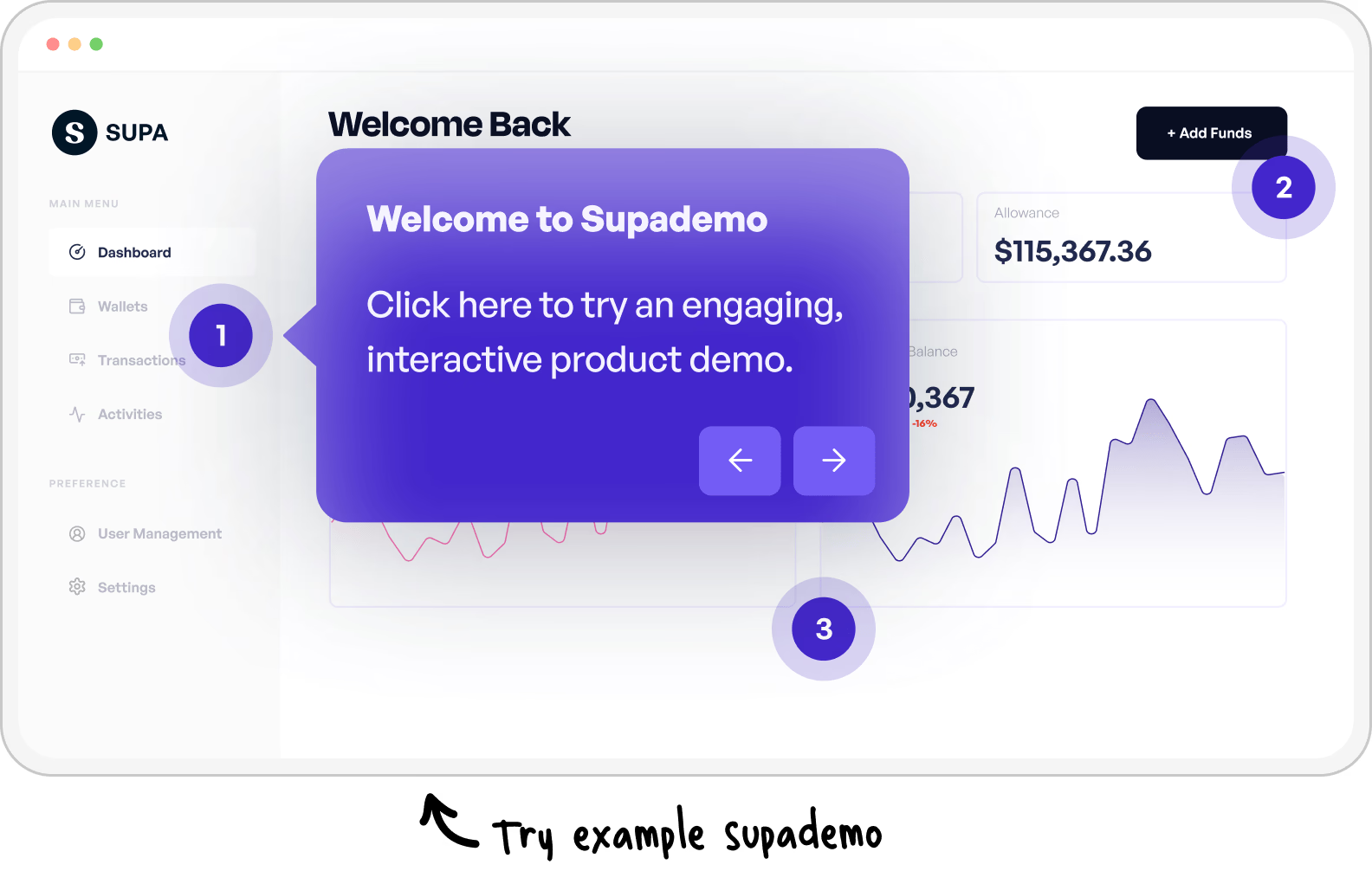
Dig deeper into Supademo vs. Tango
Top 5 Tango Alternatives in 2026
Looking beyond a direct comparison? Our comprehensive guide covers the top Tango alternatives across different formats, team sizes, and budgets.
Explore Tango alternatives
Common questions about Supademo vs. Tango
Common questions about how Supademo and Tango compare.
Is Supademo better than Tango for training new hires?
For anything a new hire has to do on a screen, yes. Supademo publishes the captured workflow as a guide they click through, voiced in 25+ languages and translated into 50+ from one recording, with completion reported per step. Tango writes the workflow up as annotated screenshots. See what L&D and HR teams build.
How much does Supademo cost compared to Tango?
Supademo is $38/mo per creator with viewers unlimited and free, and its free plan carries 5 interactive demos. Tango's free plan stores 5 workflows for up to 10 people in a workspace. Tango Pro is $22 per user per month for one or two users on annual billing, or $15 per user for three or more. See Supademo pricing.
Can Supademo document a process the way Tango does?
Yes. One recording produces the numbered steps, the annotations and the screenshots, and nobody assembles a document by hand afterwards. That same capture then publishes as a clickable guide, a PDF or an MP4. Build one with the step-by-step guide generator or the SOP generator.
What can Supademo do that Tango can't?
Publish a walkthrough people click through instead of read, add guided HTML demos and mobile demos, record the screen, clone a narrator's voice, and capture a lead with a form. Supademo puts conditional branching on its $38/mo plan, while Tango's multi-path workflows sit on the Enterprise tier.
Why do teams switch from Tango to Supademo?
The trigger is normally a workflow that has to leave the wiki. Supademo takes one capture and puts it in the product, the help center and an email, then rewrites every guide from a single plain-English instruction when the system changes. Read top Tango alternatives.
Can Supademo replace Tango entirely?
For most teams, yes. The written work instruction still exists as a PDF or a step list, and the same recording also becomes the clickable version, the voiceover and the translated copy. Teams whose documentation has to sit as Markdown files in their own repo tend to run the two side by side.
Is Supademo or Tango better for onboarding new hires?
Supademo, when the new hire has to work the system rather than read about it. They run the actual screens at their own pace, branching follows the path their role takes, and analytics report the step they stopped on rather than whether a page was opened. Tango's written workflows cover the policy and checklist parts.