How Lightspeed scales customer education and enablement with interactive demos
Discover how Lightspeed's customer education team scaled Supademo from 3 seats to nearly 40 across the organization, cutting content production time by 60% and empowering subject-matter experts to build interactive training without engineering or design support.
faster production-ready content creation
creators across multiple departments with hundreds of demos created
from brand-new user to first recorded demo
Company size
3000+ (Lightspeed)
Use Cases
Onboarding, training, sandbox demos, support, compliance, and sales enablement
Challenges
Complex workflow demos, lengthy onboarding, resource-heavy creation
Outcomes
60% faster content production, scaled 3 → ~40 seats, sub-hour time-to-value

About Lightspeed & NuORDER
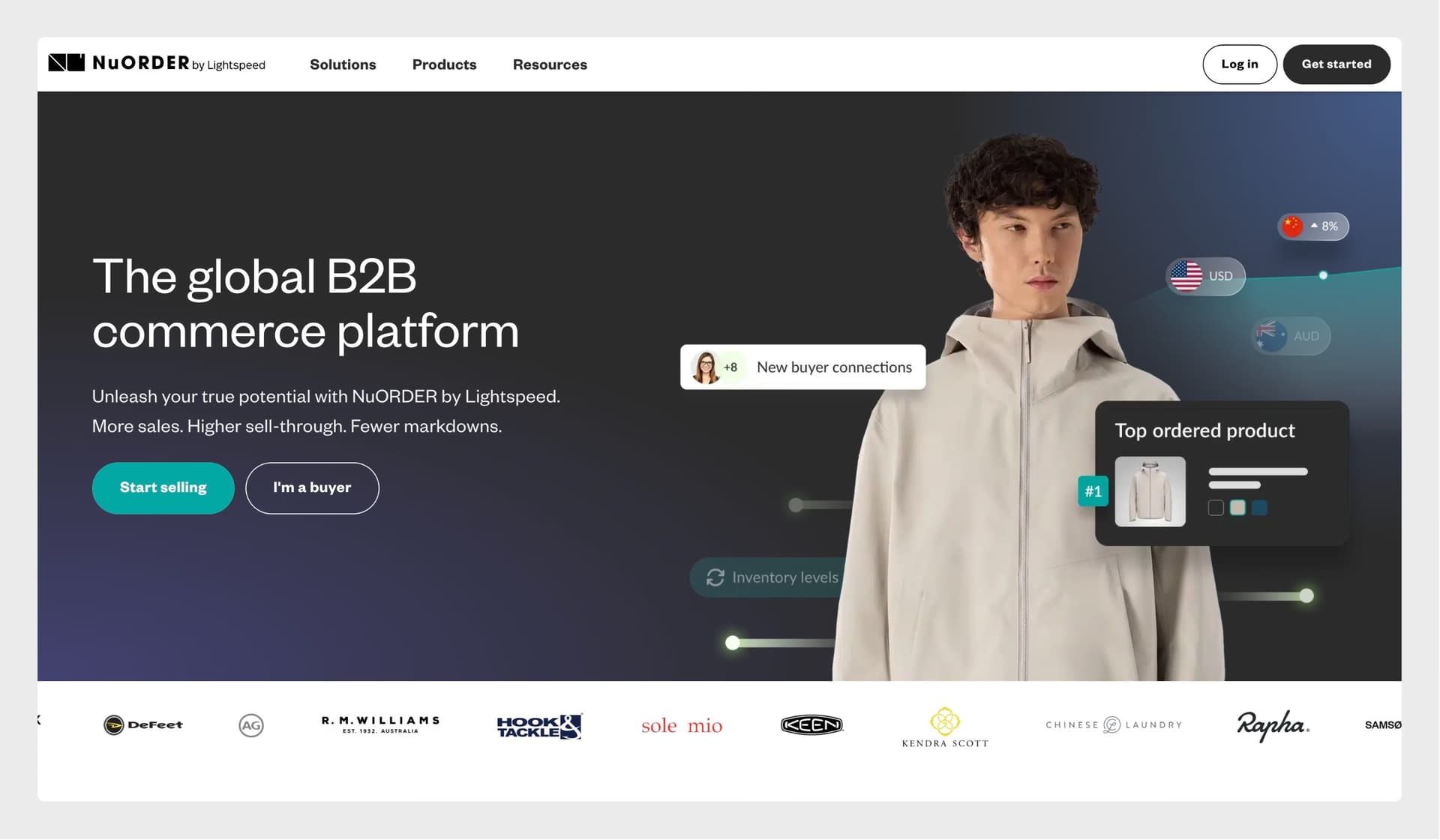
NuORDER by Lightspeed, a leading B2B commerce platform, replaced static help center content with interactive product walkthroughs built in Supademo. What began as a 3-seat experiment on the customer education team has since spread across Lightspeed (into revenue operations, retail, compliance, and support), enabling teams to create dynamic onboarding guides, speed up content updates, and boost learner engagement, all without relying on engineers or designers.
What is NuORDER by Lightspeed?
NuORDER by Lightspeed is a comprehensive B2B commerce platform that digitizes and streamlines the wholesale buying and merchandising process for brands and retailers. The platform offers robust features such as:
Acquired by Lightspeed in 2021, NuORDER is designed to enhance collaboration, improve operational efficiency, and drive full-price sell-through by providing a centralized platform for product discovery, ordering, and inventory management.
What challenges did Lightspeed face before Supademo?
Before Supademo, the team's learning and enablement experience relied on slow, technical, and fragmented tooling:
- Passive, hard-to-maintain recordings: Tutorials were captured as Zoom or Loom recordings, then edited in Camtasia to clean up "blips" and layer on interactivity. It worked, but it was time-consuming and only a few technical specialists could do it.
- SME bottlenecks: Because interactive content required tools like Camtasia, Articulate Storyline, or Appcues, subject-matter experts couldn't build it themselves. They had to route every request through a small group of experts, creating a friction point that slowed everything down.
- Fragmented tools and strategy: Different teams stitched together a mix of tools (Camtasia, Articulate, Appcues, Zoom recordings), which made the experience inconsistent. Several tools were too complex or expensive for SMEs to use effectively, creating barriers to contribution.
The team needed a solution that could showcase sophisticated platform workflows while letting anyone, not just technical specialists, build and update interactive content quickly, without extensive setup or a bloated back end.
Why did Lightspeed choose Supademo for demo automation?
After evaluating the landscape as an early adopter two years ago, Tom found that most tools "solved half of the problem." They did demos well but were locked to a single vertical or too rigid to implement broadly. Supademo stood out for several key reasons:
- Ease of use: "I stood it up in an afternoon, recorded my first demo, and had something I could show someone within an hour," as a brand-new user, with no design or engineering support.
- Maximum flexibility: Where competitors solved only part of the problem or were tied to one use case, Supademo adapted to guided tutorials, sandboxes, hybrid courses, and embeds alike.
- Built-in distribution: Native embedding, plus copy-and-forward links, made it easy to roll demos out across the LMS and support articles, the back-end capabilities most competitors overlooked.
- A human touch, not avatars: "You didn't get hung up on avatars. People want a human touch. Supademo solves the tutorial completely without being technical or relying on a bloated back end."
- Cost-effectiveness: Compared to other tools evaluated (Loom, Guidde, Navattic, and Whatfix), Supademo delivered the best balance of features, usability, and value.
How does Lightspeed use Supademo, and which features matter most?
Tom is one of Supademo's most technical power users. Across the customer education, revenue operations, retail, compliance, and support teams, Supademo is used in specific, deliberate ways:
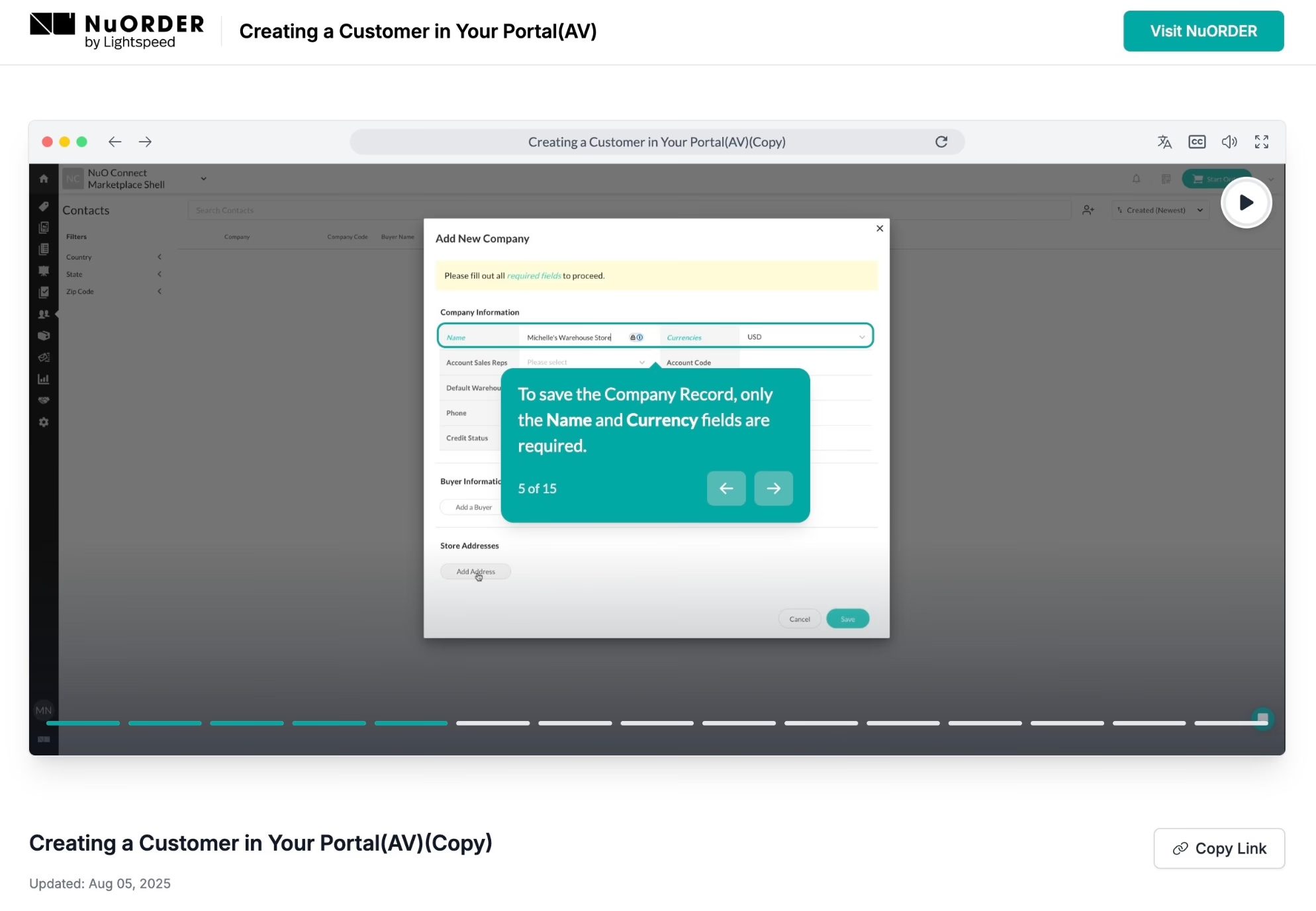
- Guided demos embedded in the LMS: Step-by-step tutorials drop directly into courses inside the learning management system for in-context navigation.
- Sandbox (HTML) demos: Customers explore the real platform safely. "Sandbox mode is where Supademo really shines: you can show a workflow without worrying the client clicks the wrong area. They get the same result every single time, and it's easily modifiable."
- Hybrid modules: Tom assembles Synthesia or Descript videos and interactive tutorials inside a single Supademo, so learners get "the instruction, the video, and the tutorial" all in one place.
- Branching: Learners choose their own path through a course based on role or goal.
- Route Hub: A self-contained, branded hub for organizing content. "Route Hub is like a DAP with a plus, a showcase within a hub that has its own tabs, and you can brand it."
- AI answers & agents: Built-in AI chat gives customers immediate answers inside demos, and is being expanded in their next rollout.
- Timelines: A newer capability Tom called out as a standout addition for structuring richer walkthroughs.
"Where they used to go to the expert, now they're the expert. It puts the power right in the hands of the people touching the customer every single day."Tom Aponte, Sr. Customer Education Program Manager
A flagship win: the Payments course
One of Lightspeed's most important courses, Payments, now runs as a single hybrid Supademo: a Synthesia explainer video, an interactive click-through intro, branching so learners pick their path, and two different tutorial styles for different user types, all embedded into the course. "That's all stuff we'd have had to do separately before," Tom noted. The result is a far more meaningful, self-serve experience that packages explainer video and interactive tutorials into one place.
How Supademo spread across Lightspeed
Tom started with 3 seats and spent six to seven months evangelizing internally. Once teams saw how easy the PowerPoint-like editor was, adoption "spread like wildfire": first an international training team, then revenue operations, then retail (which alone brought on about nine users). Today it spans onboarding, revenue ops, retail, compliance, and support, on its way to nearly 40 seats.
The breadth caught even Tom by surprise: "I was taking our annual compliance training and thought, 'what is Supademo doing in the middle of all this?' I hadn't realized one of my licenses had gone to the compliance team. That was my aha moment for how widely it'd been adopted."
What's next: automating support content
The team is piloting Supademo with support power users and prototyping an automated workflow: ingest a commonly used support ticket through a Zapier workflow, generate a Supademo module from it, and push that module straight to help desk articles. The goal is to turn repeat support questions into self-serve, interactive guidance, reducing ticket volume while keeping content current.
What are Lightspeed's main use cases for Supademo?
As a feature-rich B2B platform, Lightspeed uses Supademo to improve customer comprehension and platform adoption. Key use cases include:
- Breaking down complex workflows into clear, step-by-step tutorials that help users quickly understand platform functionality
- Accelerating onboarding by reducing the time it takes for customers to become confident and proficient
- Improving retention and product engagement through better understanding and self-service learning
- Enabling smooth, seamless handoffs across different customer journey stages: from onboarding to ongoing support
By turning intricate processes into easy-to-follow interactive demos, Supademo helps Lightspeed deliver a more scalable and consistent learning experience across its customer base.
Which Supademo features have delivered the most value?
Several Supademo features have had a meaningful impact on learning content creation and delivery at Lightspeed:
- Sandbox (HTML) mode: Lets customers click through the real platform with zero risk: every learner gets the same result every time, and demos stay easy to modify.
- Route Hub: A self-contained, brandable hub that organizes multiple demos with their own tabs, functioning like a digital adoption platform, "with a plus."
- Branching & hybrid modules: Combine video and interactive tutorials with choose-your-path navigation in a single experience.
- AI answers & agents: Provide immediate, chat-based help inside demos so customers self-serve answers in the moment.
- Auto-play functionality: Enables a smooth, hands-free learning experience, ideal for explaining complex workflows with minimal friction.
- Multi-language translation: Supports localized content (via generative AI or manual translations) across global regions, a key goal as the team moves toward translated versions of every course.
- Intuitive for non-designers: A PowerPoint-like editor empowers SMEs from any department to create high-quality interactive demos without technical skills, accelerating production and reducing reliance on learning teams.
These capabilities have helped Lightspeed scale enablement efforts roughly 60% faster than before, across teams and audiences. By giving SMEs the tools directly, Tom removed himself as a bottleneck: "Where they had to go to the expert before, now they're the expert."
Looking ahead, the team is embedding Supademos into help desk articles for self-service education and rolling out newer AI and Route Hub capabilities in upcoming releases, with sales enablement next on the roadmap.
"Supademo is like the old Honda commercial, the car that sells itself. As long as you understand what the user is trying to do, it sells itself."Tom Aponte, Sr. Customer Education Program Manager